 Jakob


Which Blender versions are supported?
GeoNodes Presets is built as a modern Blender Extension for Blender 5.2.0 and newer. It is not compatible with Blender 4.x or earlier versions.
If multiple objects share the same Geometry Nodes tree, do they share the same presets?
Yes. Presets belong to the NodeTree, not to a single object, so every object and modifier using that NodeTree shares the same preset library.
What happens if I edit my NodeTree later, rename sockets, reorder inputs, move panels, or add/remove controls?
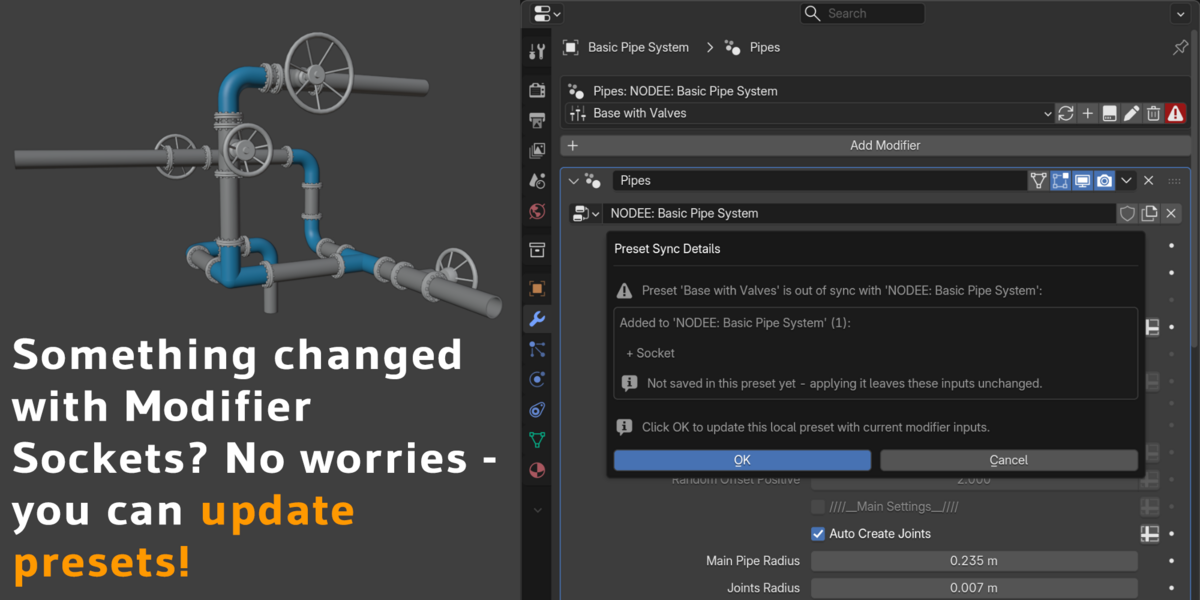
Your presets keep working. GeoNodes Presets tracks inputs by Blender's internal stable socket ID rather than just display name or position, so reordering inputs, renaming sockets, or even having multiple sockets with the same name in different panels won't break your presets. If you add new sockets, remove old ones, or change a socket's type, existing presets still apply safely (ignoring removed/mismatched sockets and leaving newly added ones unchanged). A red warning icon alerts you when a preset is out of sync, shows a breakdown of what changed, and lets you update local presets in one click.
Where are my presets stored? What happens if I move, rename, or share my .blend file?
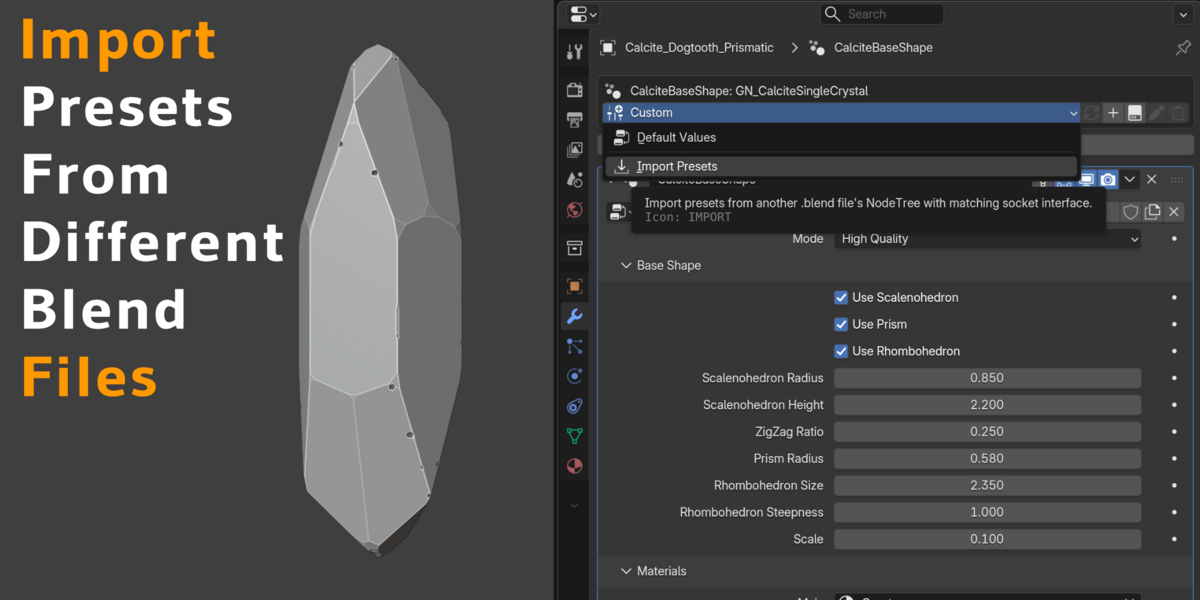
Presets are stored directly inside your .blend file (attached to the NodeTree, and in the Scene for local presets created on linked NodeTrees). There are no external JSON folders or file paths to manage or break when you rename, move, or archive your projects.
Does applying or saving a preset modify my NodeTree setup?
No. Saving and applying presets only reads and updates the modifier's input values (Properties > Modifiers). Your node graph, internal node settings, and NodeTree socket defaults remain untouched.
How is this different from Blender's built-in "Default Values"?
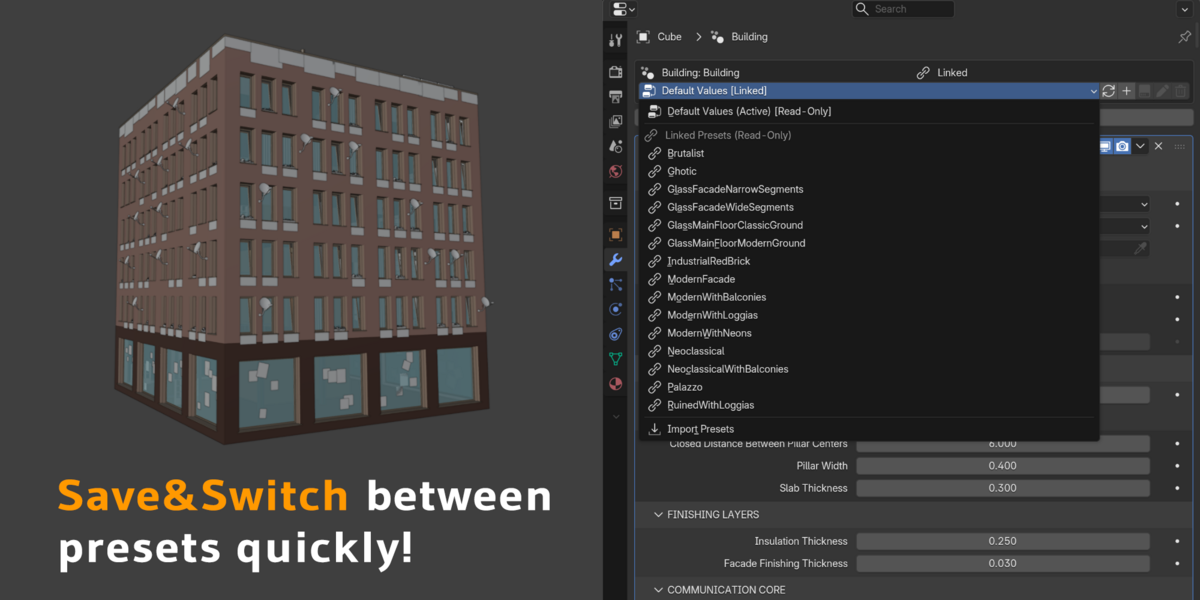
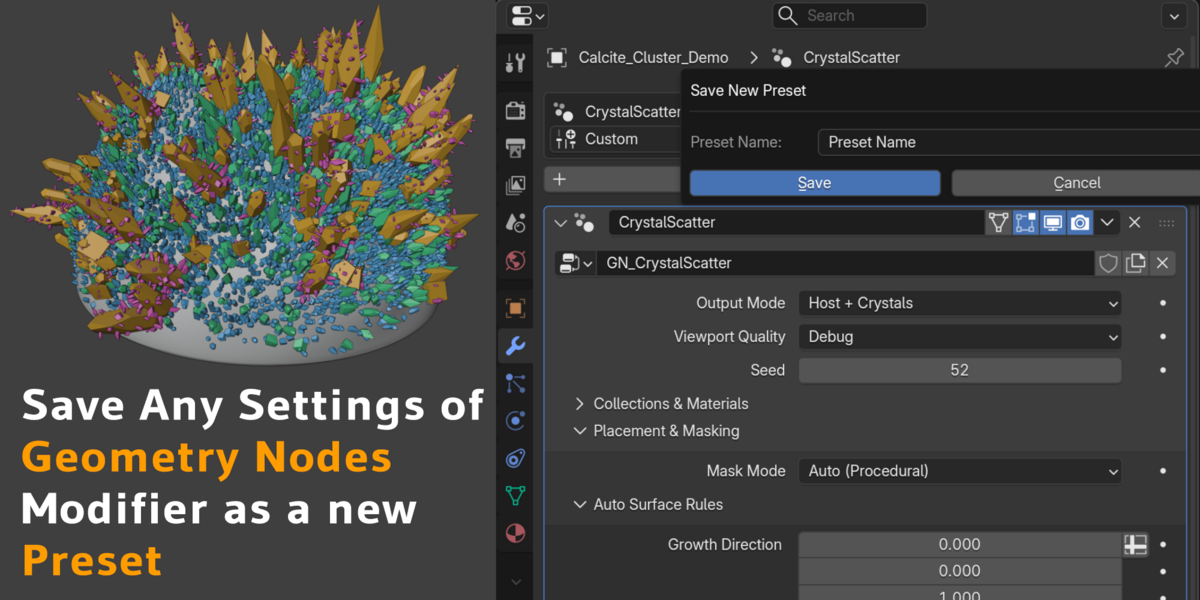
Blender only gives each Geometry Nodes tree a single set of Default Values. GeoNodes Presets lets you save unlimited named combinations of modifier inputs for the same NodeTree and switch between them in one click, while keeping the NodeTree's original Default Values intact and always accessible from the dropdown
 Included
Includes 12 months of
- Support from Jakob
- Product updates
Extend this product’s Support Period +12 months: 50% of product price
Have questions before purchasing?
Login to message
| Blender Extension Compatible | Yes |
| Published | about 2 hours ago |
| Blender Version | 5.2 - 5.3 |
| Extension Type | Add-on |
| Render Engine Used | Cycles, Eevee |
| License | GPL |

Discover more products like this
organization nodes Blender_Geometry_Nodes asset managment geometry-nodes-tree presets NodeTree