GeoSim V1.4 | Photorealistic Planets (EEVEE / Cycles)

Alex R Heskett in Rendering


Item Rating

This item has an average rating of 5 from 17 ratings by the community.

89%
0%
12%
0%
0%

Purchase this item to leave a review!

  • MDM
    12 months ago

    nice quality, works in 4.5 last version in cycle and in Eevee,but slowest for setting in Eevee.

  • RBG
    12 months ago

    Awesome!

  • Mario Tran Phuc
    about 2 years ago

    Incredible work. Thank you so much for this gem of a plugin.

  • Tom Morris
    about 3 years ago

    AMAZING!
    This is an “Add-On.” It took me a while to figure this out. I know it says it right there on the product’s description. But who actually reads anymore? After you download the files from Blender Market, go through the steps to add this add-on, which is Edit->Preferences->Add-Ons->Install. Then navigate to the *.zip files that came with the download. That’s all I did. If I missed a step, please let me know.

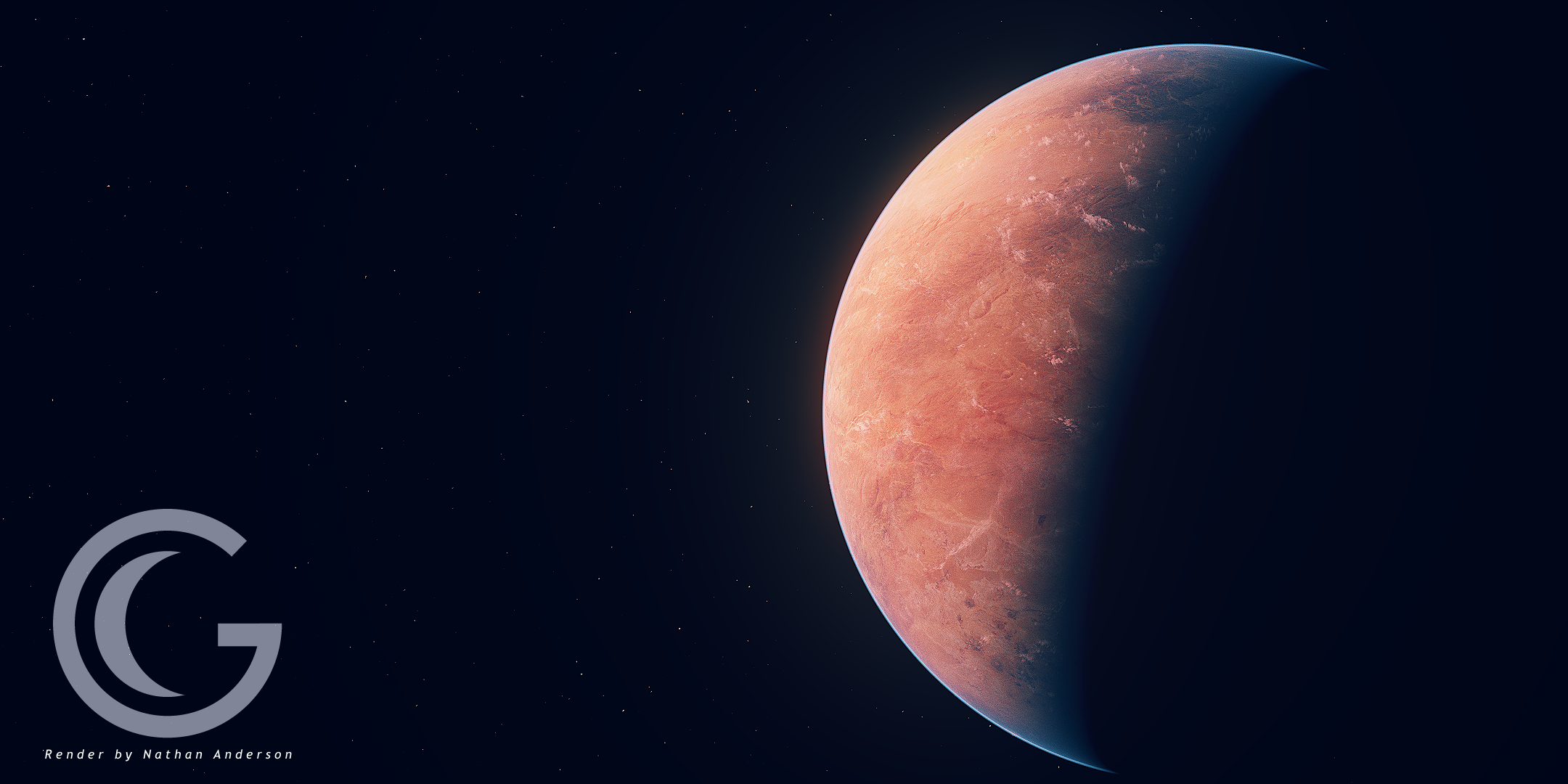
    Once installed, you get a Geosim panel on the Blender sidebar. Hit “Create Geosim planet.” Tweak your planet using the controls on the Geosim sidebar panels. After a good while of playing around with Earth, I wanted an ice planet. So I worked up a simple whitish planet texture (1024 x 512) and swapped it in for the Geosim base color. Kept everything else the same. Worked out ok for a quick job. Nice ice planet. Please ignore the Himalayan Mountains there.

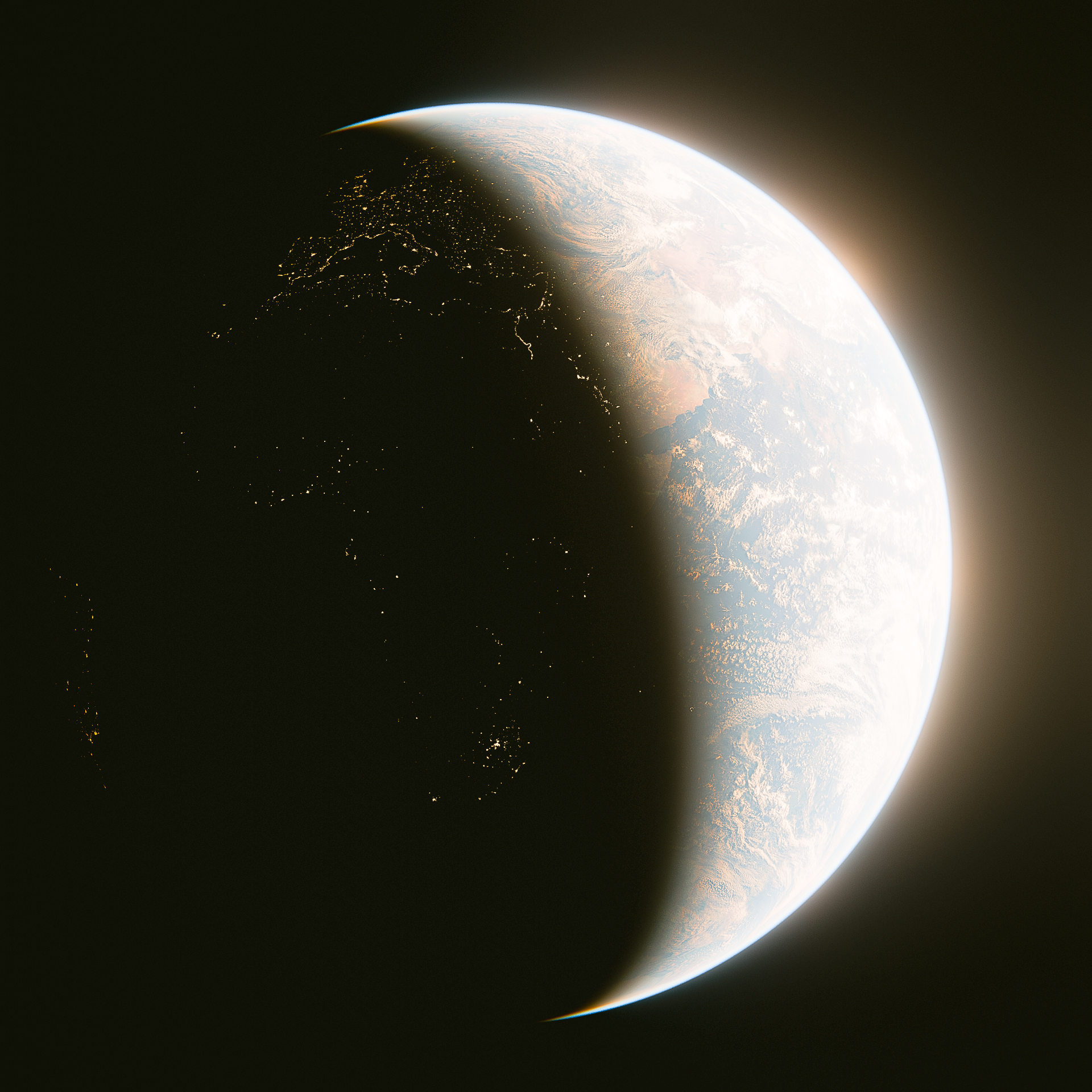
    I really love the Color Separation control. Gives those beautiful sunset/sunrise orange hues at the terminator. Nice job.

    Rendering speeds are snappy. About three seconds per frame with either EVEE or Cycles.
    If you like ultra realistic and beautiful renderings of Earth, I predict you will really enjoy this tool.

  • Eric
    over 3 years ago

    Looks good, very easy to use and it still works in blender 3.5. It would be cool to have the option to add rings to the planet.

  • neb
    over 3 years ago

    works great, i'm having fun with it. you can set up a realistic earth in two clicks

  • Toast
    almost 4 years ago

    I love doing procedural planets, making the atmosphere, clouds and correct terrain levels was always an undesired time sink, GeoSim does all that for you. Now i can focus on building the planets how i want, it supports fully procedural materials. If you like making planets you wont find a better and more realistic solution for Blender. Amazing Addon

  • Sgt Squarepants
    almost 4 years ago

    More than worth it for the price

  • Steve J
    about 4 years ago

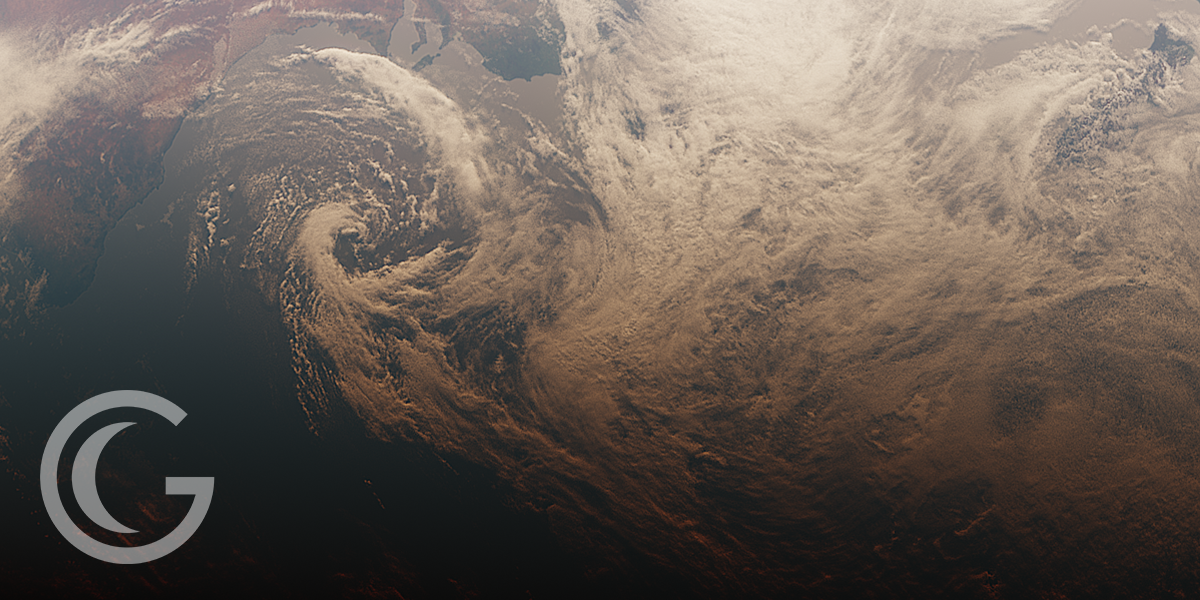
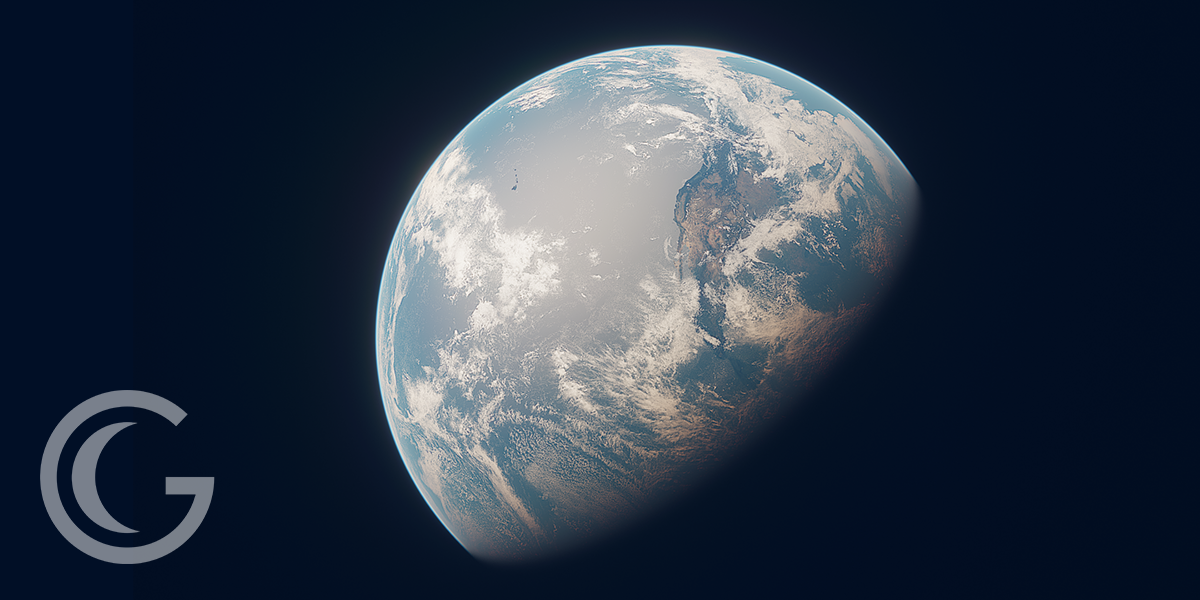
    I bought this on a whim some time ago, and never left a review. I'm currently rendering a basic 'Earth orbit' scene and the results are gorgeous. You can get really close to the planet and the clouds and land/sea textures really hold up. I hope this gets further development, for things like moving and animating the light source (doesn't seem to be much info on that, unless I'm missing something), and maybe a few presets for different solar system planet surfaces. Anyway, keep up the good work!

    • Alex Heskett

      about 4 years ago

      Hey Steve, glad you are enjoying the product!
      To answer your point about controlling the lighting, animating or changing the light direction is as simple as rotating the sun light like any other object.
  • Simon Fortner
    almost 5 years ago

    Amazing. Very easy to use right out of the box and in just one click. For the more advance (which I am not) the procedural texture world generation looks like a simplistic way to get custom planets for your animations.

$14

Have questions about this product?
Login to message

Details
Sales 1000+
Rating
17 ratings
Dev Fund Contributor
Published almost 5 years ago
Blender Version 4.0, 3.6, 3.5, 3.4, 3.3, 3.2, 3.1
Render Engine Used Cycles, Eevee
License GPL