 3DVision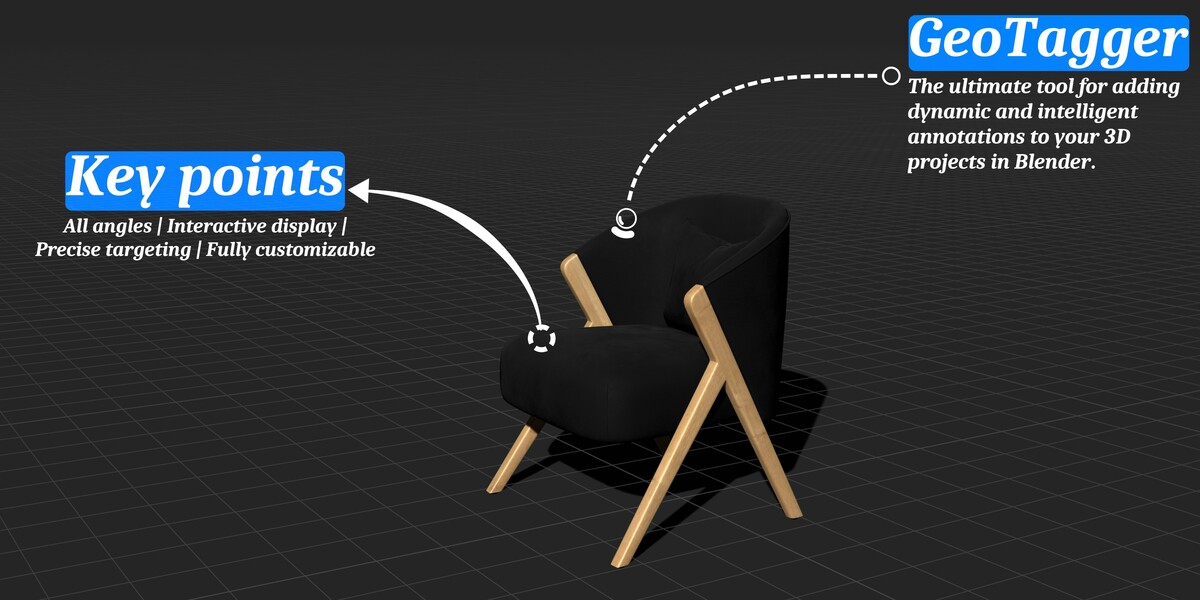
GeoTagger - Transform Your 3D Annotations in Blender!
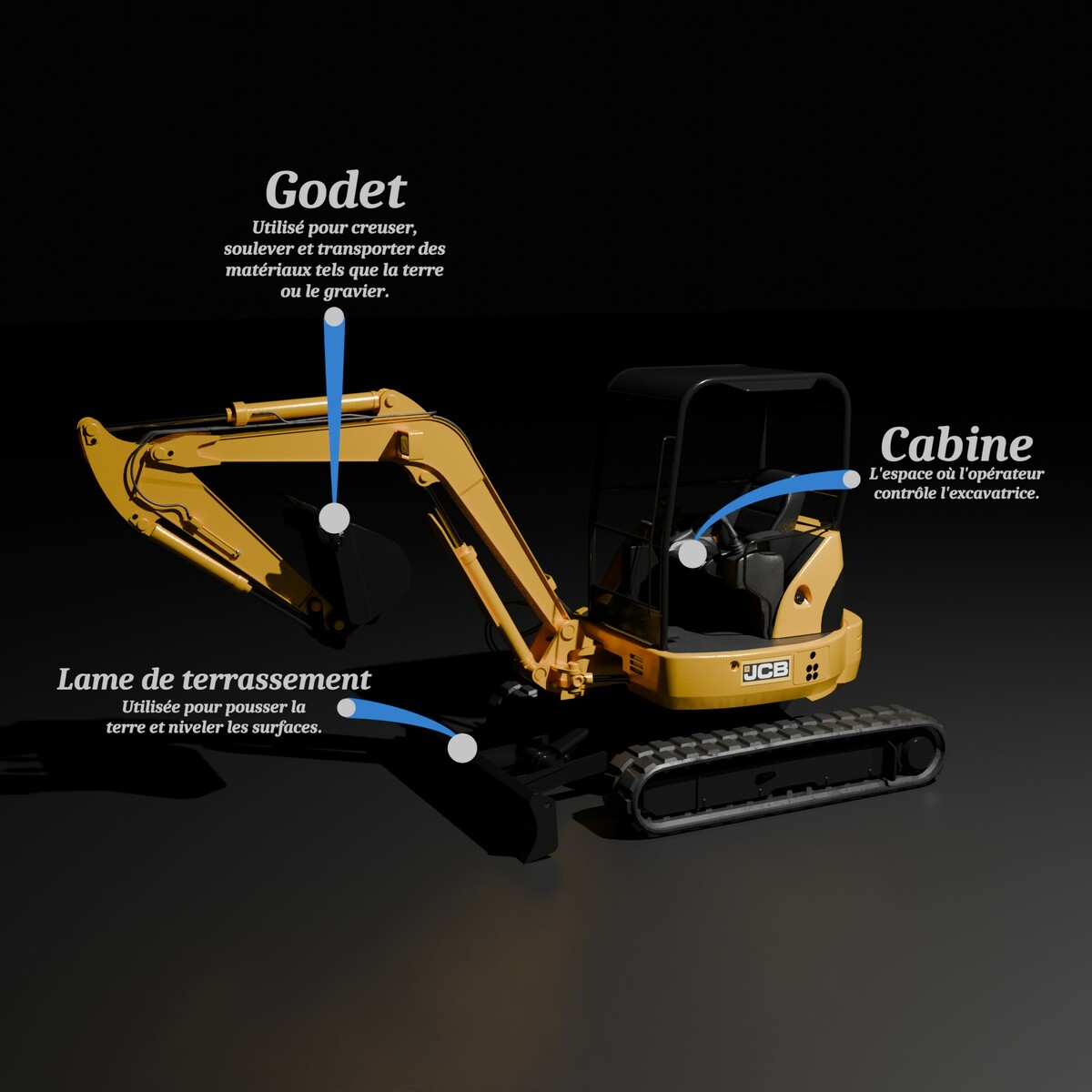
GeoTagger is the ultimate tool for adding dynamic and intelligent annotations to your 3D projects in Blender. Whether you're an architecture professional, game developer, 3D artist, or educator, GeoTagger makes it easy to create informative and stylish tags directly in your Blender scenes.
Why Choose GeoTagger?
Simplicity and Power: Easy to use while offering powerful features for detailed and dynamic annotations.
Productivity Enhancement: Streamline your workflow and improve the quality of your 3D presentations.
Versatility: Perfect for a variety of fields, including architecture, game development, education, and more.
Technical Details
Type: Geo node modifier (Import no physical assets).
Compatibility: Works with Blender version 4.1 and above.
Easy Installation: Place the Blend file in your asset collection. (I've never used the Asset Browser... Click here!)
Add a Tag
Simply drag and drop the modifier onto the object you want to tag, and you're all set.

GeoMouse
Use "GeoMouse" to simulate the cursor display and tag objects directly in your viewport.

Generation
Multiple modes are available to generate tags: Manual, Custom, GeoMouse, or GeoCamera.


Flexible Display
Tags automatically adapt to the object's position with multiple display modes available: Scene, Screen, and Camera.


Precise Targeting
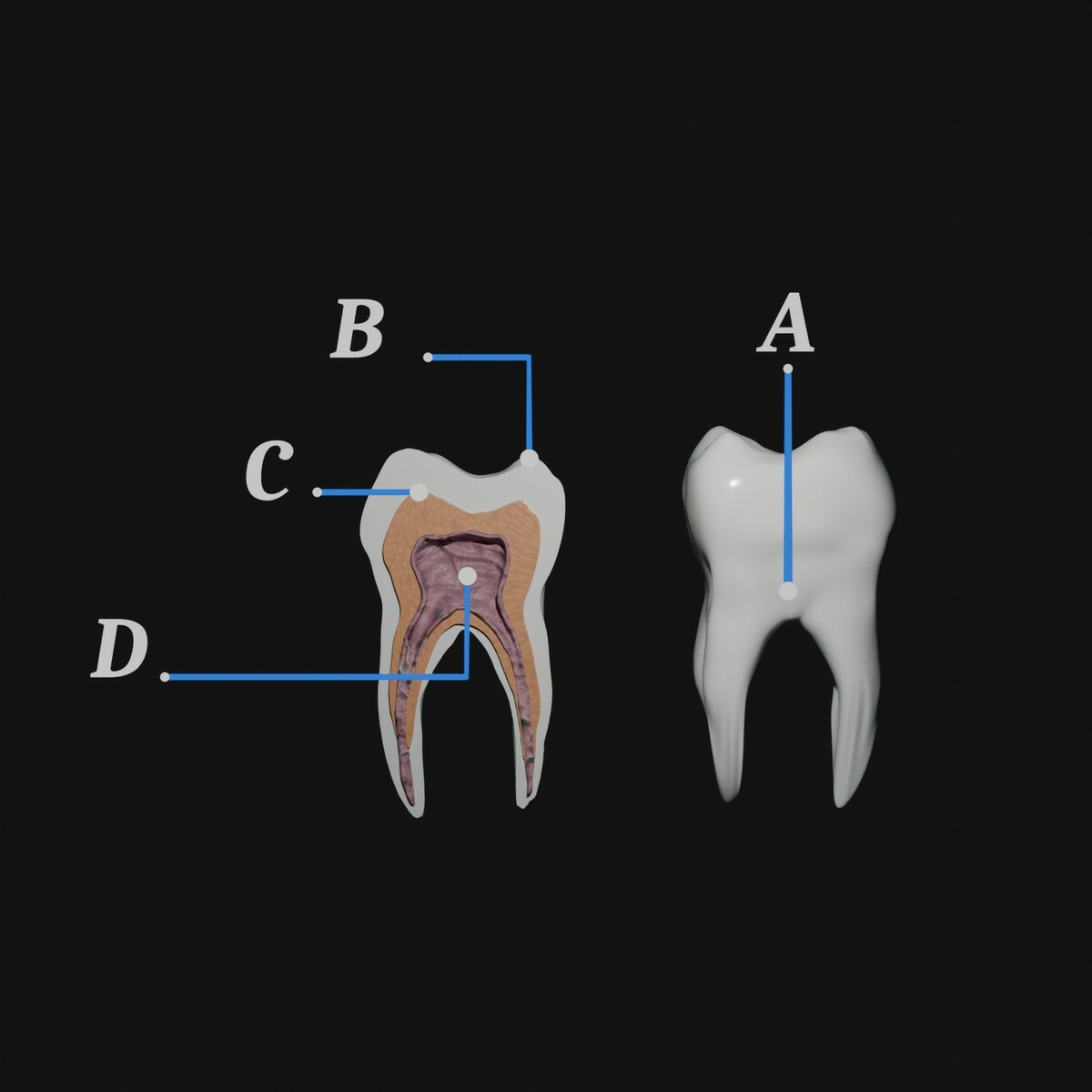
Choose from several targeting modes: Vertices, Edges, Faces, Box, Point, Origin, and Free.


Intuitive Alignment
Align tags along objects or scene features effortlessly, keeping your visuals clean and professional.

Curve Customization
Easily customize curves and targets to your liking.
