Getting Comfortable With Shading!

Ducky 3D in Video Tutorials


Item Rating

This item has an average rating of 4 from 12 ratings by the community.

59%
34%
0%
9%
0%

Purchase this item to leave a review!

  • Faroux
    2 months ago

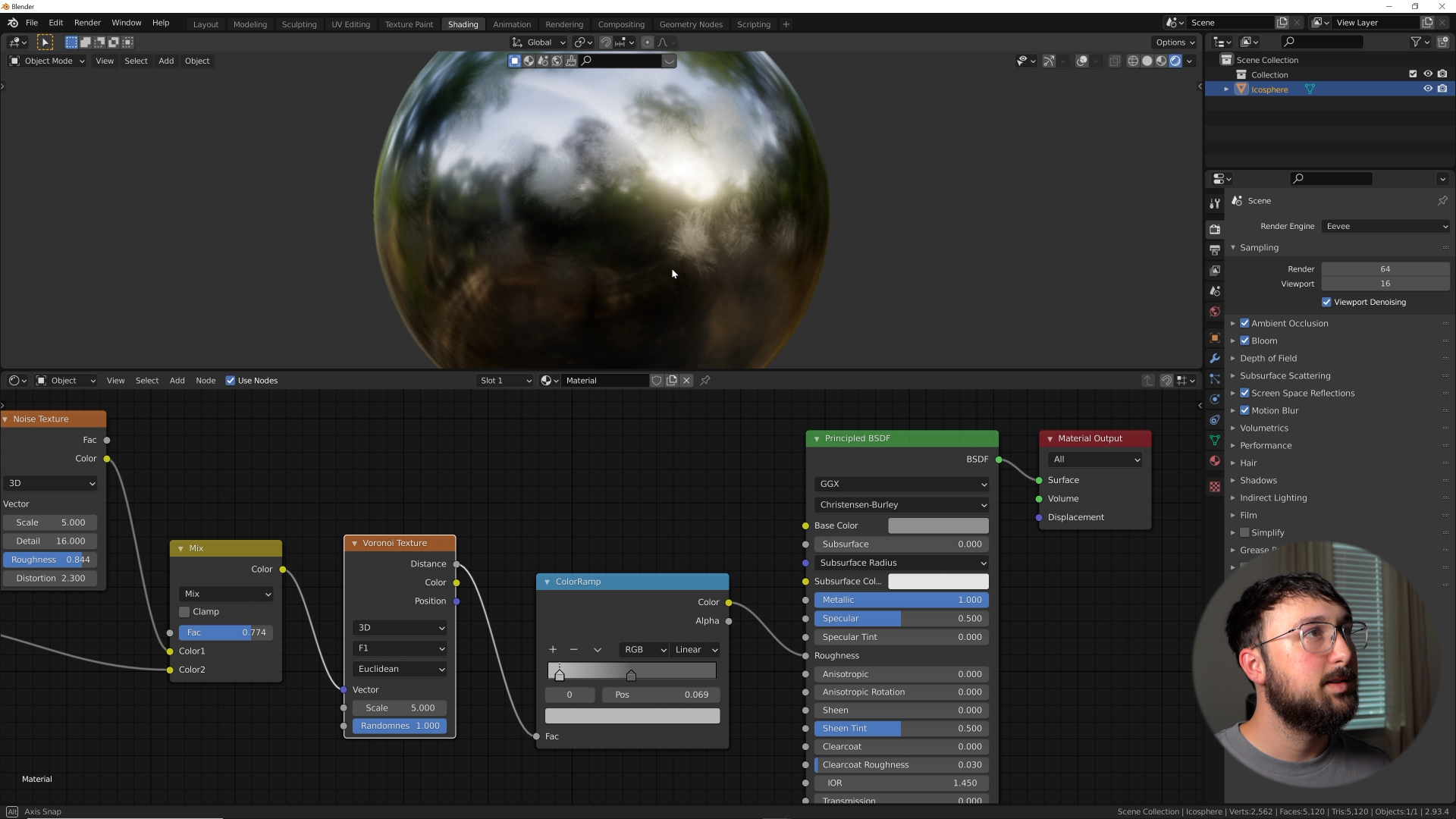
    This is definitely the best course about procedural shading in Blender. In most courses, the teacher tells you "do this" or "do that" with very few explanations about the logic behind the processes. Ducky's course is different because he starts from the very basics, and then explains each step of procedural material creation, which includes the use of most texture nodes. The course includes six small projects, which allow you to test and use most of the shading nodes, in different styles. More tutorials can be found on the Ducky channel in YT, here the obective is NOT to tell you ALL about shading nodes in Blender, but as says the title of the course, to get enough confidence and knowledge, so that you can create your own procedural materials. I appreciated the fact that Ducky goes straight to the point and does not waste you time with non-pertinent information. For 20$, it is an excellent course about shading nodes in Blender.

  • Alex Furer
    over 1 year ago

    Enjoyed this course a lot. It elevated my understanding of real procedural material creation in Blender a lot. One tip if you follow this course in Blender 4.1+, the Musgrave texture is gone from this version and above. But the Ridged Multifractal noise used in the course can be fund in the general noise texture node. And the base look of the Musgrave noise is hidden under Hetero Terrain, on the Noise Texture node. Geo Node course is up next for me.

  • Jonathan (jmh3d)
    almost 3 years ago

    I'll definitely be rewatching the videos as you prescribed :) The stucco part made me sit down and follow along. I'm using B4.0 and everything seems fine as far as instructions. Here's my stucco material on a couple of objects for testing. Thanks for putting this together!
    https://mega.nz/file/zFhgnRiA#E2dByOesemSXR1nDXthsH13gjDdmbOkq3DyAPUL5row

  • Gian Marco
    about 4 years ago

    Hi from Italy! Just bought it, and I must say that your so-called "boring" lessons are exactly what I was looking for. Learning the concepts behind a choice, rather than simply trying to break down a "do this-do that" sequence, is exactly the kind of help I was asking for. It's a great encouragement to experiment on my own with a new (and better) awareness and the good sensation of finally understaning what there's "behind the magic". Thank you Ducky!

  • Ekaterina
    over 4 years ago

    I follow you a long time on youtube and you made blender exploration fun and easy to me) Love your way of teaching! Happy to support you by buying this course! Now my nerd friends praise my beatiful nods haha
    The online player lags, though. After 2-3 pauses it friezes and you have to open the lesson again.

  • Taylor
    almost 5 years ago

    Definitely helped understand how to combine nodes better. I have watched a few YouTube videos wondering how do they know that combining certain nodes together for an affect and this course helped with that.

  • Jesse
    almost 5 years ago

    One of my favorites. Really does a great job breaking down how the basics tie into the bigger picture. This is a super useful series for anyone who wants to know why shading works the way it does, rather than simply following a step by step tutorial mindlessly. Ducky3d continues to be my favorite blender instructor. I feel bad seeing a 1 star review as this course is exactly what I wanted.

    • Ducky 3D

      almost 5 years ago

      Thank you so much man I really appreciate that!

  • Tony
    over 4 years ago

    Just finished this course and I really enjoyed it. It did exactly what it said on the tin, to get me comfortable with shading. I think the best thing I could say about this course would be, if Ducky 3D had a follow on from this course I'd certainly be hitting the buy button.

  • Bitey
    almost 5 years ago

    Enjoying watching the first round of viewing so far. My first attempt to follow along didn't work LOL which is lesson 3, pattern starting roughly at 20:56. I used correct nodes/attachment points but am using Blender 3.0 Alpha (assuming that could be it?)

    • Ducky 3D

      almost 5 years ago

      Could you send me a message with a screenshot of what you see. I recommend using the newest 2.8 build for now. I will be updating lessons once 3.0 is launched

  • jan
    almost 5 years ago

    pretty good stuff but i somehow cant open course 4

    • Ducky 3D

      almost 5 years ago

      Hey man could you send me a message, I’ll get that fixed for you

$20

Have questions about this product?
Login to message

Details
Sales 1000+
Rating
12 ratings
Published almost 5 years ago
Blender Version 3.0, 2.93, 2.92, 2.91, 2.9
License Editorial