 gigirenders
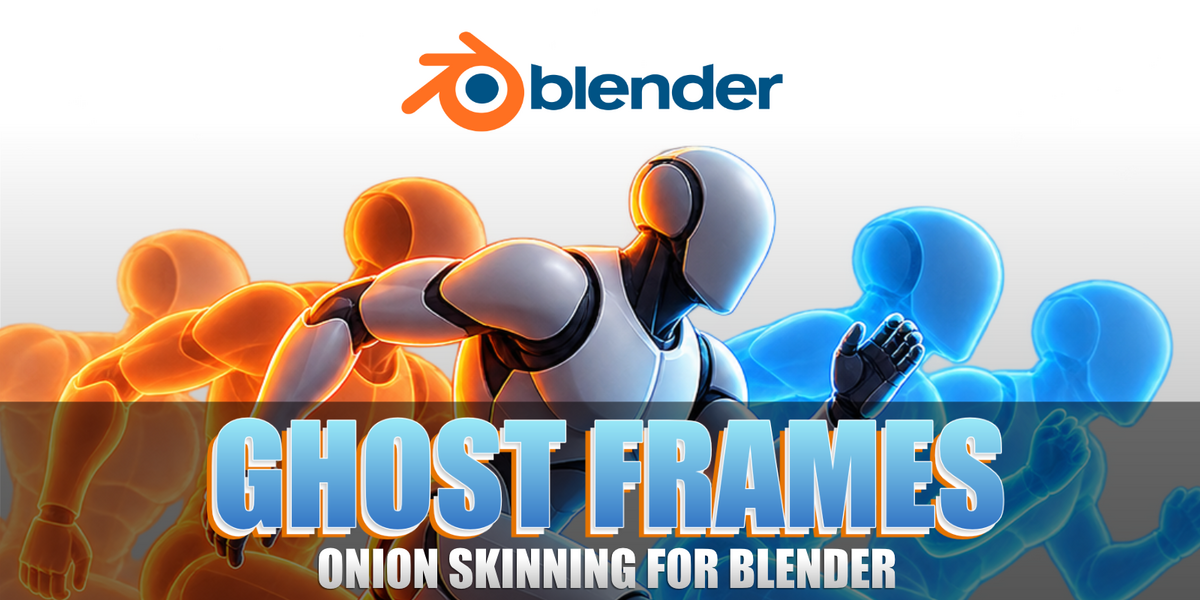
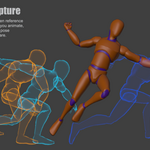
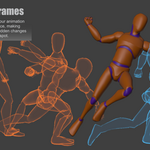
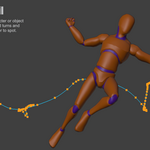
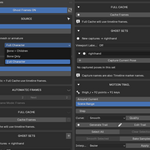
See past and future poses, save useful references, and inspect movement directly in Blender’s viewport.
Make your animation easier to read and refine.
Ghost Frames displays earlier and later poses around your character or object, helping you judge timing, spacing, movement, and pose transitions while you work.
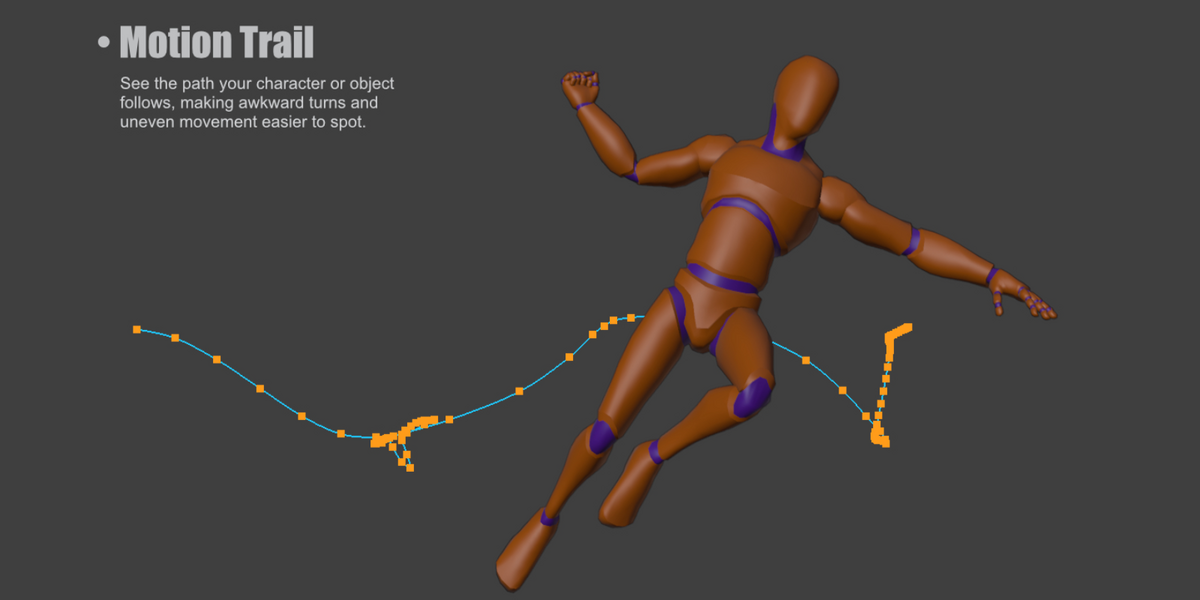
Keep important poses visible as references, inspect a larger animation range, and follow the path of a hand, foot, or object to find awkward movement.
💡Features
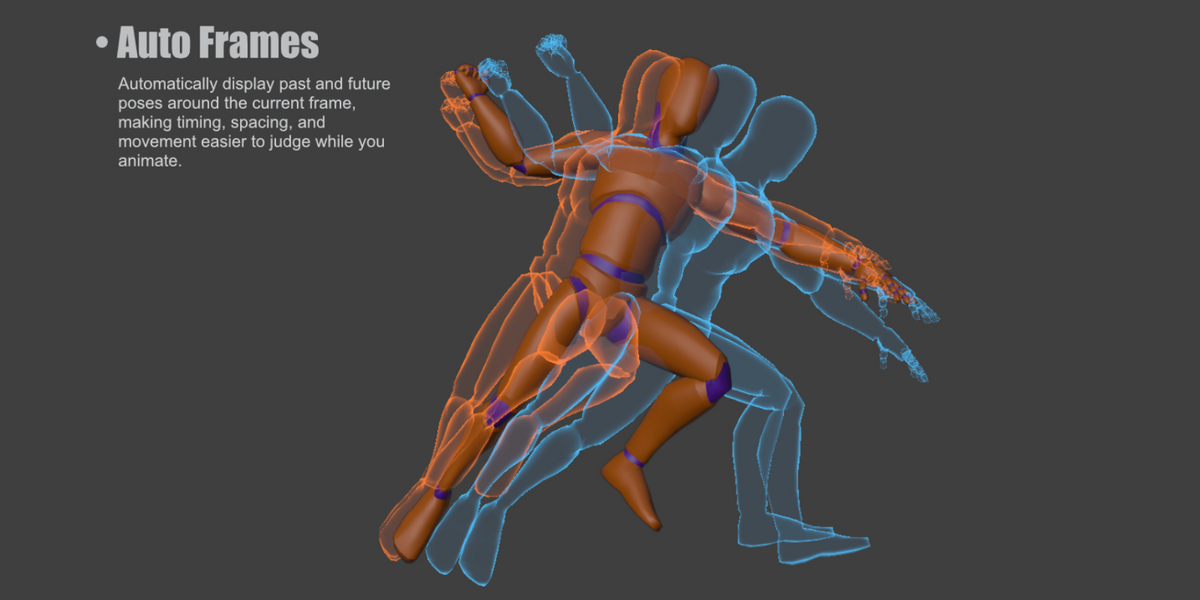
⬩➤ Automatic Ghosts:
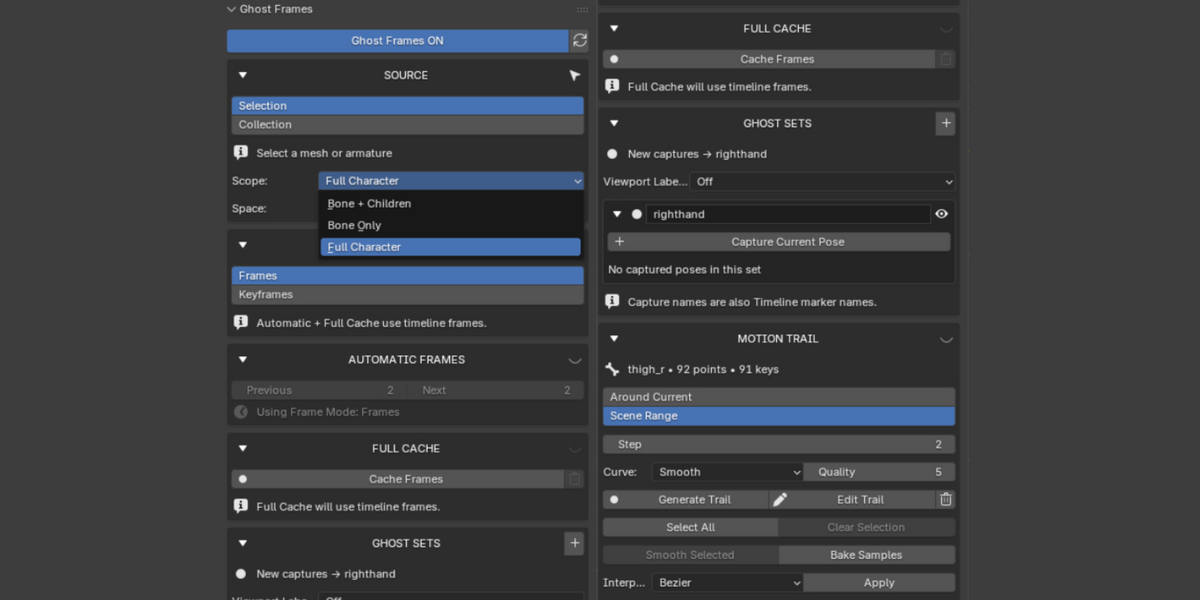
Display previous and future poses with separate counts. Choose timeline frames or active-Action keyframes.
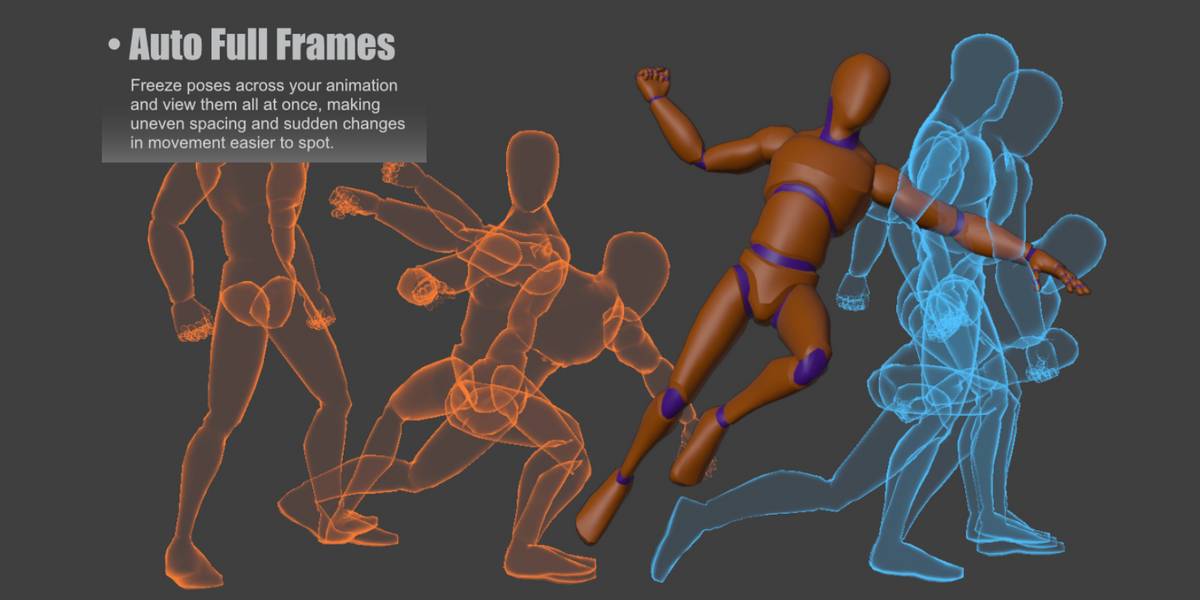
⬩➤ Full Cache:
Inspect a larger movement with up to 64 sampled frozen poses. Adjust visibility to keep the viewport clear.
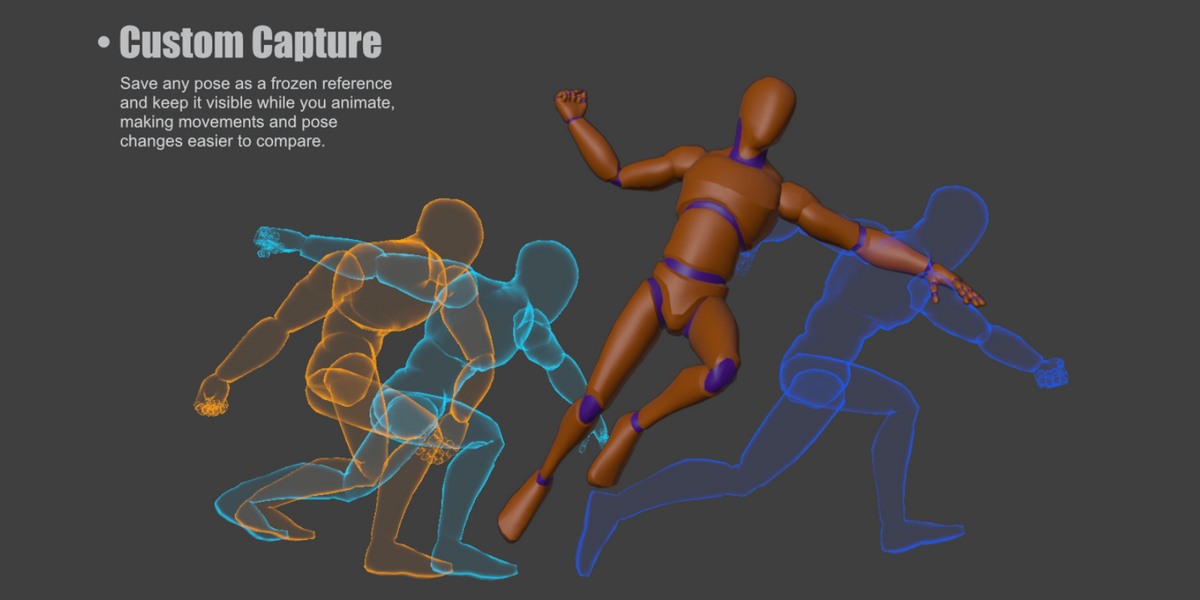
⬩➤ Captured Poses:
Save important poses as references that remain with your Blender project.
⬩➤ Ghost Sets:
Organize captured poses into named groups and show or hide them together.
⬩➤ Selected Parts:
Focus on the full character, a selected bone’s region, or that region and its children.
⬩➤ Motion Trails:
View movement paths and edit supported Location-keyed objects and controls. Move multiple keys together, smooth paths, and adjust interpolation.
⬩➤ Contact Markers:
Mark hand, foot, or object positions to check interactions and placement.
⬩➤ Labels and Timeline Markers:
Name references and quickly return to important frames.
⬩➤ World and In-Place Views:
Inspect movement through the scene or align poses for comparison.
🔥Requirements and limitations
Requires Blender 5.0 or newer.
NLA animation supports ghost viewing, Full Cache, and reference trails. Direct trail editing requires supported, independent Location-keyed targets; NLA, constrained/driven targets, and rotation-only bones are viewing only.
Ghosts and guides are viewport overlays and do not appear in final renders. Full Cache is temporary; captured poses are saved with your .blend file. Character models and demonstration scenes are not included.
⚠️ Installation
Open Blender → Edit → Preferences → Get Extensions → Install from Disk, then select the addon ZIP. Open the viewport sidebar with N and select Ghost Frames.
