 Picto Filmo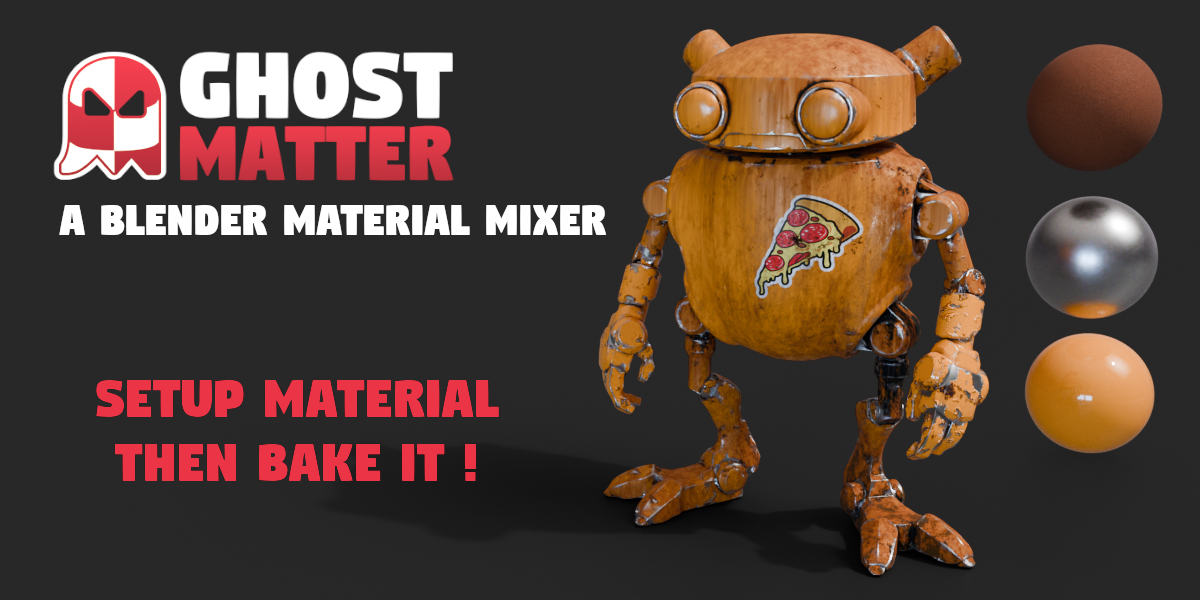

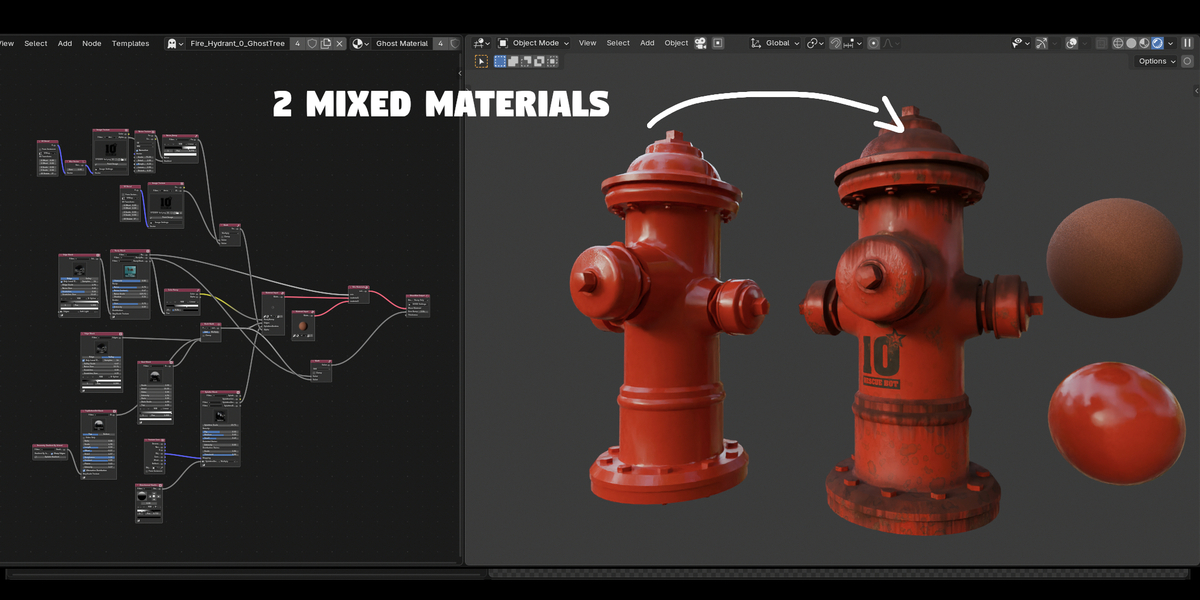
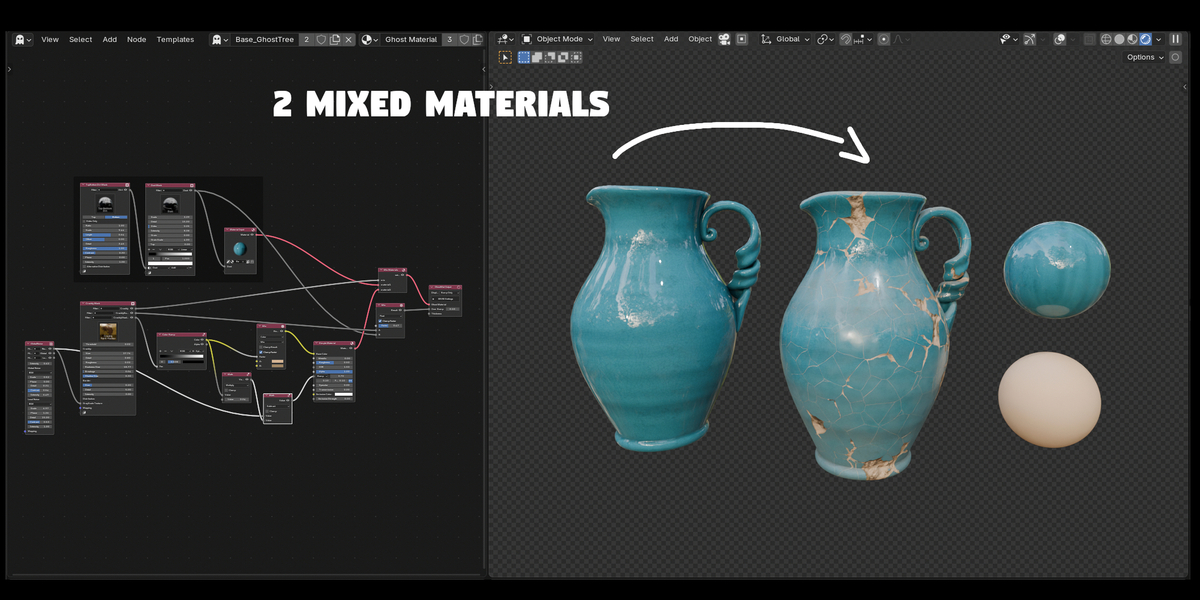
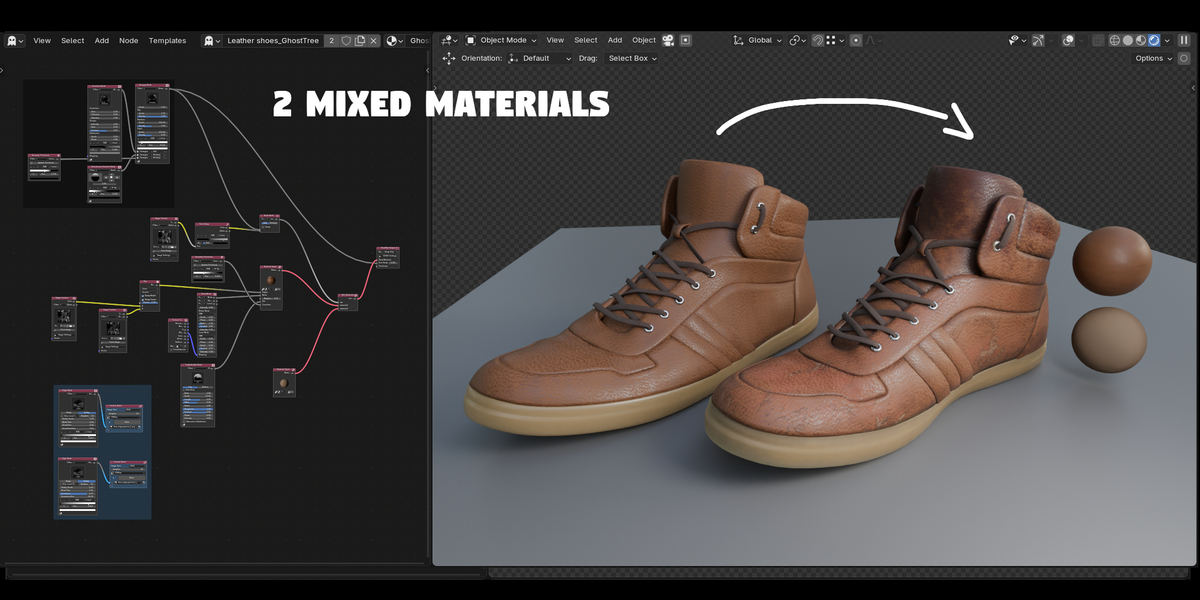
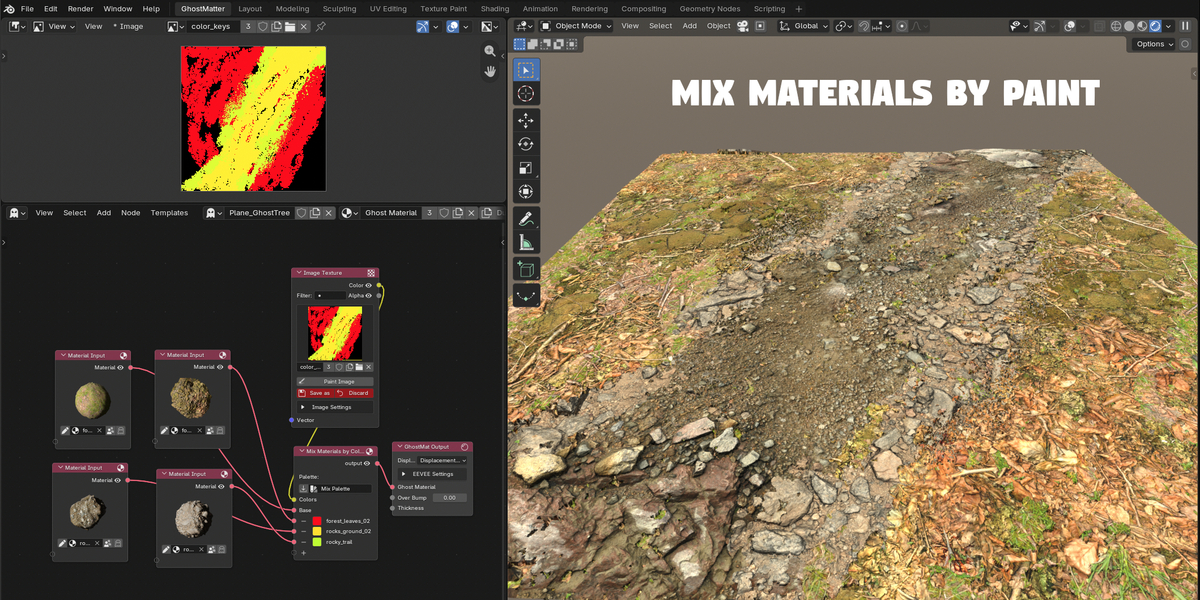
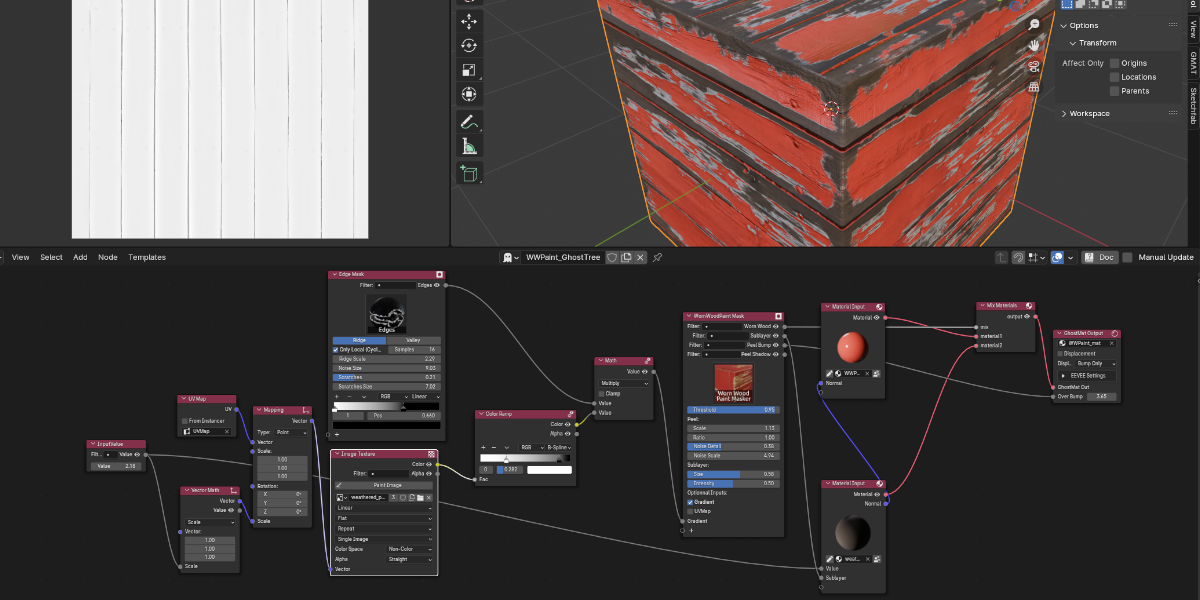
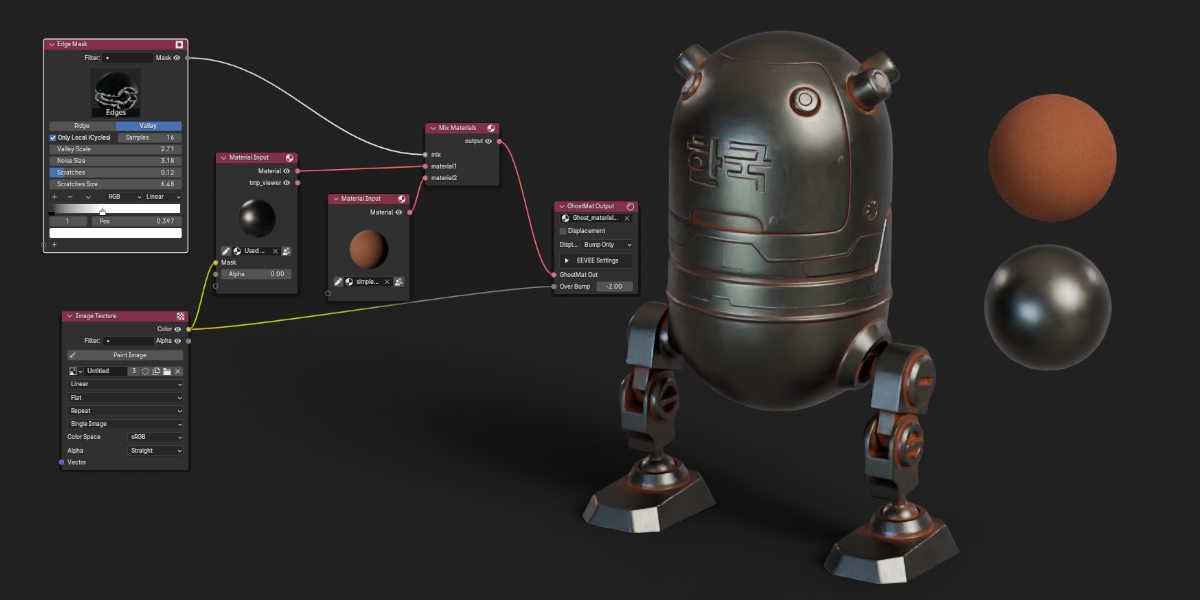
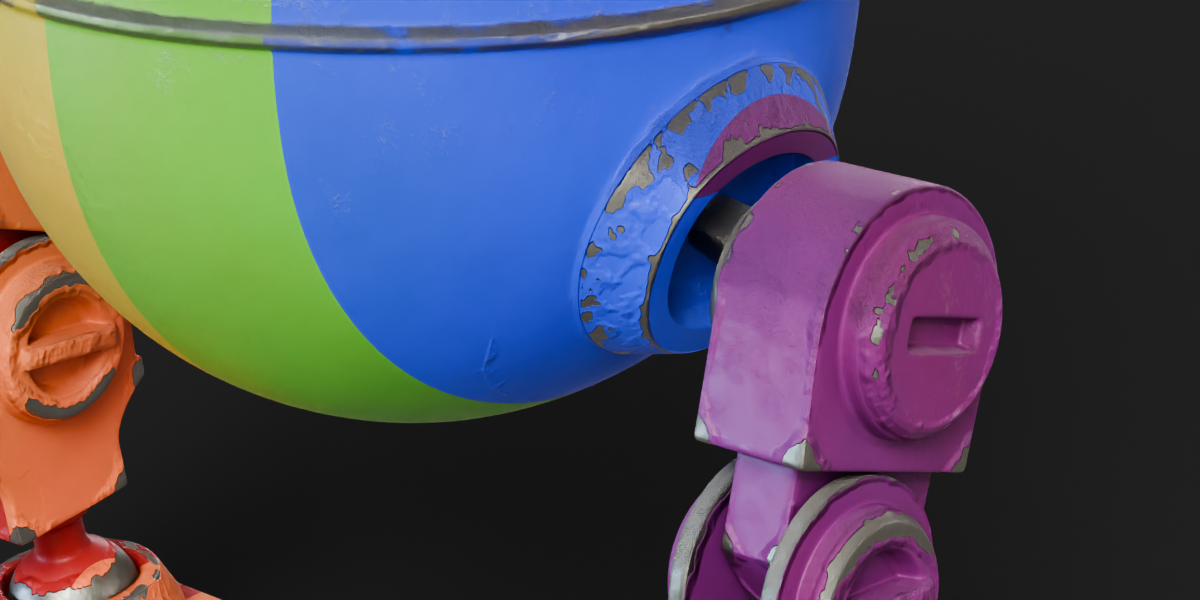
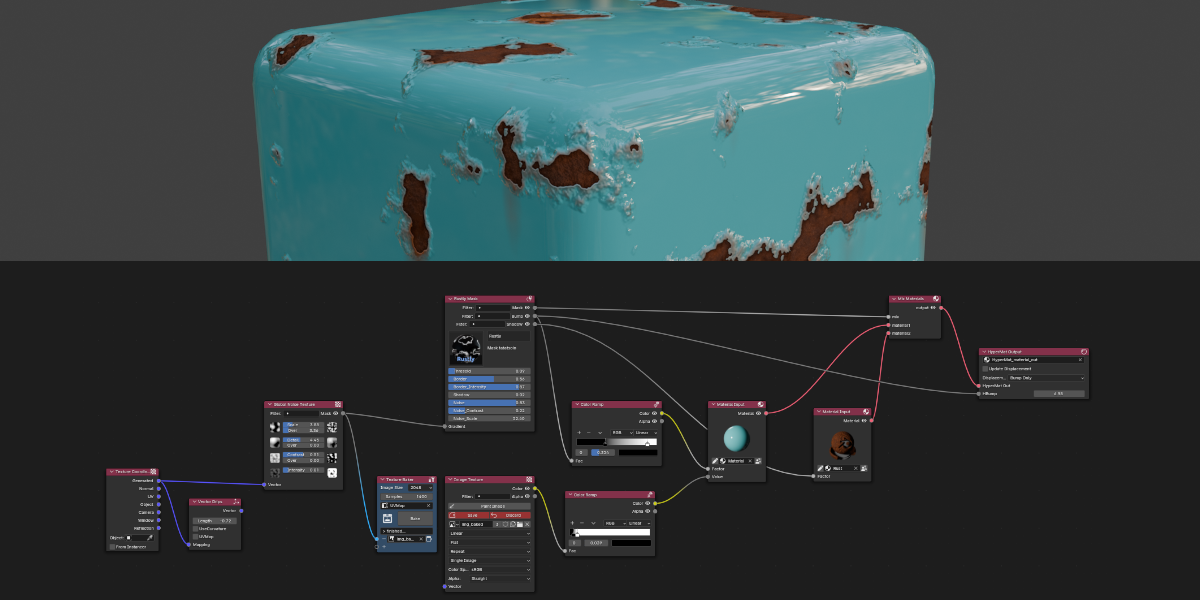
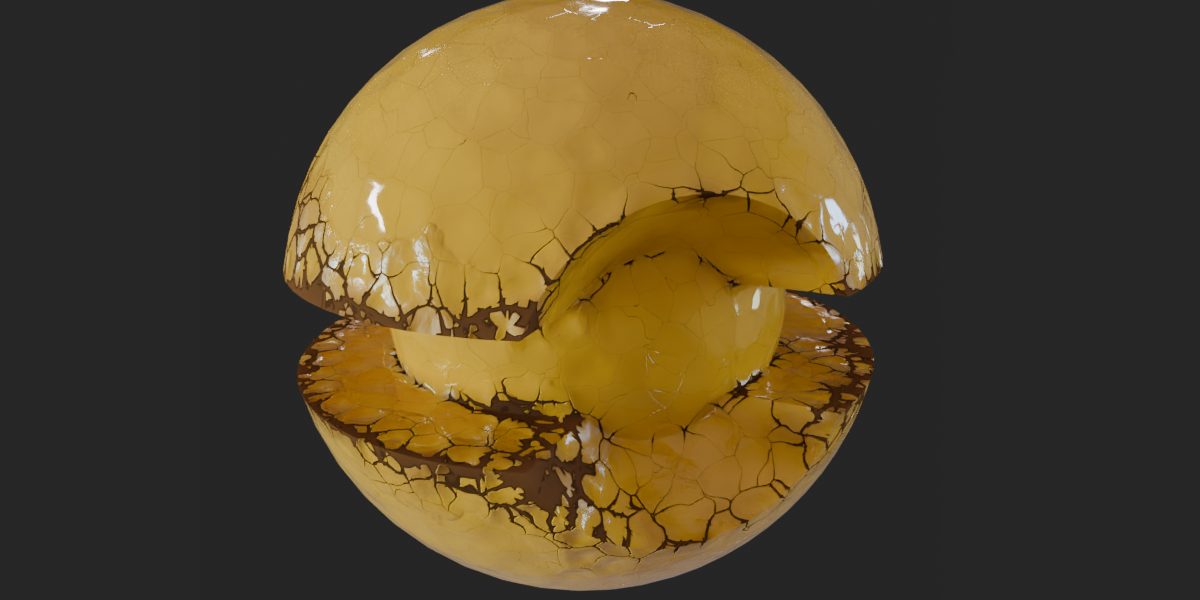

GhostMatter — Make shader design easier than ever !
Combine any materials, build procedural looks, and bake everything to textures — in one fast, non-destructive dedicated node editor.
Online Documentation · also available directly from the addon UI. Requires Blender 5.0+.
Who it's for
GhostMatter is for artists who need to mix, layer and bake materials fast:
- Game & real-time artists exporting clean PBR texture sets.
- Look-dev & motion-design artists building procedural, animated materials.
- Anyone tired of rebuilding shader graphs by hand — GhostMatter keeps everything non-destructive.
Why GhostMatter
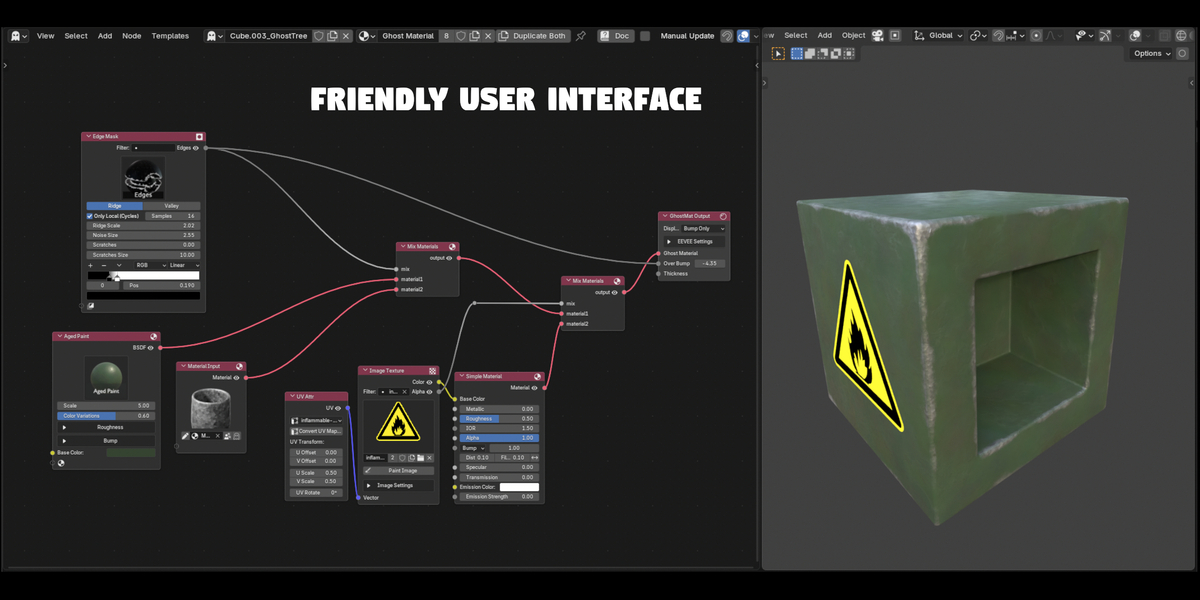
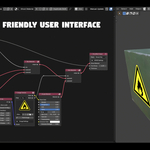
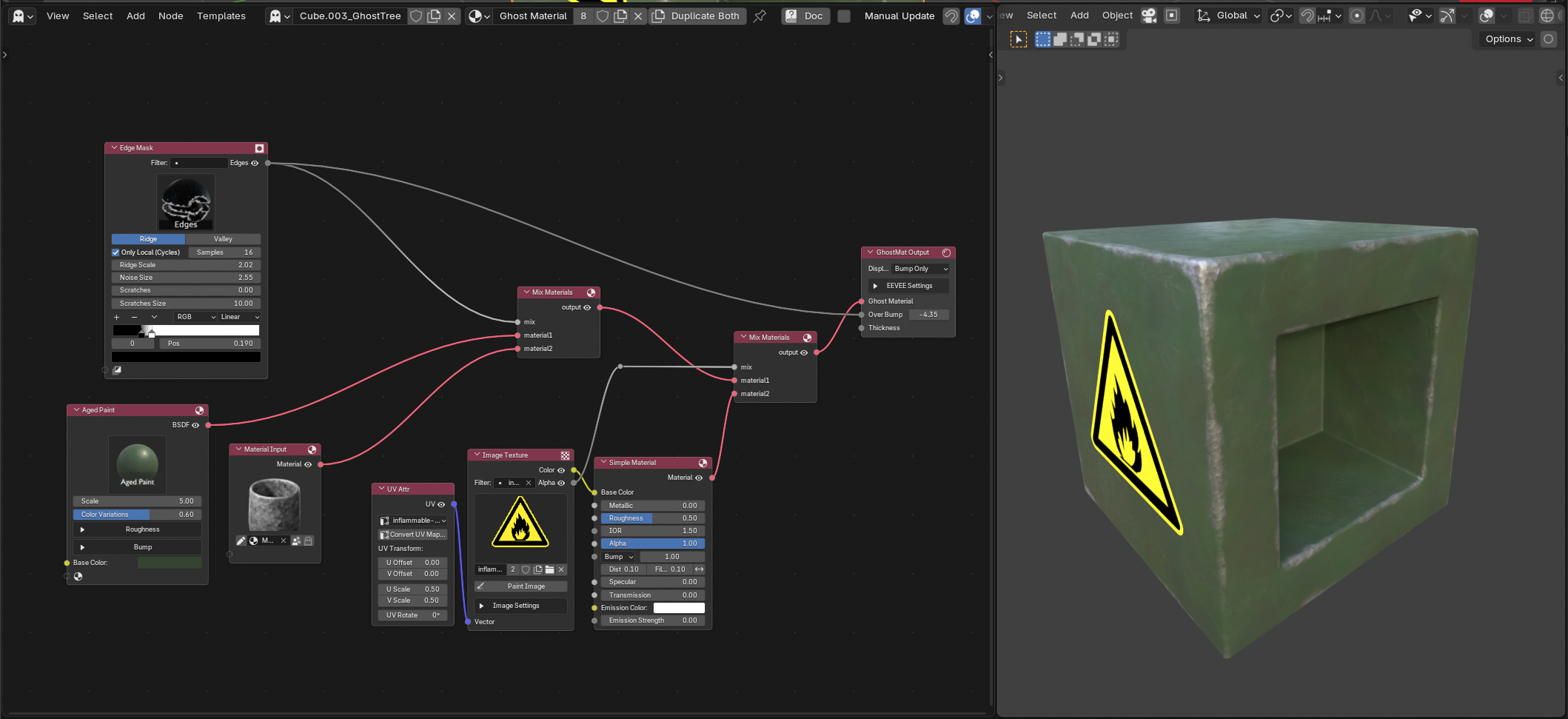
- A dedicated node editor, not the Shader Editor. No more digging through generic BSDF math — GhostMatter gives you purpose-built nodes with clear names, grouped inputs and readable controls. Anyone can open a material and immediately understand what it does.
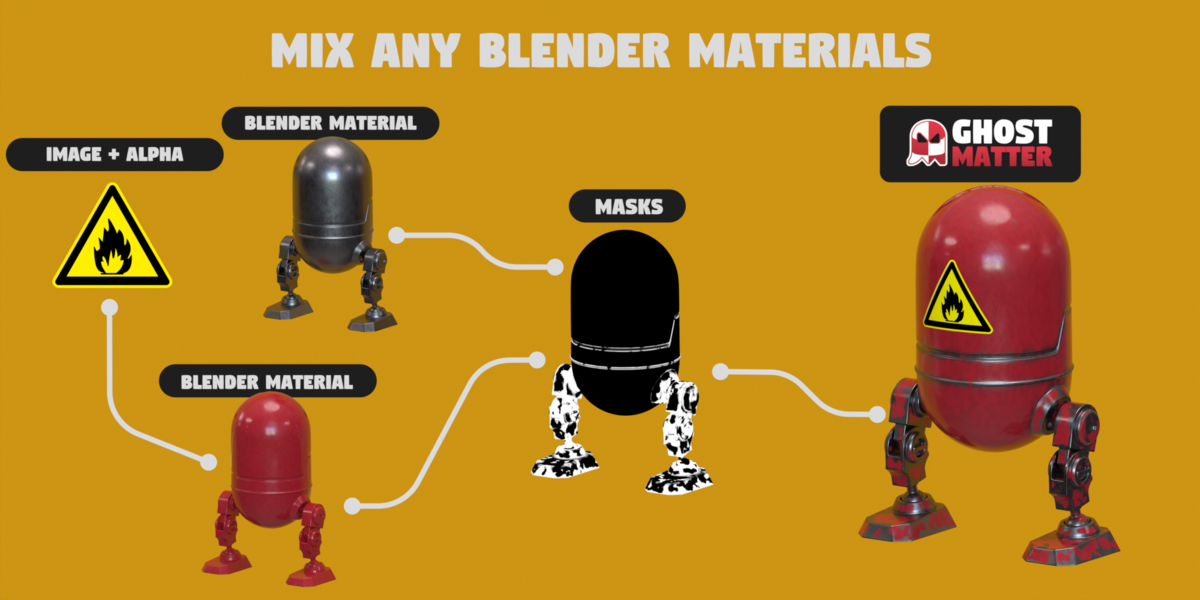
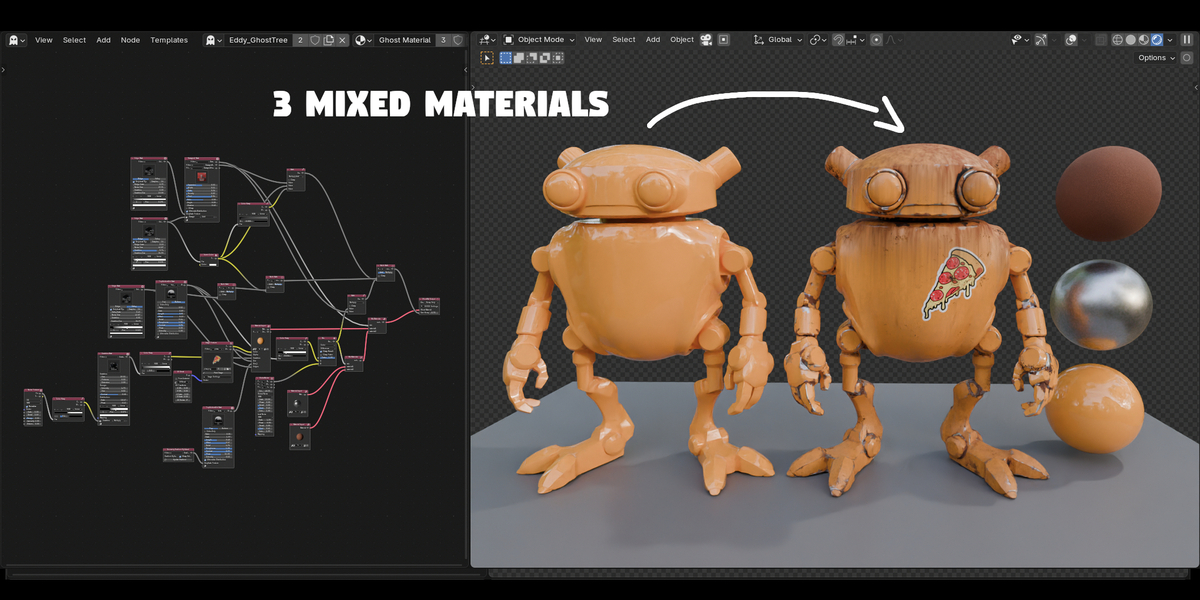
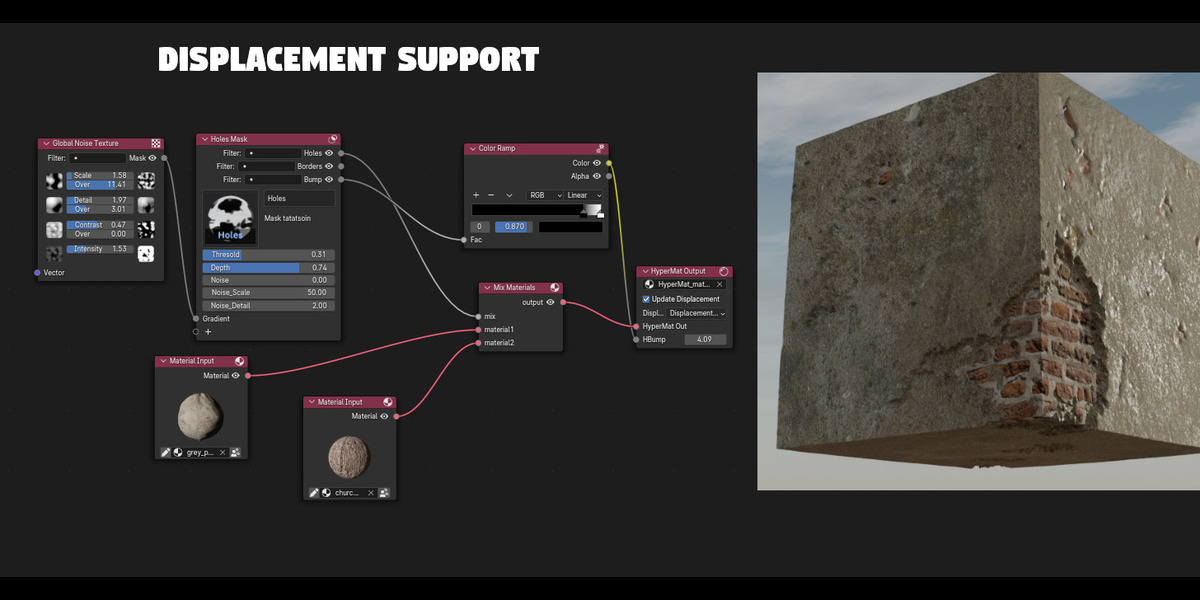
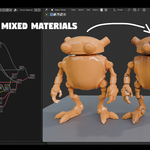
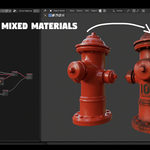
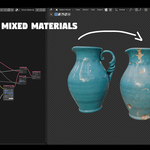
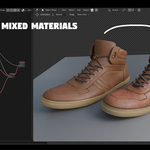
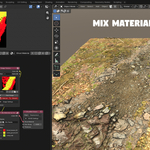
- Mix any materials, no setup required. Drop in your existing materials — of any kind — and blend them in that same clear, dedicated editor. Fully non-destructive.
- Stays fast on heavy scenes. Incremental updates rebuild only the nodes that actually changed, so editing never grinds to a halt.
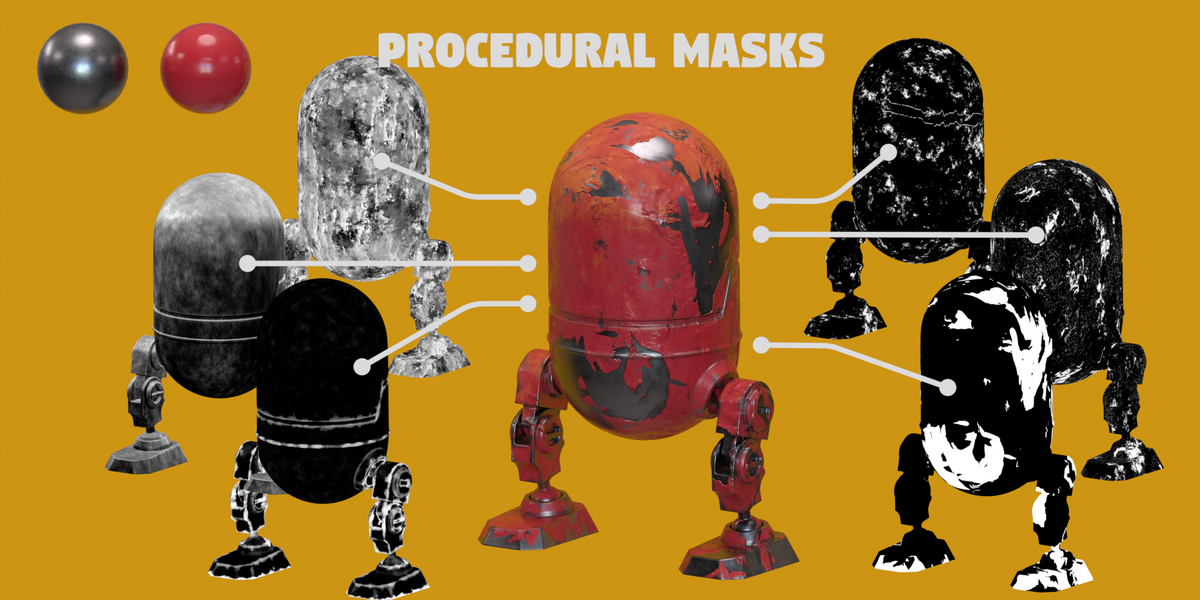
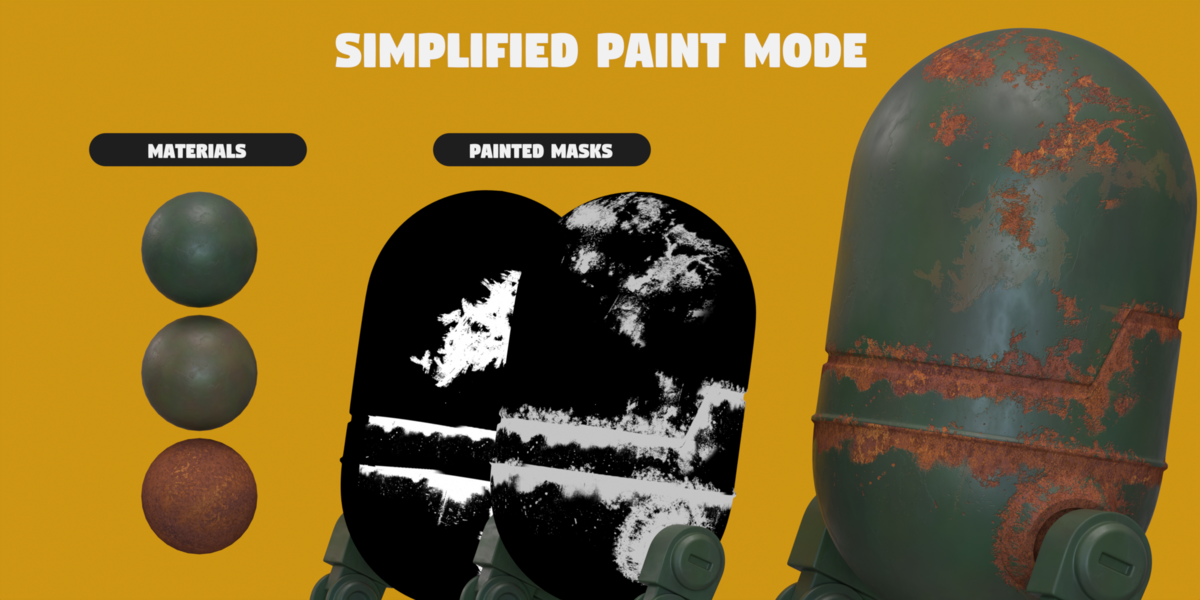
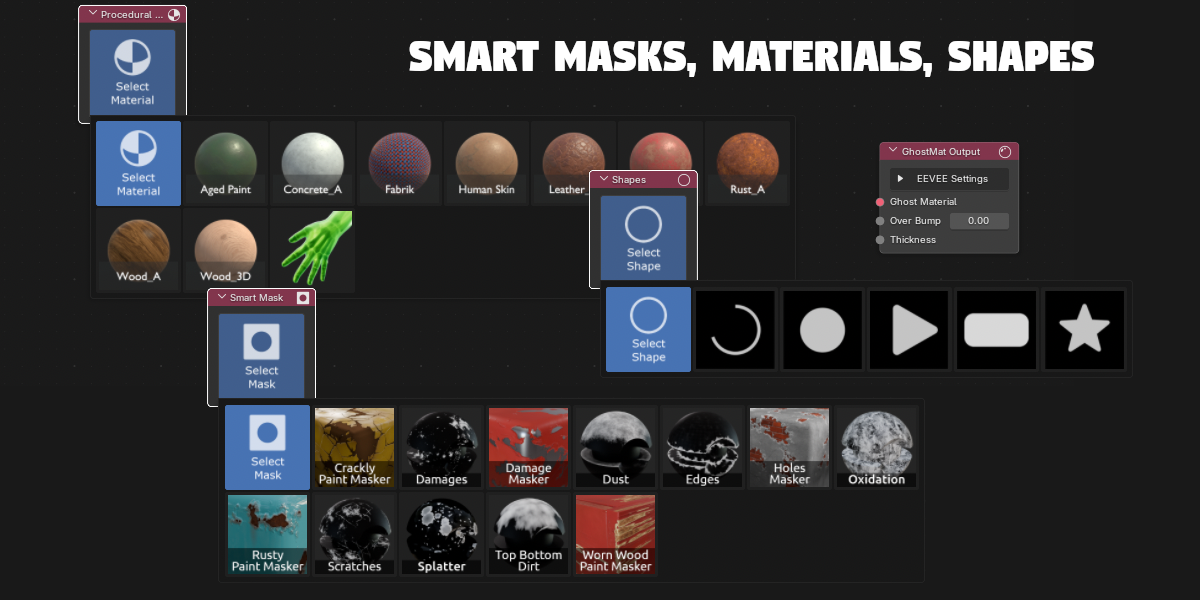
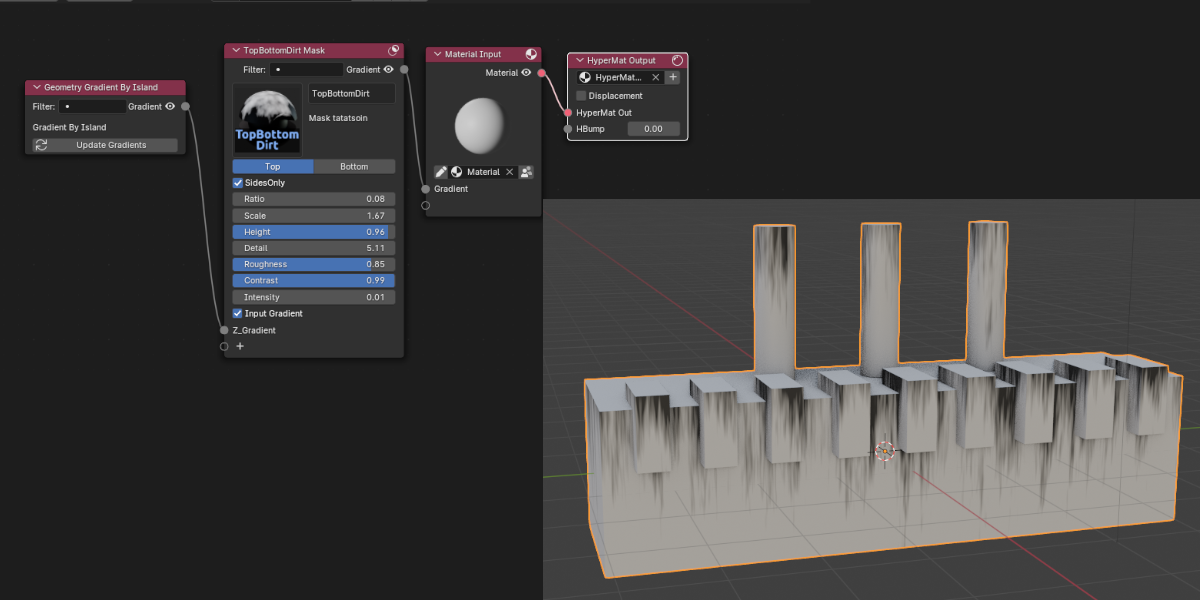
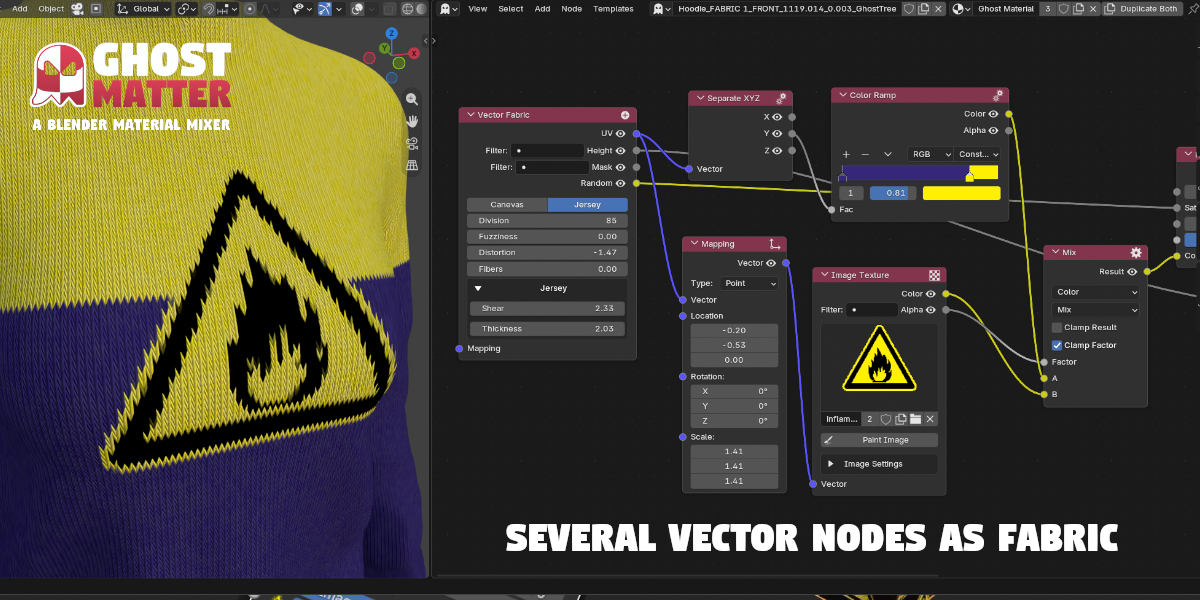
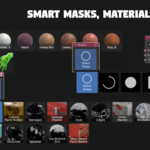
- Procedural material & mask library included. Wood, Leather, Fabric, Rust, Concrete, Skin, X-Ray… plus a growing set of smart masks.
- One-click bake to textures. A universal baker exports full PBR sets, or bakes to vertex colors — and can batch a whole list of setups.
What it is
GhostMatter is a Blender addon for mixing materials in its own dedicated node editor — separate from Blender's Shader Editor. The materials you mix need no special configuration — every kind of material is compatible.
Instead of the Shader Editor's generic BSDF plumbing, GhostMatter gives you specialized nodes built for the job: named inputs, grouped controls, and a layout designed to be read at a glance. The result is a material graph that stays simple and clear even as it grows — no more tracing wires to figure out what a node does.
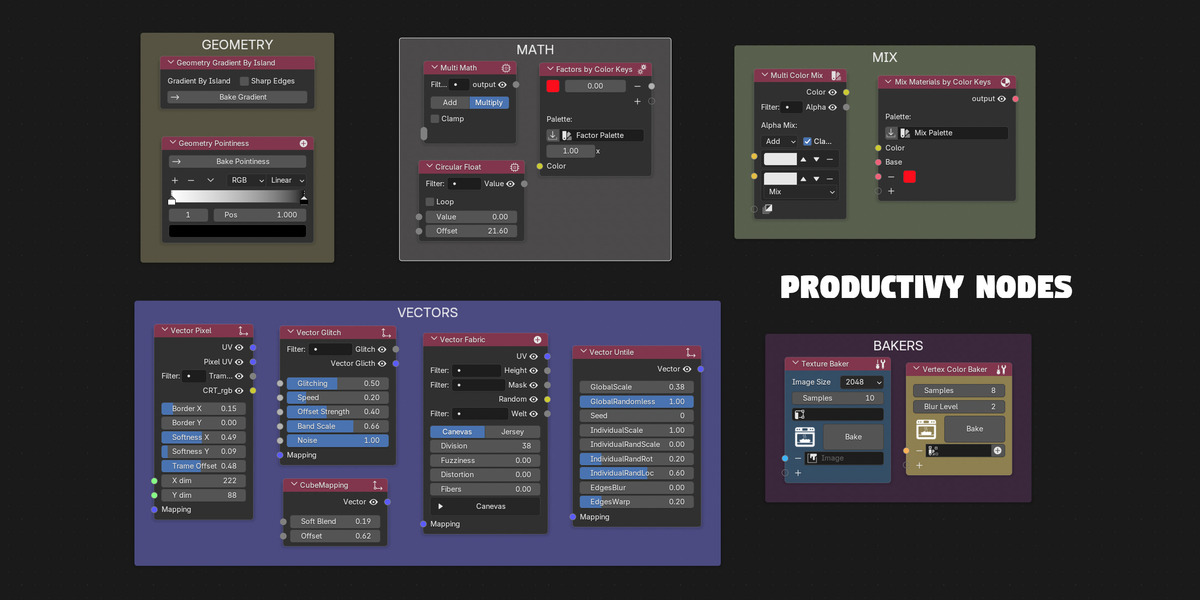
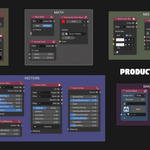
You get all of Blender's standard material nodes (except the shader nodes themselves), plus GhostMatter's own material-mixing nodes and tool nodes.
New users: the Templates menu ships ready-made setups to get you started in seconds.

Features
- Material mixing — all standard Blender material nodes (except shaders), mix nodes, and key-based mixing (mix materials / factor by color keys).
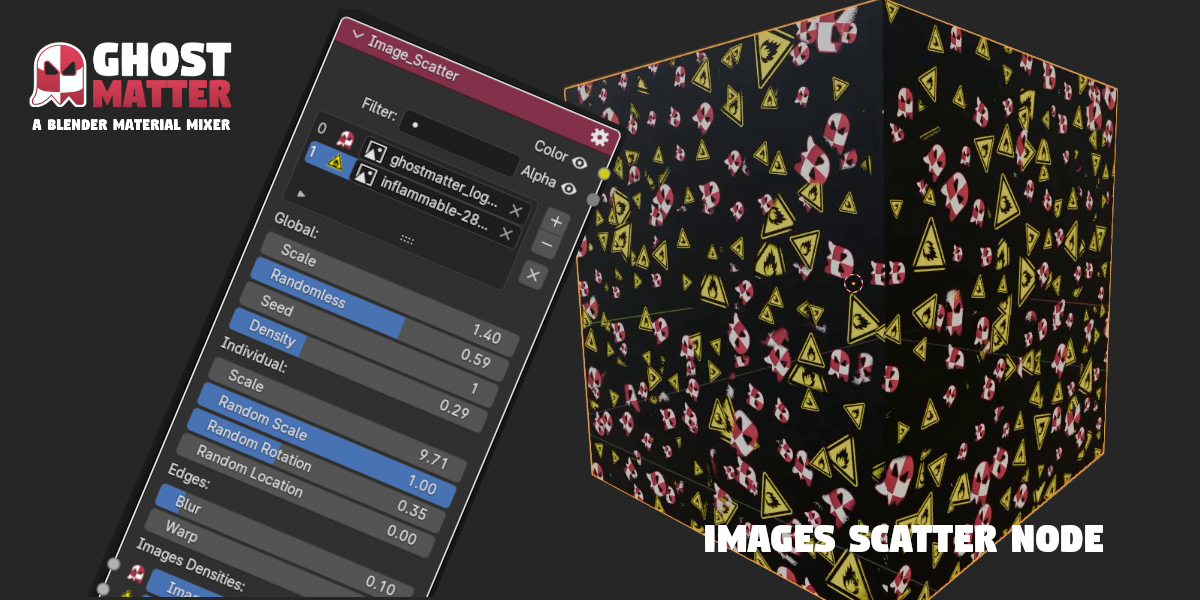
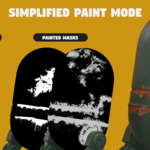
- Procedural materials & smart masks — a growing library driven by simple, intuitive controls.
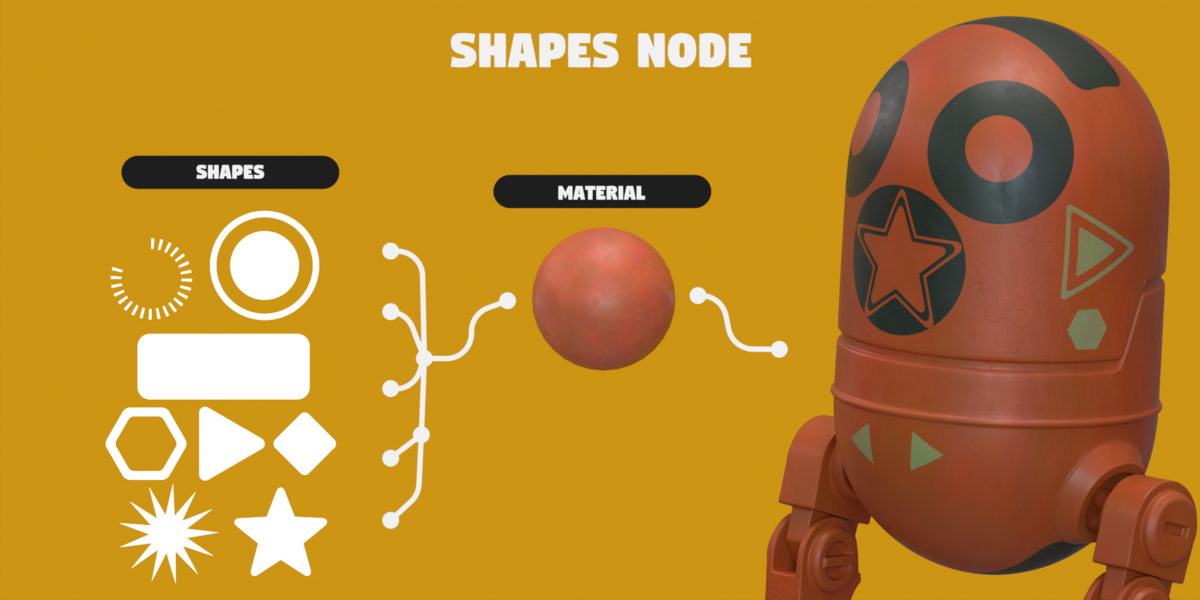
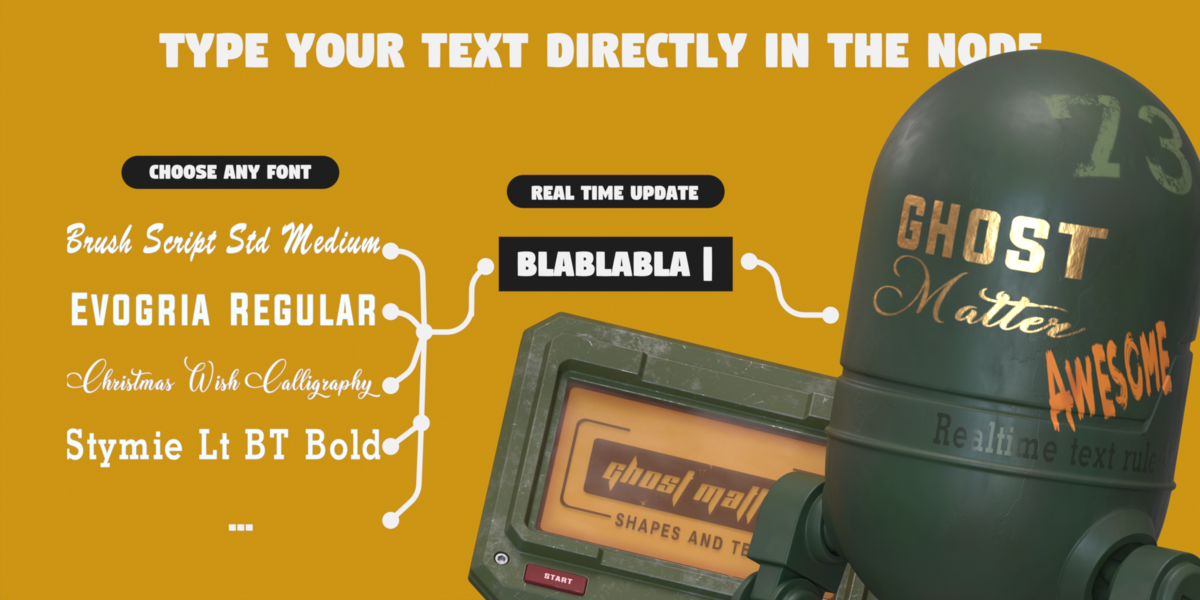
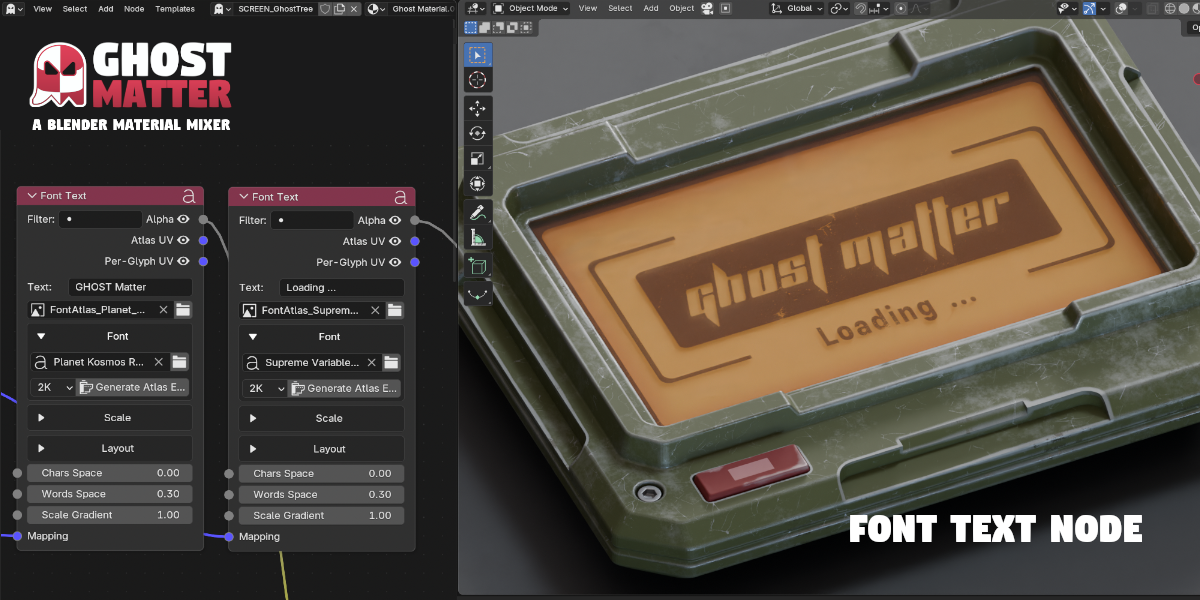
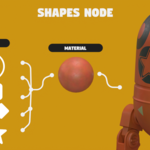
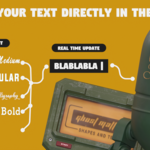
- Motion-design toolkit — a Text node, procedural Shapes (arc, disk, polygon, star…), a Random Timer, Mograph masks and GhostMat controllers to animate and drive your materials.
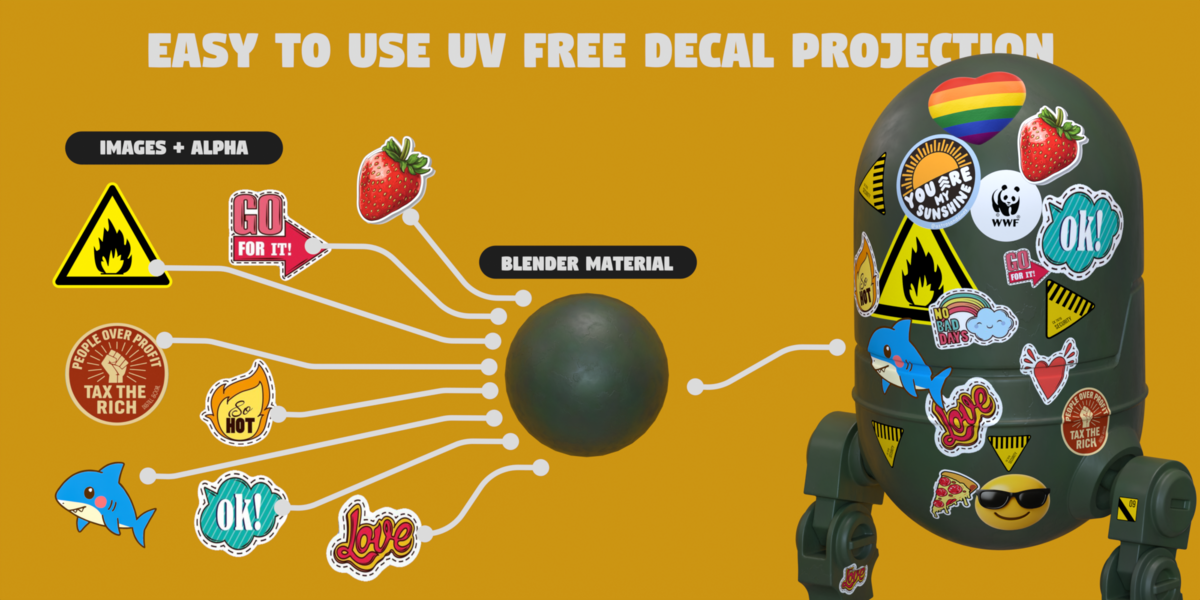
- Bake & Export pipeline — universal texture baker, multiple export formats, decal projection, and vertex-color baking.
- Palette tools — import palettes, distribute them onto ramps, and drive colors by object index.
Bake to Textures
An extremely effective, universal texture-export tool — two modes to fit any workflow:
[ To Joined Mesh ] [ To Low Mesh ]
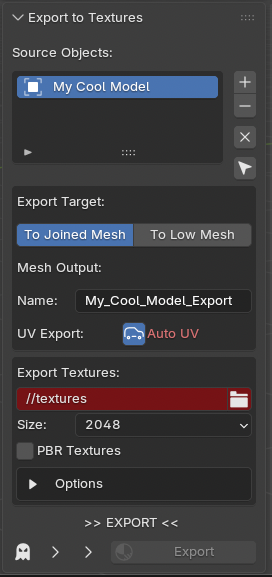
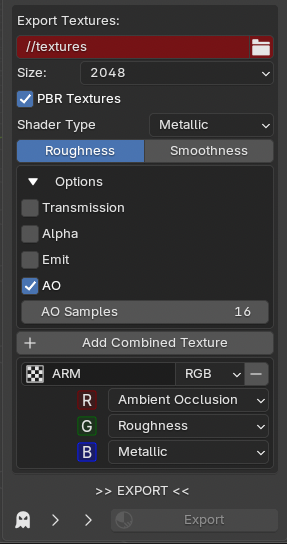
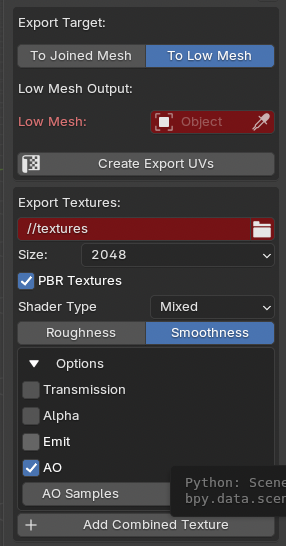
See the baker in action:
Motion design & Mograph
Animate and drive your materials with Mograph masks, procedural shapes, a Text node, a Random Timer and GhostMat controllers.

GhostMatter Tools
GhostMatter ships with extra production tools:
Decal projection
Texture baking — to image or vertex colors
Tutorials
Built for Blender 5
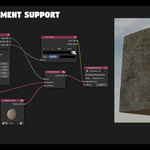
- Blender 5.0+ / EEVEE Next support, with automatic migration of your existing files.
- Works with Cycles and EEVEE. GPL license.
- Trusted by 100+ artists — and actively developed. Full feature list in the online docs.
What's new in GhostMatter 2
A major update — full details in the online docs.
- Incremental updates — only the changed nodes rebuild, so editing stays fast on heavy setups.
- Motion-design focus — Text node, procedural Shapes, Random Timer, Mograph masks and GhostMat controllers.
- Procedural-material library — Wood, Leather, Fabric, Rust, X-Ray, Concrete, Skin, and more.
- More nodes & Vector FX, a Bake-to-Textures pipeline with multiple exports, and a palette generator.
- Batchable baker — export a whole list of setups in one go.
- Blender 5 / EEVEE Next support with automatic file migration.
Got feedback or a feature request? We'd love to hear it.
Roadmap
Short term — new procedural smart masks & materials.
Mid term — dynamic & animated masks.
Long term — texture-based materials and masks.
Check out our other products
 |
 |
 |
 |
 |
 |
 |
 |
 |
 |
Eddie robot model — original asset created by Paul Braddock, licensed by The Rookies.