Ghost Town Building Generator
 Blender Procedural
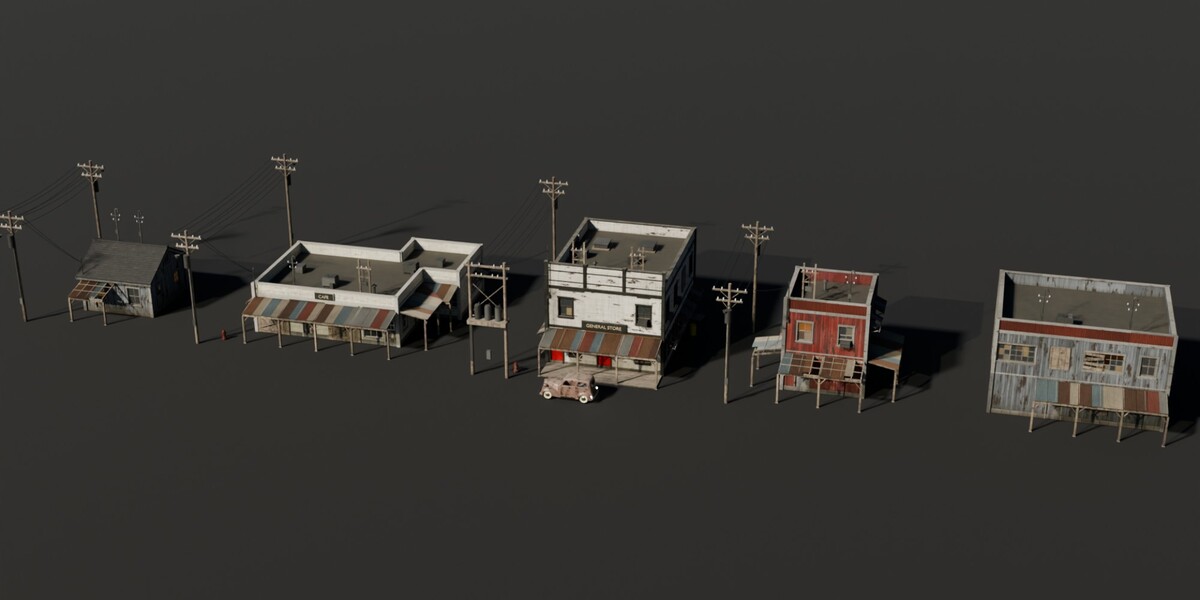
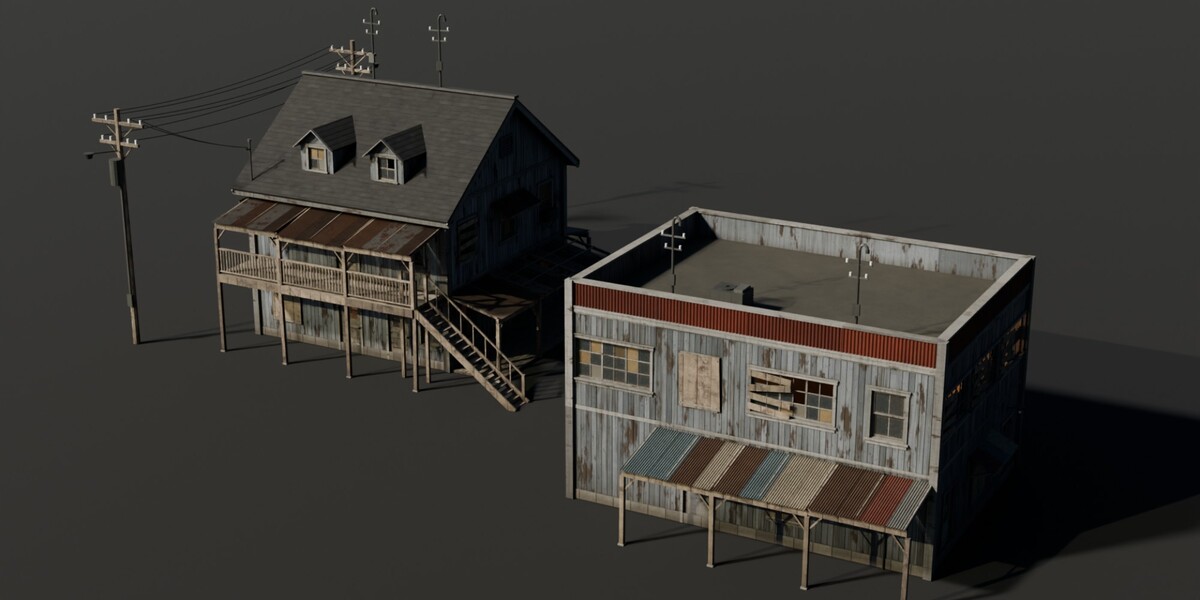
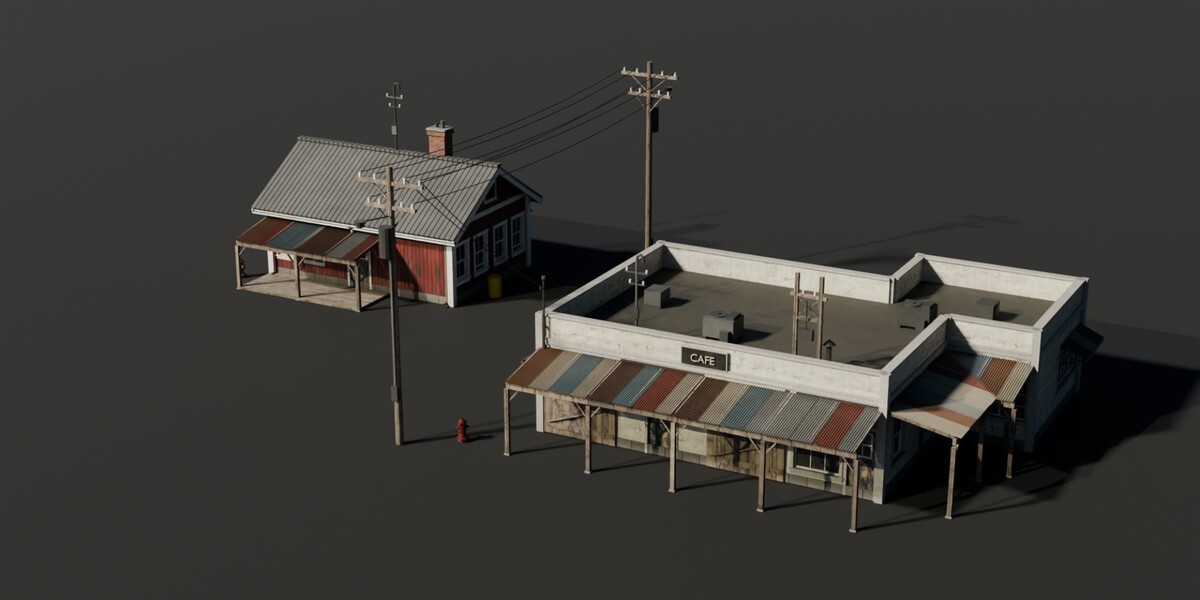
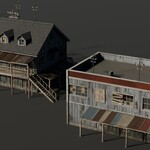
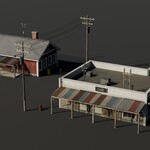
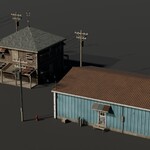
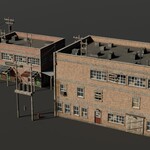
Setup
- Unzip the download to a permanent folder (keep textures/ and hdri/ next to the .blend).
- Edit > Preferences > File Paths > Asset Libraries > + and pick that folder.
- Open the Asset Browser, go to the Building Generator catalogs and drag a building into your scene (Import Method: Append (Reuse Data) recommended).
- Select the building and change it in the BuildingGenerator modifier. To start from scratch, add the BG_BuildingGenerator node group to any object as a Geometry Nodes modifier.
Main parameters
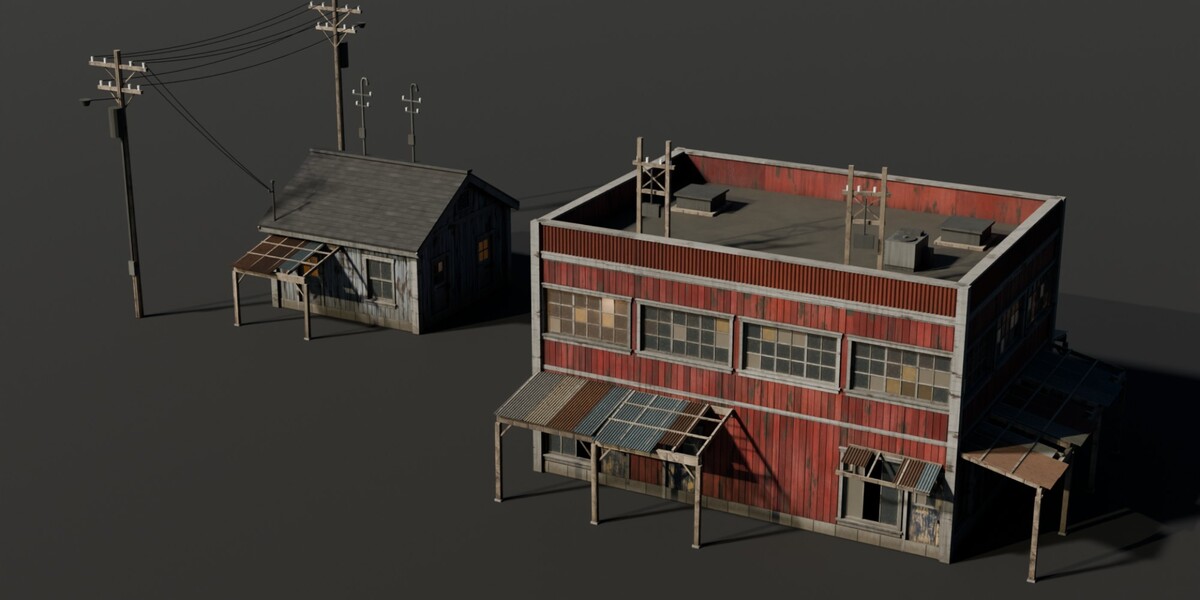
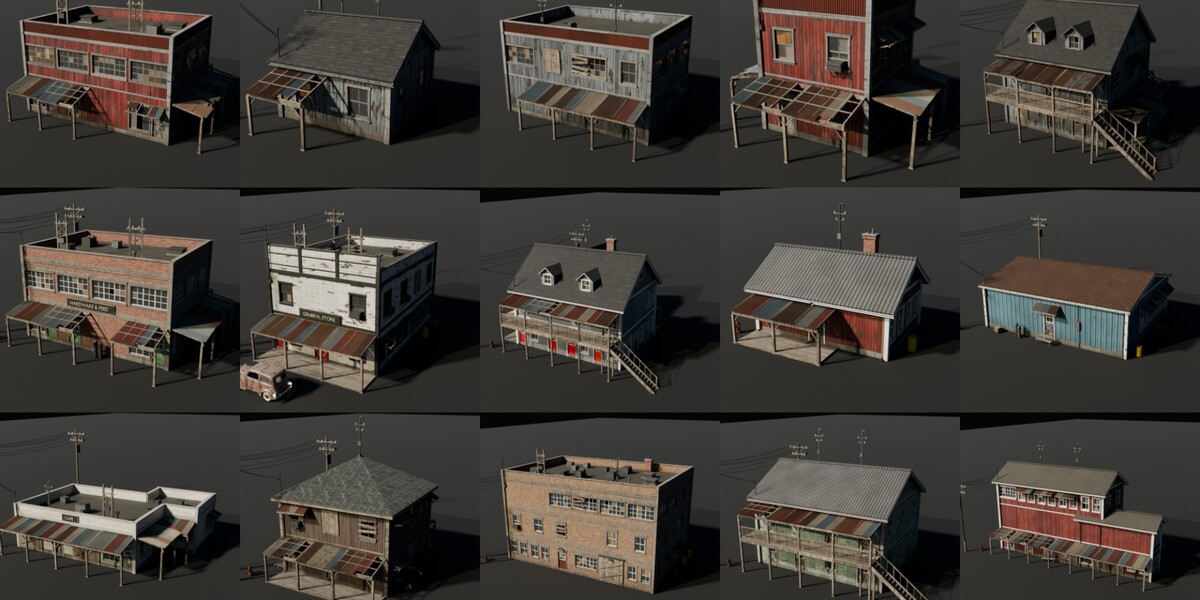
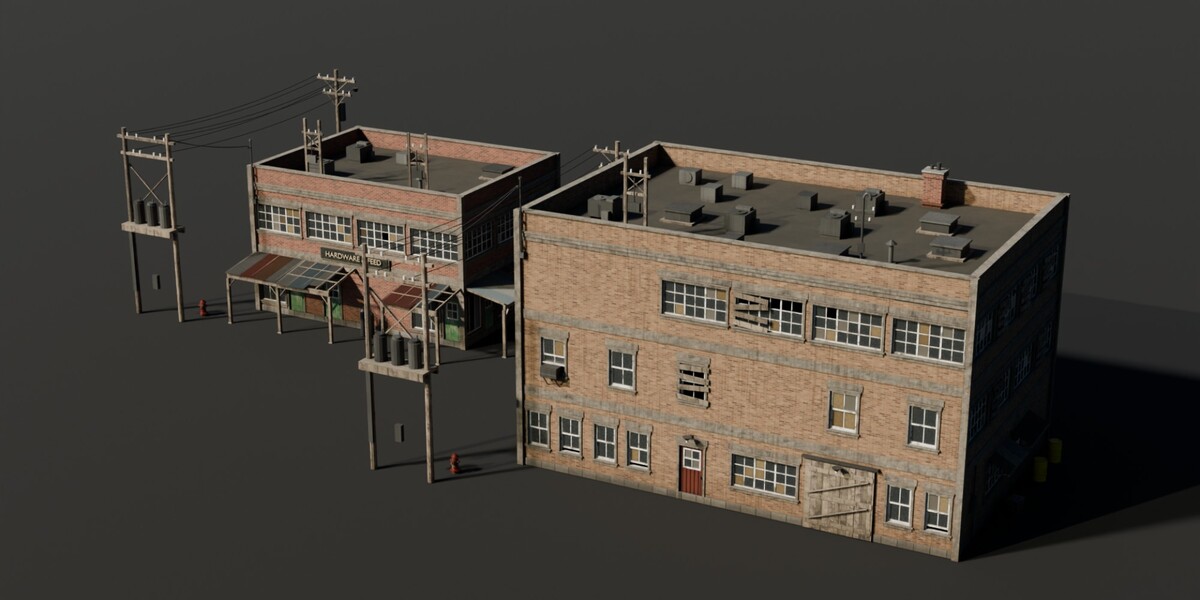
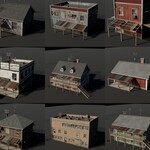
- Layout: seed, random layout, bay width, floor height, width / depth / floors. Wings: two extra blocks for L, T and U plans.
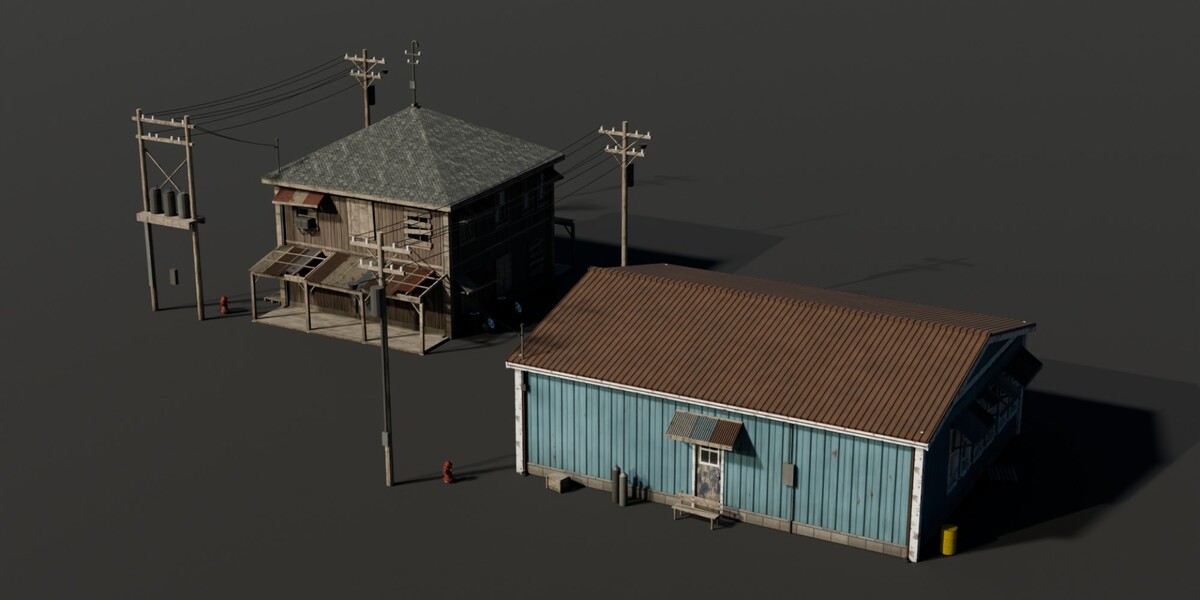
- Roof: flat / gable / hip, pitch, overhang, parapet, false front, dormers, chimney, gutters, rooftop units, masts.
- Materials: wall style plus 13 material slots; drag any library material onto a slot. Weathering goes from kept-up to abandoned, Imperfections shifts and drops planks and leans posts.
- Facade: weights for doors, shopfronts, windows, ribbon windows, warehouse doors; boarded / plywood / broken window chances.
- Extras: awnings, porches, porch deck, sign with 3D text, balcony and stairs, window AC units, meters, lamps.
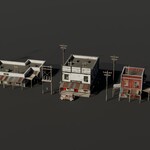
- Surroundings: base slab, utility poles and power lines, yard props, dumpster, hydrant, vehicle, weeds, Realize (turns everything into plain geometry for export).
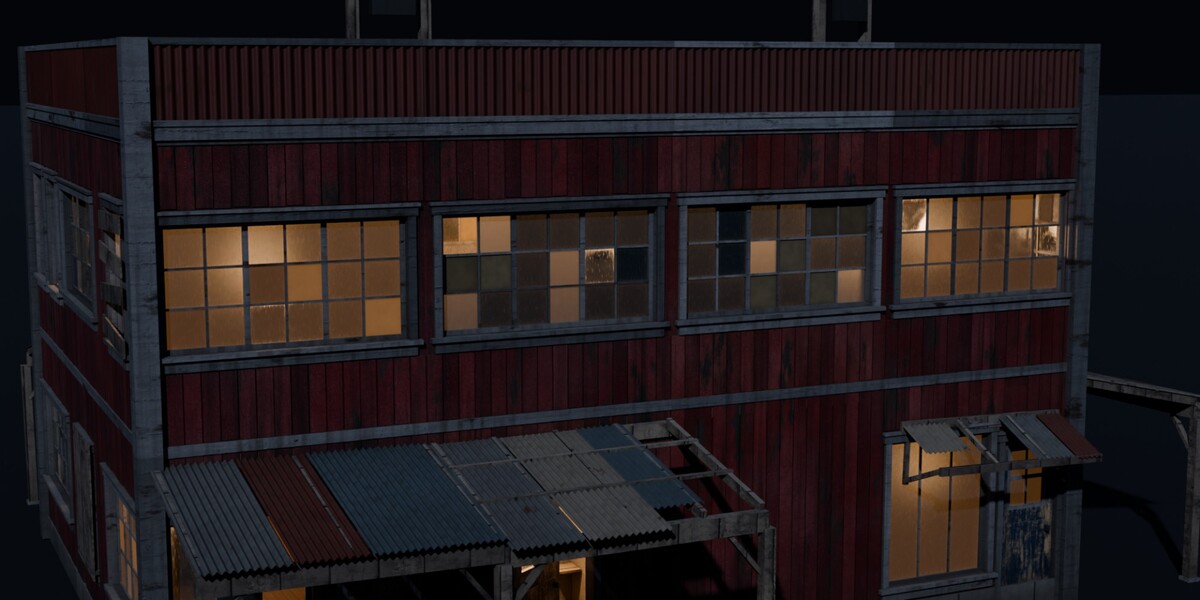
Night renders
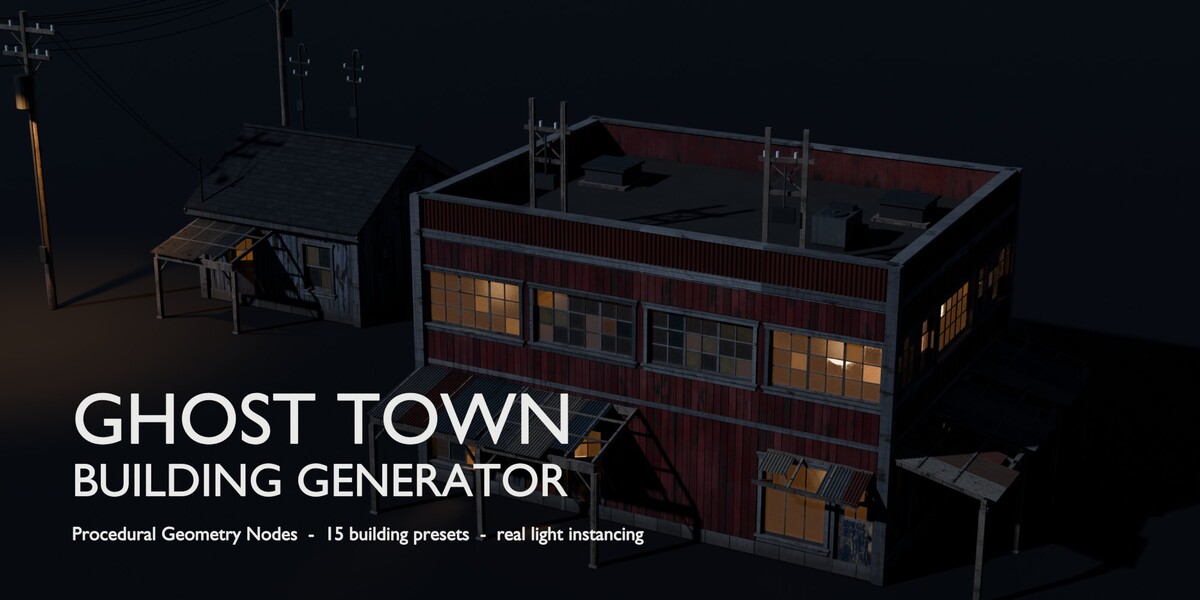
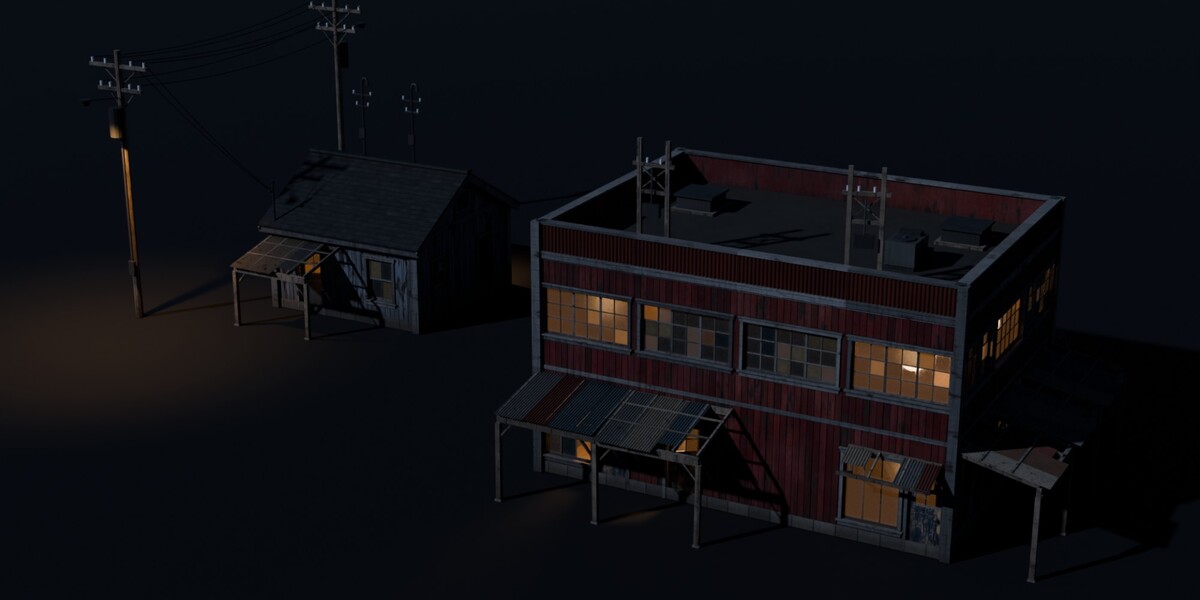
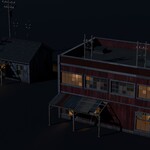
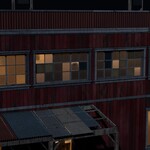
Switch the world to BG_World_Night, enable the BG_Moon light and disable BG_Sun, then raise Lit Windows, Open Doors and turn on Lamps On. Window, porch, door and street lights are real light instances that come with the building.
Have questions about this product?
Login to message
| Published | about 3 hours ago |
| Blender Version | 5.2 |
| Render Engine Used | Cycles, Eevee |
| License | Royalty Free |
Discover more products like this
western environment geometry nodes Americana buildings procedural architecture abandoned town ghost town asset library building generator