Glass Shader - Treedrewlife
 treedrewlife
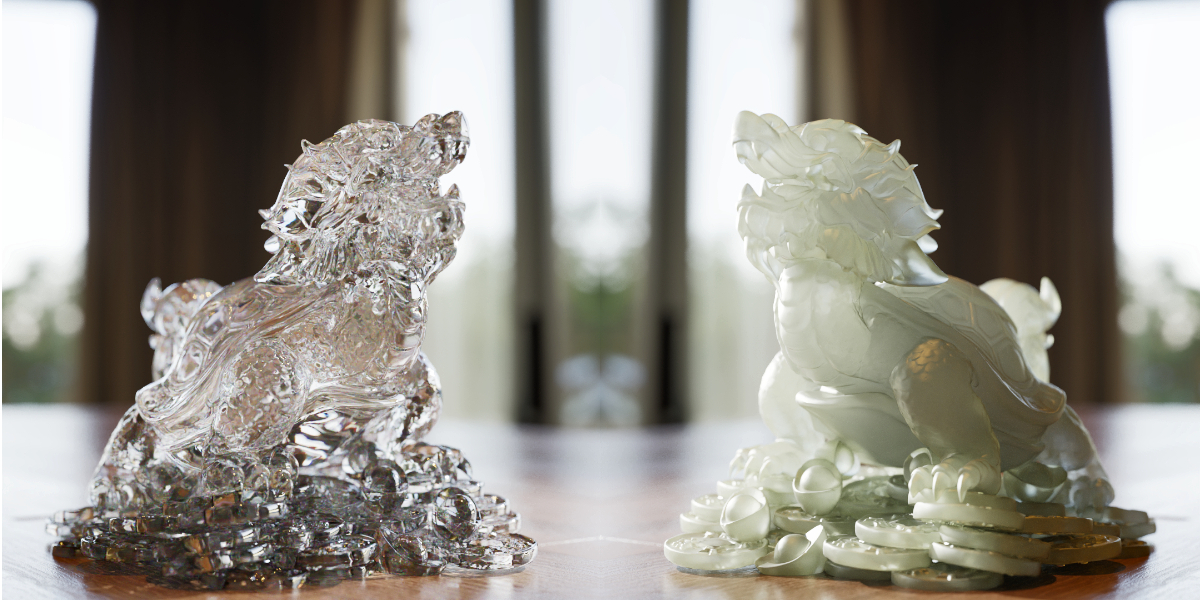
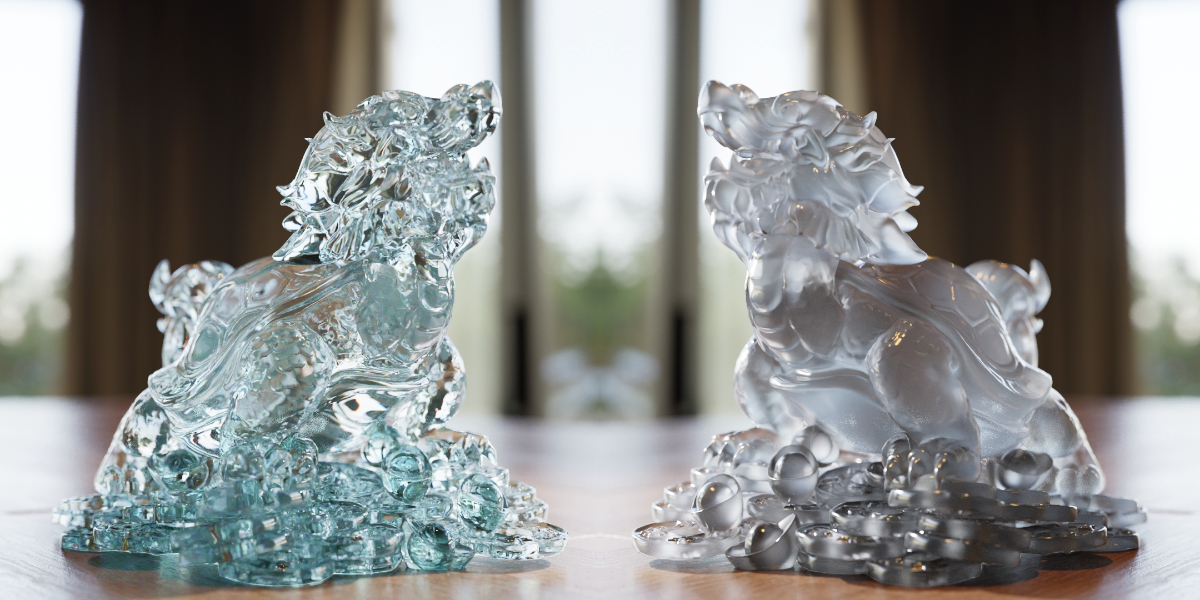
🧊 How to Use the Glass Shader in Blender
Follow these quick steps to add the TreedrewLife Glass Shader to your project:
✅ Step-by-Step Guide:
-
Open your existing Blender project or create a new one.
-
Go to
File > Append. -
Navigate to the downloaded
.blendfile and click on it. -
Open the Materials folder inside the file.
-
Select the material named
Glass_TreedrewLife. -
Click Append to bring it into your project.
-
Select the object you want to apply the material to.
-
In the Material Properties panel, choose
Glass_TreedrewLifefrom the material list.
Now you’re ready to use this procedural glass shader. ✨
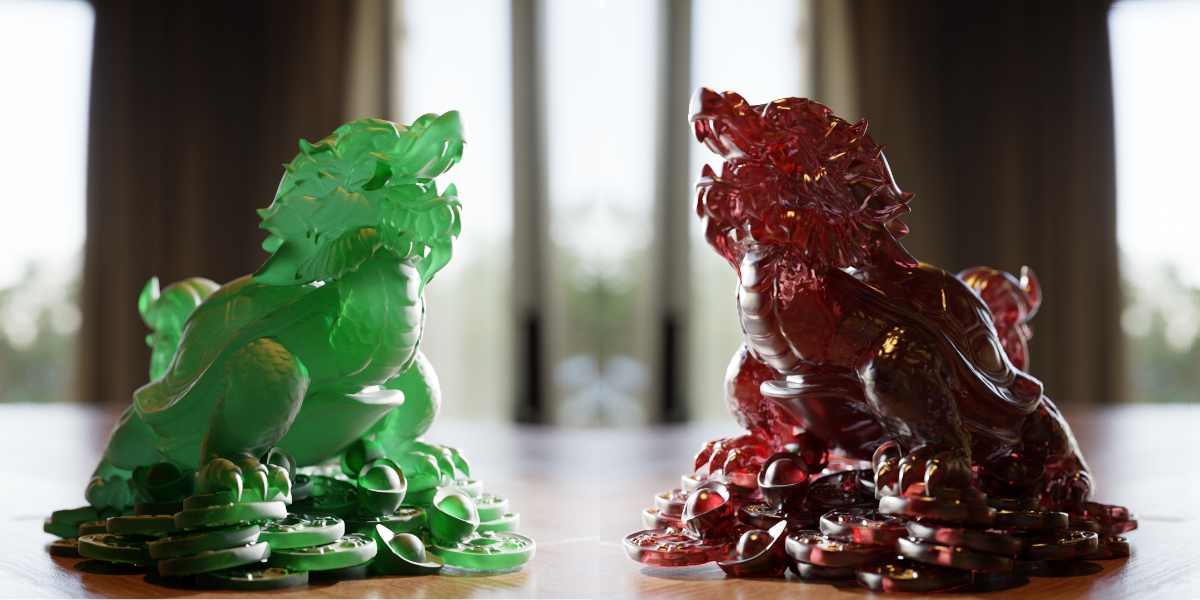
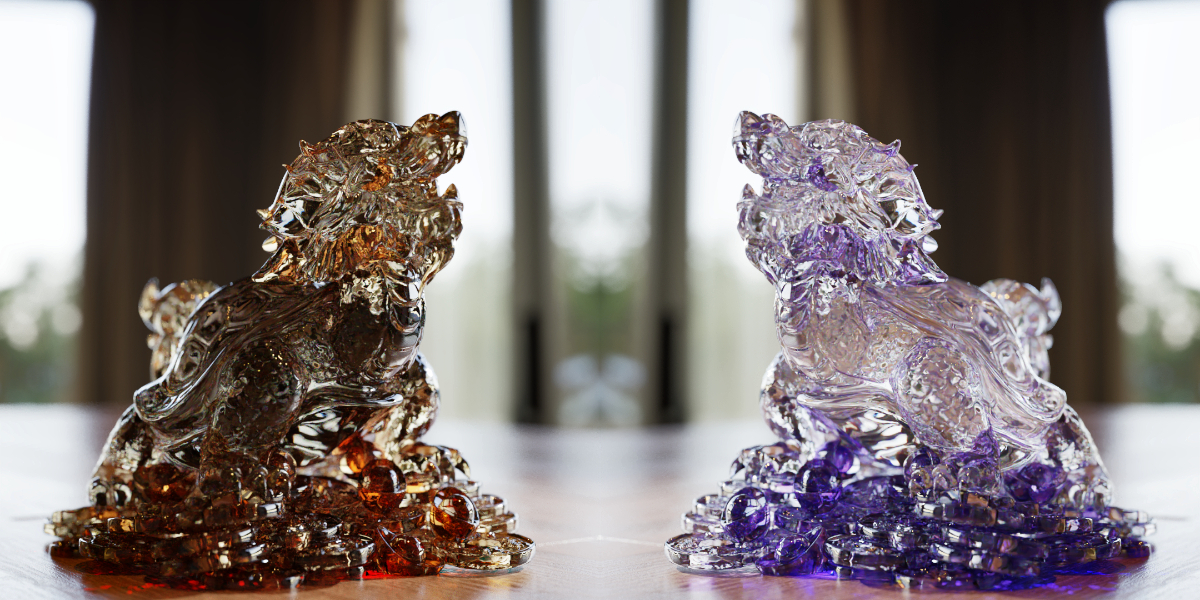
Tweak its parameters and let your creativity shine with realistic refractions, fake caustics, and custom color absorption.
Have questions about this product?
Login to message
| Sales | 30+ |
| Published | about 4 years ago |
| Blender Version | 2.8 - 4.4 |
| Render Engine Used | Cycles |
| License | Creative Commons |