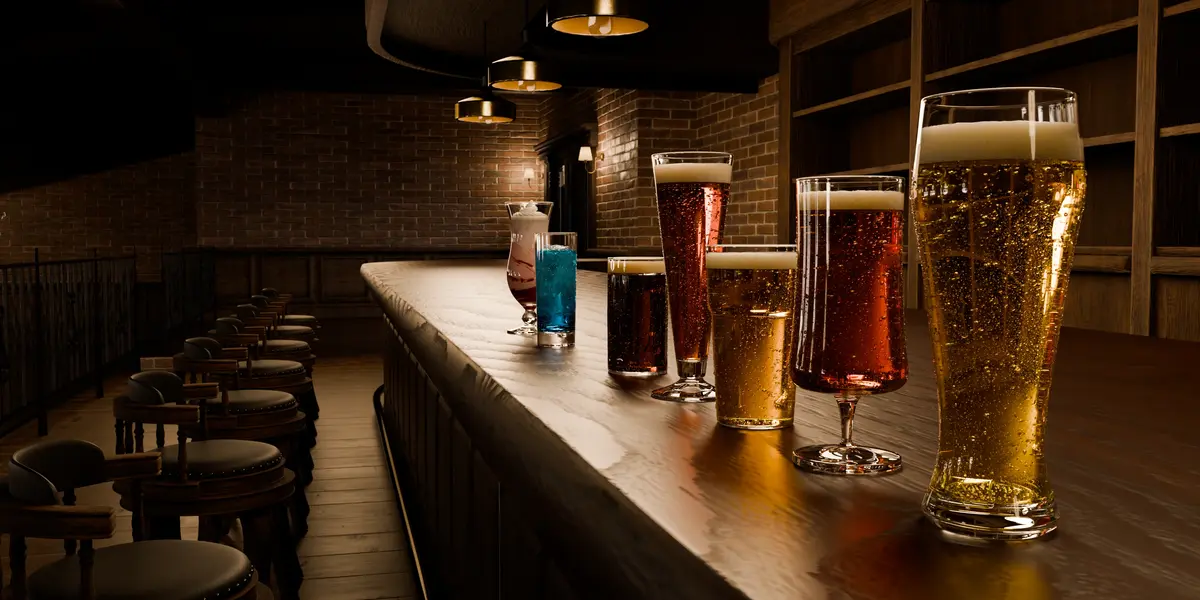
Glassware Add-On - V. 1.4
Install
Needs Blender 5.0 or newer.
- Edit > Preferences > Add-ons.
- Top right drop down > Install from Disk. You can also drag the zip into the Blender window.
- Pick GlassWare_Blender_Addon.zip. It installs and enables itself. No restart needed.
Meshes, textures, liquids and drink assets are all in the zip. There is no library path to set. GlassWareLibrary.blend next to it is an optional Asset Browser library and the add-on does not need it.
Video guide: https://youtu.be/c13MjpFDsg4
The panel

In the 3D Viewport press N and open the GlassWare tab.
The top row is always there. It names the glass you are editing, shows its live vertex count, and holds three buttons at the right: Glasses Selectable Only, Remove All, and the gear.
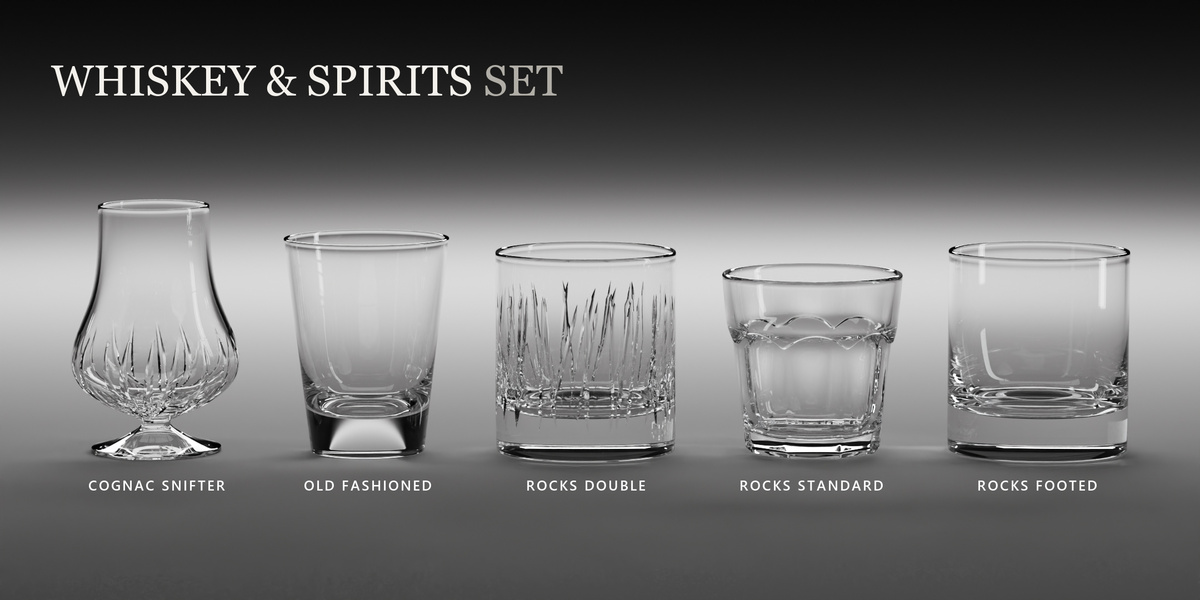
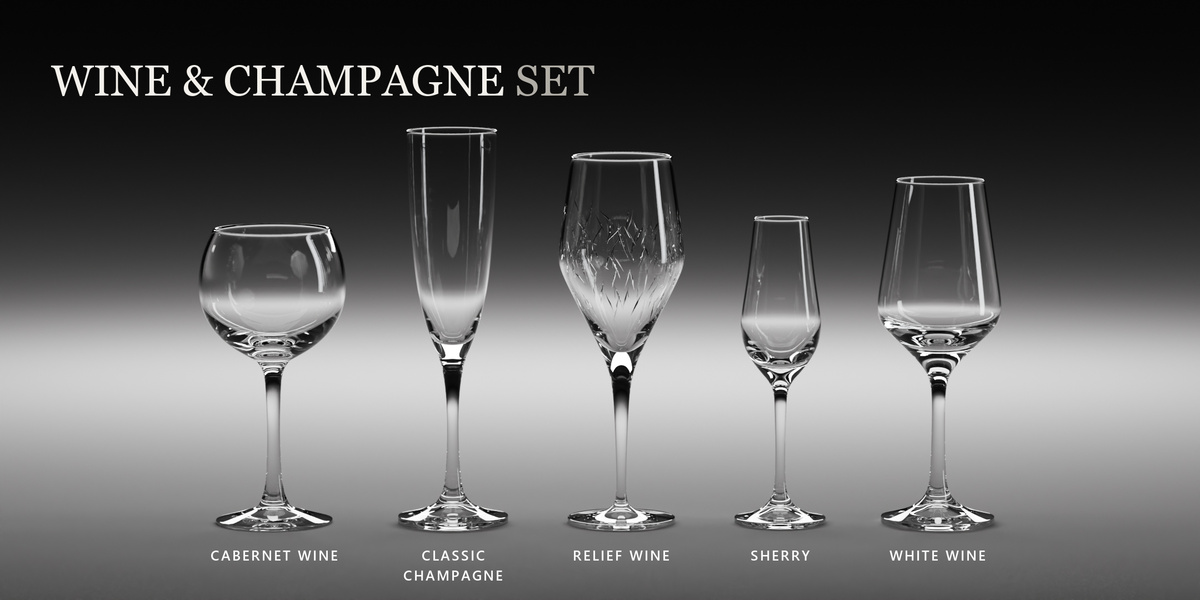
| Models | Browse the library, place glasses, arrange them, set the quality mode |
| Glass | Material presets, color, roughness, IoR, body depth, dispersion |
| Liquids | Pour a drink, set the fill and the look of the liquid |
| Extras | The eleven effects |
The last three act on your selection. With nothing selected they say so and offer a Select Last Added button.
Models tab
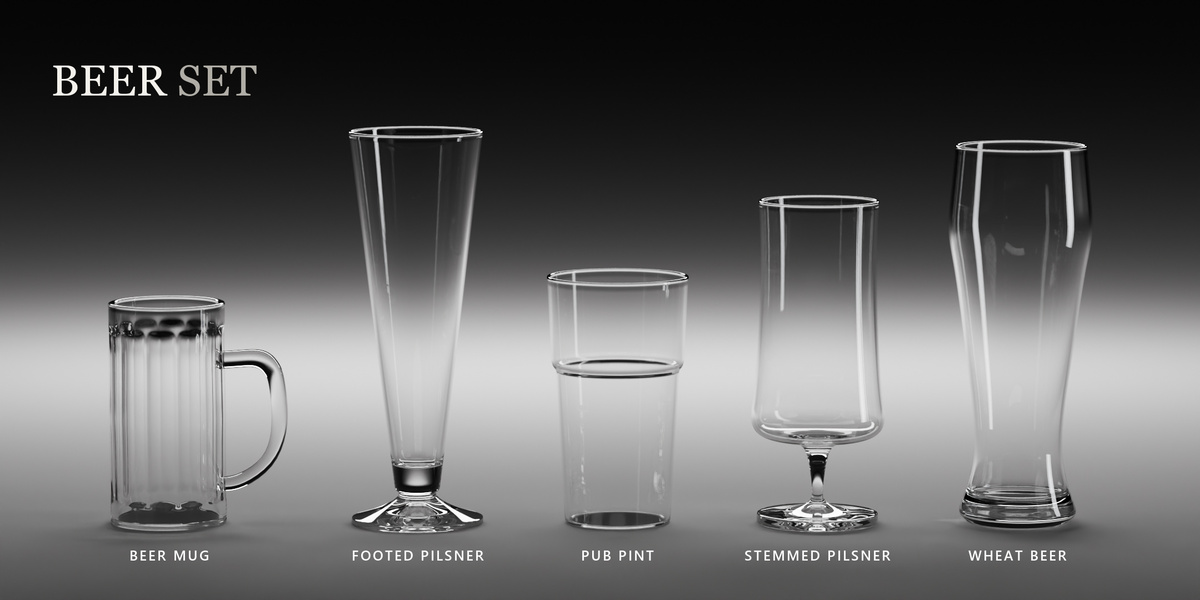
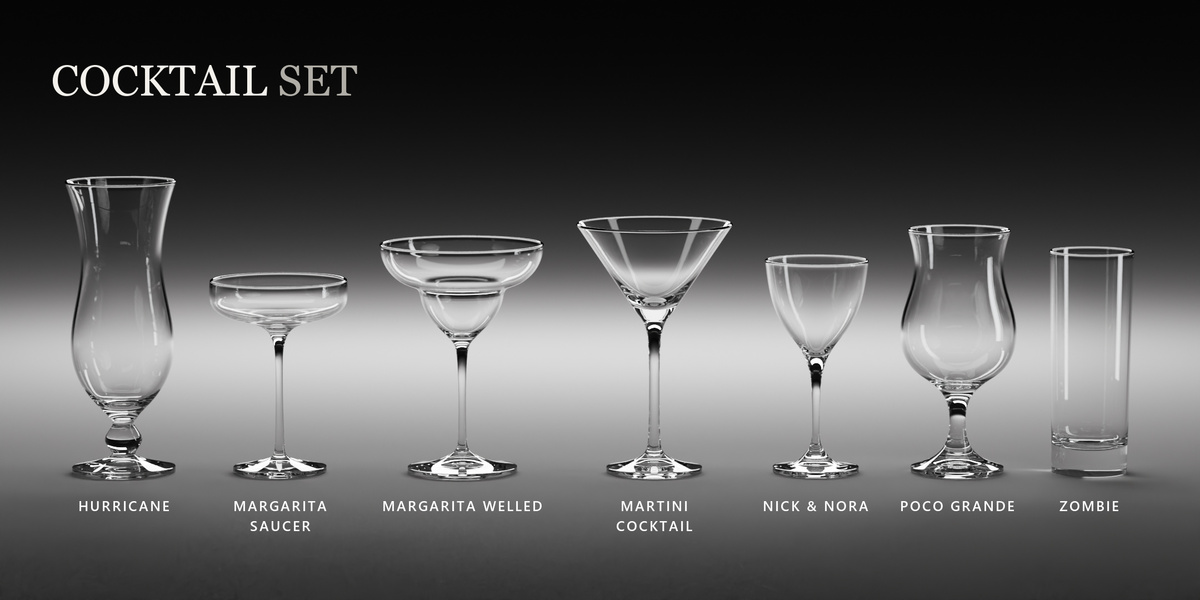
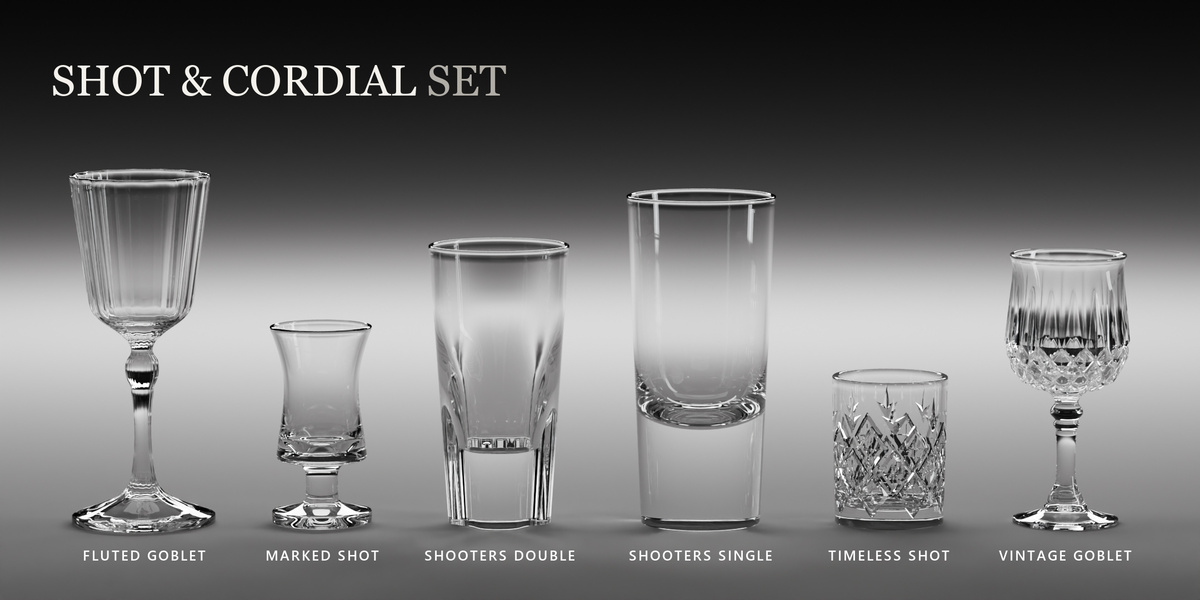
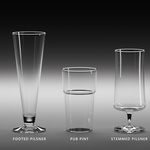
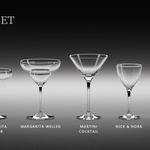
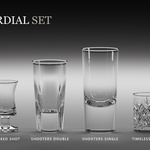
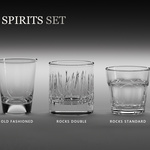
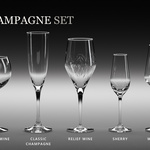
One accordion per category. Click the preview to open a named grid, or hover it and scroll to step through the category. Under it: Add places the previewed glass, Replace swaps the selected glasses for it, Add Set places the whole category.
Quality has three segments.
- Game Ready. Low poly with a baked normal map, for real time and heavy scenes.
- Cinematic. Detail in the geometry, for close ups.
- Hybrid. Game Ready in the viewport, Cinematic in the render.
Switching keeps your material edits, the drink and every effect.
Glasses spawn at the 3D cursor. Below the library you get Center Selected Glasses, a Glass Spacing slider that re spaces the selection live, Align on X or Y, Add Random Glass, and blanket viewport toggles for liquids and extras. Shift+D duplicates a glass with its drink and effects, Alt+D instances it.
Glass tab
Six one click looks: Clear, Frosted, Smoke, Emerald, Sapphire, Ruby. Your own presets appear under them once custom glass presets are switched on in the gear.
Below that: Saturation, Brightness, Roughness, IoR, Normal Strength on Game Ready glasses, and two worth knowing.
- Body Depth absorbs through the thickness of the glass, so a thick base and a stem read as solid instead of a colored skin.
- Dispersion splits the refraction into three primaries. It is only built when the value is above zero, so glasses that do not use it cost nothing. Save it for hero props.
Liquids tab

Fill runs from empty to full, with a Slight Random Variation button to spread it across a selection. Under it, a searchable list of all 41 drinks with previews, and above the list the drinks that suit the selected glass.
Switch on liquid presets in the gear to get Tint & Depth (hue, saturation, brightness, richness, haze and Wine Legs) and the preset list, which saves the whole pour including the drink.
Pouring a drink switches on the effects that drink needs. A cola arrives carbonated and over ice. The Extras tab says which ones and why.
Extras tab
Copy and Paste at the top move a whole effects setup from one glass onto others.
Below that the effects sit in three groups: typical for this drink, miscellaneous, and not typical. Each effect is one box and its checkbox opens it. The eye at the right hides the effect from the viewport and leaves the render alone. Scattered effects end with Pattern, which re rolls the arrangement.
The eleven effects

Carbonation. Bubbles, Bubble Size, Nucleation Sites, Surface Ring, Ring Width. Animate adds rise speed, acceleration, dwell, wobble and the fades. It is off by default, so a still frame stays still.
Foam. Amount, Bead Size, Depth, Crown, Edge Cling, Bubble Packing, Size Variation, Bubble Clarity, Patchiness.
Ice Cubes. Cubes, Cube Size, Size Variation, Melt, Roundness, Taper, Float Height, Clarity, Frost. Cubes are fitted to each glass so they never poke through the wall, and the frost only sits above the waterline.
Condensation. Works on an empty glass too. Coverage and the chilled band (Amount, Only Fill Level, From, To, Bottom Bias, Patchiness), droplet size and shape (Contact Angle, Flatten, Teardrop, Coalescence), Streaks, the droplet material (IOR, Roughness, Tint, Dispersion), and a micro Frost layer.
Salt Rim. Amount, Depth, Crystal Size, Flatness, Buildup, Color.
Wine Legs. Amount, Tear Density, Tear Length, Wander, Drop Size, Gaps, Film Reach. It needs a pour.
Fingerprints. Prints, Visibility, Print Size, Size Variation, Rotation, Roughness. Scanned prints on the outer wall.
Scratches. Amount, Coverage, Scale, Roughness, Map, Layers. Projected in object space, so it needs no UVs and shows no seams.
Dust. Amount, Coverage, Settle, Inside, Color, Scale, Flecks, Fibers, Crevice, Cling, Relief, Sheen, Translucency, Wipe. Settle sorts the layer by gravity, so tipping a glass moves its dust. Wipe cuts clean sweeps where a cloth went.
Lip Prints. Marks, Visibility, Size, Rotation, Spread, Coverage, Reach, Color, Gloss, Shimmer, Relief, Wear. Marks run over the lip onto both walls.
Damage. Impacts, Radial Cracks, Crack Length, Crack Depth, Rings, Thermal Cracks, Chips, Chip Size, Chip Bite, Chip Band, Chip Streak, Base Chips, Wear. Cracks are buried surfaces, which is why they catch the light as silver lines.
Chips are unavailable on a poured glass. The drink is a separate mesh cut to the intact cavity, so it would stand in the gap a chip leaves. Cracks are fine on a full glass. Empty it to chip it.
Presets
Three kinds, all stored in the add-on preferences so they survive scenes and sessions: glass materials, liquids (drink, fill, tint, carbonation), and effects (Carbonation, Foam, Ice Cubes, Condensation).
Save with the + on the list header, apply with the row, delete with the trash. The checkmark stays lit while the panel matches, and clears when you move a slider. While a liquid preset is active your edits go straight back into it.
Performance
- Lay out in Game Ready or Hybrid. Hybrid still renders Cinematic.
- Effects thin themselves on the lighter modes, and most have their own Viewport Detail cap.
- Hide Extras and Hide Liquids on the Models tab are blanket viewport switches. Renders are untouched.
- The gear adds Hide Shader Extras in Viewport, which drops the five shader effects while you work and restores them for the render.
- The gear also has Pause Condensation During Playback.
Updating placed glasses
Every placed glass is stamped with the source mesh it came from. When an update ships new geometry, a banner names the glasses that fell behind and says whether the glass, the drink or both changed.
Update All or Selected Only re imports the geometry and carries your material edits, transform, collection and drink settings across. A Revert Update button stays on screen afterwards until you press Keep.
Gear settings
- General. Pause Condensation During Playback, Hide Shader Extras in Viewport.
- When Adding a Glass. GlassWare Collection, Random Rotation, Glass Shadow Caustics.
- Show in Panel. Hide any control you do not use, vertex counts included.
- Custom Presets. Three gates, all off on a fresh install.
- Reset to GlassWare Defaults, and Credits.
Defaults live in glassware_settings.txt inside the installed add-on folder. It is commented line by line, so you can change where the pack starts.
Rendering
- Cycles. The drinks use volume absorption, so they are Cycles only. The glass itself previews fine in EEVEE.
- Cloudy drinks need caustics. Turn reflective and refractive caustics on in Light Paths. With them off, the wall behind a cloudy drink goes dark and looks like a shadow on the liquid.
- Shadow caustics are on by default. Every glass is marked a caster and everything else a receiver.
- Real world scale, centimeters. Light them as you would light real glasses. They need something to refract.
Raw files
Both tiers as plain FBX and OBJ, with the normal maps for the Game Ready set. Game Ready meshes carry a convex collider. The liquid interiors are FBX only.
Troubleshooting
- A control does nothing. Select a glass first. The row above the tabs names the one being edited.
- A setting changed every glass. Edits reach the whole selection. The only switch that goes wider sits under the drink picker.
- Chips are grayed out. The glass holds a drink.
- A control is missing. It is hidden. Gear > Show in Panel, or the button under the group itself.
- Viewport and render look different. Expected on the lighter quality modes and with the Viewport Detail caps.
- Something looks stale after an update. Reopen the file. Node groups upgrade themselves on load.
License and credits
Royalty free, commercial use allowed. The add-on code is GPL-3.0, which Blender requires of every add-on. The models and textures are not GPL. Full terms are in LICENSE.txt and inside the add-on zip.
The bitmaps behind Fingerprints, Scratches and Lip Prints are derived from texture packs by https://resourceboy.com/
The add-on never contacts the network.