 loviz
loviz
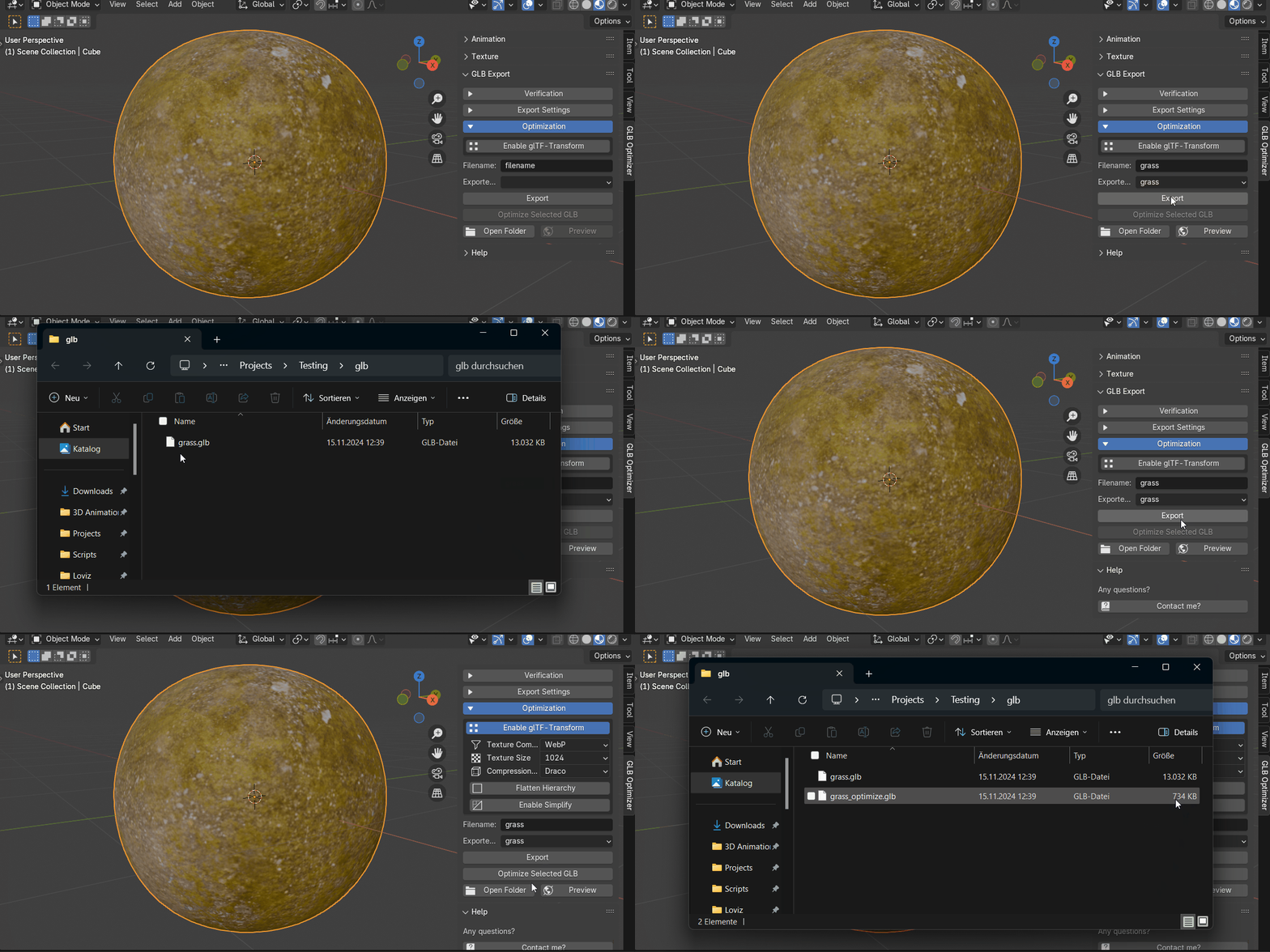

GLB Optimizer - Shrink File Sizes, Boost Performance
One-click optimization for Blender: reduce model size, lower draw calls, and speed up load times.
Before & After Optimization
Watch how a 150MB model is reduced to just 5MB while maintaining visual quality
Who Can Benefit From GLB Optimizer?
Our powerful tool is designed to address the specific needs of professionals working with 3D content across different platforms.
Key Features
Smaller File Sizes
Significantly reduce GLB file sizes for faster downloads and improved loading times.
Enhanced Performance
Incrase FPS by reducing draw calls for a smoother experience.
Flexible Texture Formats
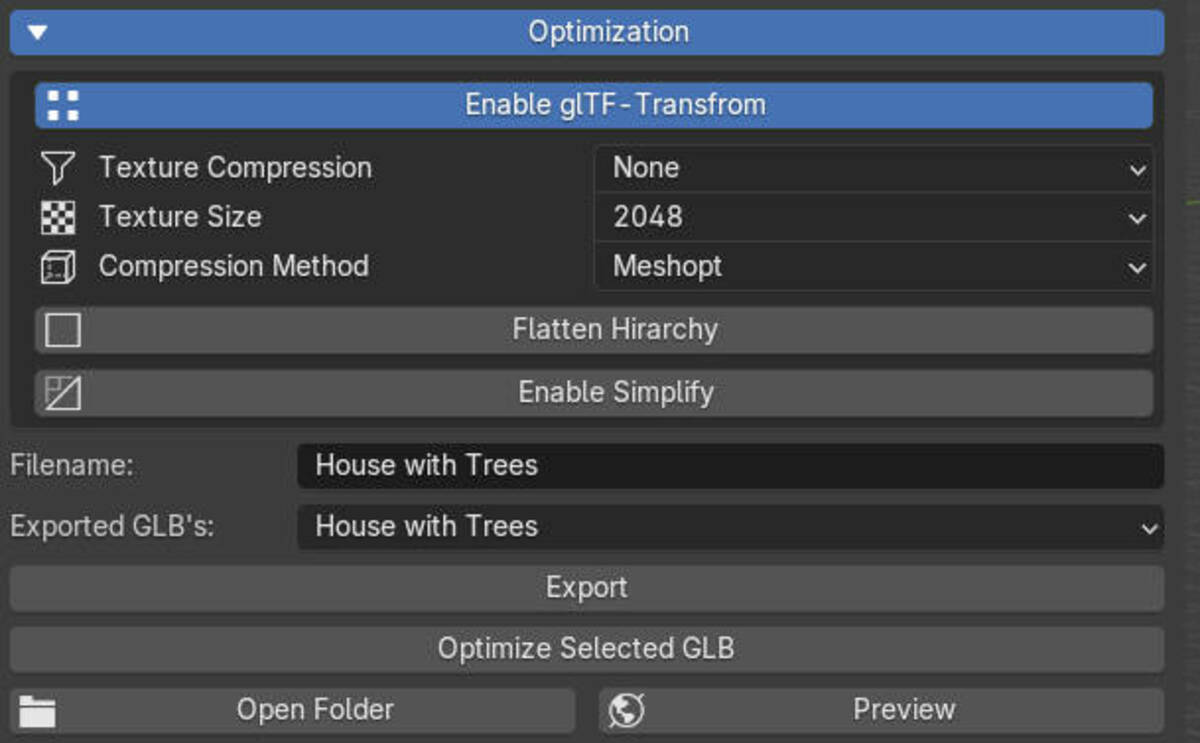
Select from various texture formats like WEBP, KTX2, AVIF, or let the add-on automatically determine the best one.
Multiple Compression Options
Choose from Draco, Meshopt, Quantize, or disable compression entirely based on your project needs.
Mesh Simplification
Intelligently reduce polygon counts while preserving visual quality and important model details.
Static Batching
Combine similar objects into single meshes to reduce draw calls and improve performance in real-time applications.
Hierarchy Flattening
Simplify complex node hierarchies to reduce draw calls and improve runtime performance.
Batch Processing
Process multiple models simultaneously with consistent optimization settings to save time.
Intuitive Interface
GLB Optimizer features a clean, user-friendly interface that integrates seamlessly with Blender's workflow. Access all optimization tools directly from the 3D viewport with organized panels and clear controls.

Preview Comparison
Learn how to use the preview comparison feature to see the before and after results of your GLB optimization.
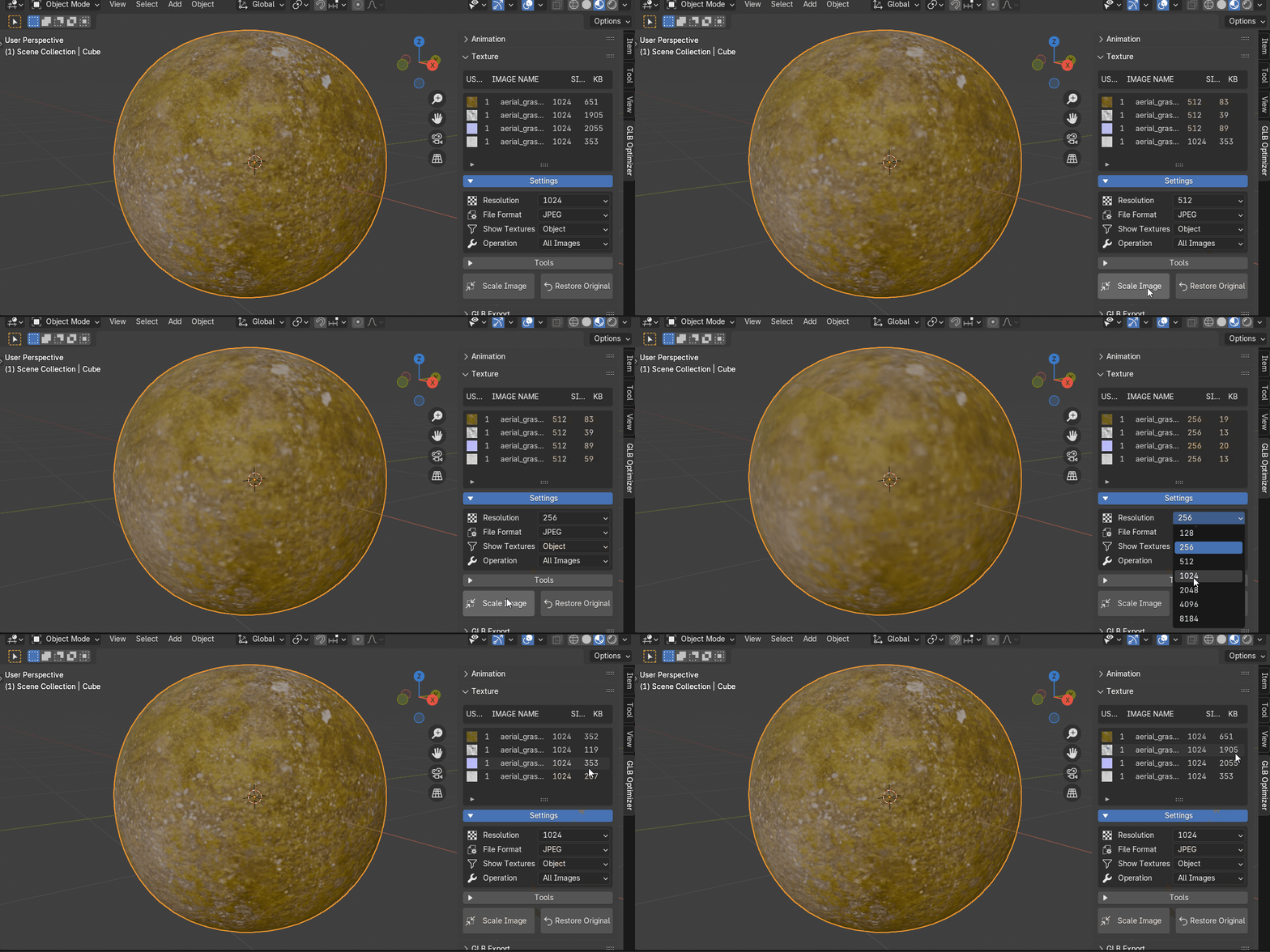
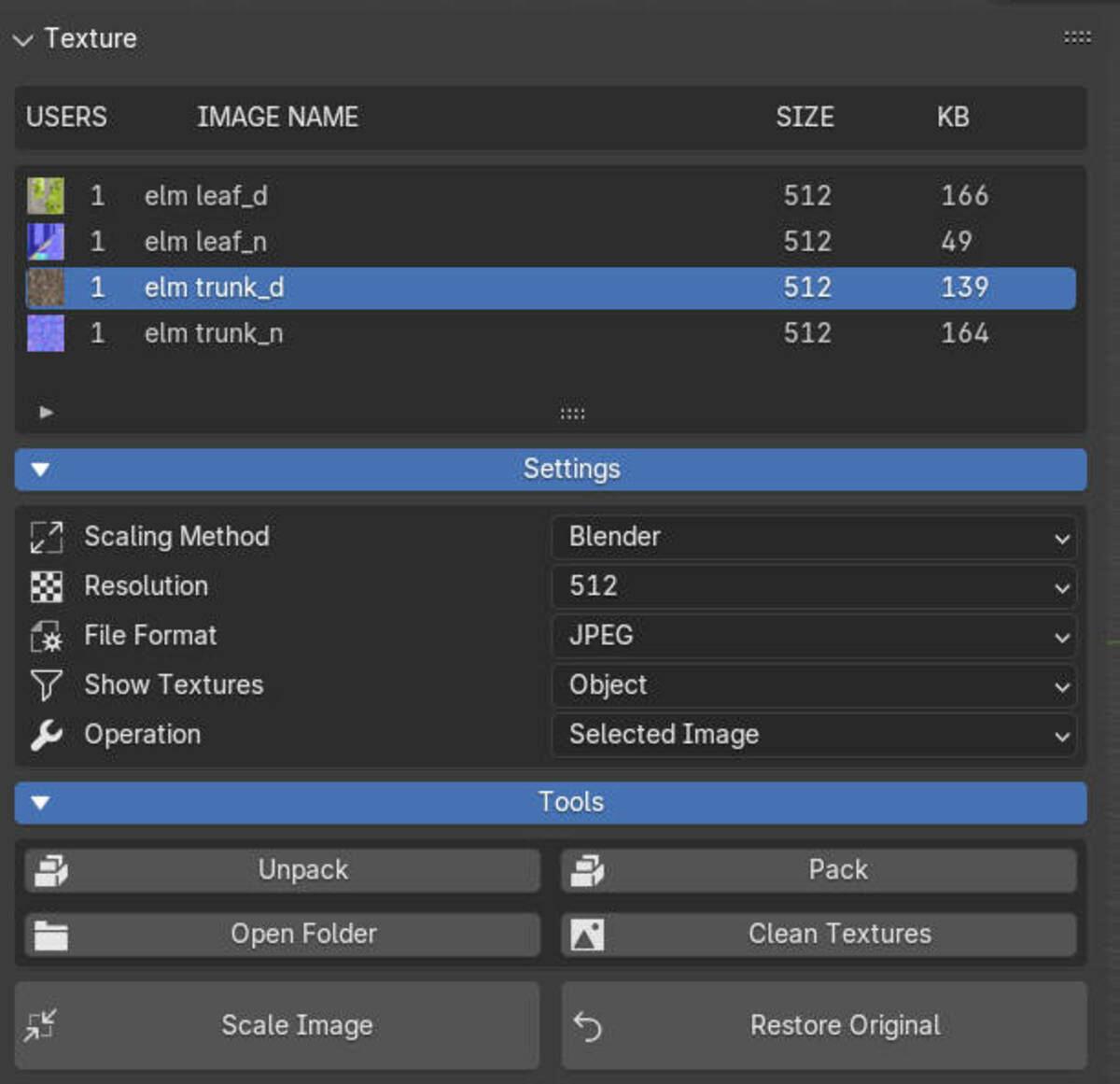
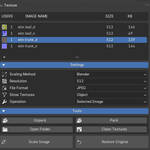

Batch Texture Scaling
Quickly scale multiple textures at once to optimize your model's file size and improve performance.
Advanced GLB Exporting
Customizable Exports
Export entire scenes or selected objects with full control over what gets included, like lights, animations, and modifiers.
Project Directory Saving
Directly save GLB files to your project directory for easy management and access.
Web Browser Preview
View your optimized GLB files directly in your web browser to ensure they look and perform as expected.
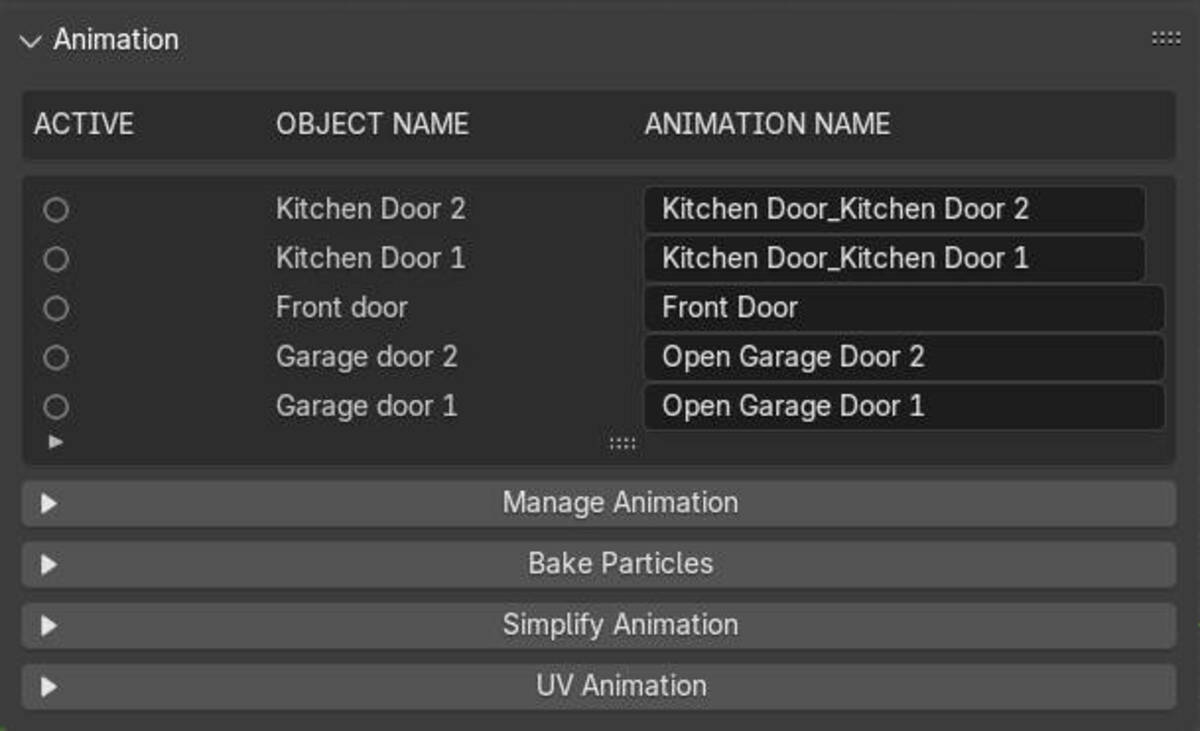
Animation Management
Easily manage, combine, or split animations, ensuring they export seamlessly for your web and game projects.
Install Add-on
The add-on can be installed as an extension or as a legacy add-on in Blender versions older than 4.2.
Install Node.js and glTF-Transform
To use advanced glb/gltf optimization, we need to install an external library called glTF-Transform. It offers sophisticated functions to improve file size and performance.
Export and Optimize
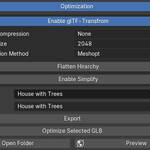
Before exporting your model, save your Blender file. Then, adjust the settings to your liking and hit export. With glTF-Transform enabled, you can choose the ideal texture compression, set the texture size, and even tweak the compression method. Plus, there are handy scene tools available to flatten hierarchies, join meshes (that don't have animations), or reduce polycount by simplifying the mesh.
Requirements
-
Blender 4.2 or later
-
glTF-Transform installed for advanced optimization features
-
Optional: KTX-Software for KTX2 texture compression
What Users Are Saying
-
Great Tool for optimizing GLB files in Blender. My Example: 170MB -> 2MB. Very good communication with the developer, too. He is very helpful and responsive.ZolBal
-
The glb optimizer is easy to use and gives fantastic results. Compared to Blender's built-in GLB exporter, it reduced the file size of my GLB files by 3 to 6 times without any loss in quality.H.L.
-
Really helps to get my filesizes down in just a few clicks, the result is a lightweight yet barely different from the original in quality. Great addon for web ready models!Sébastien lenaerts
-
Great tool! It allow us to do in one button what took us two different tools, it does what it should and it do it properly, our Glbs are now 10-20% of the original weight.apresm
Average Rating: 5/5
Get started today
Enhance your Blender projects with GLB Optimizer and produce efficient, high-quality exports for the web, AR/VR, and games — effortlessly.