 Nachiket Bhand
Hit your GLB size budget without leaving Blender
Your developer says the model must be under 5 MB. Blender exports 40 MB, and nothing tells you which part is heavy.
GLB Web Budget is a GLB optimizer for web and AR that works the other way round: you set the target size, and it gets the file under it. It shows exactly where every megabyte goes, fixes the heaviest parts for you, and exports a GLB with a pass/fail report your developer can trust.
No Node.js, no glTF-Transform, no command line. Install it and it works, using Blender's own glTF exporter.
Tested on real models
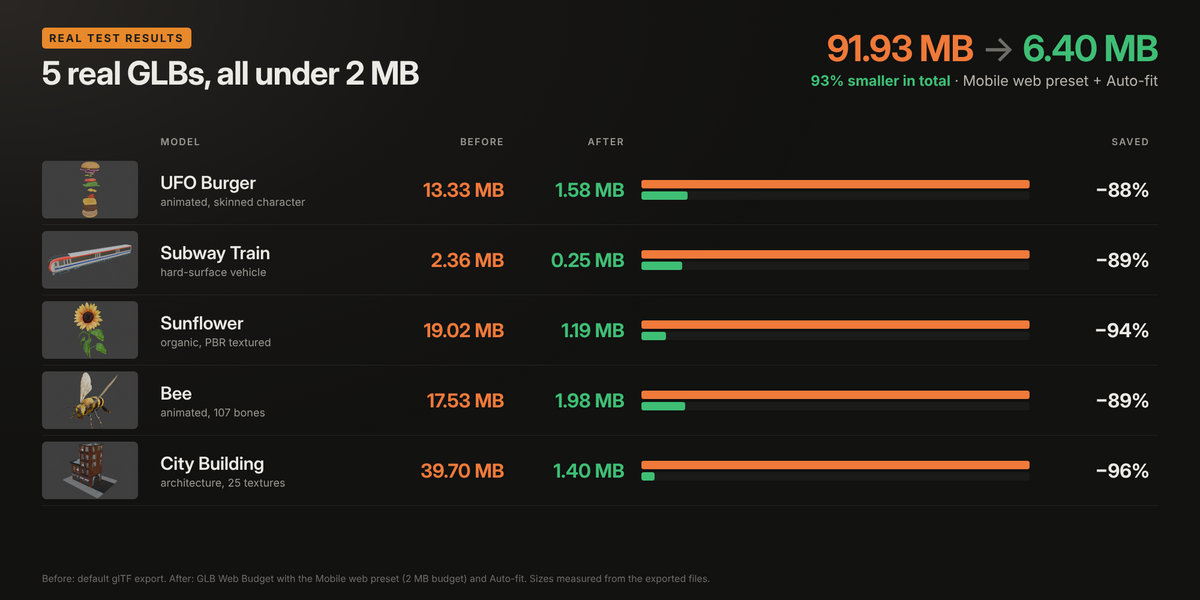
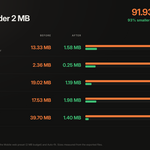
Mobile web preset, 2 MB budget. Every model passed.
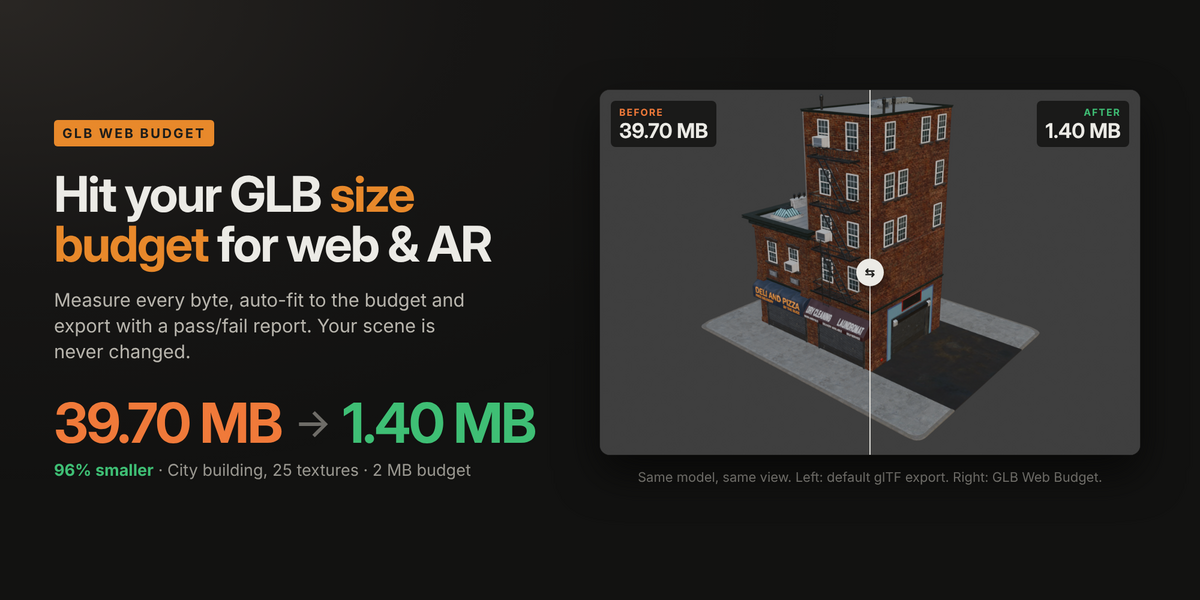
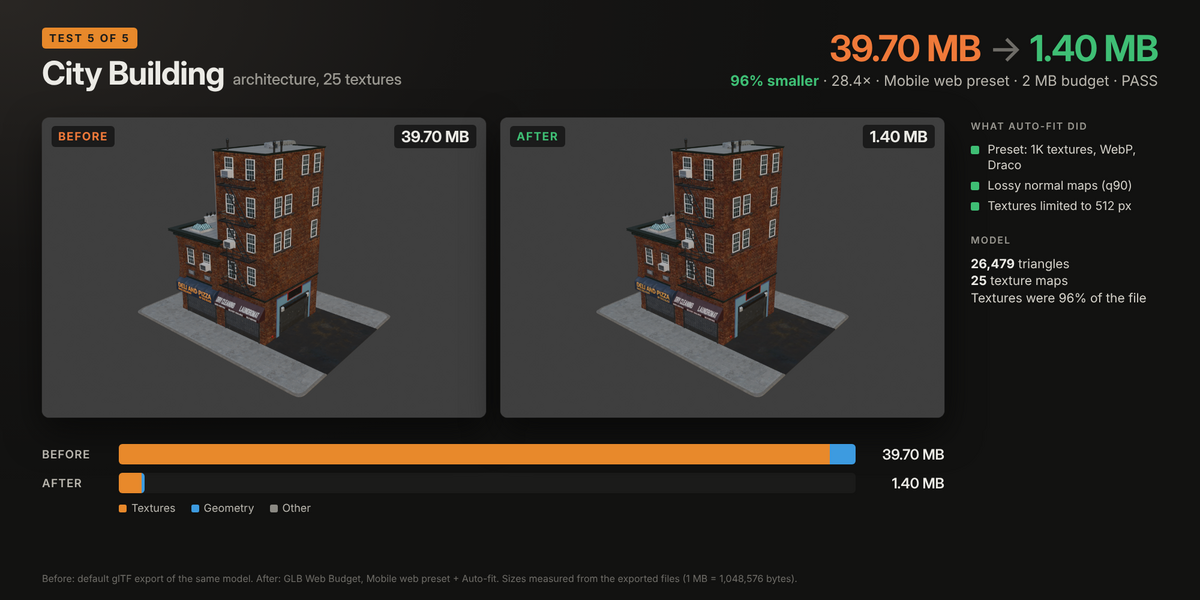
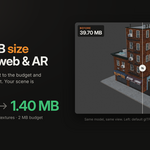
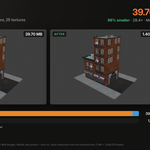
- City Building (25 textures): 39.70 MB → 1.40 MB, 96% smaller
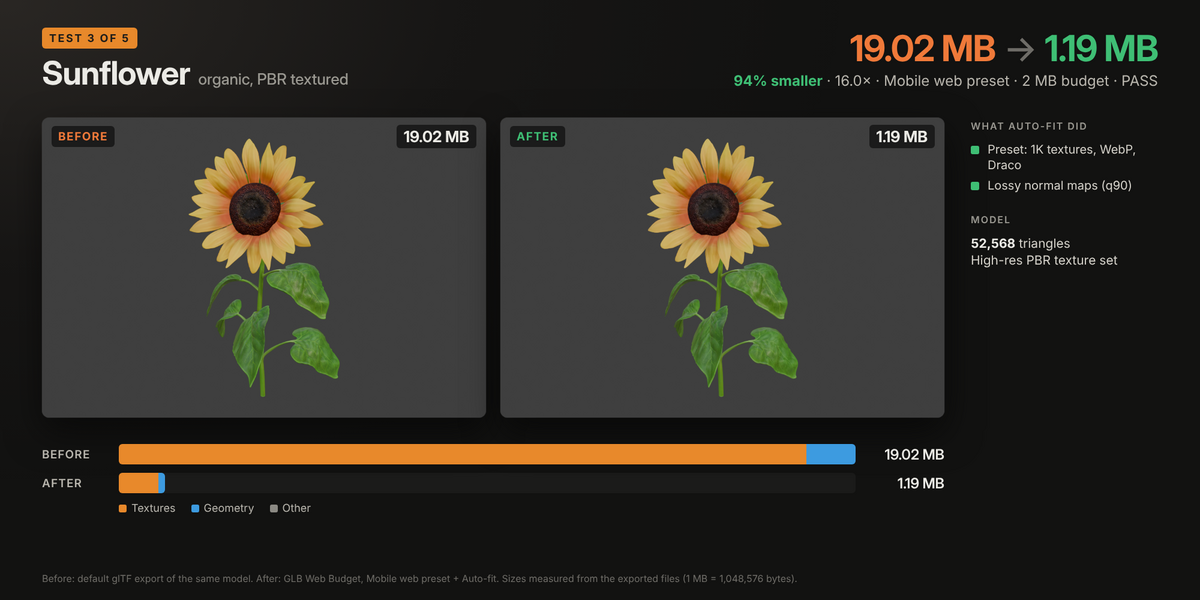
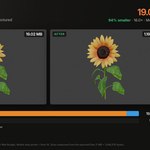
- Sunflower (PBR textures): 19.02 MB → 1.19 MB, 94% smaller
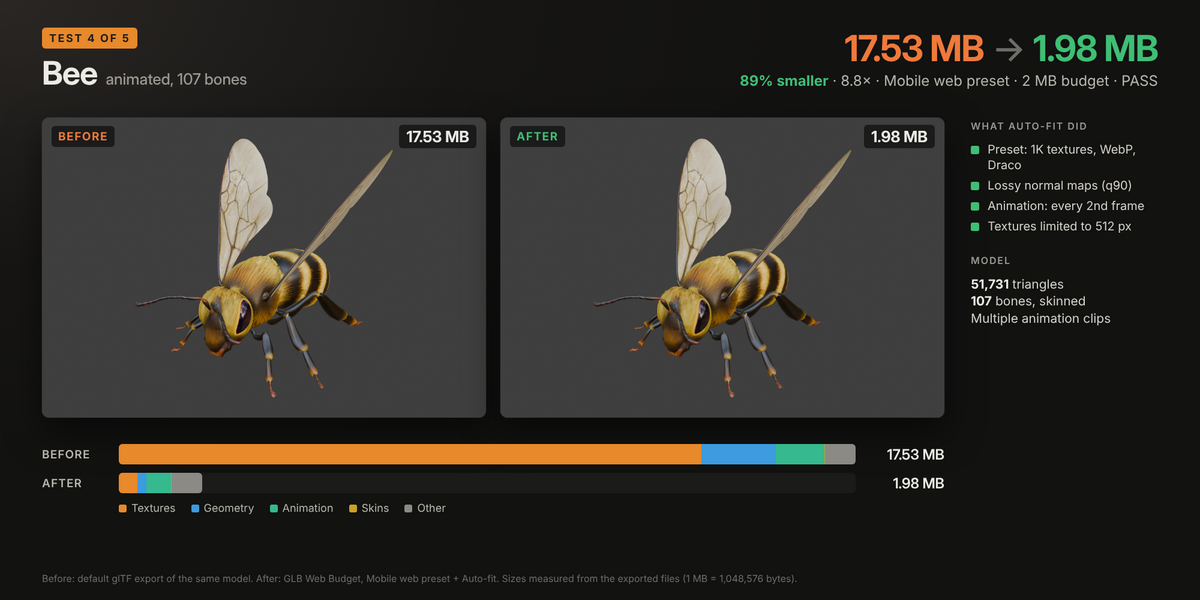
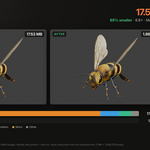
- Bee (animated, 107 bones): 17.53 MB → 1.98 MB, 89% smaller
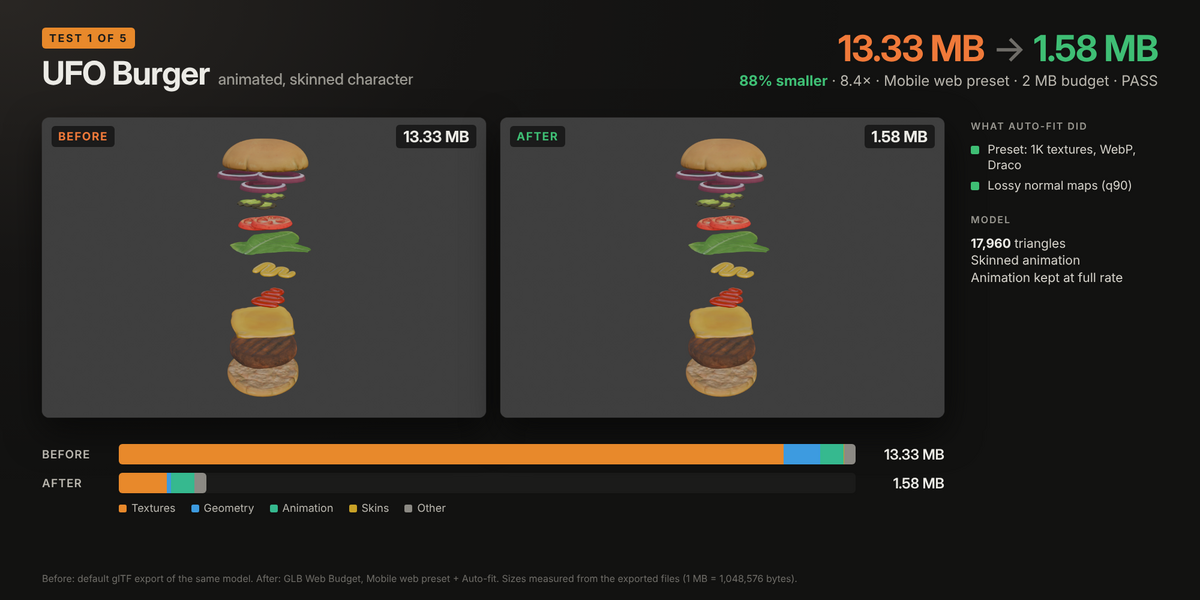
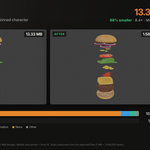
- UFO Burger (animated, skinned): 13.33 MB → 1.58 MB, 88% smaller
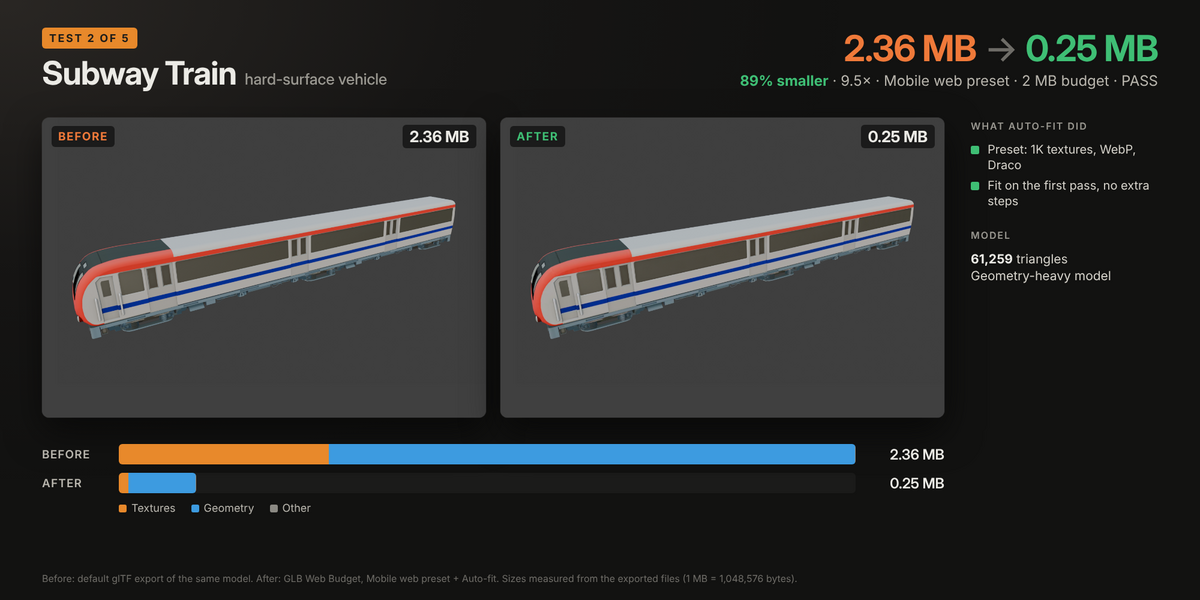
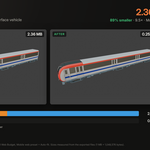
- Subway Train (61K triangles): 2.36 MB → 0.25 MB, 89% smaller
Before is Blender's glTF exporter with default settings. Sizes are measured from the exported files. The before/after images in the gallery are those files re-imported into Blender.
How it works
- Pick a target. Web hero (5 MB), Product viewer (3 MB), Mobile web (2 MB), AR (4 MB), or any size you type in.
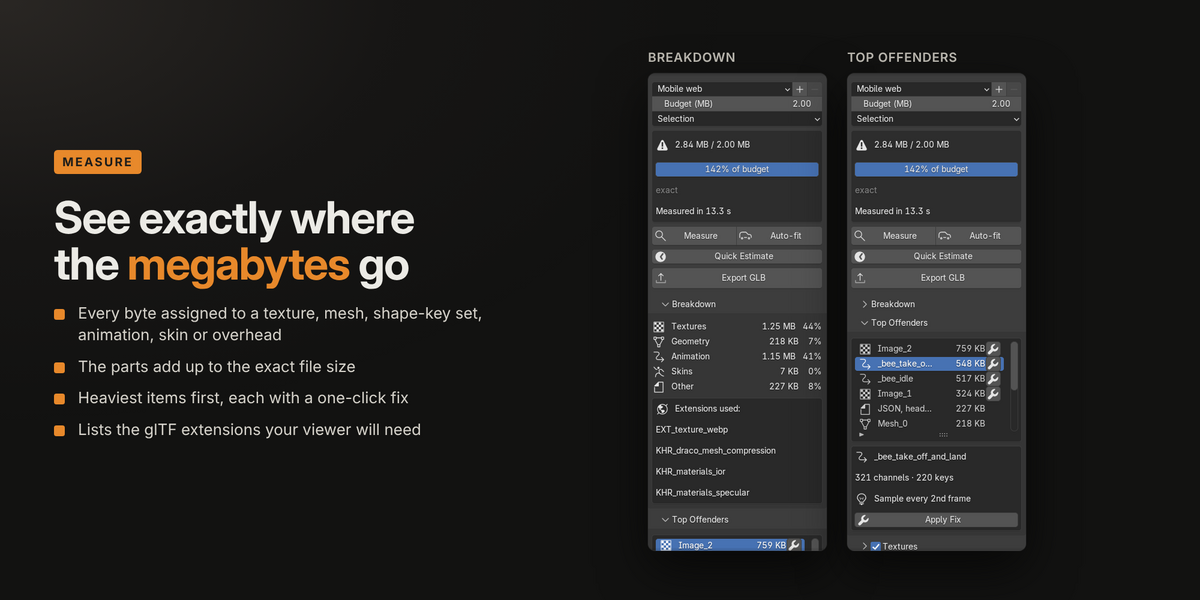
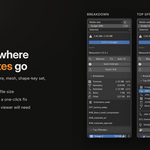
- Measure. Every byte of the GLB is assigned to a texture, mesh, shape-key set, animation, skin or overhead. The parts add up to the exact file size.
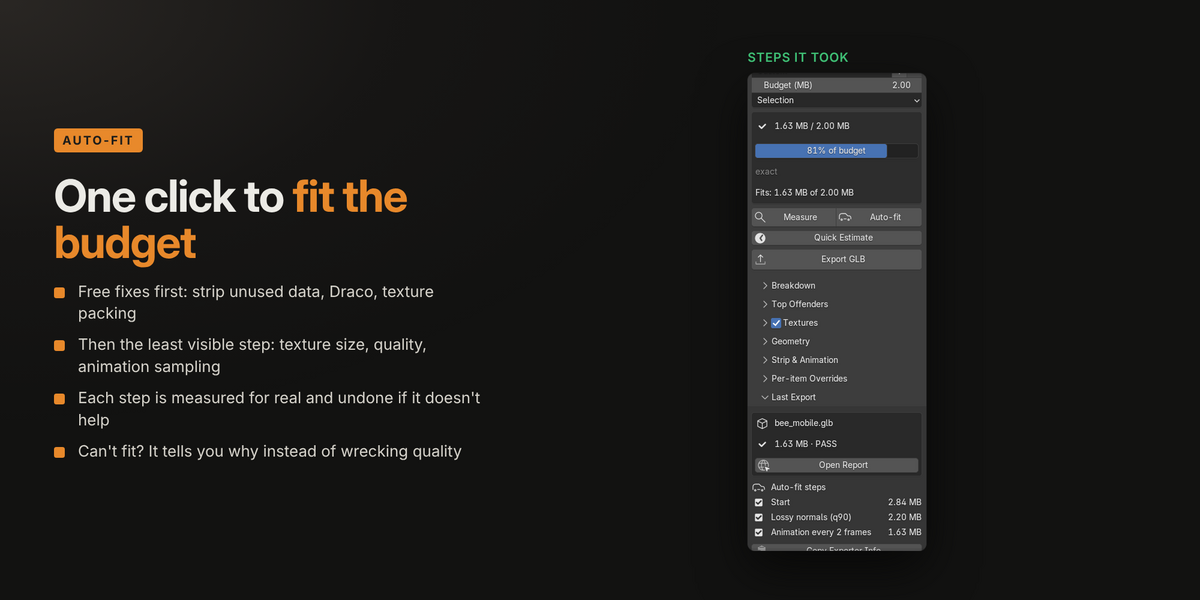
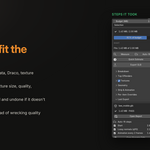
- Auto-fit. Fixes are applied from least to most visible, re-measuring after each one, and it stops as soon as the file fits. If the budget can't be reached without wrecking quality, it tells you why (for example, "shape keys are 10.5 MB").
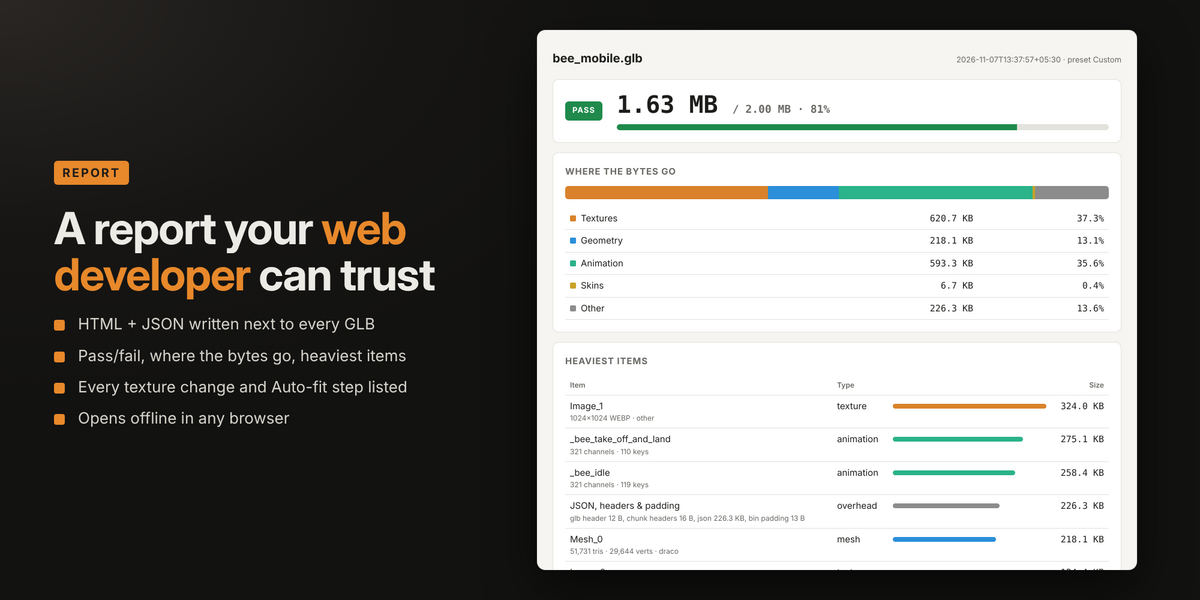
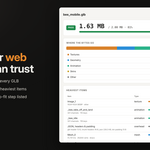
- Export. You get the GLB plus an HTML and JSON report next to it.
Why GLB Web Budget
- Exact, not estimated. The breakdown is read from the real exported file and matches it byte for byte.
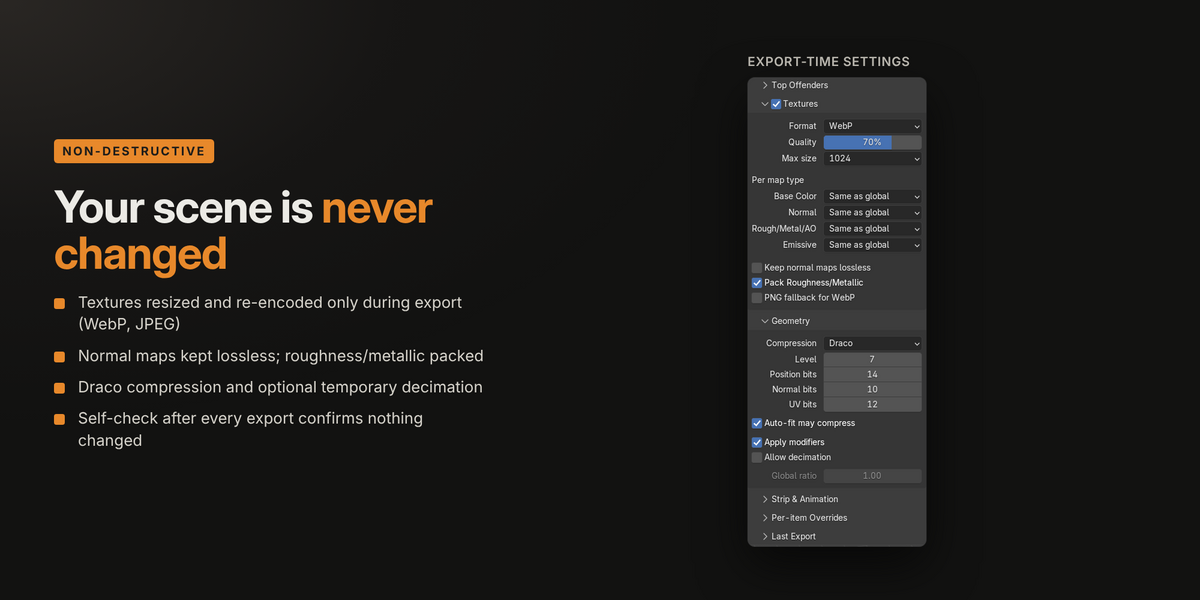
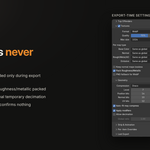
- Your scene is never touched. Resizing, re-encoding, texture packing and decimation exist only during export. A self-check after every run confirms your .blend is unchanged.
- Smart texture handling. WebP or JPEG per map, lossless normal maps, roughness and metallic packed into one texture, and no re-encode that would make an image bigger.
- Top Offenders, one click each. See the heaviest textures, meshes and animations, and fix any one of them on its own.
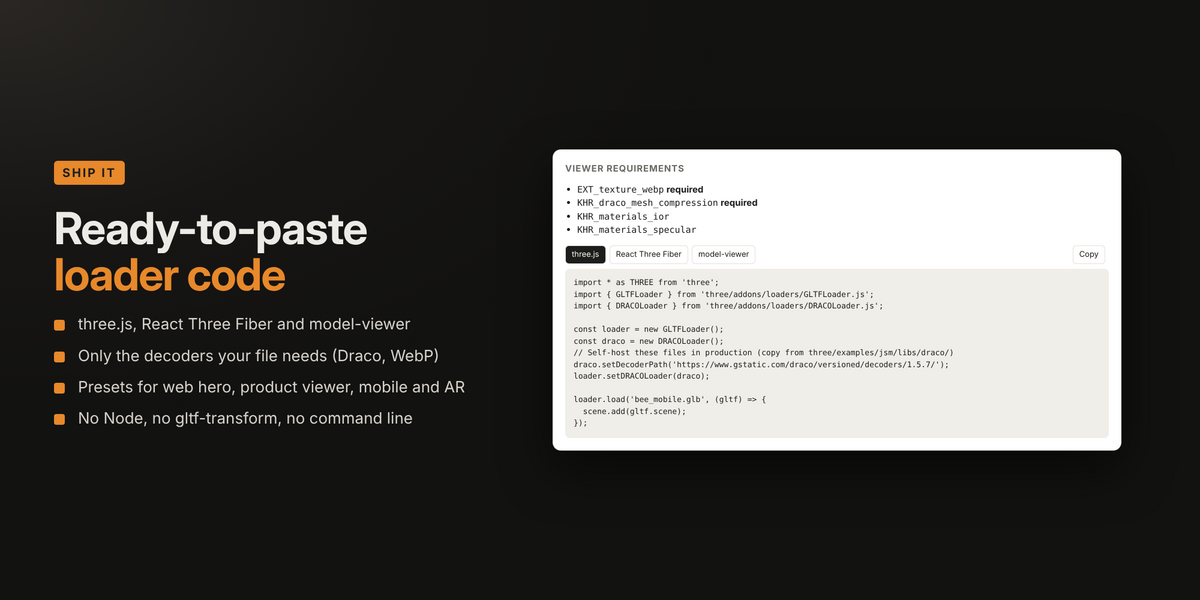
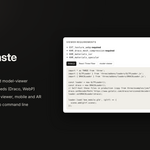
- A report built for the hand-off. Pass/fail, heaviest items, every change made, and copy-ready loader code for three.js, React Three Fiber and model-viewer.
Features
- Presets for web hero, product viewer, mobile web and AR, plus your own saved presets
- Scope: selection, visible objects, active collection or whole scene
- Texture max size, globally or per map type (Base Color, Normal, Rough/Metal/AO, Emissive)
- WebP, JPEG or keep original, with quality control and an optional PNG fallback for WebP
- Draco mesh compression with level and precision controls
- Optional temporary decimation, globally or per object
- Strip tangents, unused vertex colours, custom attributes, unused images, custom properties, cameras, lights and morph normals
- Animation frame step and size optimisation
- Quick Estimate for very large scenes
- Also available from File › Export › glTF Binary for Web (.glb, budgeted)
- Scriptable:
bpy.ops.web_budget.measure(),.autofit()and.export(filepath=...)
Compatibility
- Blender 4.2 LTS to 5.1
- Windows, macOS and Linux
- Blender Extension format: drag and drop the zip onto Blender to install
What's included
- The add-on (full Python source, GPL-3.0-or-later)
- User guide (PDF)
Support
Send questions or bug reports through Superhive messages. I reply within 72 hours.
