GN Rigging System — DQS, Optimized CoR & Delta Mush Skinning in Geometry Nodes
 blueish
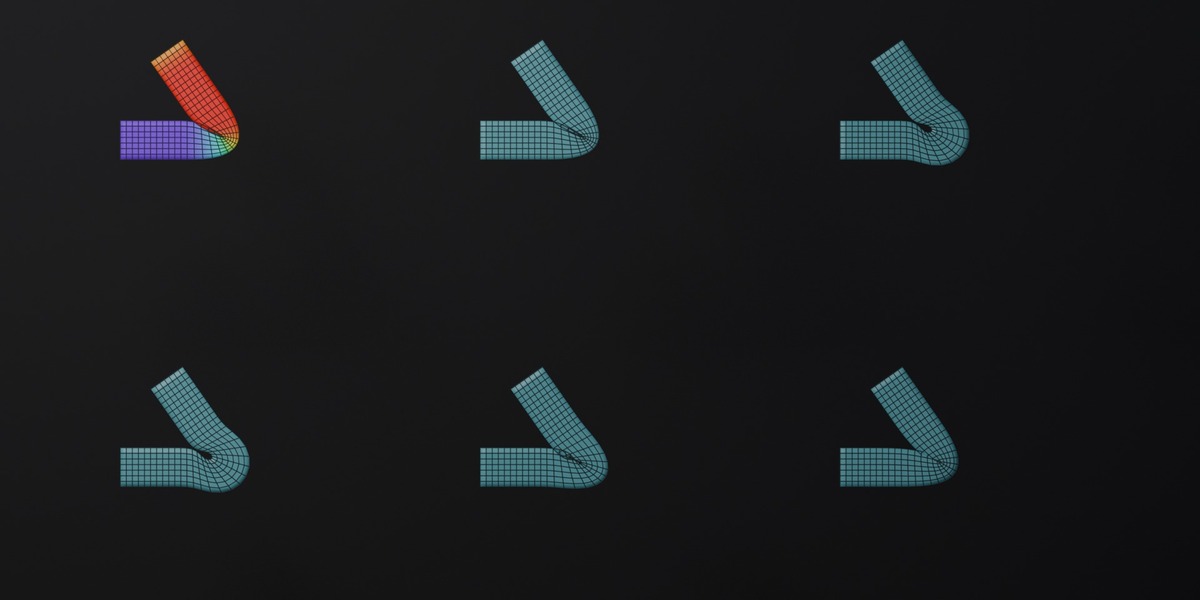
Video tutorial: youtube.com/watch?v=8C4l80Gc3Kw
Quick start
- Open GN_Rigging_V3.blend, or append the node groups into your own file (they are marked as assets, so you can also drag them from the Asset Browser).
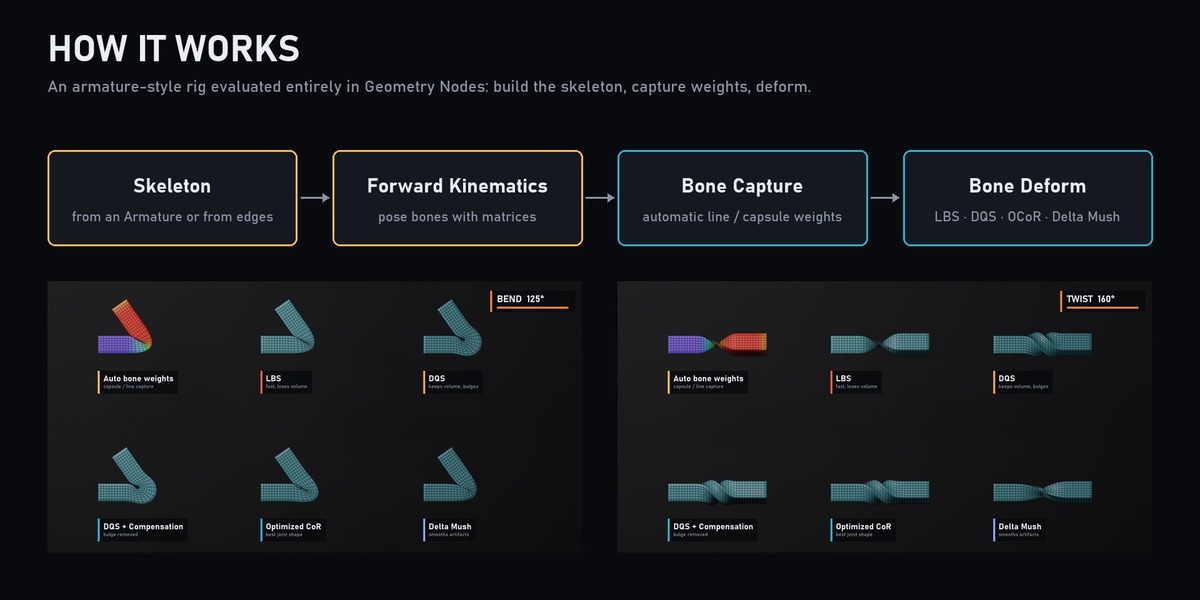
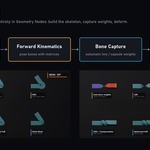
- Build a skeleton: Skeleton from Armature (pick your armature and the skinned mesh) or Skeleton from Edges (any edge mesh becomes bones).
- Get weights: use the weights your armature already has, or run Bone Capture on the mesh for automatic line or capsule weights. Compress Bone Weights keeps the strongest influences for speed.
- Deform: connect the rest skin and the posed skeleton to Bone Deform and choose the Skinning Method.
- Optional: add DQS Compensation after DQS, or run Compute CoR once on the rest skin (cache it in a Bake node) before using Optimized CoR.
Which skinning method?
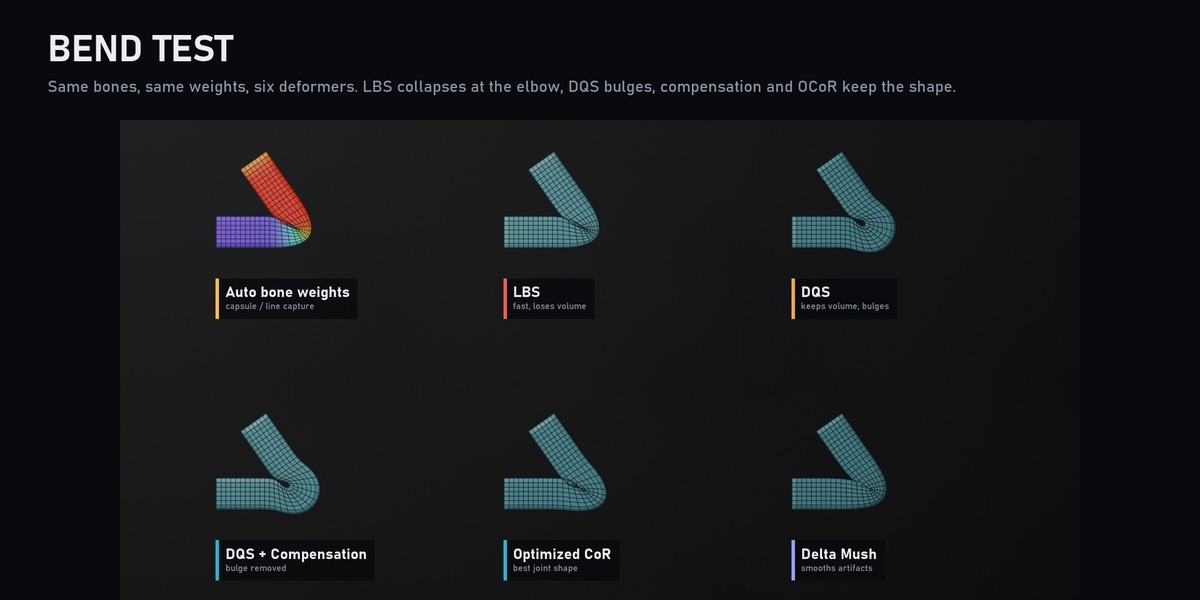
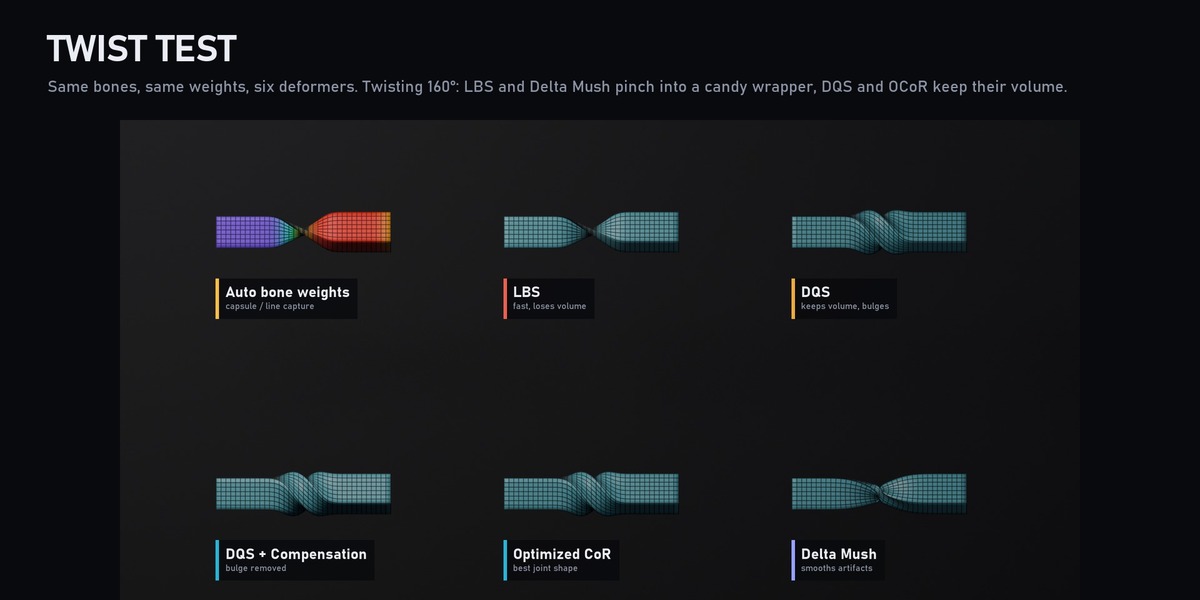
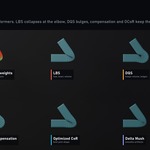
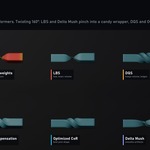
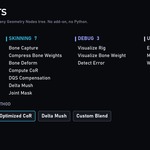
- LBS: fastest, but elbows collapse and twists pinch.
- DQS: keeps volume, may bulge on the inside of a bend.
- DQS + DQS Compensation: removes the bulge.
- Optimized CoR: best joint shape for characters.
- Delta Mush: smooths artefacts while keeping surface detail.
Debugging
Visualize Rig draws bones or axes, Visualize Bone Weight colours the influence of one joint, Detect Error helps you find problems in a rig.
Requires Blender 5.2 or newer.
Have questions about this product?
Login to message
| Published | 5 months ago |
| Blender Version | 5.2 |
| Render Engine Used | Cycles, Eevee |
| License | Royalty Free |
Discover more products like this
procedural deformation dqs character delta mush geometry nodes armature rigging skinning quaternion technical-art animation