 GERALD-CHROD



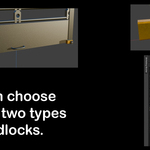
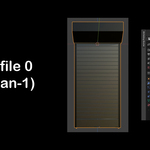
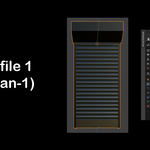
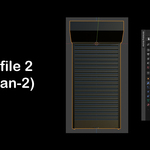
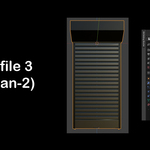
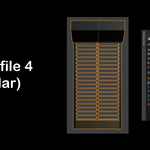
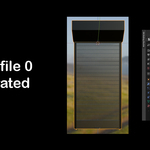
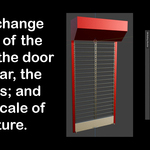
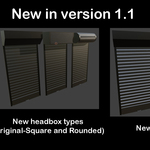
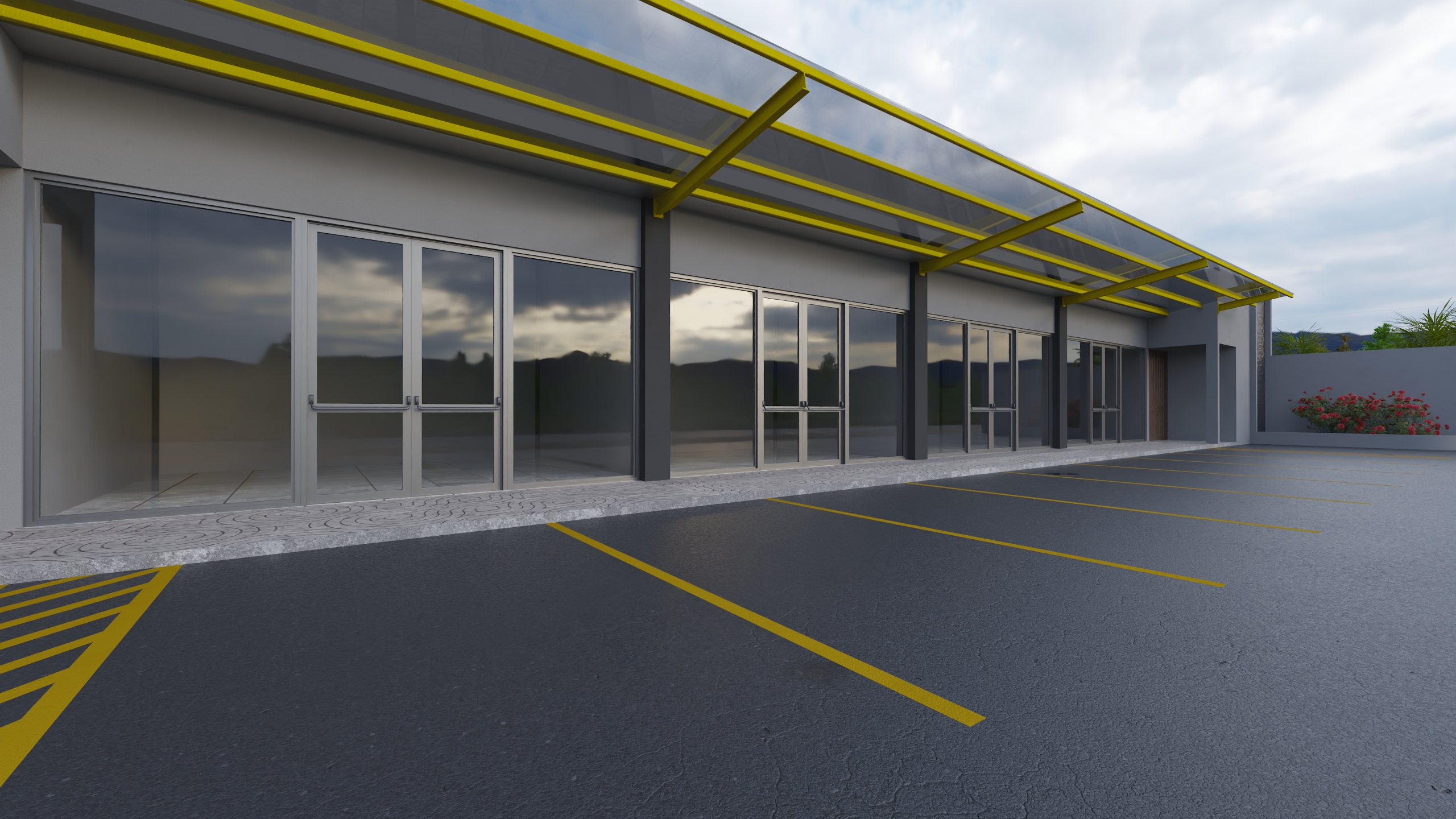
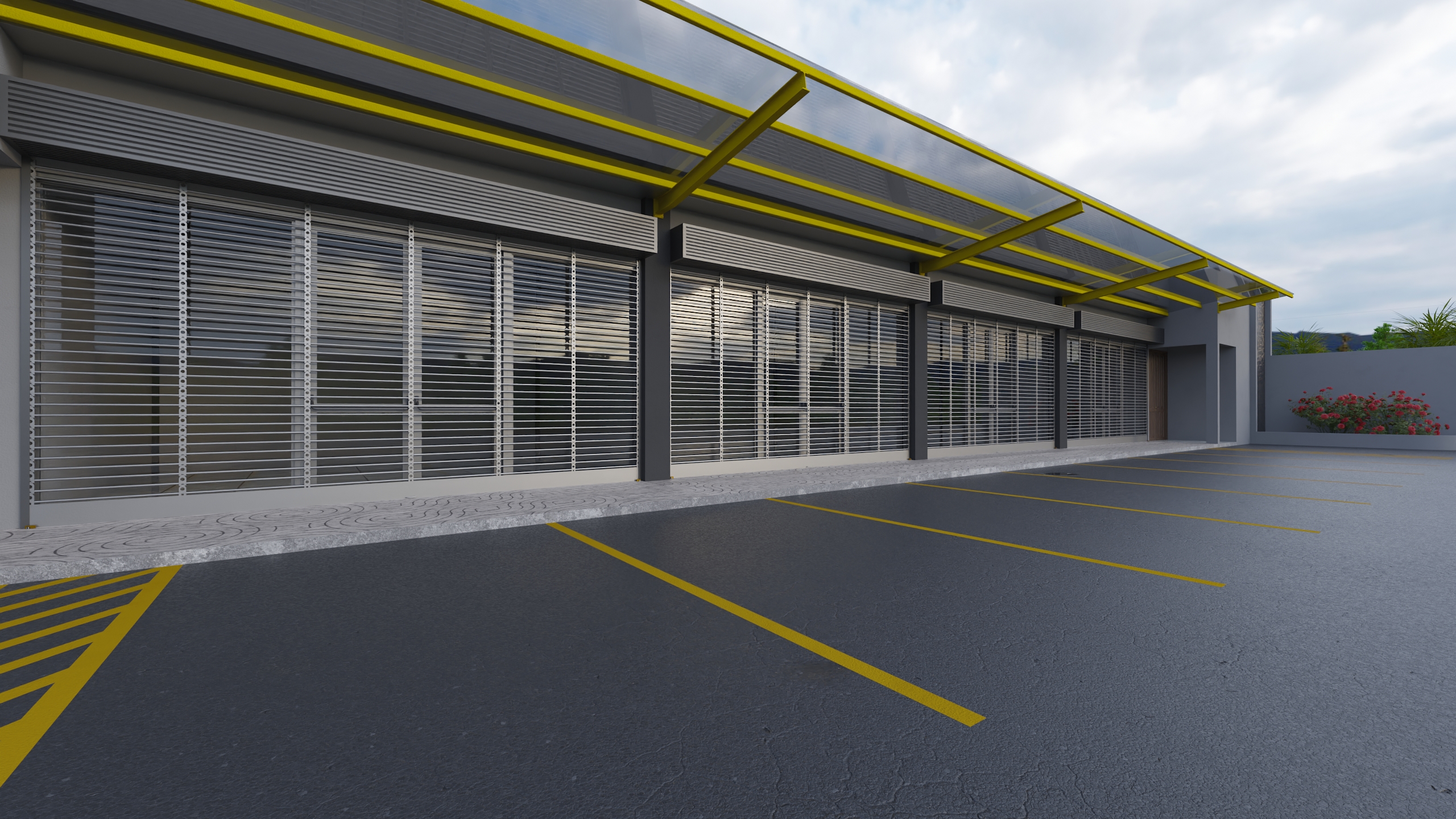
GN ROLLING SHUTTER is a simple, flexible, and parametric product that offers you an easy way to add metal curtains to your scenes. With a few parameters it allows you a quick setup for your scene, ready to render in eevee or cycles.
I created this product because I was working on an architectural rendering and needed metal curtains for its display. I ran into the problem that there wasn't a procedural solution to my need. Now there is a solution for you! :)
Step 1: Installation
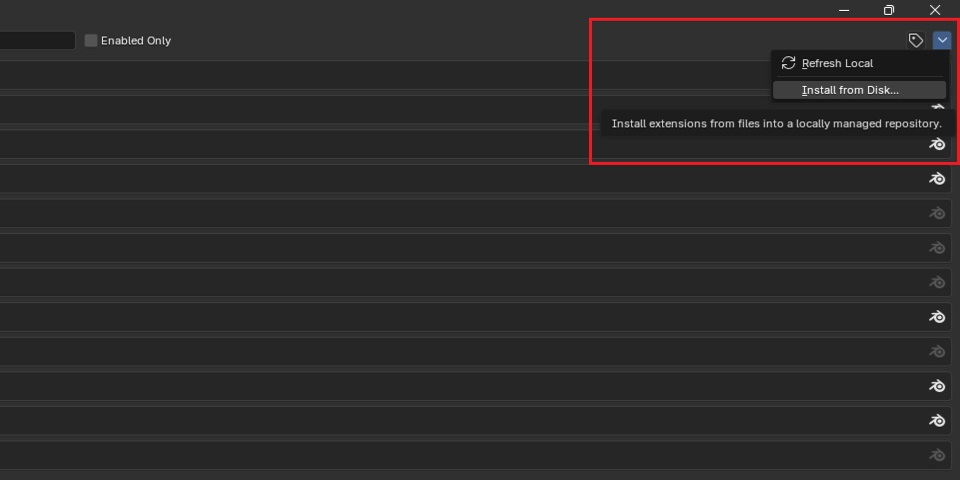
Go to Edit > Preferences > Install from disk ...
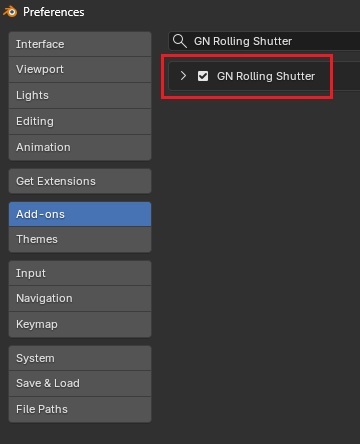
Step 2: Make sure the addon box is checked.
Step 3: Using the addon
Find the addon in the "N" panel of the 3D viewport.
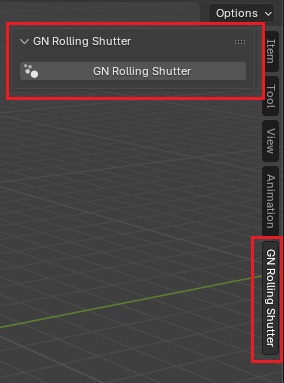
With a mesh selected, click the "GN Rolling Shutter" button and adjust the parameters. The addon only works with mesh type objects!
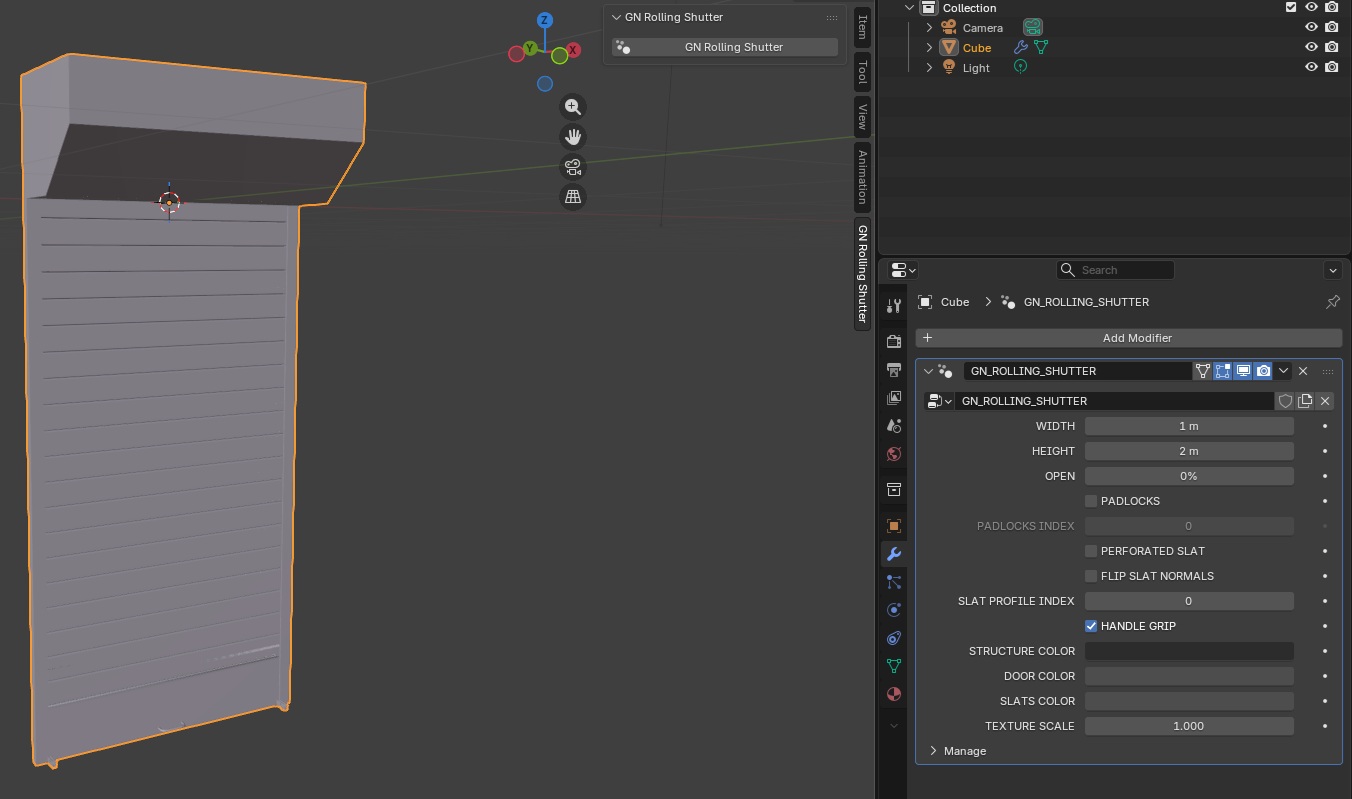
Step 4: Setting parameters
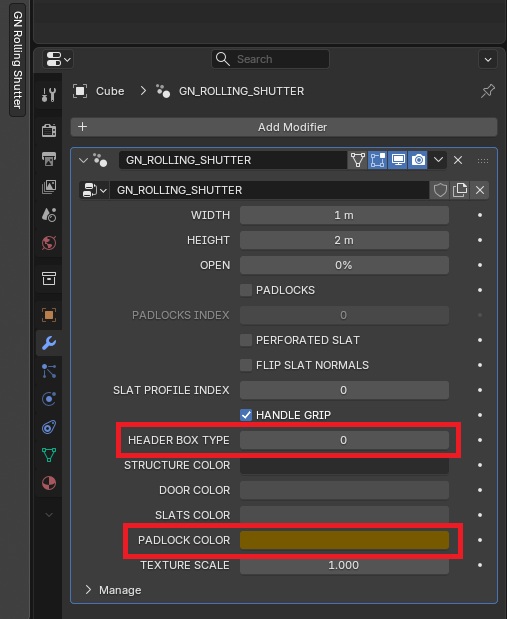
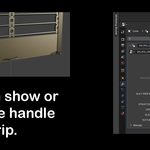
You can now adjust the width, height, door opening, use of padlocks, type of slats, colors, etc.
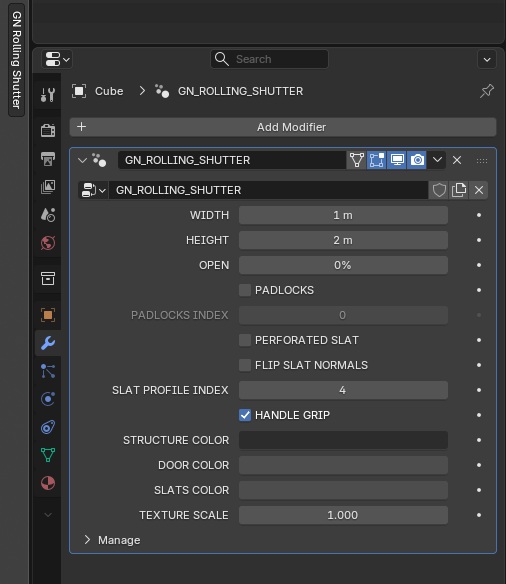
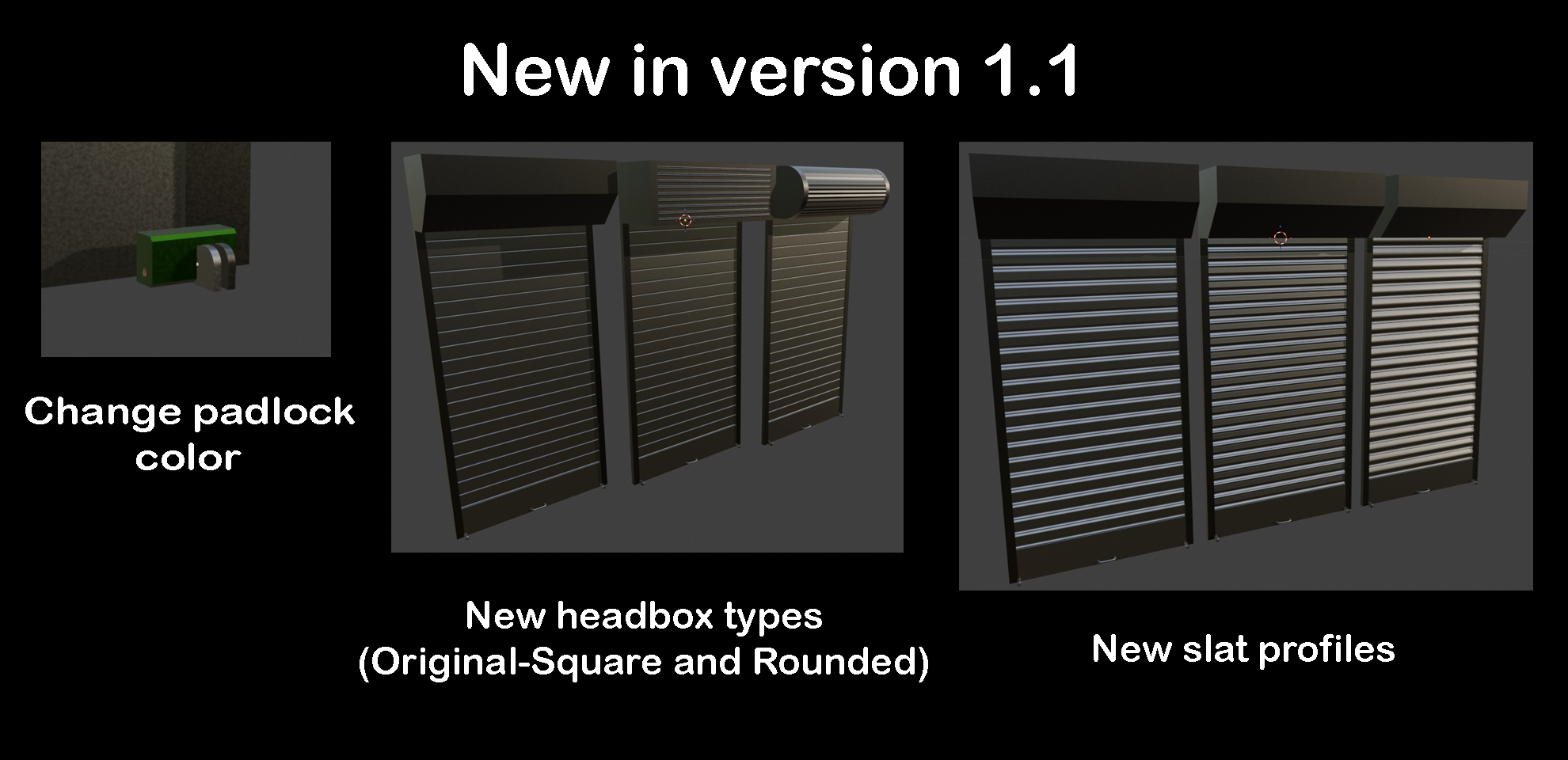
VERSION 1.1: