Gn Rolling Shutter
 GERALD-CHROD



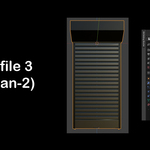
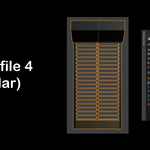
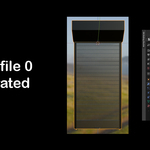
How to Use:
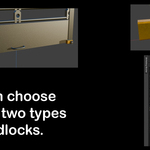
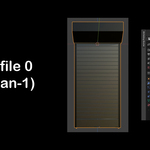
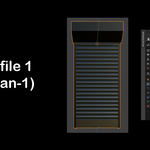
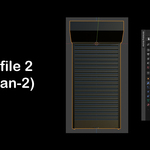
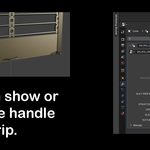
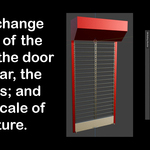
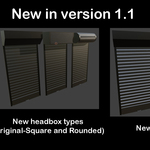
To open, press "N" in the 3D viewport and locate 'GN Rolling Shutter'.
Press the 'Rolling Shutter' button, then adjust the parameters in the modifiers panel.
$15
Have questions about this product?
Login to message
| Blender Extension Compatible | Yes |
| Published | 11 months ago |
| Blender Version | 4.3 - 5.0 |
| Extension Type | Add-on |
| Render Engine Used | Cycles, Eevee |
| License | GPL |