GoboLab — 70 Gobo Light Presets for Blender
 Voyde Procedural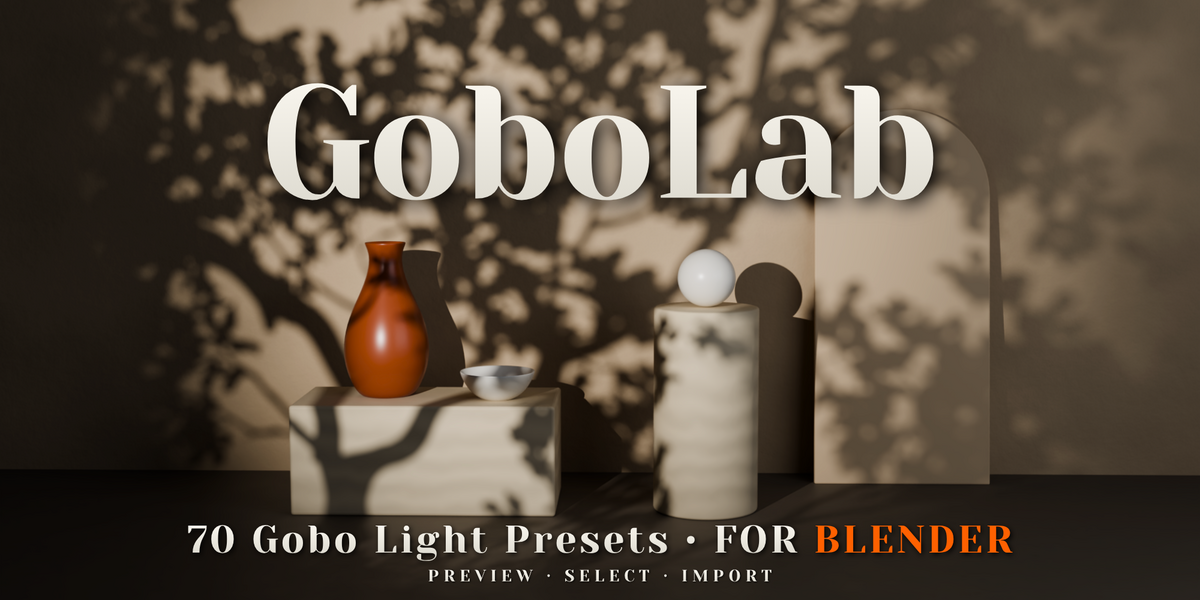
How many gobo light presets are included?
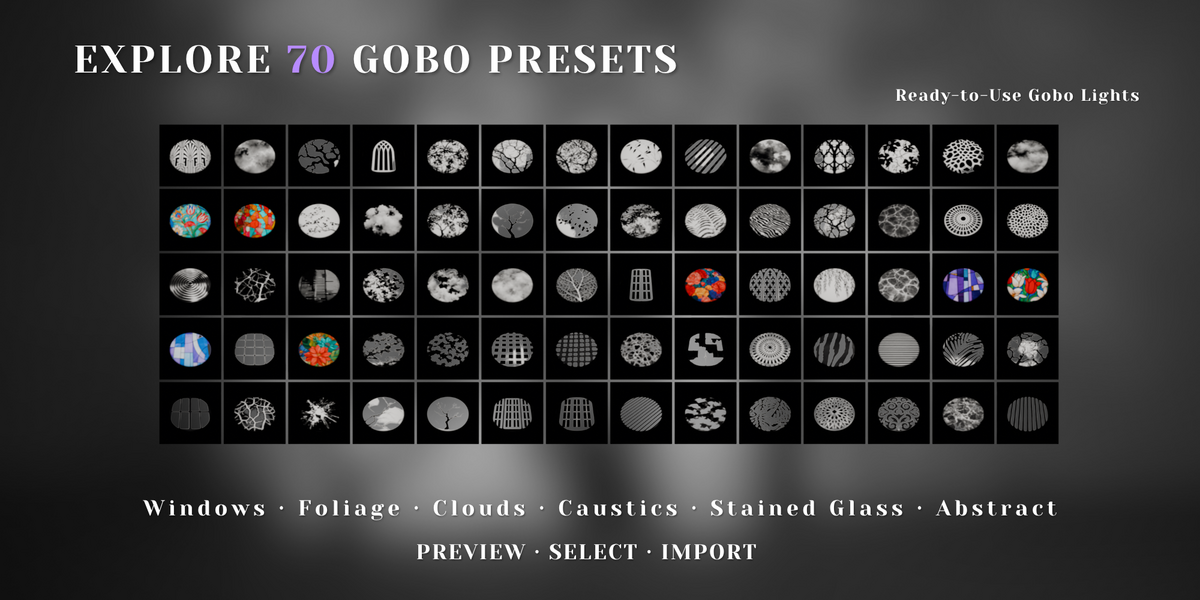
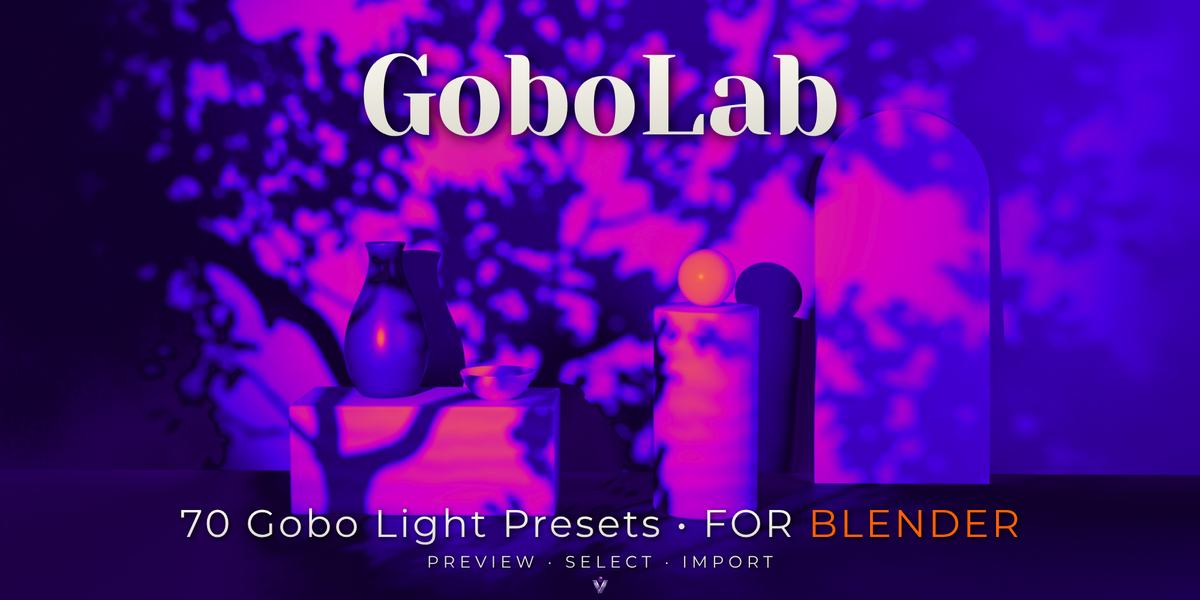
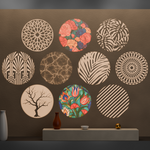
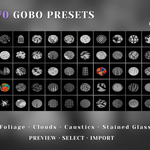
GoboLab includes 70 ready-to-use gobo light presets. You can browse their visual previews and import the selected gobo light into your Blender scene.
What types of patterns are included?
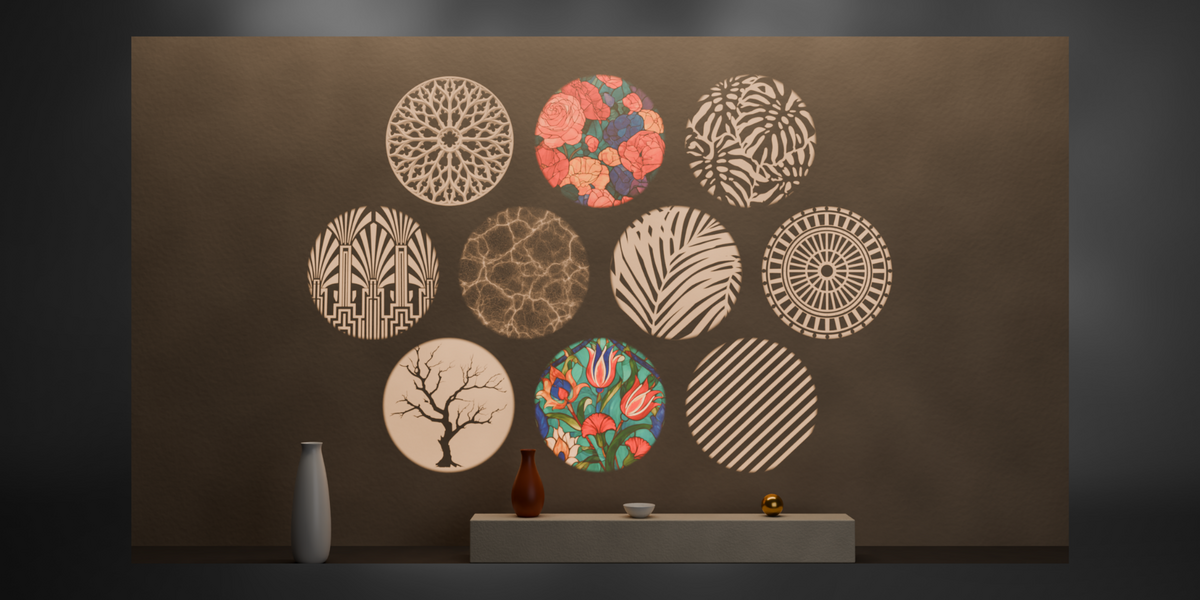
The collection includes architectural windows, foliage, tree branches, stained glass, clouds, and abstract and geometric patterns. These can be used to add patterned lighting to interiors, environments, product renders, and cinematic scenes.
How do I add a gobo light to my scene?
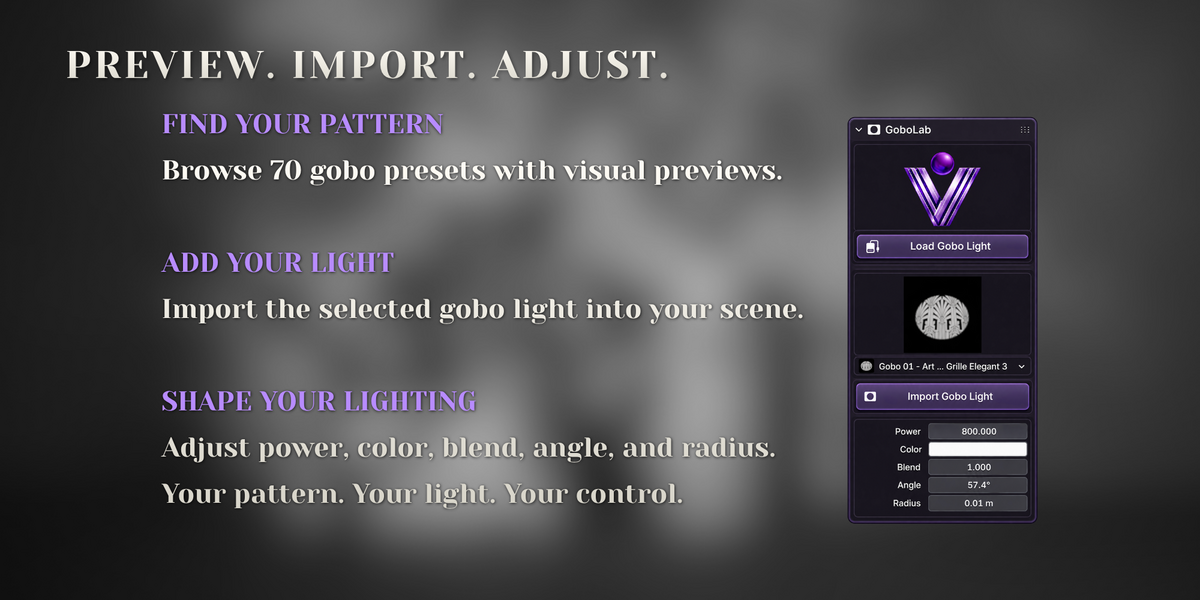
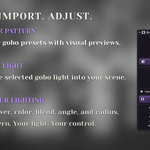
Enable GoboLab, open the 3D Viewport sidebar with N, and locate the GoboLab panel. Click Load Gobo Light, choose a preset using the preview selector, and click Import Gobo Light. Position and rotate the imported light toward your subject, then preview the result in Rendered shading.
$9$6.30
Have questions about this product?
Login to message
| Blender Extension Compatible | Yes |
| Published | 1 day ago |
| Blender Version | 5.0 - 5.2 |
| Extension Type | Add-on |
| Render Engine Used | Cycles, Eevee |
| License | GPL |
Discover more products like this
projected light gobo lighting Gobo-light foliage shadows product lighting window shadows stained glass Lighting presets cinematic-lighting architectural visualization Light Patterns gobo