 Voyde Procedural
◆ VOYDE PROCEDURAL / ADD-ON / BLENDER 5.0–5.2
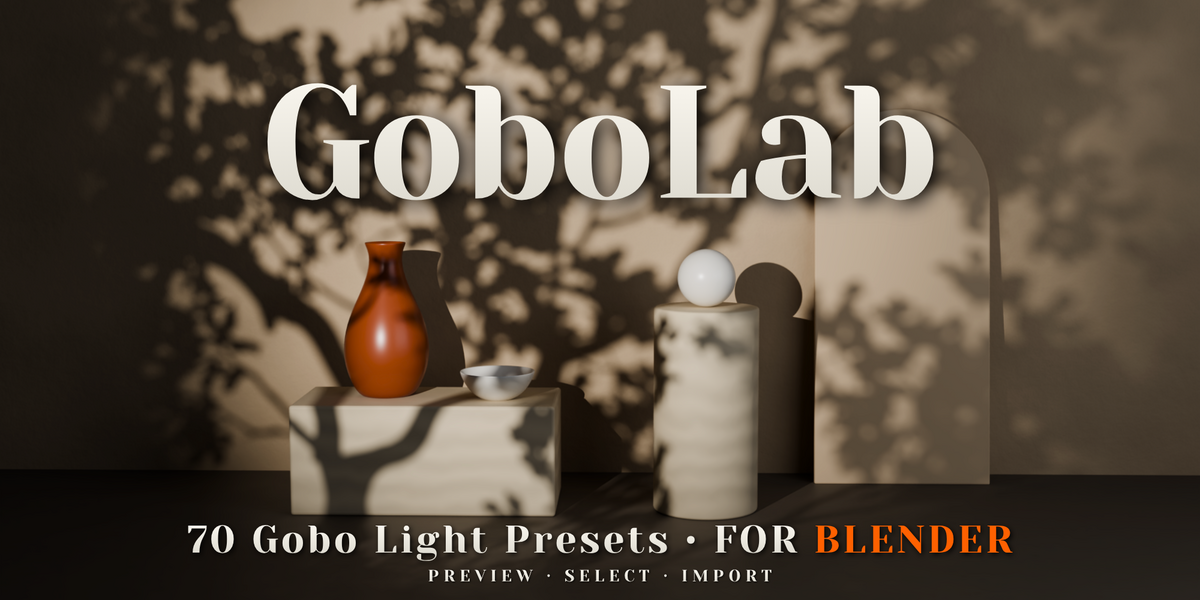
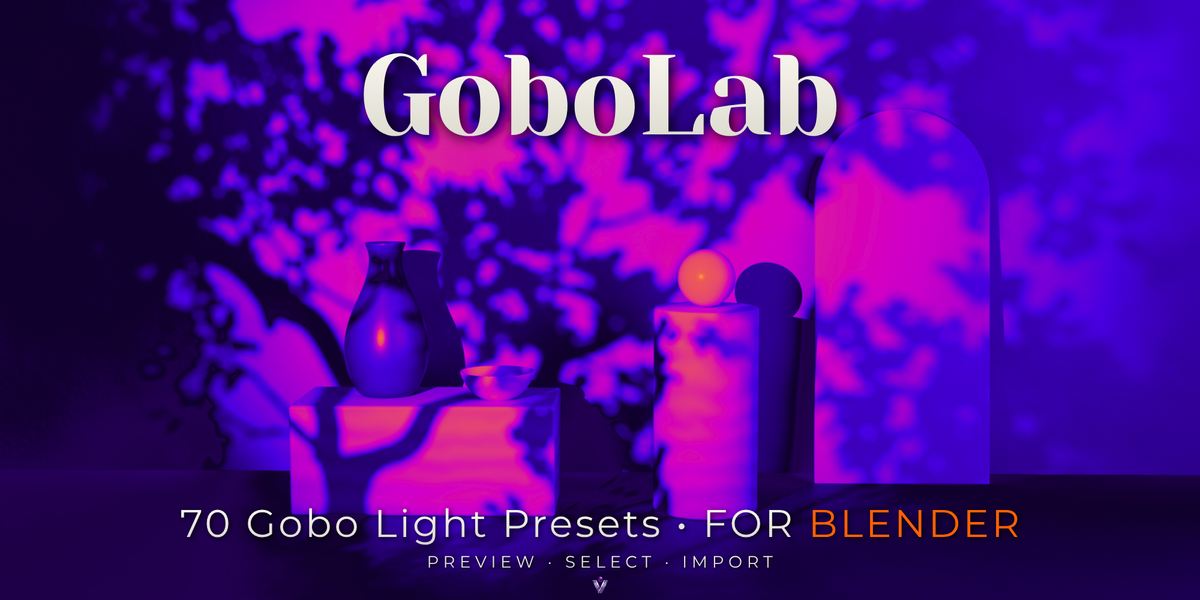
GoboLab
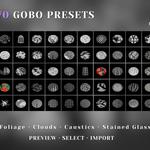
70 Gobo Light Presets
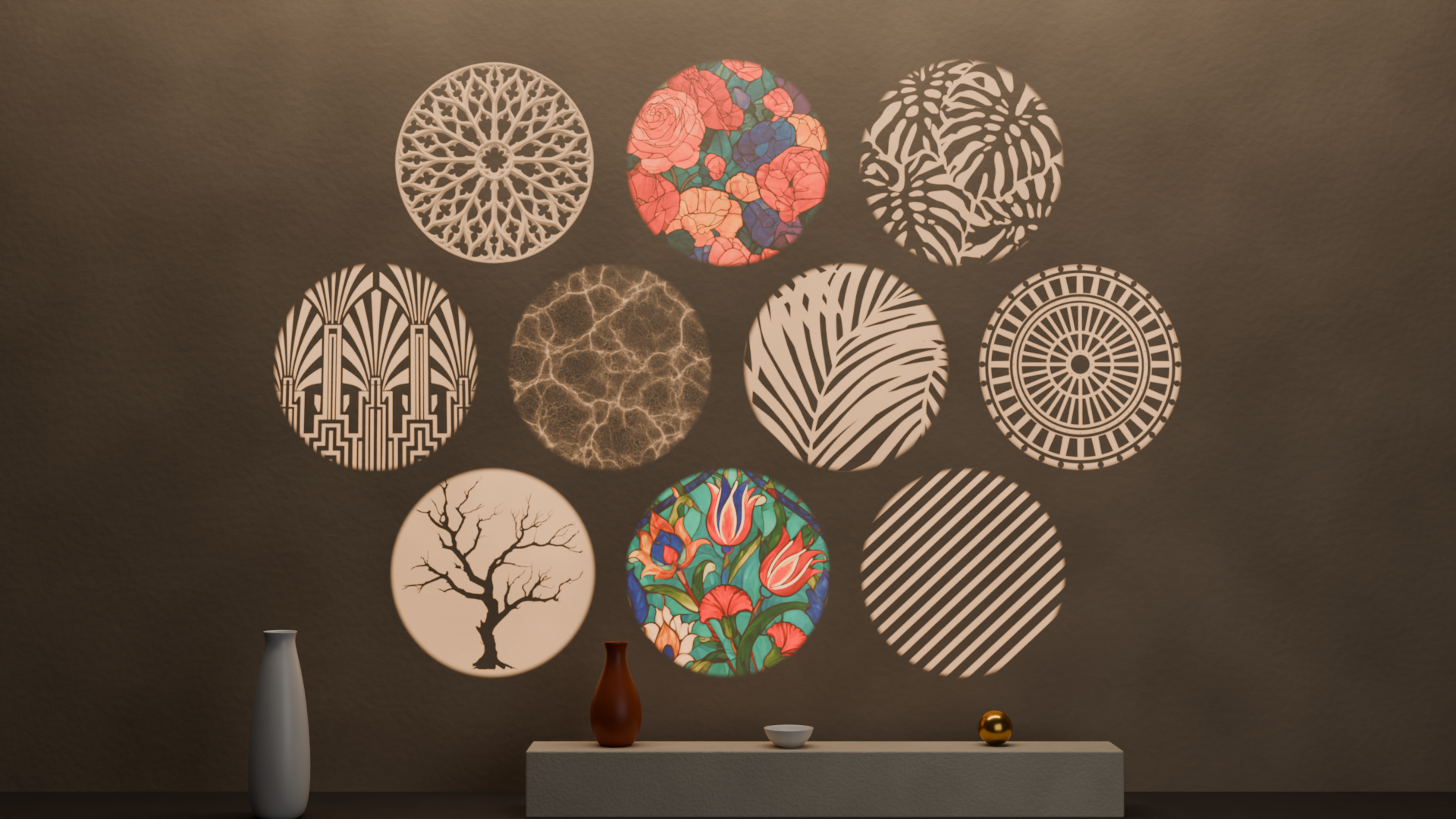
Bring window shadows, sunlit foliage, underwater caustics and colorful stained glass into your scenes.
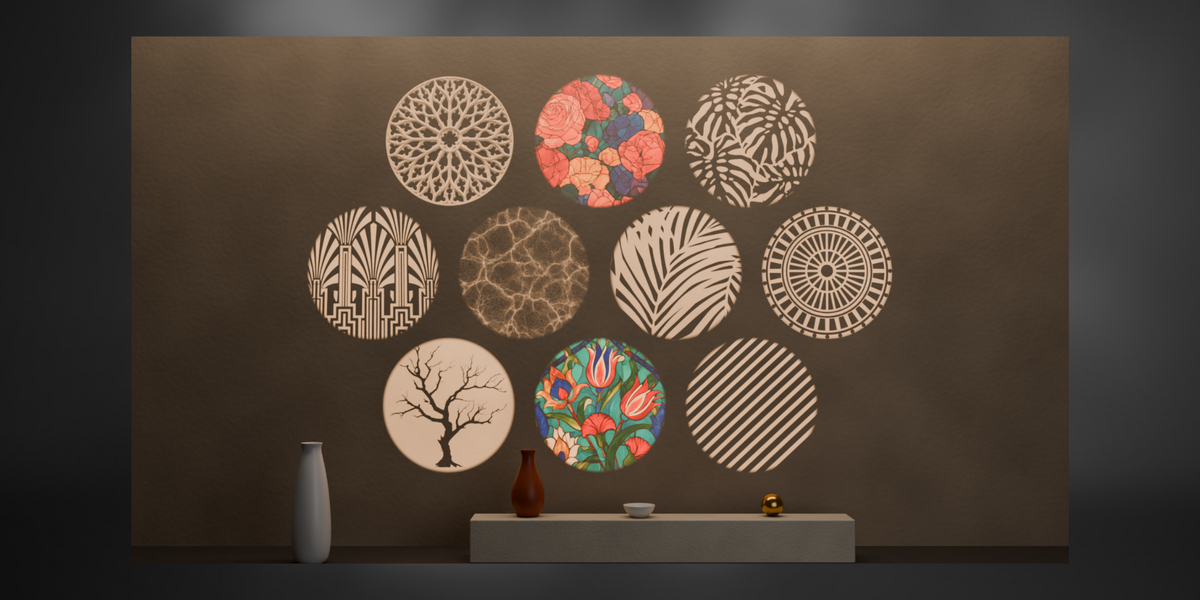
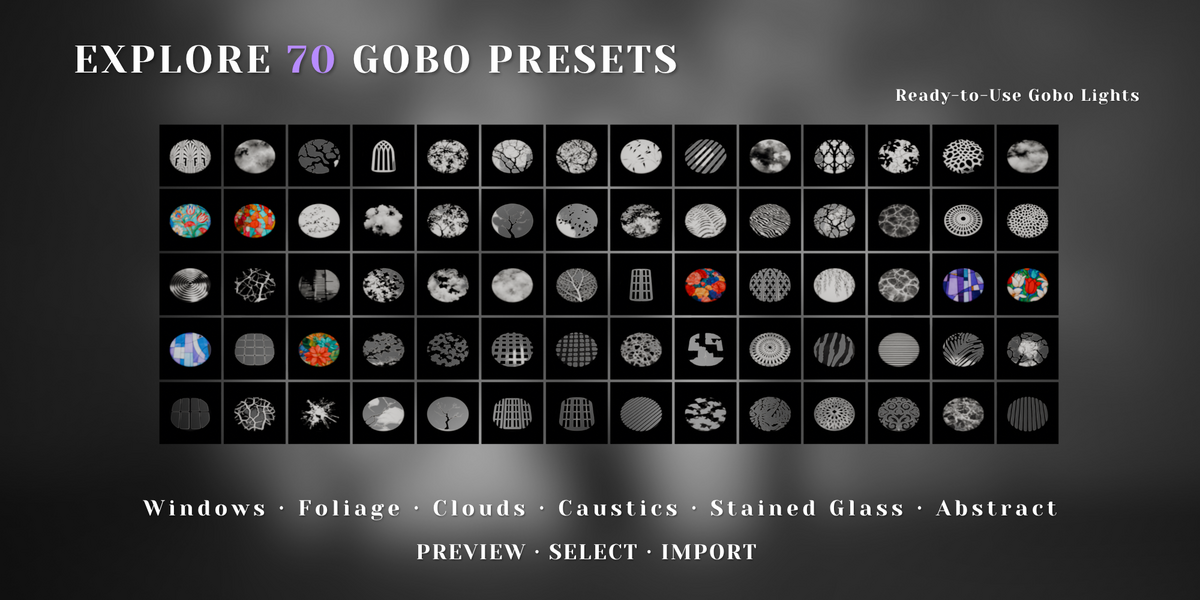
GoboLab includes 70 complete lighting presets, each built from a Spot Light and a dedicated gobo plane. Choose a pattern, import the setup and aim the light at your subject.
Use the Asset Browser or the GoboLab panel to find the look you want and start shaping your scene.
SPOT LIGHT + GOBO PLANEASSET BROWSER LIBRARYSIDEBAR PANELCYCLES & EEVEE
70
GOBO LIGHT PRESETS
7
CATEGORIES
01 — PATTERNED LIGHT
Light that adds atmosphere
Cast sharp window frames across an interior, soften a backdrop with leaf shadows, or add flowing caustic patterns to a stylized composition.
The projected patterns follow the surfaces in your scene, extending naturally across walls, floors, furniture and characters. Explore lighting ideas for architectural visualization, product renders, environment art and cinematic shots.
02 — EVERYTHING INCLUDED
Lights, library, panel and textures
◆70 complete gobo light setups
Each preset includes a Spot Light and its own gobo plane.
◆An Asset Browser library
Browse the collection with a rendered preview for every preset.
◆The GoboLab add-on panel
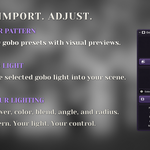
Preview and import presets from the 3D Viewport sidebar, then adjust Power, Color, Blend, Angle and Radius.
◆70 gobo textures
Included as 1024 x 1024 PNG files.
03 — CATEGORIES
Seven categories to explore
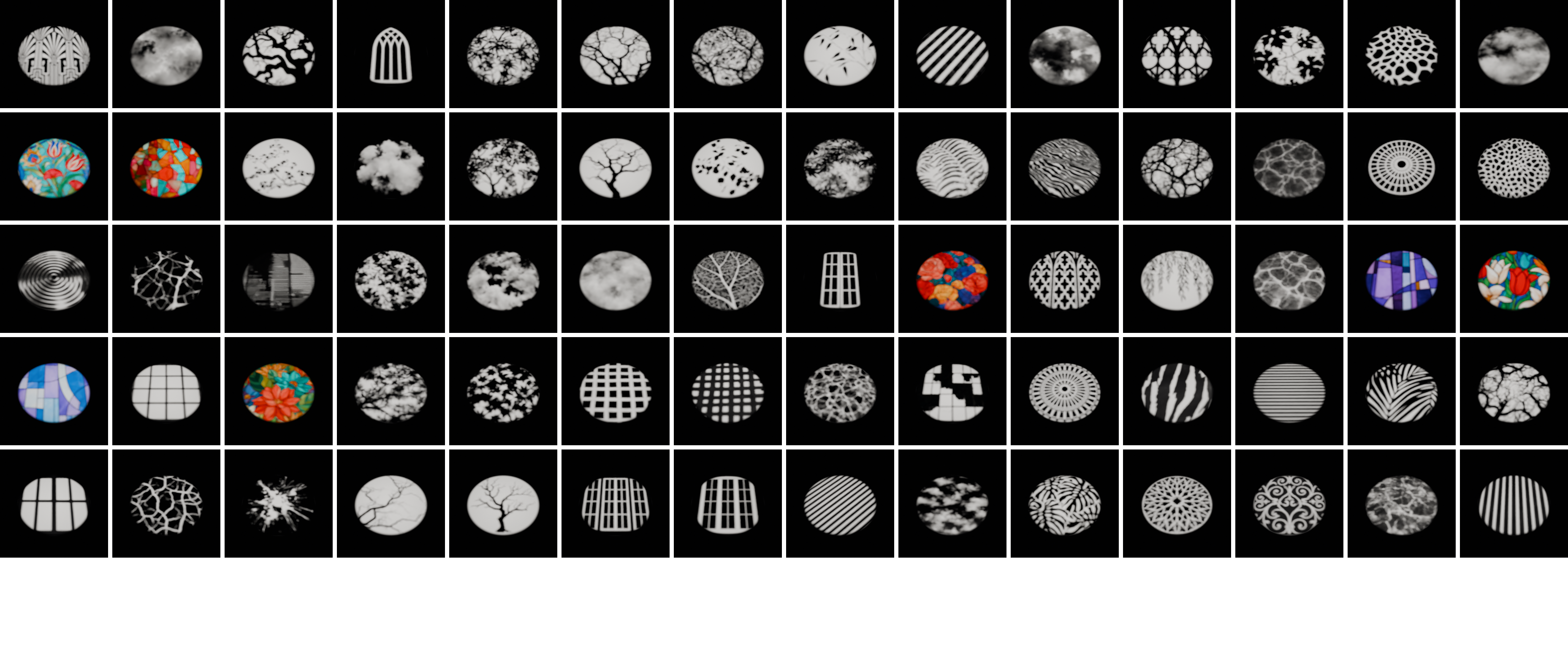
Foliage & Trees
22 presets
Windows & Architecture
14 presets
Blinds & Slats
7 presets
Water & Caustics
6 presets
Sky & Clouds
7 presets
Organic & Abstract
7 presets
Stained Glass
7 color presets
04 — ALIGNMENT
Built to stay aligned
◆Move the light, keep the pattern
The gobo plane is parented to its Spot Light, so moving or rotating the light keeps the projection setup together.
◆Change the angle without rebuilding
The gobo plane resizes automatically when you change the spot angle, keeping the light cone covered.
◆Control the softness
Use a smaller light radius for crisp shadows or a larger radius for softer transitions.
◆Keep the projector out of the shot
The gobo plane is hidden from the camera and reflections, while remaining part of the lighting setup.
05 — WORKFLOW
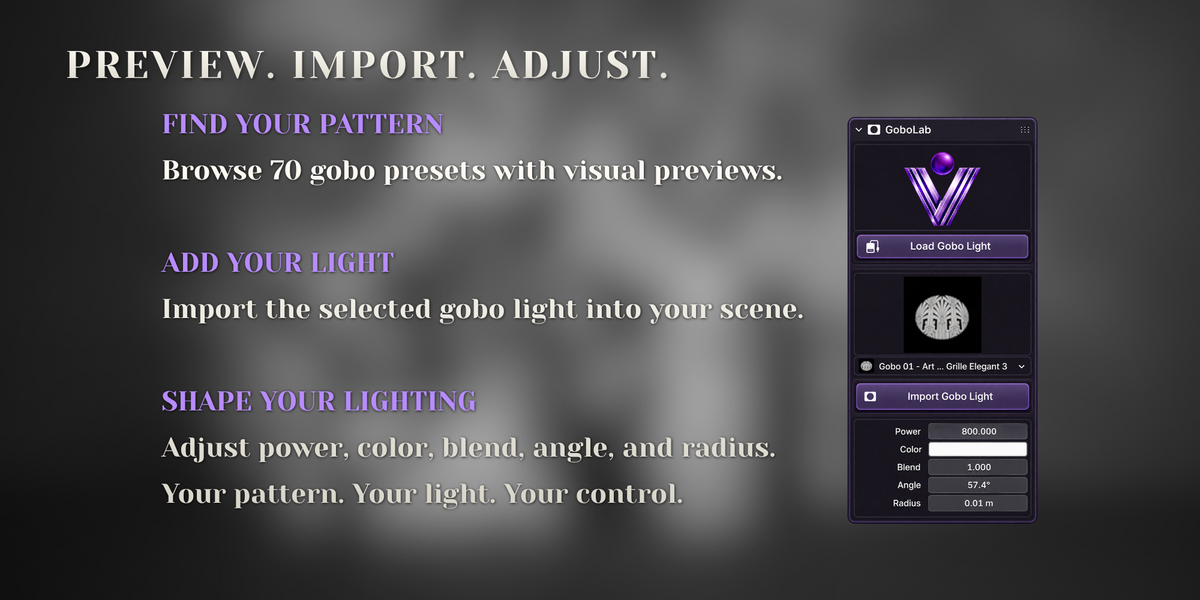
From the GoboLab panel
1Open the 3D Viewport sidebar with N and locate GoboLab.
2Click Load Gobo Light and choose a preset using the visual preview.
3Click Import Gobo Light to add the selected setup.
4Aim the light and adjust its settings to suit your scene.
06 — WORKFLOW
From the Asset Browser
1Add the supplied library folder under Preferences > File Paths > Asset Libraries.
2Browse the rendered previews and drag a gobo into your scene.
3To edit the individual objects, disable Instance in the import panel that appears in the bottom-left corner.
4Position the light and adjust Power, Angle and Radius.
07 — LIGHTING IDEAS
A few starting points
Sharp window shadows
Start with a radius of around 0.01-0.02 m, then adjust for your scene scale.
Sunlit look
Try a warm light around 4500 K at a low angle.
Layered compositions
Combine different gobo lights to build a more layered composition.
08 — DETAILS
Requirements
Blender
◆Blender 5.0 or newer
◆Tested in Blender 5.2
Cycles & EEVEE
◆Black-and-white gobos project light patterns in both Cycles and EEVEE
◆Full-color stained-glass projections require Cycles. In EEVEE, these presets project their pattern in grayscale
◆Soft gradients, including clouds and caustics, may look grainy in EEVEE at low sample counts. Try 128-256 Render Samples to improve the result
 VOYDE.PROCEDURALVOYDEPROCEDURAL.COM / ALL PRODUCTS / X / INSTAGRAM