Goe Pack Foundry - Asset Library Organizer + Publisher
 DanilGOE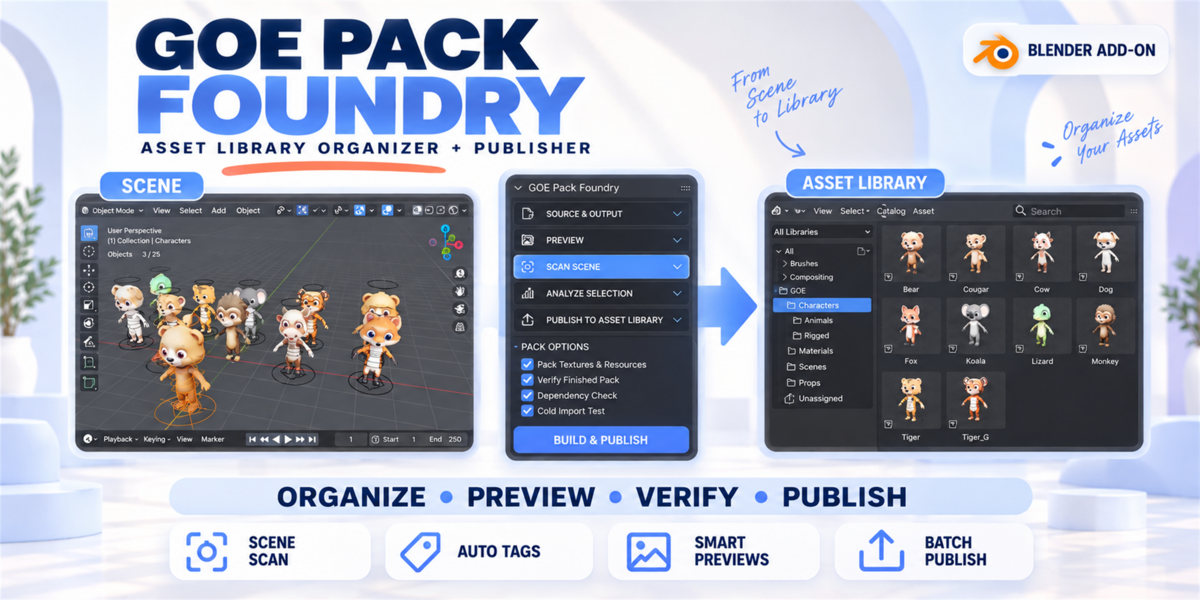
Quick Start
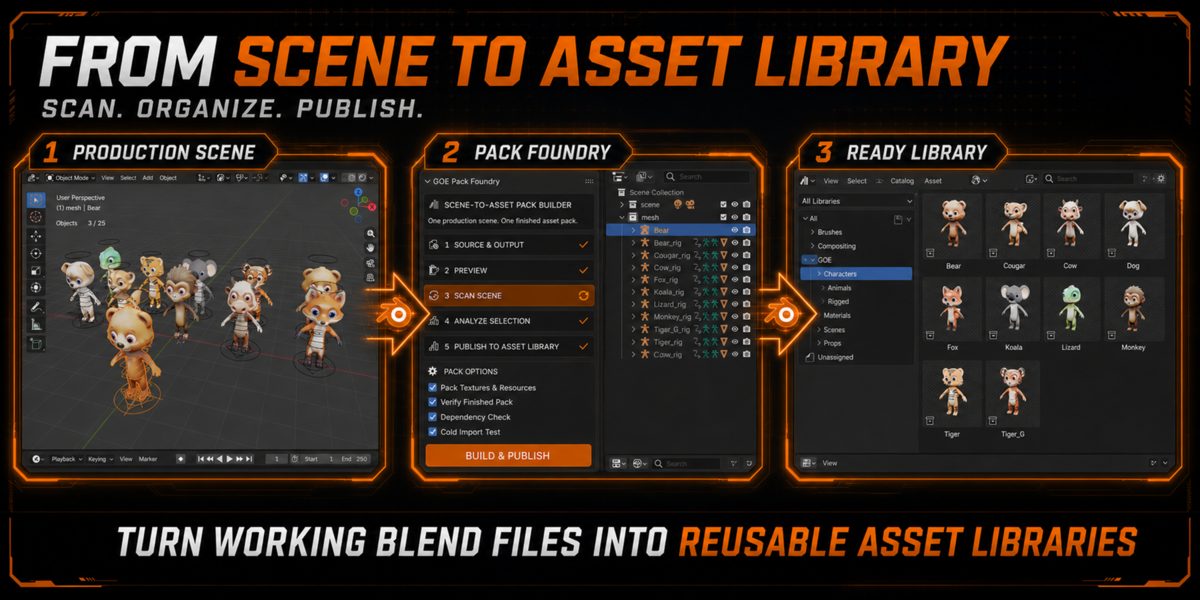
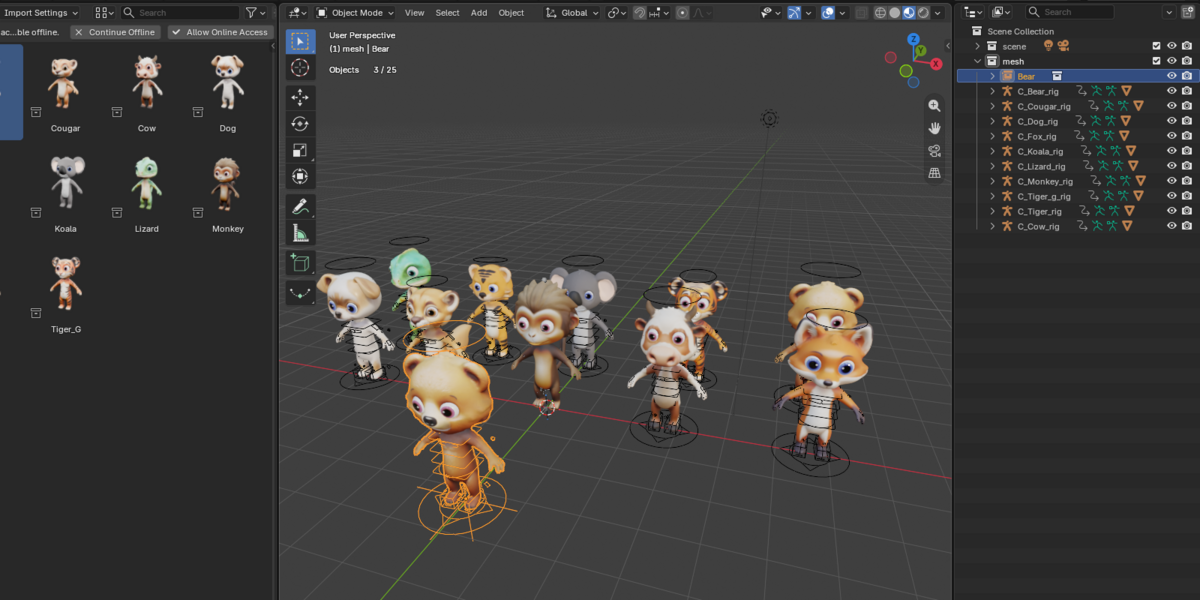
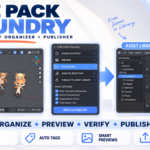
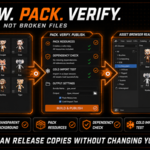
GOE Pack Foundry turns working Blender scenes into organized Asset Browser libraries.
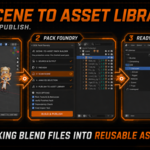
- Install the ZIP through
Edit → Preferences → Get Extensions → Install from Disk. - Open
3D Viewport → Sidebar (N) → Pack Foundry. - Choose Entire Scene or a collection.
- Select the destination Asset Library folder.
- Choose preview quality and press Scan Scene.
- Review detected assets, names, tags, and warnings.
- Press Publish Enabled Assets.
The add-on automatically:
- Separates models into individual assets
- Includes required rigs, materials, textures, and dependencies
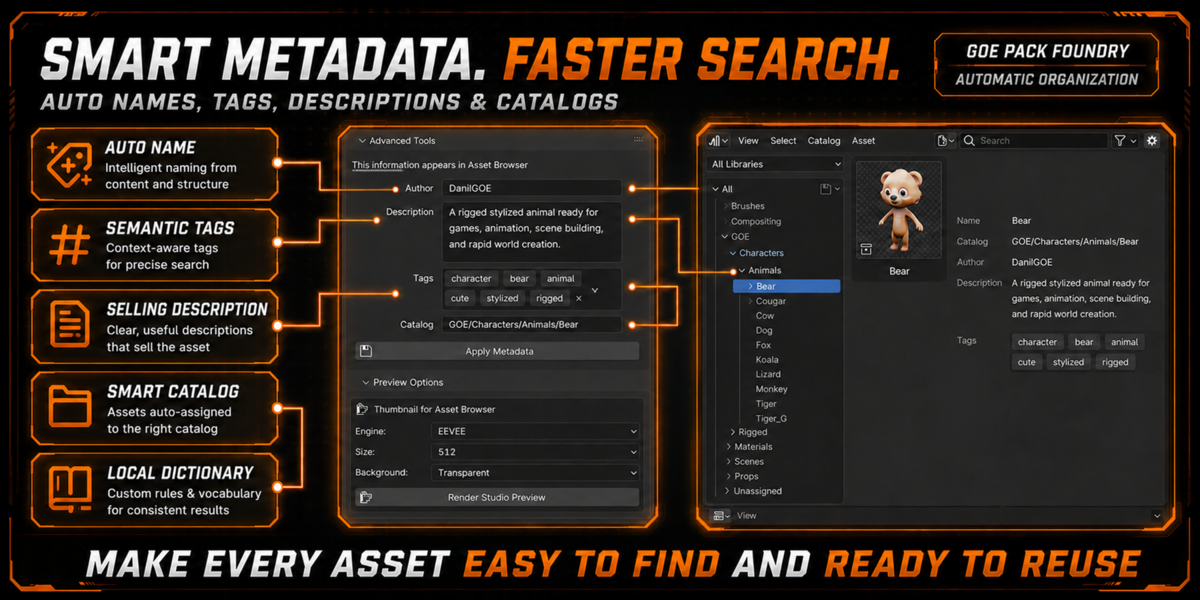
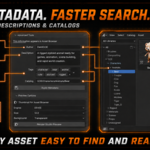
- Generates names, tags, descriptions, and catalogs
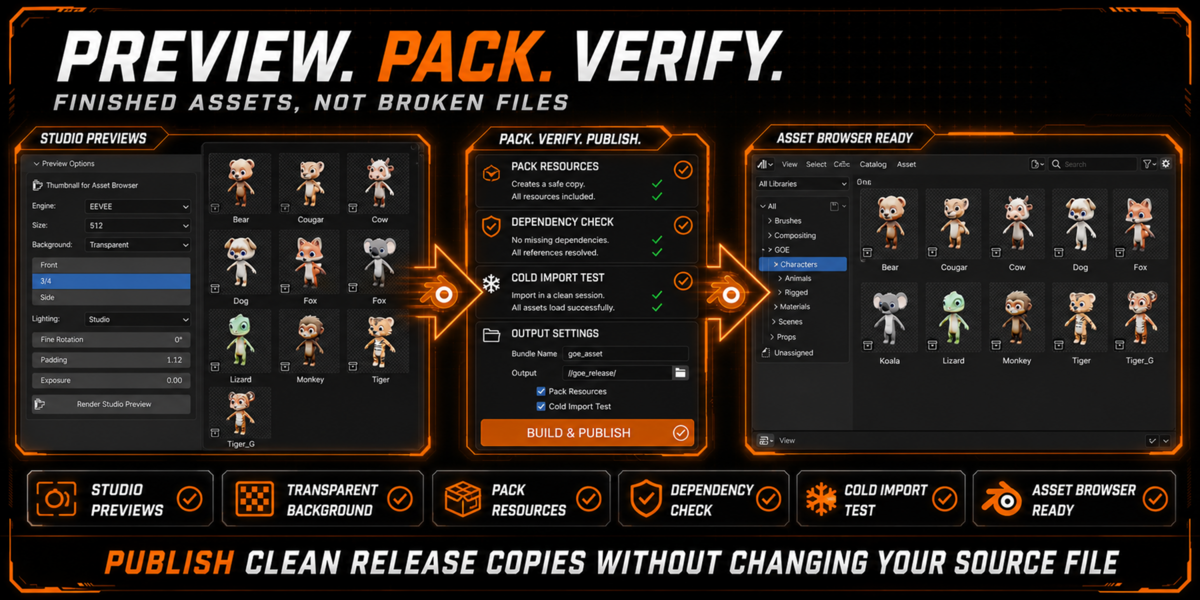
- Creates previews
- Packs resources and verifies clean import
- Registers the finished library in Asset Browser
Your original .blend file remains unchanged.
Requirements: Blender 5.2 LTS, Windows.
License: GPL-3.0-or-later.
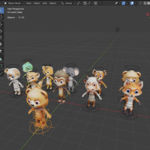
Promotional characters are demonstration assets and are not included.
-
$24.99
For 1 individual user. Includes all features and content.
-
$49.99
For 1 user working for a business or client. Includes all features and content.
-
$99.96
For up to 10 users in one studio or company. Includes all features and content.
 Included
Includes 12 months of
- Support from DanilGOE
- Product updates
Extend this product’s Support Period +12 months: 50% of product price
Have questions before purchasing?
Login to message
| Blender Extension Compatible | Yes |
| Dev Fund Contributor | |
| Published | about 2 months ago |
| Blender Version | 5.0 - 5.2 |
| Extension Type | Add-on |
| Render Engine Used | Cycles |
| License | GPL |
Discover more products like this
superhive asset management asset library preview generator automation batch publish Workflow asset publisher asset organizer asset-browser blender 5.2 scene organizer