 ZEG
Installation
In Blender open Edit, Preferences, Get Extensions, then use Install from Disk and pick the iranian_carpet_generator zip.
Usage
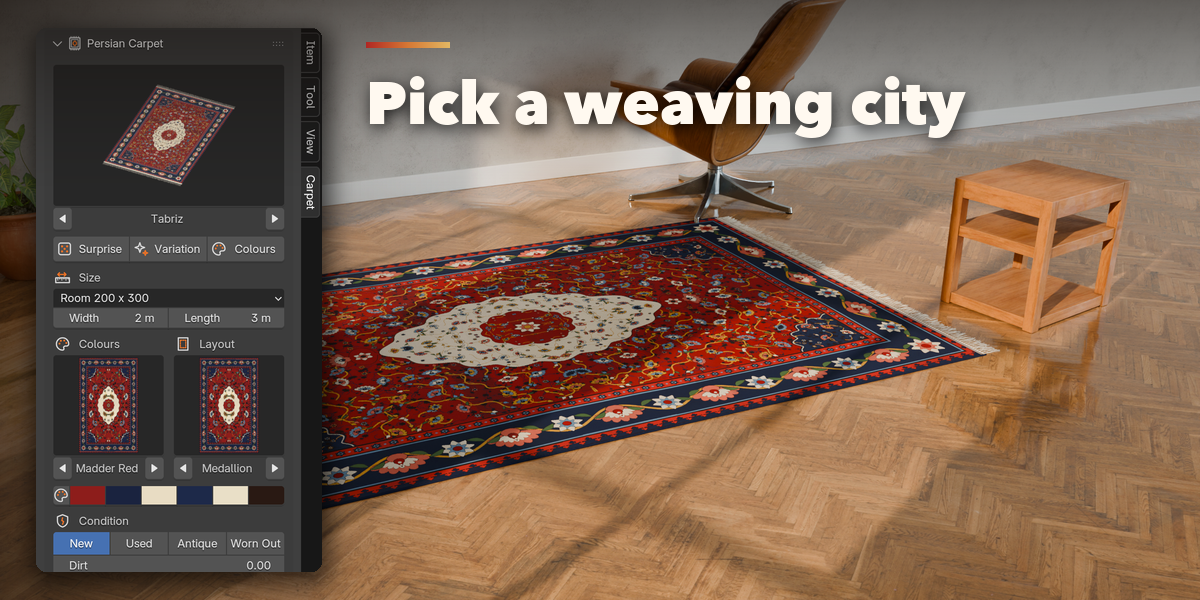
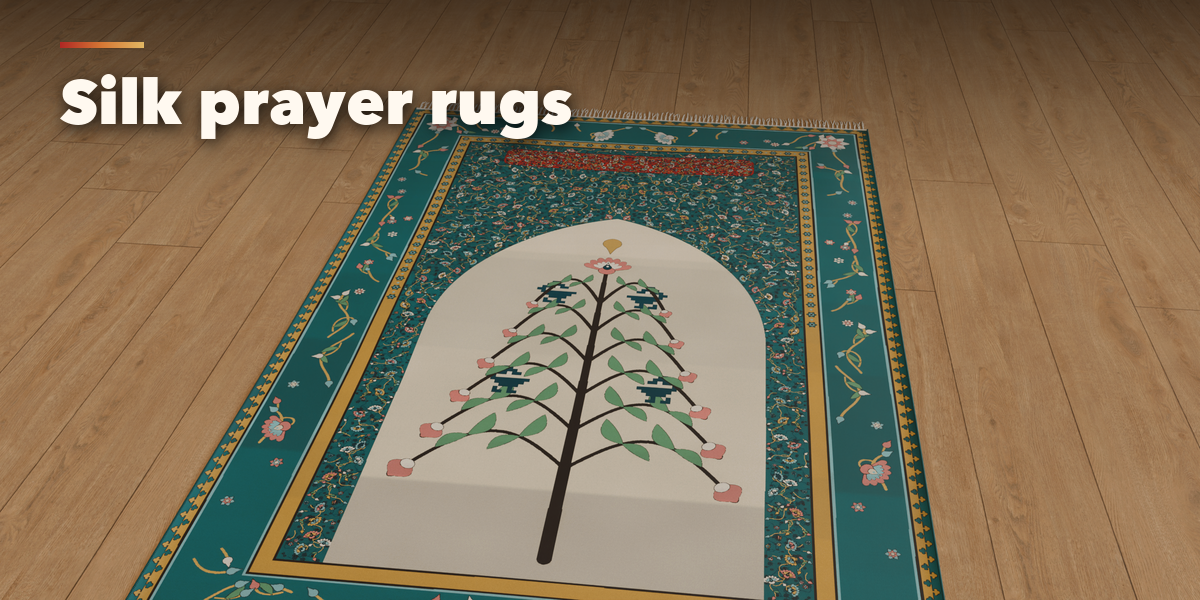
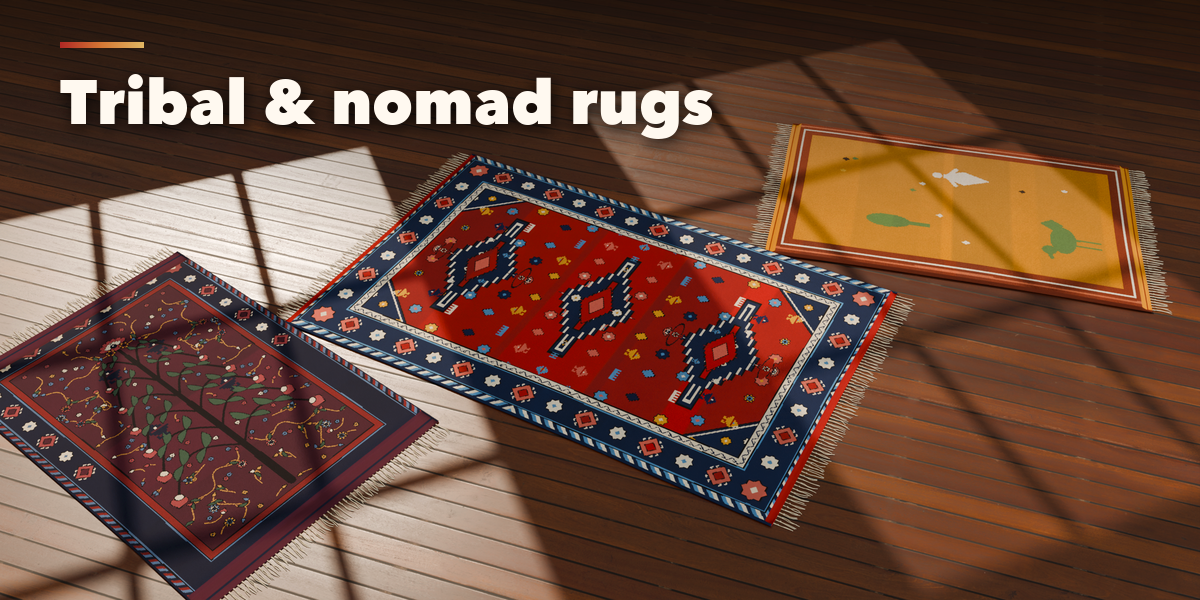
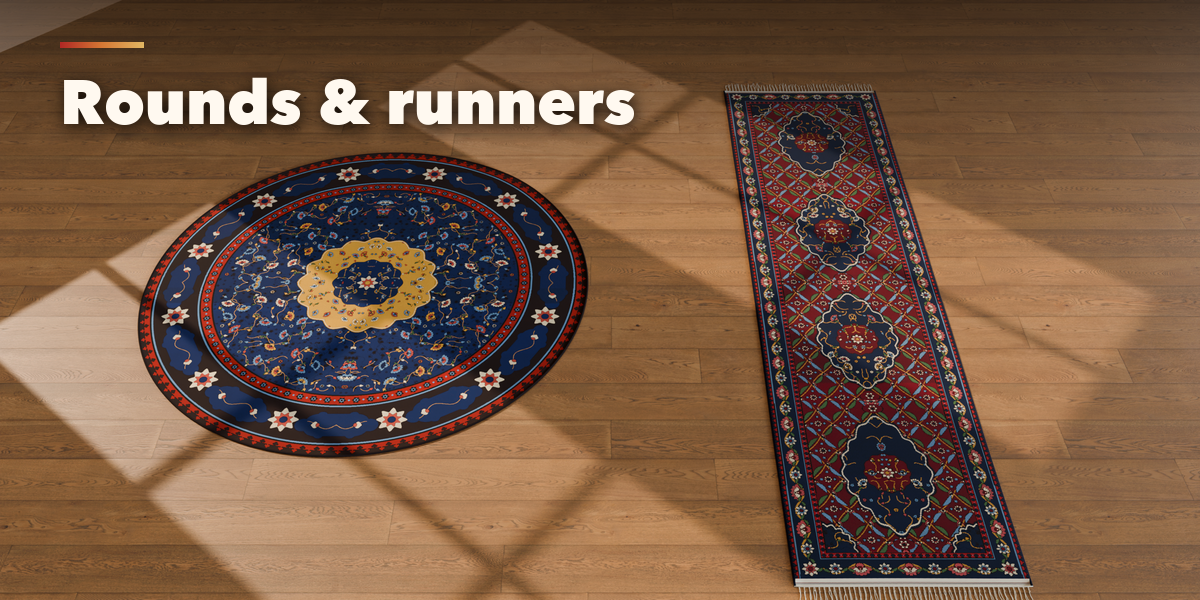
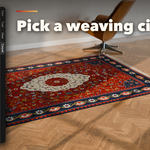
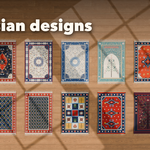
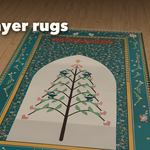
- Open the Carpet tab in the 3D viewport sidebar (N). With no carpet selected, click the picture to choose a weaving centre and press Add Carpet to place it at the 3D cursor. You can also use Shift+A, Mesh, Persian Carpet.
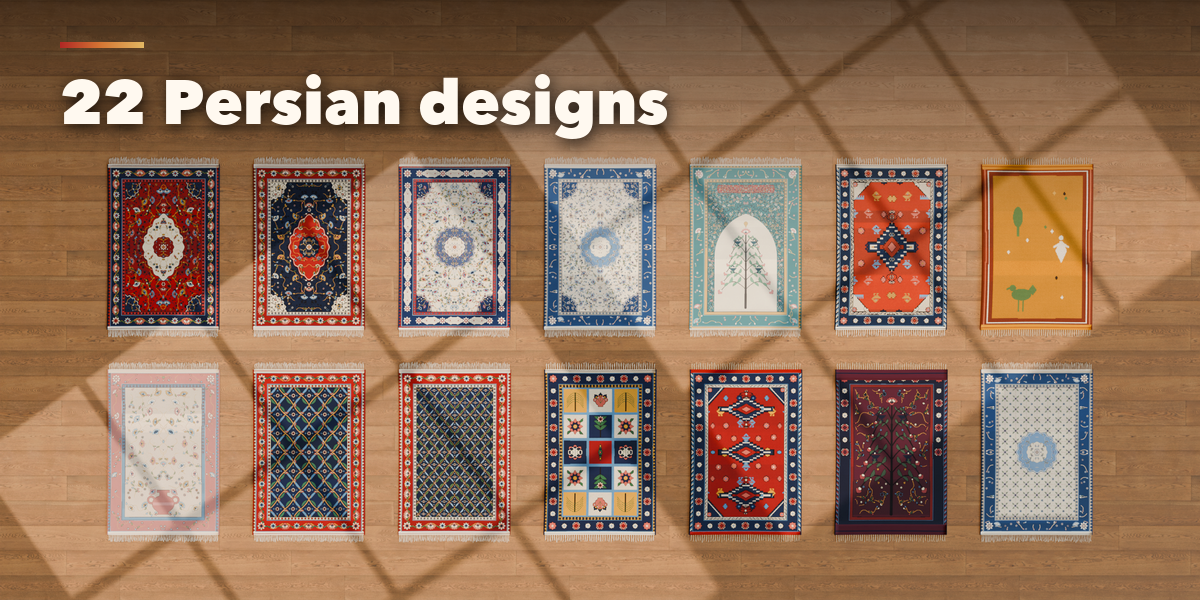
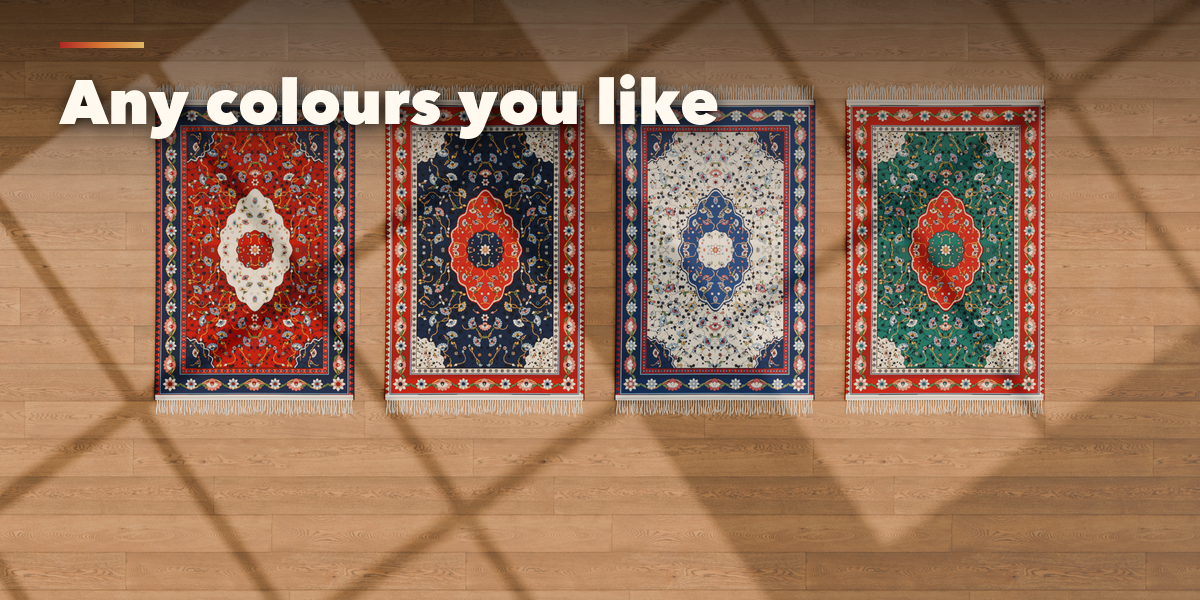
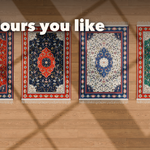
- With a carpet selected, the big picture switches it to another weaving centre. Surprise makes a new random carpet, Variation redraws the current one and Colours picks another dye palette.
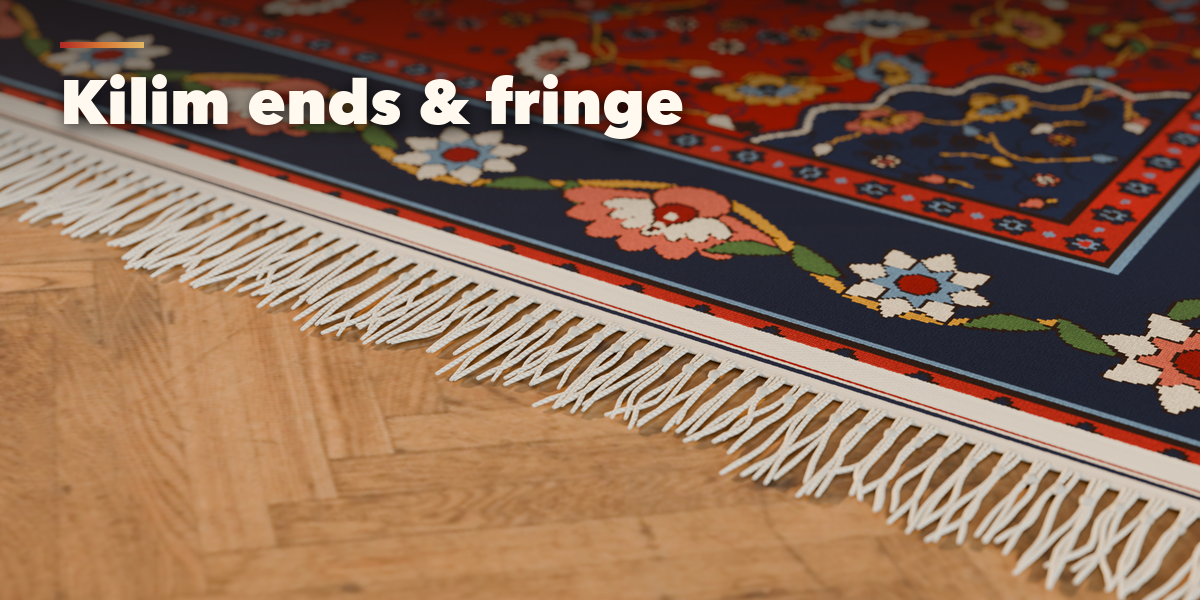
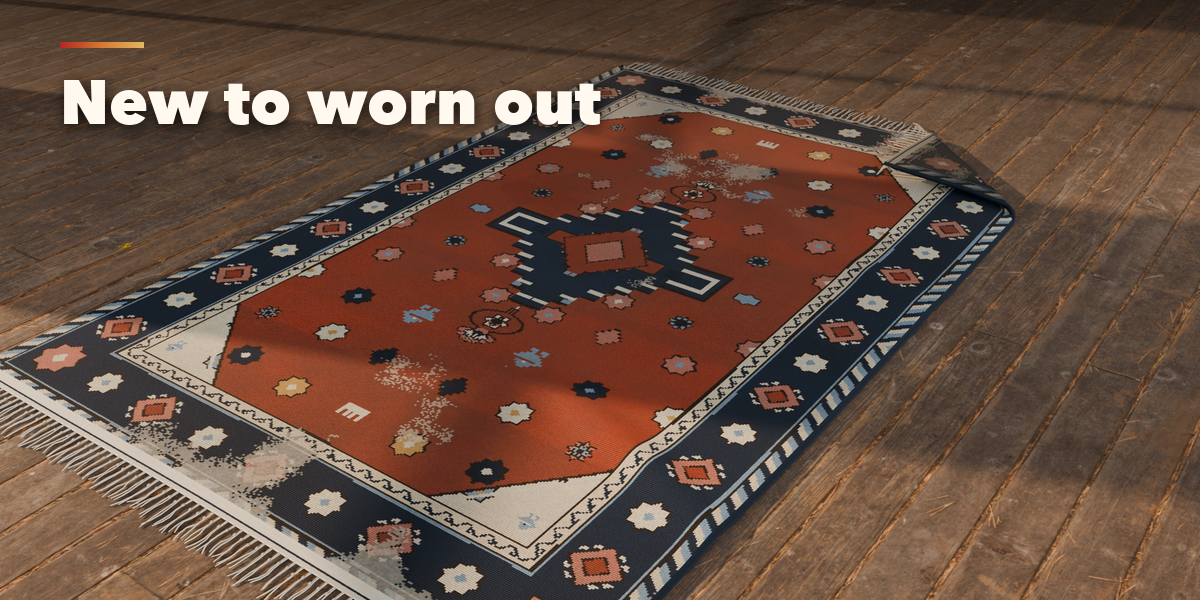
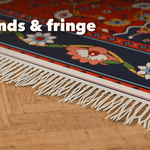
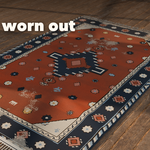
- The first page holds size, colours (palette picture and six colour swatches), layout, condition, pile material and knot density. The folded sub-panels hold Design (field, medallion, motif scale, abrash), Borders, Pile & Fringe, Age & Placement (wear, fade, corrosion, dirt, lay, wrinkles, folded corner) and Mesh & Export.
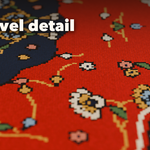
- Export Maps writes base colour, normal, roughness, AO and height images for game engines. Convert to Mesh keeps the carpet as plain objects; Delete removes it with all its parts. Generated images are packed into the .blend when you save.
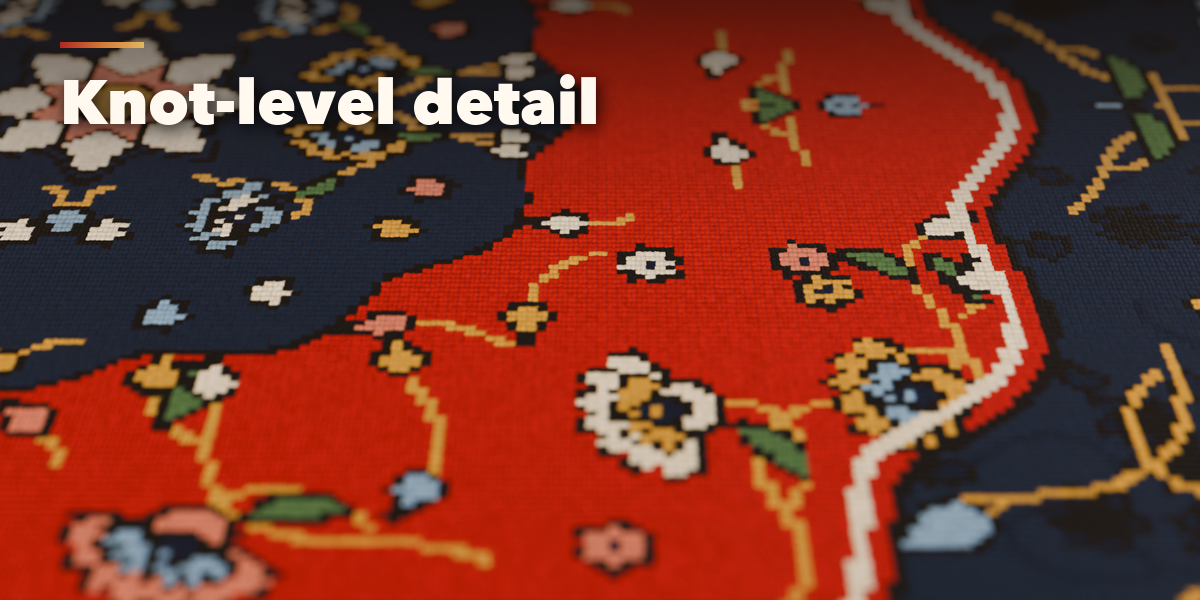
Changing colours or condition never redraws the design, so it updates fast even on large, fine carpets.
Have questions about this product?
Login to message
| Blender Extension Compatible | Yes |
| Published | 2 days ago |
| Blender Version | 4.2 - 5.2 |
| Extension Type | Add-on |
| Render Engine Used | Cycles, Eevee |
| License | GPL |

Discover more products like this
Kilim carpet PBR Interior procedural rug oriental rug game ready ArchViz Generator persian-carpet Iranian