 pullup


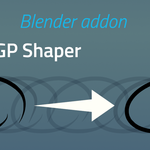
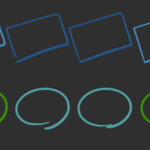
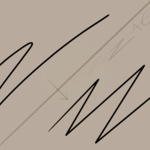

Basic Use
Use one of the following shortcuts when hovering the stroke while in draw mode
- C : Convert to target shape
- Alt + C : Pie menu to select the target shape
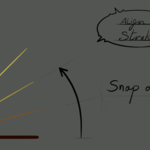
- V : Convert to target shape, snapping to a 15° angle
- Alt + V : Pie menu to select the target shape, snapping to a 15° angle
Troubleshooting
For the stroke to be correctly detected when hovering with mouse, the Grease pencil stroke has to lie on the drawing plane defined by the current GP settings.
Should be on the canvas when checked in Grease pencil overlays, as in following example.
Shortcut does not pick the closest stroke:
- Layer might be locked.
- The stroke might not be placed on the canvas, enable the display to ensure it's on it.
- There might be very few points on the line (detection is based on points, not edges).
- It may not cannot resolve the shape, open the redo panel (F9) after shortcut to see if there is a warning.
Shortcut always turn the strokes into the same shape:
- You may be in "force shape" mode, look in the upper right corner of the viewport if the auto-detect mode (magic wand icon) is enabled.
$9.90
Have questions about this product?
Login to message
