Gradient Sampler - Pick Gradients From Your Reference Images To Color Ramp.
 chery
chery


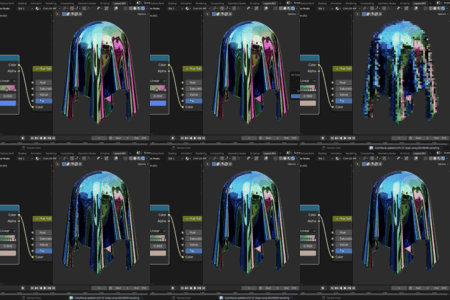
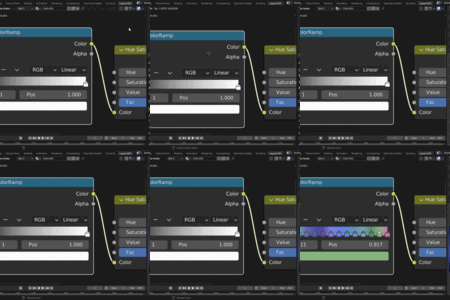
Installation
Go to Edit>Preferences>Install. And locate to the .zip file you have downloaded. That’s it, its installed
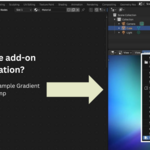
Where Can I Find This After Installation?
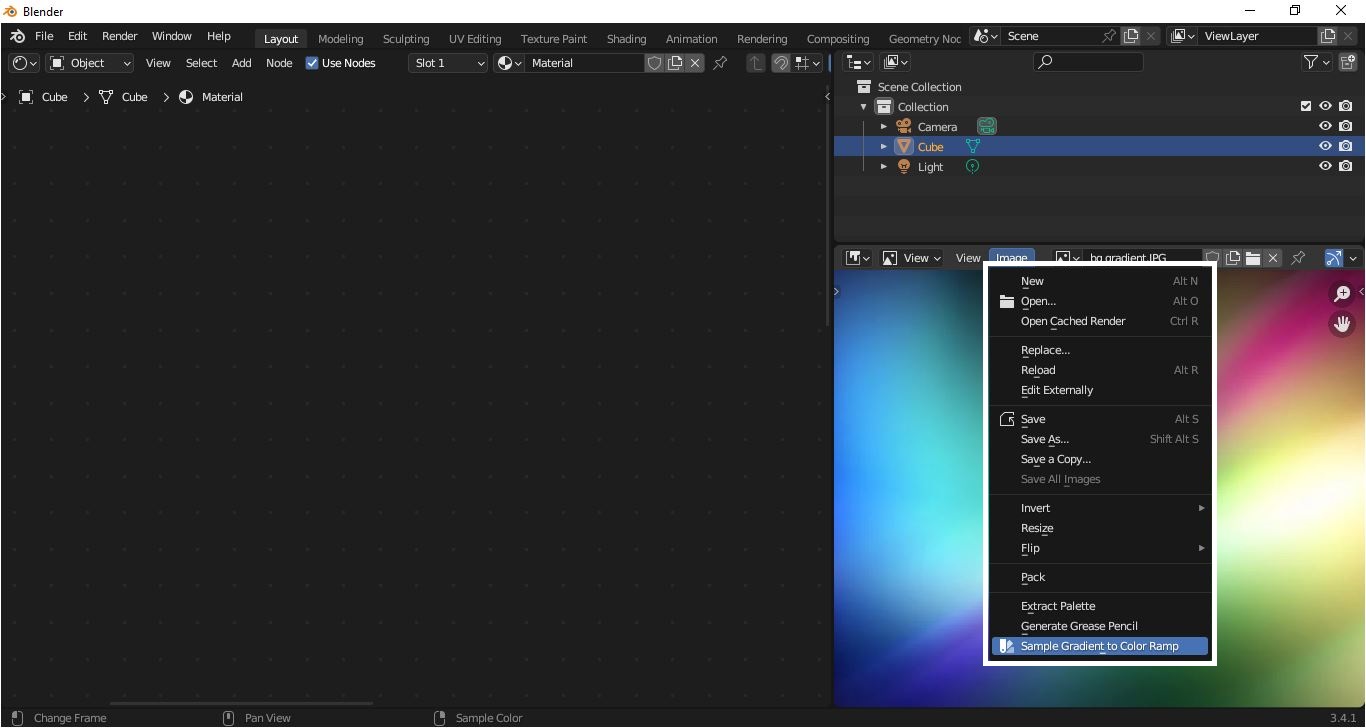
Pull
up an Image Editor, Image>Sample Gradient to Color Ramp
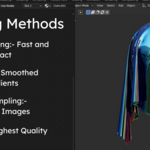
Here is a little peek into sampling methods.
Gradient
Sampling Methods
Point Sampling
Best for: Sharp, pixel-perfect gradients
Takes
the exact color of each pixel without any blending or smoothing. This gives you
the most accurate representation of your source image.
When
to use:
- Pixel
art or low-resolution images
- When
you want crisp, hard transitions
- Fastest
method
Result: Sharp, sometimes
jagged gradients that match the source exactly.
Bilinear
Best
for:
Smooth, natural gradients
Blends
between neighboring pixels to create smoother color transitions. This is the
sweet spot for most use cases.
When
to use:
- Photographs
and realistic images
- When
you want smooth, natural-looking gradients
Result: Smooth gradients
without pixelation, balanced quality
Area Sampling
Best
for:
Noisy or highly detailed images
Averages
a 3x3 grid of pixels around each sample point. This reduces noise and creates
more stable gradients from busy textures.
When
to use:
- Noisy
photographs or scanned textures
- Images
with fine details that create unwanted speckles
- When
you want to reduce color variation
Result: Clean, stable
gradients that filter out noise and small details.
Gaussian
Best
for:
Highest quality, professional results
Uses
a weighted blur that emphasizes the center pixel while smoothly blending with
neighbors. Produces the highest quality gradients.
When
to use:
- When
quality is important
- Where
detail matters
Result: Silky smooth,
professional-grade gradients with subtle detail preservation.
Limitations
Avoid
Sampling From 4k or 8k images, it might cause crashes.
If
you want to sample from such images simply downscale them to a low-res version.
Have questions about this product?
Login to message

Discover more products like this
image to gradient color gradients color from image texture gradient gradient-addon gradient-picker color-palette gradient-sampler gradient maker Palette Generator procedural