 Bala
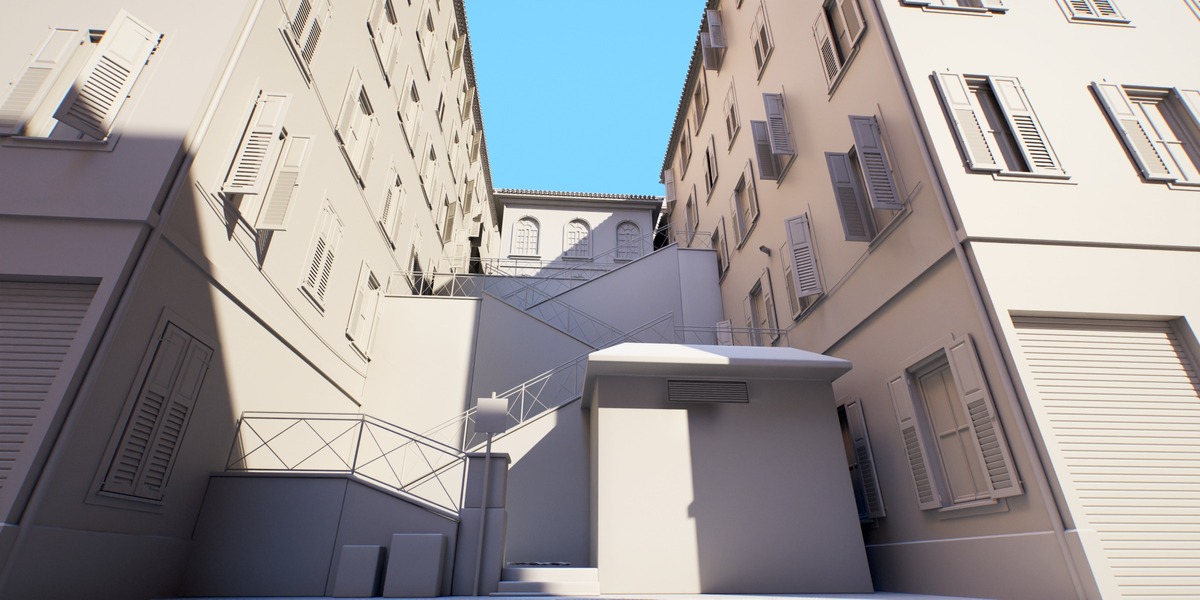
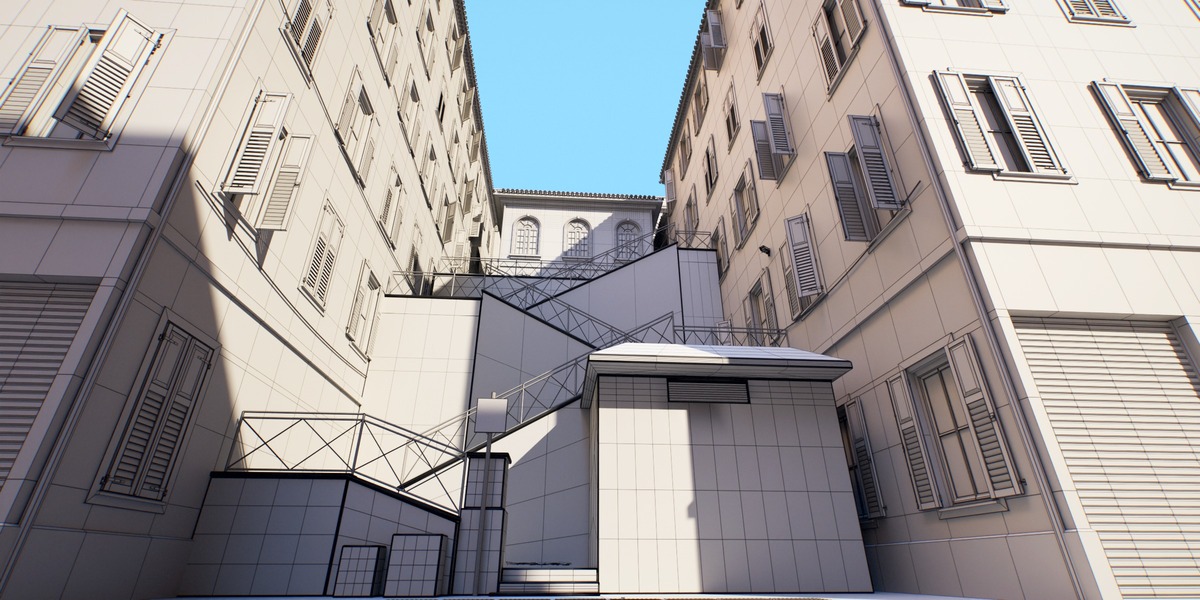
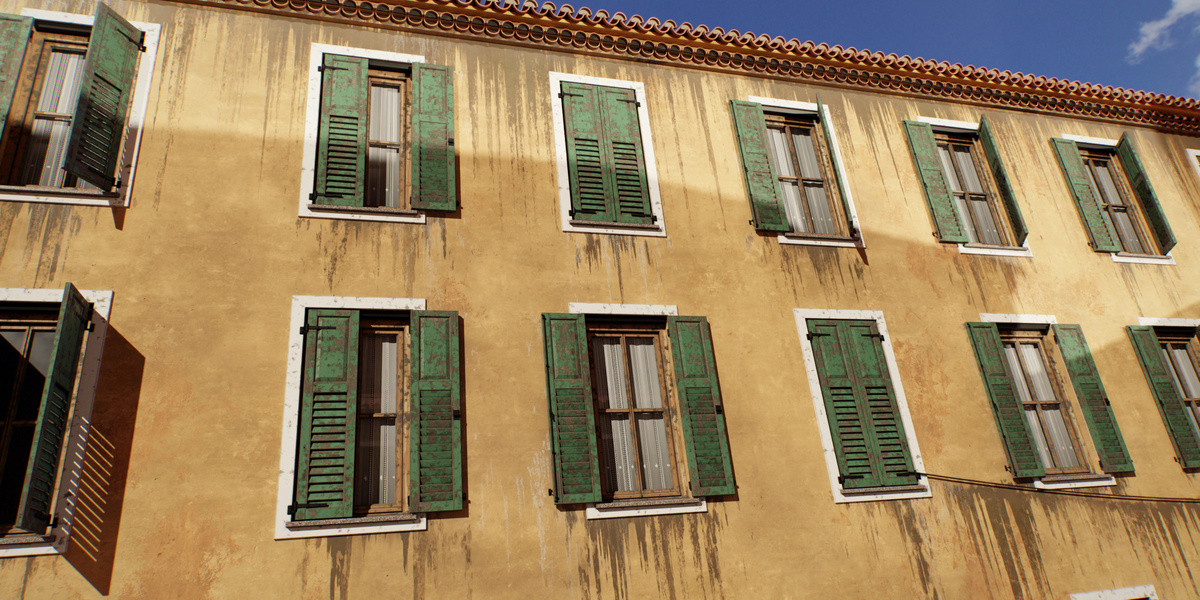
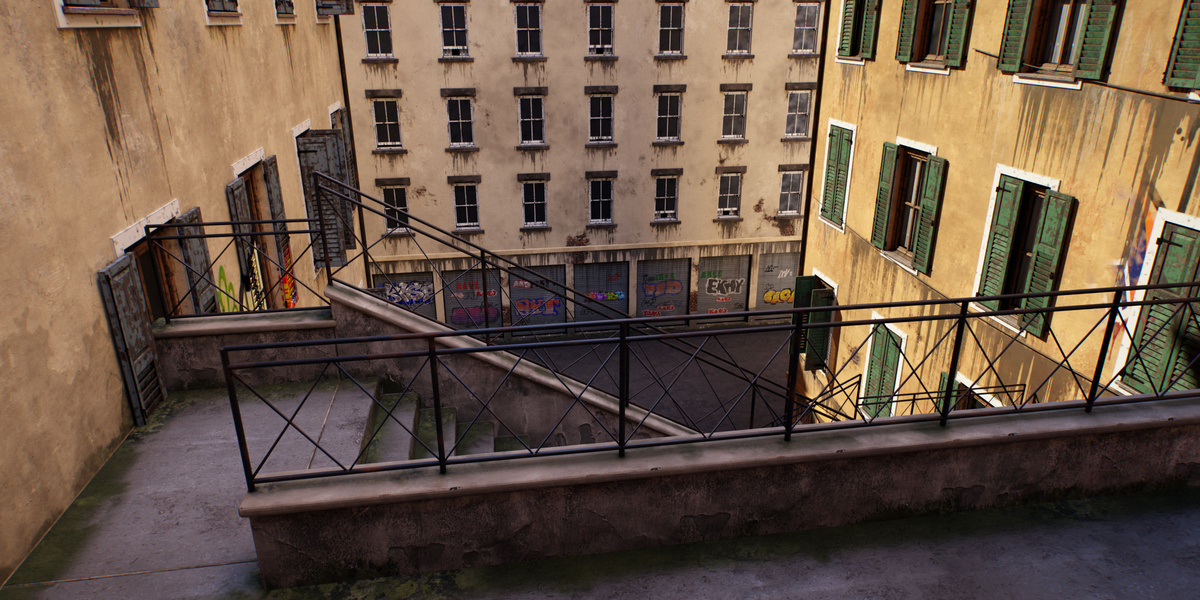
Which download do I need?
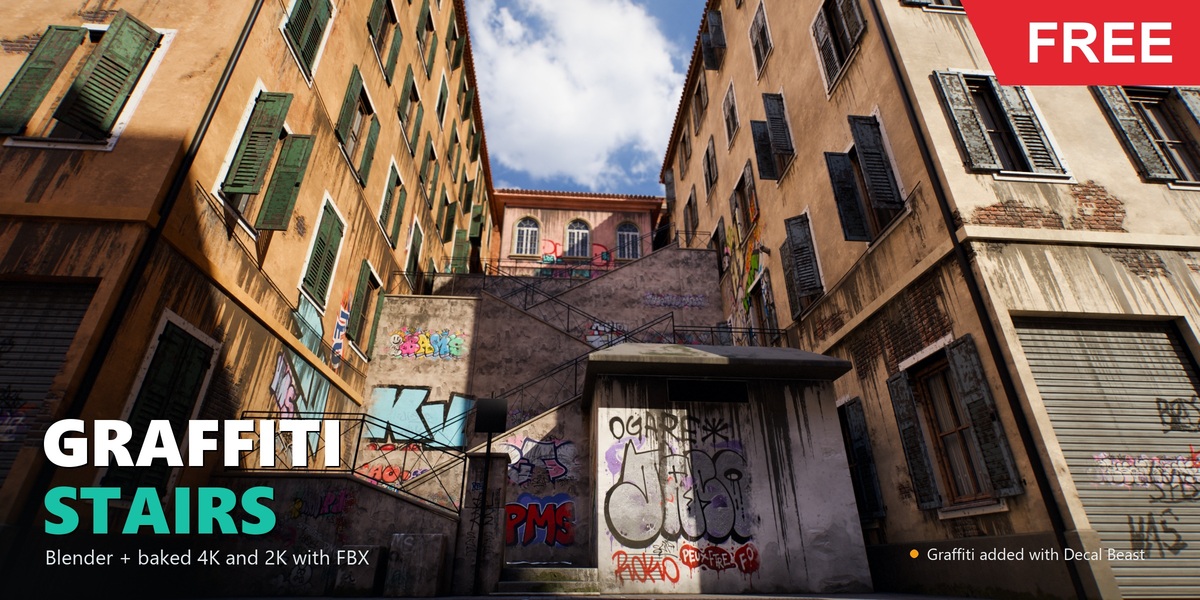
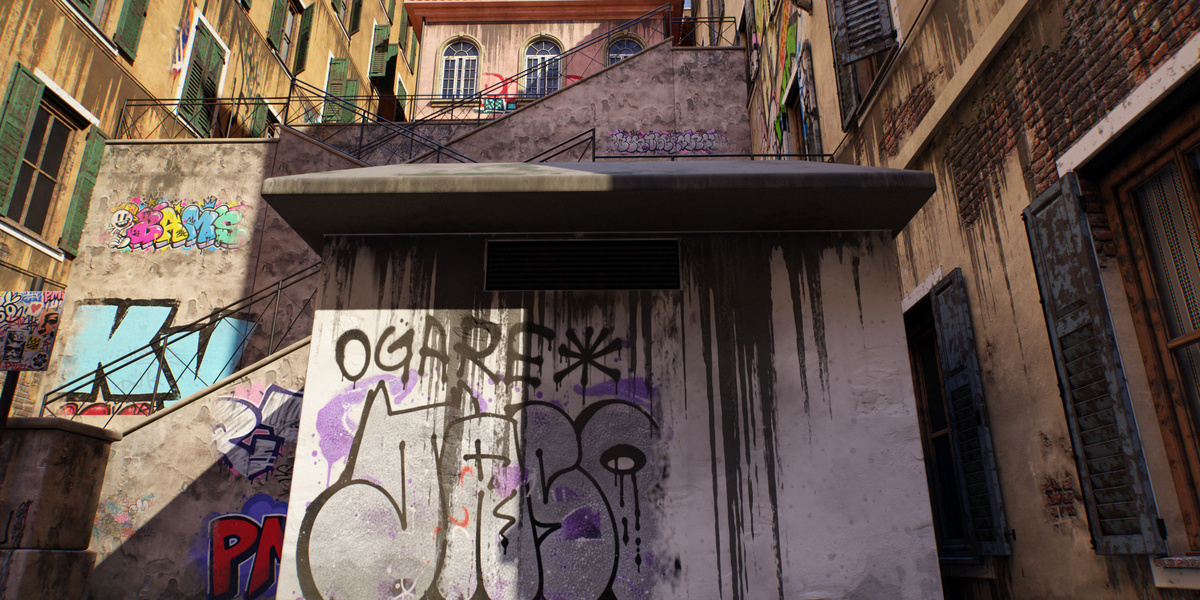
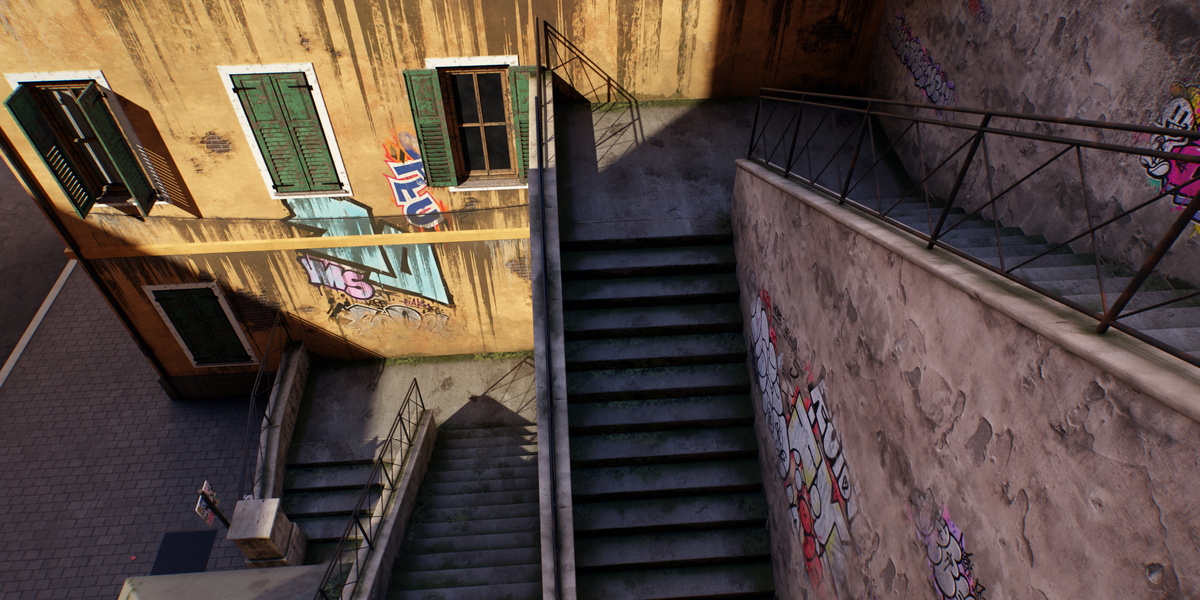
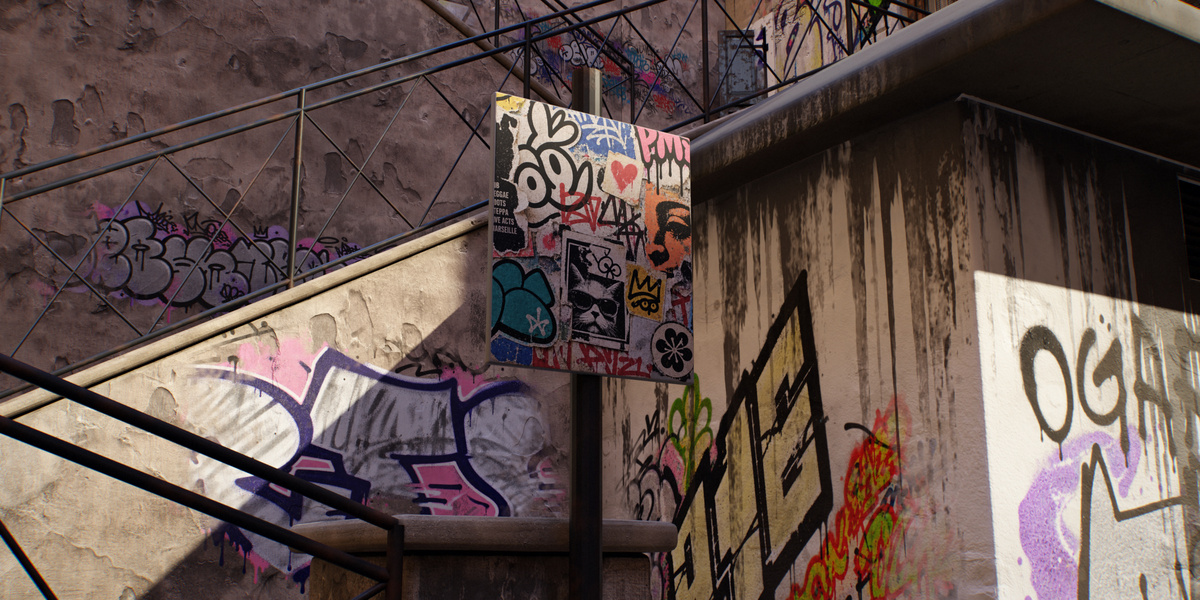
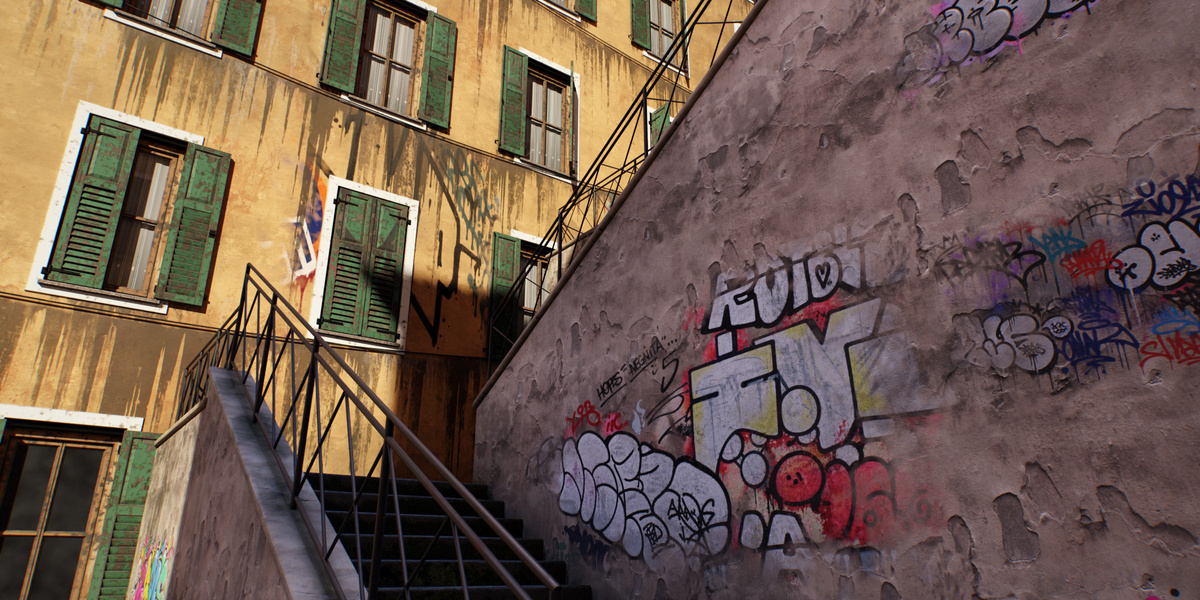
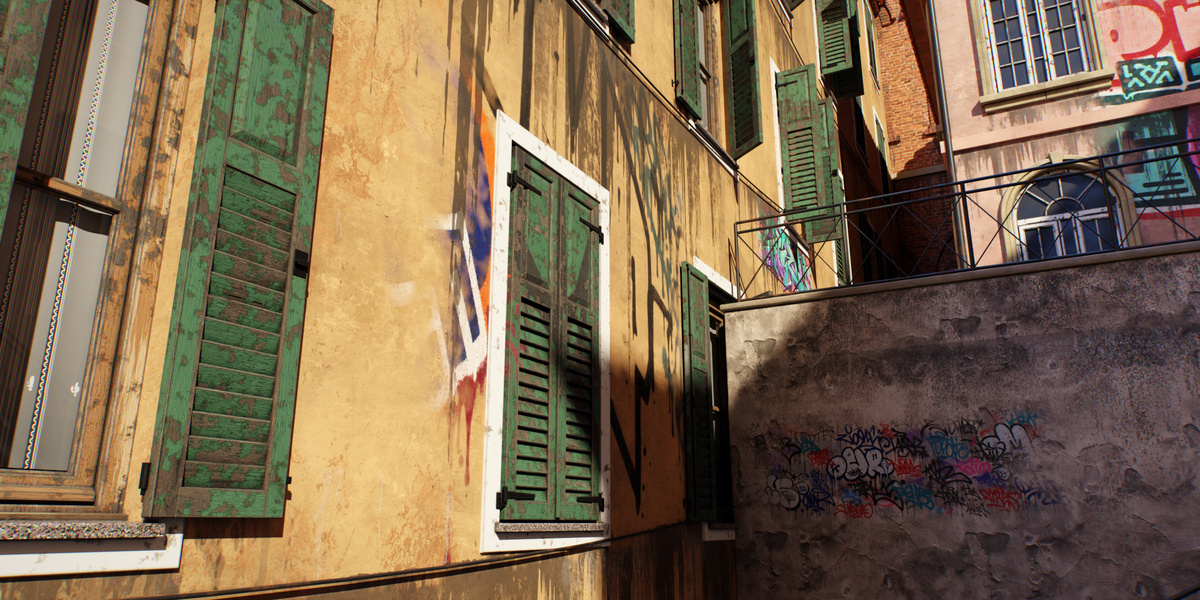
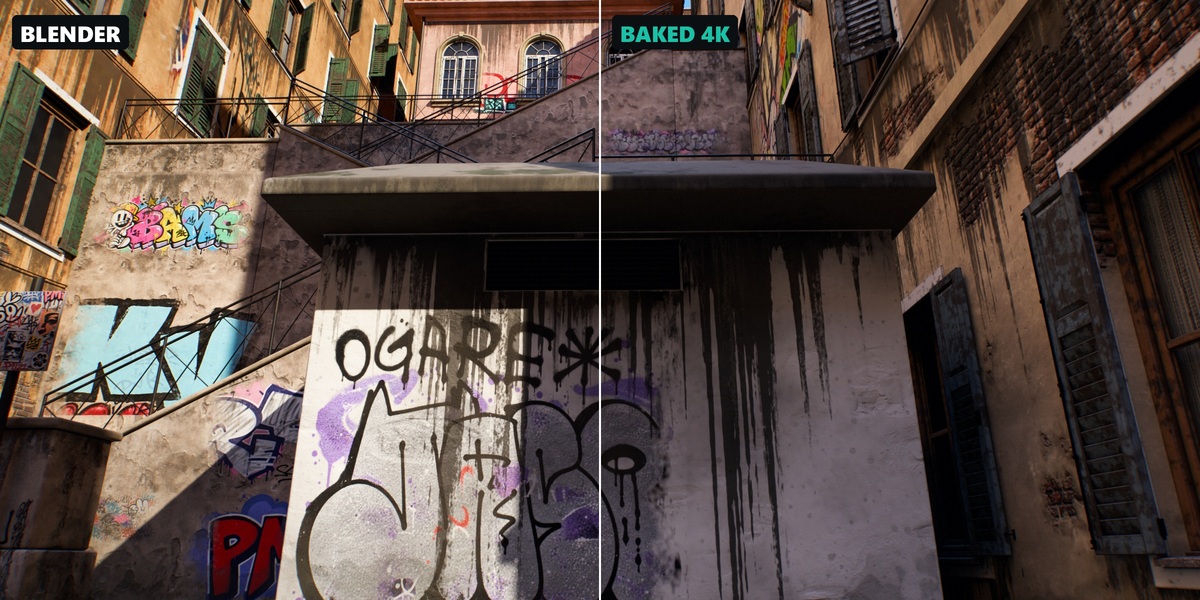
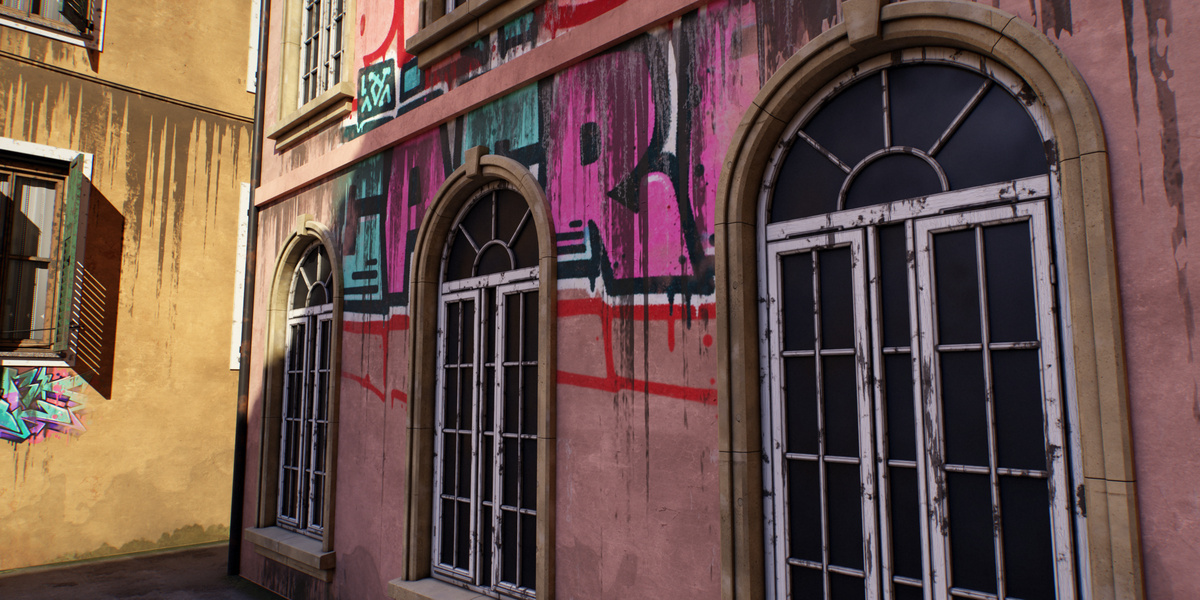
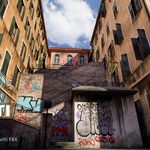
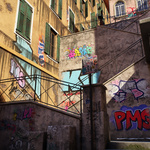
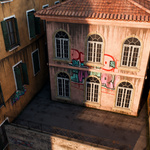
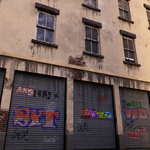
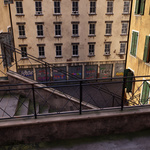
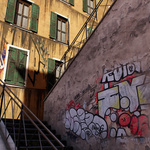
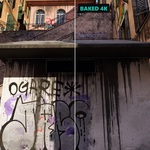
GraffitiStairs_Blender.zip is the original Blender scene. All the shaders are still editable and the graffiti is made with Decal Beast. Get this one if you work in Blender.
GraffitiStairs_FBX_4K.zip and GraffitiStairs_FBX_2K.zip are FBX files with everything baked into normal image textures, for Unreal, Unity, Maya, 3ds Max, Cinema 4D and others. The 2K one is smaller and lighter.
Opening the scene
Unzip the file and keep the textures folder next to the .blend or .fbx file, otherwise the textures won't load. Open the .blend in Blender 5.2 or newer and press F12 to render from the main camera. Cycles gives the best result, Eevee works too.
How it's organised
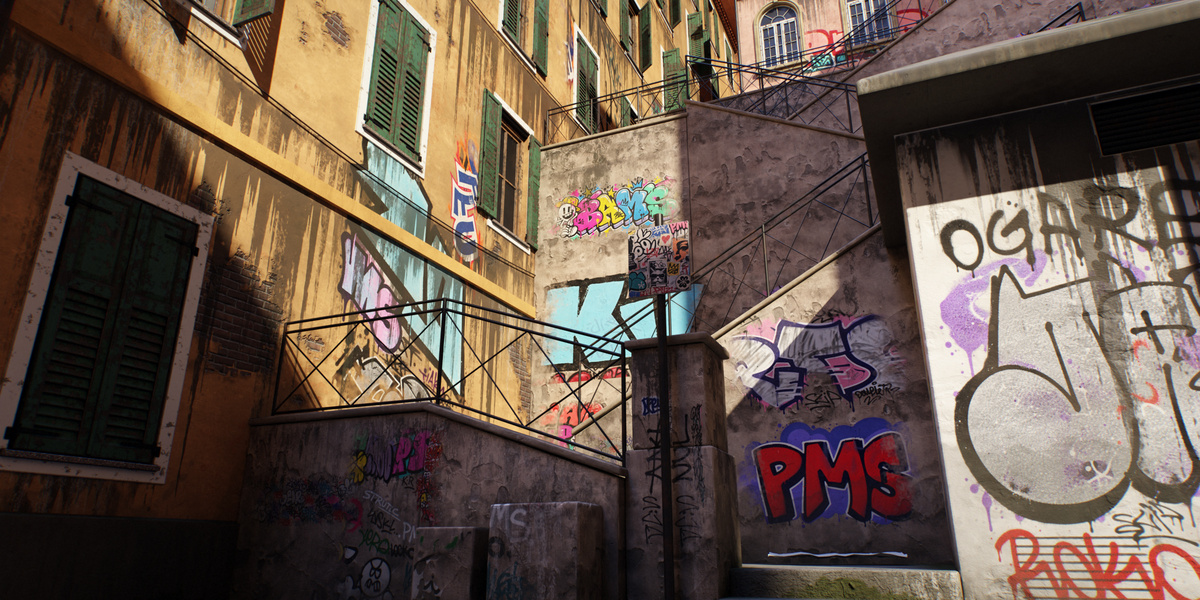
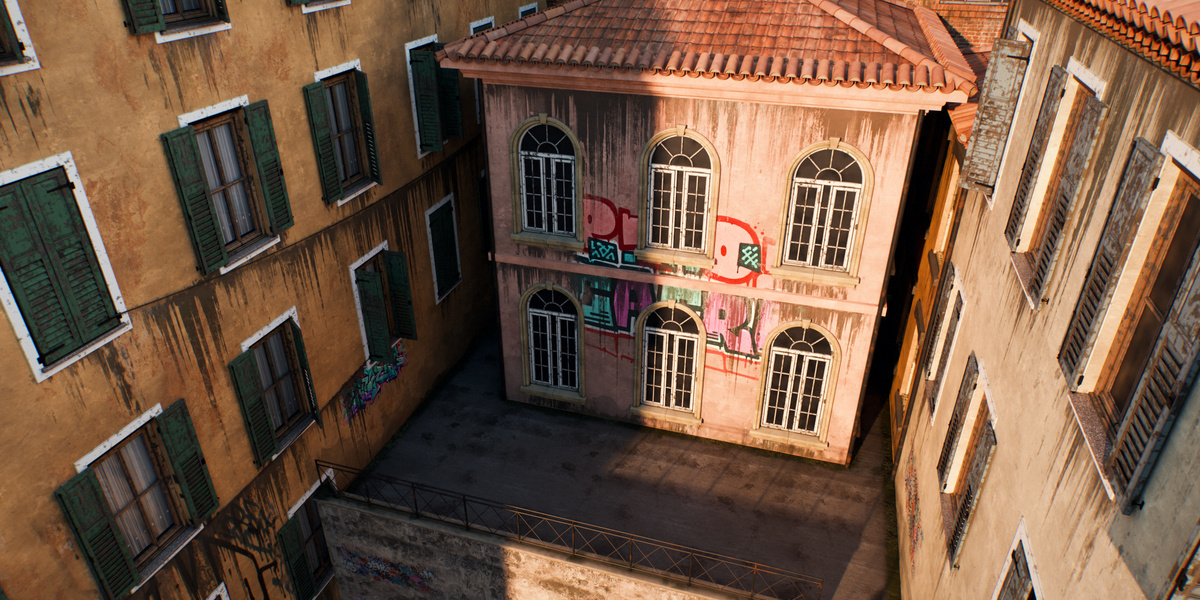
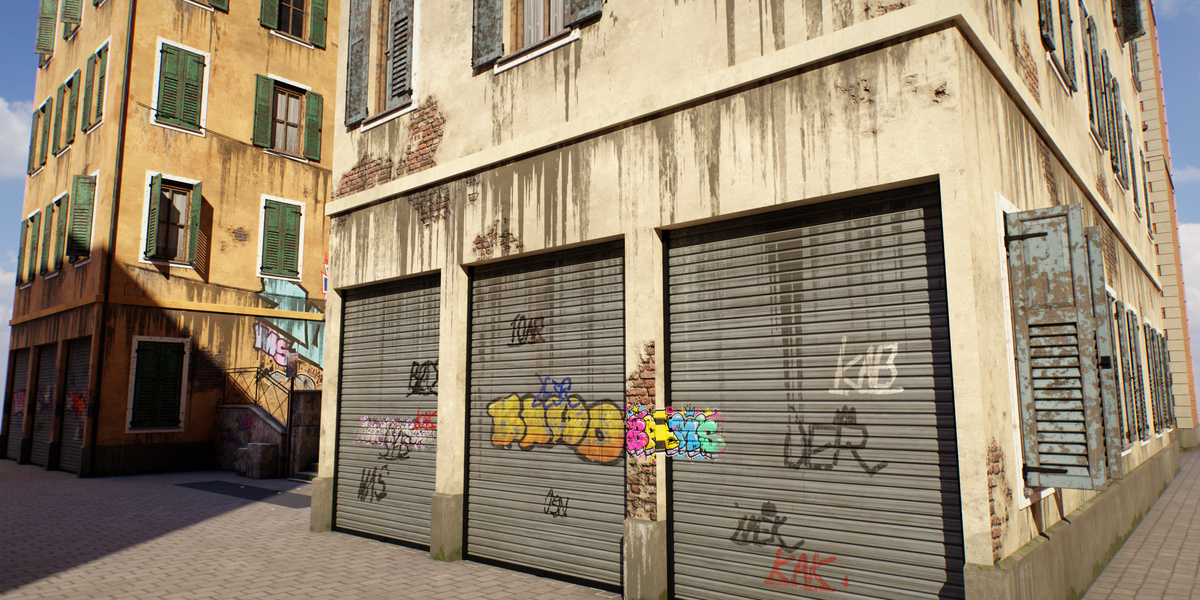
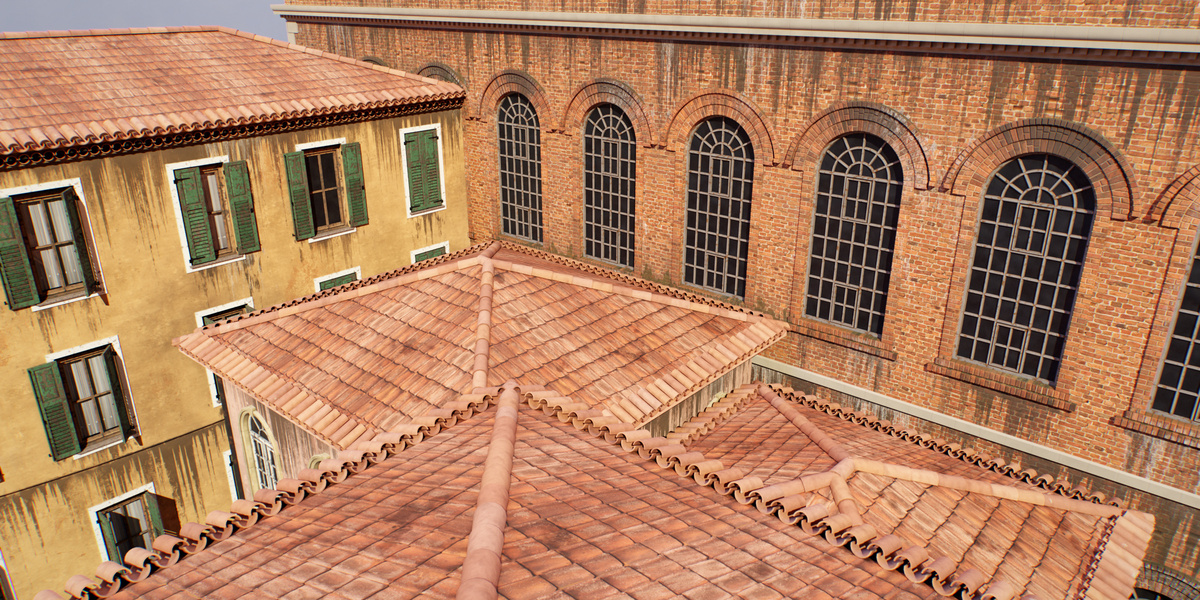
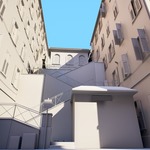
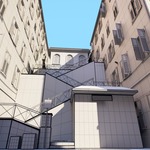
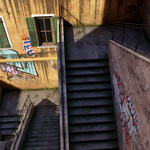
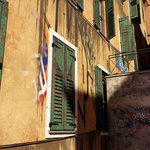
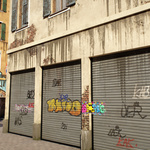
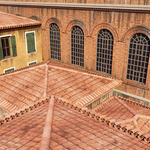
Every building has its own empty with all its parts parented to it, so you can move a whole building at once. The collections are numbered: 01 Buildings, 02 Staircase, 03 Kiosk, 04 Street, 05 Props and Details, 06 Lighting and 07 Camera.
The FBX version
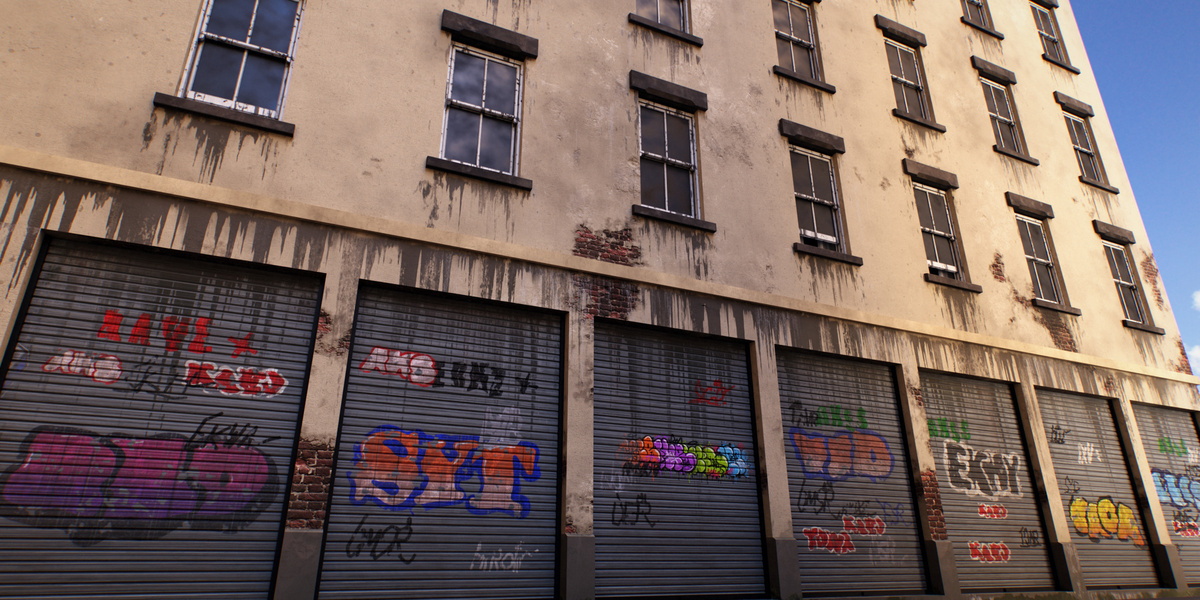
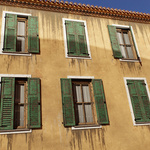
Each object has Albedo, Normal, Roughness and AO maps, plus Metallic for the metal parts. The buildings, the staircase and the street have a lot of texture detail, so they use several texture tiles (name.1001.jpg, name.1002.jpg and so on). Every tile has its own material in the FBX, so no UDIM support is needed. The FBX has no sky, so add an HDRI for the same light (urban_alley_01_1k.hdr is in the textures folder). The normal maps are OpenGL style, so flip the green channel for Unreal or 3ds Max.
Editing the graffiti
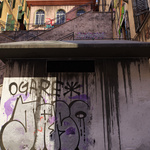
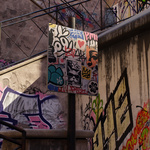
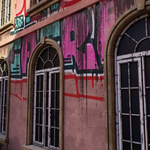
All the graffiti is made with my Decal Beast add-on. You don't need it to open or render the scene. If you have it, you can move, resize, age or swap any piece, or add your own.
Have questions about this product?
Login to message
| Downloads | 80+ |
| Published | about 2 months ago |
| Blender Version | 5.2 |
| Render Engine Used | Cycles, Eevee |
| Misc Data | Uvs-Unwrapped, Normal-Mapped, Textured |
| License | Royalty Free |