 IK3D
IK3D
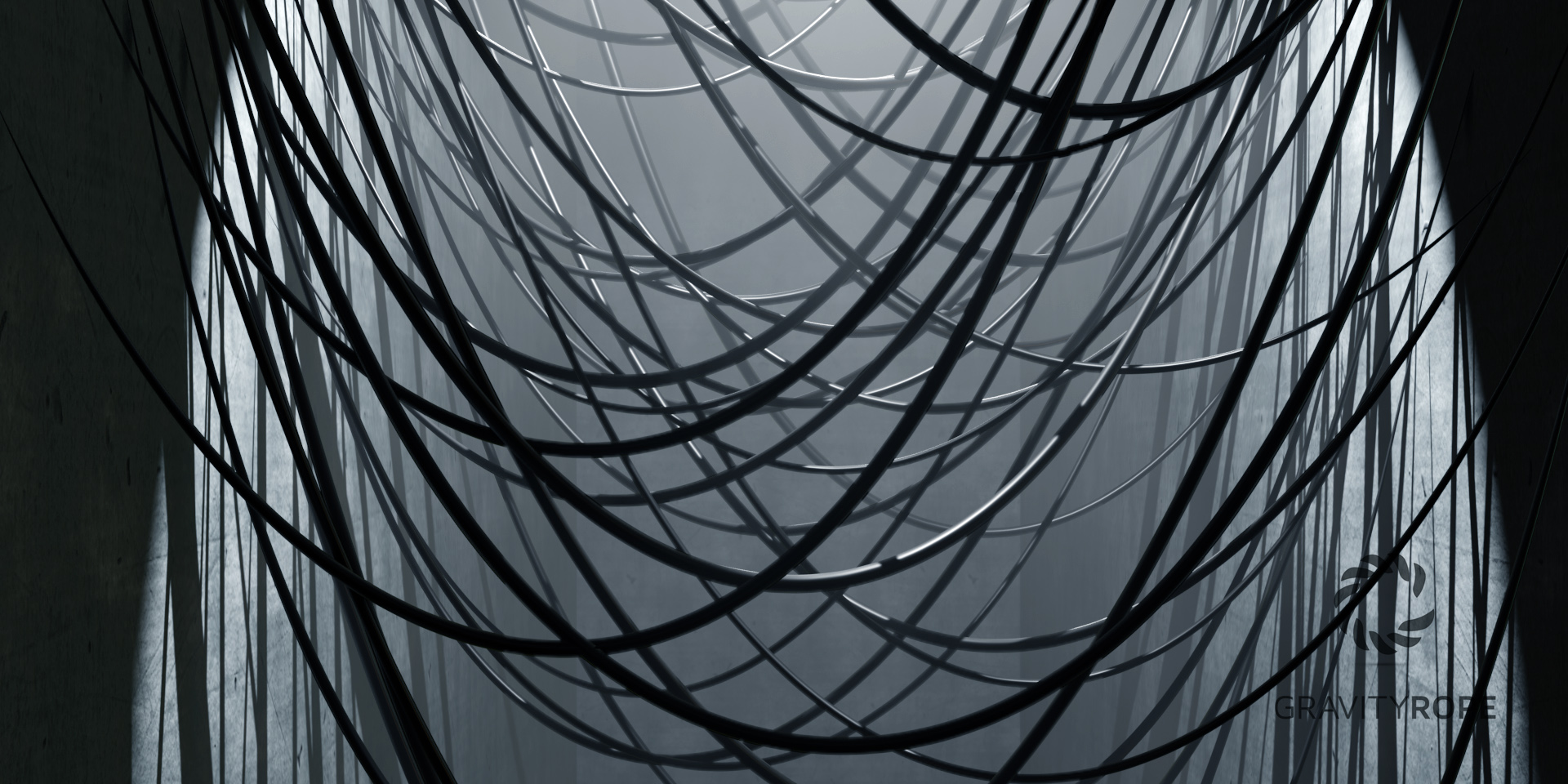
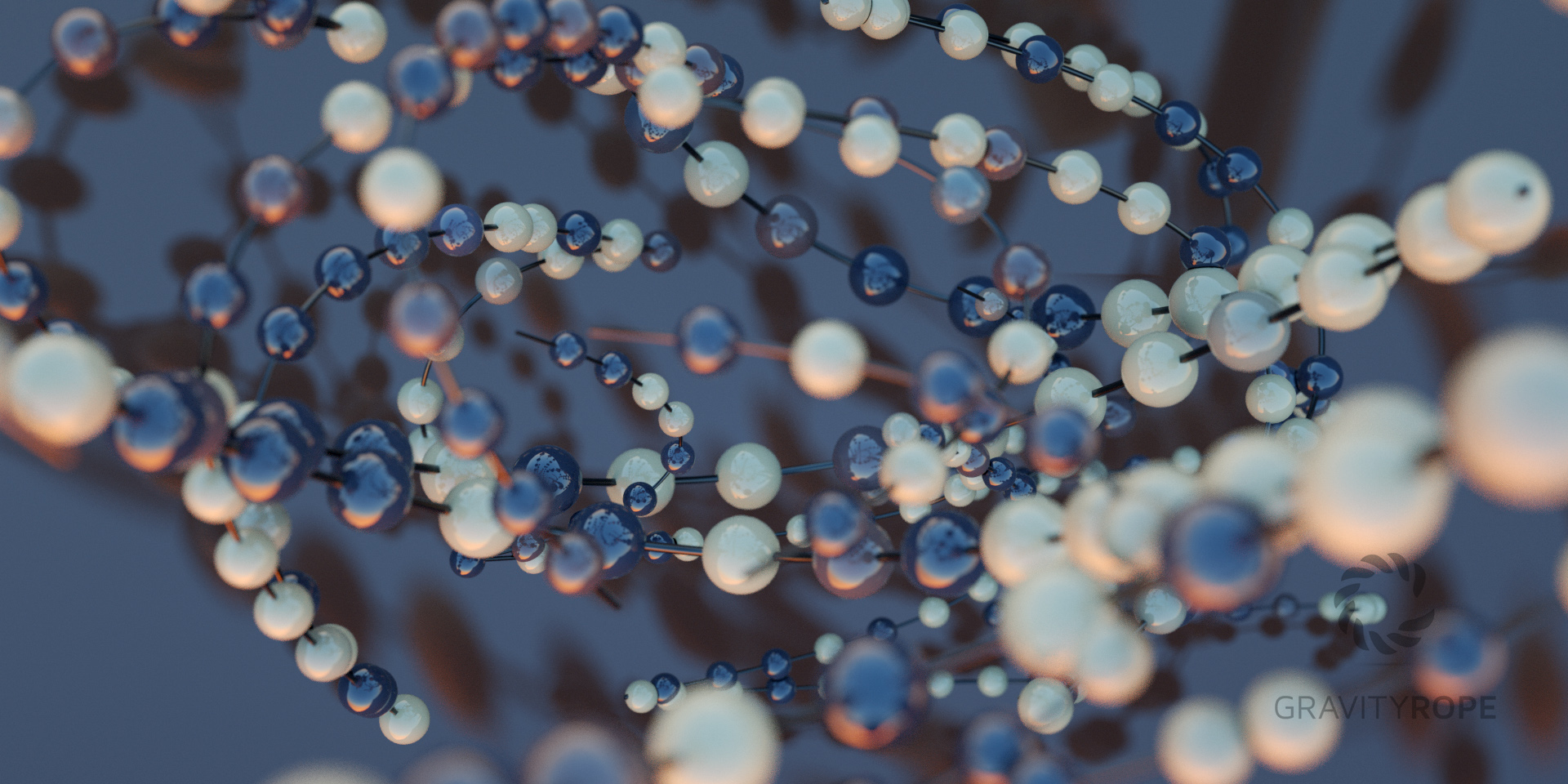
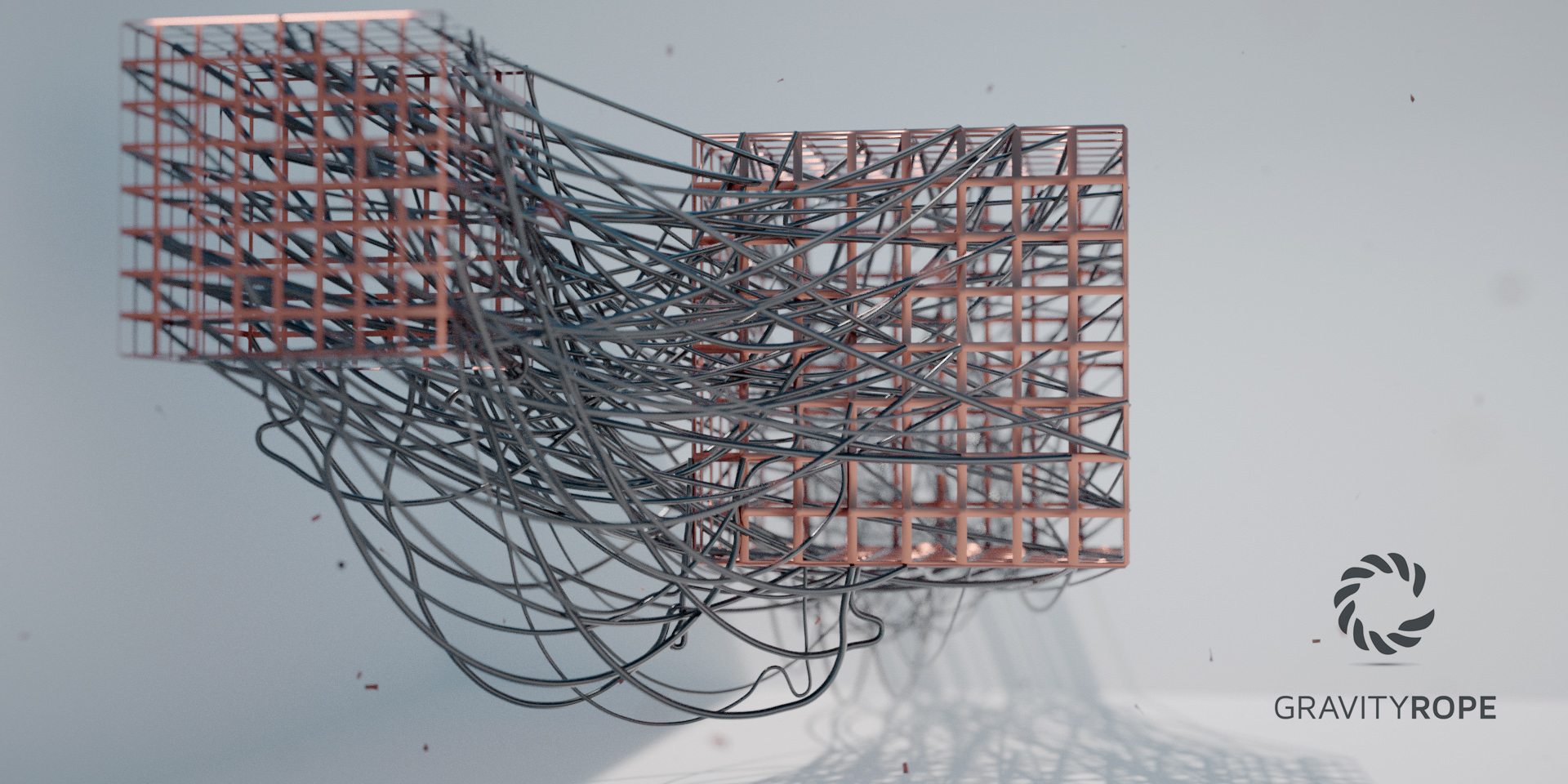
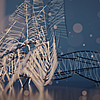
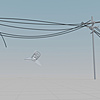
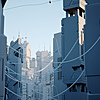
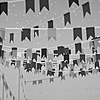
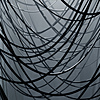
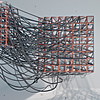
What is Gravity Rope ?
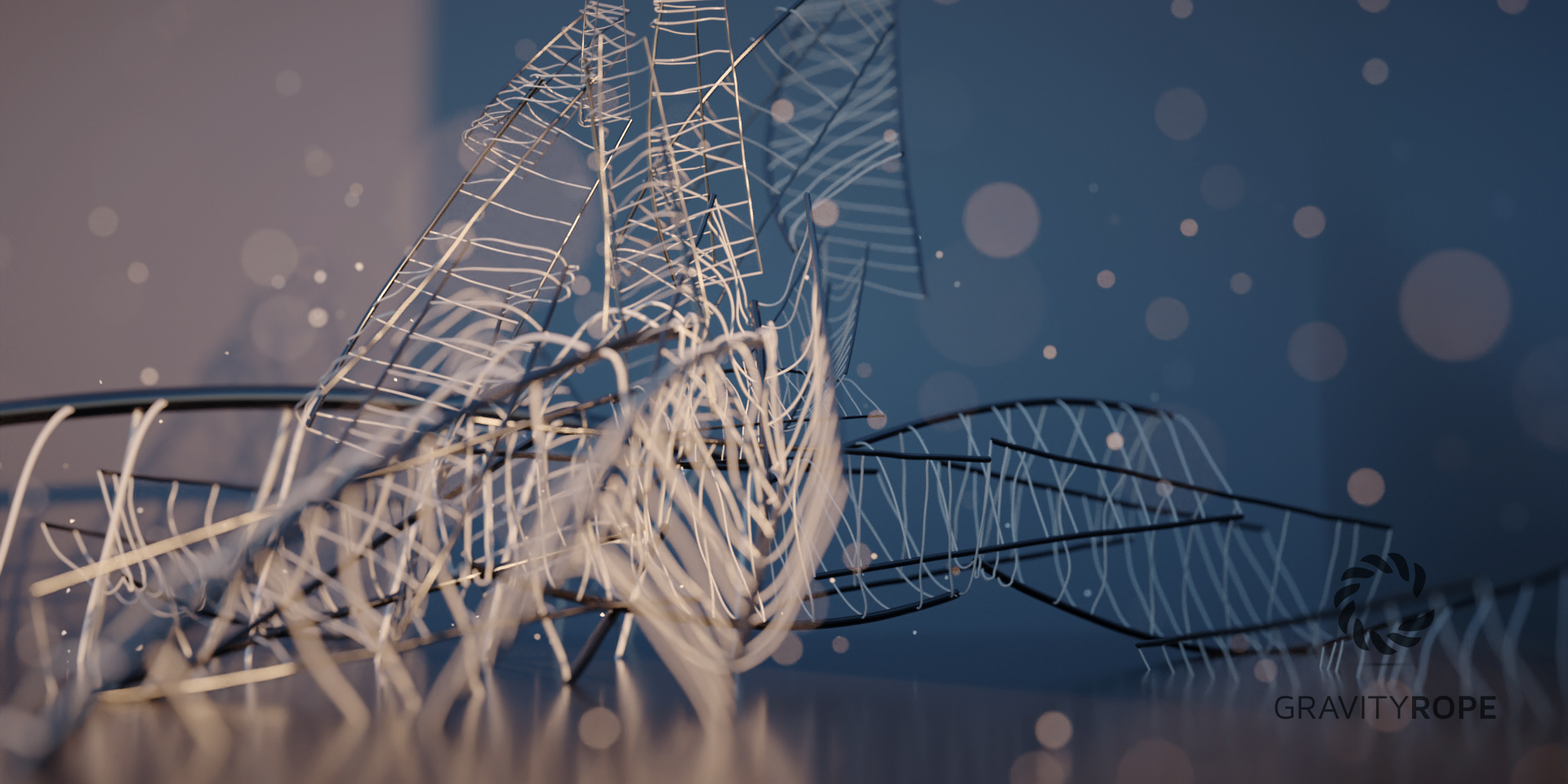
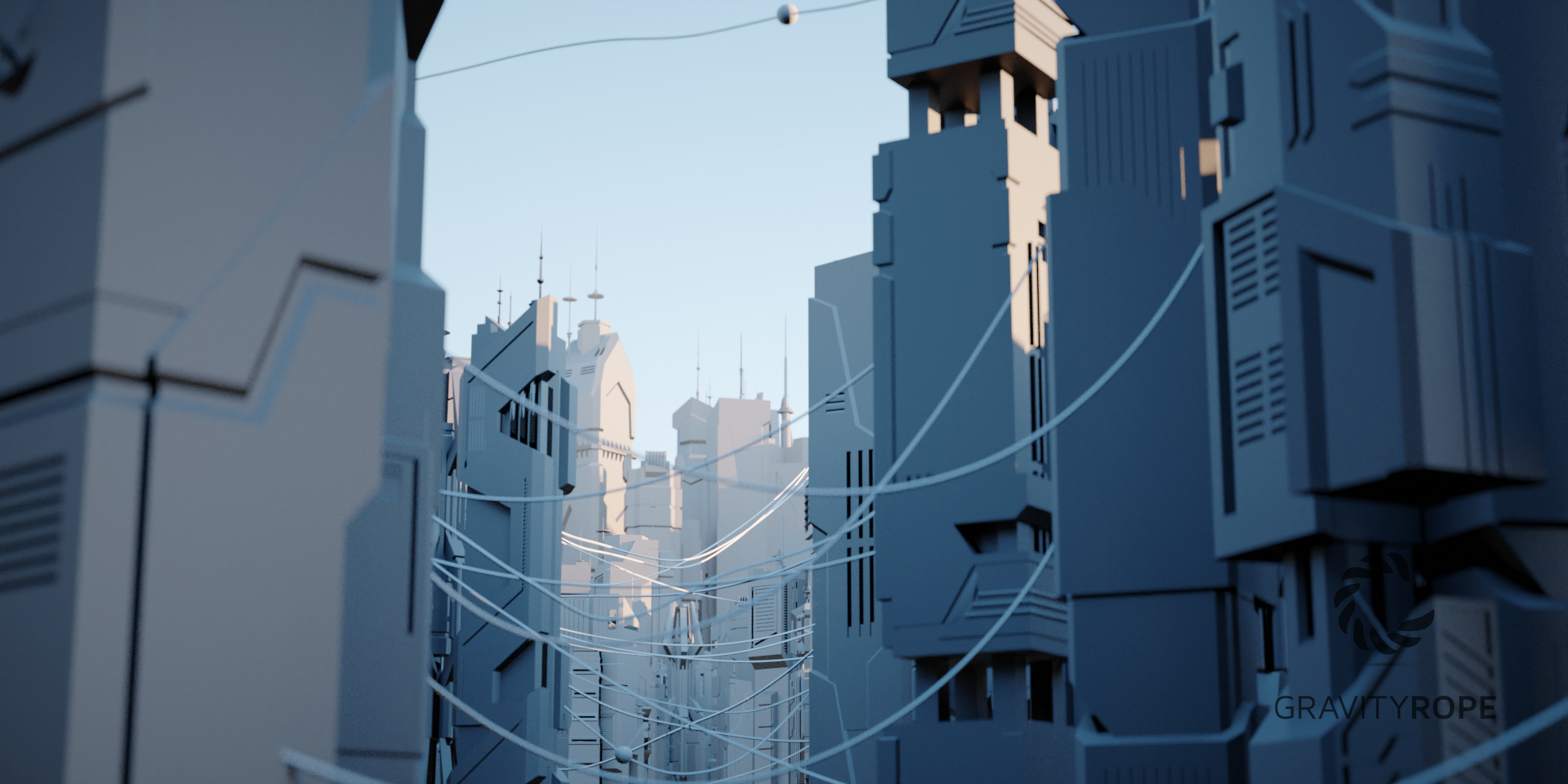
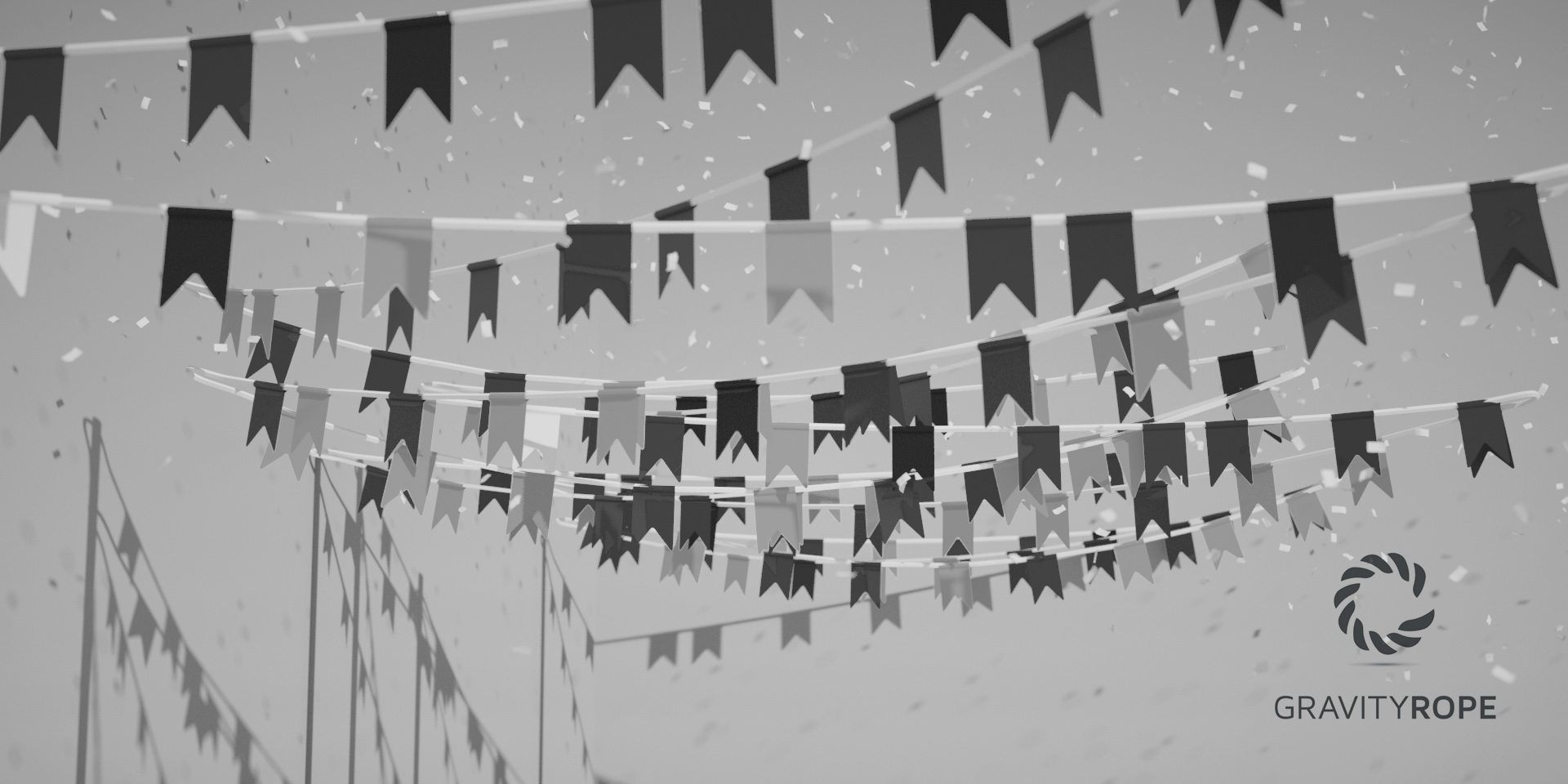
Gravity Rope is an artist-friendly simulation add-on for ropes, cables, chains and pendulums. Built for motion designers and 3D artists, it lets you create ropes that collide, react to wind, stretch and even break — all simulated live in your viewport. Draw a rope, press Play, and watch it come to life. No long bakes, no physics headaches.
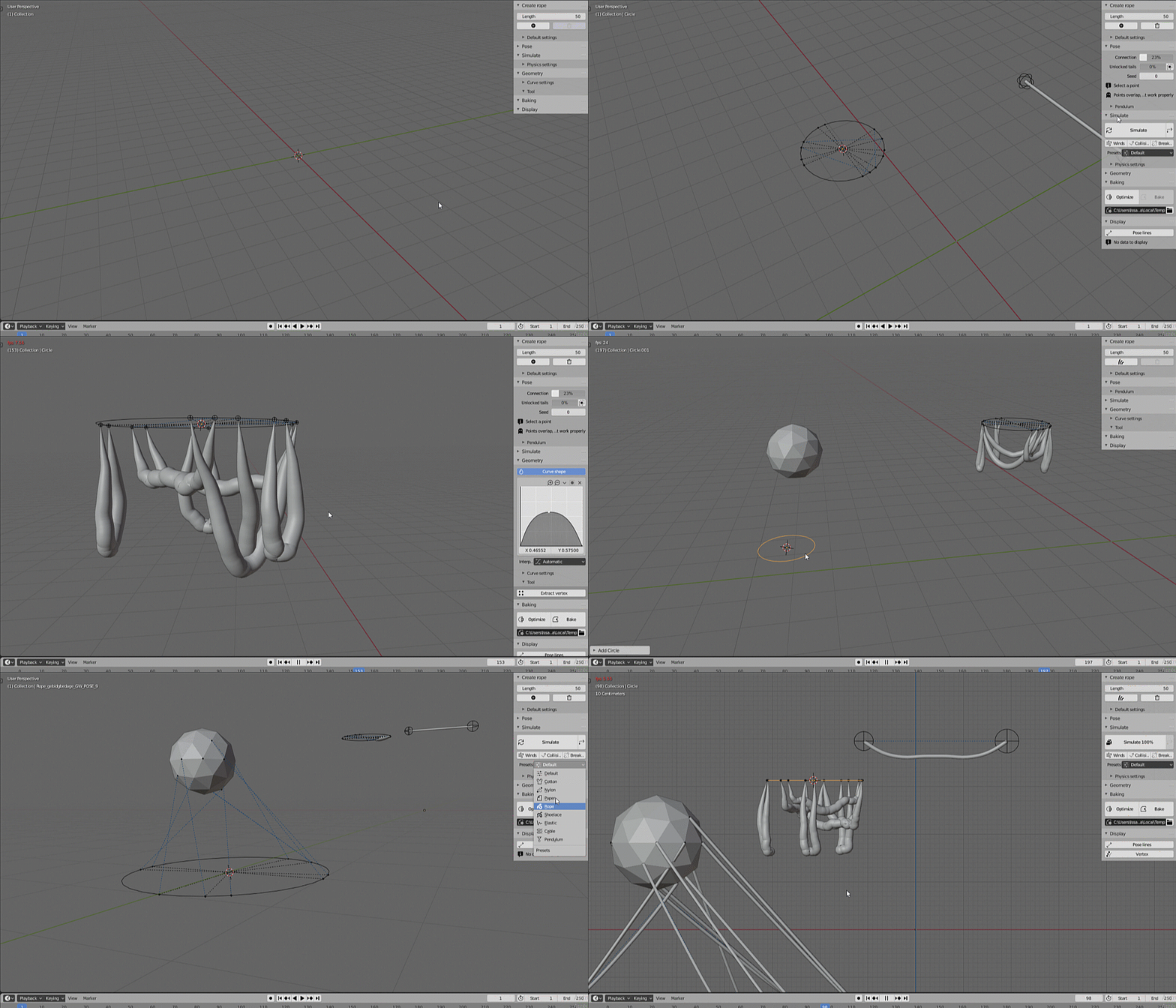
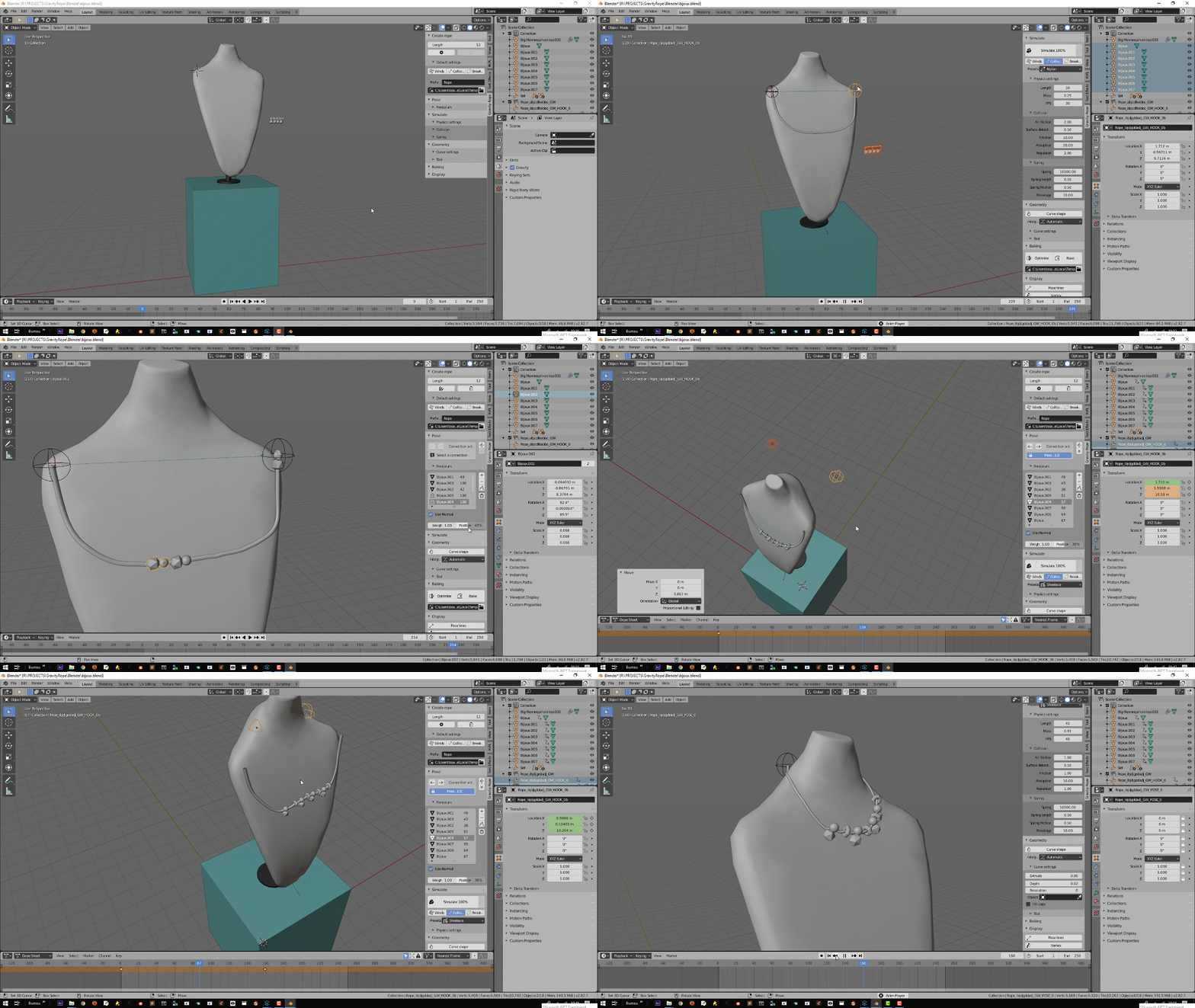
Rebuilt from the ground up on a GPU engine (Blender 5.x)
- Brand-new GPU solver (WGPU / XPBD) — the entire simulation was rewritten on a modern GPU engine. Faster, more stable and accurate.
- Real-time, even on large scenes — simulate dozens of ropes at once, live in the viewport, where the old engine would grind to a halt.
- Live workflow — press Play to simulate and cache every frame; scrub back to replay instantly. No modal, no manual Sync.
- Procedural skins — 8 ready-made Geometry Nodes looks (rope, chain, phone cable, ribbon, beads, braided sleeve…) with twist and section control.
- Modern bake — native Geometry Nodes bake or USD BasisCurves for pipelines (no more Alembic dependency).
Key features
- Real-time GPU simulation of ropes, cables, chains and pendulums.
- Collisions & self-collision, wind & force fields, stretch and breakage.
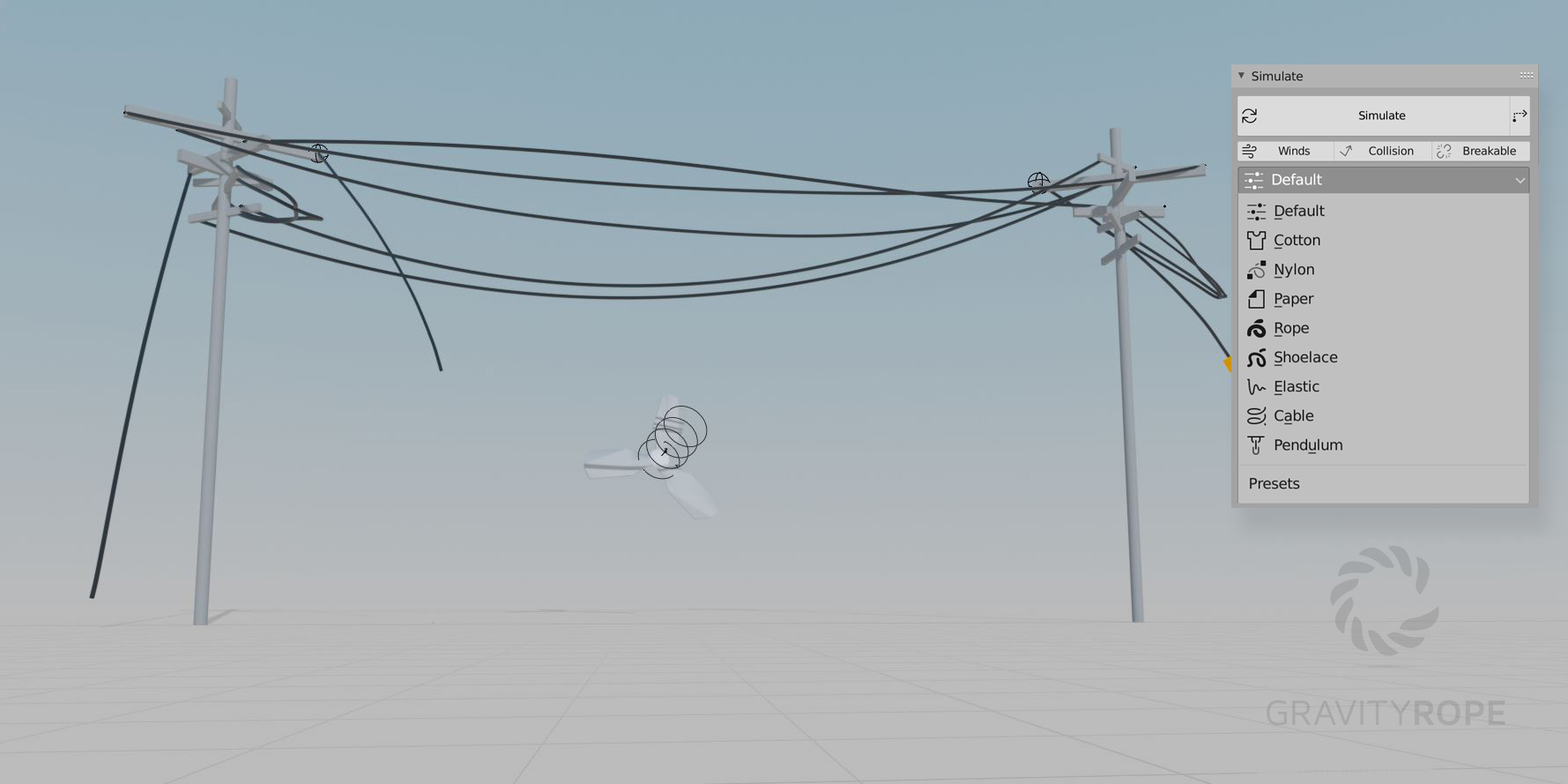
- Material presets (Cotton, Nylon, Paper, Rope, Shoelace, Elastic, Cable, Pendulum…).
- Multiple modes: hand-drawn path, cluster / scatter onto a mesh, bridge between two objects.
- Procedural skins plus full curve control (radius, twist, section, bevel).
- Taper the thickness along the rope with a Curve shape — thinner ends, fatter middle, any profile.
- Build your own skins — a New skin button plus custom Geometry Nodes groups (GW_struct_…); works whole-rope, live, and stays fully editable after baking.
- Endpoint aim — lock a rope's tip to a connector's orientation for clean cable ends.
- Extract vertex positions to attach your own objects.
- One-click bake to Geometry Nodes or USD BasisCurves, with autoload.
Coming next (price will increase)
- Rope-to-rope attachment, pendulums on cluster, particle-driven scatter, and bridge over all selected objects.
