 cosmosmythos


Grease Pencil Auto Interpolate
LAST UPDATED: October 2, 2026
2D Animation Made Effortless
Automatically generates smooth in-between frames while you focus on what matters most, your creative vision!
The Problem
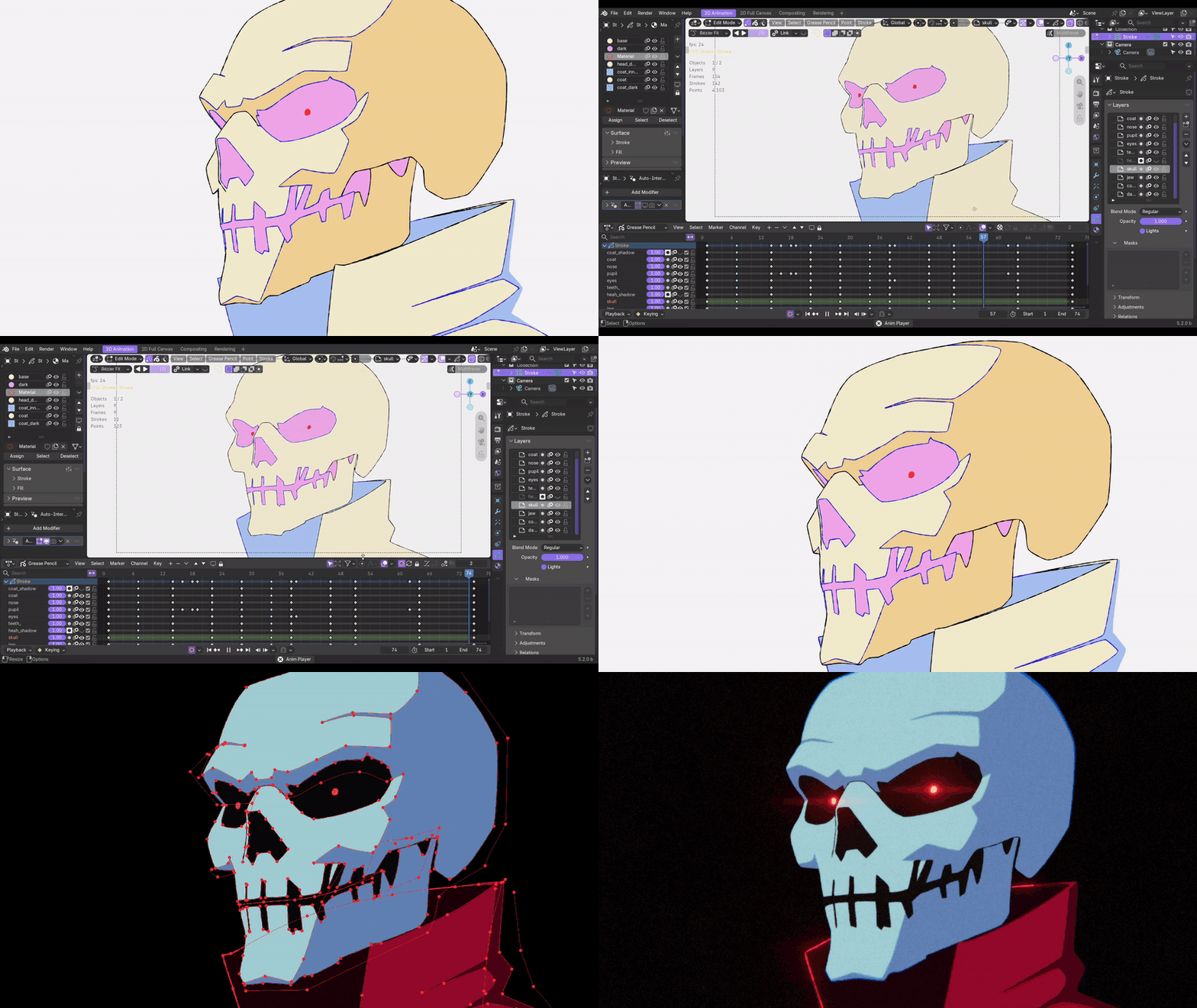
You sketch perfect keyframes, hit play, and...choppy, jarring movement. Now begins the process of going through every layer, opening the interpolation tool, tweaking in-between settings for strokes, and repeating the process dozens of times for multiple strokes. What should take minutes can stretch into hours of tedious micro-management, especially when your drawings have a ton of individual stroke elements that all need their timing perfectly calibrated.
Draw & watch it flow
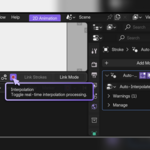
Powered by Grease Pencil Geometry Nodes, the addon works invisibly in the background, creating buttery-smooth interpolated animation with real-time playback processing.
|
Lightning-Fast Processing Runs on Geometry Nodes for instant playback |
100% Non-Destructive Your original keyframes remain untouched |
|
Zero Learning Curve Works automatically the moment you install it |
Realtime Feedback See automatic real-time interpolation as you draw |
|
Clean Interface No UI clutter, just pure creative focus | |
BONUS FEATURES:
Line-Art Import
Turn your raster drawings into Grease Pencil strokes!
Whether scanned drawings, photos of sketches, or digital raster art - Go to File > Import > GPAI Line Art (.png, .jpeg) and get them converted directly into editable Grease Pencil strokes!
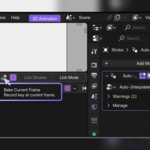
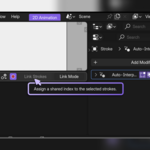
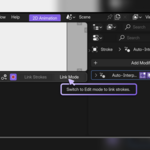
Link Strokes Mode
Select any two strokes across keyframes and pair them. For complex cases, you only need to provide a few manual hints and the algorithm will figure out the rest!
