 pullup
Use case demo by Daniel Martinez Lara on this link : https://www.youtube.com/watch?v=ino4Njemtds
Use letter-keys like modifiers combined with left-click on a stroke to trigger transform:
G : Grab R : Rotate
S : Scale E : Pinch
W : Slide Alt+S : thickness tweak (equalize when adding Shift after launch)

Some other shortcut just need single press:
X : Delete
Shift+S : Smooth
Shift+D : Duplicate
Details of all tools below
Note: the 3D pencil in demos and letters display
have nothing to do with the add-on, there are only in the video/gifs to
better show the interactions.
About versions:
For Blender 4.3+, use addon versions 2.0 and above. Not retro-compatible due to Blender grease pencil upgrade.
For Blender up to 4.2, use addon version below 2.0
Usage
Once the transformation has started you can release the modifier key, transform keep going while click/pen is pressed
Pressing Esc during the transformations will cancel back to original position.
Those keybinding can be customized or disabled in add-on preferences.
At the end of the transform, stroke reproject itself on the canvas.
Check that you have wanted canvas draw-settings.
Pinch Tool:
The most useful tool of the set.
While active, Keys 1 and 2 top row numbers can be used to reduce/augment influence radius.
Radius default value, influence display, presets and behavior can be tweaked in addon preferences.
Influence propagate along the line, so only the part you pinch is affected! :

Pinch influence falloff is different when triggered in the inner part of the line or close to line tip for easier stroke tweaking:

Stroke Delete:
Directly pressing X delete the closest stroke from cursor, useful for quick cleaning

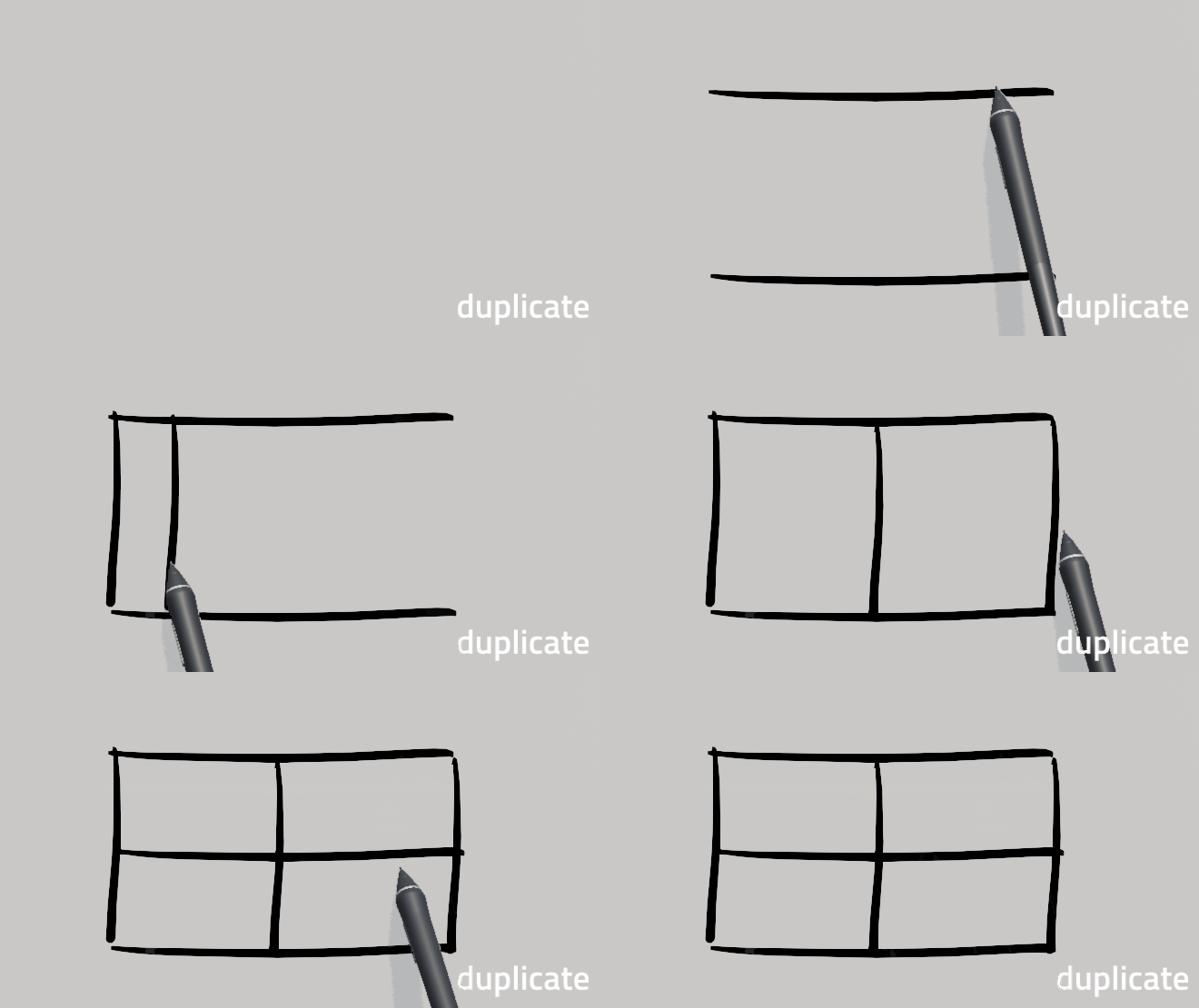
Stroke Duplicate :
Pressing Shift + D Duplicate the closest stroke, pressing X or Y (or Ctrl continuous press) allow to constraint on view X/Y.
Slide Tool (0.9.0 update):
Pressing W + click drag to change the length of the stroke.
Smooth Tool (1.0.0 update):
Press Shift + S to Resample and Smooth closest stroke from cursor (continuously for auto-repeat). Useful for extending and re-sculpting strokes.

Resample and Smooth actions can be toggled and customized under the shortcut in addon preferences.

It's possible to add another shortcut with different settings directly in the keymap.
Under category Grease Pencil Stroke Paint Mode with operator name gp.draw_smooth)
Thickness Tweaker (update 1.2)
Press Alt + S + click drag to adjust the thickness of pointed stroke (lines using stroke-disabled materials are ignored)

Equalize Thickness (update 2.5)
While tweaking thickness with Alt + S + click drag (You can release the keys after operation as started while the click stay pressed) Add shift to trigger thickness equalize.

Duplicate Stroke (update 2.5)
Press Shift + D To duplicate closest stroke from cursor. Click again to valid. Pressing X or Y will constraint on axis
3 basic transforms (G/R/S):


Since 2.5, rotate has an osd to keep an eye on pivot point show limits when rotation activate

Limitation
Does not work on multiple drawing depth in the same object, as it uses drawing plane position and orientation to determine which stroke to pick and where to reproject after transformation.
