 pullup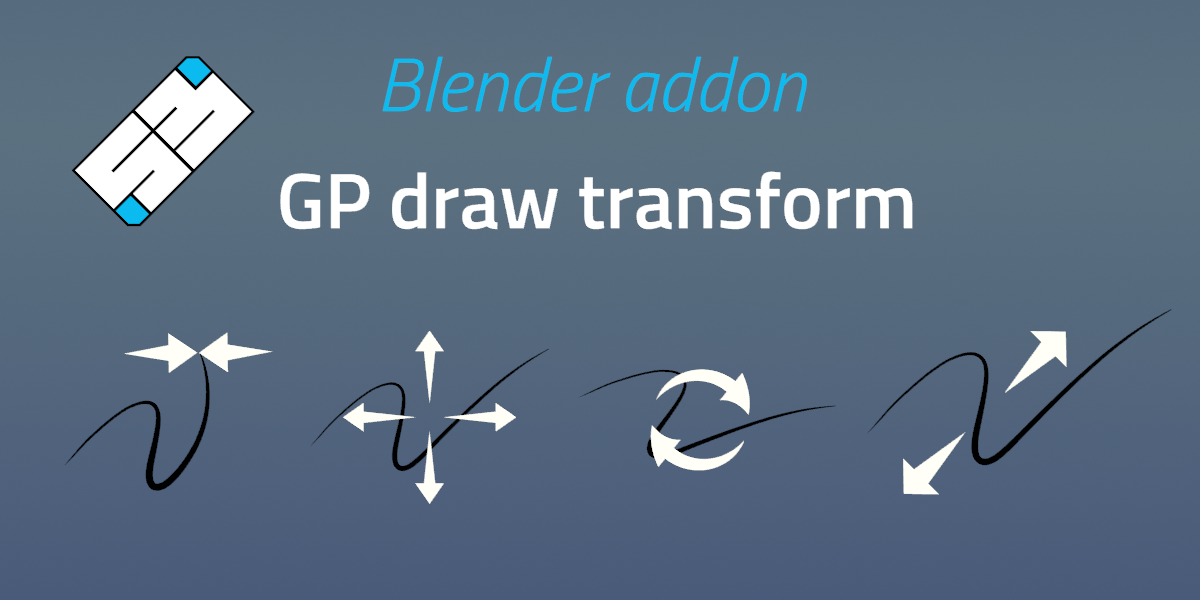
Fix a bug in 5.1+ where draw duplicate would reset to stroke only
This release fix issue with Draw Thickness (Alt + S + click) in Blender 5.1+ where it would not find any strokes. (This was due to important Grease Pencil structural changes in Blender 5.1 version onward)
Still retro-compatible with previous Blender versions
GP draw transform 2.5 (Big update)
Compatible from Blender 4.3+ to 5.1+
New Draw duplicate Stroke operator on Shift + D (single press)
Draw Slide (big) improvement (W):
- preserve stroke shape by snapping points on detected angles during the slide.
Draw Thickness (Alt + S):
- added new
Equalize Thicknesswhen pressingShiftduringDraw Thicknessmodal - add key shortcut (
R) Duringdraw thicknessto switch betweenthickness scaleandequalizemode for the current session.
Grab (G):
- added option during
draw grabmodal: Slow move holding shift, Lock axis holding Ctrl or toggle X/Y (also in draw duplicate)
Rotate (R):
- added dedicated osd for
draw rotateto visualize trigger distance, pivot point and applied angle - changed: increased default rotate trigger distance in preferences from 15px to 75px
Other improvements:
- expose operator properties in addon preferences shortcuts section
- changed:
draw thicknessclamp minimal value to0.00001instead of0.001for Blender 4.5 and above (native minimal clamping is gone in 4.5) - Fix compatibility with Blender 5.1 (still retro-compatible)
Compatible from Blender 4.3+ to blender 5.0
Have questions about this product?
Login to message
| Sales | 400+ |
| Rating | 12 ratings |
| Published | almost 4 years ago |
| Blender Version | 4.3 - 5.2 |
| Extension Type | N/A |
| License | GPL |

Discover more products like this
gp draw transform Grease Pencil 2d quick edit greasepencil transform gp gpencil stroke-edit