Green Screen Magic
 Digital DiLeo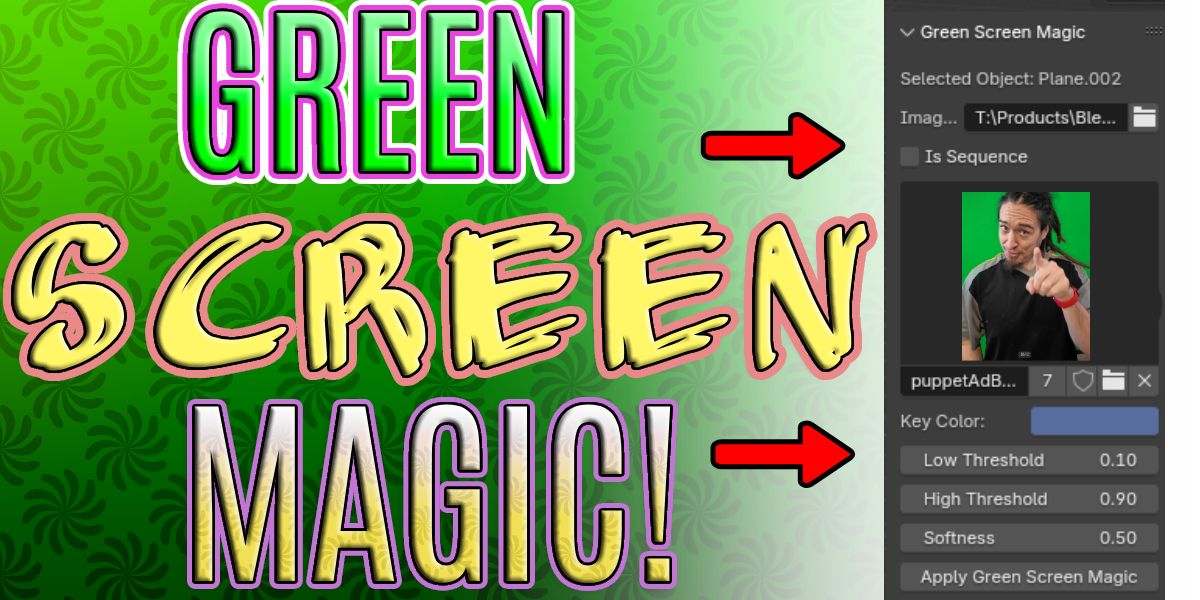
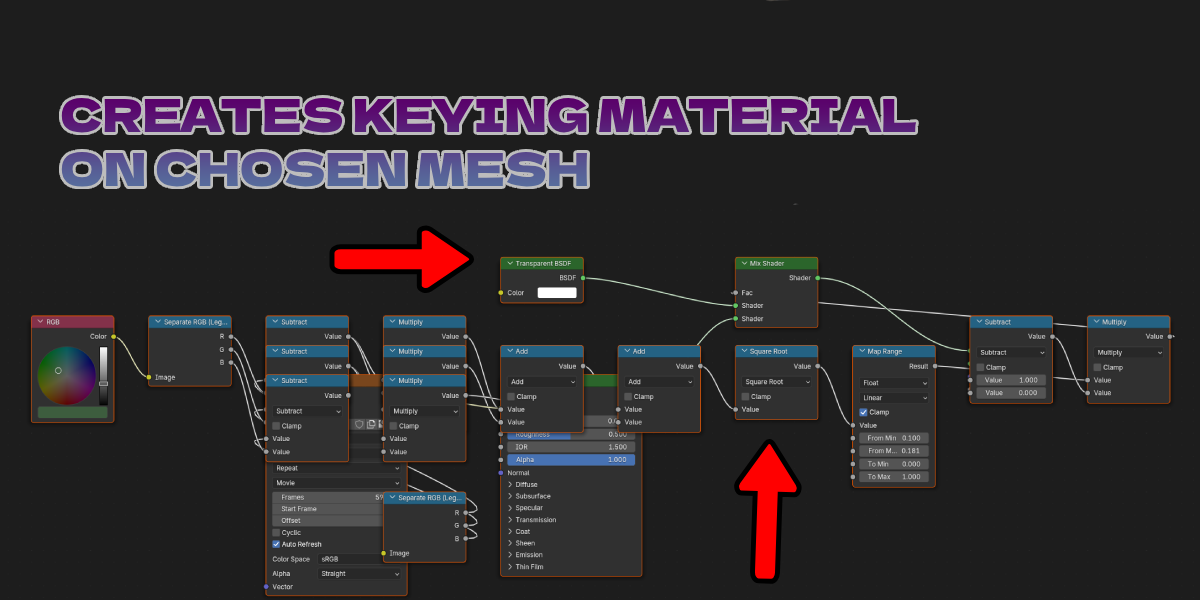

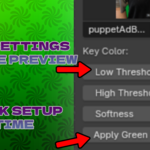
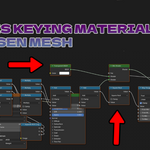

1. Access the plugin by using the toolbar/sidebar (access by pressing N)
2. Choose your movie or image sequence. If you use an image sequence, be sure to check the image sequence box.
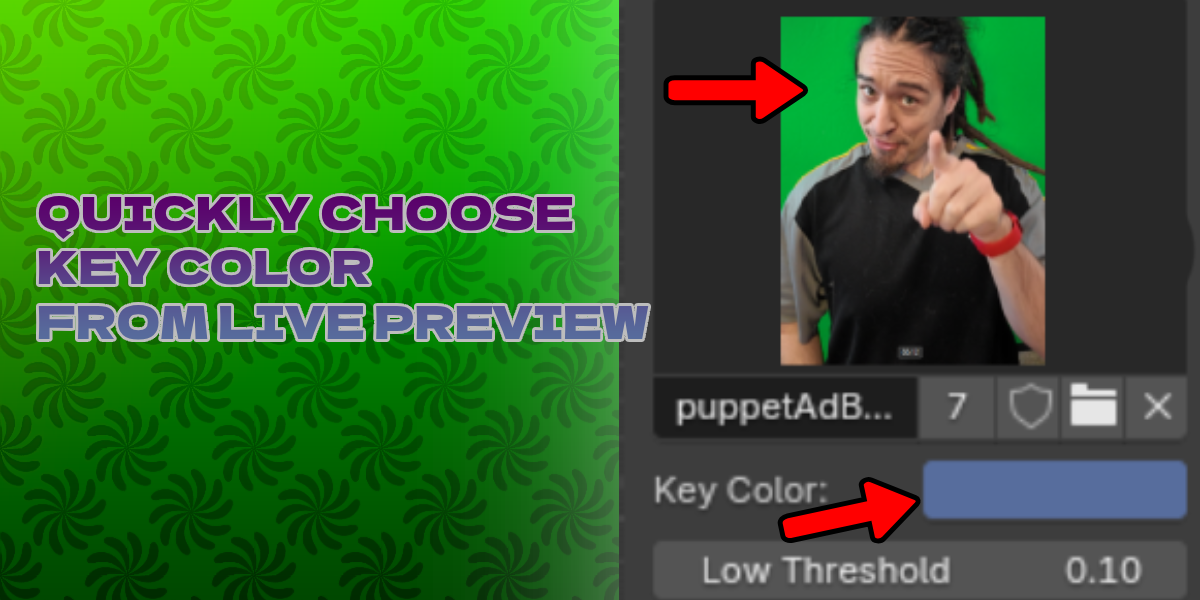
3. Use the color picker to choose the background color from the preview image
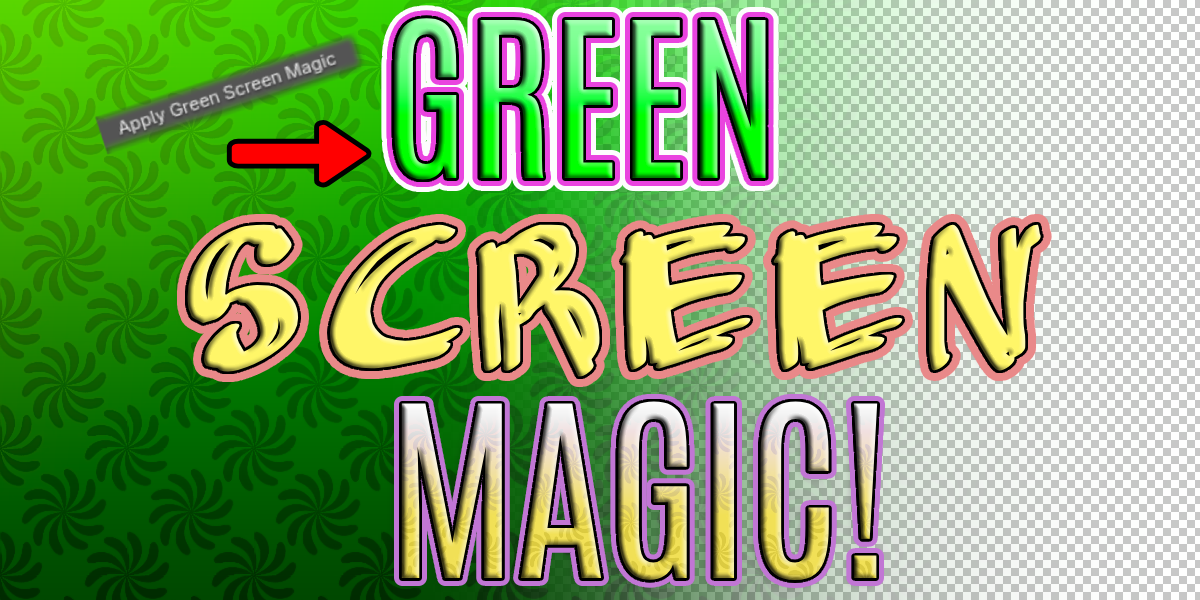
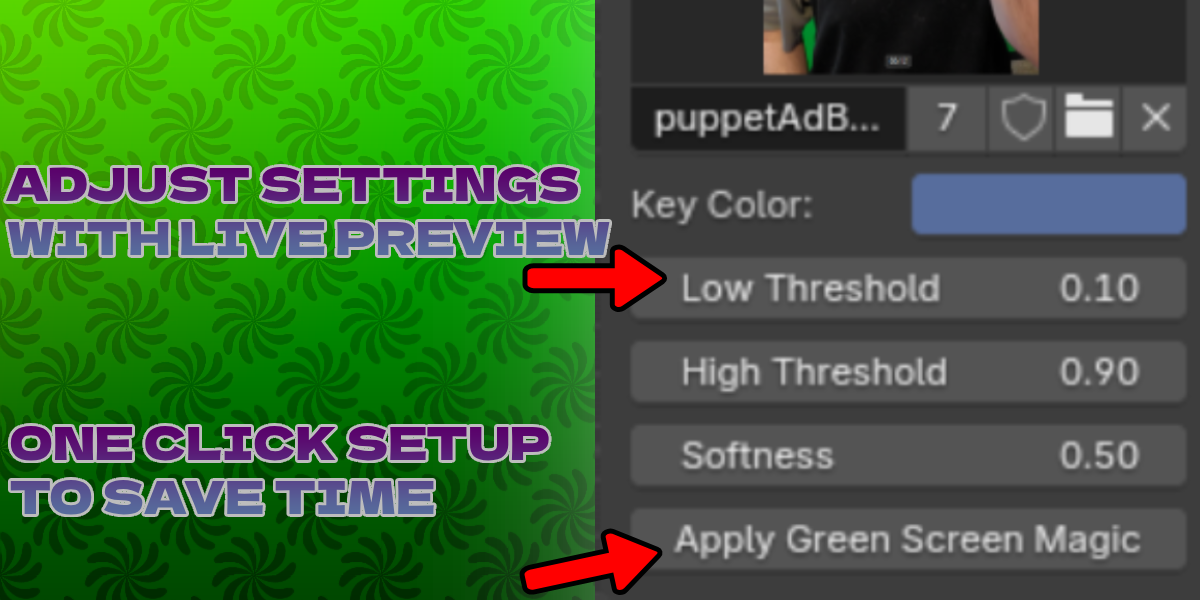
4. Hit apply
5. Adjust low and high threshold. Softness should be set to 0 for now, but feel free to experiment with this parameter.
$5.99
Have questions about this product?
Login to message
| Sales | 10+ |
| Published | almost 2 years ago |
| Blender Version | 4.3, 4.2, 4.1, 4.0, 3.6 |
| Extension Type | N/A |
| License | GPL |
