Green Vine - Artifical Vine Generator (20+ Variants)
 slavik_dsgn
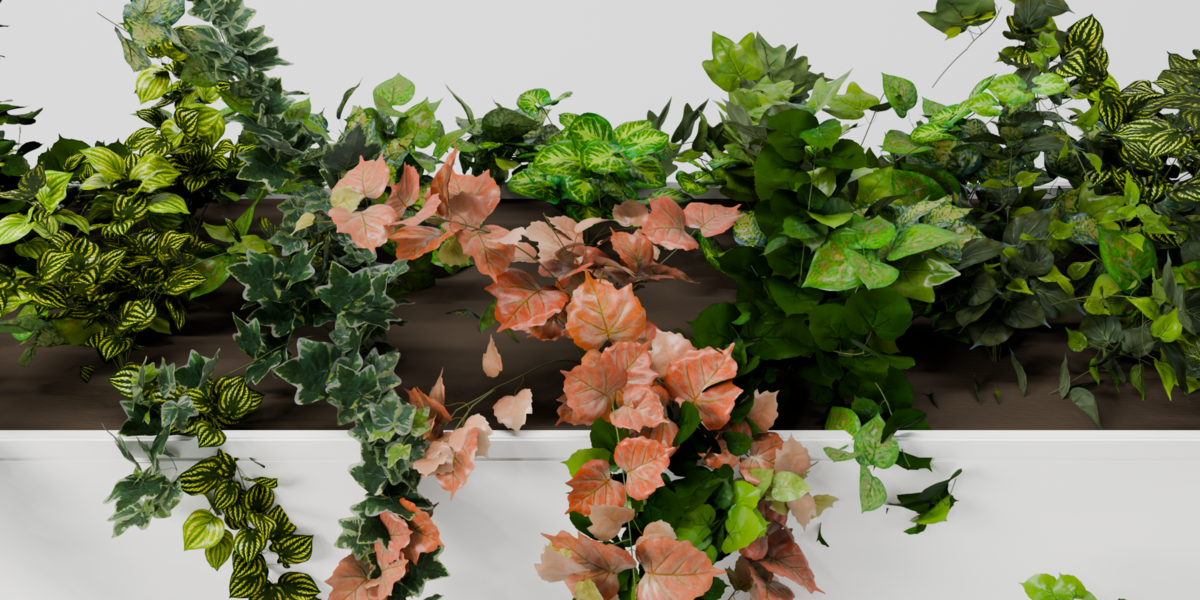
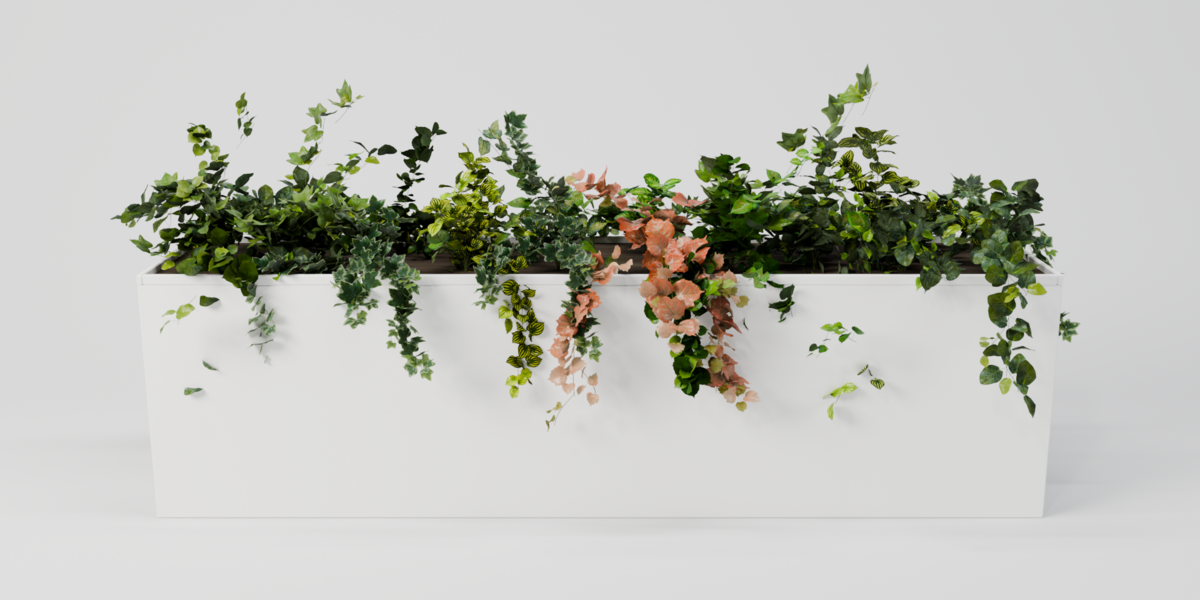
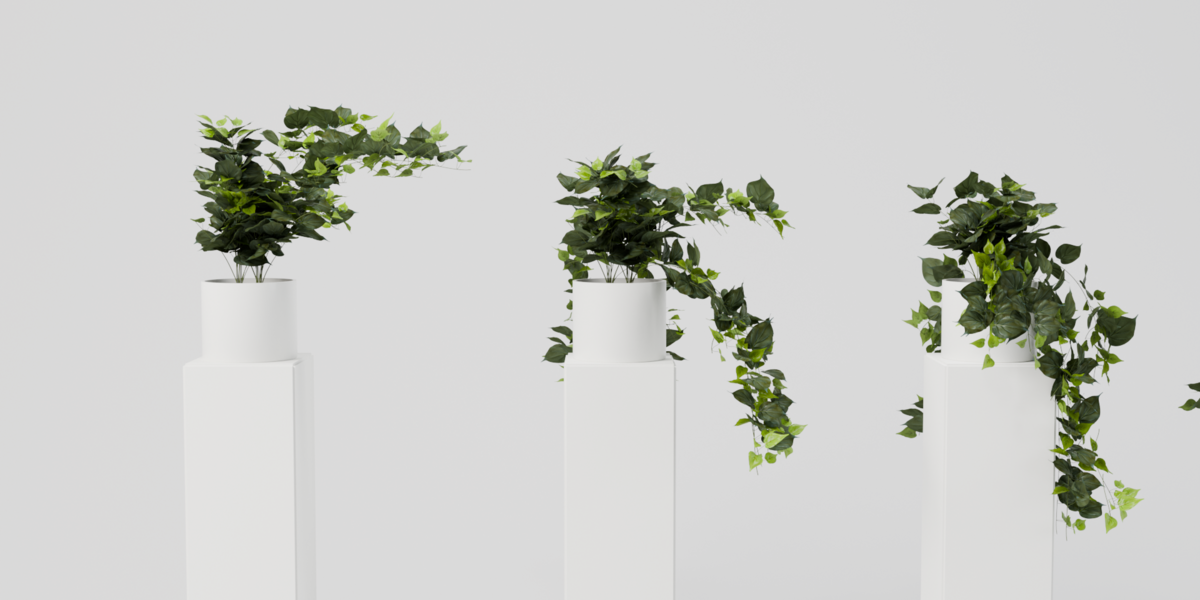
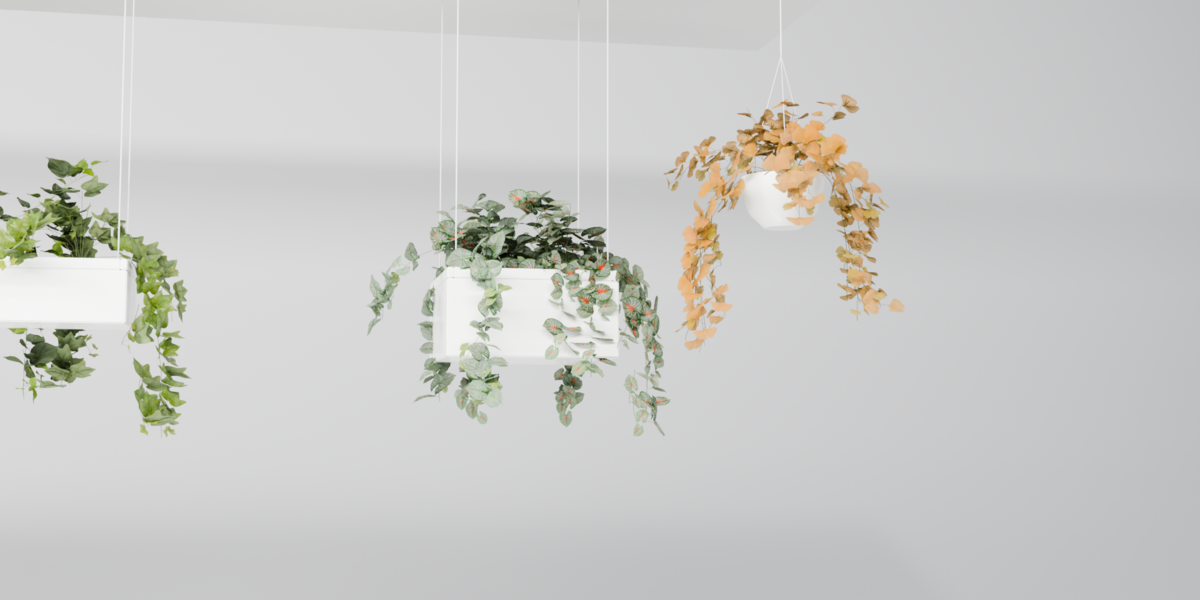
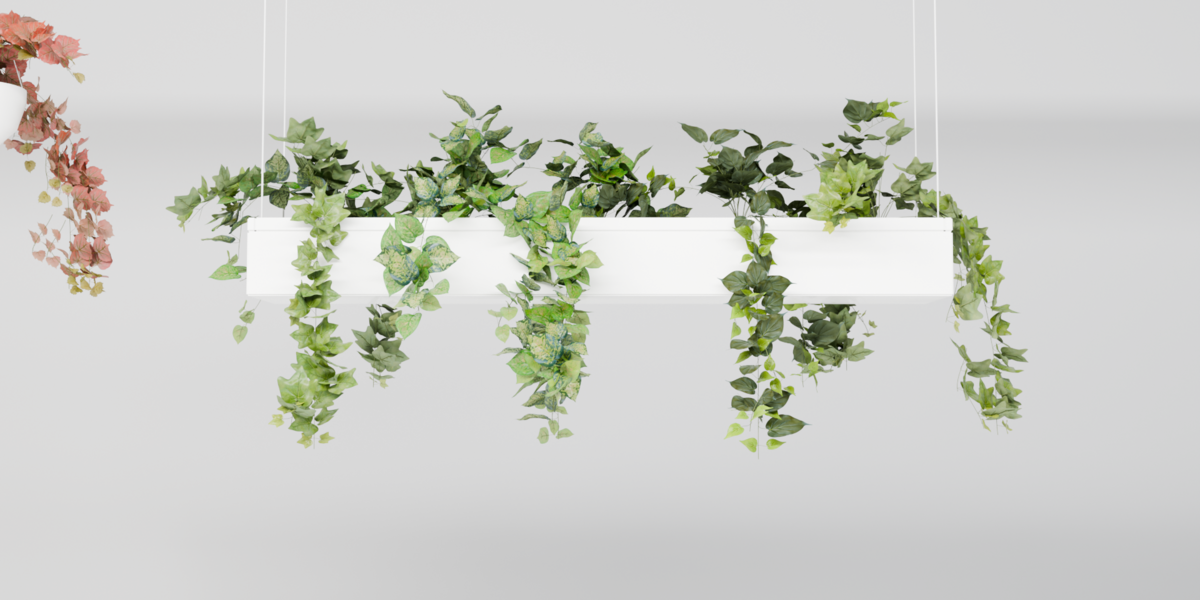
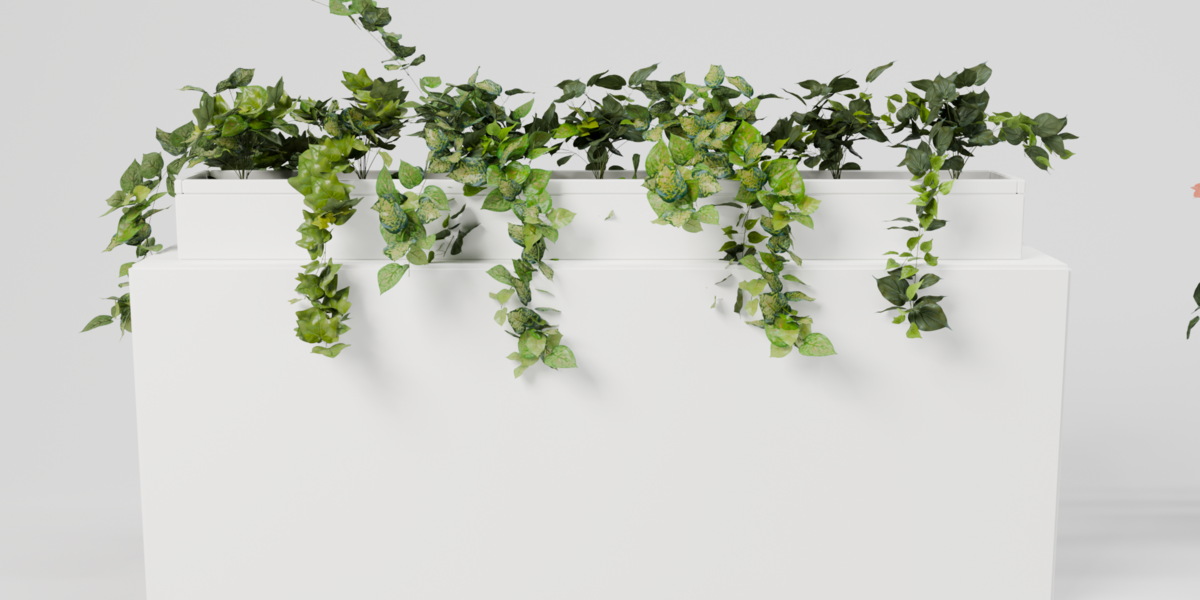
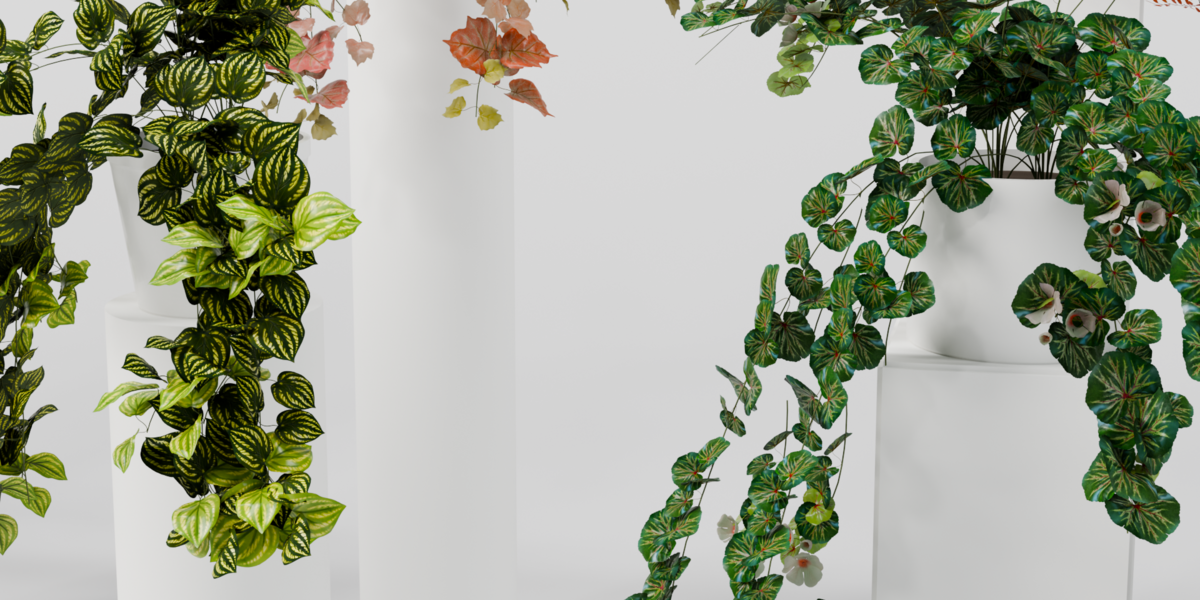
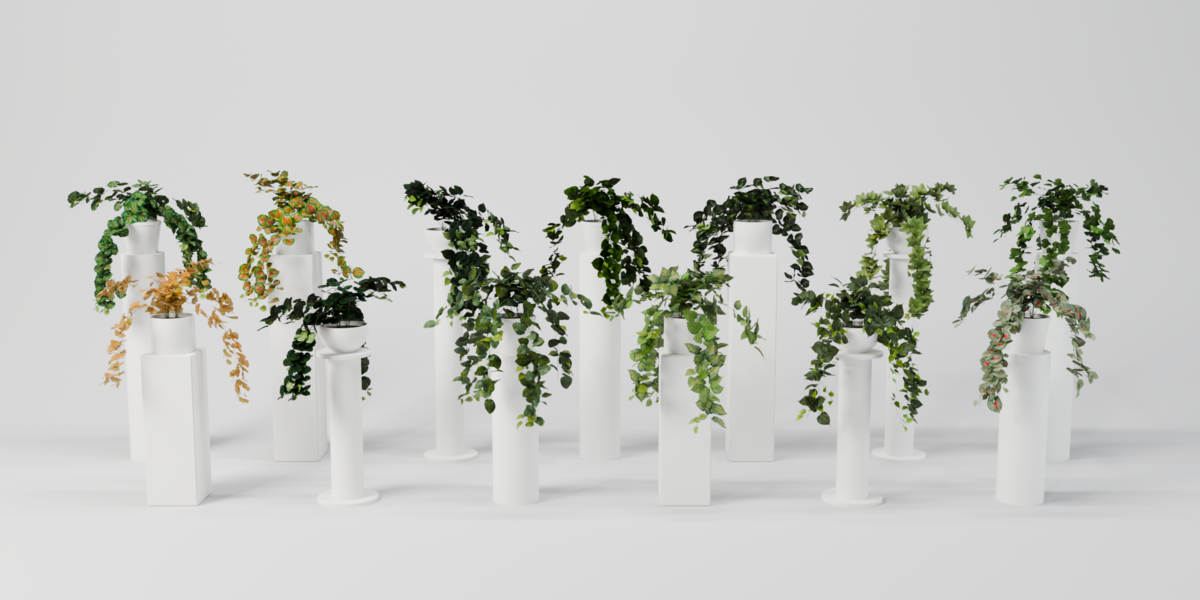
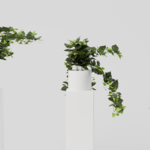
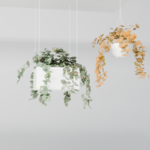
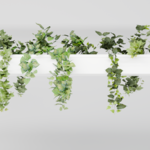
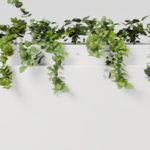
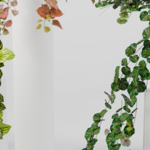
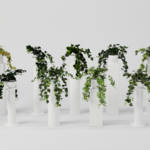
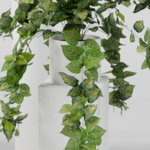
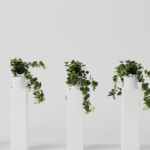
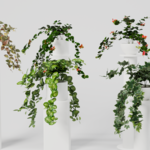
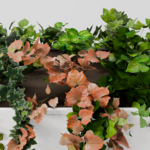
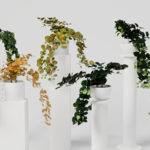
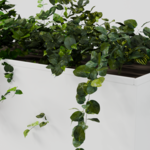
hand.
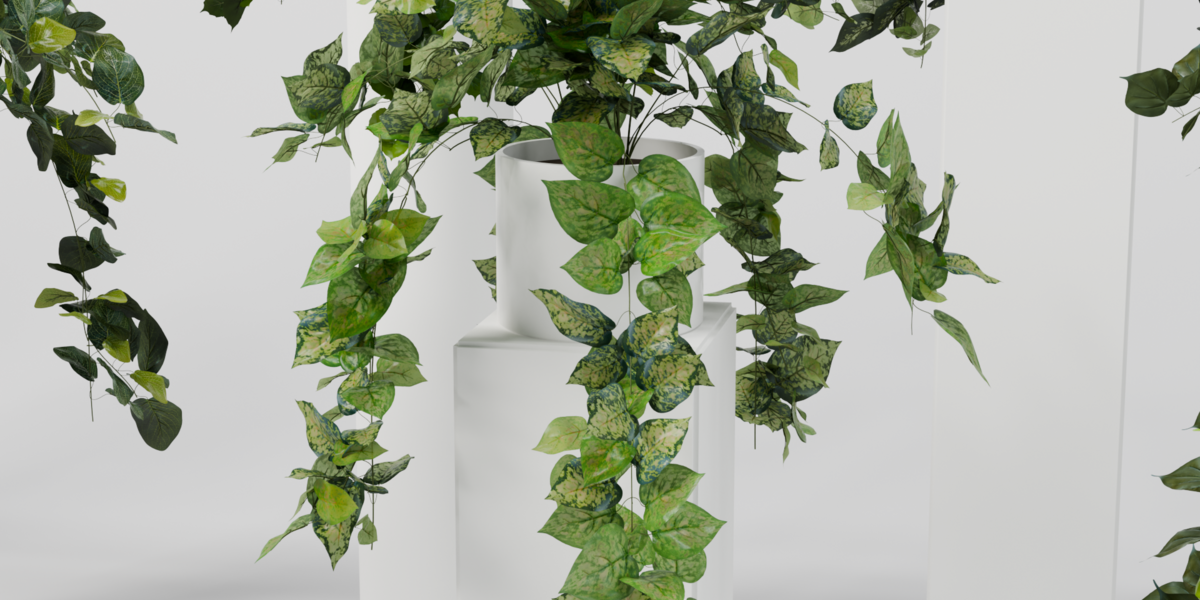
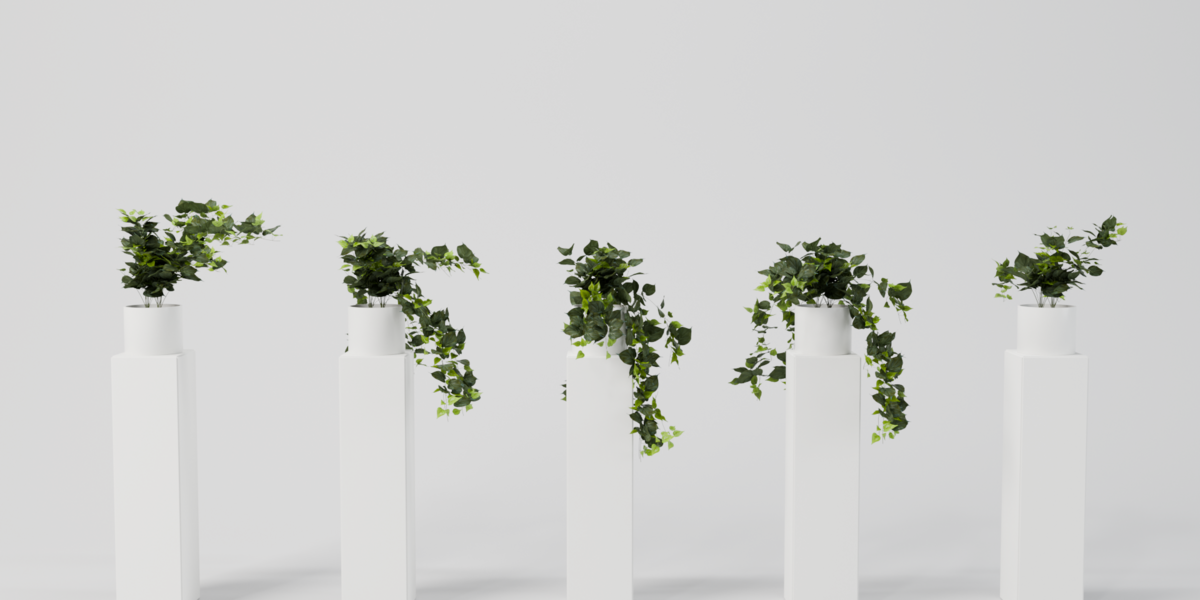
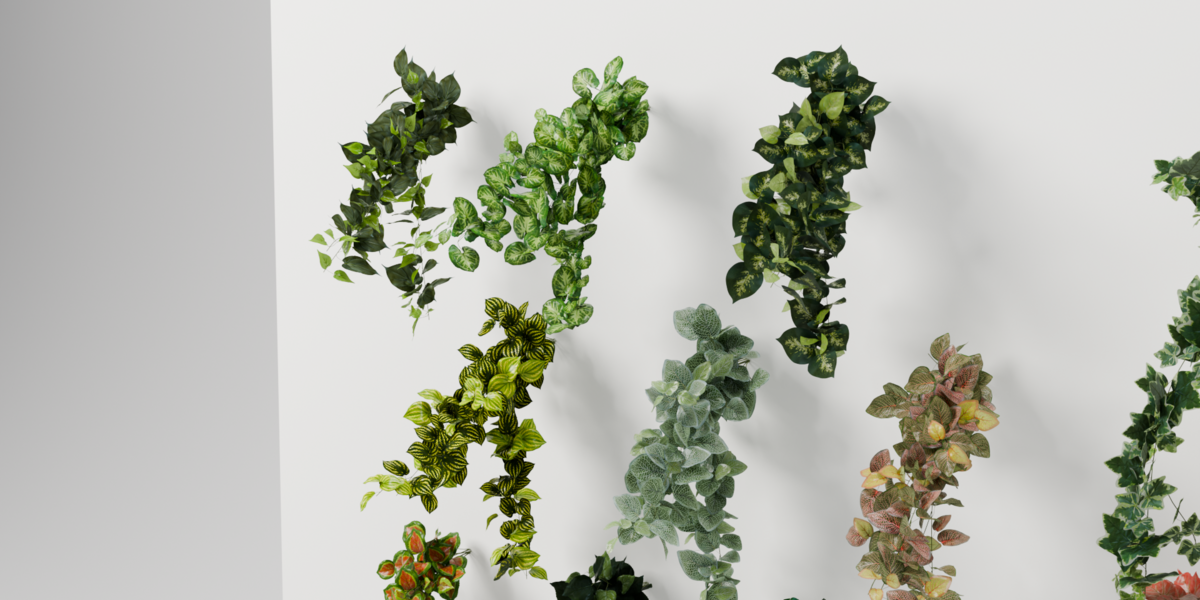
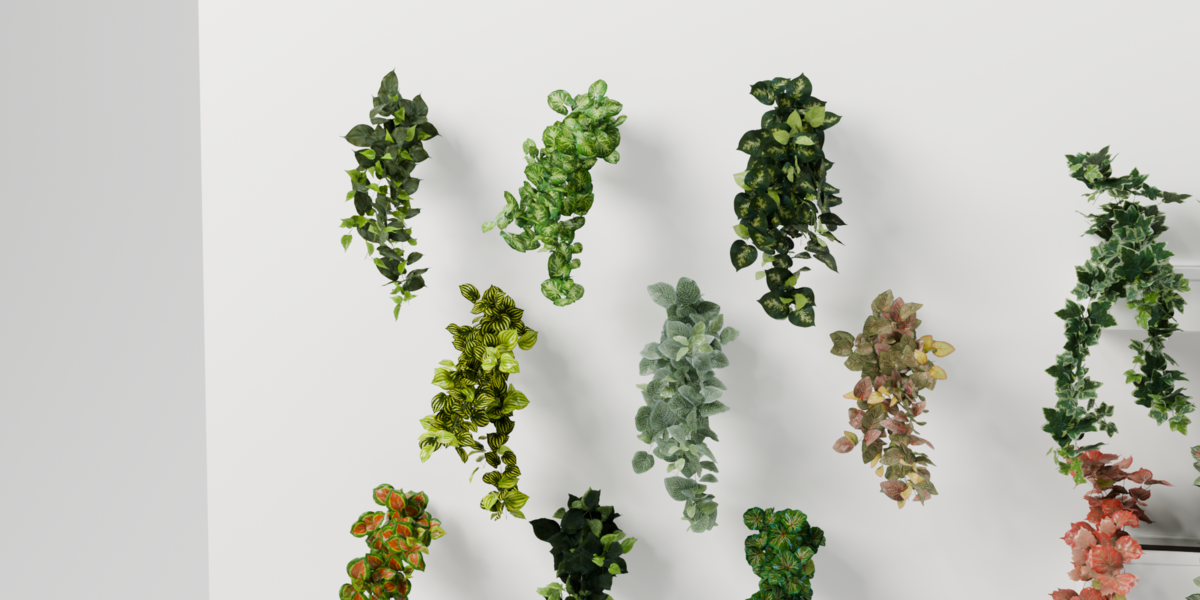
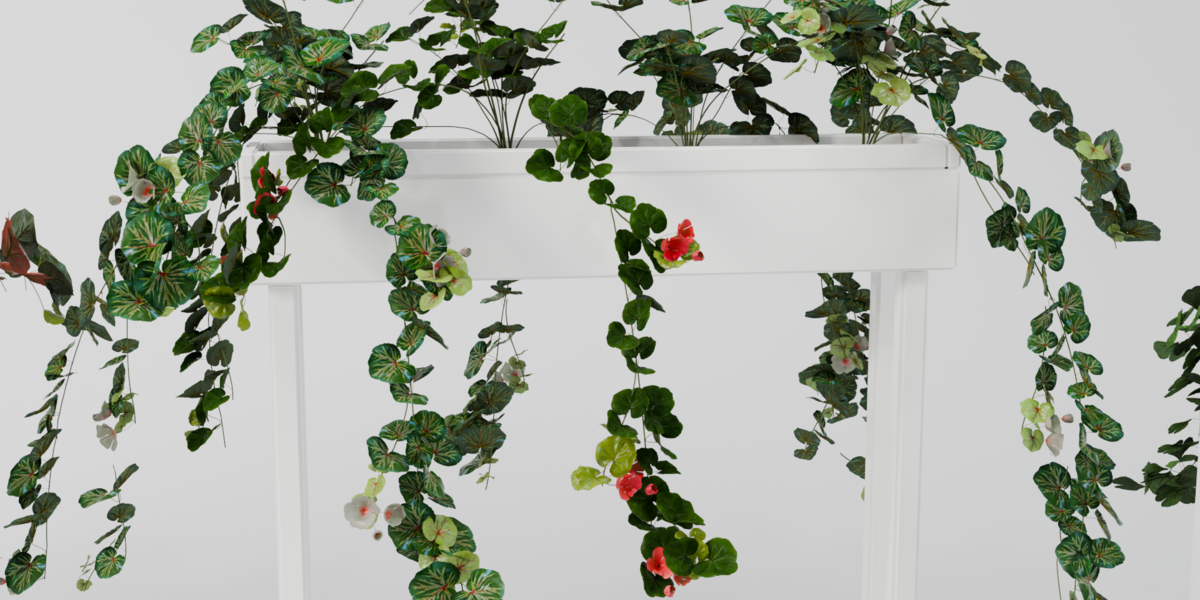
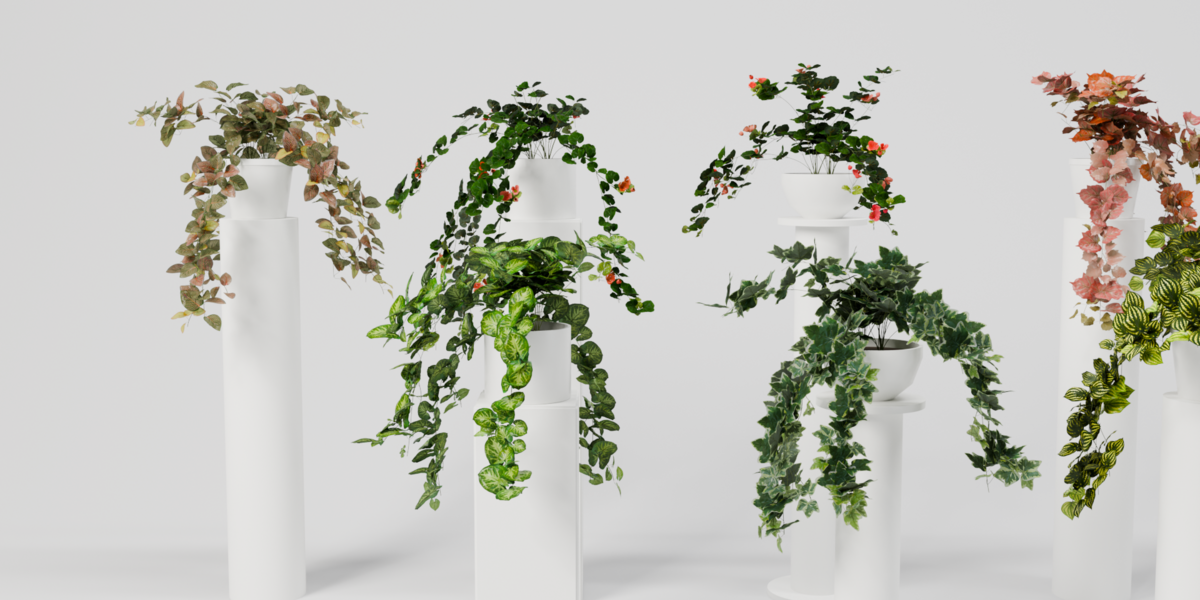
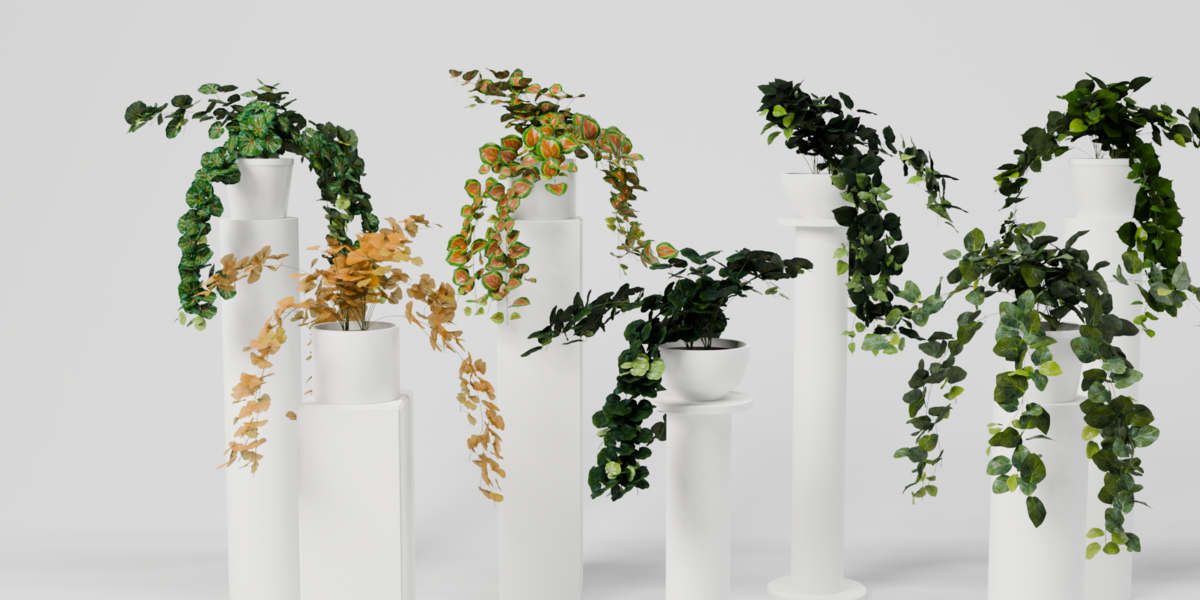
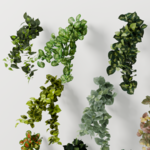
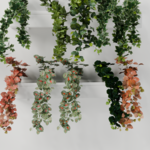
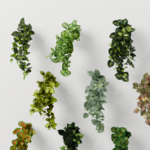
Every variant is modelled on a real artificial trailing plant – the product code is part of its name. The stems are bent by gravity, so the same plant reaches out sideways, arches over a rim or hangs straight down, and its stems always keep their real length.
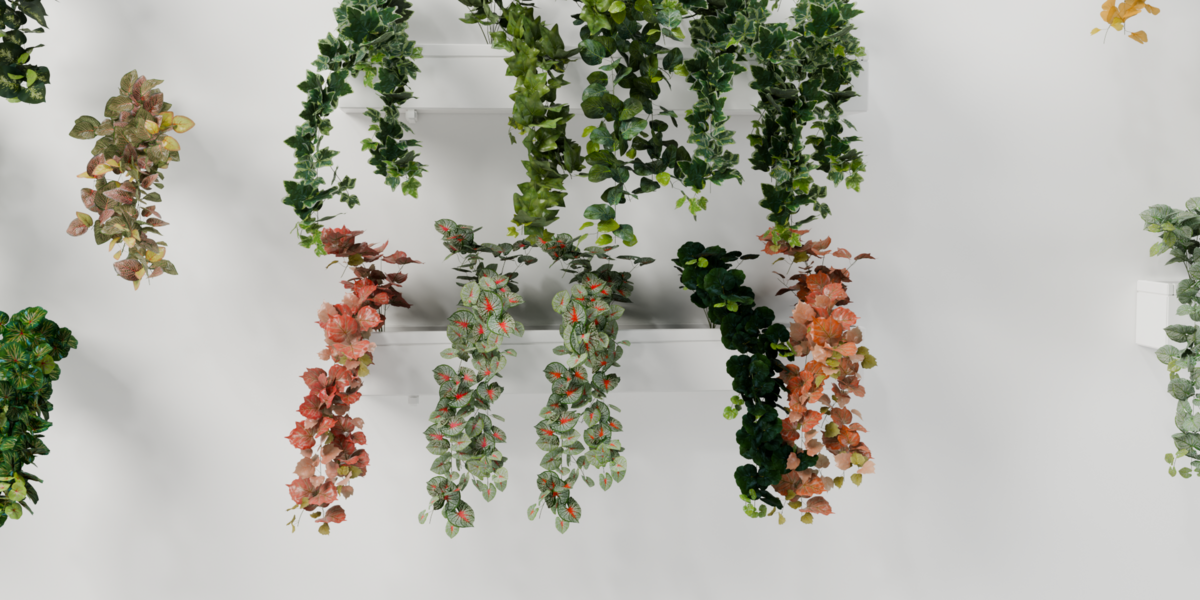
25 variants
Begonia · Coleus · Dark Coleus · Dark Philodendron · Dieffenbachia · English Ivy · Ginkgo · Golden Ginkgo · Green Geranium · Hoya · Marble Pothos · Philodendron · Red Caladium · Red Fittonia · Red Geranium · Red Geranium Compact · Red Grape Ivy · Red Nandina · Silver Caladium · Silver Fittonia · Syngonium · Variegated Ivy · Watermelon Peperomia · White Begonia · White Begonia Compact
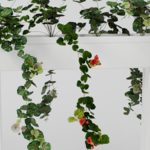
Four of them flower (Red Geranium, Red Geranium Compact, White Begonia, White Begonia Compact). The leaves use the original textures of the real products with translucency and opacity.
Pot, wall or anywhere in between
- Pot – stuck into a pot, the stems fall over the rim (U shape).
- Wall – stuck into a wall, the stems stick out and droop (L shape).
- Free – the plant upright, as modelled.
- Gravity follows the object's rotation, so every angle in between works too.
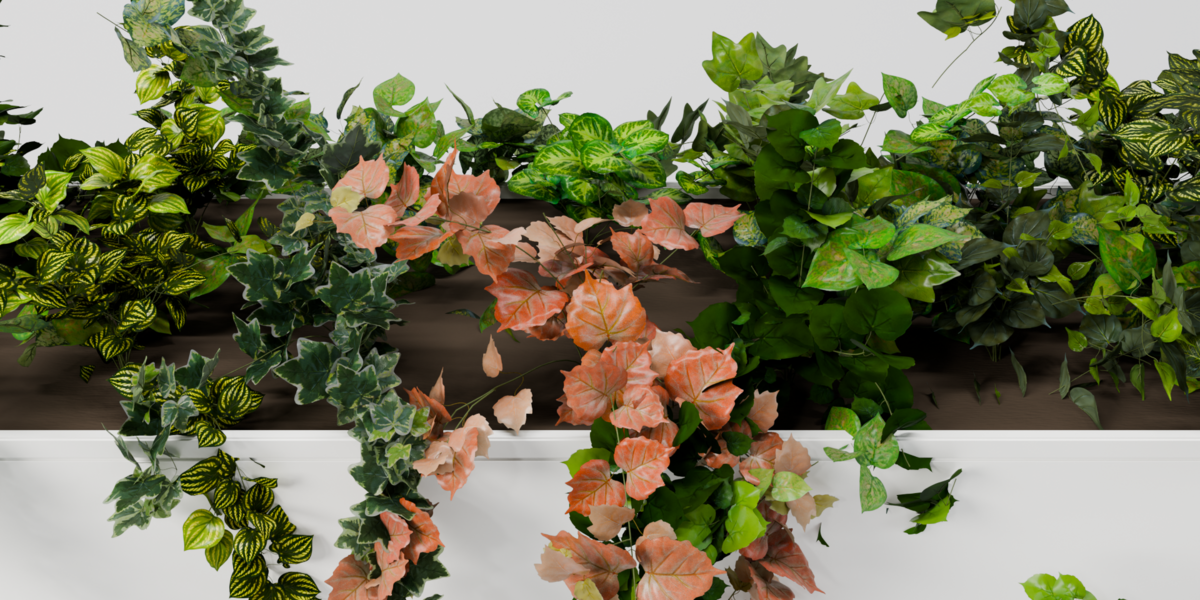
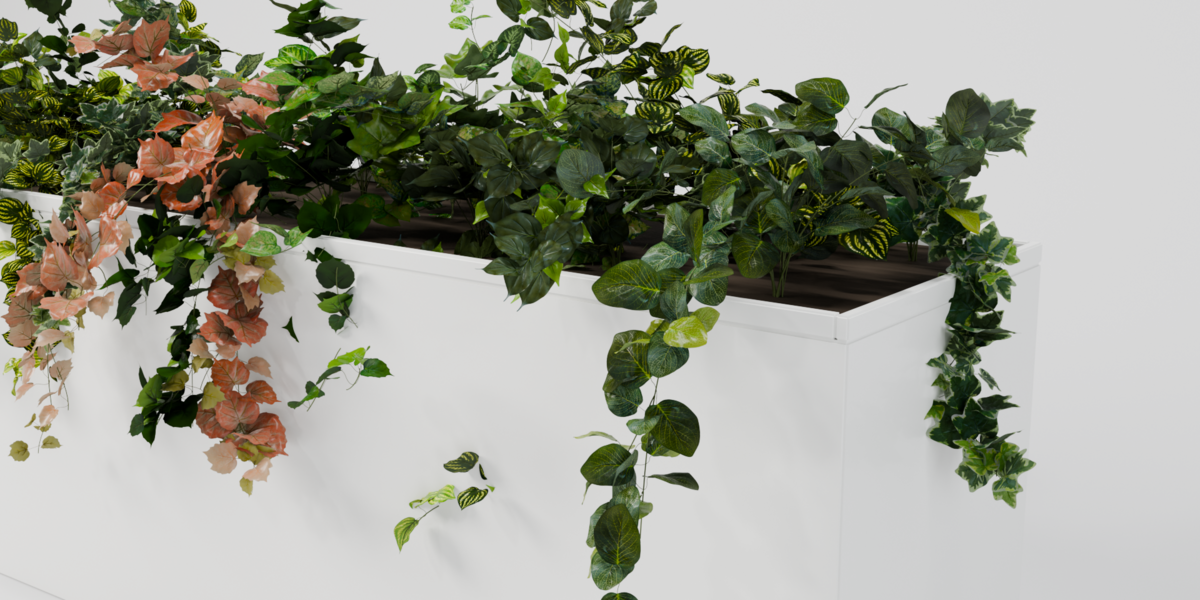
- Stems rest on the rim of a round pot or of one planter around the whole array; in a planter the back rows reach over the front rows and bend at the edge.
Full control
- Stems – Reaching, Arching and Hanging presets, then Droop, Lift, Width, Spread Around and Length, each with its own randomness.
- Array – columns and rows of vines from one object, with random position, rotation, tilt, scale and gaps.
- Mix – up to 10 variants in one array, each with its own share.
- Leaves – amount and scale, turn to the light, random turn, and leaves that turn out of each other's way.
- Colour – hue, saturation and brightness, with variation per plant and per leaf.
- Seed – a new arrangement with one click.
Light in the viewport
- New vines preview Low: low-poly stems and leaves, half the leaves (Preview Density), a faster stem solver and no leaf collisions – about 2 % of the triangles and a quarter of the time of Full. Dummy shows flat cards. Renders always use full geometry.
- Low-Poly Far From Camera (Render) renders distant vines with low-poly geometry to save memory. It works only while rendering.
- Moving a vine or the camera never recalculates anything; after a rotation a vine updates once you stop turning it.
Works with the other Green add-ons
With two or more Green add-ons enabled, all of them share one sidebar tab, N › Green World.
What you get
- The add-on with 25 variants, thumbnails and all textures in one installable zip (about 600 MB)
- Works in Blender 4.2 and newer (tested in 4.2, 4.5 and 5.2)
- Vines are ordinary objects with one Geometry Nodes modifier: move, rotate, duplicate and link them like anything else
Documentation
▶ Video tutorial: [YOUTUBE LINK]
Installation
- Download
green_vine-1.7.0.zip. Do not unzip it. - In Blender go to Edit › Preferences › Get Extensions, open the menu in the top right corner and choose Install from Disk…
- Select the zip. The add-on is enabled right away.
- Open the sidebar in the 3D Viewport (N) and click the Green Vine tab. With more Green add-ons enabled, the panel is in the Green World tab.
Requires Blender 4.2 or newer. Tested in Blender 4.2, 4.5 and 5.2.
New Vine
[IMAGE: Green_Vine_UI_01_New_1x1.png]
Adds a vine at the 3D cursor. Place the cursor on the soil of a pot or on the surface of a wall first.
- Thumbnail / name – choose the variant.
- Pot / Wall / Free – adds the vine stuck into a pot (U shape), into a wall facing the front view (L shape), or upright as modelled.
With nothing selected, the panel shows how many variants are installed and All: Full / All: Dummy.
[IMAGE: Green_Vine_UI_00_Empty_1x1.png]
Variant
[IMAGE: Green_Vine_UI_02_Variant_1x1.png]
The variant of the selected vine.
- Change – pick another variant. All settings are kept.
Viewport
[IMAGE: Green_Vine_UI_03_Viewport_1x1.png]
What the viewport shows. Renders always use full geometry.
- Full / Low / Dummy – full geometry, low-poly stems and leaves, or flat cards. New vines start in Low.
- Preview Density – the share of leaves shown in Low and Dummy.
- All: Full / All: Dummy – switch every vine in the scene at once.
- Low-Poly Far From Camera (Render) + Distance – in renders, vines farther from the scene camera use the low-poly version. The viewport is not affected.
- Show Stake – the short stake at the bottom of the plant.
- Solver Steps – accuracy of the bending in renders and in Full. Low and Dummy use a faster solver.
Placement
[IMAGE: Green_Vine_UI_04_Placement_1x1.png]
Where the vine is stuck in. The stems are bent by gravity, which follows the object's rotation.
- Pot / Wall / Free – sets the matching values. Wall turns the vine to face the front view; Pot and Free stand it upright again. The location is kept.
- Insert Depth + Random – sinks the plant deeper into the pot or the wall; the buried part is hidden.
- Pot Rim – stems rest on the rim and fall over it instead of cutting through it.
- One Planter For All – one rectangular planter around the whole array instead of a round pot per plant; back rows reach over the front rows.
- Pot Radius / Margin – the size of the pot opening, or the space between the outer plants and the planter wall.
- Rim Above Soil – the height of the rim above the soil.
- Lie On Top At – how high above the rim the stems lie on the foliage before they fall over.
- Show Pot + Depth – an outline of the pot. It shows in the viewport only and helps to fit your own pot model.
- Keep Off The Wall – no stem goes behind the wall the vine is stuck in.
[IMAGE: Green_Vine_UI_04_Placement_Wall_1x1.png]
[IMAGE: Green_Vine_UI_04_Placement_Free_1x1.png]
Array
[IMAGE: Green_Vine_UI_05_Array_1x1.png]
Many vines from one object, for planters and long rows.
- Columns, Rows – the number of plants.
- Column Spacing, Row Spacing – the distance between plants.
- Position Random – moves every plant a little.
- Rotation + Random – turns the plants.
- Tilt Random – tilts every plant a little.
- Scale + Random – the size of the plants.
- Gaps – randomly leaves out some plants.
- Seed and the refresh button – a new random arrangement.
- Variants In The Mix – up to 10 variants in one array; Share sets how often each appears, X removes it, Add Variant adds one.
Stems
[IMAGE: Green_Vine_UI_06_Stems_1x1.png]
The shape of the stems. Every value has its Random below it.
- Reaching / Arching / Hanging – quick presets, from stems reaching out sideways to stems hanging straight down.
- Droop + Random – how much the stems give way to gravity. They keep their length; they never stretch.
- Lift + Random – raises or lowers where the stems start.
- Width + Random – how far the stems fan out to the sides.
- Spread Around + Random – spreads the stems evenly around the plant, for a pot seen from all sides.
- Length + Random – shortens the stems.
Leaves
[IMAGE: Green_Vine_UI_07_Leaves_1x1.png]
The leaves along the stems.
- Amount – fewer leaves.
- Scale + Random – the size of the leaves.
- Turn To Light – leaves face upwards.
- Turn Random – a small random turn of every leaf.
- Avoid Collisions + Strength + Reach – leaves that overlap turn away from each other. Off in Low and Dummy.
Color
[IMAGE: Green_Vine_UI_08_Color_1x1.png]
The colour of the leaves.
- Hue Shift, Saturation, Brightness – change the colour of all leaves (1 = original saturation and brightness).
- Random Per Plant + Random Per Leaf – small colour differences between plants and between leaves. 0 turns them off.
Vines from an older version
[IMAGE: Green_Vine_UI_09_Update_1x1.png]
A file with vines made by an older version shows "Made with an older version."
- Update Vines – converts every such vine in the file and keeps its settings.
Performance tips
- Keep vines on Low or Dummy while you work; renders use full geometry anyway.
- Lower Preview Density for big plantings in the viewport.
- Turn on Low-Poly Far From Camera (Render) for large scenes – it saves render memory and costs nothing in the viewport.
- Fill a planter with one vine object and an array rather than many separate vines.
Frequently Asked Questions
Which Blender versions are supported? Blender 4.2 and newer. The add-on was tested in Blender 4.2, 4.5 and 5.2.
Does it work in Cycles and EEVEE? The add-on was tested with Cycles. The vines are ordinary instanced meshes with standard materials.
How do I get a vine hanging from a wall instead of a pot? Click Wall in New Vine, or switch Placement to Wall. Gravity follows the rotation, so you can also turn a vine to any angle in between.
Do the stems get longer when they hang? No. Droop bends the stems, it never stretches them. A hanging vine has the same stem length as a reaching one.
The viewport looks a little different from the render. Low and Dummy show half the leaves and use a faster stem solver, so a stem tip can sit a few centimetres off. Switch to Full to see exactly what renders.
Stems go through my pot or another object. Turn on Pot Rim and match Pot Radius (or Margin with One Planter For All) and Rim Above Soil to your model. The add-on only knows its own pot shape (round pot or rectangular planter), so stems can still cut through other objects in the scene.
Something shows through between the leaves. Trailing plants are open by nature. Add more plants with an array, raise Amount in Leaves, or use Spread Around to close the gaps around a pot.
My viewport is slow. Use Low or Dummy (or All: Dummy) and lower Preview Density. Renders still use full geometry. Moving a vine or the camera never recalculates anything.
Can I mix different plants in one planter? Yes, up to 10 variants per array, each with its own share. With One Planter For All the back rows reach over the front rows, as in a real planting.
Can I use my own plants? Not in this version. The add-on comes with 25 variants.
Do I need the add-on to render the file on another computer or a render farm? No. The node tree and the variants are saved in your .blend file. Without the add-on, vines render with full geometry (Low-Poly Far From Camera needs the add-on).
Can I export a vine to another program? Select the vine and use Object › Apply › Make Instances Real, then export. Large plantings make heavy files, so convert only what you need.
I get errors from other add-ons when Blender starts. Messages about other add-ons (for example No module named 'bgl') come from add-ons that are not yet updated for your Blender version. They do not affect Green Vine.
I have more Green add-ons – where are the tabs? With two or more Green add-ons enabled, they share one tab, N › Green World, with one panel per add-on. With only one enabled, it keeps its own tab.
Changelog
1.7.0
- Green World tab, Low preview by default and much lighter (Preview Density, faster stem solver, no leaf collisions in the preview), moving no longer recalculates, unified panel
- New Placement switch Pot / Wall / Free on every vine; Stems box with the shape settings
- Low-Poly Far From Camera (Render) on by default, Distance 10 m
1.6.2
- Moving a vine or an array no longer recalculates it; after a rotation a vine updates once you stop turning it
- Variant thumbnails zoomed in
1.6.1
- Moving the camera no longer recalculates vines; Low-Poly Far From Camera applies to renders only
1.6.0
- New: Low-Poly Far From Camera (Render)
1.5.0
- No more sharp kinks where stems leave the pot rim
- New: viewport-only pot outline (Show Pot, Depth)
1.4.0
- Up to 10 variants in the mix
- Pot Rim and planter rewritten: back rows reach over the front rows and bend at the edge
1.3.0
- 25 variants, Dummy preview, presets Reaching / Arching / Hanging
1.2.0
- New: Insert Depth; stems keep their length when they bend
1.1.0
- New: Width
1.0.0
- First release
Have questions about this product?
Login to message
| Blender Extension Compatible | Yes |
| Published | 22 days ago |
| Blender Version | 4.2 - 5.2 |
| Extension Type | Add-on |
| Render Engine Used | Cycles, Eevee |
| License | GPL |