 slavik_dsgn
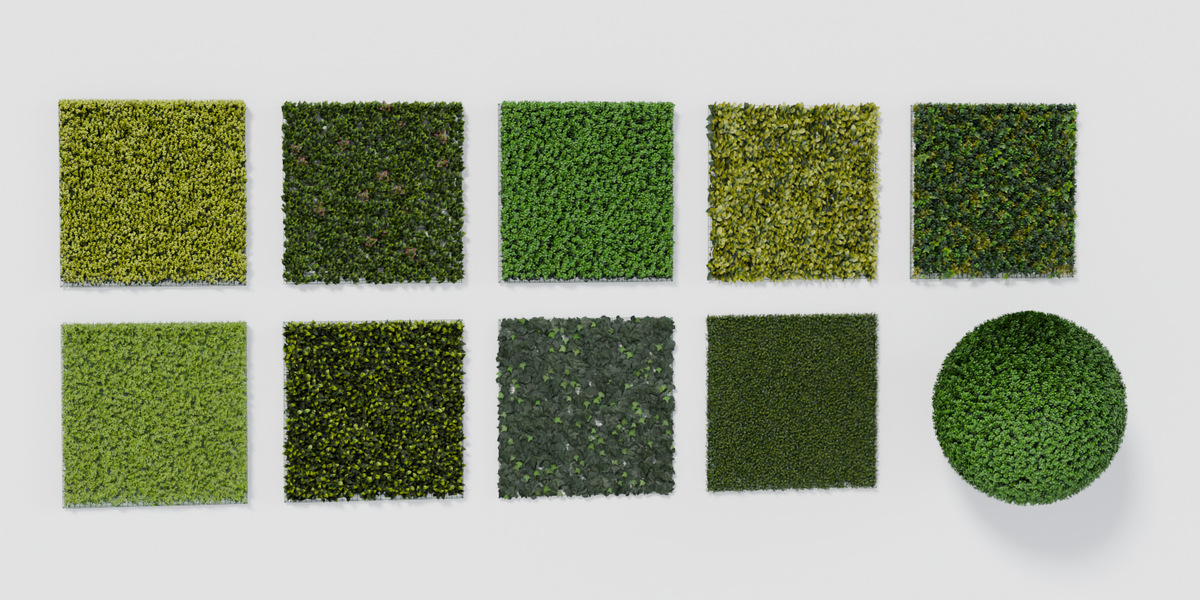
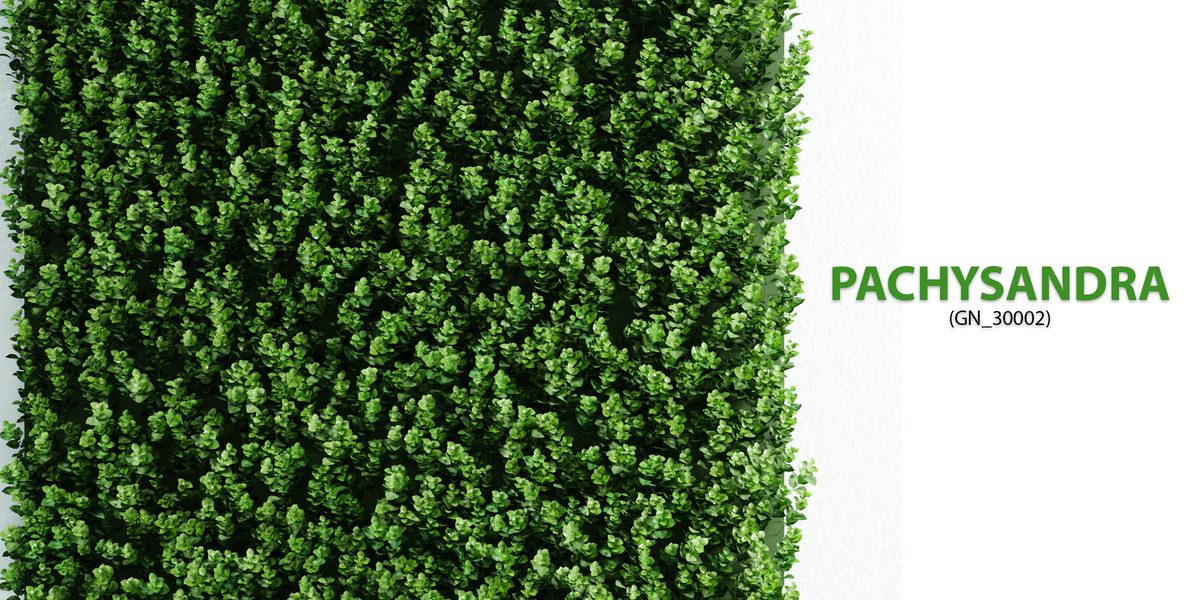
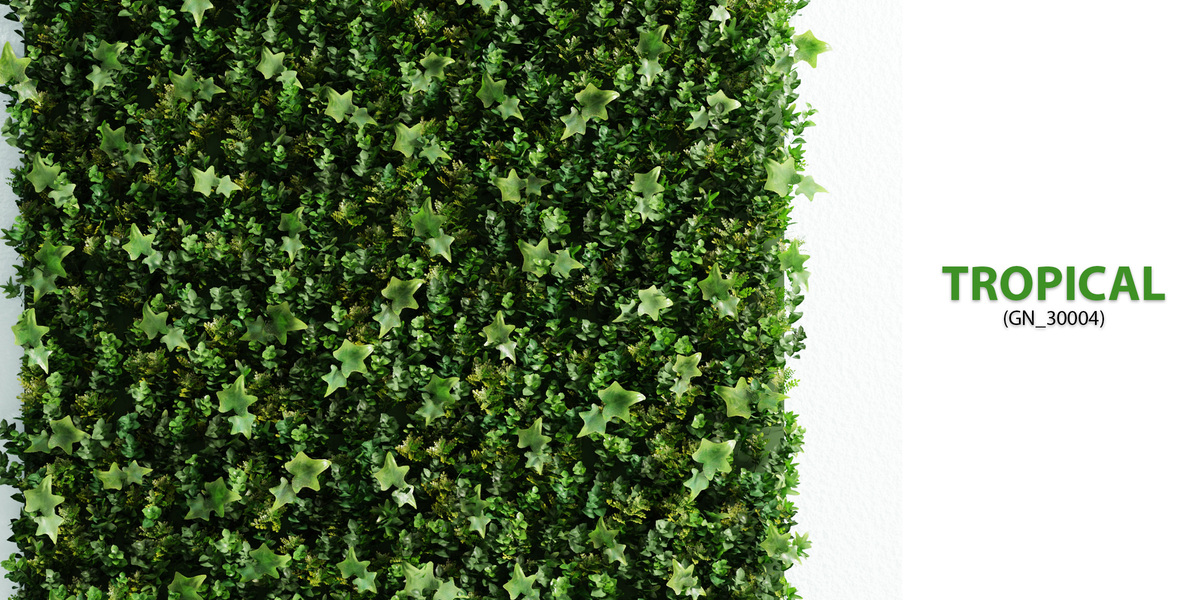
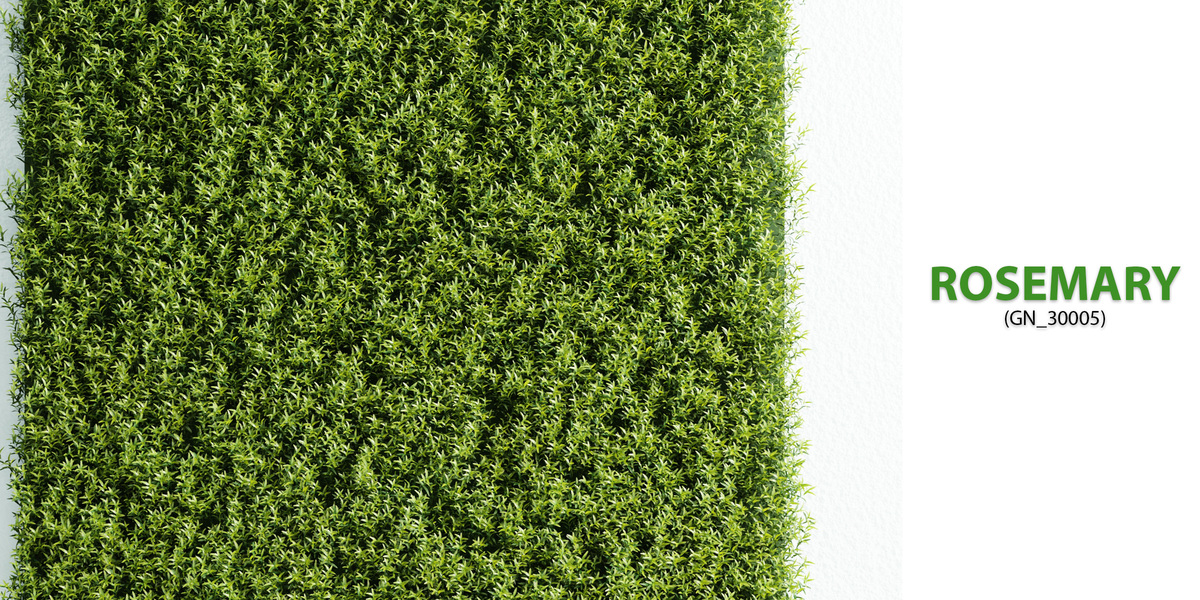
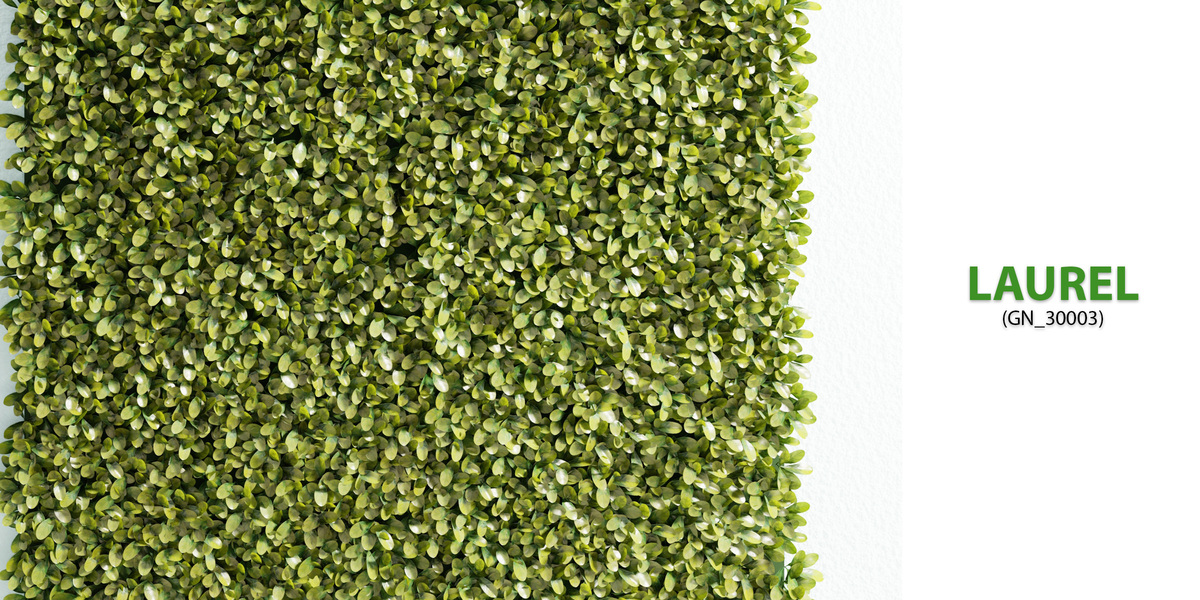
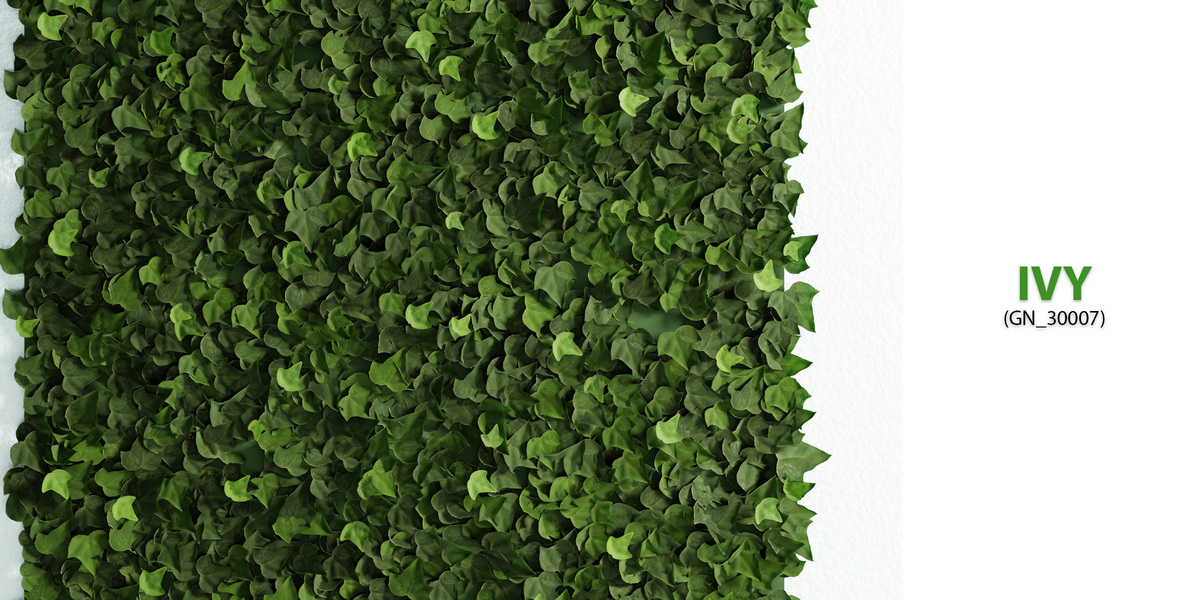
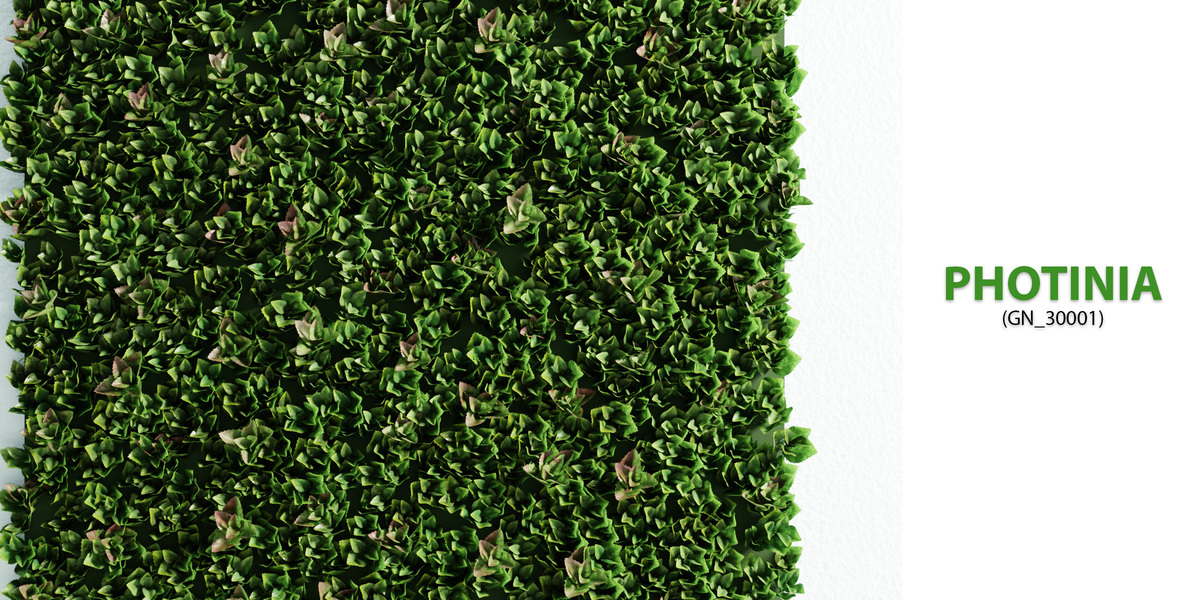
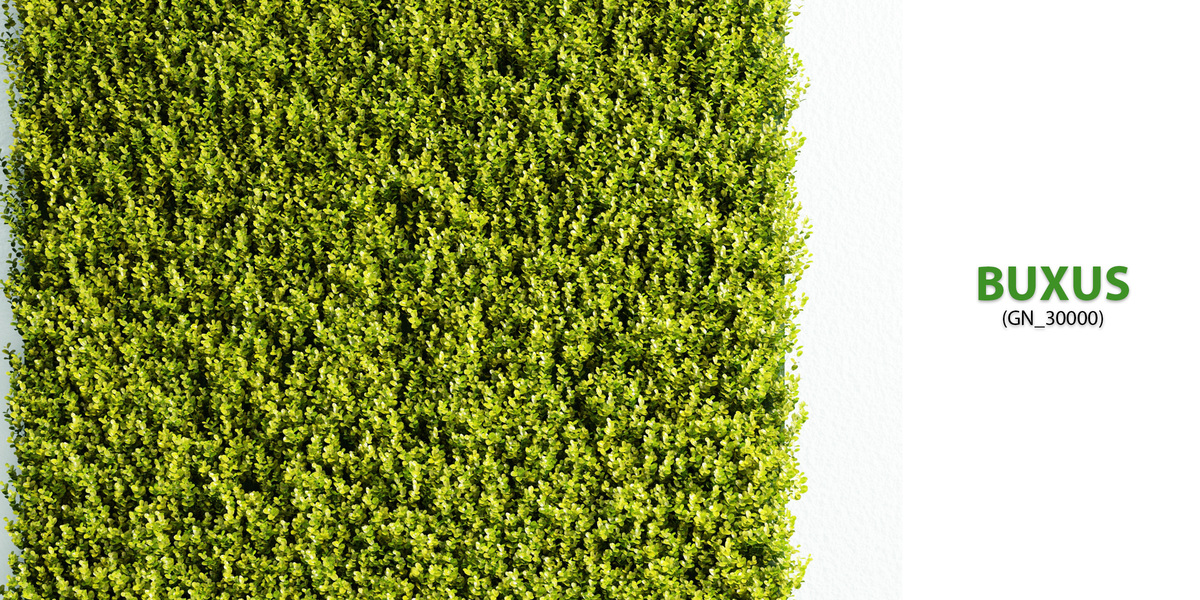
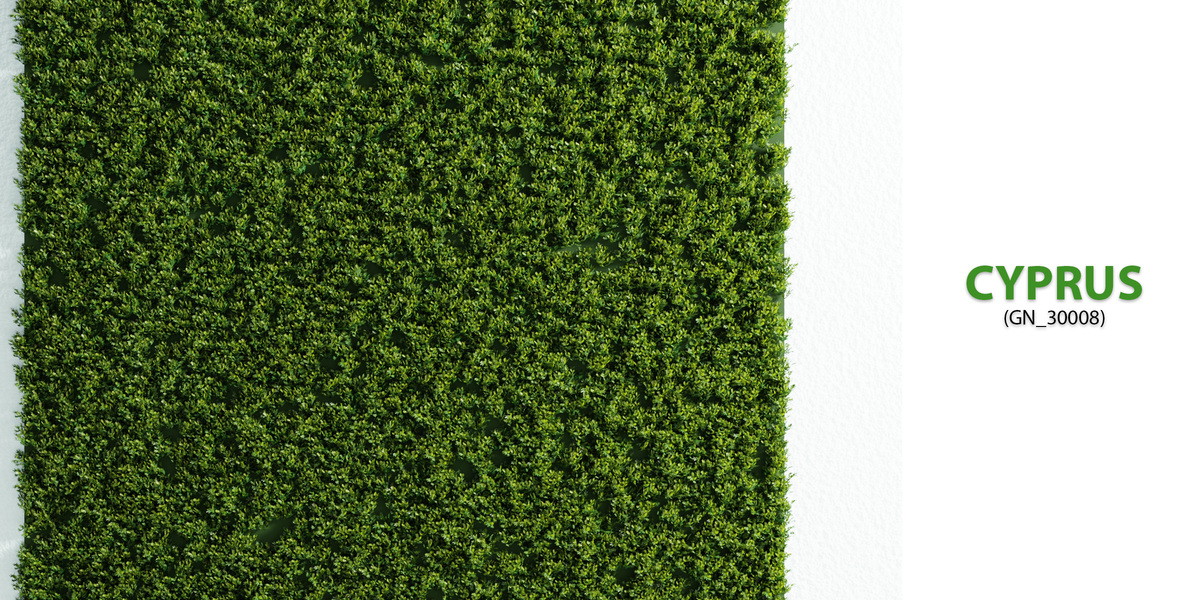
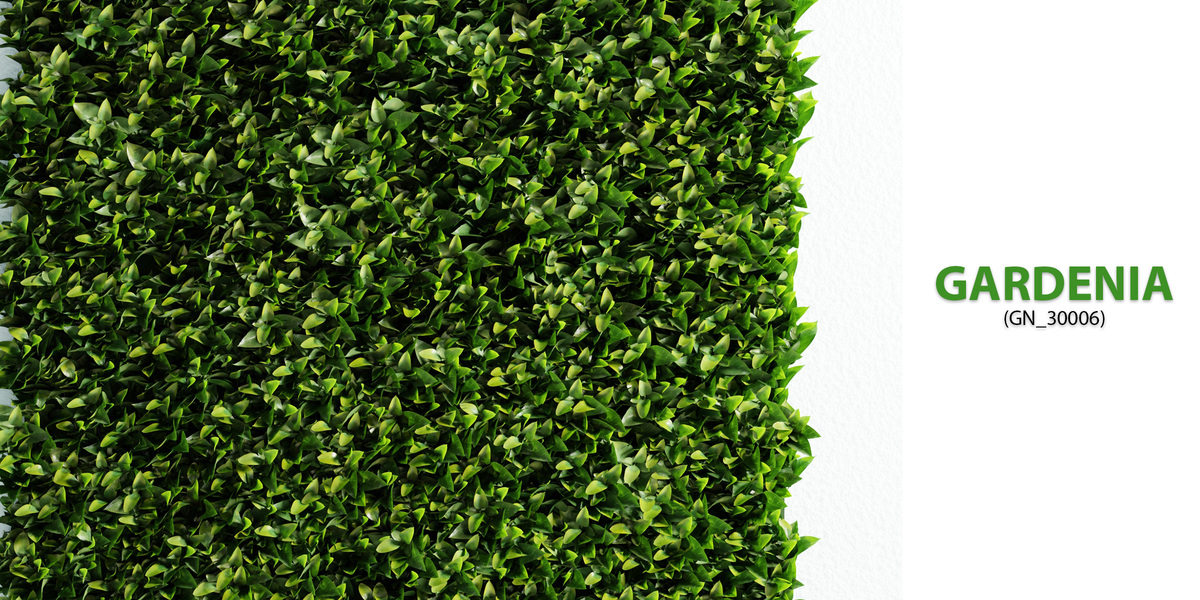

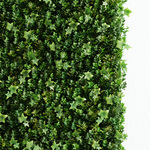
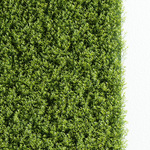
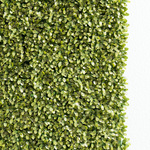

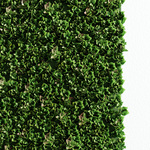
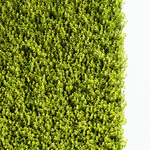
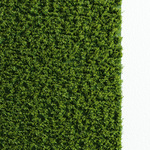
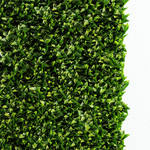
Green Wall builds artificial plant walls straight in Blender. Pick a plant, click one button and you have a finished wall – a tiled vertical garden, a free-size plant picture or a topiary covering any mesh. Everything is procedural (Geometry Nodes): every slider updates live and nothing has to be placed by hand.
The plants are modelled after real artificial hedge panels. The backing grid, the number of twigs per tile, the way the twigs lean and the mix of twig types all follow the real product, so a wall looks the way it would look on site.
9 plants
Boxwood · Photinia · Pittosporum · Privet · Ivy Mix · Podocarpus · Laurel · Ivy · Cypress
Every plant has its own leaf materials with translucency, opacity, specular, normal and height maps (full 2K textures) and procedural stems. Switch the plant of a finished wall with one click – size, colour and layout are kept.
Three ways to build a wall
- Tiles – 50 × 50 cm panels with the backing grid, like the real product. Set columns and rows.
- Free Plane – any width and height, without tiles. Grow the leaves from a coloured backing or with no background at all, for frames, signs and plant pictures.
- Object – cover the whole surface of any mesh: a sphere, a column, a curved wall, a logo, a monkey head. The twigs follow the surface and keep leaning up.
Full control
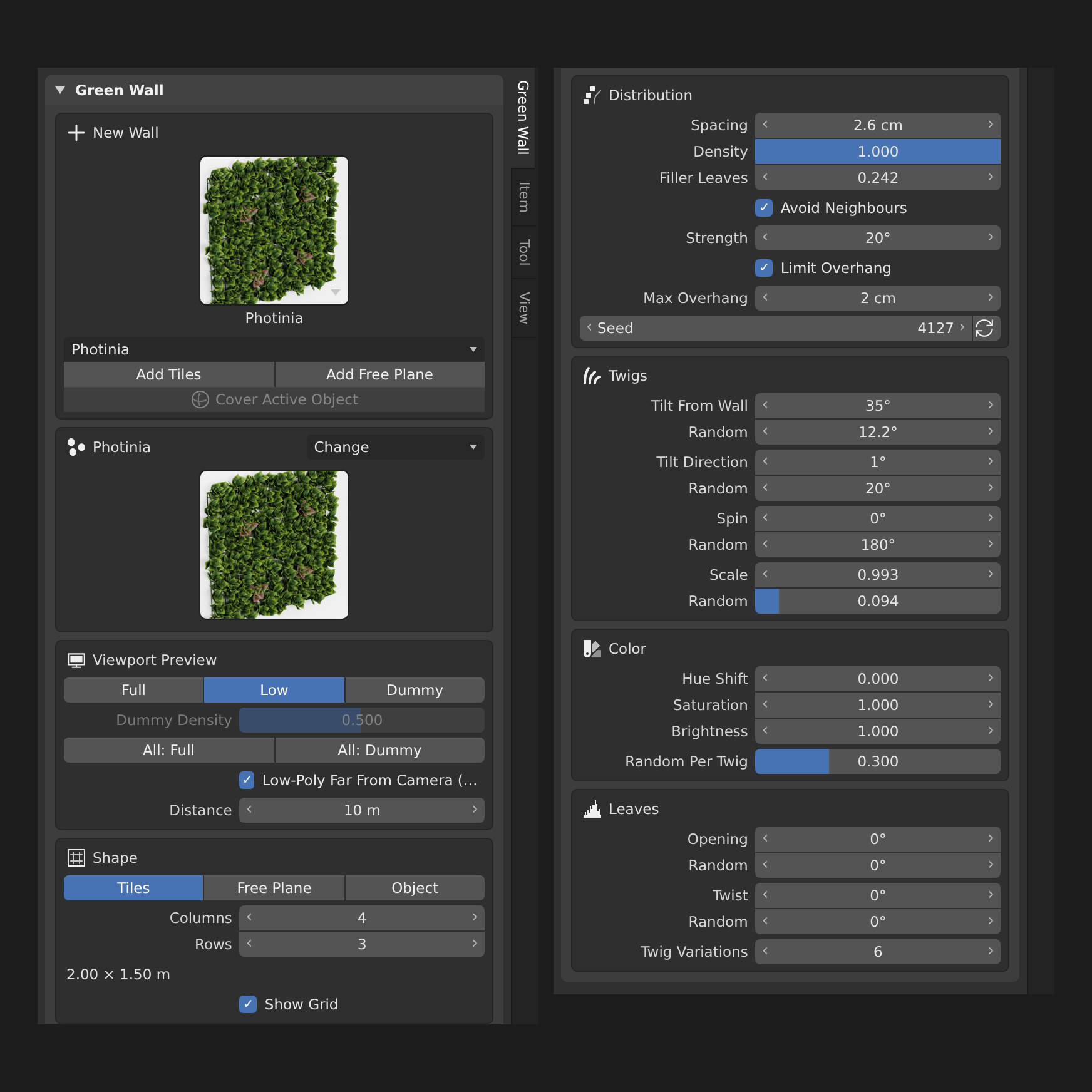
- Twigs – tilt from the wall, tilt direction, spin and scale, each with its own randomness.
- Leaves – open or close every leaf and twist it around its stem. Several twig variations per wall, so no two twigs look copied.
- Colour – hue, saturation and brightness of the whole wall, plus random variation per twig.
- Clean edges – Limit Overhang keeps the foliage within a set distance of the wall edge (2 cm by default).
- Natural spacing – Avoid Neighbours leans every twig away from its closest neighbour.
- Seed – a new arrangement with one click.
Built for big scenes
- New walls preview with low-poly twigs; renders always use full geometry. Switch to Full or to light Dummy cones at any time, per wall or for all walls at once.
- Low-Poly Far From Camera (Render) renders distant twigs with low-poly geometry to save memory. It works for stills and for animations with a moving camera, and it never slows down the viewport.
- The twig layout of a flat wall is calculated on a few tiles and repeated, so a 40 m² wall updates about as fast as a small one. Moving the camera never recalculates a wall.
- All twigs are instances, so thousands of them stay light in memory.
What you get
- The add-on with 9 plants, thumbnails and all textures in one installable zip (about 66 MB)
- Works in Blender 4.2 and newer (tested in 4.5 and 5.2)
- Walls are ordinary objects with one Geometry Nodes modifier: move, rotate, duplicate and link them like anything else