 ZEG
ZEG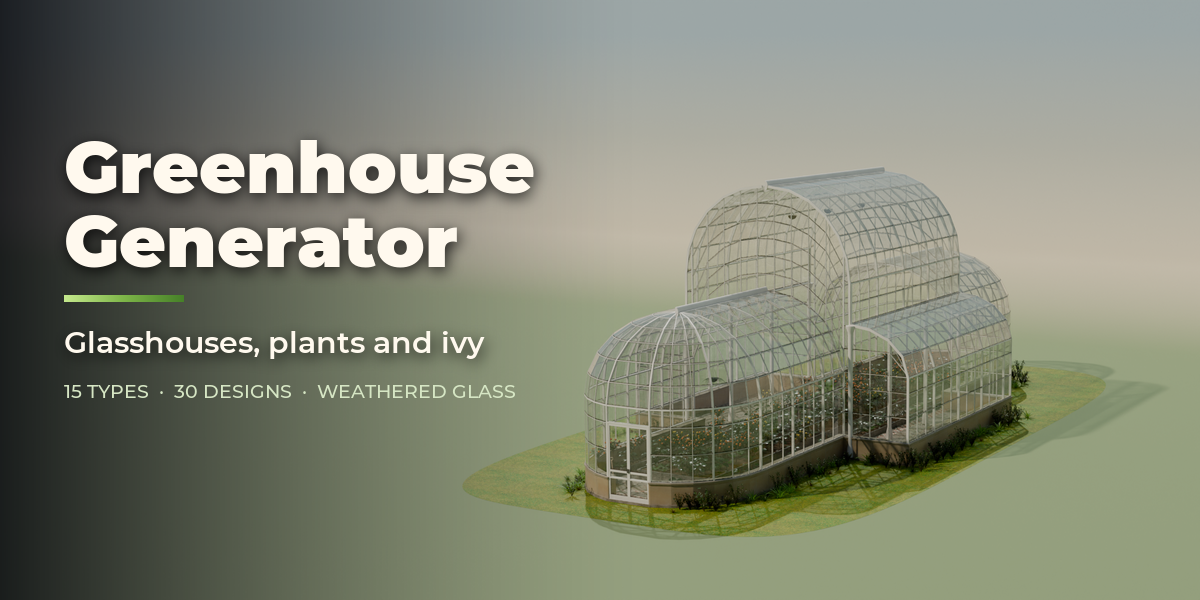
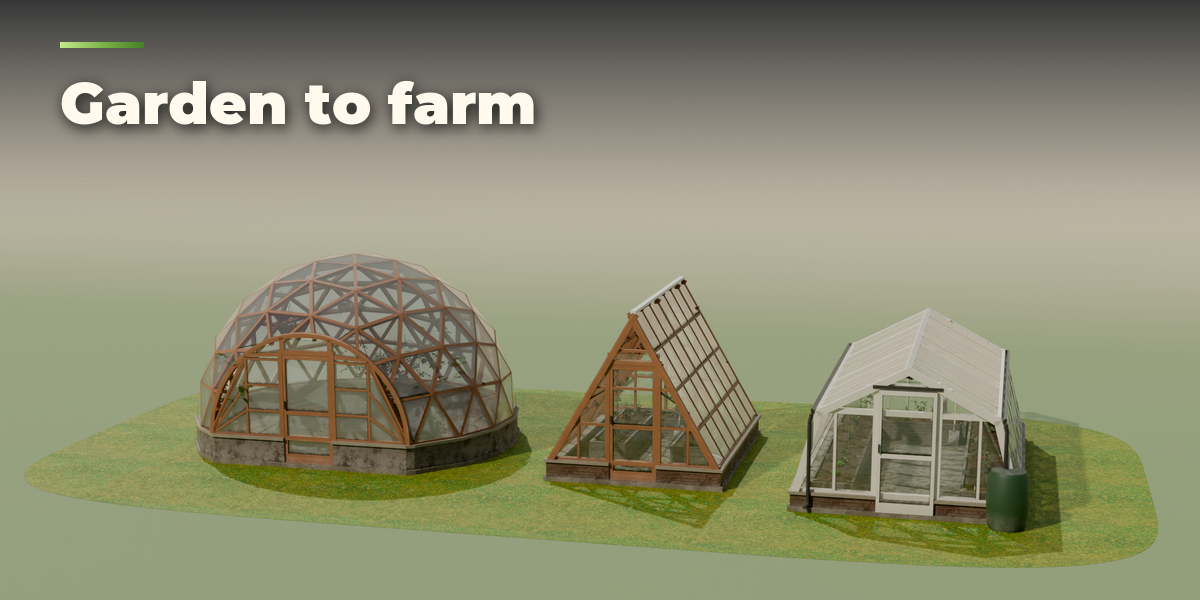
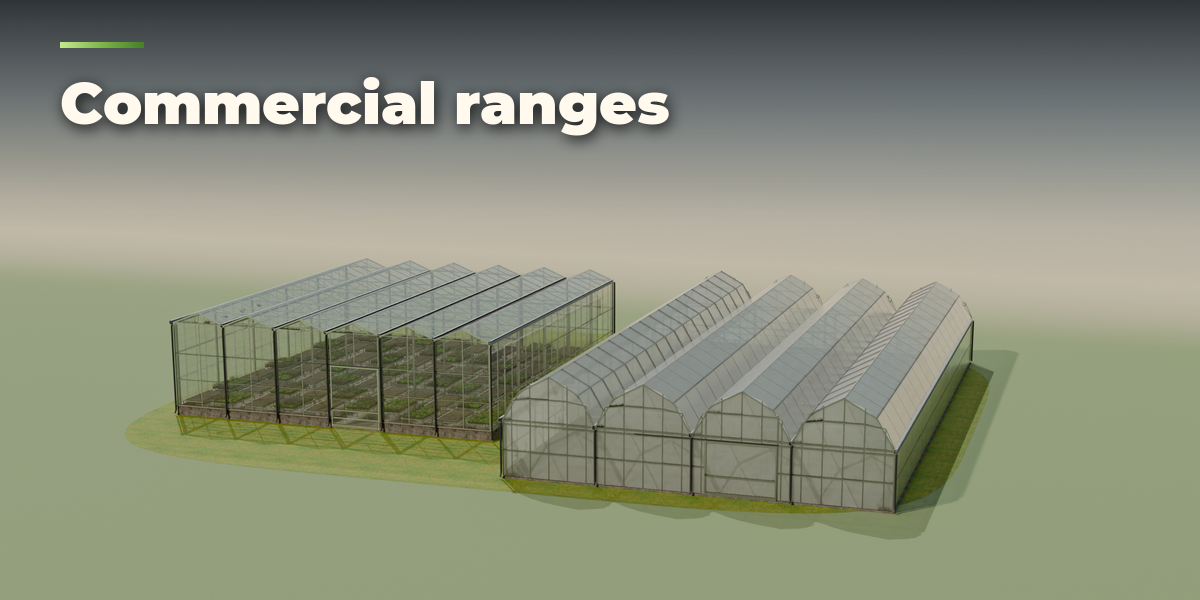
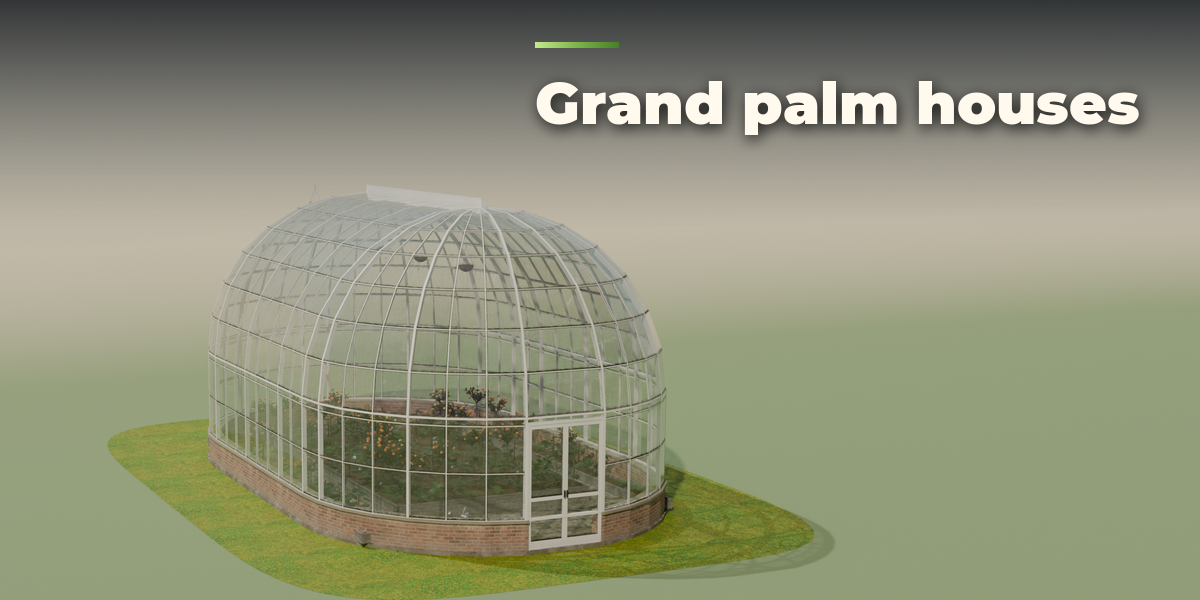
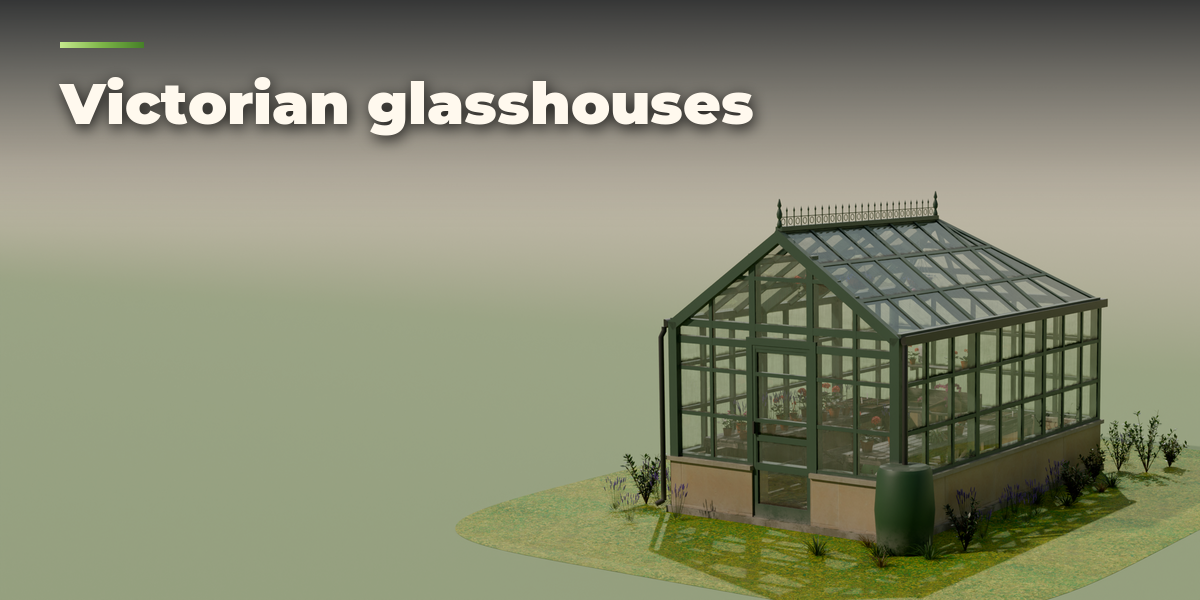
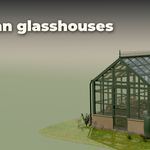

Installation
In Blender open Edit, Preferences, Get Extensions, then use Install from Disk and pick the greenhouse_generator zip.
Usage
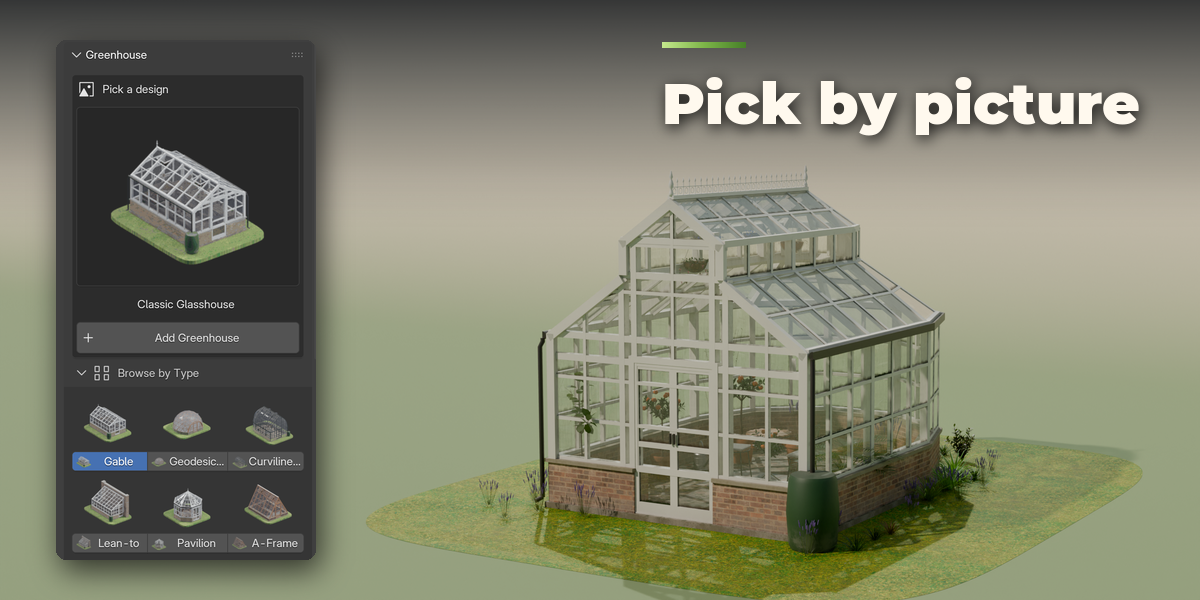
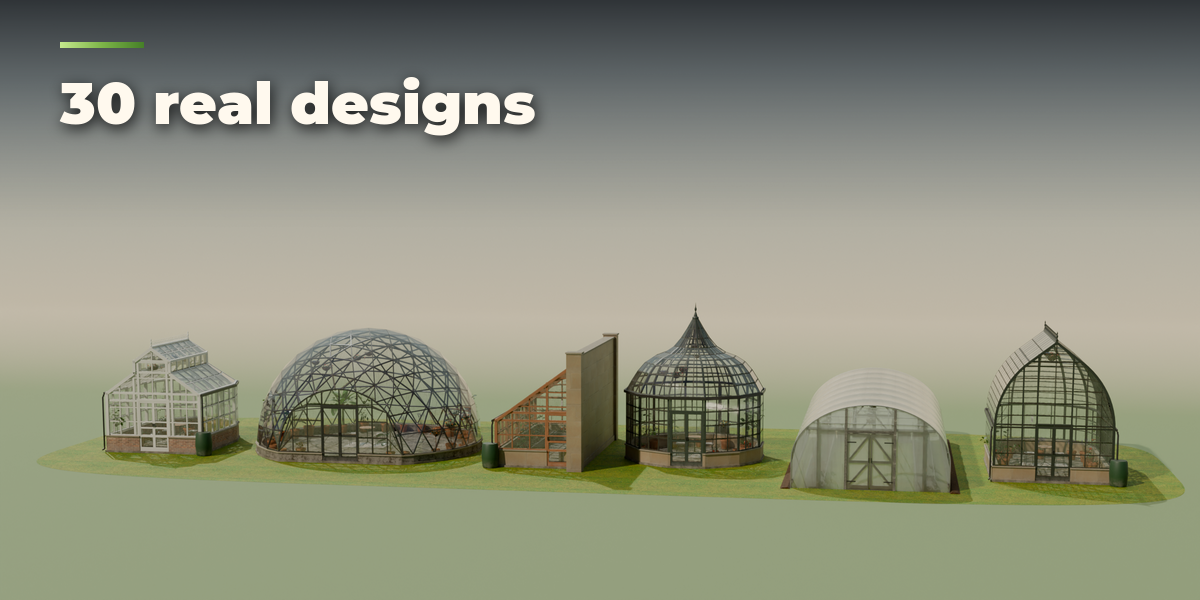
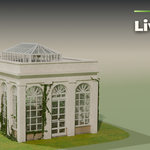
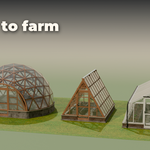
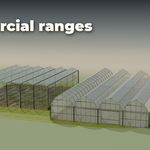
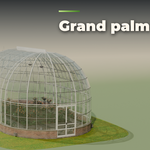
- Open the Greenhouse tab in the 3D viewport sidebar (N). With no greenhouse selected, click the big picture to pick a design and press Add Greenhouse, or open Browse by Type to see every design of a type. You can also use Shift+A, Greenhouse.
- With a greenhouse selected, the card at the top shows its design: click the picture to switch to another design, change the seed for a new variation, and set the detail to Low, Medium or High.
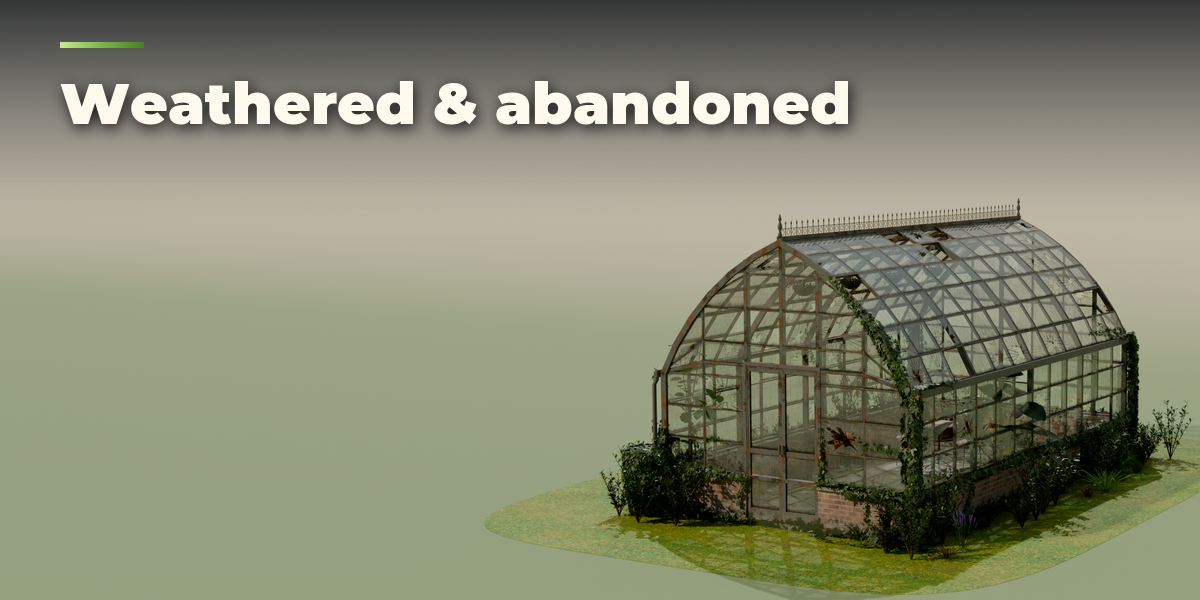
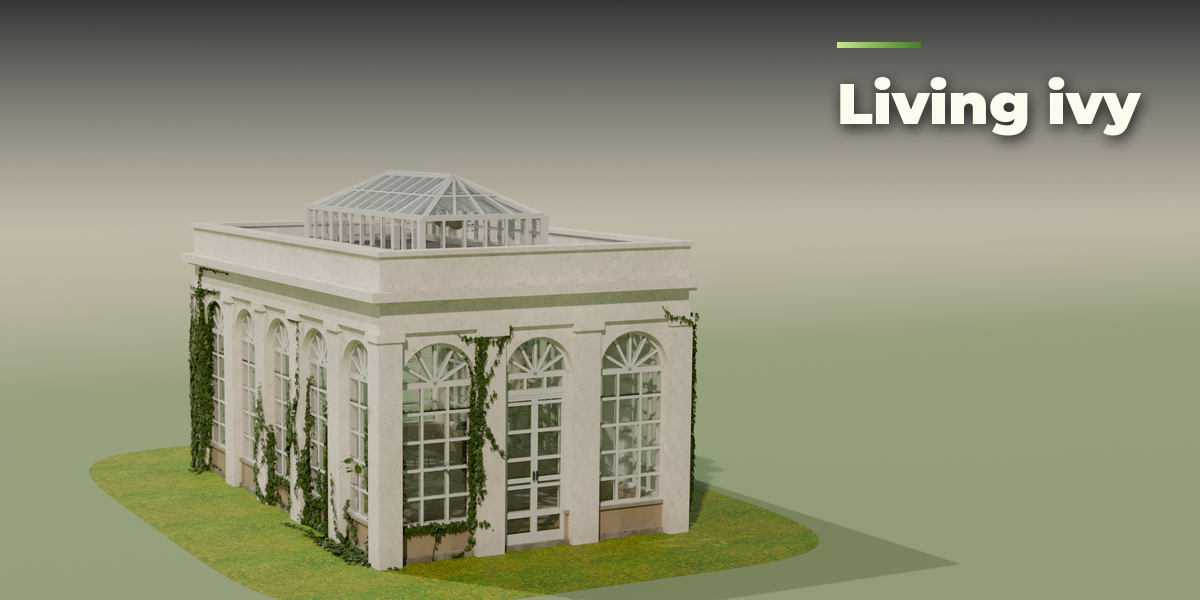
- The icon tabs hold every setting: Shape (type and size), Frame & Glass (frame material, glazing, vents, cresting, gutters), Base & Doors (knee wall, floor, doors), Interior (layout, benches, beds), Plants (theme, density, overgrowth), Ivy and Weathering (dirt, streaks, algae, condensation, wear, broken panes).
- Weathering sliders only change the look, so they update instantly. Delete removes the greenhouse with all its parts.
Each greenhouse is a root empty with its parts as children: structure, glass, interior, plants and ivy. Plants and ivy leaves are Geometry Nodes instances; apply the modifier to make them real meshes.
Have questions about this product?
Login to message
| Blender Extension Compatible | Yes |
| Published | about 16 hours ago |
| Blender Version | 4.2 - 5.2 |
| Extension Type | Add-on |
| Render Engine Used | Cycles, Eevee |
| License | GPL |

Discover more products like this
greenhouse architecture ivy garden Generator exterior procedural environment polytunnel glasshouse plants conservatory