Grid Fill Modifier/Node For Blender
 Medicraft


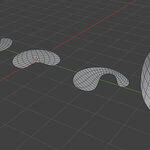
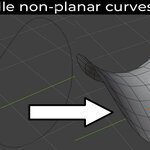
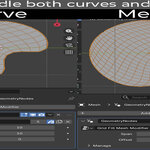
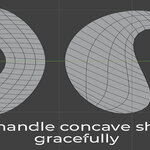
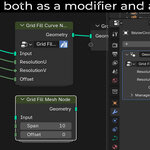
Why does my filled shape look twisted, overlapping, or chaotic?
This usually means the internal grid isn't aligning properly, or the resolution ratio doesn't match the shape's proportions.
First, make sure your U and V Resolutions roughly match the length ratio of your shape's sides. For example, if your shape has one side that is 5 times longer than the shortest side, use a multiple of that 5:1 ratio (like 25 for U and 5 for V).
If your resolutions are set correctly and the flow is still fighting the shape, simply adjust the Offset slider in the modifier settings. This rotates the grid's internal calculation. Keep tweaking the offset until the edge flow straightens out and matches your boundaries perfectly.
$5
Have questions about this product?
Login to message
| Sales | 20+ |
| Published | 4 months ago |
| Blender Version | 4.2 - 5.2 |
| Render Engine Used | Cycles |
| License | Royalty Free |
