 Arthzuul

What is Analyze Kit, and does "no gaps" mean my kit is complete?
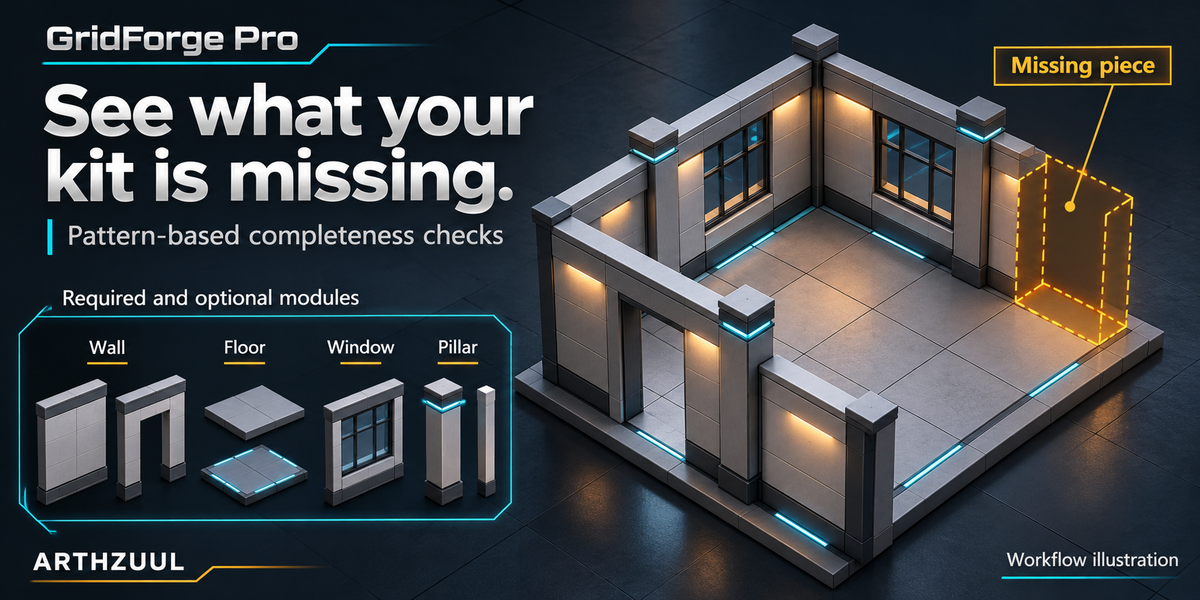
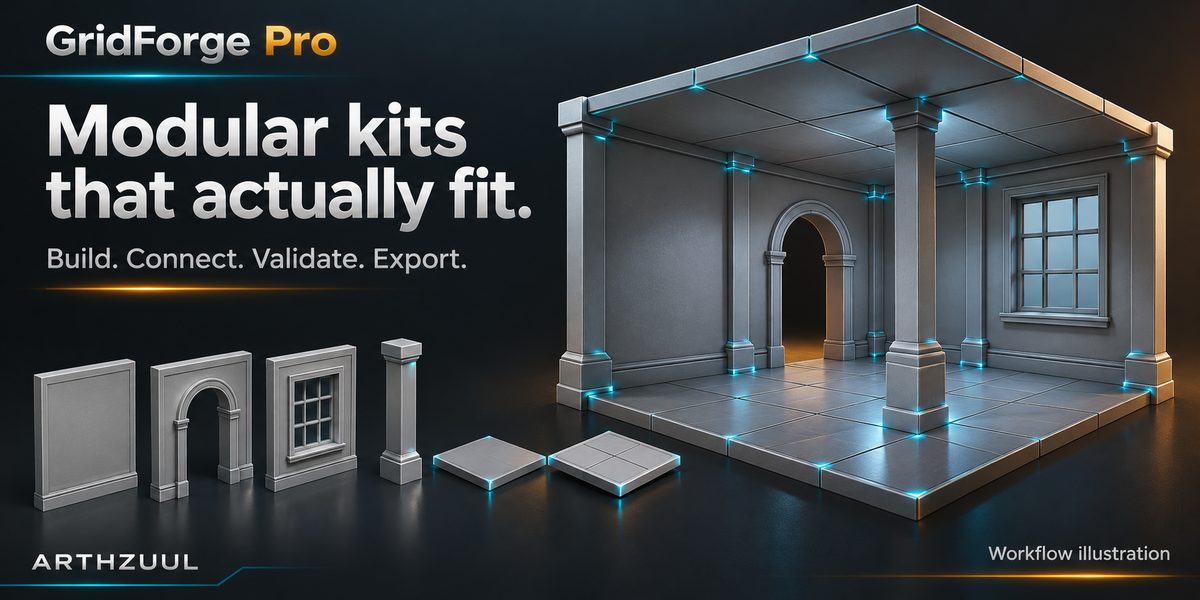
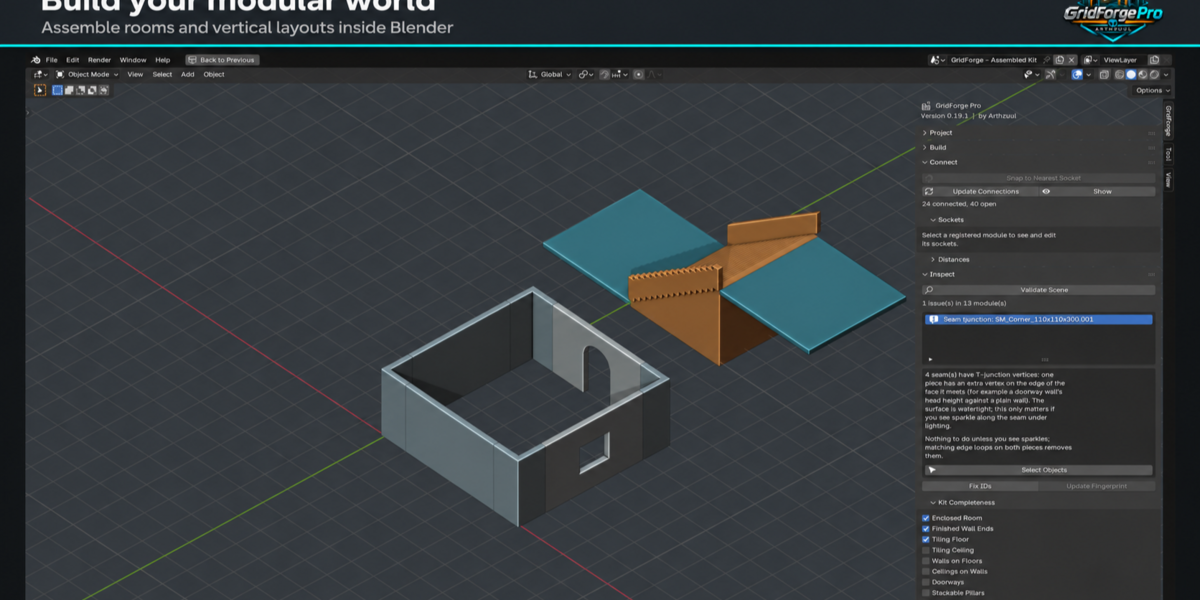
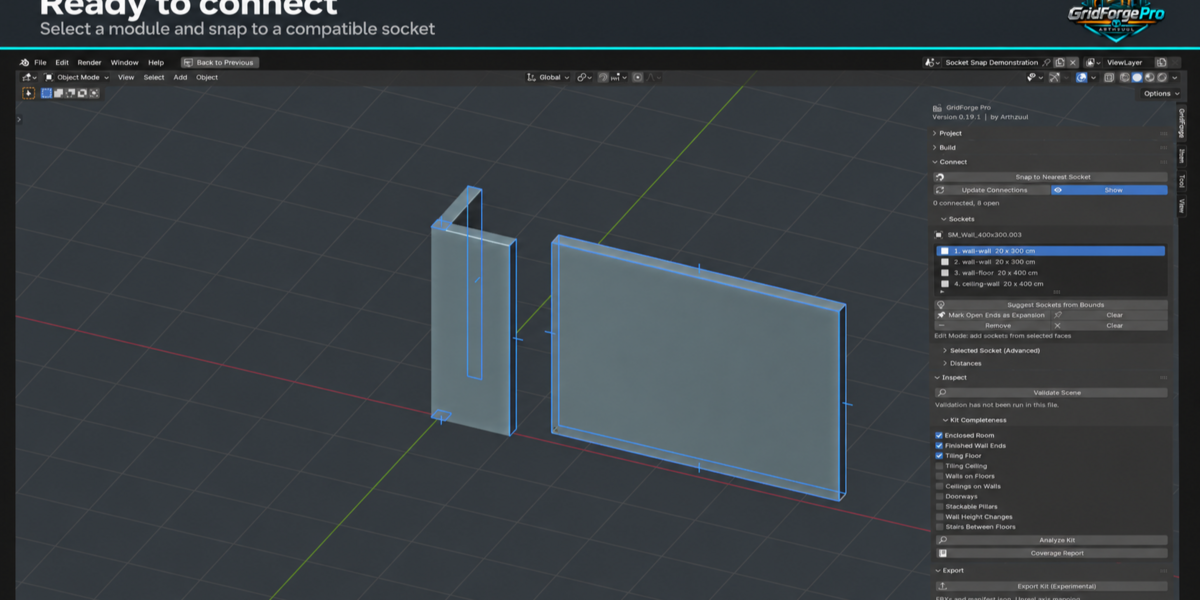
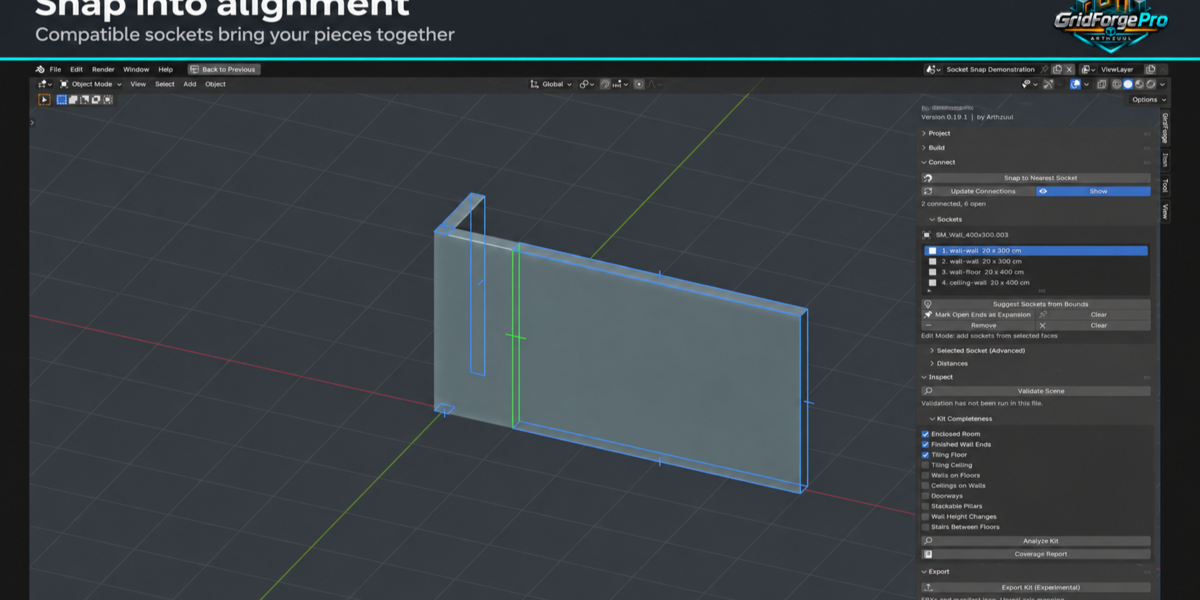
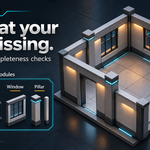
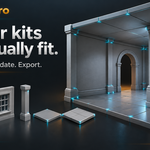
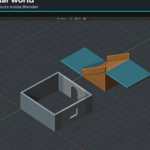
Analyze Kit checks your kit against construction patterns you tick, such as an enclosed room, tiling floors or walls seated on floors. It reports gaps for those patterns only. It never claims your kit is complete for every layout.
Are the stairs hollow underneath?
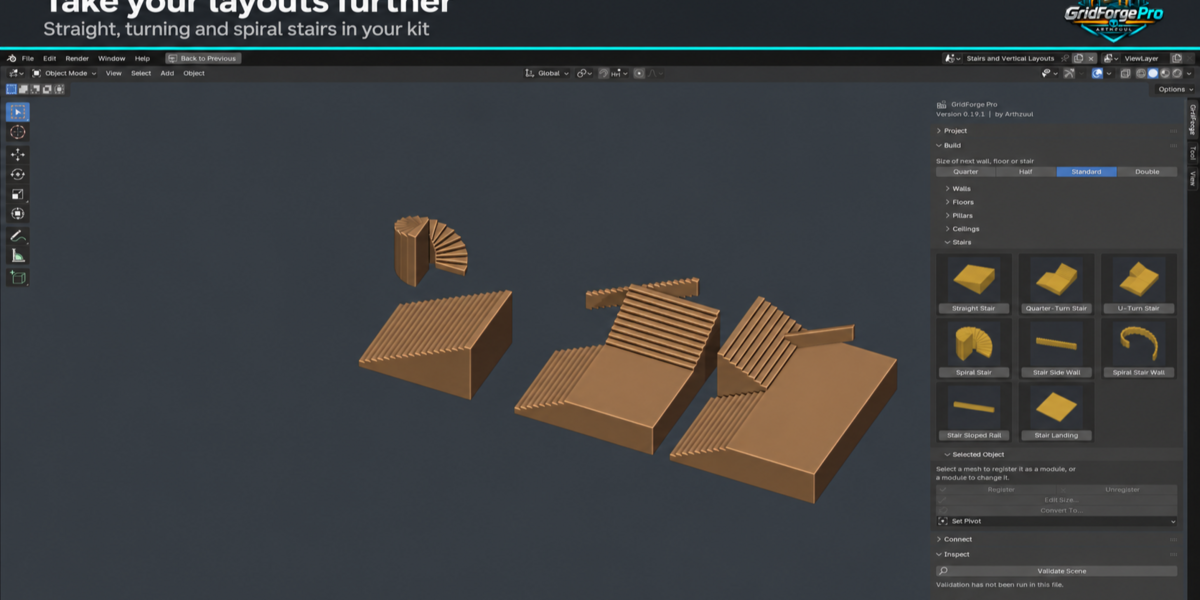
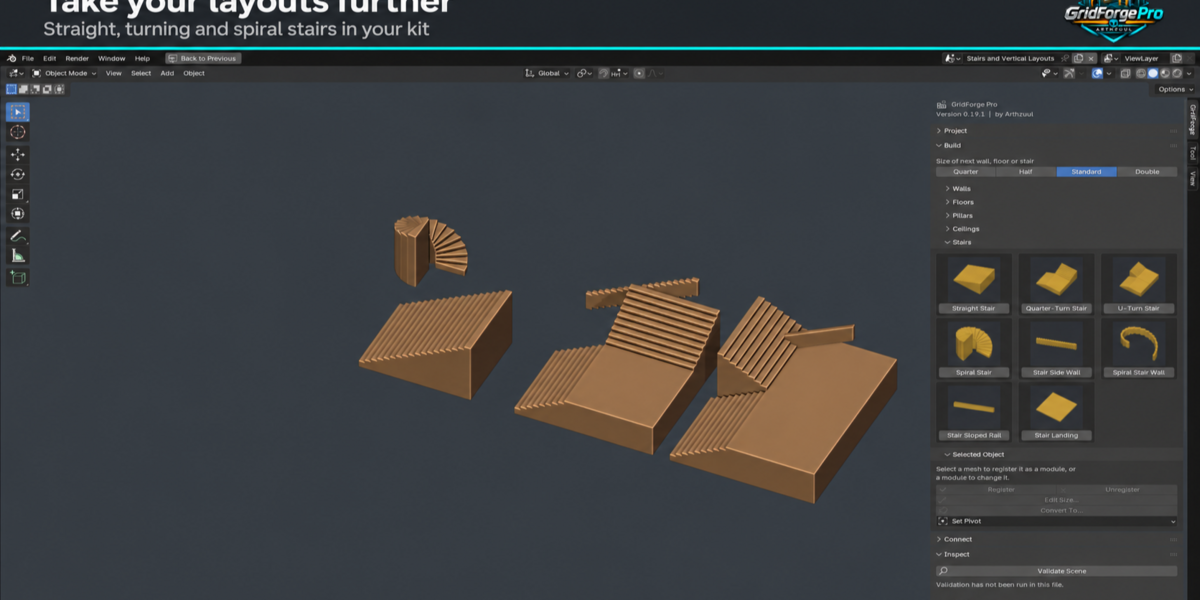
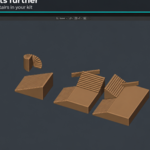
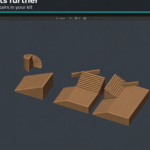
No. Stairs are solid blocks. A stair side wall or sloped rail must also be sized to match its flight's step count, tread and rise. The full list of limits is in the documentation.
Will files made with an older version still open?
Yes. Files from older versions are upgraded when you open them: generated pieces gain the sockets newer versions expect, and your own sockets, settings and IDs are kept. A file made by a newer GridForge than the one you have installed is refused rather than half-read.
Does it export collision?
Yes. Assign convex hull meshes to a registered piece and they are exported as UCX collision, with a hull-count check in the receipt. This has not yet been confirmed in the Unreal Static Mesh editor, so check your collision view the first time you use it.
Does Validate Scene change anything in my scene?
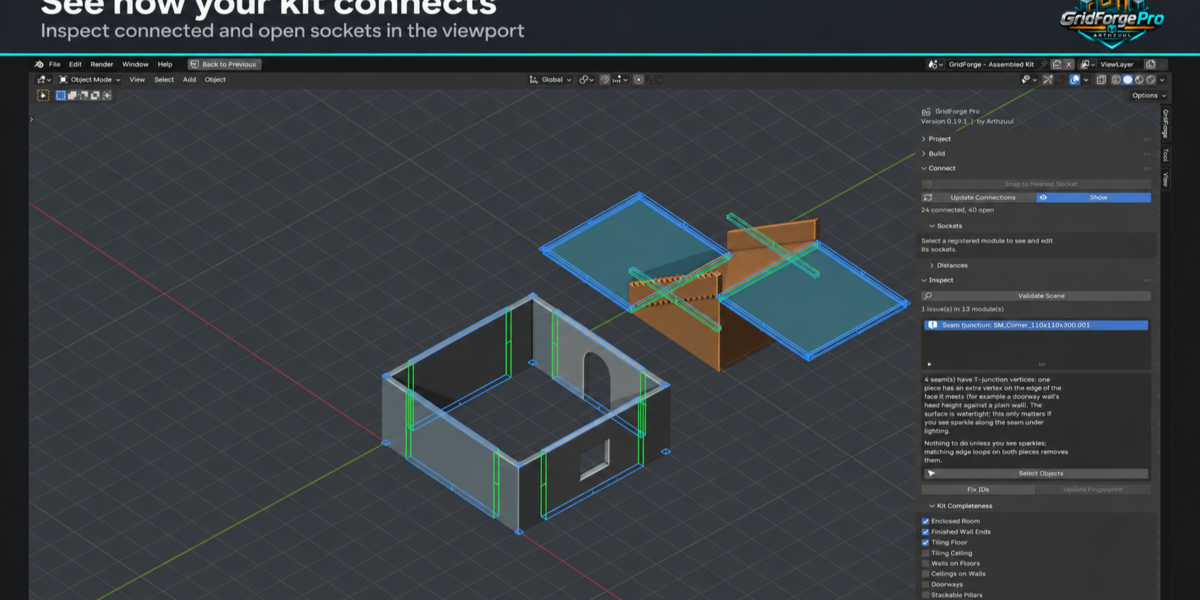
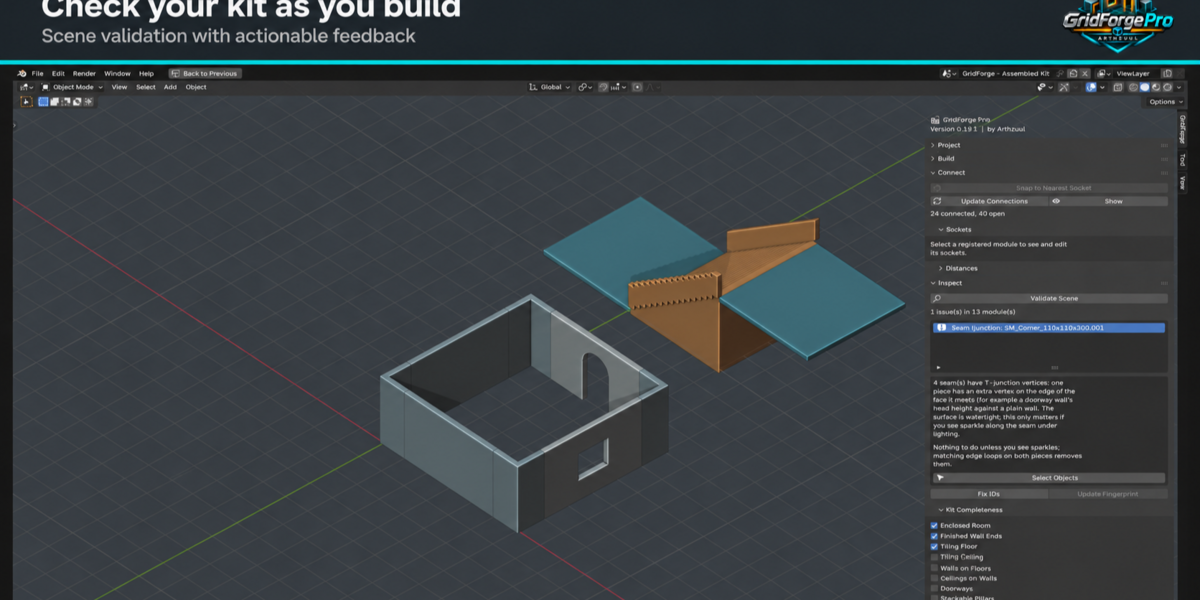
No. Validate only reports errors, warnings and notes. Any fix, such as repairing duplicate IDs, is a separate button you press yourself.
Can I use my own meshes, not just the generated pieces?
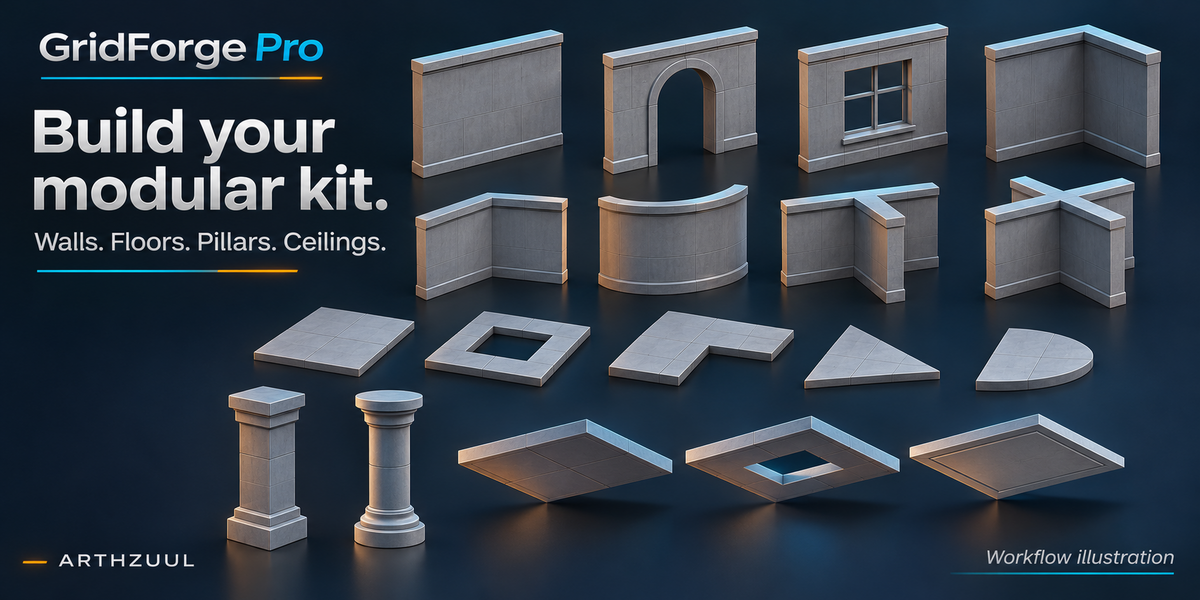
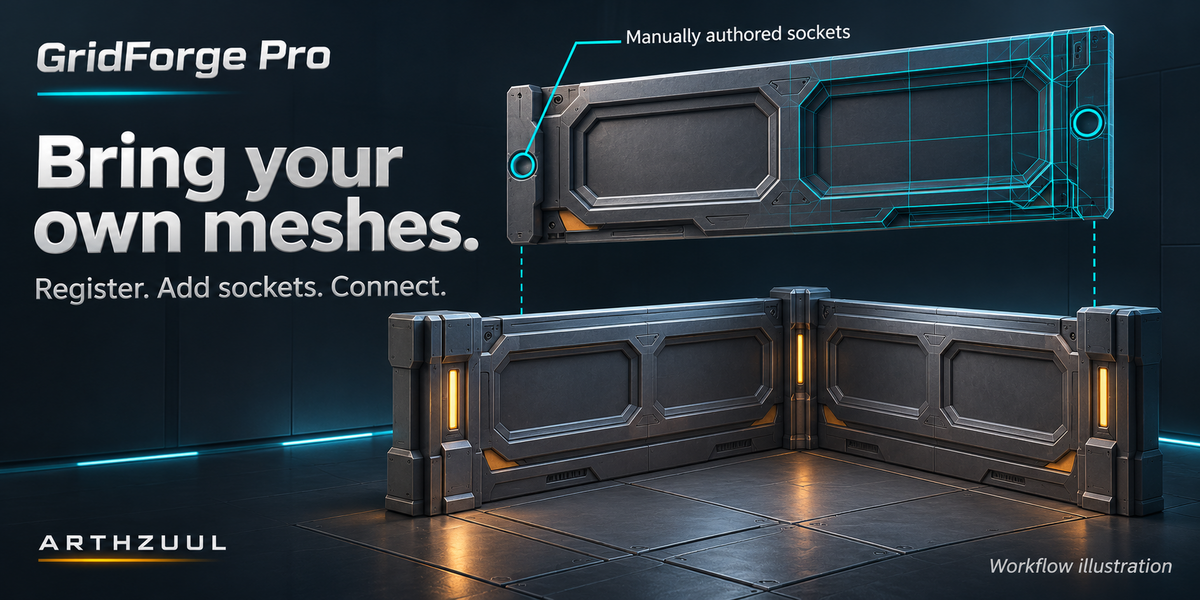
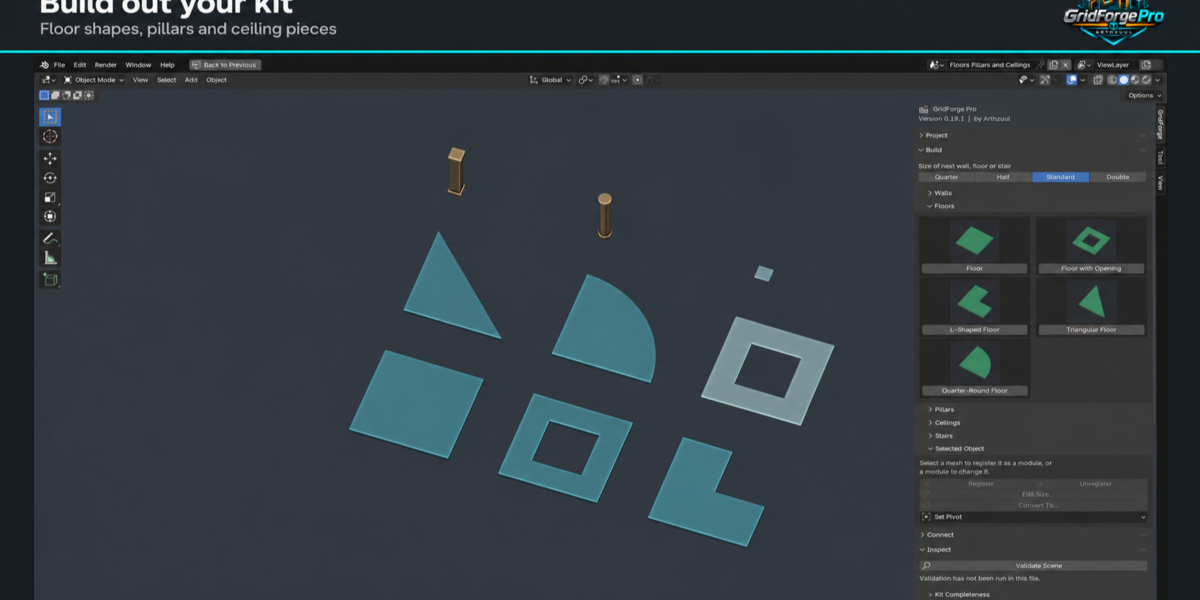
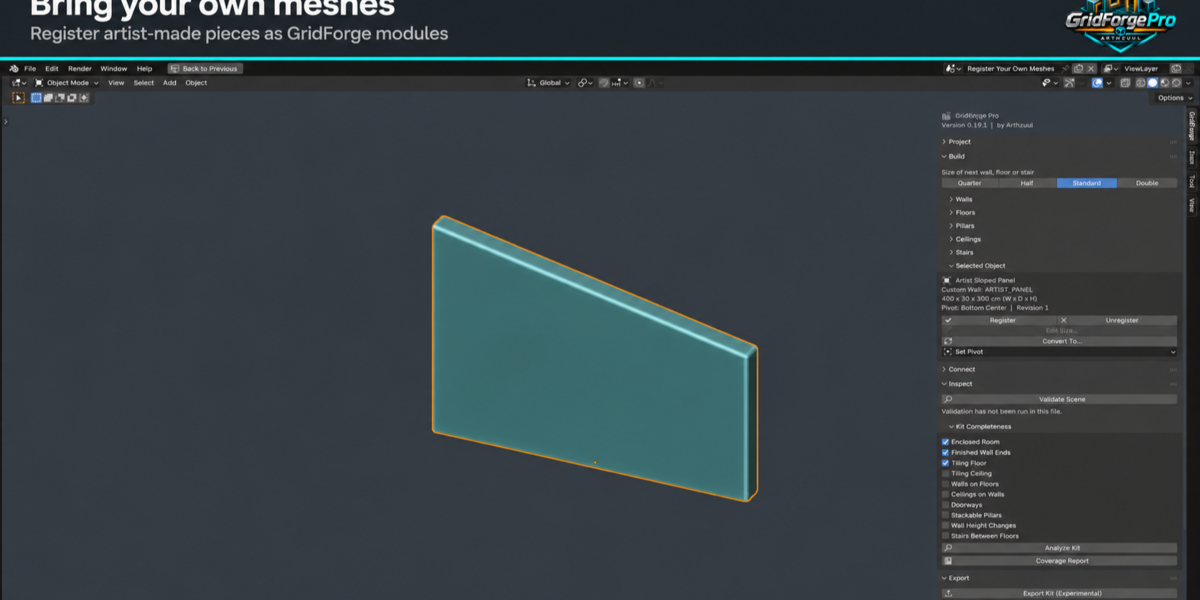
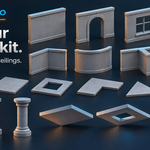
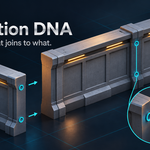
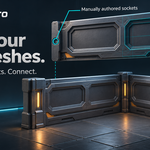
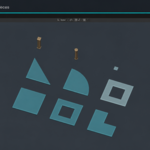
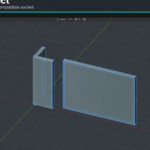
Yes. Select your meshes and press Register Selected Meshes, then use Suggest Sockets from Bounds or Add Sockets from Selected Faces to give them connection points. Registered meshes snap, validate and export like generated pieces. Registering only writes metadata; your geometry, materials, UVs and modifiers are not touched.
What does "Verified" mean after Send to Unreal?
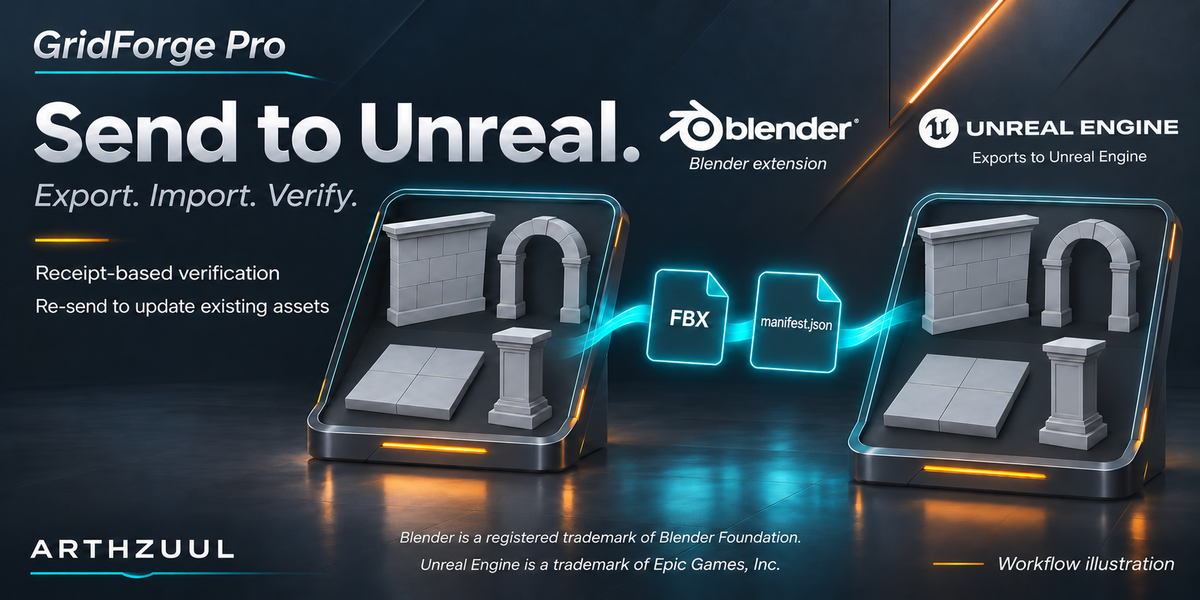
After importing, the Unreal side measures what it actually created (sizes, pivots and orientation) and writes a receipt. GridForge compares that receipt with what Blender expected. Verified means they match. The values come from the engine, not from the manifest, so a wrong import shows as Not verified.
How do I set up Send to Unreal?
In Unreal, open Project Settings > Plugins > Python, tick Enable Remote Execution, and restart the editor once. In GridForge's Export panel, set the Unreal Folder (default /Game/GridForge), press Find Unreal to check the editor is reachable, then press Send to Unreal.
Do I need Unreal Engine to use it?
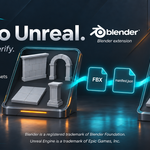
No. Building, snapping, validating and analyzing a kit all happen in Blender. Export Kit writes standard FBX files plus a manifest that can be used anywhere. Send to Unreal is an extra that imports into an open Unreal Editor and verifies the result. Unreal is the only engine with a verified import today.
Does GridForge Pro change my scene units?
No. It works in centimeters internally and never changes your scene's unit settings.
Which Blender versions does GridForge Pro support?
Blender 4.5 LTS and newer. It has been tested on 4.5 and 5.2. Blender 5.0 and 5.1 have not been tested.
 Included
Includes 12 months of
- Support from Arthzuul
- Product updates
Extend this product’s Support Period +12 months: 50% of product price
Have questions before purchasing?
Login to message
| Blender Extension Compatible | Yes |
| Published | about 1 hour ago |
| Blender Version | 4.5 - 5.2 |
| Extension Type | Add-on |
| License | GPL |
Discover more products like this
validation modular-kit grid sockets environment Level Design game assets FBX Export stairs modular Unreal Engine snapping