 amsy3d
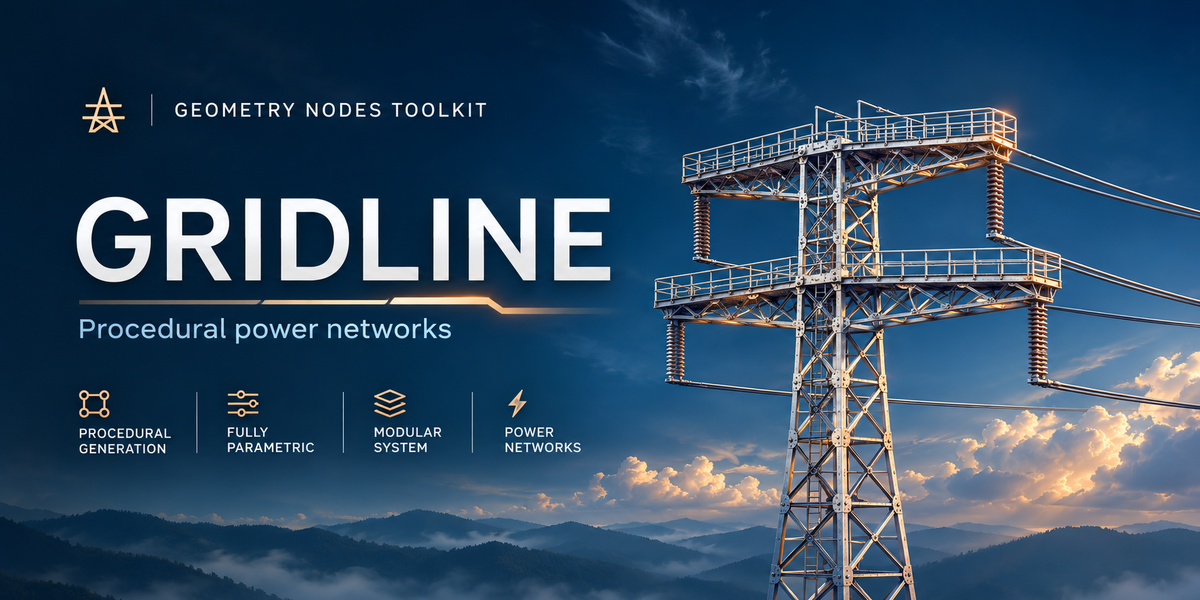
GRIDLINE / PROCEDURAL POWER NETWORKS
Power lines.
Less busywork.
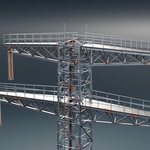
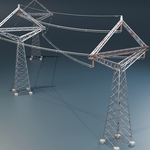
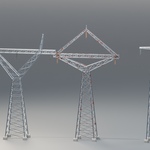
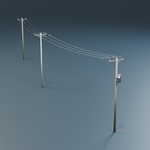
Build the structures. Shape the connections. Gridline brings transmission towers, standalone telecom towers, distribution poles, a gantry, a substation and responsive wire networks into one procedural toolkit.
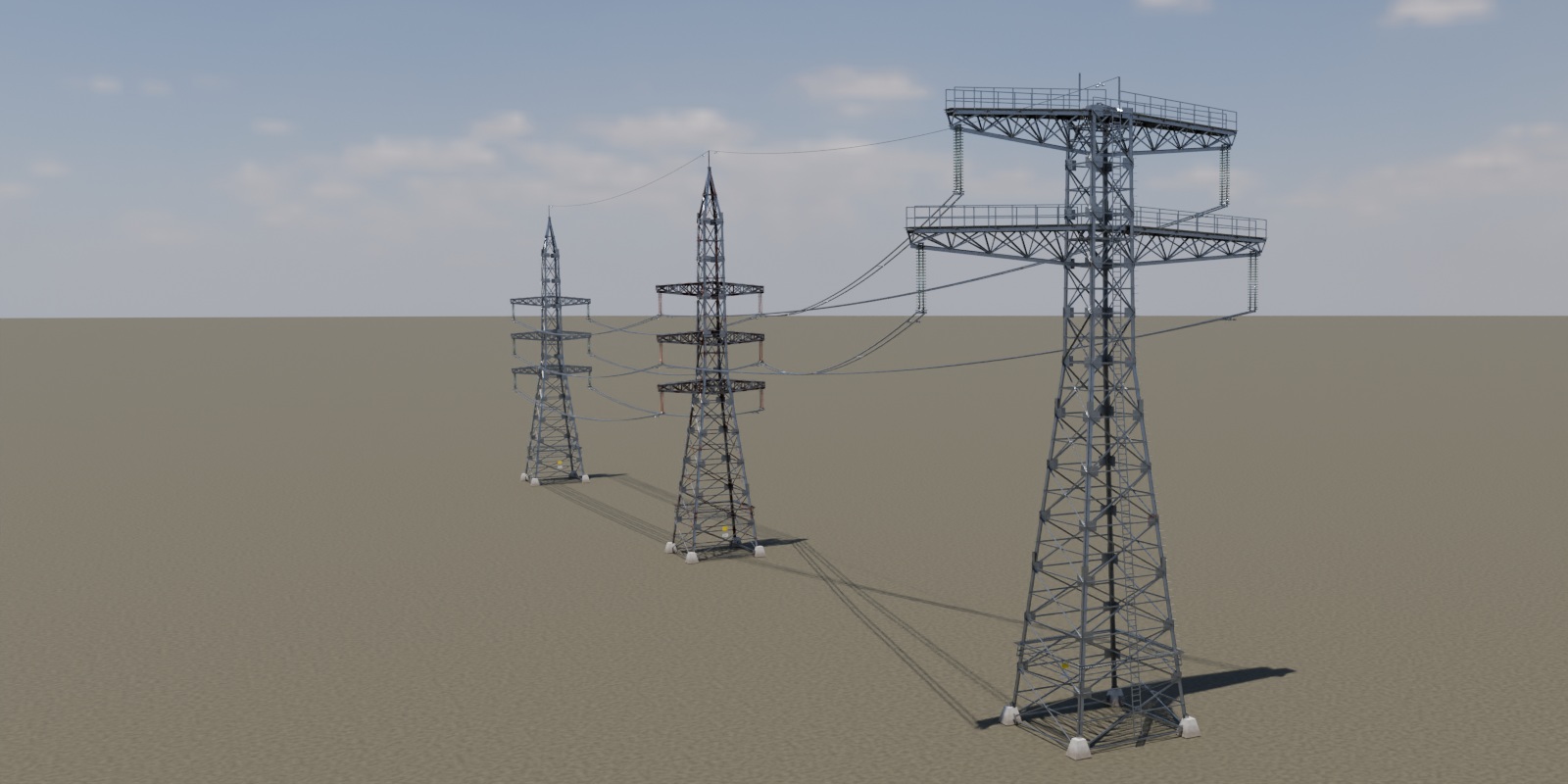
Open the supplied Gridline.blend. The connected demo, asset library and materials are already built.
01 / THE WORKFLOW
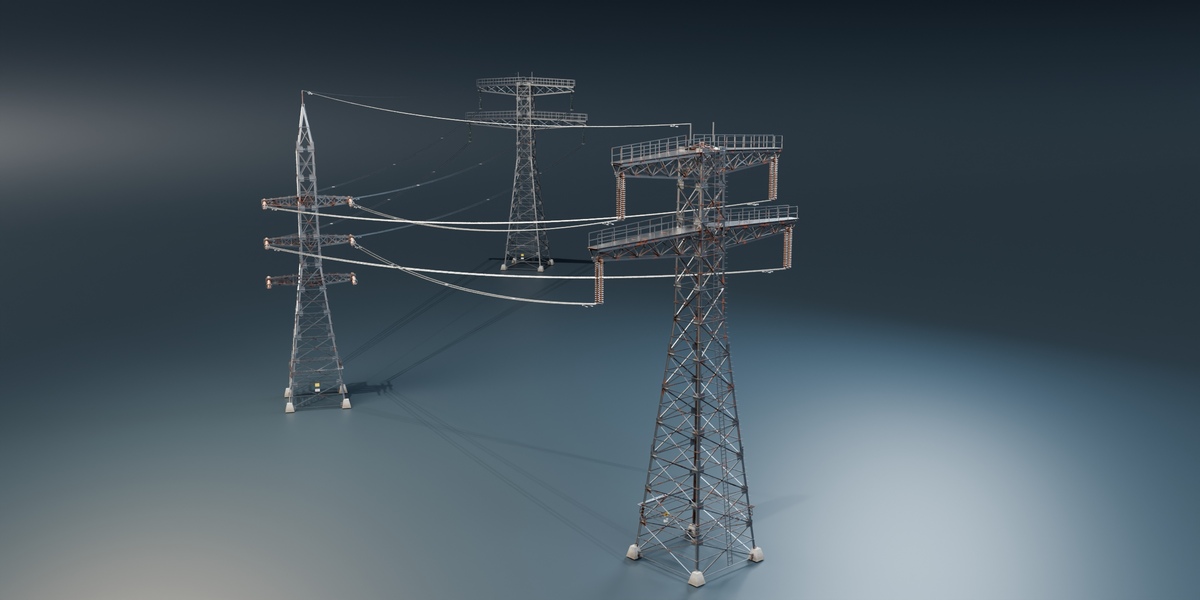
Place the towers. Let the wires follow.
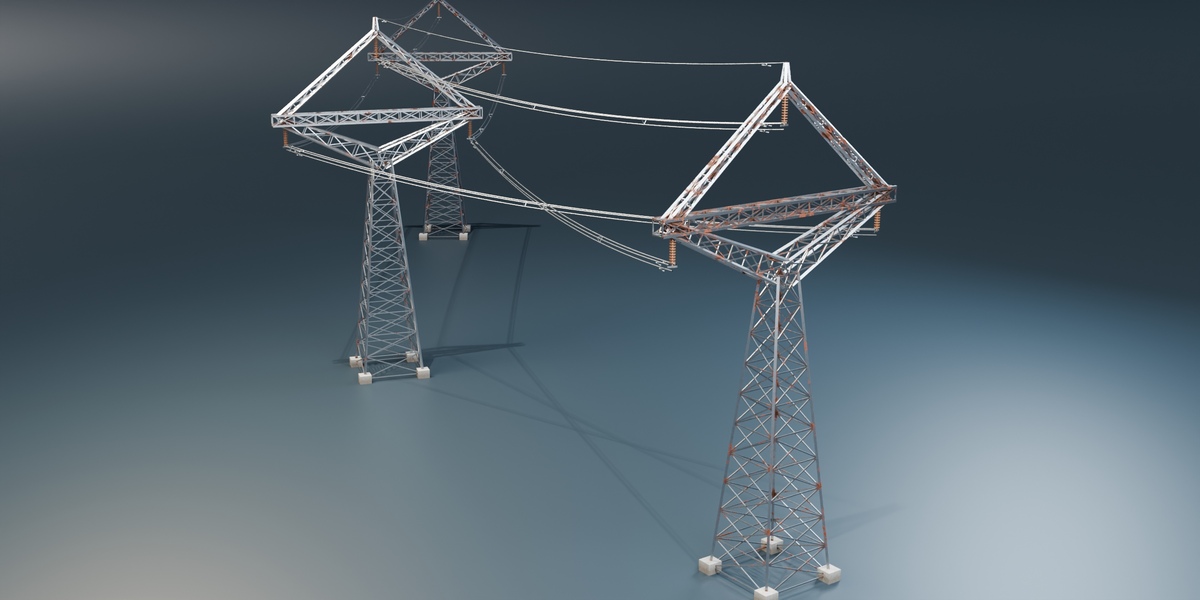
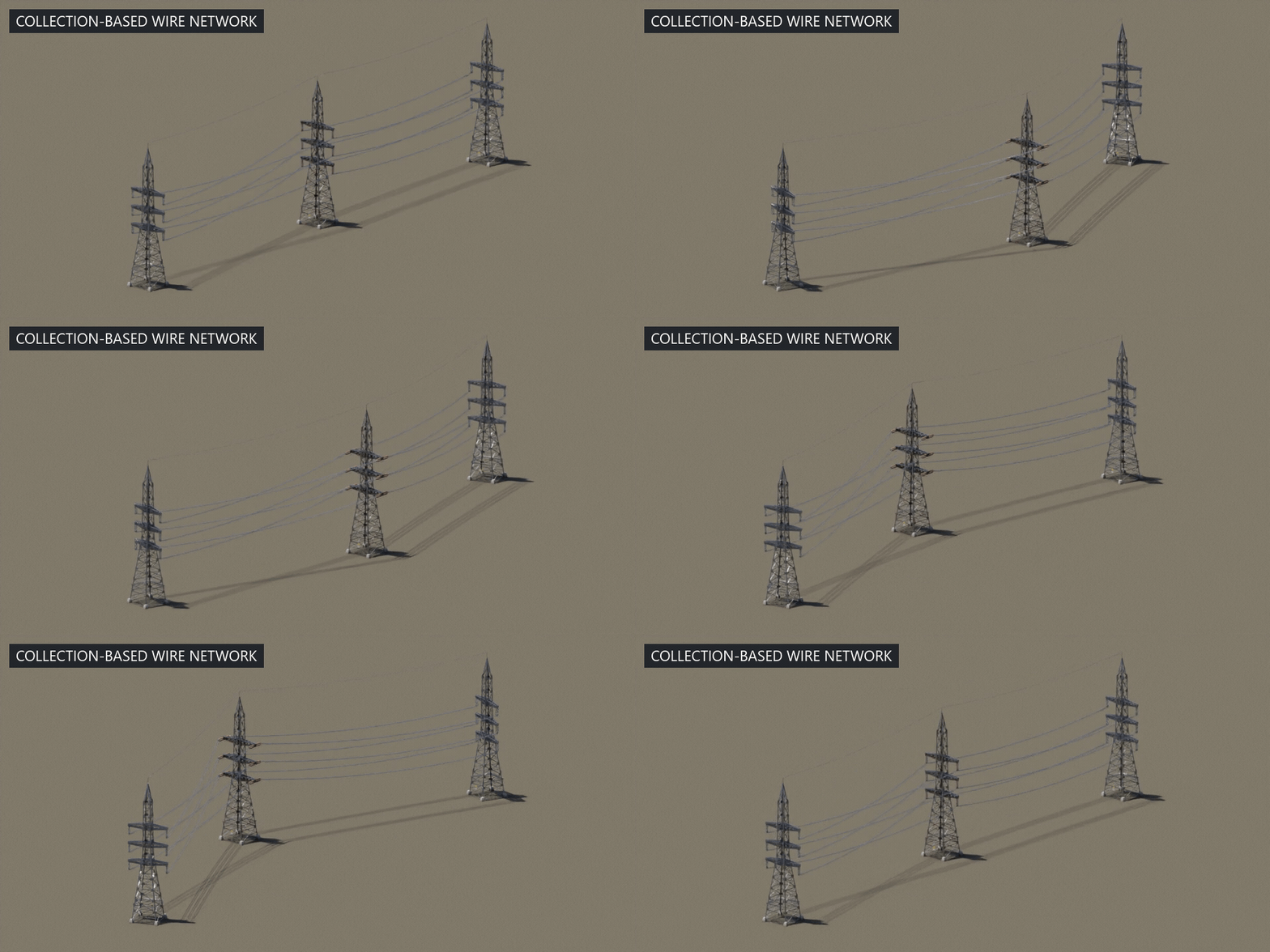
The wire generator reads the structures in a collection. Move or duplicate a tower within the supported span distance and the network recalculates from the insulator attachment points.
01 / CHOOSE
Start with a structure
Pick a tower preset, distribution pole or substation. Edit its Geometry Nodes modifier.
02 / CONNECT
Build a line
Use a collection of supported structures to drive the wires. Tune Max Span, sag and bundles.
03 / SHAPE
Keep editing
Change the layout, proportions, materials and wire motion as the scene develops.
02 / THE ORIGINAL TOWERS
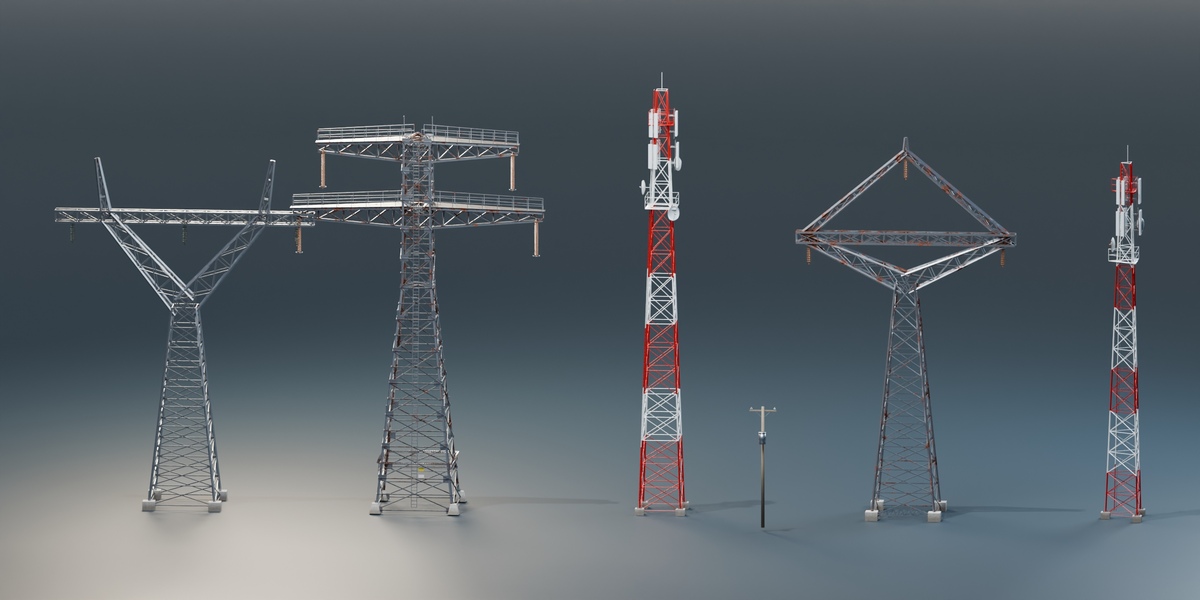
Six starting points. Your own proportions.
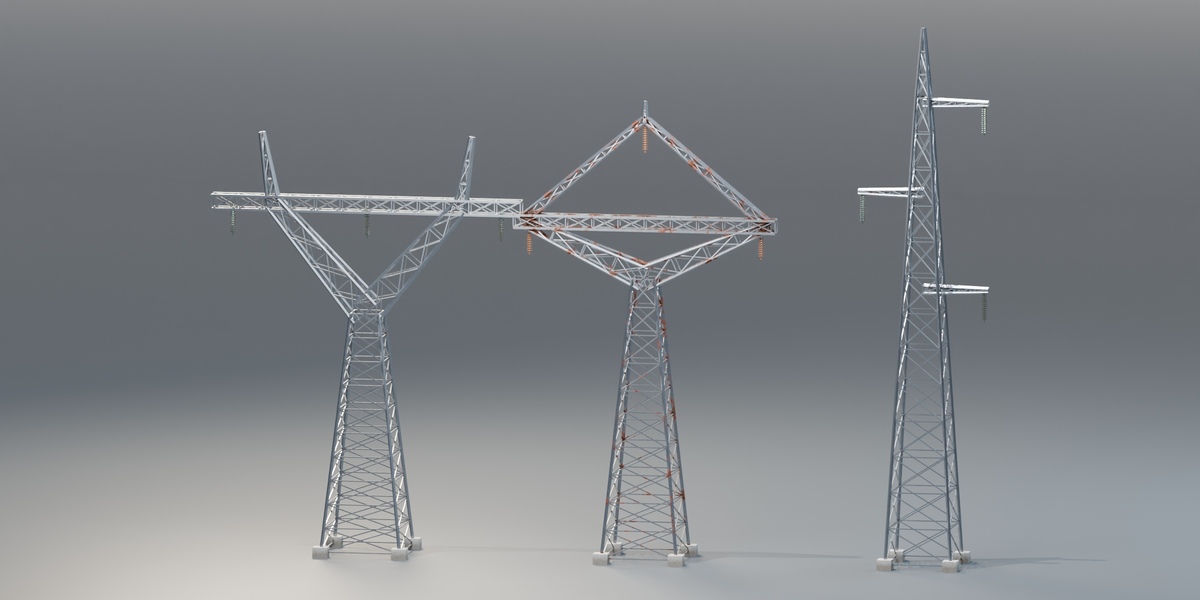
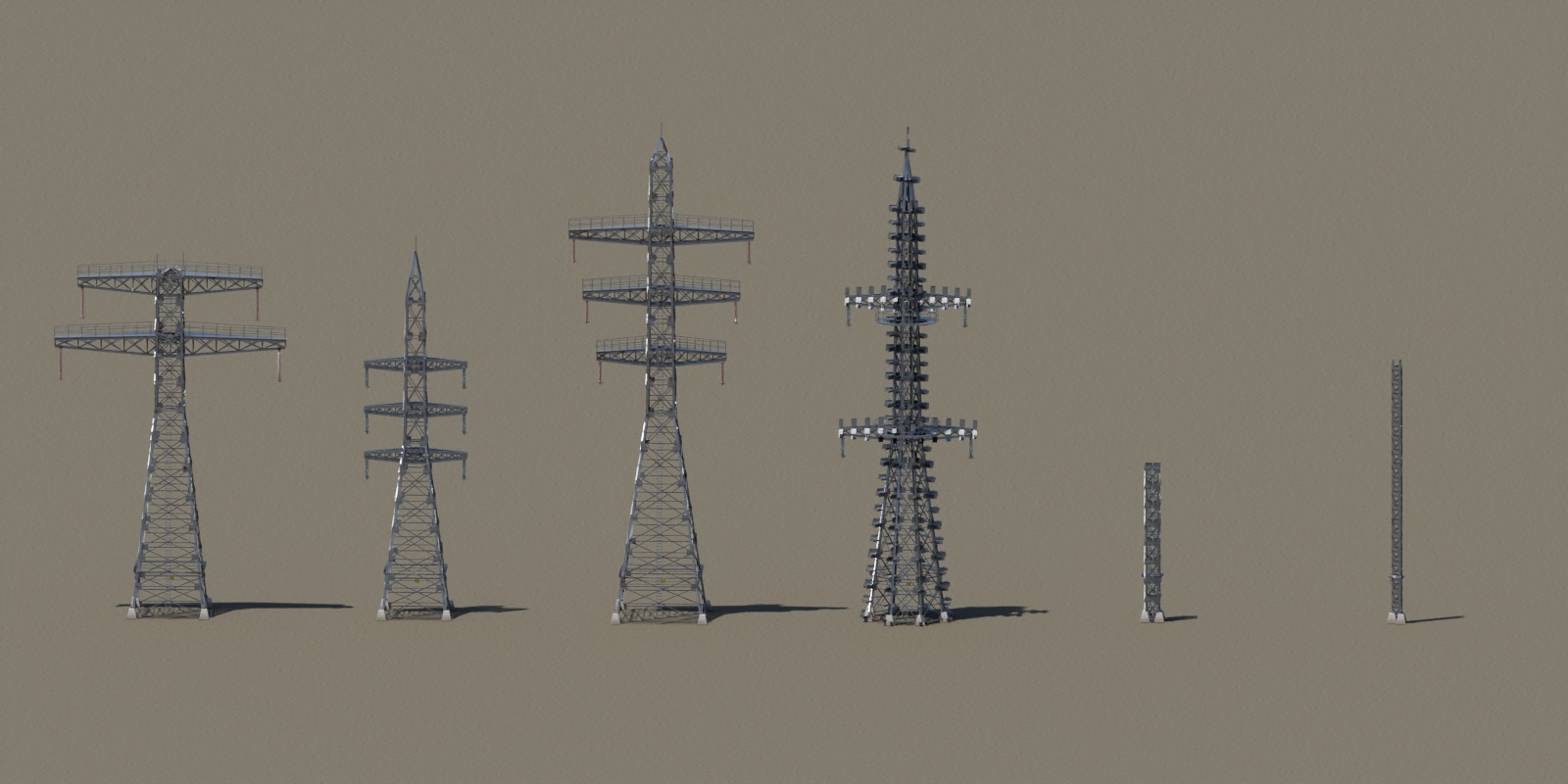
The original tower family includes six presets and Custom. Choose a preset for the silhouette, then switch to Custom when you want direct control over the structural dimensions and crossarm layout.
STRUCTURE / 01
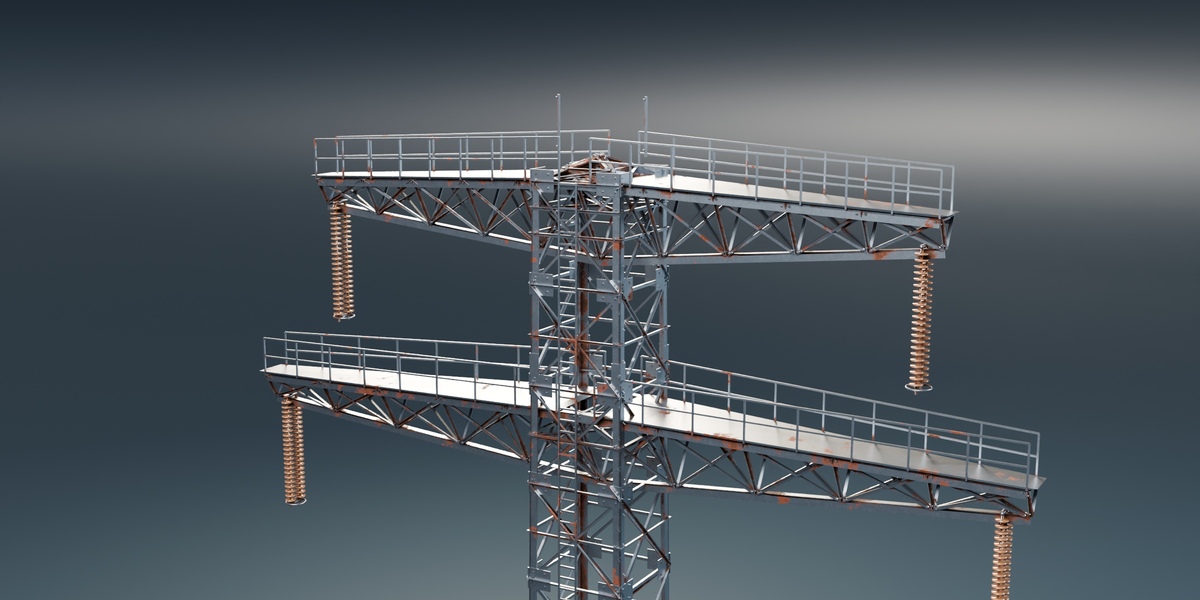
Pylon 2-Tier
Two broad crossarm levels, walkways and twin shield-wire peaks.
STRUCTURE / 02
Pylon 3-Tier
Three crossarm levels and a single shield-wire peak.
STRUCTURE / 03
Tall Pylon
A taller transmission structure with three crossarm levels.
STRUCTURE / 04
Octagon Mast
An eight-sided profile with platforms and two crossarm levels.
STRUCTURE / 05
Square Truss
A compact square lattice structure without crossarms.
STRUCTURE / 06
Triangle Mast
A slender triangular mast without crossarms.
03 / NINE MORE TRANSMISSION STYLES
Choose the arrangement. Keep the line editable.
Horizontal Lattice, Delta Lattice, Vertical Lattice, Guyed Delta Mast, Lattice H-Frame, Guyed V, Single-Shaft Delta, Tubular H-Frame and Wood H-Frame are nine additional topologies from ET_Transmission.
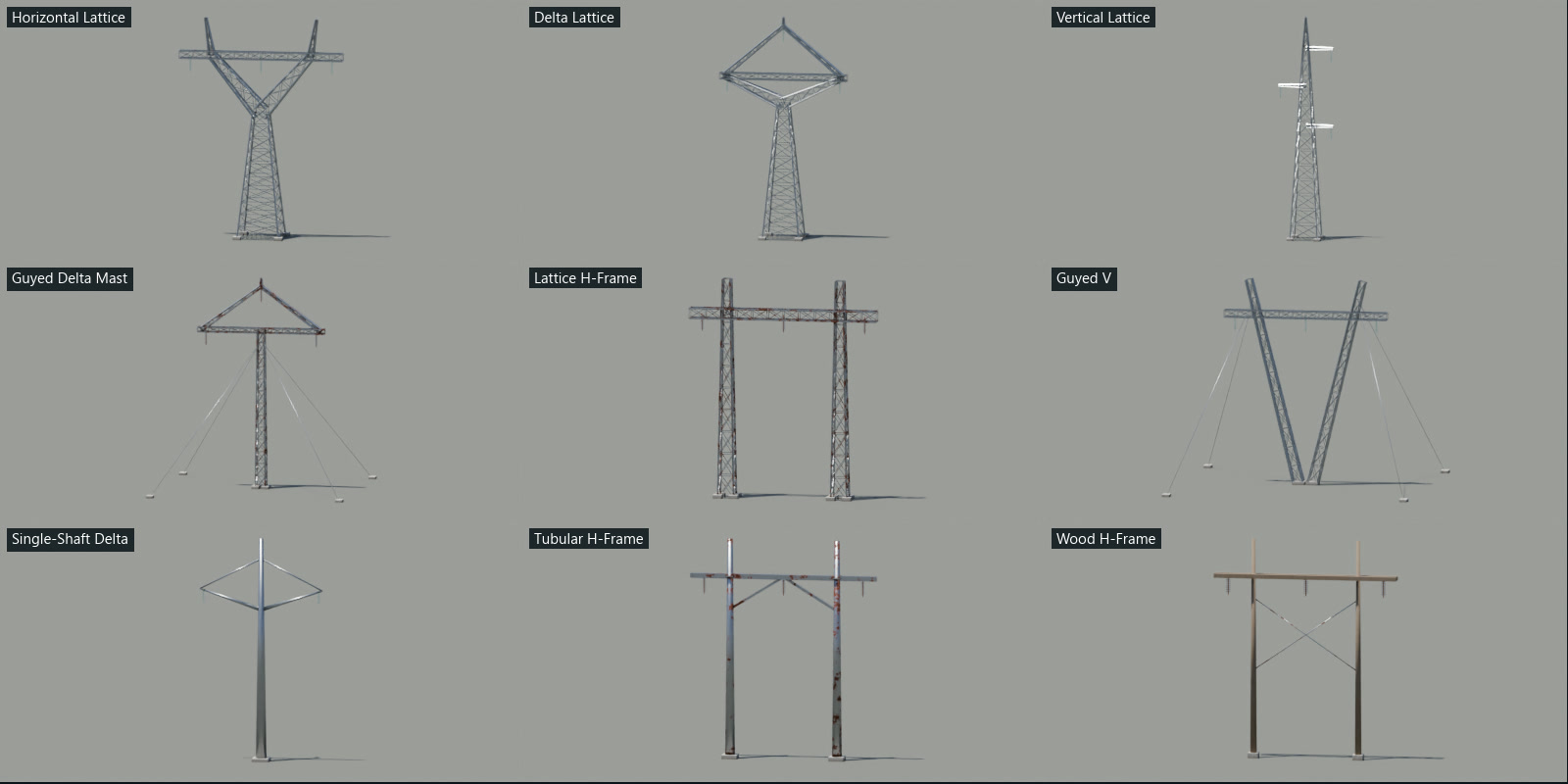
Actual generated geometry, labelled by topology. Each family uses its own Type control.
- Edit height, width, base dimensions, panels, insulator settings and guy settings.
- Three live conductor attachment points and earth attachments support the collection-based wire generator.
- These are visual scene assets; engineering accuracy is not claimed.
04 / STANDALONE TELECOM TOWERS
Square or triangular. Equipped for the scene.
Square Telecom and Triangular Telecom use ET_Telecom. Alternating red and white paint bands, service decks, railings, a ladder, panel antennas, dish bowls, lightning rods and feeder runs provide the detail.
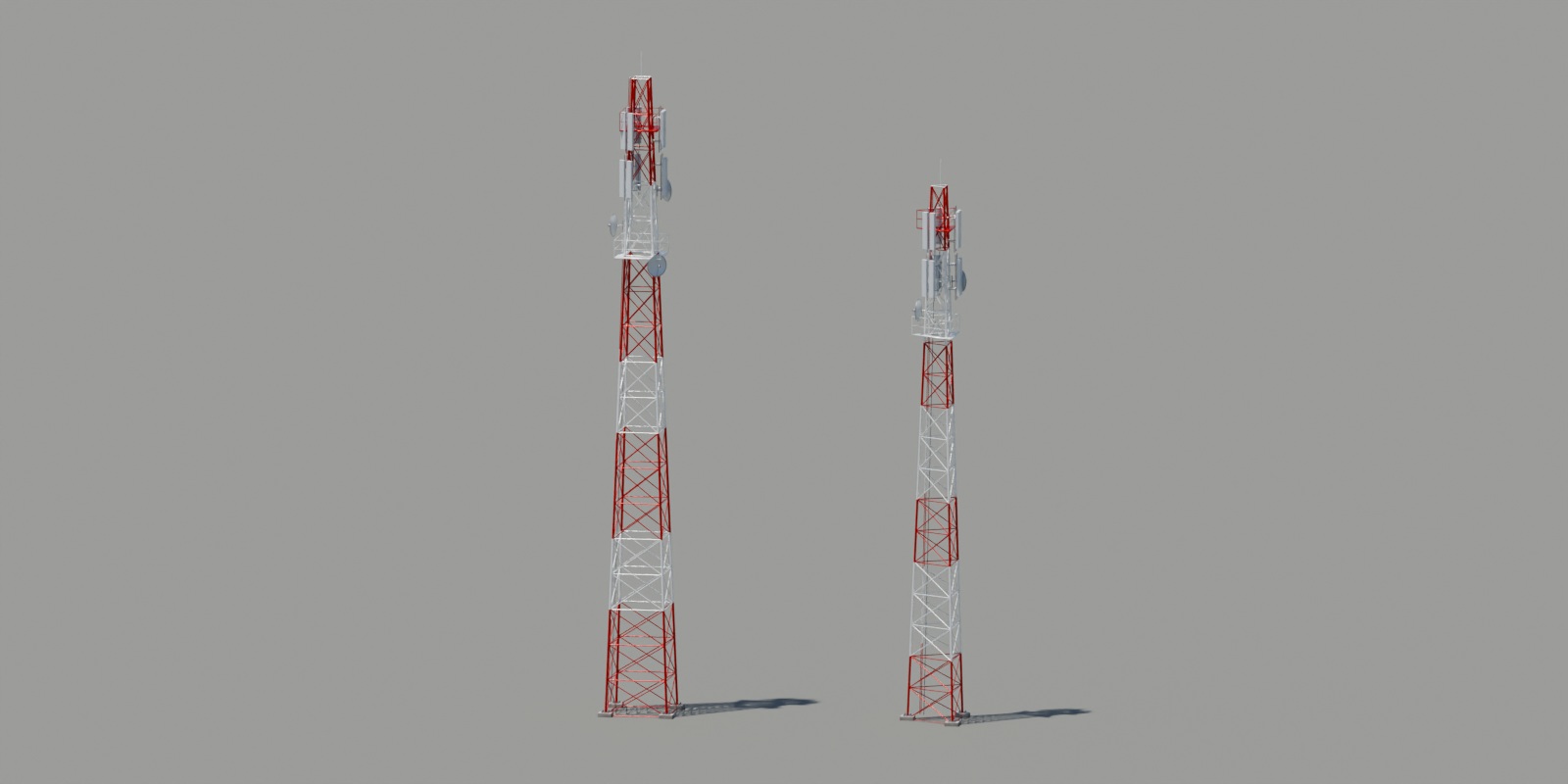
- Choose Type, Height, Base Radius, Top Radius, Panels, Leg Size and Brace Size.
- Set Platforms, Antenna Levels, Antennas per Sector, Sectors and Dishes.
- Adjust Antenna Length, Antenna Width and Dish Radius.
- Use Paint Bands, Painted, Feeder Cables and Full Detail to tune the finish and equipment.
- Both telecom towers are standalone props without power-line attachment points.
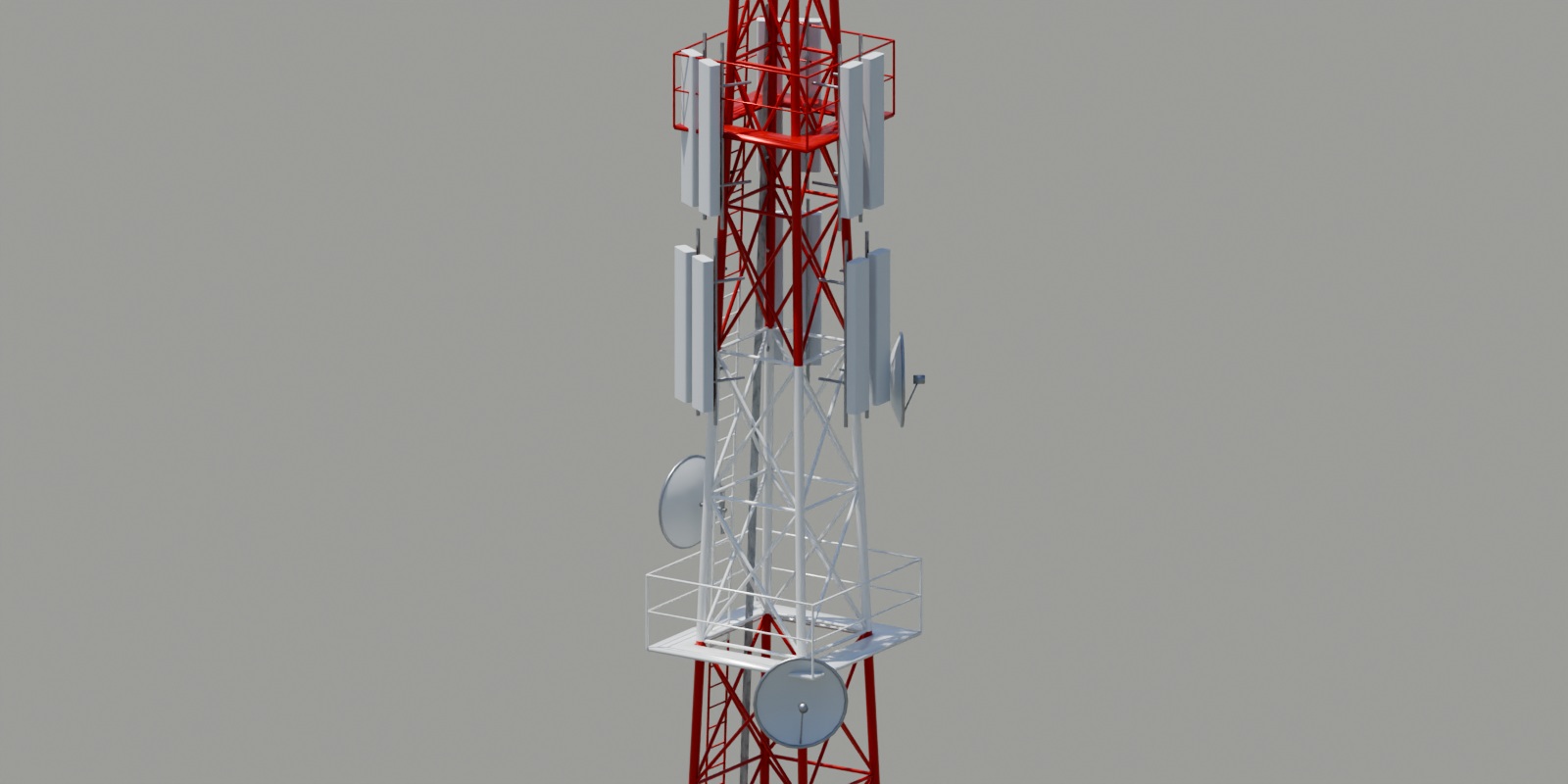
Telecom equipment, up close. Reference images informed the modeling; photographs are not included as sale assets.
05 / CUSTOM CONTROLS
Shape the silhouette.
Custom exposes Height, Sides, radii, panels, crossarm levels, Arm Length and the other structural parameters. Presets supply their own structural values; choose Custom to drive those inputs directly.
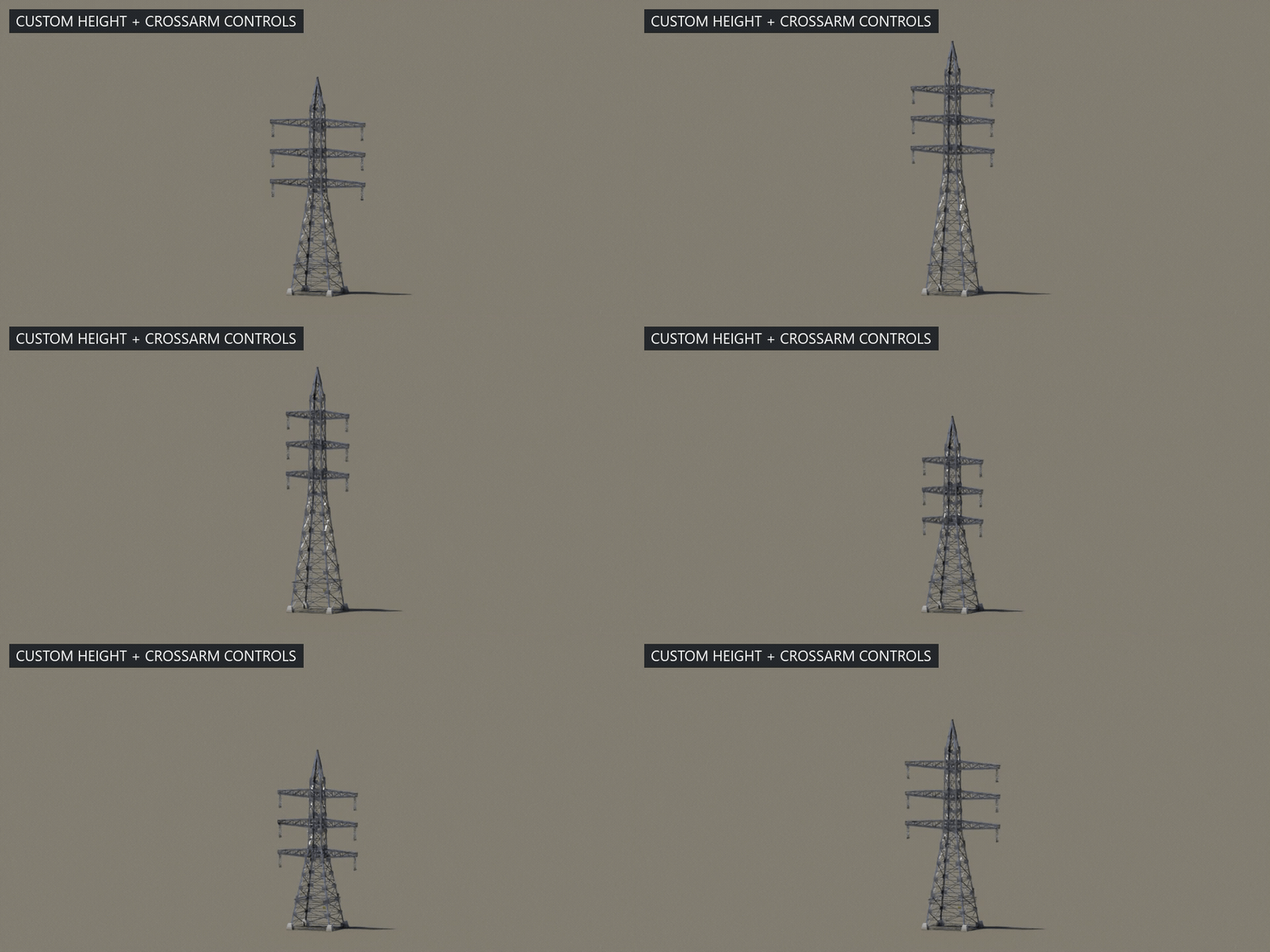
This parameter study varies Height from 22–34 m and Arm Length from 4.5–7.5 m. It shows real modifier inputs changing.
06 / DISTRIBUTION POLES
Smaller spans. Same live connections.
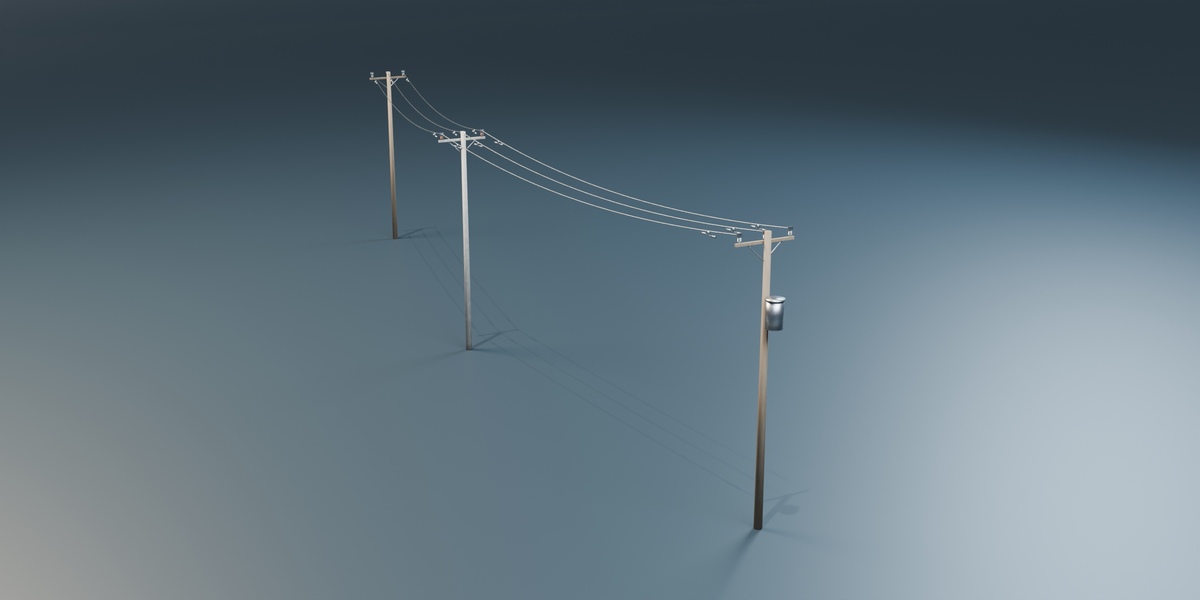
The asset library includes wood, concrete and transformer pole variants. Each uses the editable pole generator, with crossarms, braces, pin insulators and procedural materials.
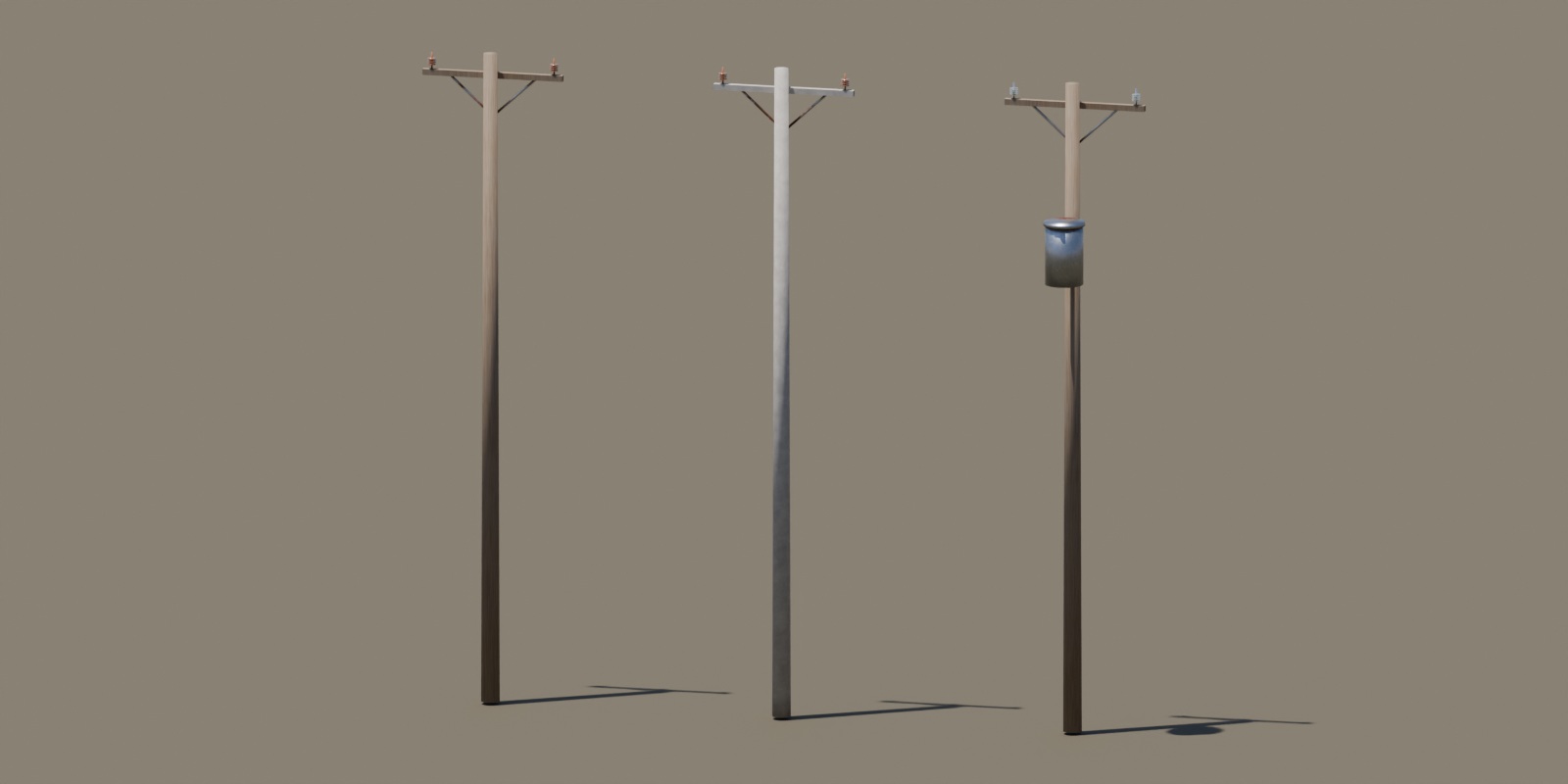
- Adjust Height, Base Radius, Top Radius and Sides.
- Set Arm Length, Arm Levels, Arm Spacing and Insulators per Arm.
- Toggle the pole-mounted Transformer and assign a Ground object for terrain placement.
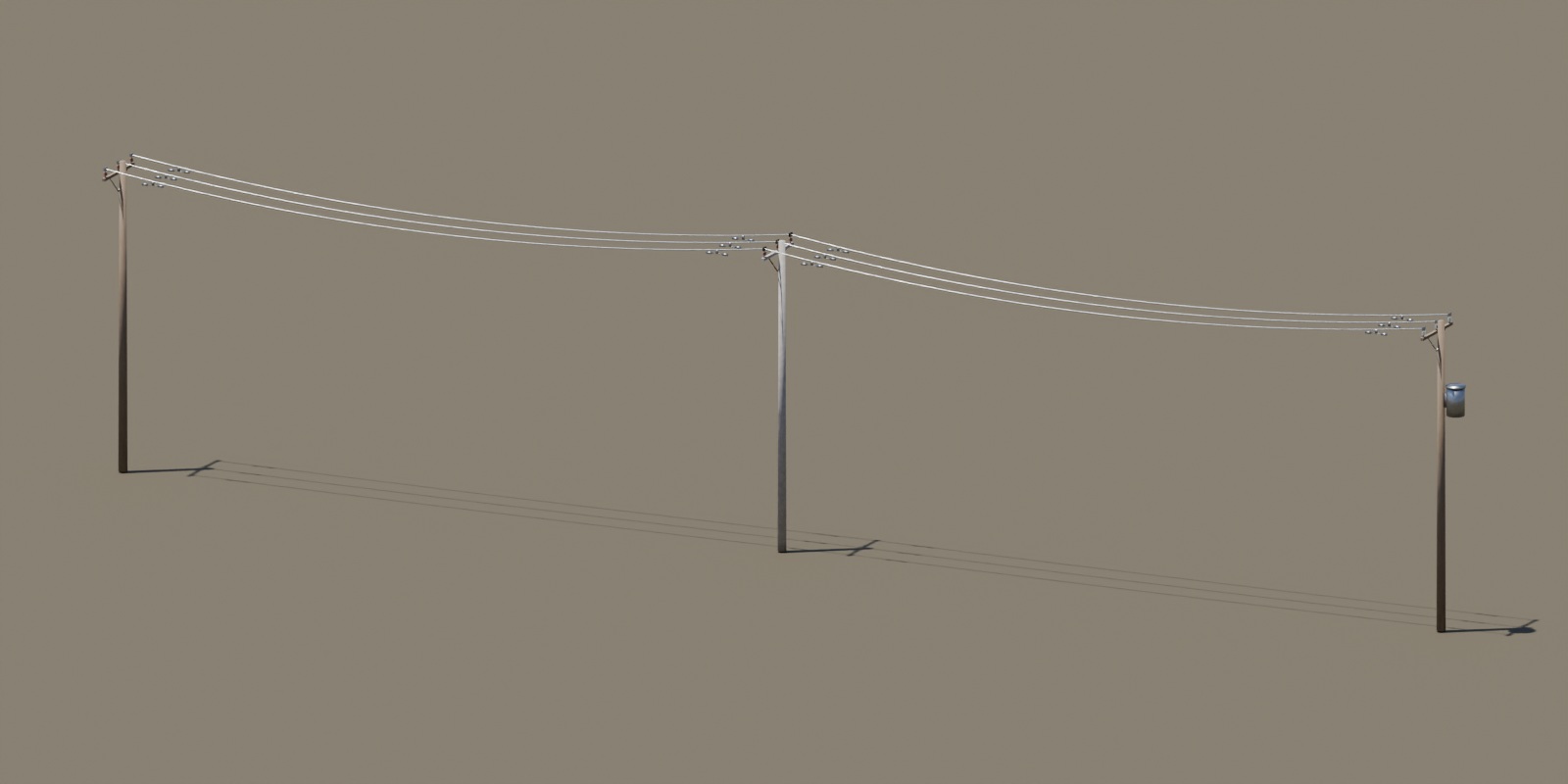
Poles connect, too.
Keep distribution poles in their own collection and let the wire generator connect their pin insulators. Tune the span distance, sag and wire radius, then move or duplicate poles to extend the line.
07 / SUPPORTING INFRASTRUCTURE
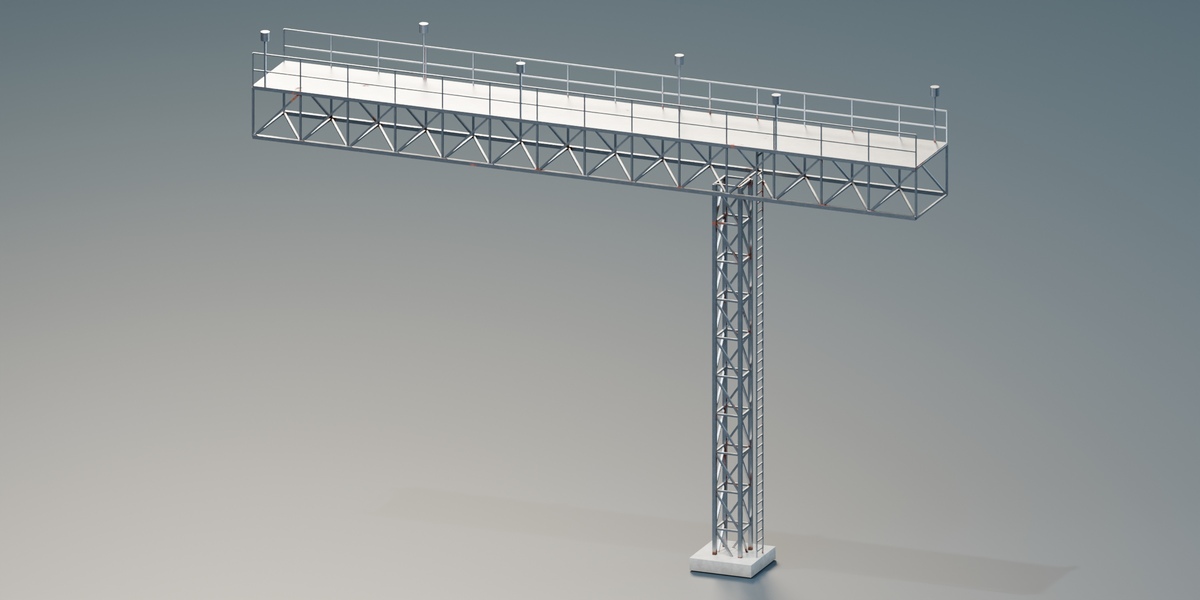
A gantry with its own controls.
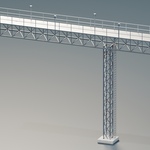
The standalone gantry builds a lattice column and cantilevered truss beam, together with a deck, railings, access ladder, lamp posts and concrete footing.
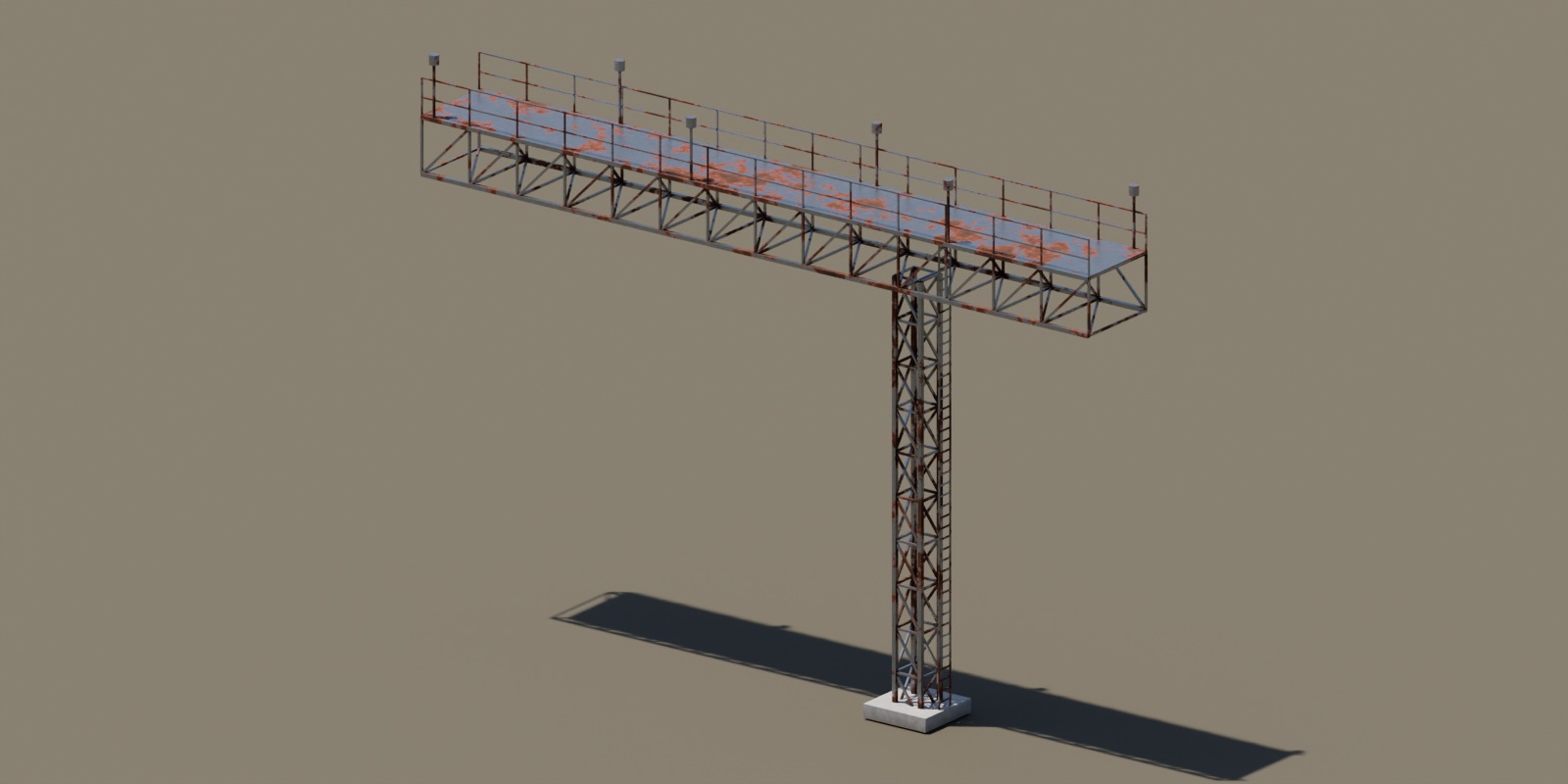
Set the dimensions
- Height and Column Radius
- Span, Offset and Beam Depth
- Lamps count
- Steel, Footing and Ground assignments
Build around the line
The separate line-entry substation includes a portal, transformer and cabinets. Its attachment points let it join a supported tower network.
The gantry is a standalone prop without wire attachment points or distance LOD.
08 / THE CLOSE-UP MATTERS
Useful from a distance. Considered up close.
Procedural galvanized steel, cast concrete, glass and porcelain insulators, aluminium cable and weathered wood carry the surface detail. Named controls let you tune the wear without an external texture or material pack.
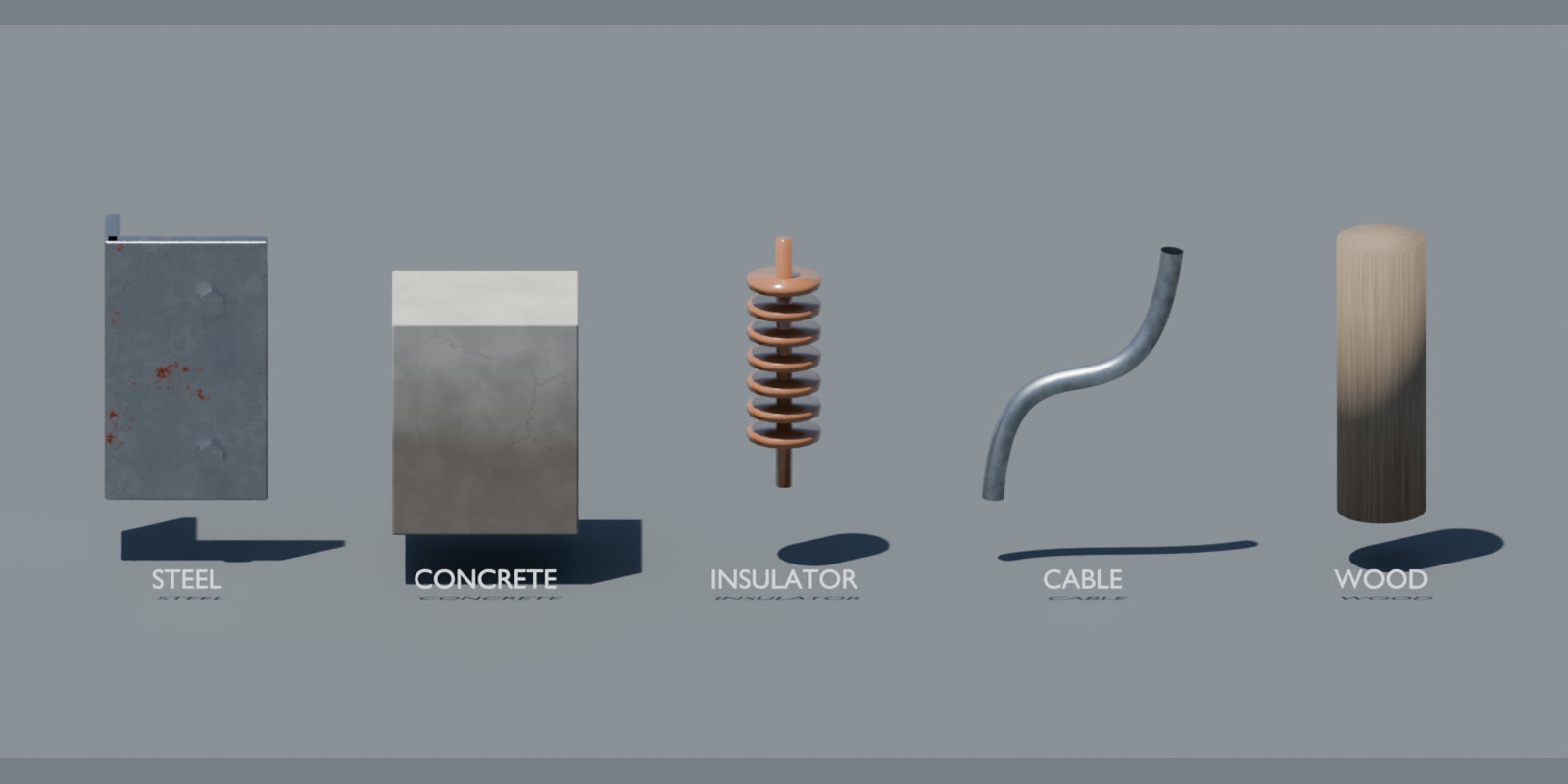
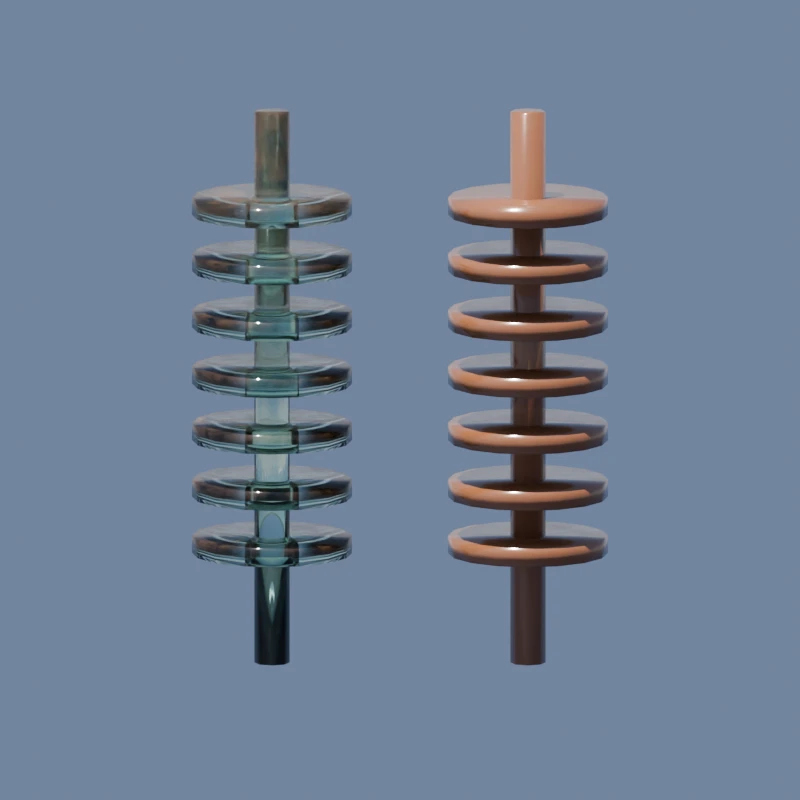
Glass, glaze & light.
Transmitting glass and glazed porcelain, with real reflections and editable dust.
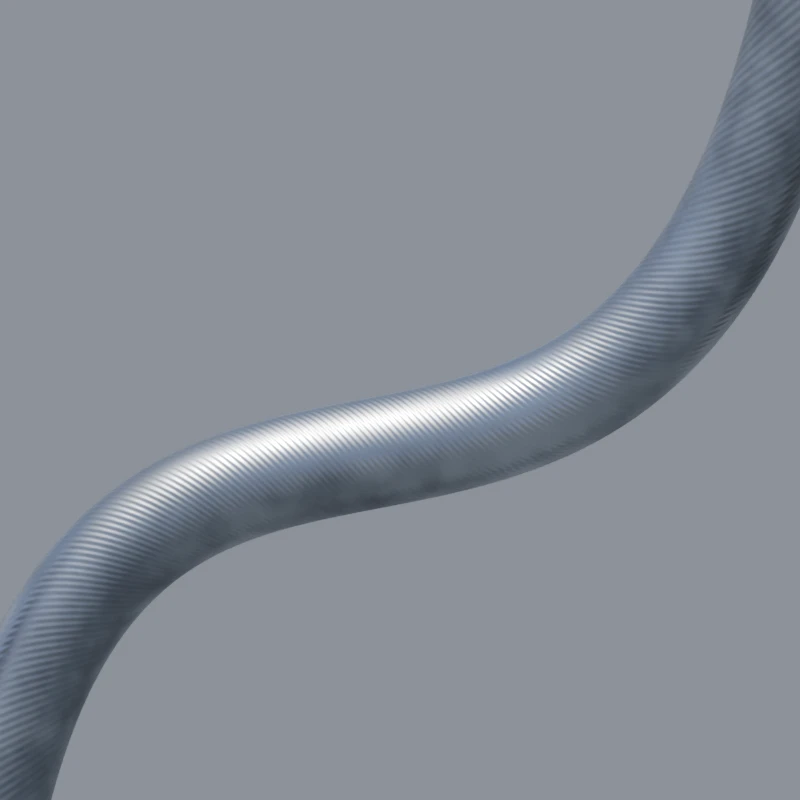
Follow the curve.
Helical strand shading follows the generated cable UVs. This is surface detail; it does not add strand silhouette geometry.
09 / THE CONTROLS, MADE VISIBLE
See what the settings change.
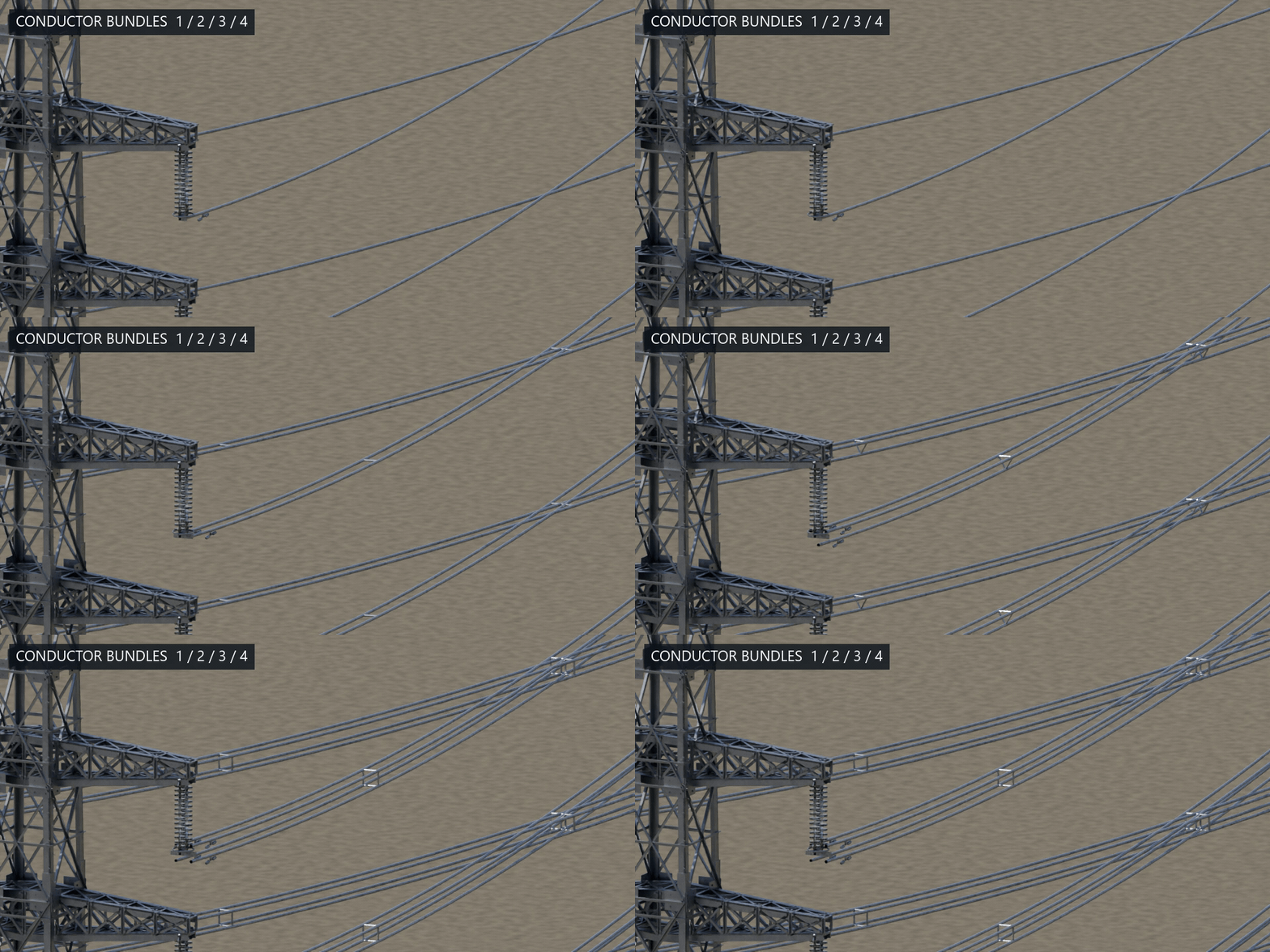
BUNDLE / 1–4
One conductor. Or four.
Change the sub-conductor count. Spacers and cable hardware follow the bundle configuration.
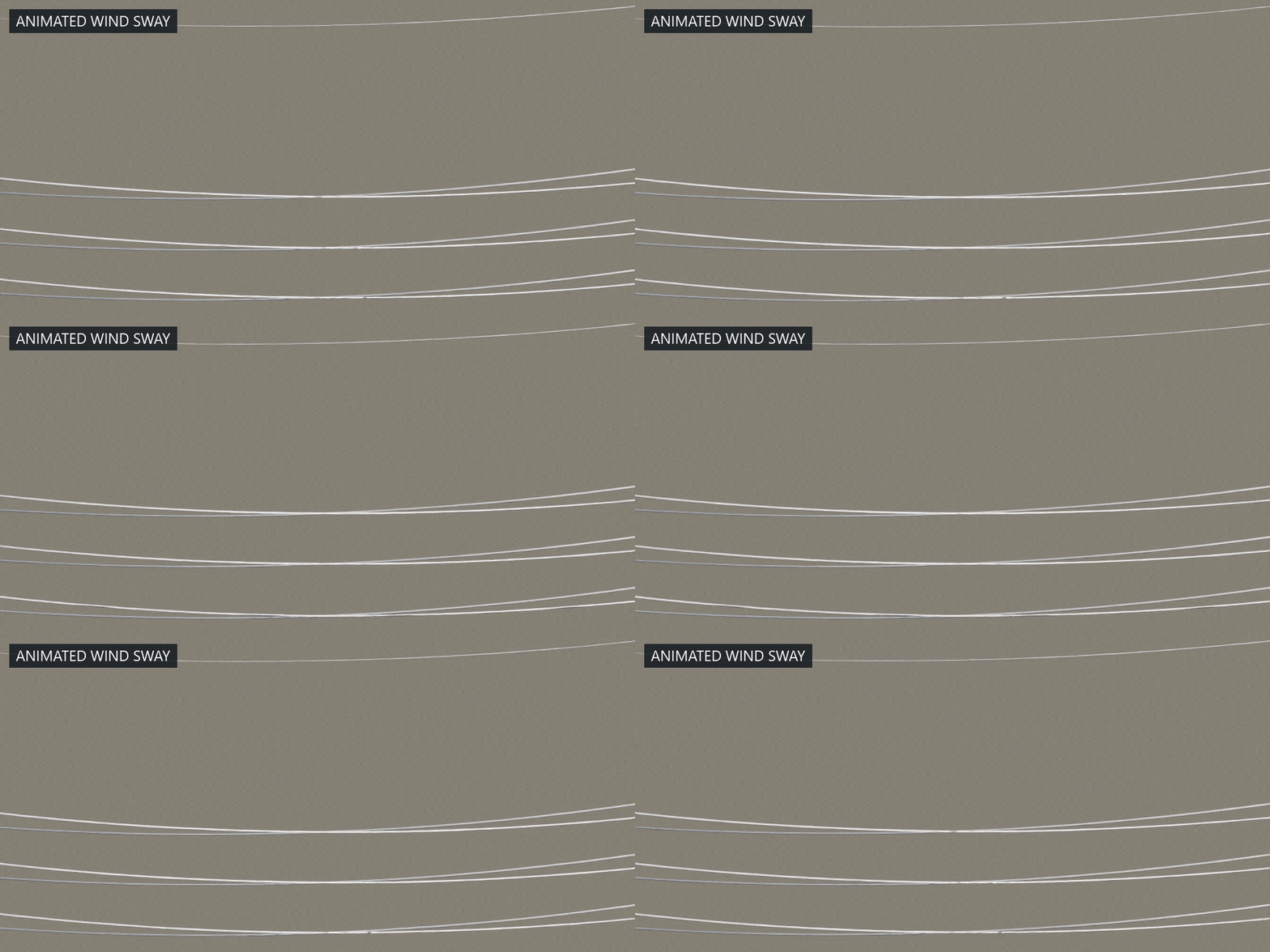
MOTION / WIRE SWAY
A little movement in the line.
A separate Wire Sway object adds adjustable Swing, Speed, Gust and Ripple. This demonstration increases the motion for visibility.
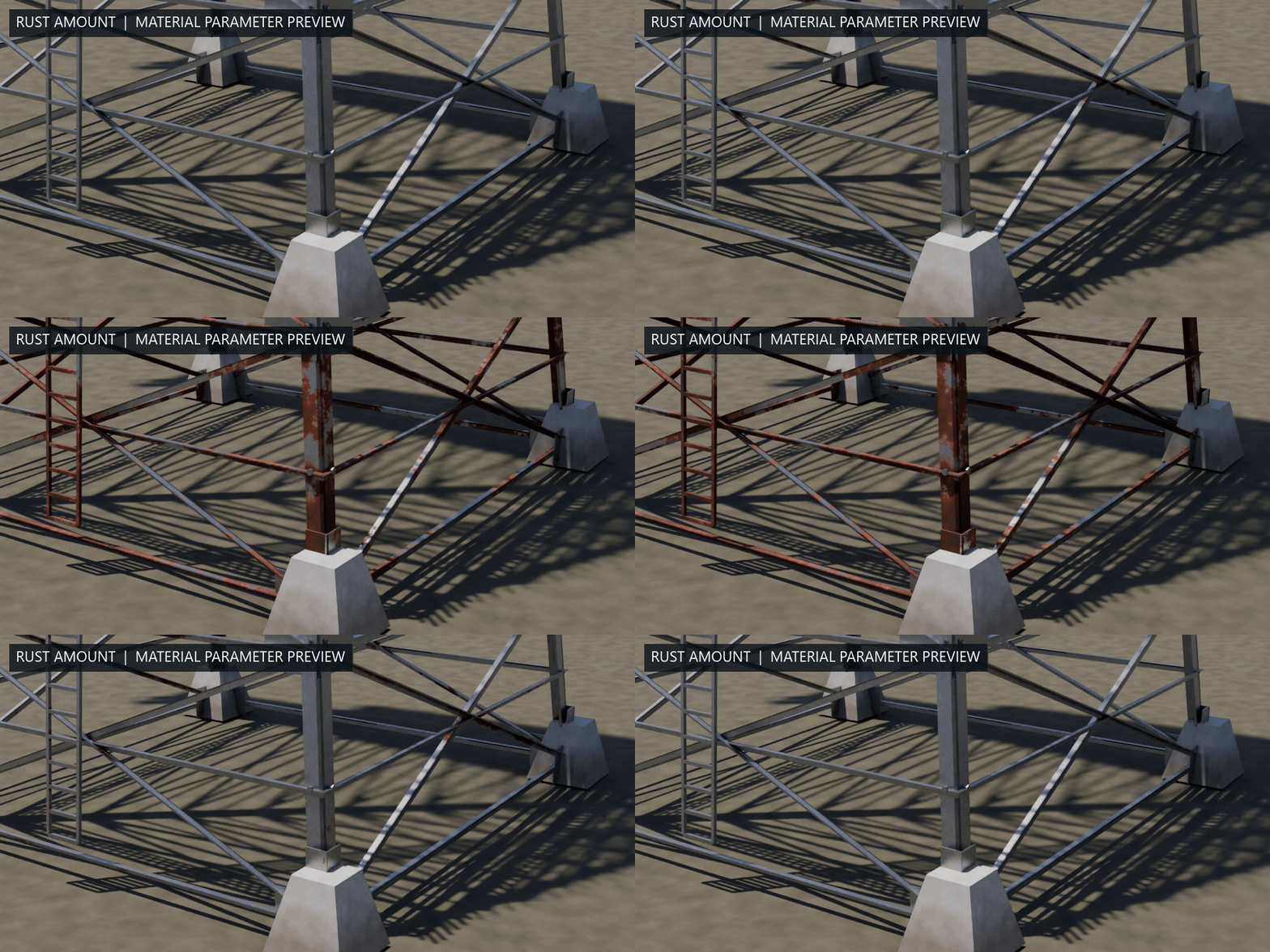
MATERIAL / RUST AMOUNT
Dial in the weathering.
Adjust the steel shader’s Rust Amount. The camera and lighting stay fixed during this material parameter study.
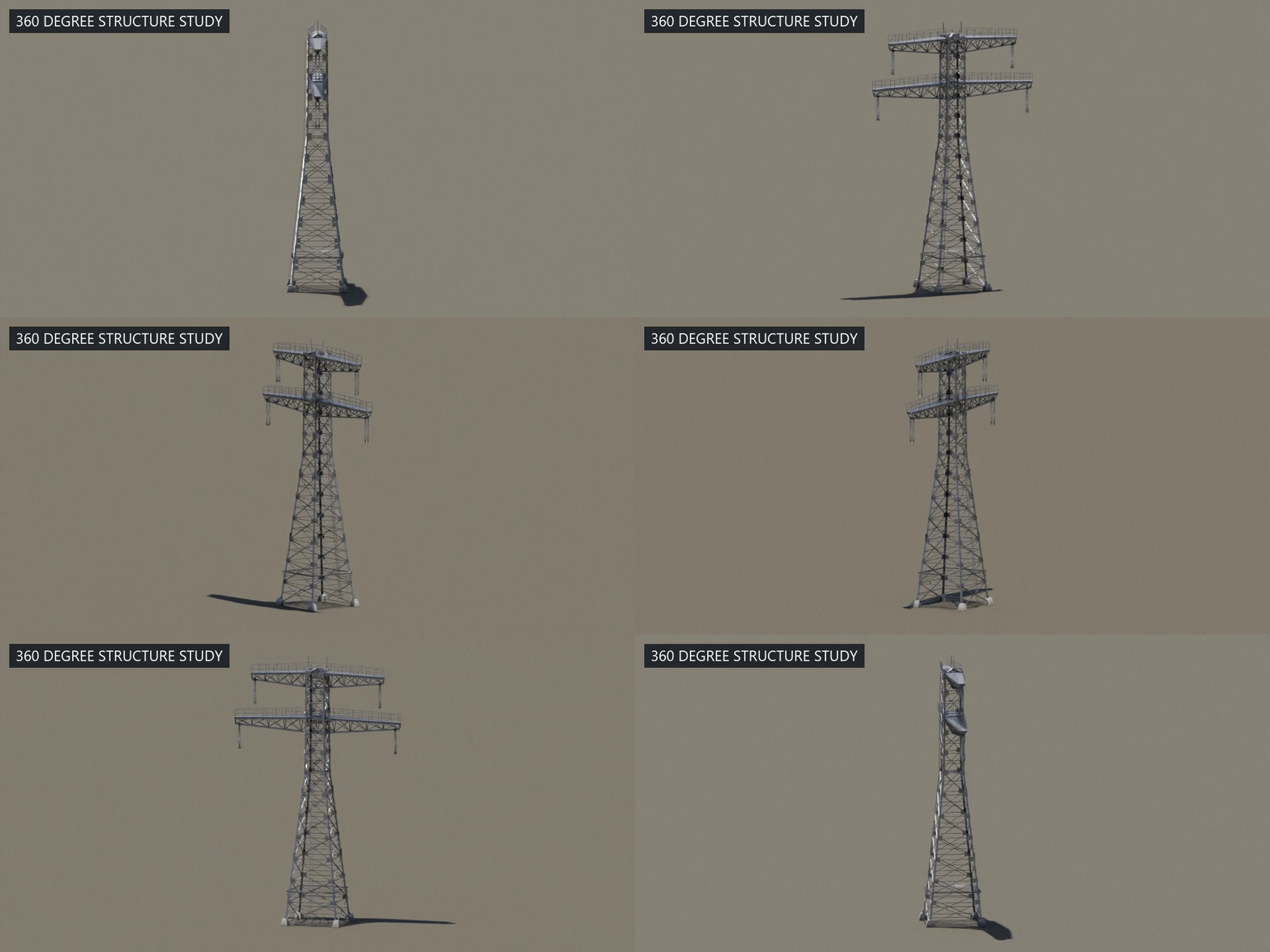
FORM / 360° ORBIT
Every angle, connected.
A full camera turn around the generated lattice, crossarms and hardware under the same daylight.
10 / GENERATED DETAIL
The detail is part of the structure.
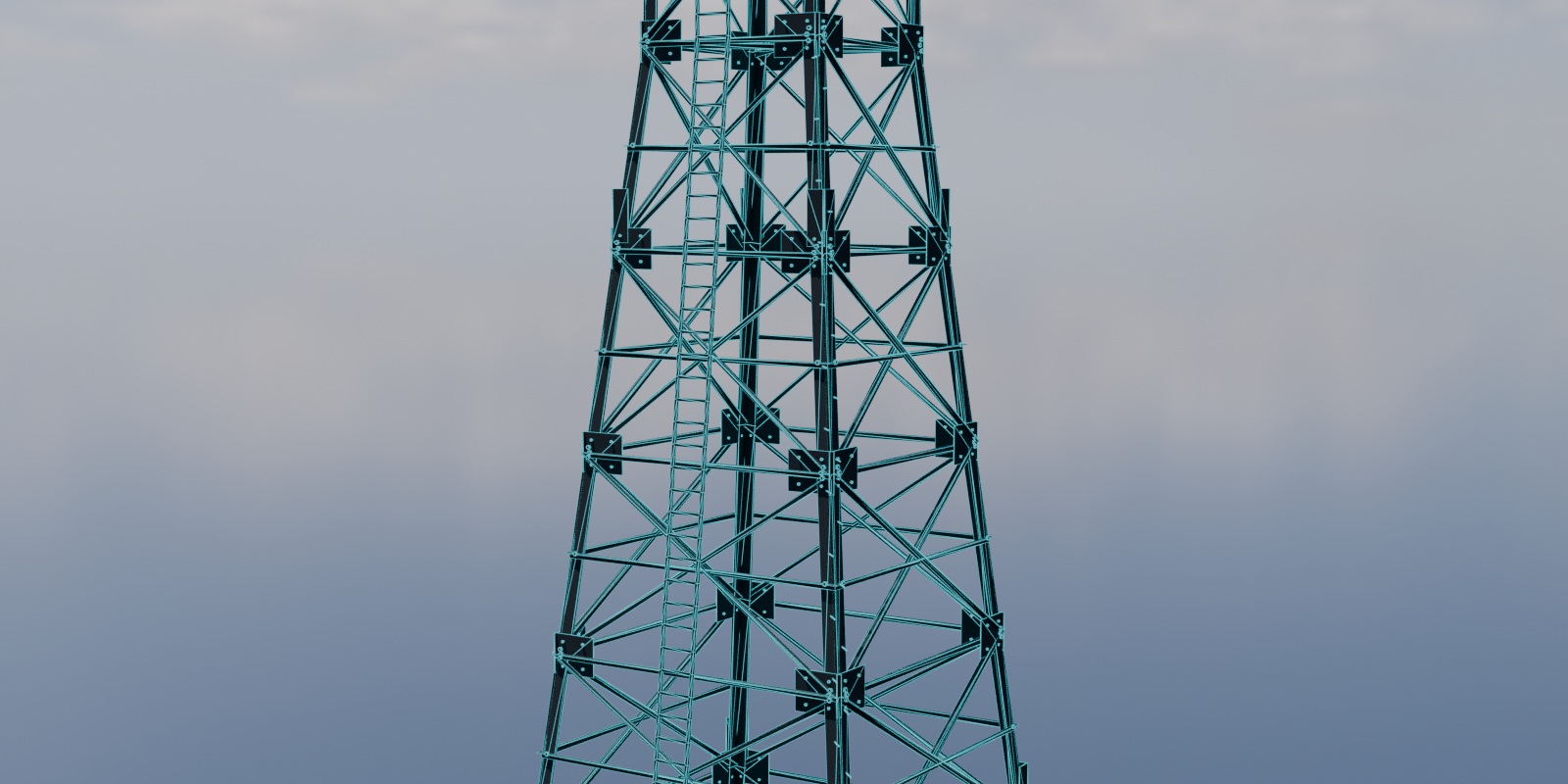
Real structure.
Adjust bracing, angle-iron members, crossarms, ladders, walkways and platforms.
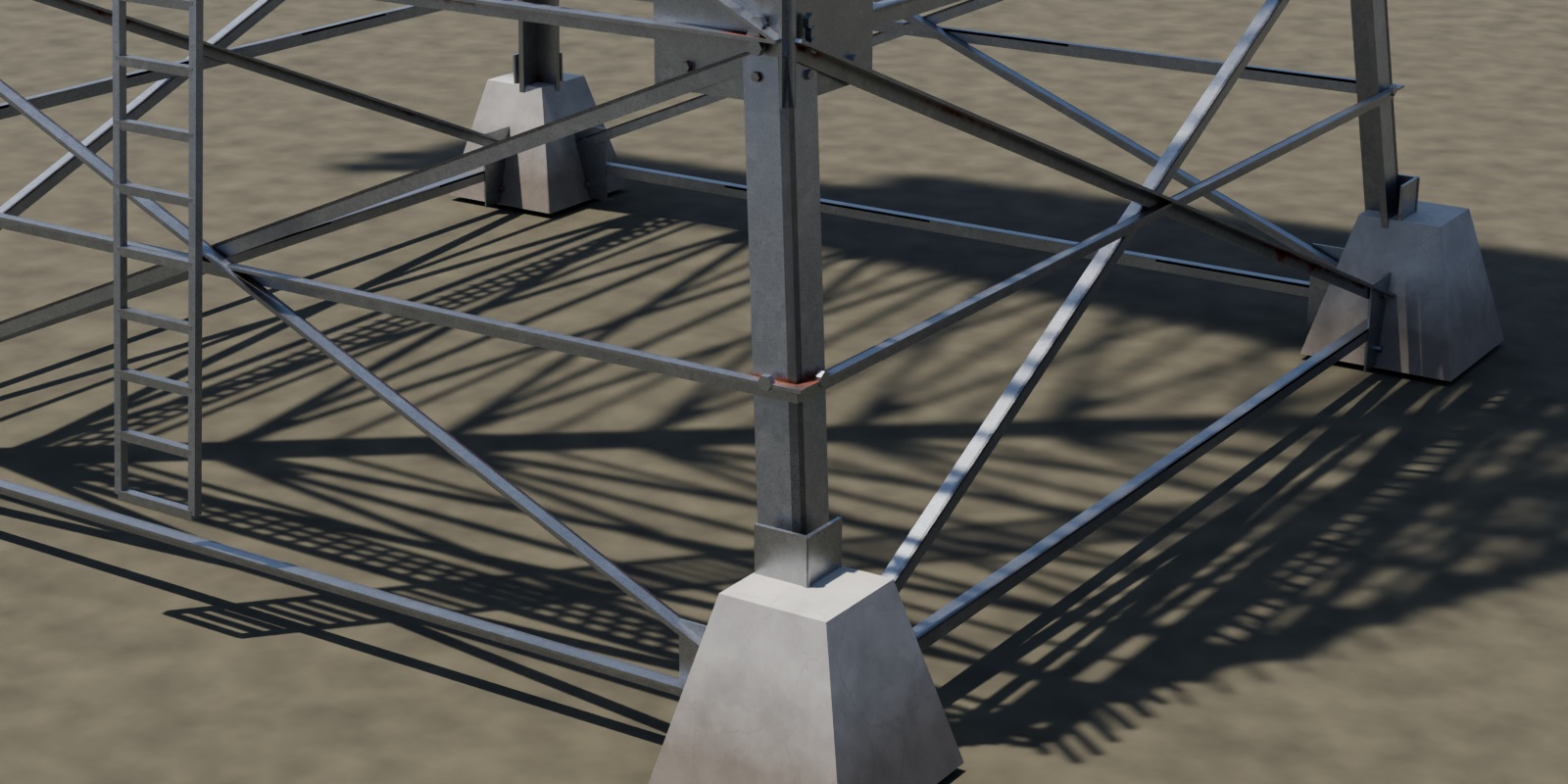
From the footing up.
Insulator strings and optional fine hardware complete the structure. Full Detail and scene-camera distance LOD help simplify supported assets.
11 / INSIDE BLENDER
The actual workflow.
Select a generated object and edit its Geometry Nodes modifier. The ready-to-use file includes a connected demo and a separate asset library scene.
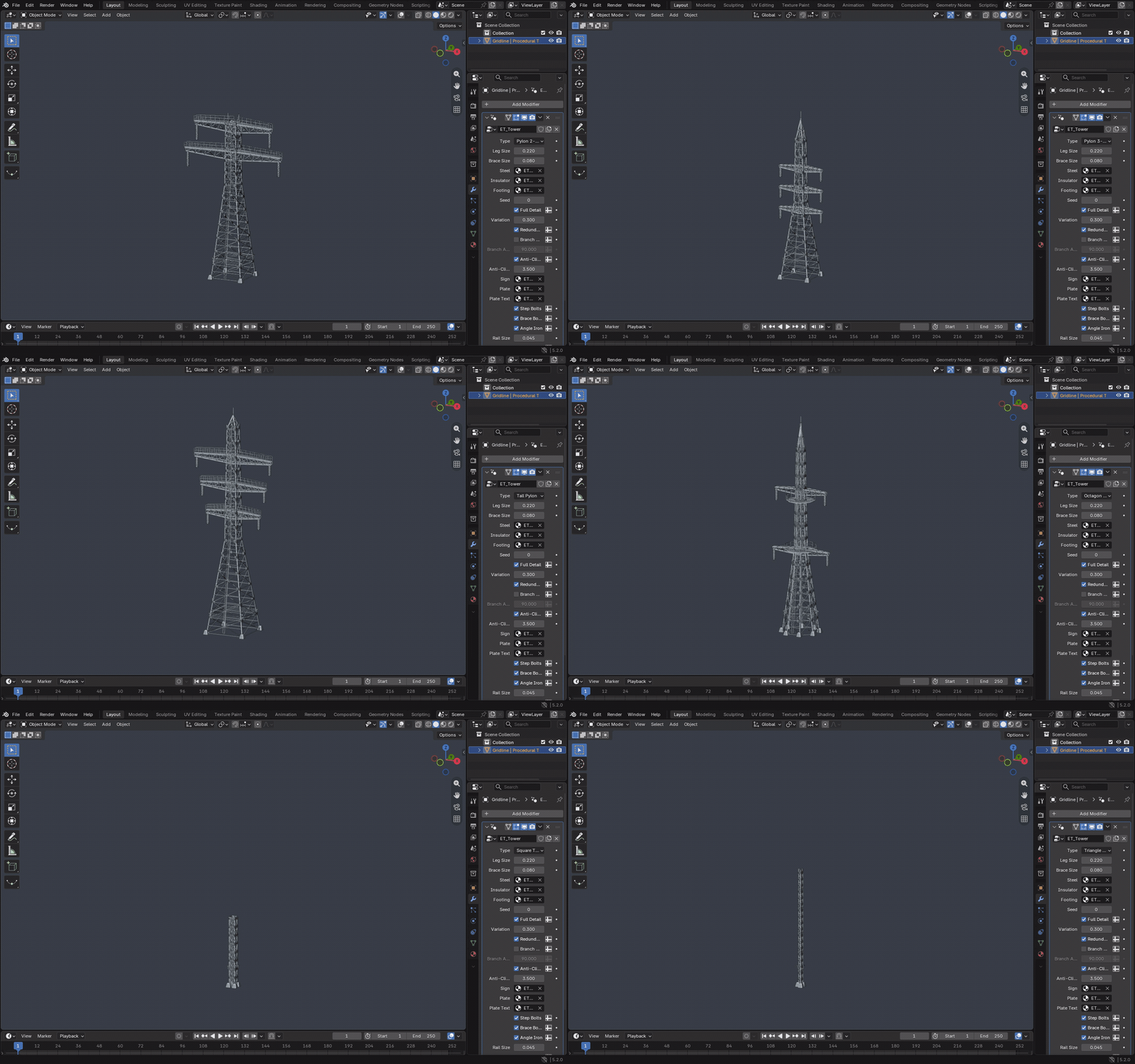
This is a native Blender UI capture. Preset changes are scripted; the frames come from Blender’s actual interface.
12 / WHAT YOU GET
Everything in the download.
- Gridline.blend with Connected Demo and Asset Library scenes.
- 23 reusable objects: six original tower presets, nine additional transmission styles, two telecom towers, Custom Tower, three pole variants, Lattice Gantry and Line-entry Substation.
- 11 materials, 9 main Geometry Nodes groups and the complete connected-network collection: 44 marked assets in total. Helper node groups are embedded.
- Asset Browser catalogs and thumbnails, the embedded and separately supplied setup script, and written documentation.
- Packed daylight HDRI for the demonstration scenes. The generated surfaces are procedural.
01 / OPEN
Open Gridline.blend
The file opens in Asset Library with Horizontal Lattice selected. Switch to Connected Demo for the original line example.
02 / EDIT
Choose an asset
Edit its Geometry Nodes modifier. Browse the marked assets through the Asset Browser’s Current File view.
03 / EXTEND
Make the line yours
Duplicate towers or poles inside their network collection. Play the timeline to see Wire Sway.
13 / COMPATIBILITY & WORKFLOW
Good to know before you start.
- Tested in Blender 5.2. Earlier versions have not been verified.
- No Python required for the ready file. Objects, Type menus, materials, wire recalculation and sway work directly. There are no automatically registered scripts or scripted drivers.
- Optional Python tools. Run the supplied or embedded electric_tower_gn.py for ET operators, automatic orientation and distance LOD. Gridline is not an installable add-on.
- Safe normal reruns. A normal script rerun preserves existing objects, modifier values and material edits. Explicit demo and material rebuild options have separate replacement behavior.
- Collection-based connections. The network follows its neighbour rule and Max Span. Original tower assets support one additional branch arm. The additional transmission family has no branch-arm or strain controls.
- Reusing assets. Keep the catalog file beside the .blend for Asset Library browsing. To use the optional tools in another file, bring the supplied script into that Blender session.
Showcase lighting: Kloppenheim 05 Pure Sky from Poly Haven, by Greg Zaal with sky edits by Jarod Guest, under CC0.
GRIDLINE / PROCEDURAL POWER NETWORKS FOR BLENDER