Gridline
 amsy3d
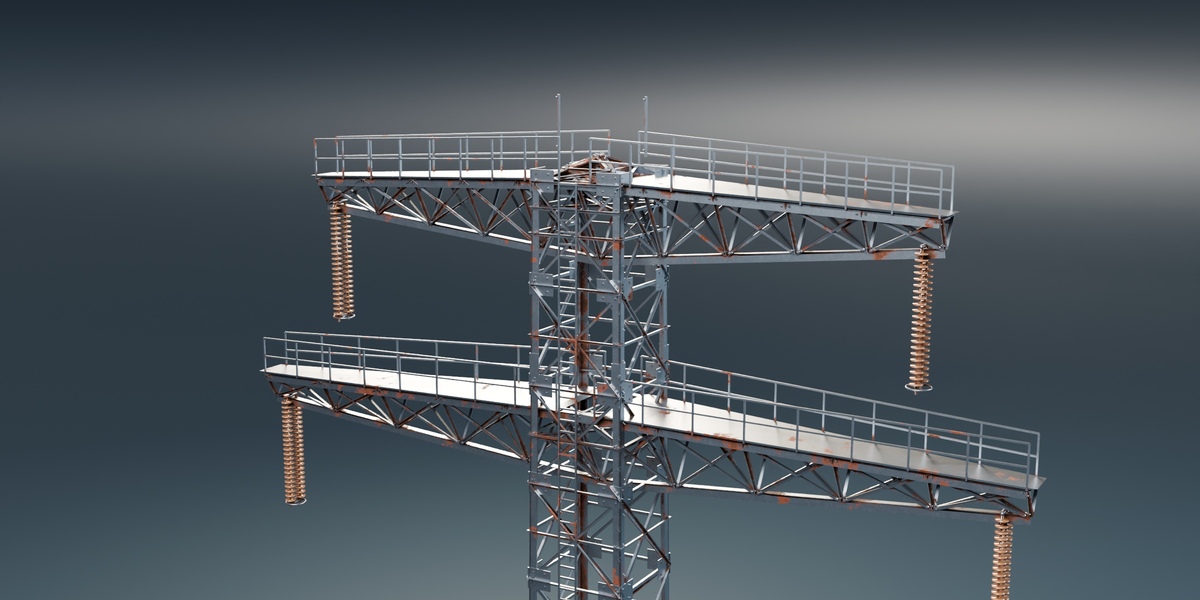
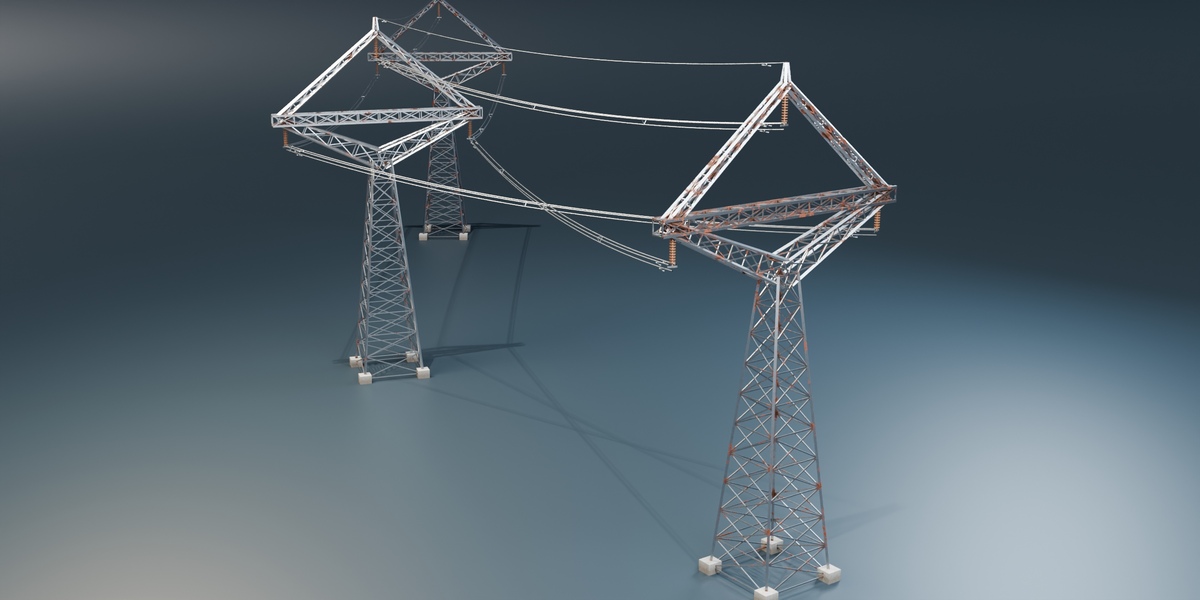
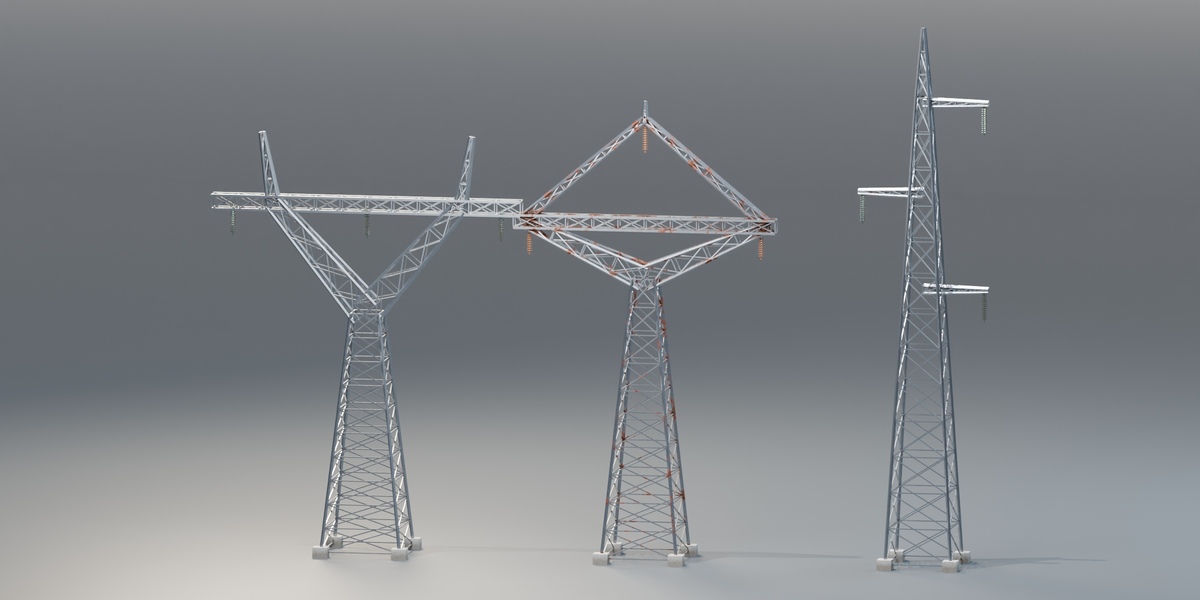
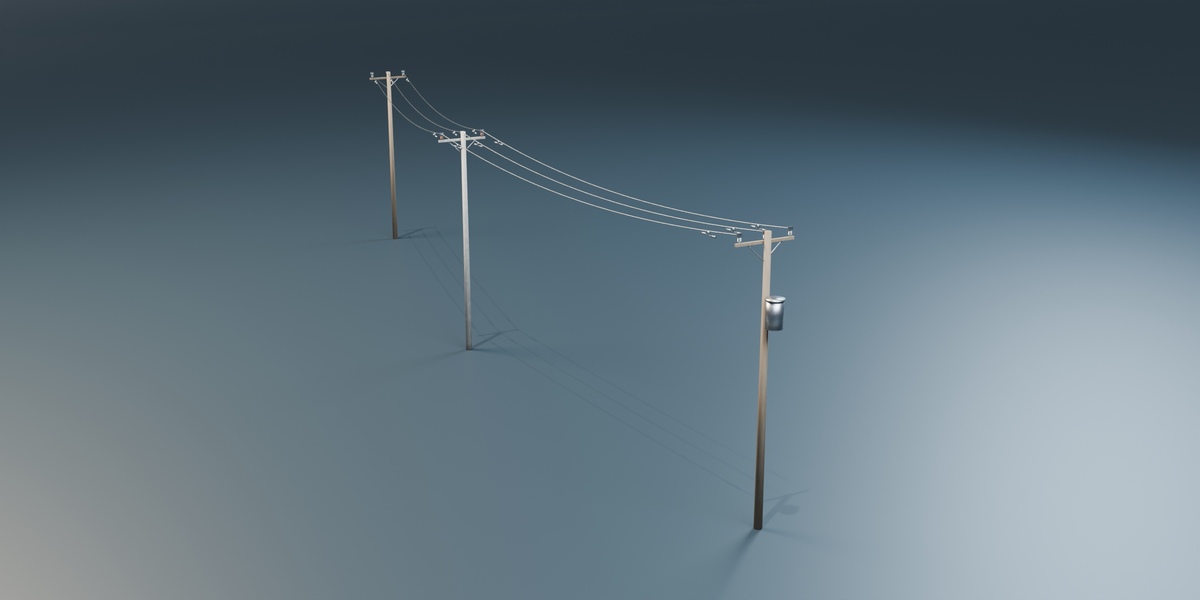

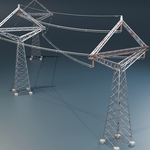
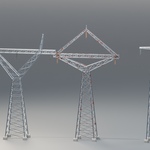
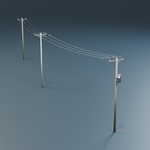
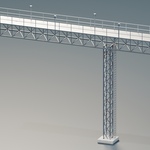
Quick start
- Open
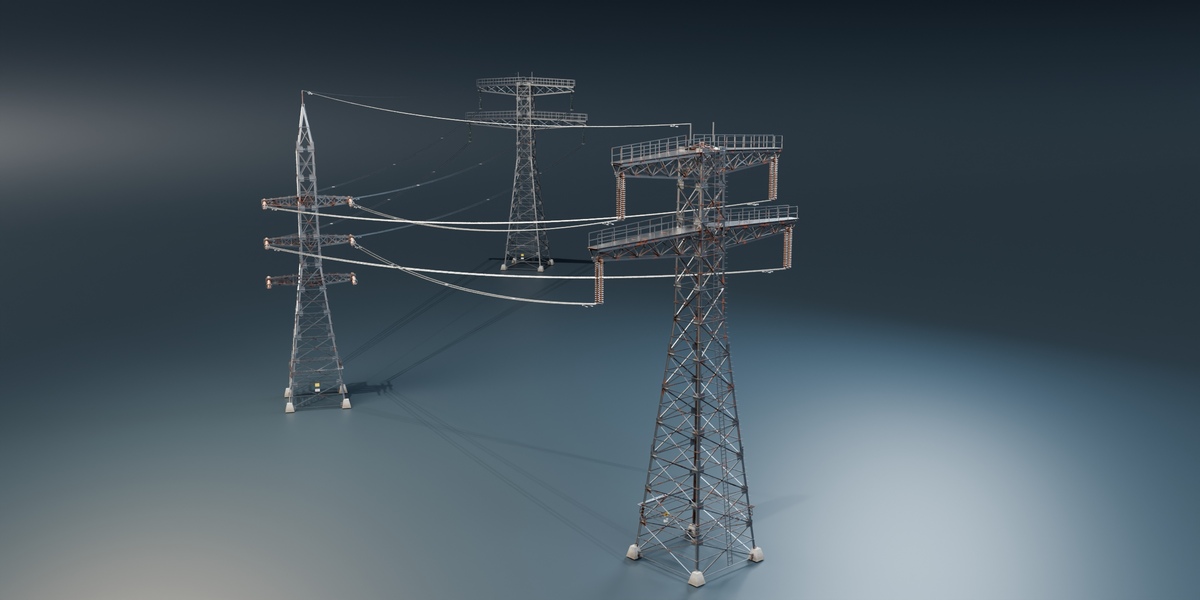
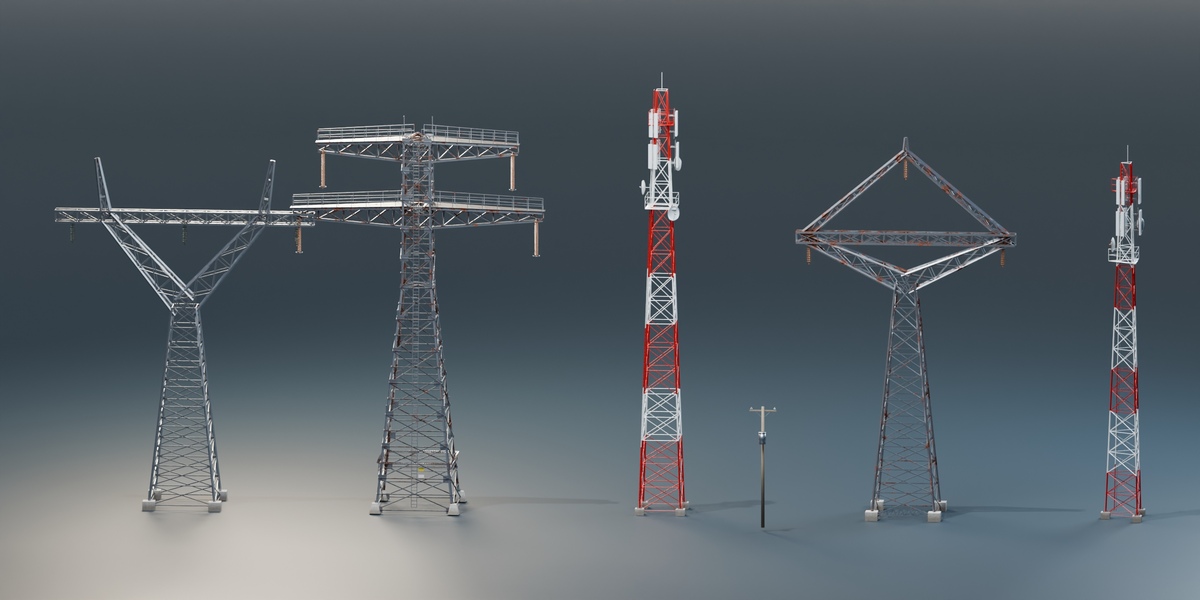
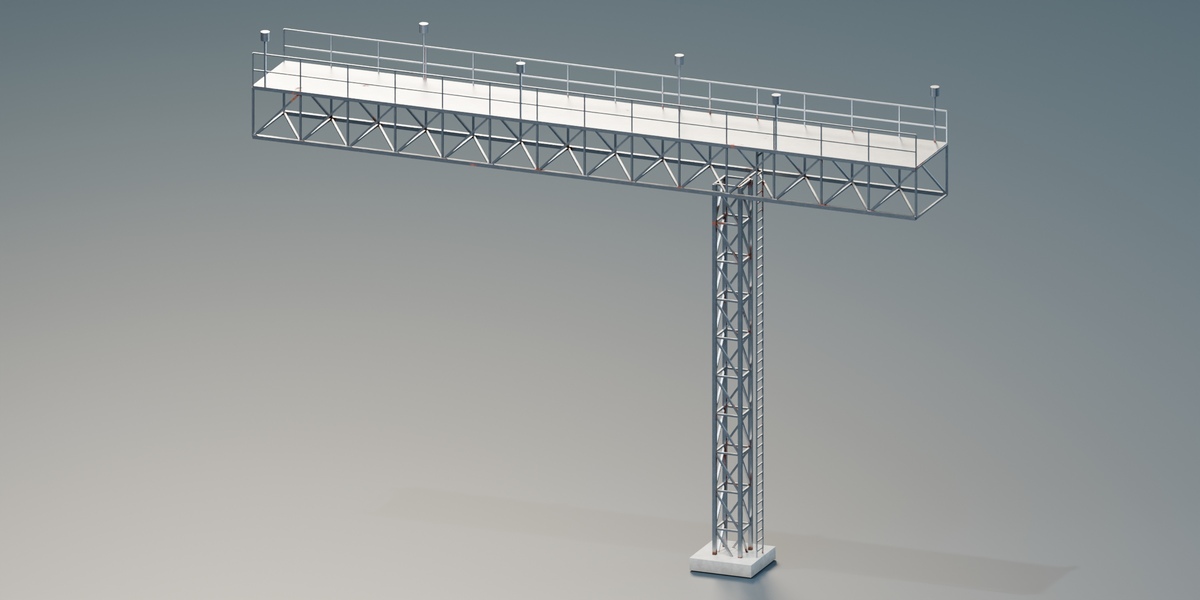
Gridline.blend. Use 02 - Asset Library to browse assets or 01 - Connected Demo for a working network. - Select a structure and adjust its Geometry Nodes modifier. Choose Custom on the original tower family for direct structural dimensions.
- Duplicate supported towers or poles inside the collection assigned to the wire modifier. Connections update within Max Span. Keep pole and transmission networks separate.
- Adjust Sag, Wire Radius and Bundle in the wire modifier. Select Wire Sway and play the timeline to preview animation.
- Reuse assets through the Asset Browser. Keep
blender_assets.cats.txtbeside the.blendfor asset catalogs.
Have questions about this product?
Login to message
| Published | about 2 hours ago |
| Blender Version | 5.2 |
| Render Engine Used | Blender-Internal, Cycles, Eevee |
| License | Royalty Free |