 Matt Castley
Pose & Animate Lattice Rigs

Automatically fits your selection
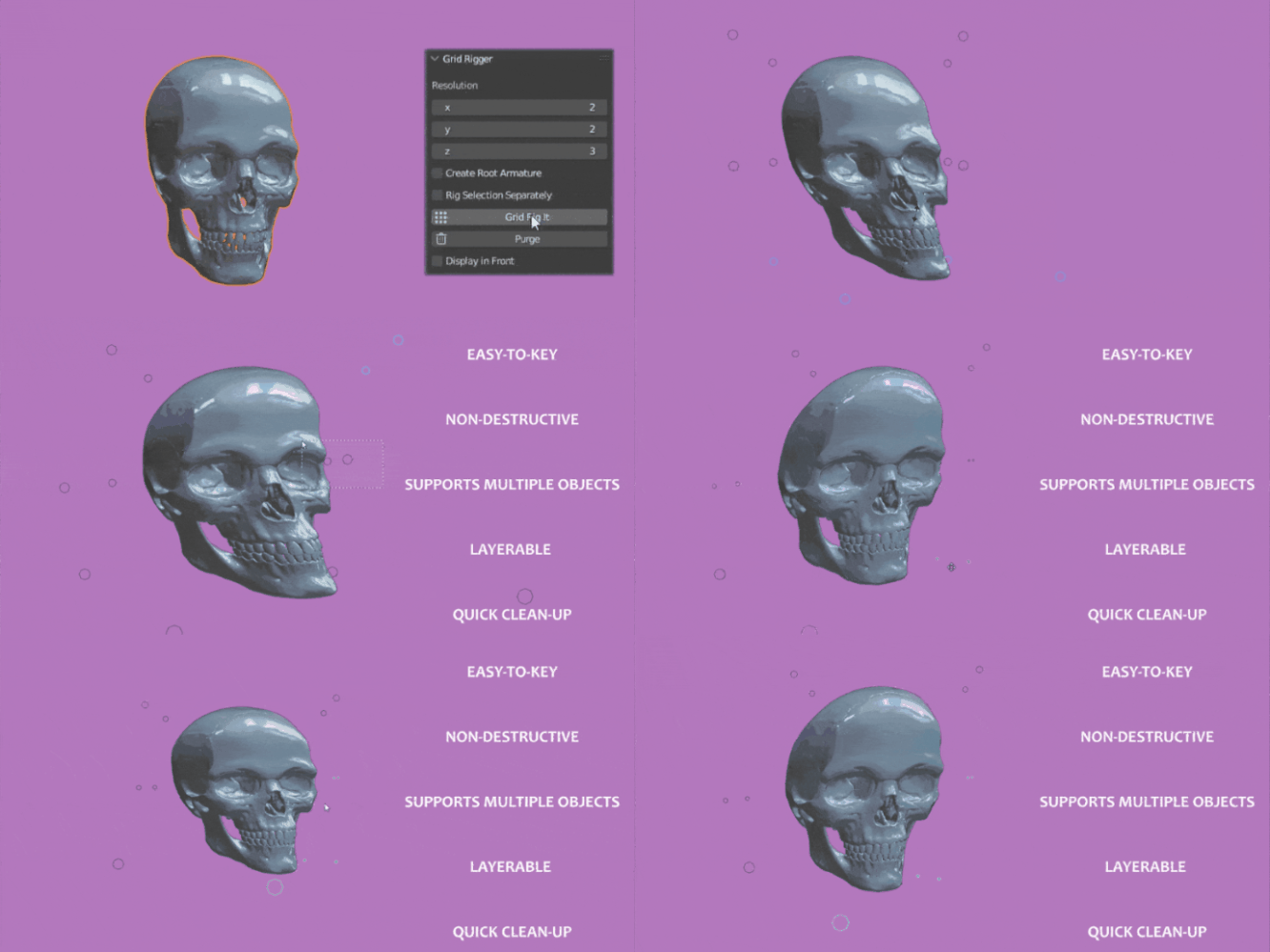
Generate a lattice around your selected objects, ready to pose.
Choose your level of control
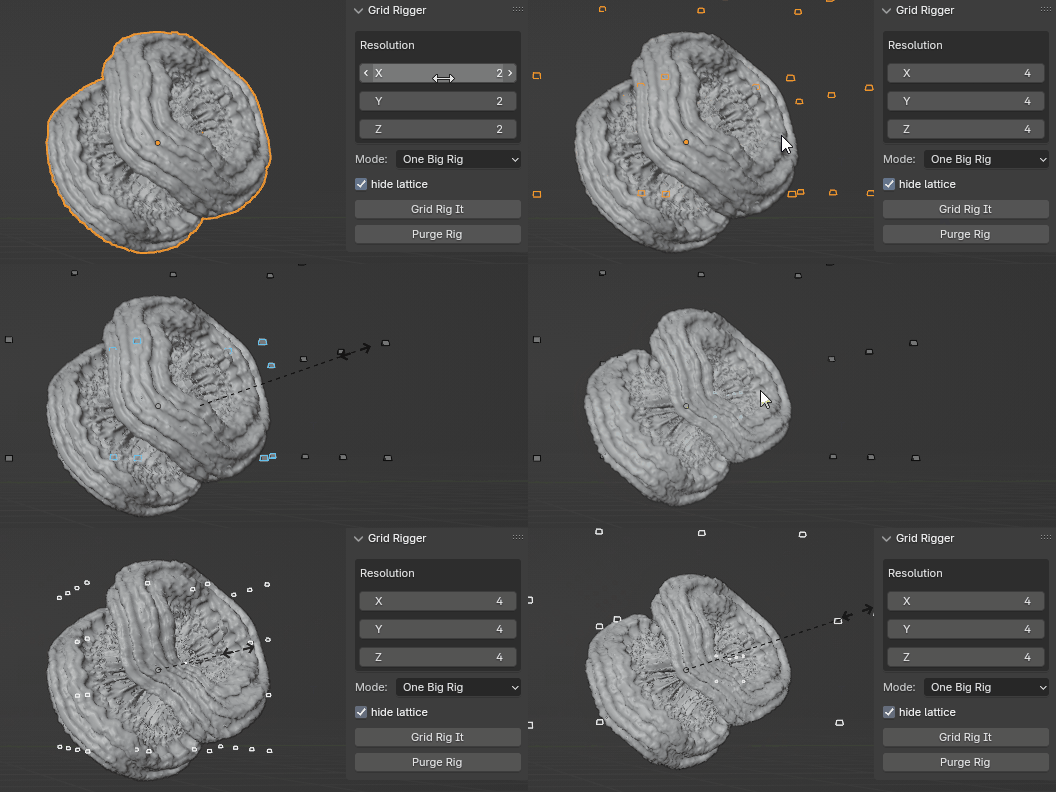
Set the number of points along each axis. Keep the grid simple for broad movements, or add points for more local control.
Animate with familiar tools
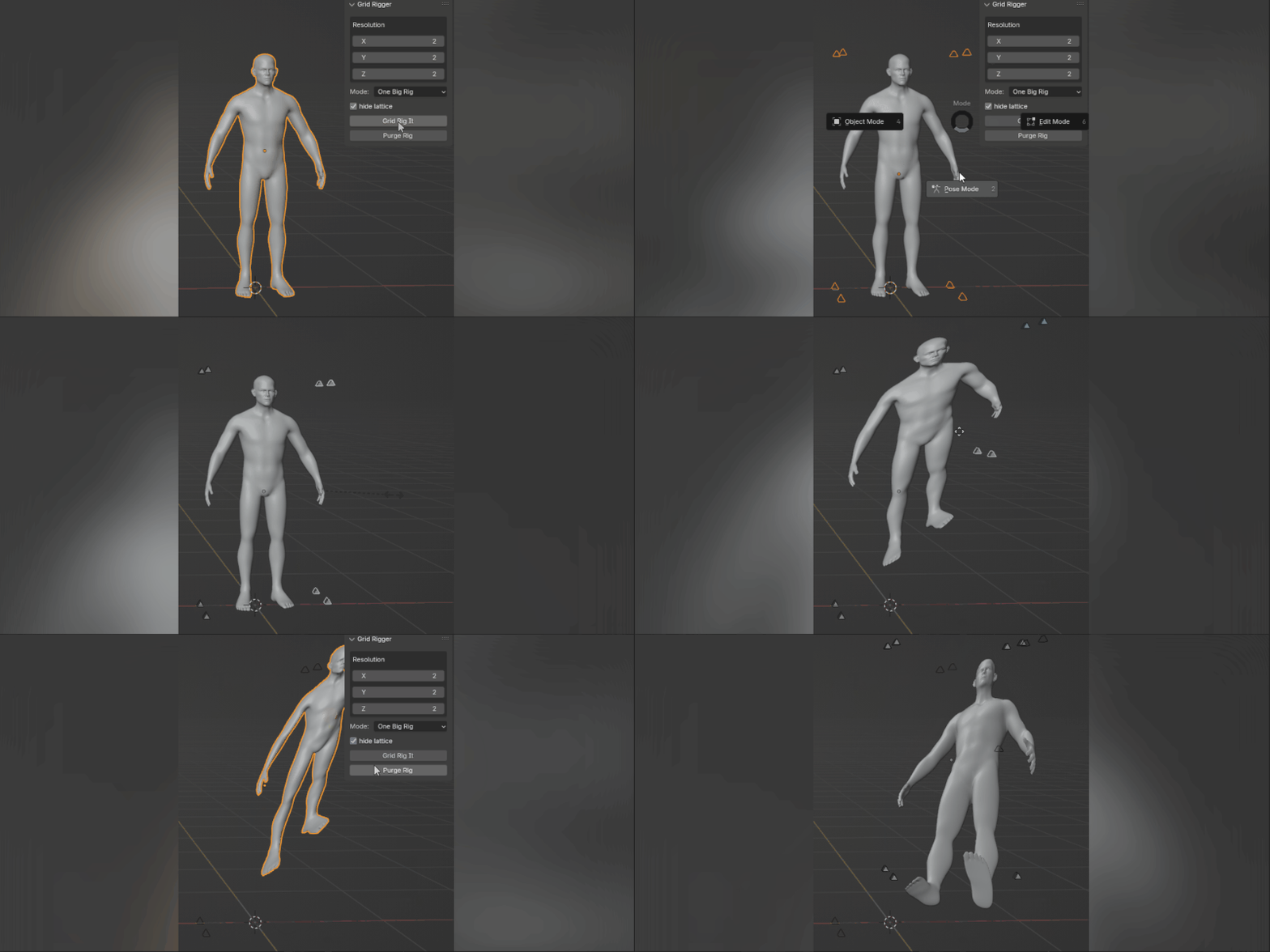
Move the generated bones in Pose Mode and keyframe them using Blender’s standard animation tools.
Keep your mesh editable
Deformation happens through a lattice modifier. Your original mesh remains editable, and you can adjust the grid’s position, rotation and scale in Object Mode.
What can you use it for?
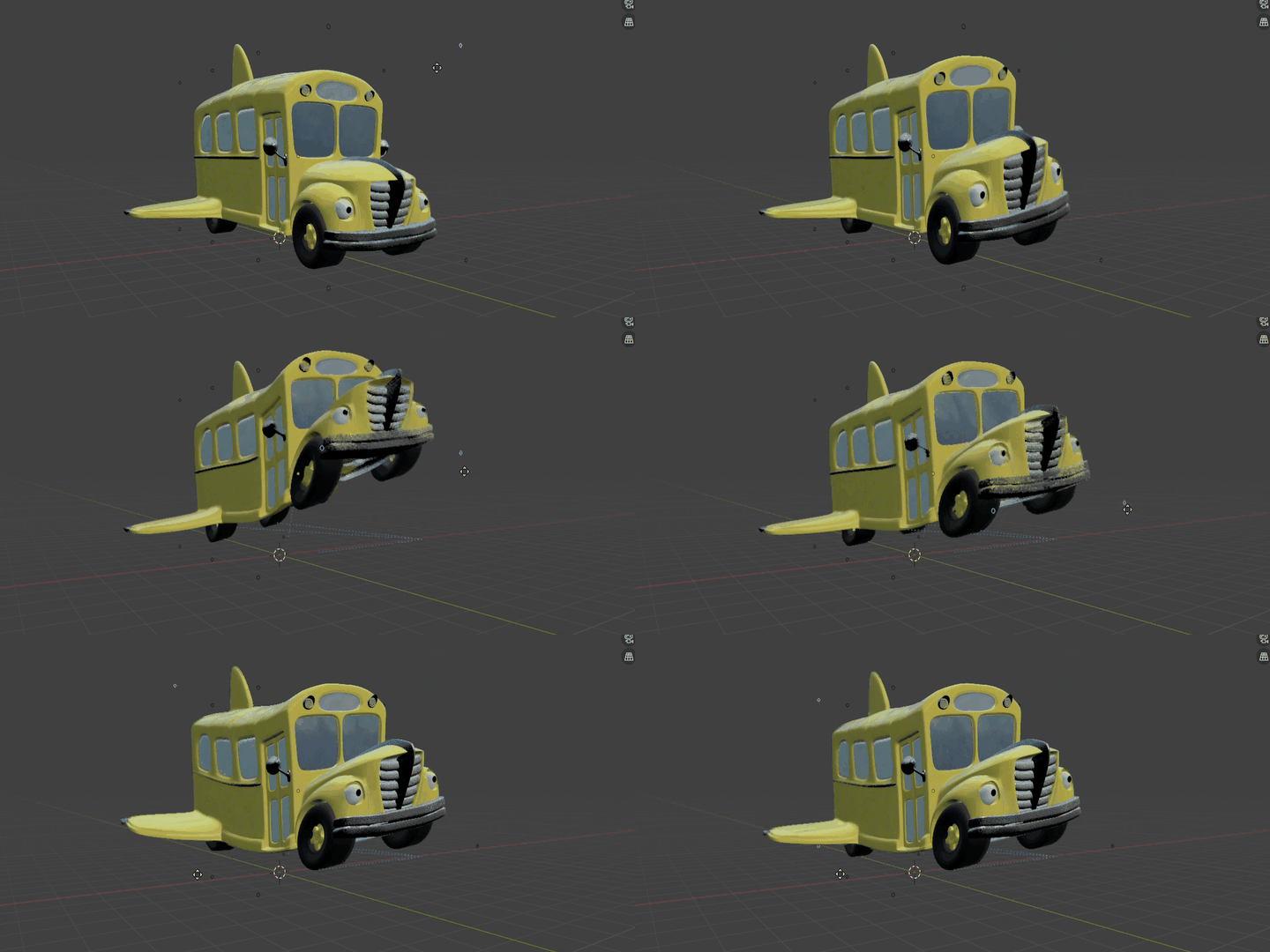
- Squash and stretch for stylised animation.
- Bending and reshaping props.
- Adding expressive movement to objects.
- An extra layer of deformation control.
Grid Rigger uses Blender’s bones and lattice modifier to provide deformation controls. For articulated characters, it can complement an existing rig.

Getting started
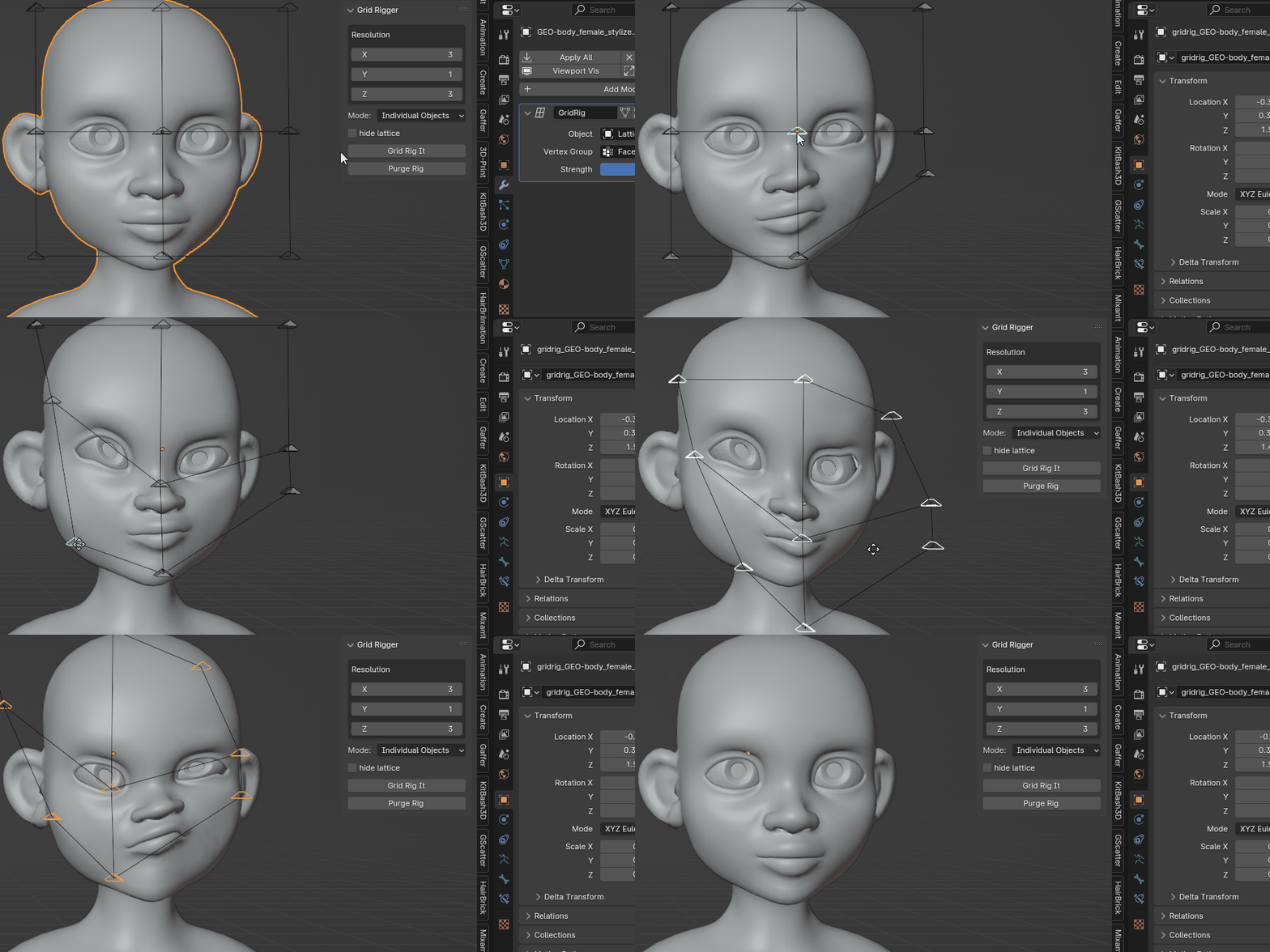
- Select the objects you want to deform.
- Press N in the 3D Viewport and find Grid Rigger under the Tool tab OR Shift+A and add the grid rig!
- Set the grid resolution along each axis.
- Generate the rig.
- Enter Pose Mode to move and keyframe the controls.

Included with your purchase
The Grid Rigger add-on, with future Grid Rigger updates included at no additional cost.
Have a question or an idea for the tool? Get in touch through the marketplace.
