Grid Rigger
 Matt Castley
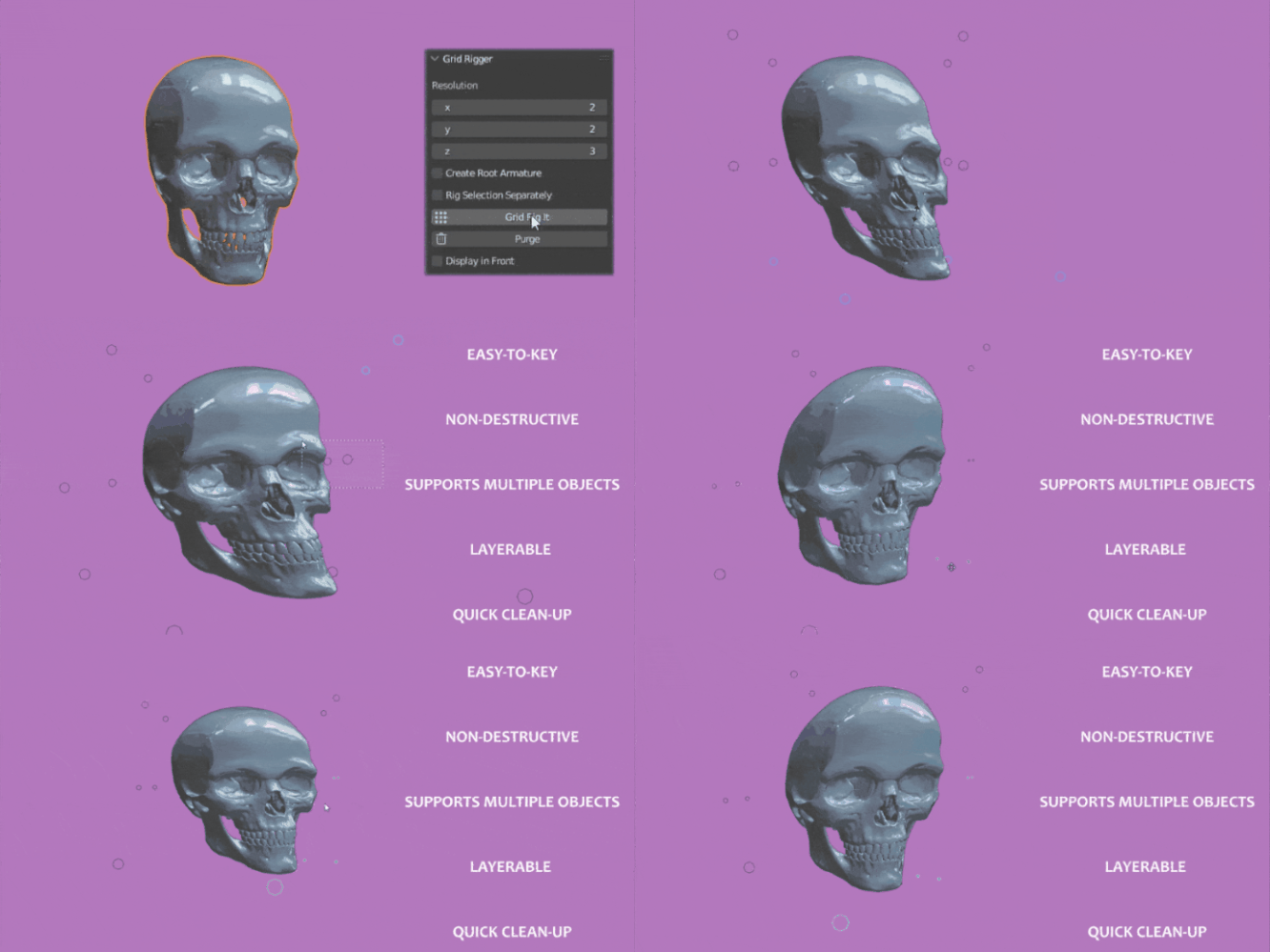
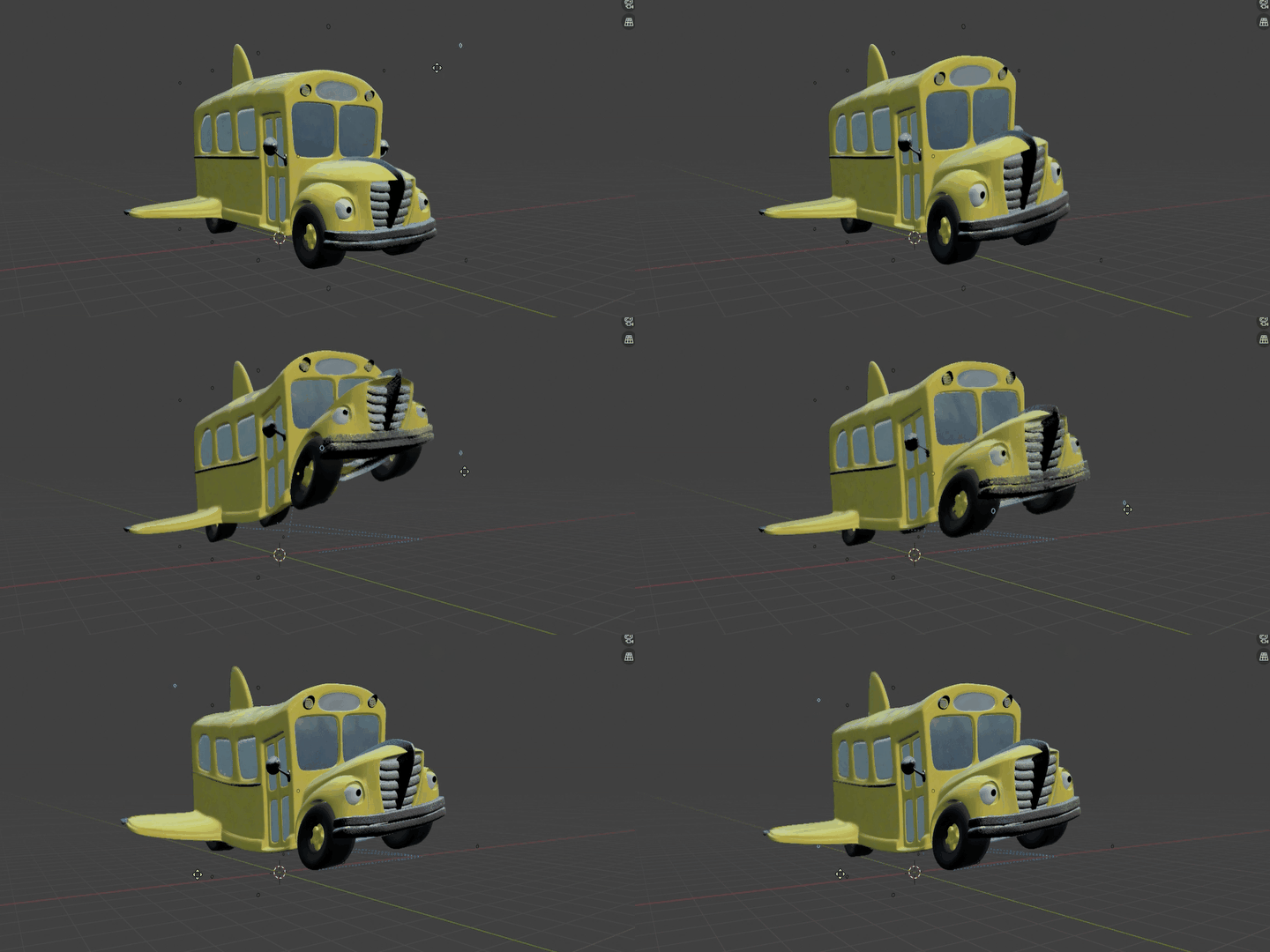
INSTALLATION
Preferences → Add-ons → Install
1) Select gridrigger_addon.zip
2) Install, then Enable (checkbox)
Where to find Grid Rigger
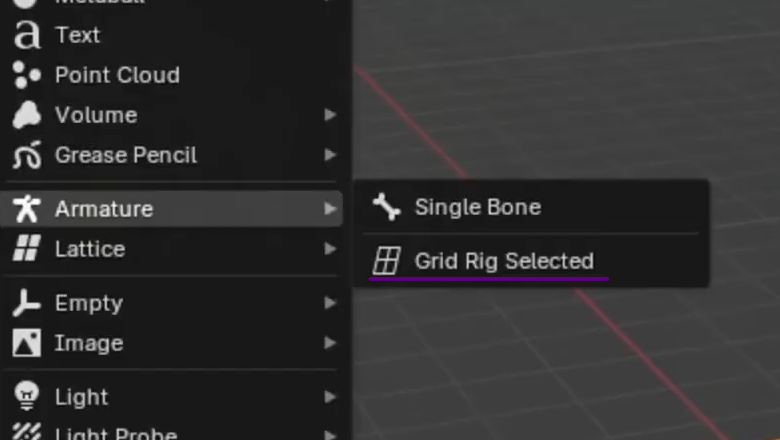
Default (recommended):
Add → Armature → GridRigger
This opens the creation settings popup. Click OK to create the grid rig(s)
Optional: Viewport Side Panel (if enabled in add-on preferences):
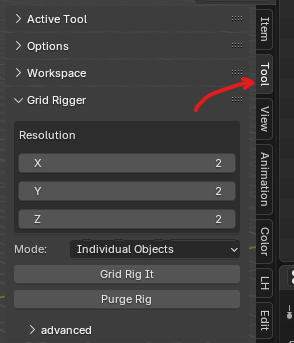
Preferences → Add-ons → GridRigger → Preferences
Enable the Side Panel option to show GridRigger in the 3D Viewport Side Panel (N-panel).
UI OPTIONS
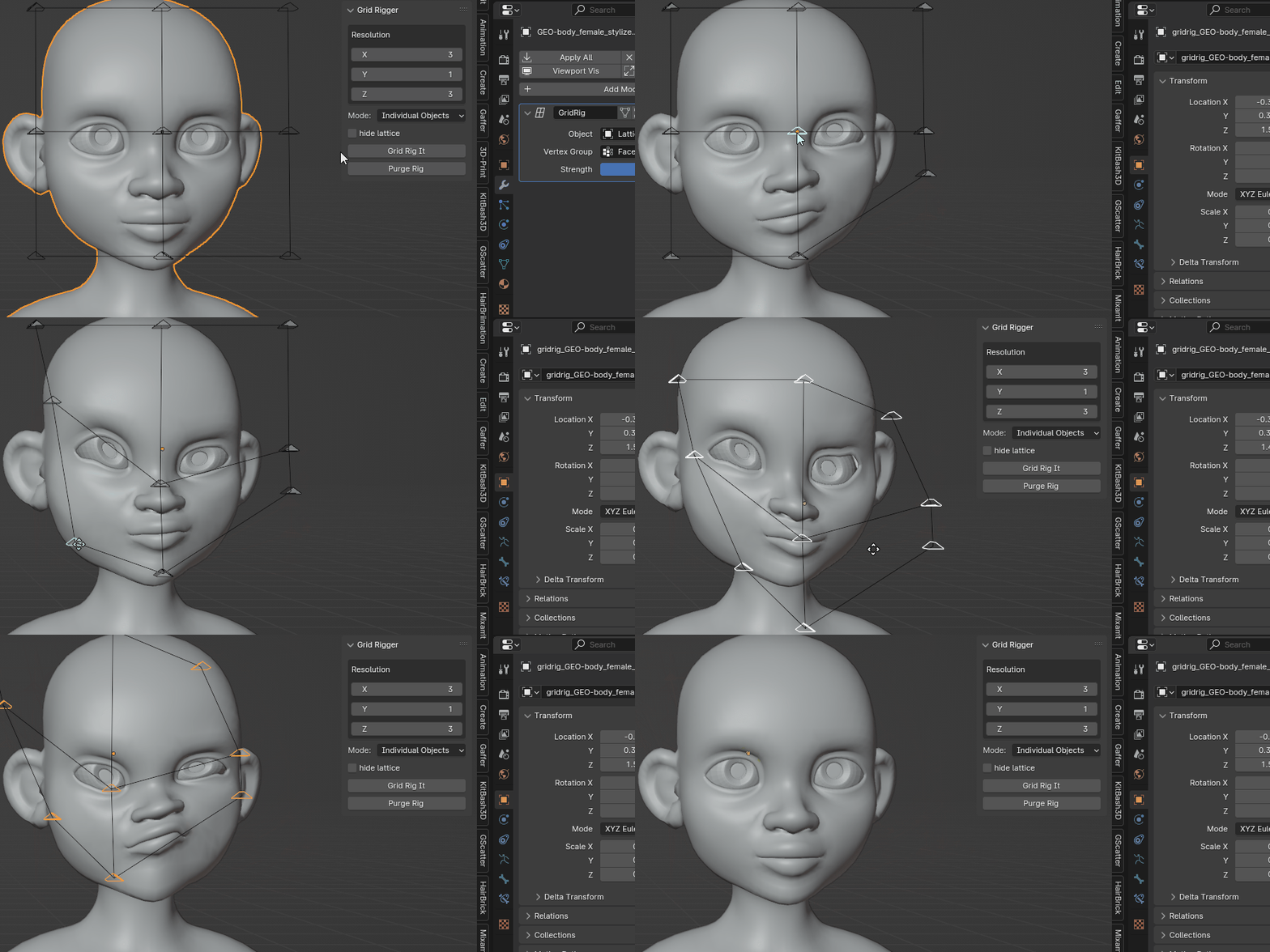
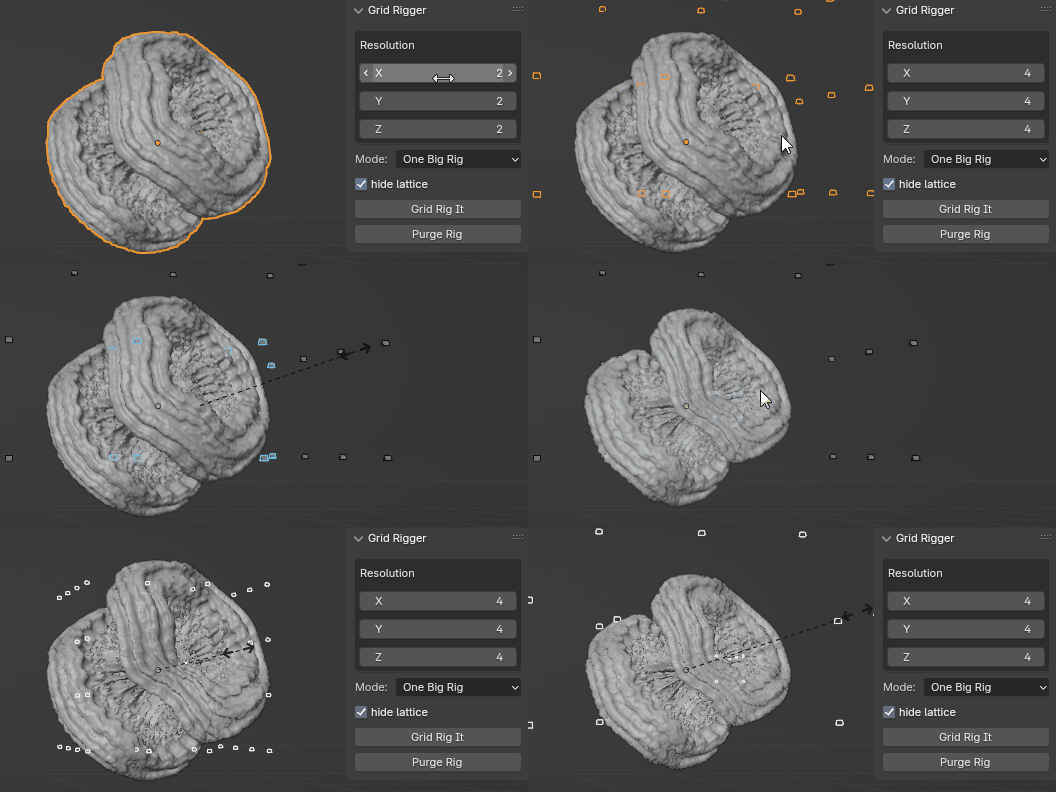
Resolution
How many points to distribute across each axis. Influence is distributed based on point location in 3D object space.
Outside
Enabled: create points only along the outer surface of the grid volume
Disabled: create points throughout the entire volume (inside + outside)
Mode
With multiple objects selected:
- Individual rigs per object, or
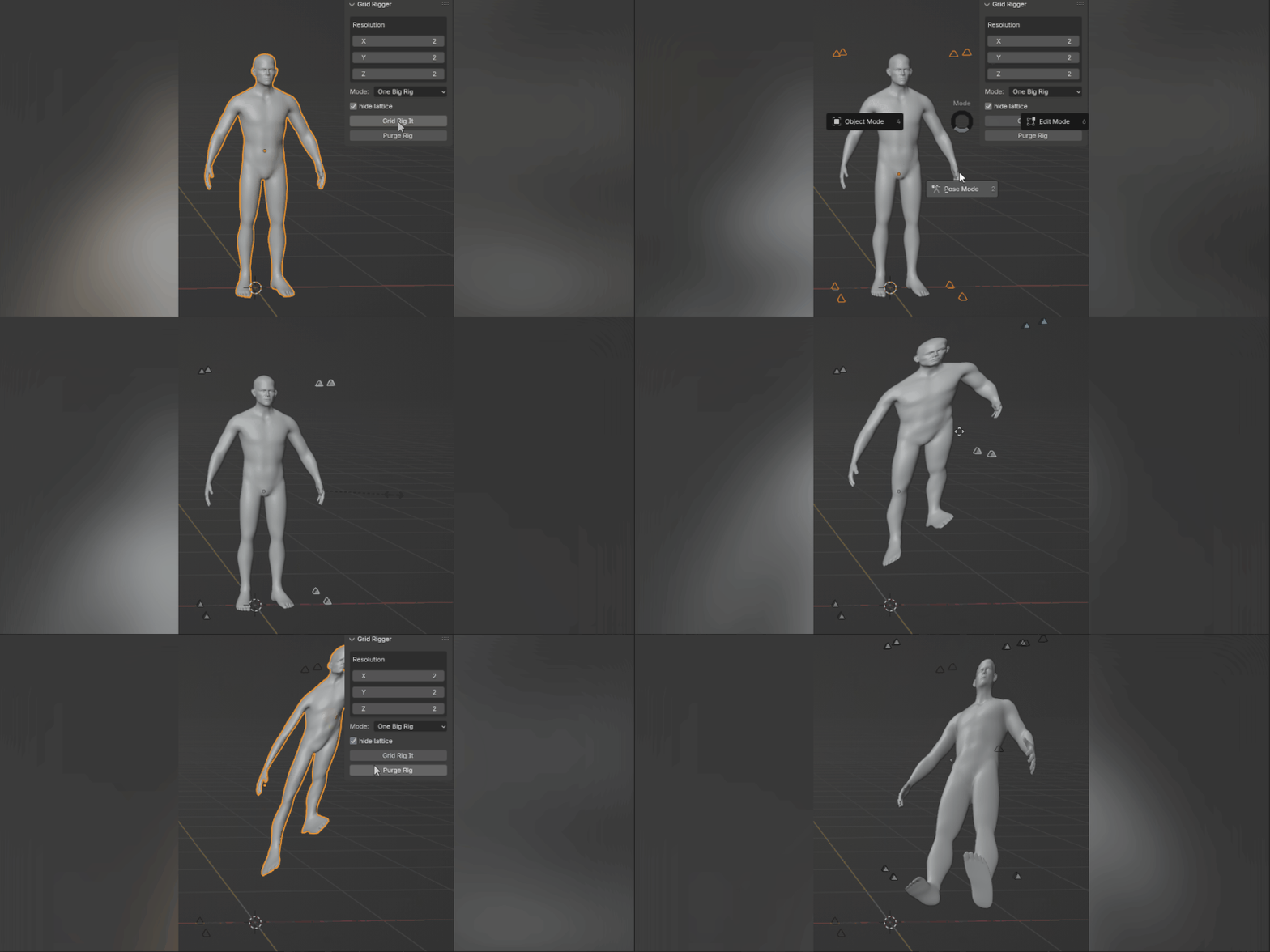
- One combined rig around the whole selection
Hide Lattice
Enabled by default. Hides the root lattice that drives the deformation.
Recommended to keep enabled for a cleaner layout (can be toggled later in the Outliner).
Grid Rig It
Creates the lattice-based rig around the bounding box of your selection.
Purge Rig
Deletes old/unwanted grid rigs. Select the rig and click Purge to keep things tidy.
RIG CONTROLS
Global Influence (per rig)
Each GridRigger rig includes a global influence slider controlling how strongly it affects each object.
For per-object strength, delete the driver on the object influence property and set/key values manually.
EXTEND FUNCTIONALITY
The lattice modifier remains in the modifier stack(s). You can:
- Mask influence with vertex groups
- Apply poses as shape keys
- Experiment freely
UPDATE NOTES
v02: support for non-(0,0,0) cursor locations (zeroes cursor during build, then restores)
v03: older Blender install fix + moved to its own sidepanel tab "gridrigger"
v04: re-implement v02 cursor offset
v05: copy rotation option + stability improvements (works regardless of active collection)
v06: fix cursor offset bug
v07: back under "Tool" panel + advanced generation options:
- Interpolation
- hide/unhide control lattice
Note: GridRigger is now available by default via Add → Armature, with the side panel optionally available if enabled in add-on preferences.

Discover more products like this
lattice auto rigging shape shapekeys squash and stretch animation rigging