 KacaDev
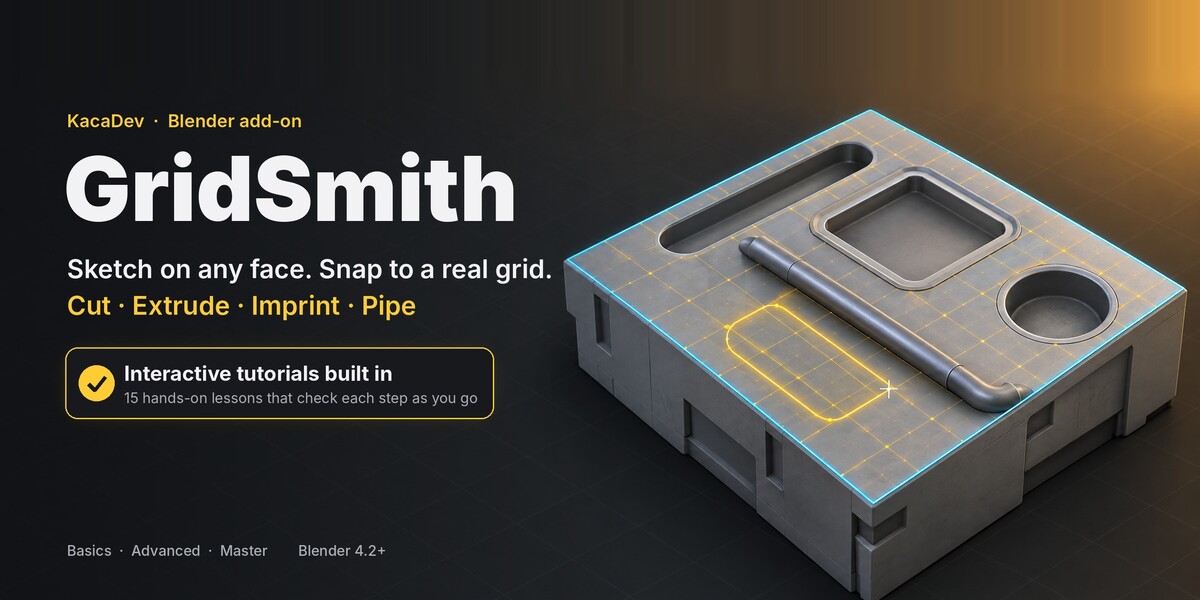
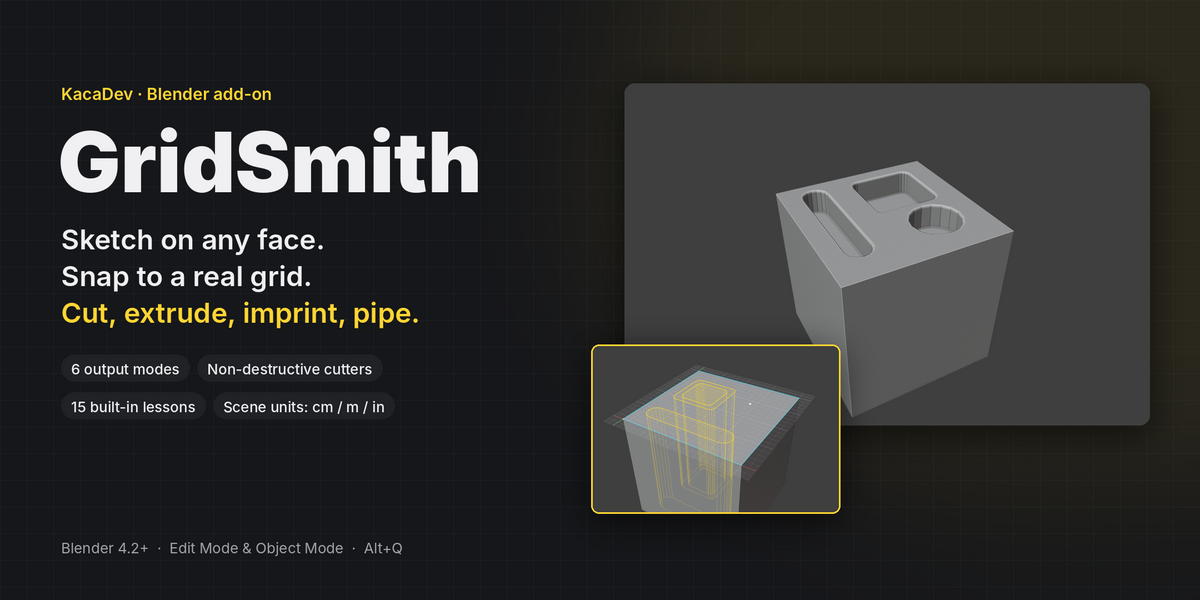
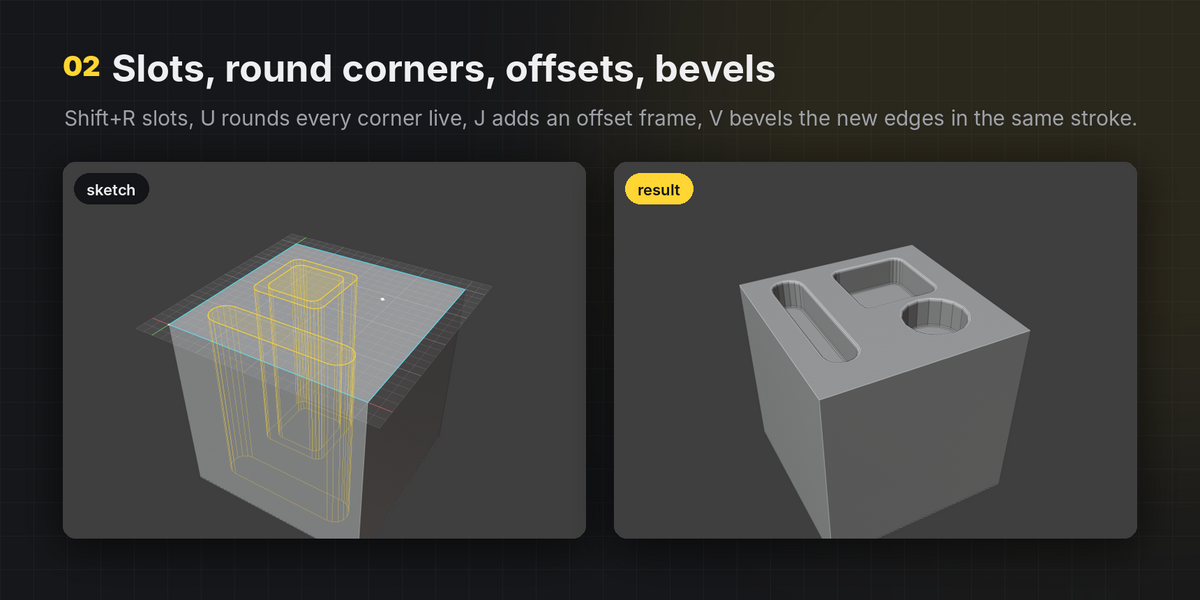
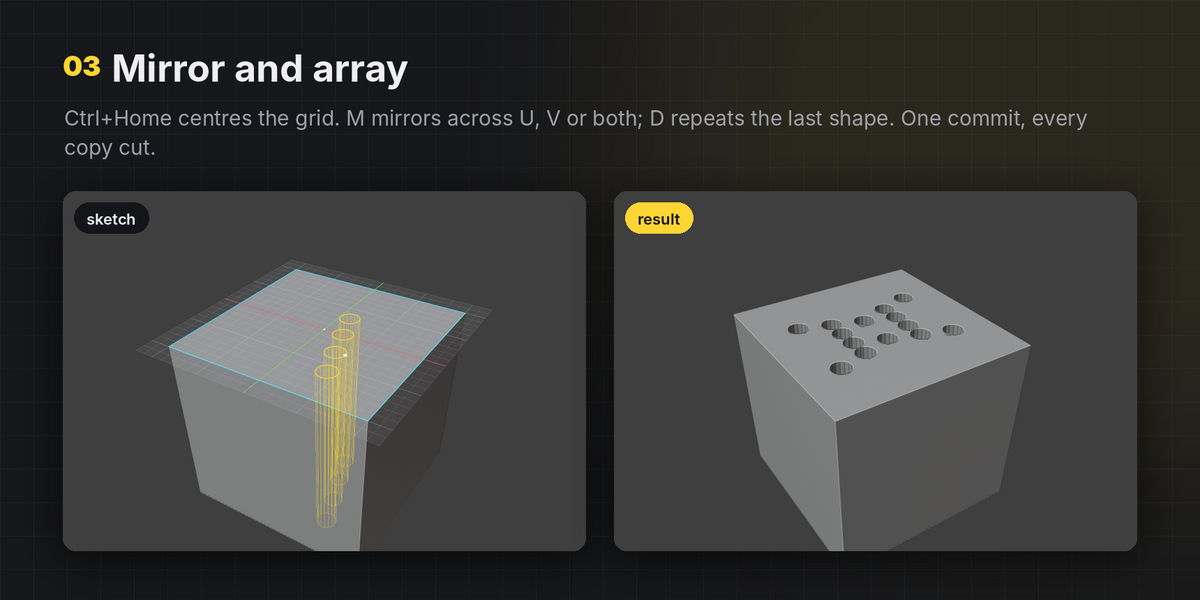
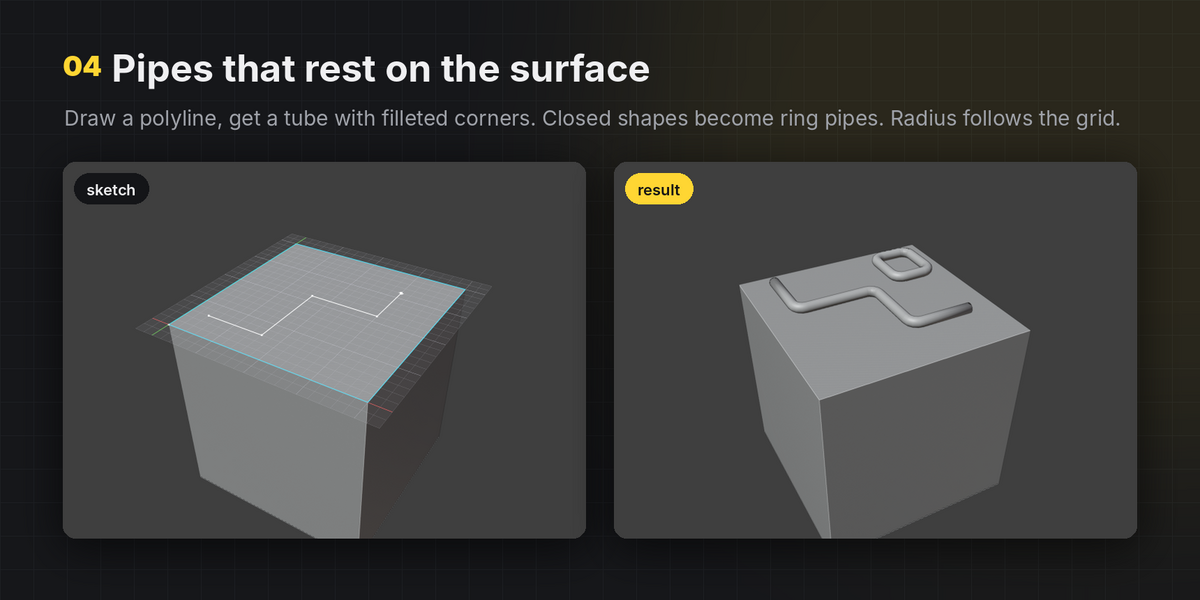
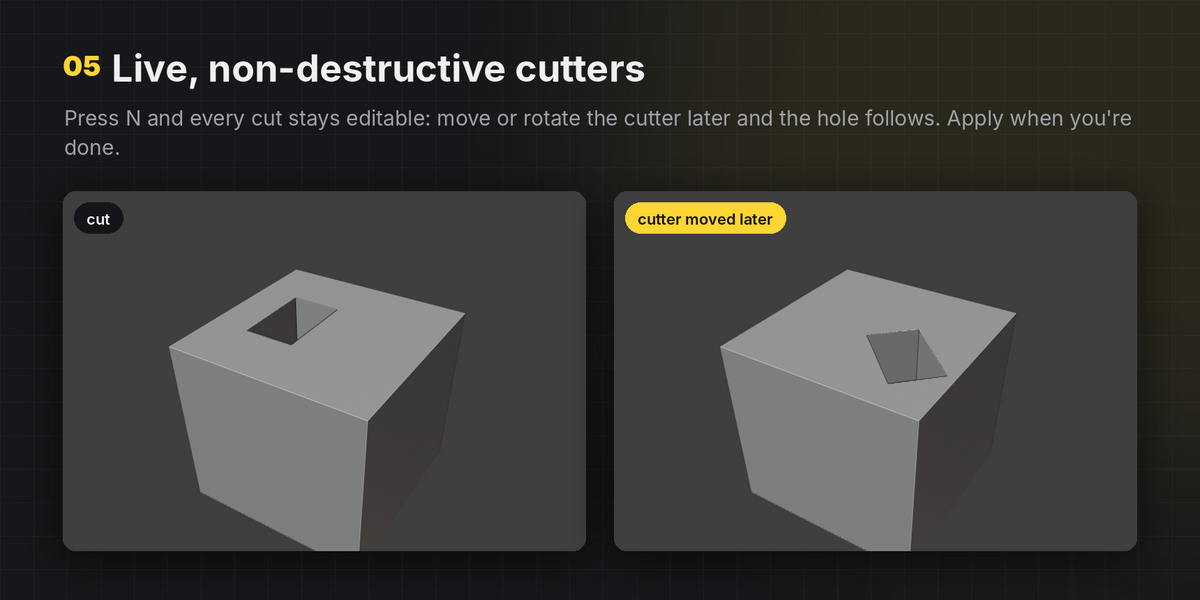
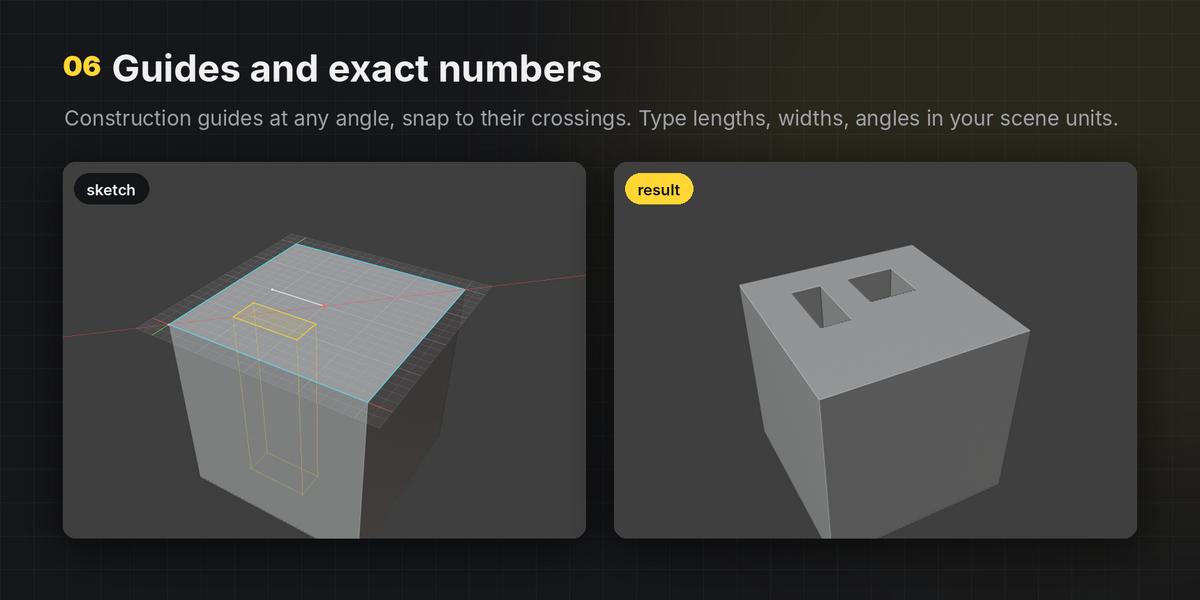
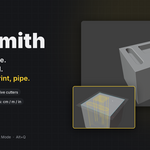
GridSmith puts a precise, snappable grid on any face you click and lets you sketch rectangles, slots, circles, polygons and guides on it. Press Enter and the sketch becomes real geometry: new faces, clean extrusions, boolean cuts, bosses, intersections or pipes.
It is built for modelling where sizes and spacing matter: modular kit pieces, hard-surface panels, vents and keyways, sci-fi greebles, architectural block-outs. Everything snaps to a grid in your scene's own units, and every size can be typed.
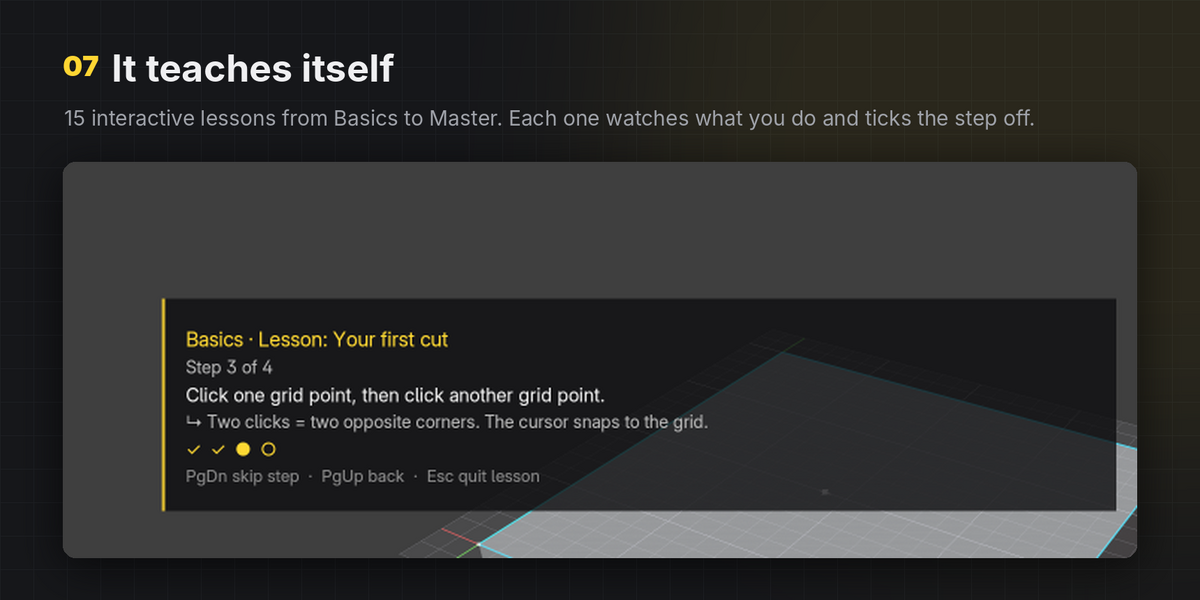
Learn it inside Blender
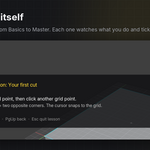
Open Learn GridSmith in the sidebar. Fifteen interactive lessons run right in the viewport, from your first cut to non-destructive workflows, and each step ticks itself off when you actually do it.
- Basics: first cut · depth and circles · controlling the grid · the six modes · undo and exit
- Advanced: slots · guides · mirror and array · offsets and round corners · pipes
- Master: live cutters · chaining sketches · block-out from nothing · bevel on commit · CAD-style numeric input
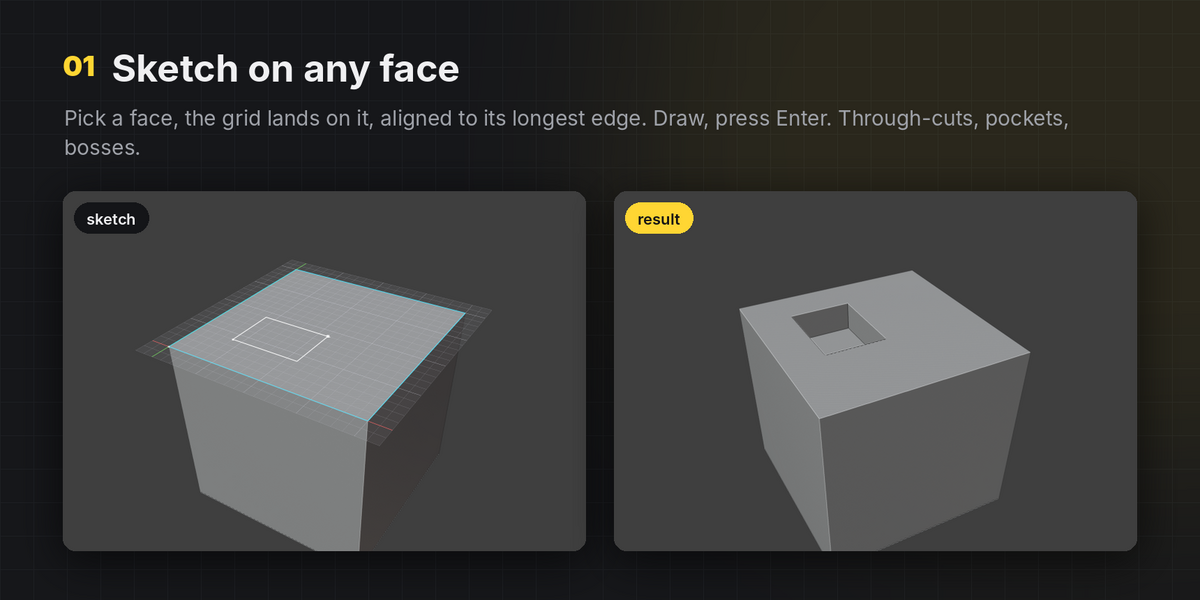
Sketch on any face
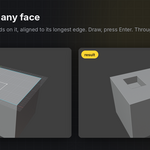
- The grid lands on the face you click, aligned to its longest edge.
- Works in Edit Mode and Object Mode. In Edit Mode a selected face (or several coplanar faces) is used straight away.
- Shift+click to add neighbouring coplanar faces to the sketch region.
- No face needed: sketch on a world XY / XZ / YZ grid at the 3D cursor and create new objects.
Six output modes
- Face: imprint the shapes as new faces, no boolean. Overlaps, holes and shapes spanning several faces are handled; UVs and materials carry over.
- Extrude: imprint and extrude into a pocket or boss with clean quad walls. Shapes crossing the face border switch to a boolean automatically.
- Cut: through-cut or a typed depth.
- Add: boolean boss, or a new object on a world grid.
- Intersect: keep only what's inside the shapes.
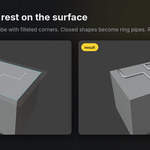
- Pipe: a polyline becomes a tube with filleted corners, resting on the surface. Closed shapes become ring pipes.
Shapes and helpers
- Line/polygon, rectangle, slot, circle (3–256 sides) and infinite construction guides.
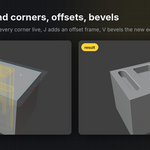
- Corner radius for rectangles, slots and polygons, applied live.
- Offset copies (frames, lips, borders) or offset in place.
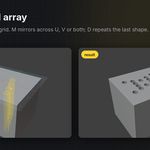
- Mirror across the grid axes, and array the last shape with a live preview.
- Bevel the new edges of a cut or extrusion in the same commit.
Precision
- Snaps to grid points, half cells, mesh vertices, edge midpoints and points along edges, sketch points and guide crossings.
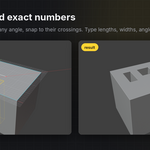
- Type lengths, widths, radii, angles and heights in your scene units (
25,1m,3in). - Rotate, nudge, fit, centre or re-align the grid to any edge or vertex.
- Drag the height along the face normal or type it.
Non-destructive when you want it
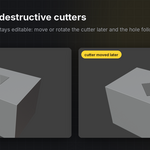
- One key switches to live cutters: wireframe objects parented to your mesh, in their own collection.
- Move, rotate or scale a cutter later and the cut follows.
- The boolean is placed above your existing modifiers, so a Bevel or Mirror stack keeps working on the result.
- Apply, hide or select all cutters from the sidebar.
Workflow
- Commit and keep sketching on the result, re-pick a different face without leaving the tool, undo points and shapes step by step.
- A HUD always shows the active tool, mode, height, grid size and what Enter will do.
- Colours, HUD scale, snap radius, default grid size and the sidebar tab are all configurable.
- Works on any keyboard layout: Shift+wheel or + / - for counts and sides.
Requirements
- Blender 4.2 or newer (installed as an Extension). Tested on Blender 5.0, 5.1 and 5.2 LTS.
- Default hotkey: Alt+Q (changeable in Preferences › Keymap).
Installation
- Edit › Preferences › Get Extensions › ▾ (top right) › Install from Disk.
- Choose
gridsmith-1.2.0.zip. - Press N in the 3D Viewport and open the GridSmith tab.
Known limits
- Booleans use Blender's Exact solver, so very dense meshes take longer to cut.
- Bevel-on-commit is skipped in non-destructive mode (add a Bevel modifier after the cutter instead).
- Numpad digits are read as numeric input while the tool is open.