 Mica
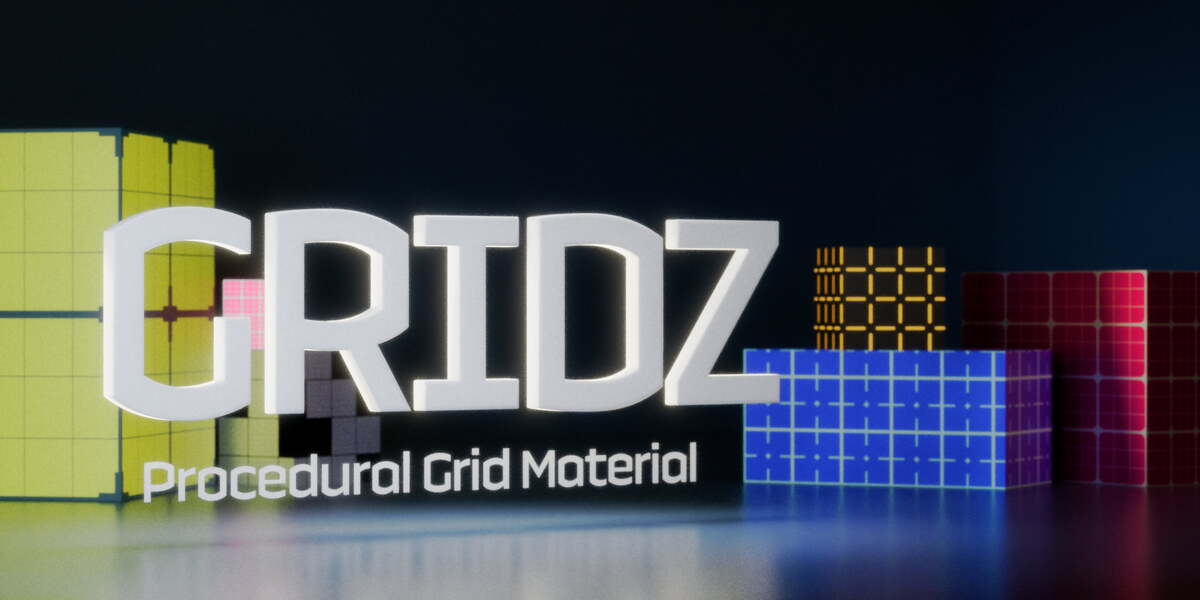
The all-in-one procedural grid you didn't know you needed.
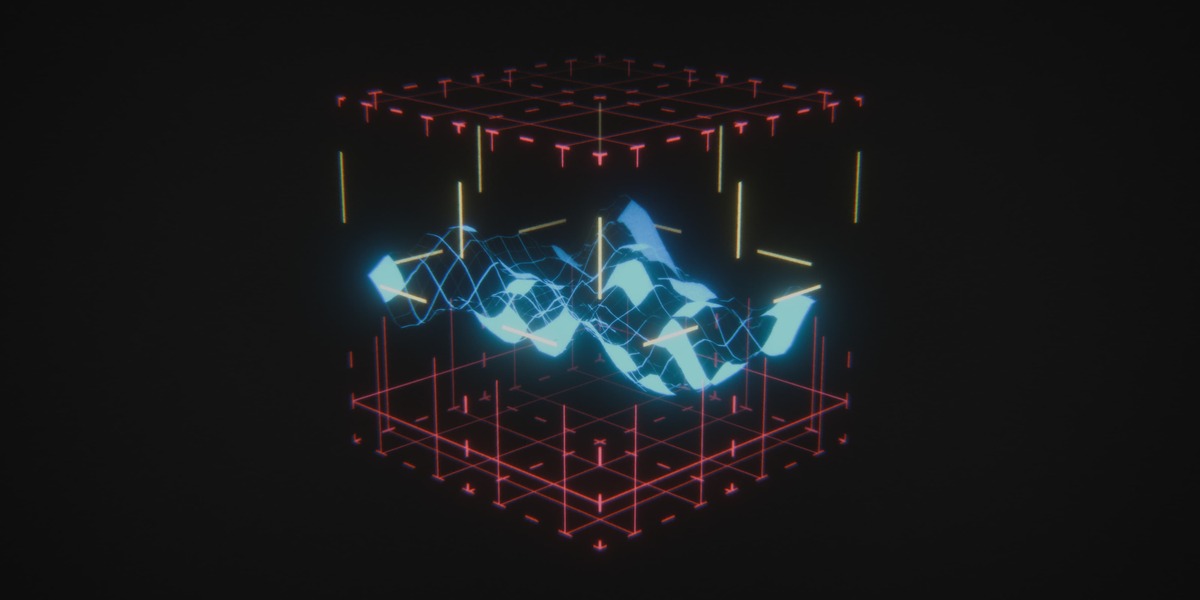
Gridz is a compact material setup that blends simplicity and all the customization you need to make your models stand out.
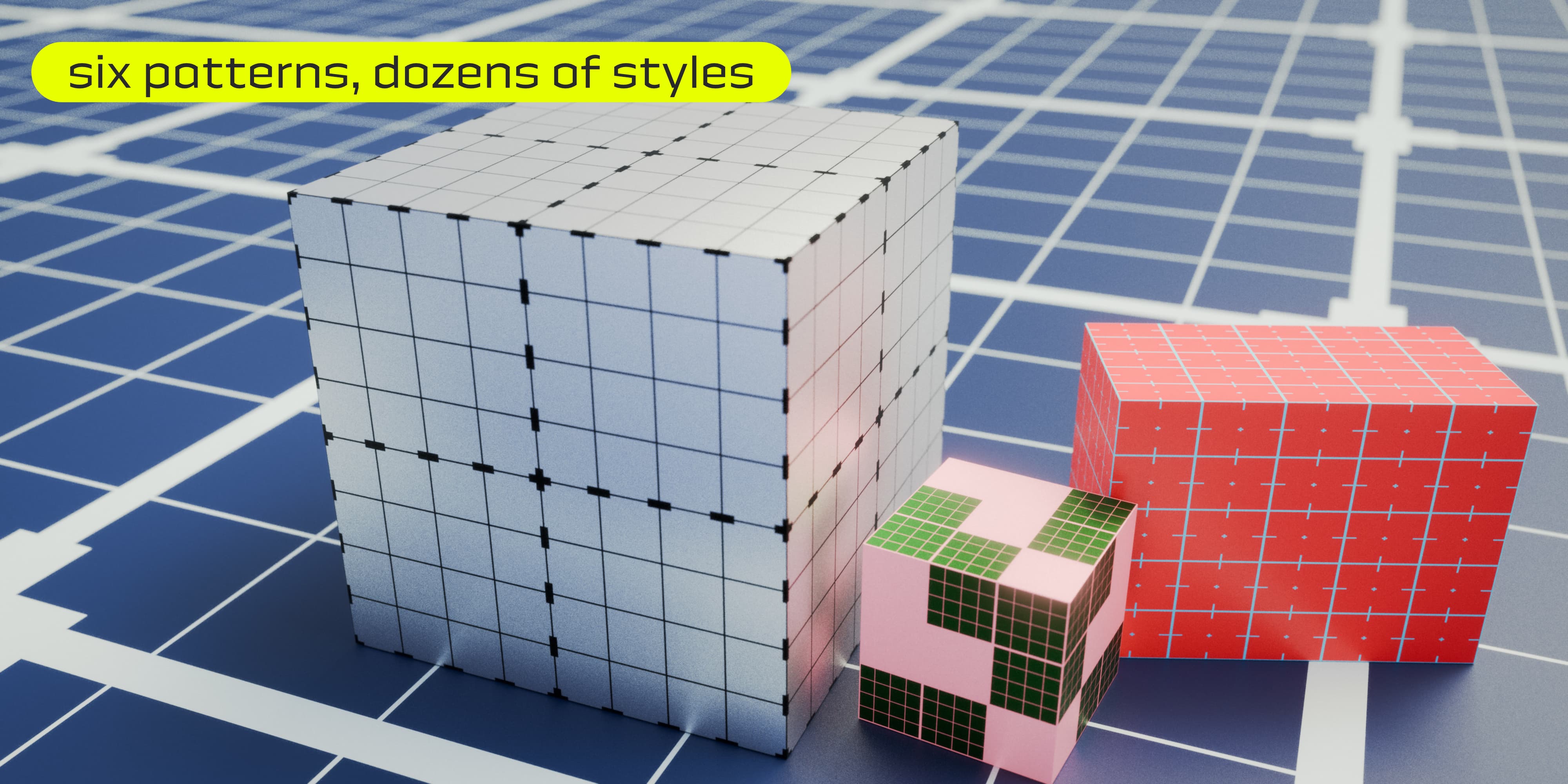
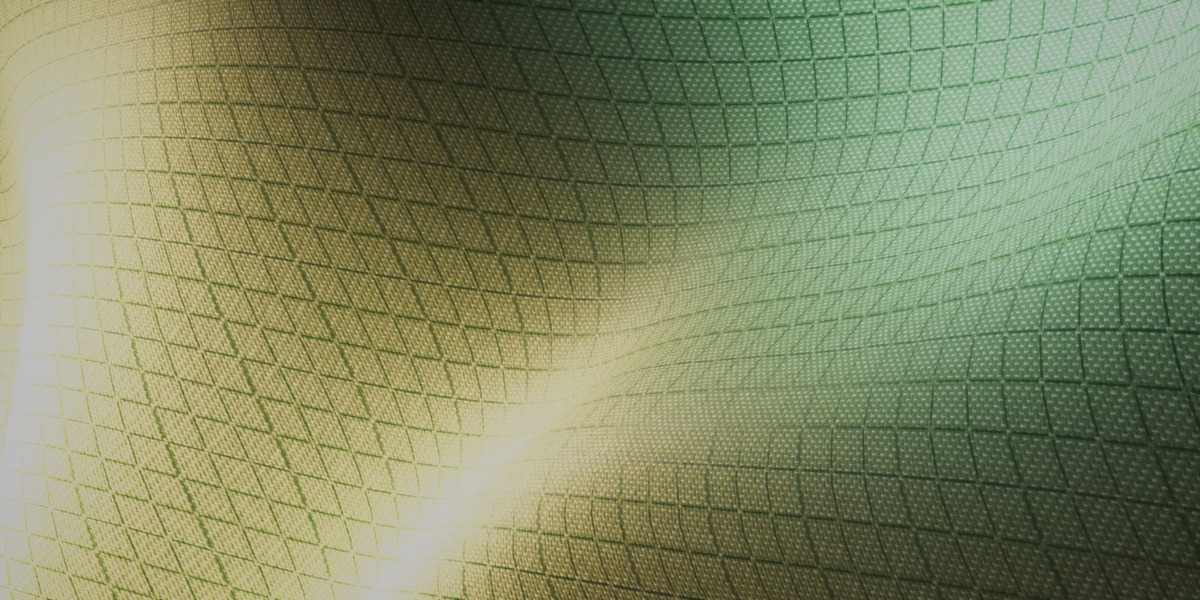
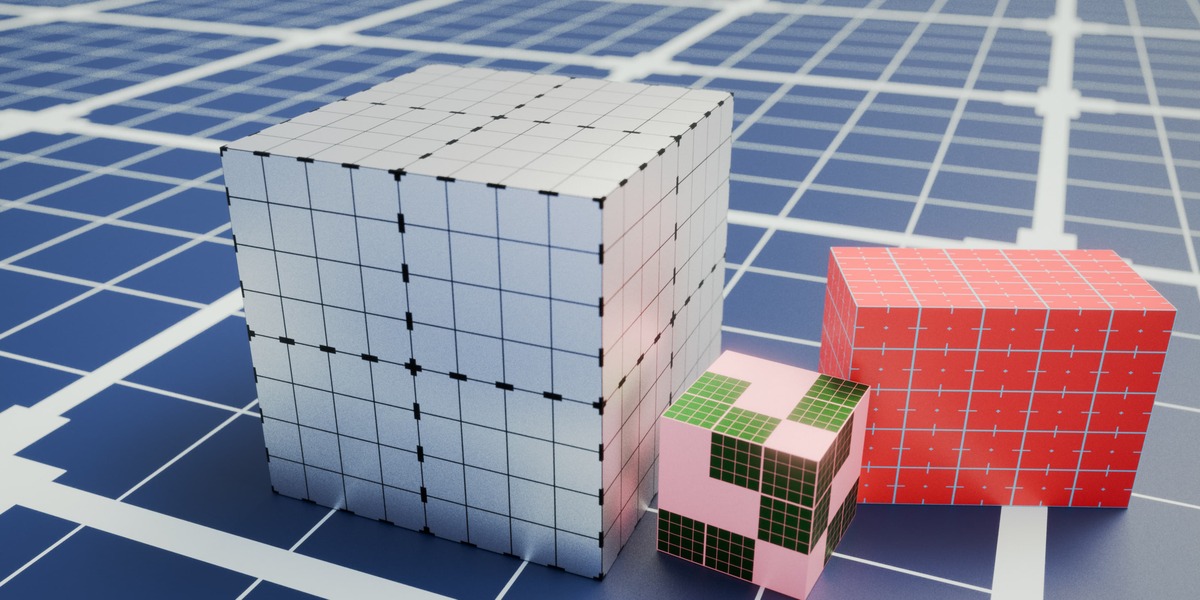
Create the most unique looks by mixing and matching simple patterns.
FEATURES
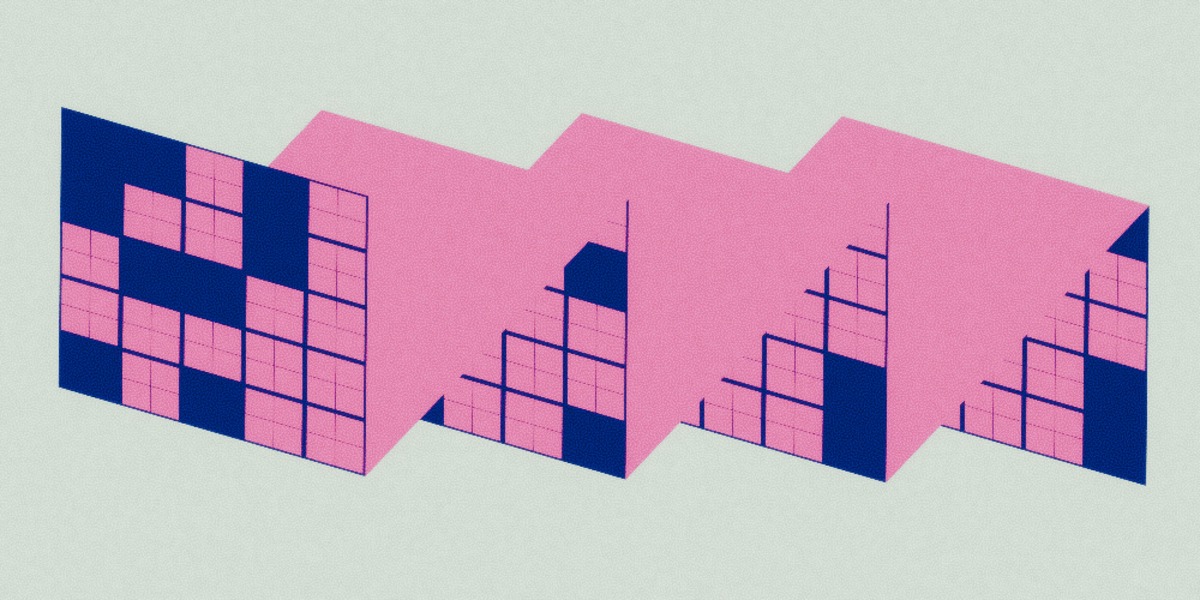
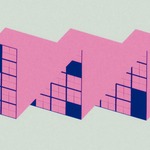
Gridz includes 6 modern grid patterns for you to customize as you like.
With Gridz, you have control over several settings such as:
- Base and grid colors
- Metallic
- Ready-to-use or custom roughness
- Emission
- Transparency
- Grid thickness for both the main and secondary lines
- Grid scale and subdivisions
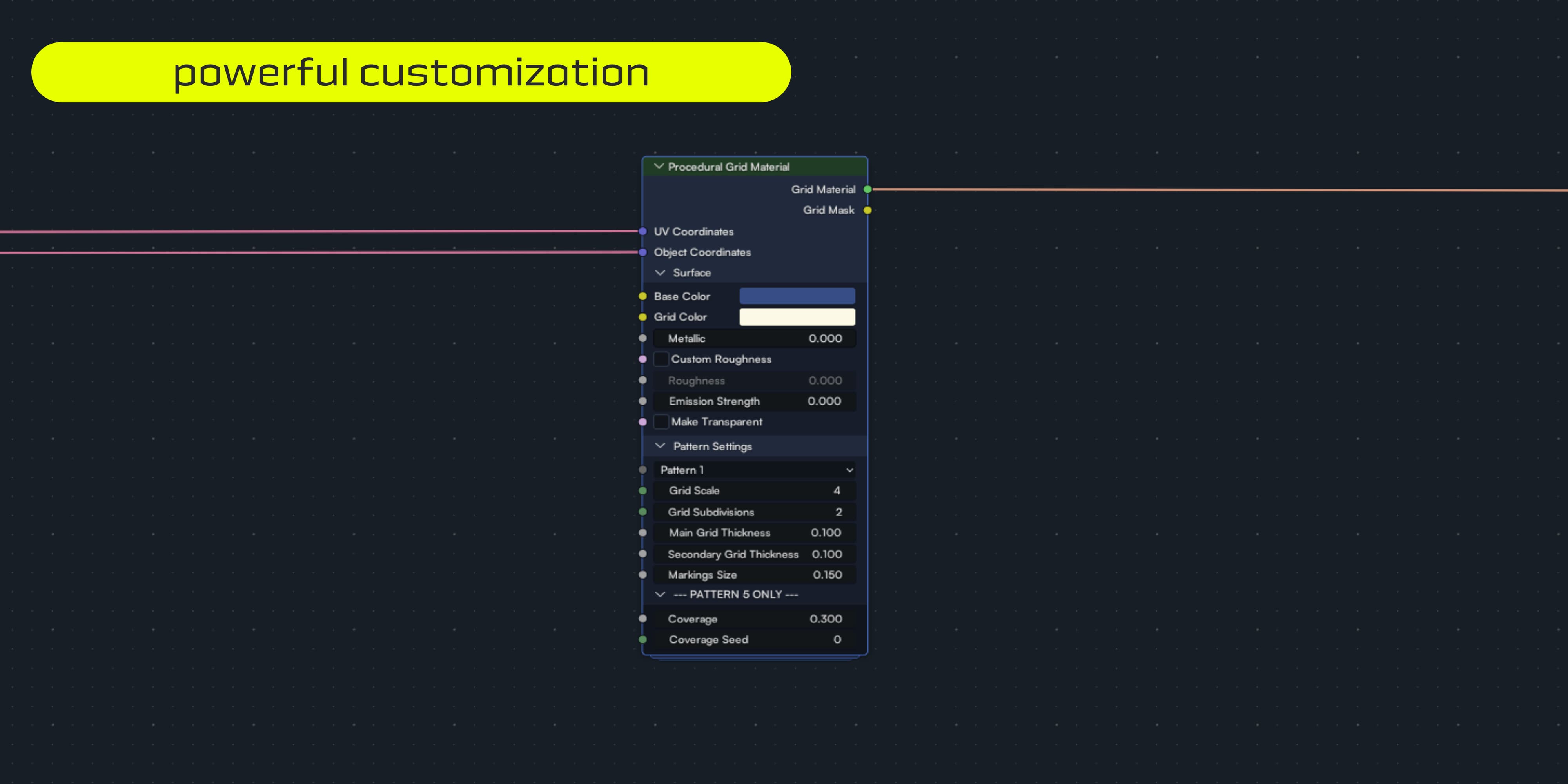
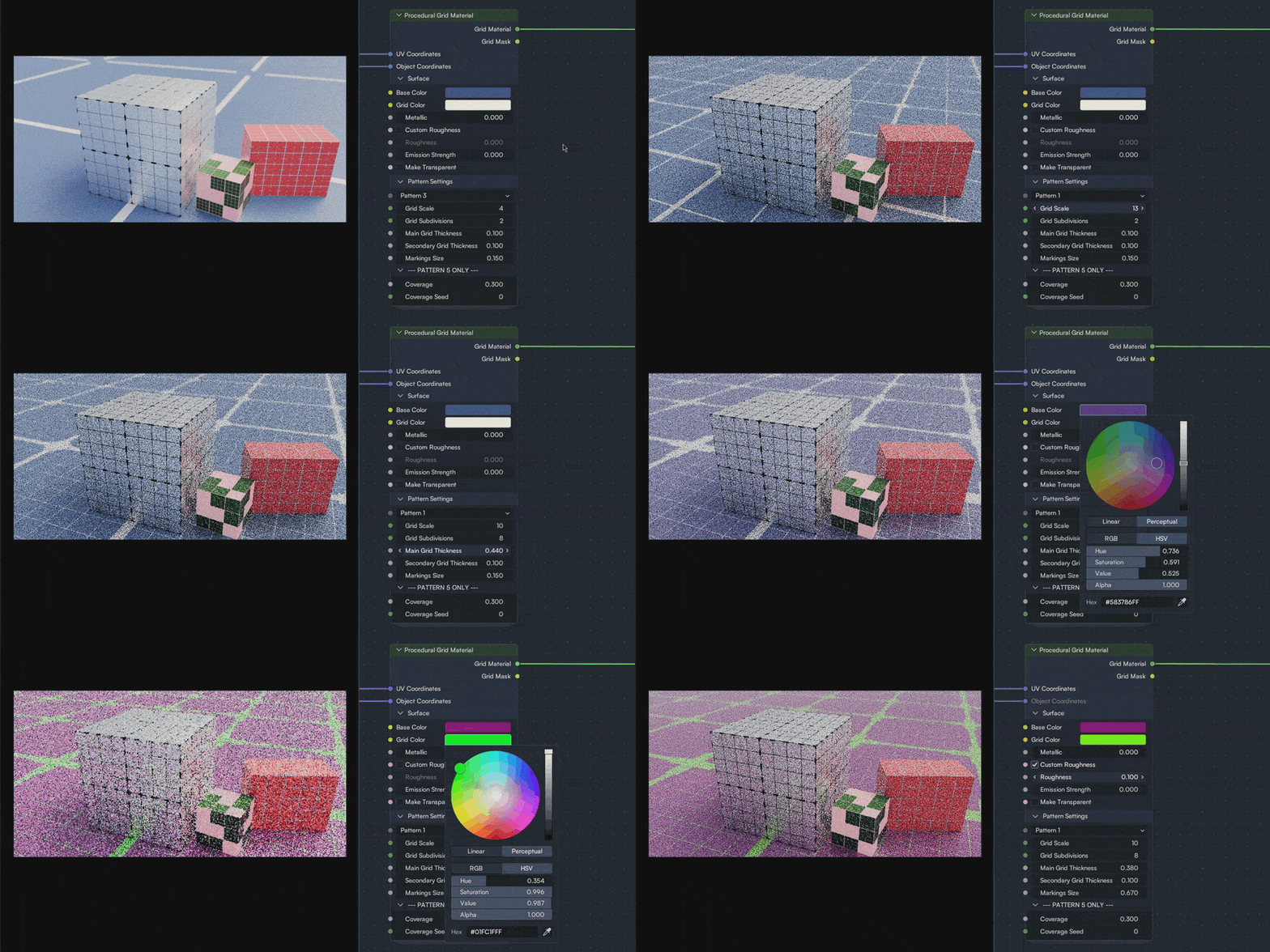
Tweak every aspect of the grid until each detail is just how you like it.
HOW IT WORKS
Using Gridz is pretty straightforward, but I included an explanation in each value setting in the Documentation section above.
To install Gridz follow these simple steps:
- Download the Gridz zip file and extract it somewhere safe on your device.
- Open Blender, go to Edit > Preferences > File Paths > Asset Libraries, and press the "+" button.
- Navigate inside your Gridz folder and hit Add Asset Library.
- Save your preferences, and you're done!
Additionally, you can append the material directly into your project by going to File > Append and locating the node group in the NodeTree folder inside the Gridz project.
Just so you keep it in mind, Gridz works with the UV of your model, so make sure to properly unwrap it for the best results. In this case, unwrapping as "square" as you can works best.
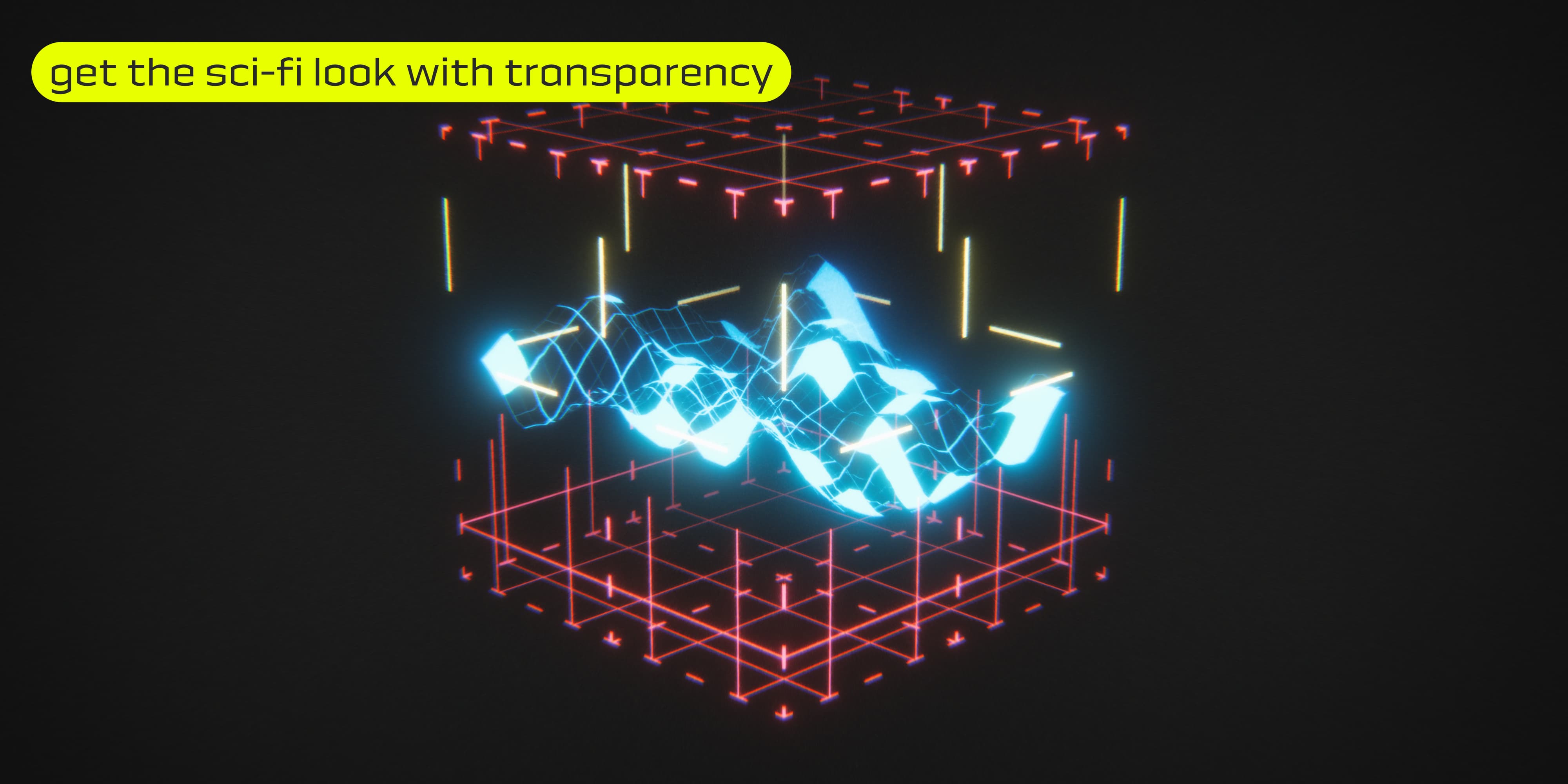
Want that see-through sci-fi grid? Make your grid transparent with a click, and increase that emission!
MADE FOR CYCLES AND EEVEE
Don't give up on your favorite render engine. Gridz works smoothly in both engines, so you don't have to worry about limiting your creativity.
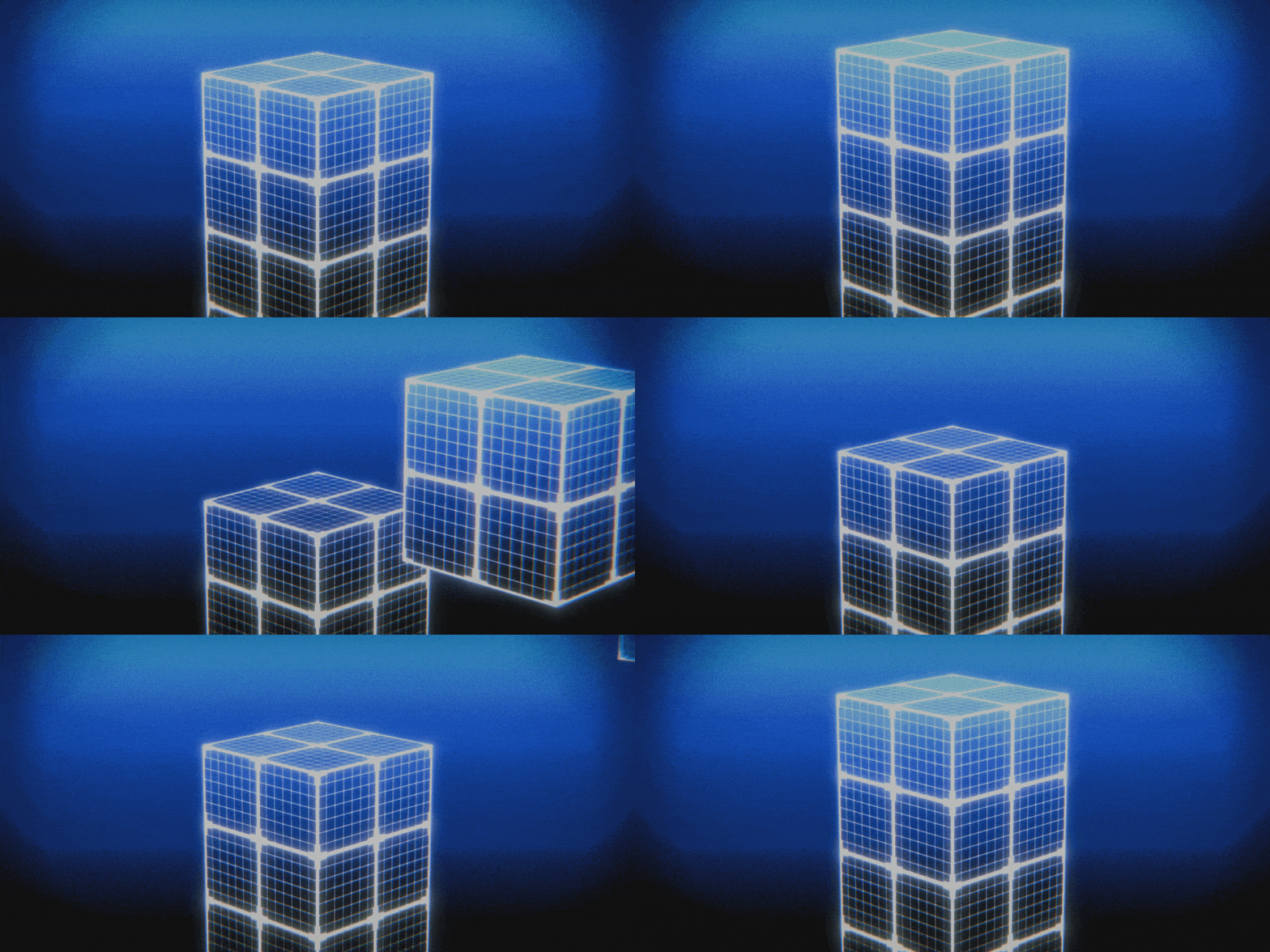
Do you have any suggestions for future updates? Don't hesitate to get in touch.
