 Mica
HOW TO USE GRIDZ
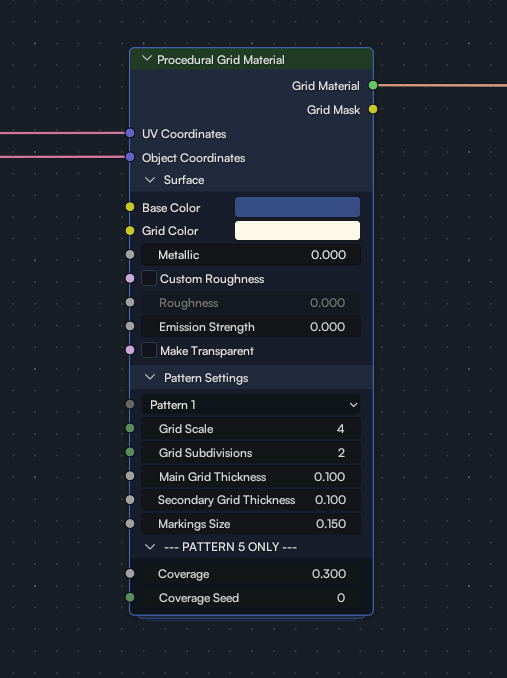
UV coordinates - Your model's UVs after unwrapping it. This is important to ensure the grid follows the object's shape as best as possible.
Object coordinates - Object coordinates of your model. This is used to apply the default roughness map.
SURFACE
Base color - Background color
Grid color - The color of the lines and markings.
Metallic - Your usual metallic value.
Custom roughness - Toggle to set your own roughness instead of the default.
Roughness - Custom roughness value. Works like your classic roughness on a Principled BSDF.
Emission strength - Emission value for the grid lines and markings.
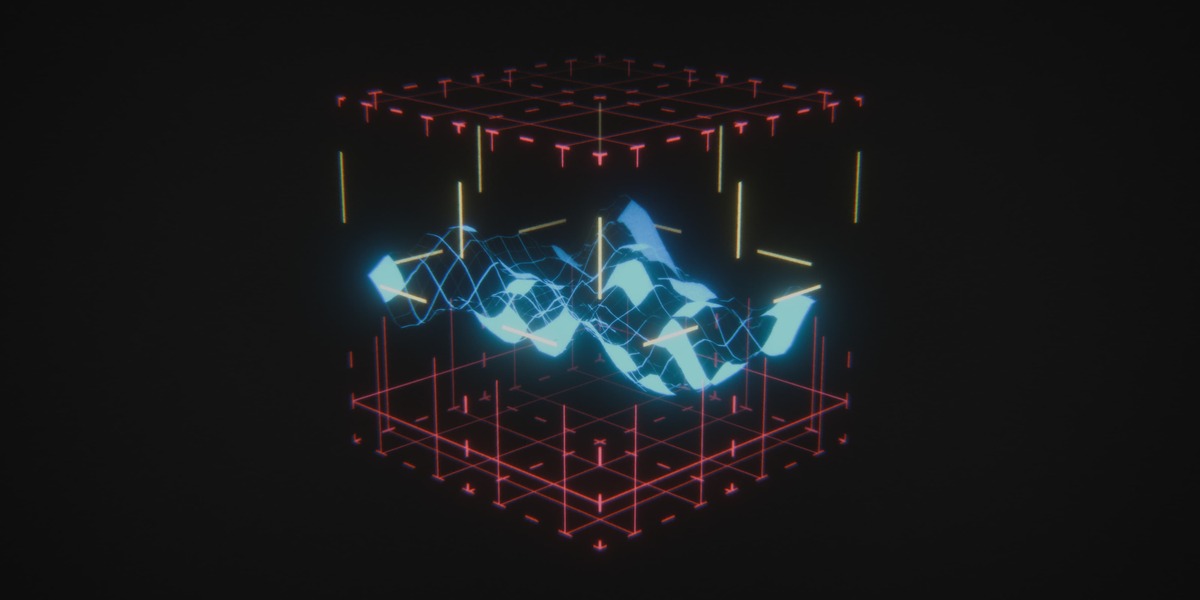
Make transparent - Toggle to remove the background and only show the grid and markings.
PATTERN SETTINGS
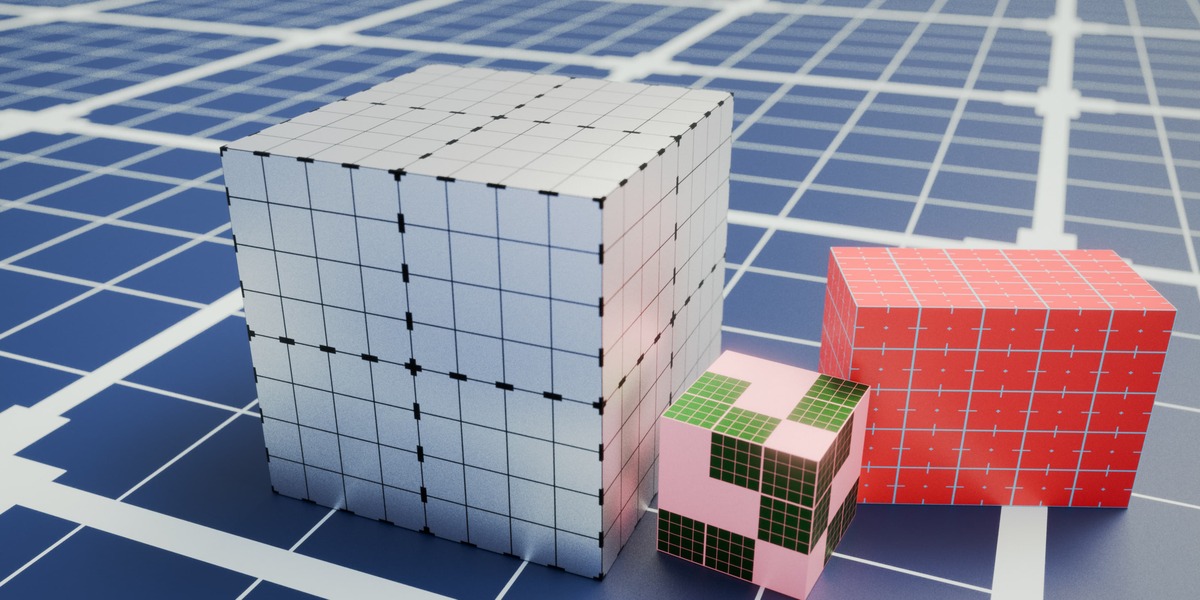
Pattern - Pattern selector from 1 to 6.
Grid scale - How big or small the grid is.
Grid subdivisions - Number of subdivisions per grid unit.
Main grid thickness - Line thickness for the main grid lines
Secondary grid thickness - Line thickness for the subdivision grid lines.
Markings size - Size of the markings on the grid. Its effect varies from pattern to pattern according to the marking shape.
PATTERN 5 ONLY
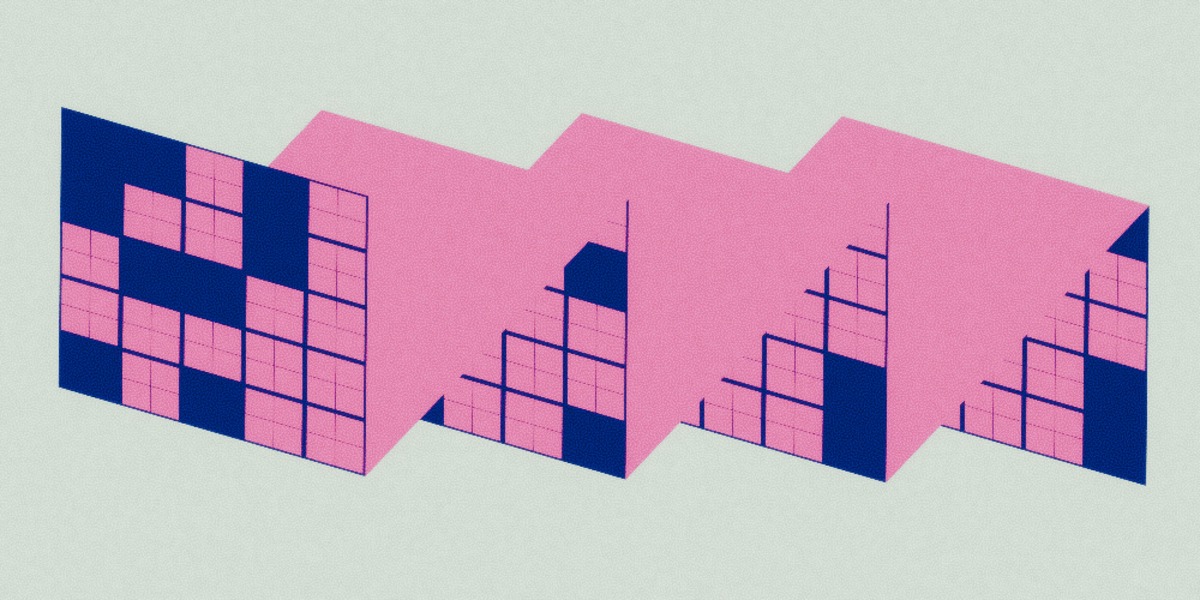
Coverage - Percentage of grid squares that are covered
Coverage seed - Changes the coverage distribution on the grid.
If I'm missing anything or you have any questions, don't hesitate to get in touch!
 Included
Includes 12 months of
- Support from Mica
- Product updates
Extend this product’s Support Period +12 months: 50% of product price
Have questions before purchasing?
Login to message
| Published | 9 days ago |
| Blender Version | 5.0 - 5.2 |
| Render Engine Used | Cycles, Eevee |
| License | Royalty Free |
Discover more products like this
scifi-material grid material scifi grid grid shader tech shader Shader procedural texture Custom Node group Blender Material Nodes