◆ VOYDE PROCEDURAL / ADD-ON / BLENDER 5.0+
Grounded
Smart Scatter for Blender
Dress any terrain with plants, rocks and litter in a few clicks, and keep your viewport fast.
Grounded scatters grass, flowers, trees, rocks, leaves and props over any surface. Pick one of twelve ready-made biomes, let Smart Terrain read your land, or paint where things grow.
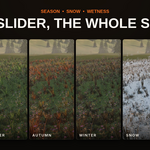
Simple rules decide where each layer appears, and the layers relate to each other. Flowers fill the gaps in the grass, ferns clump against fallen logs, leaves pile up at walls and pebbles settle in hollows. One slider turns the whole scene to autumn, under snow or wet with rain.
Everything runs on Geometry Nodes and materials inside your file, so scenes render without the add-on.
BLENDER 5.0 TO 5.2CYCLES & EEVEEGEOMETRY NODESRENDERS WITHOUT THE ADD-ON
384
OF THOSE MODELS ARE CC0
8x
FASTER UPDATES WITH THE VIEWPORT BUDGET ON A 5 MILLION INSTANCE SCENE
01 — ONE CLICK
From bare ground to a finished scene
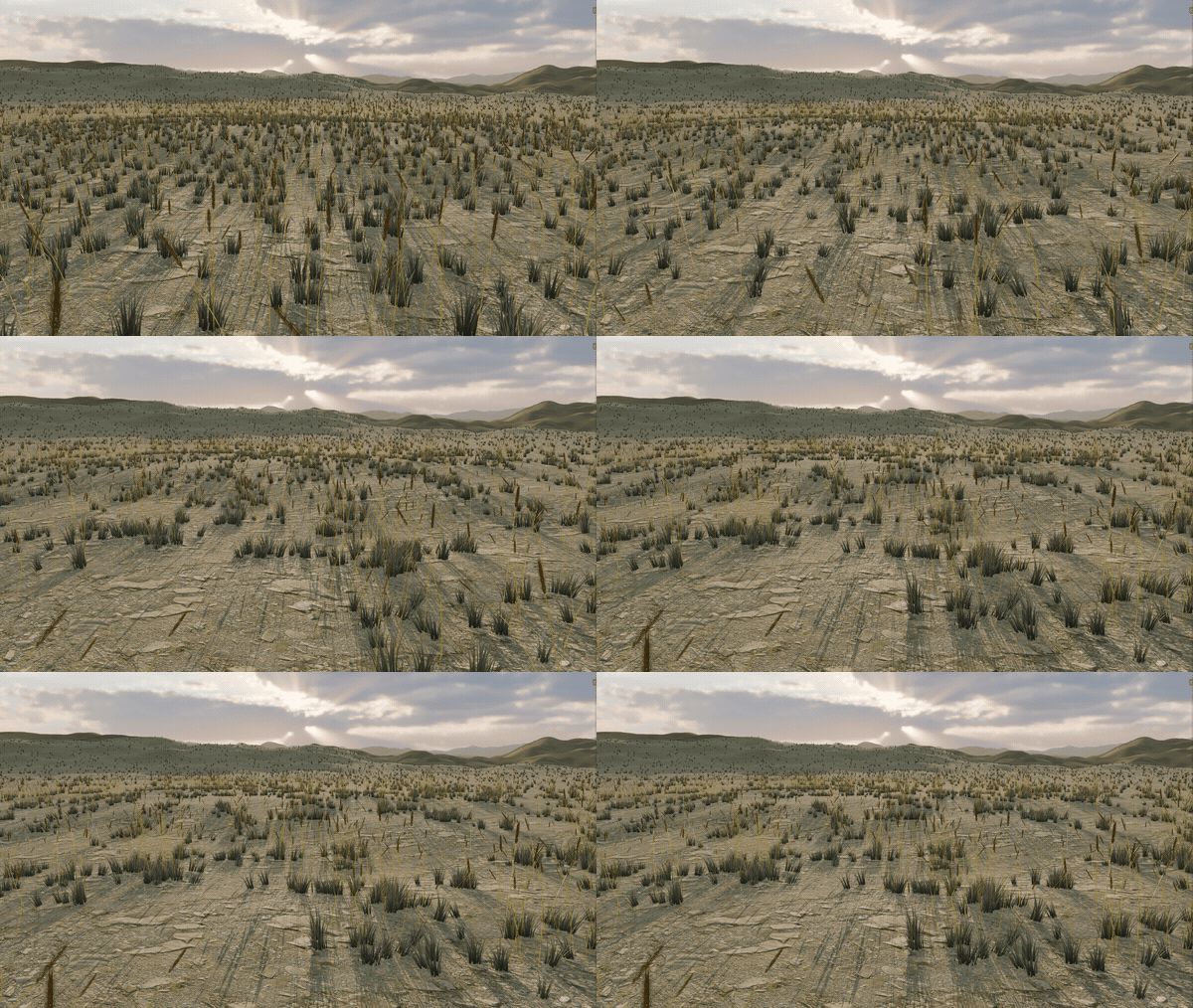
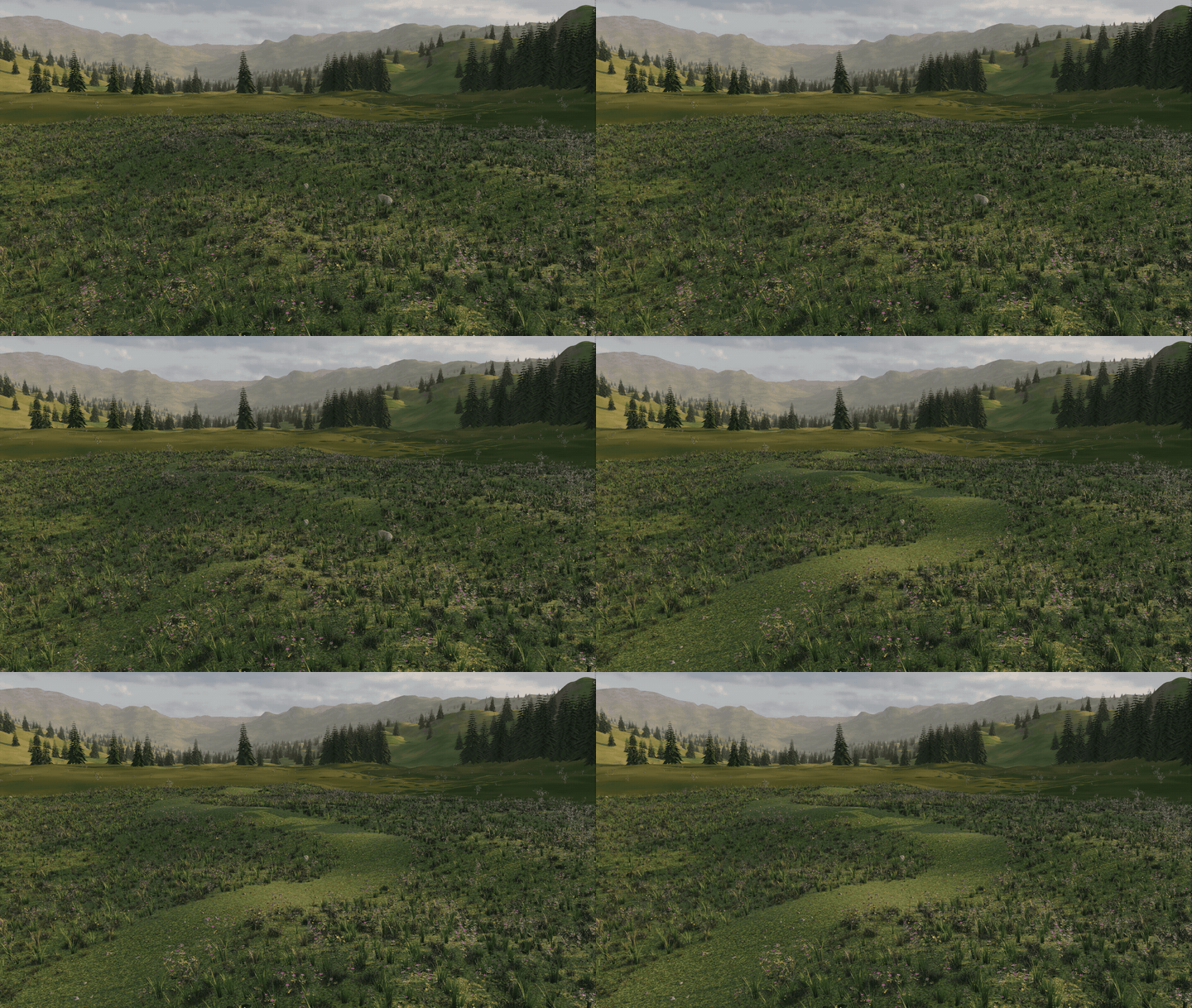
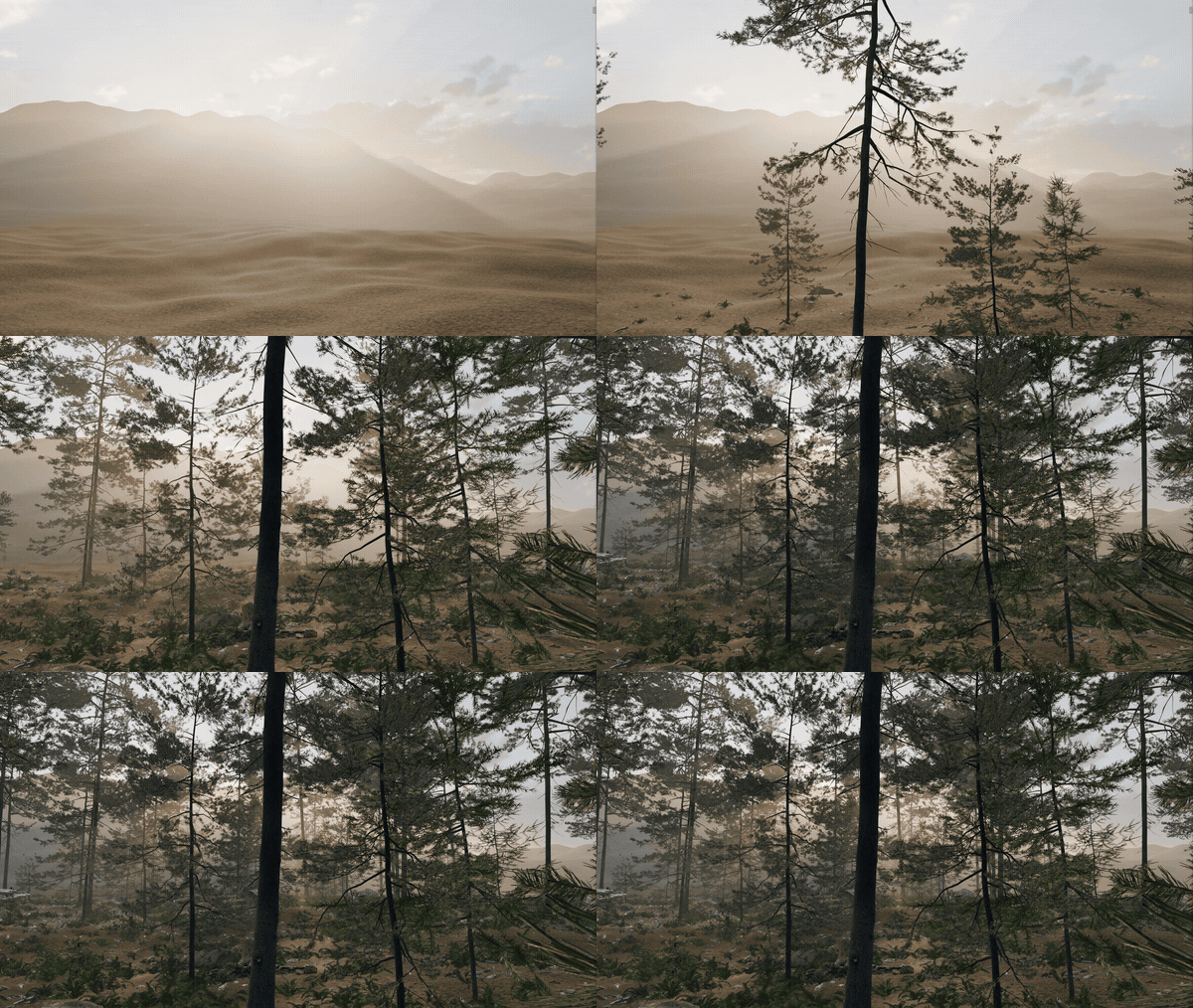
This is the Blender viewport in Material Preview. Pick a biome, click Add Biome, and every layer, rule and wind setting comes with it. The wait is cut from these clips; the time on screen is what it took on a Ryzen 7 3700X and an RTX 4060.
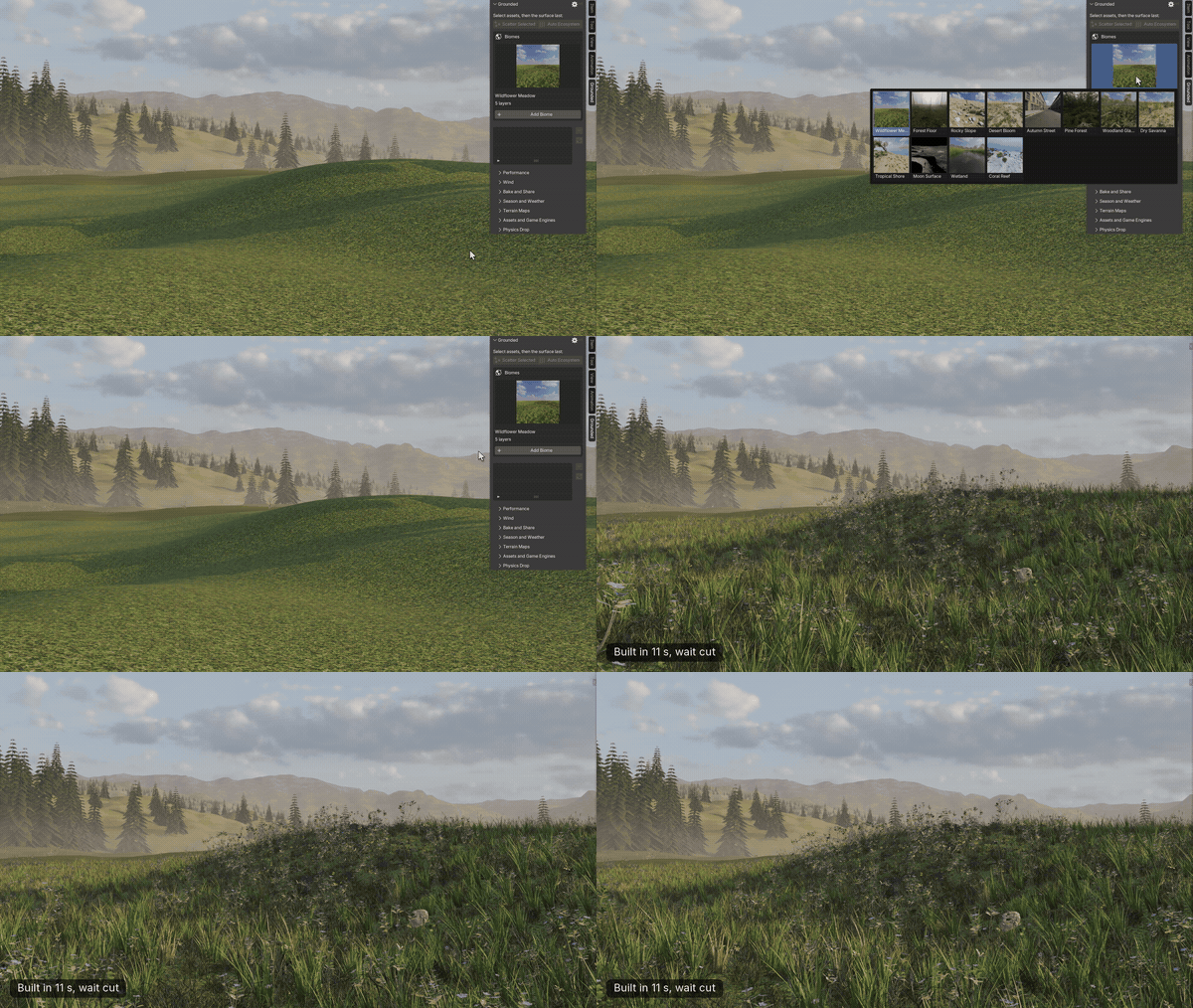
Wildflower Meadow
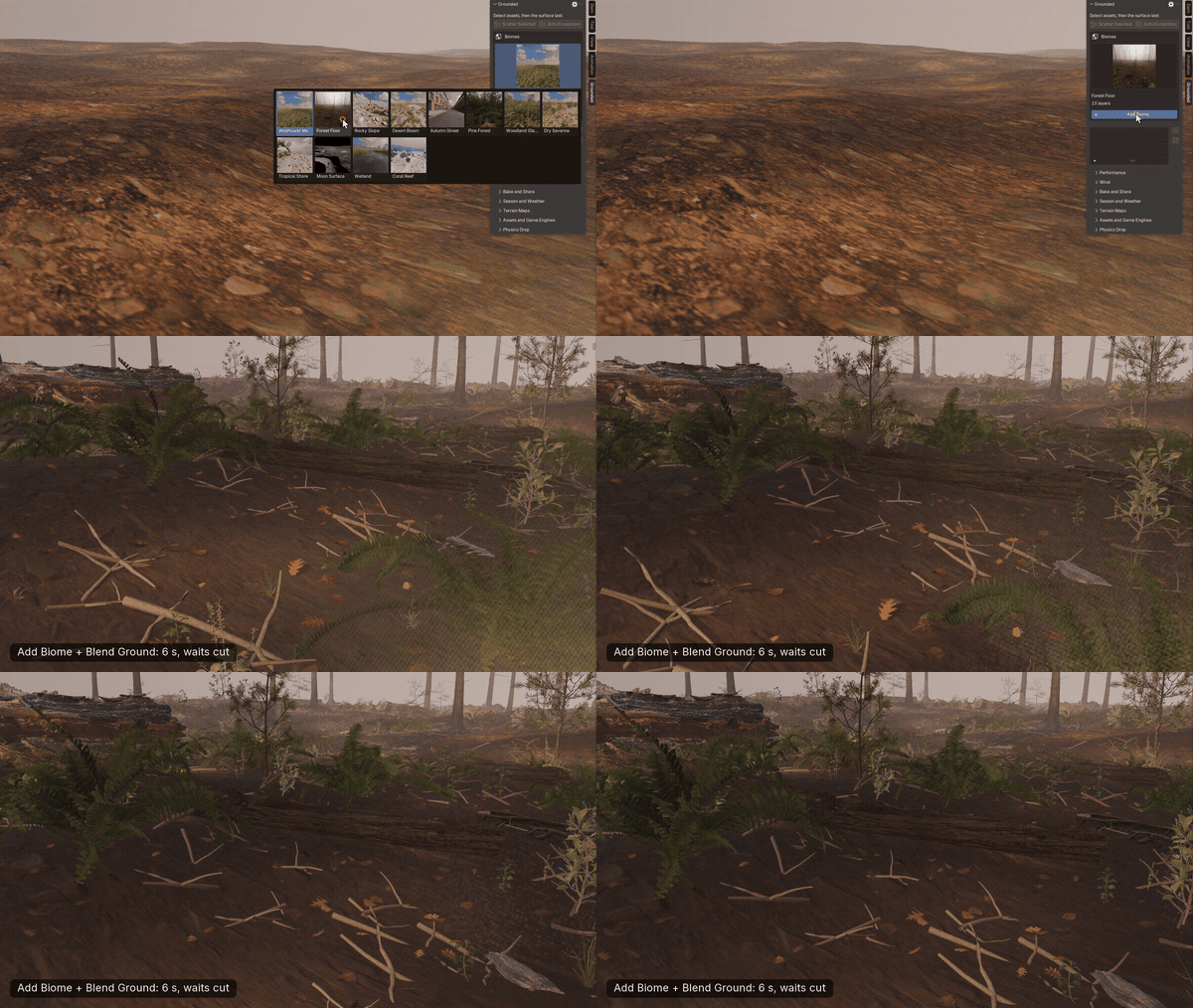
Forest Floor, with Blend Ground
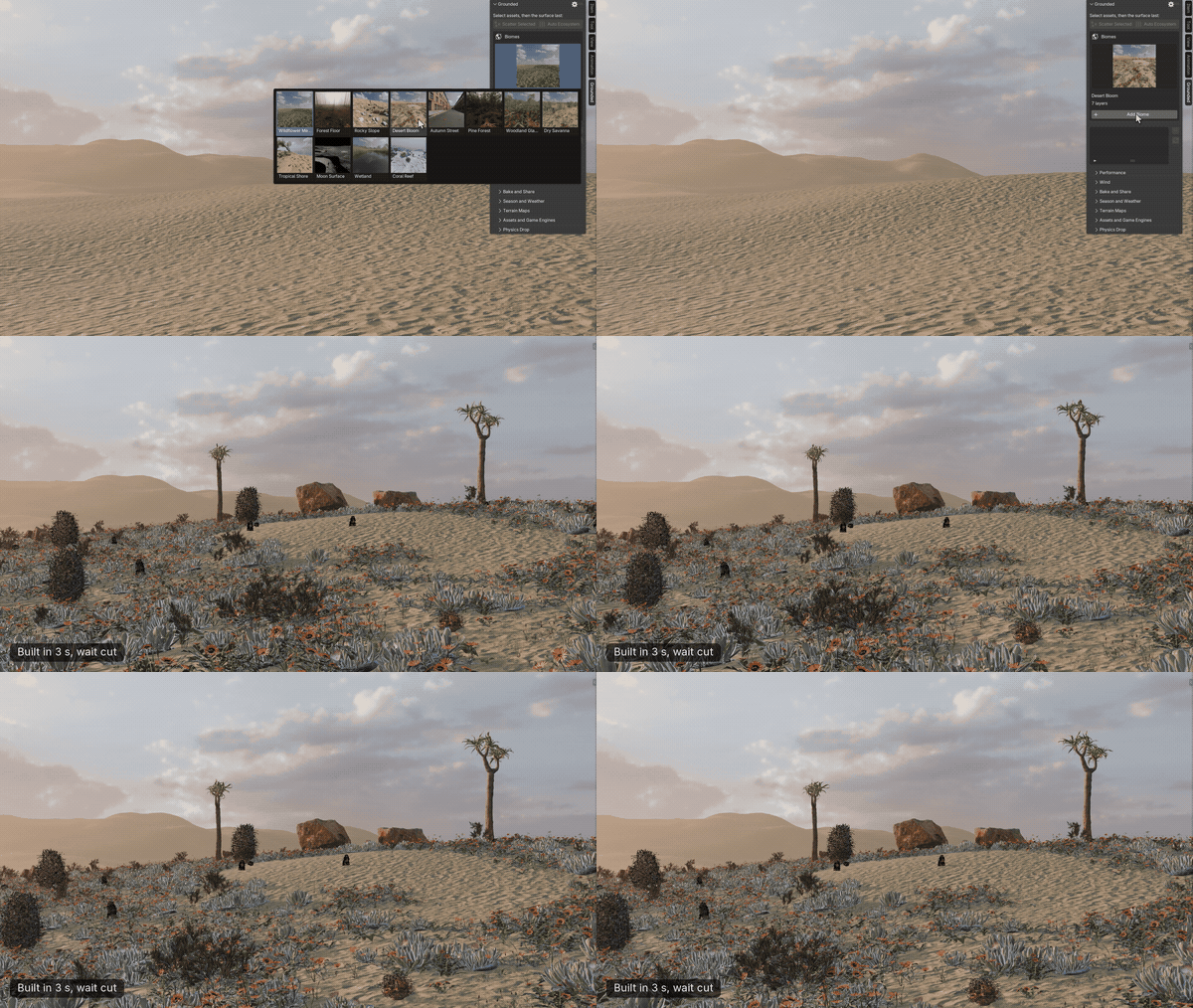
Desert Bloom
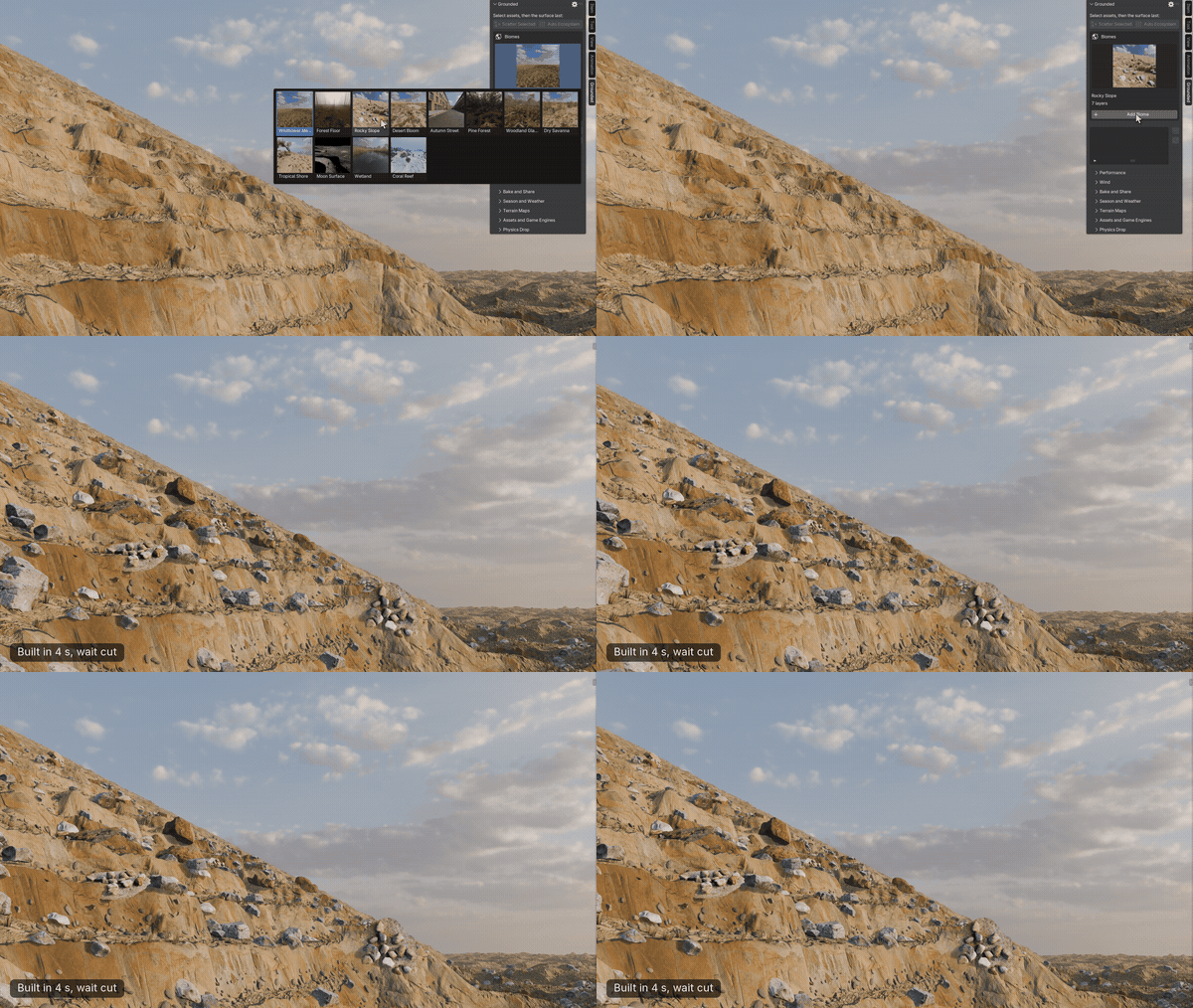
Rocky Slope
02 — KEY FEATURES
A whole environment from one panel
◆Twelve biomes
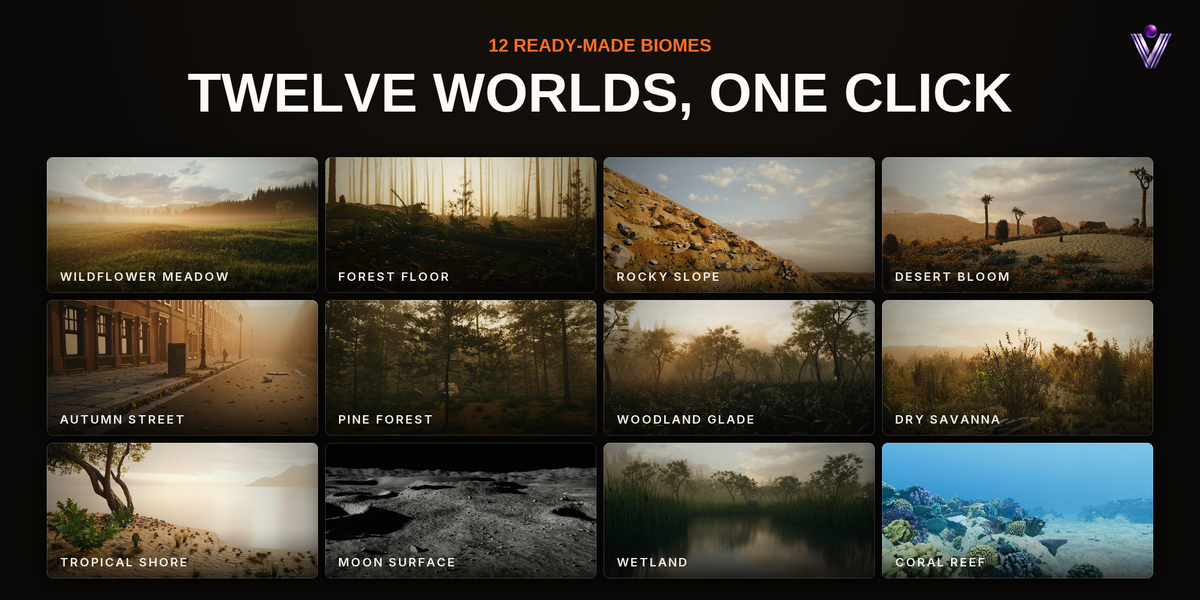
Meadow, forest floor, rocky slope, desert, autumn street, pine forest, woodland, savanna, tropical shore, moon, wetland and coral reef, each built from linked layers you can change.
◆Smart Terrain
One click reads your land and fills water lines, slopes, flats and rocky ground with layers that follow it.
◆Live rules
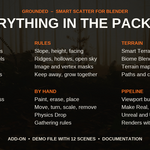
Slope, height, facing, ridges and hollows, patches, open sky, image and vertex masks, Color ID maps, keep away from objects, clear or follow paths.
◆Layers that relate
Grass keeps clear of trunks and rocks, flowers fill the gaps, and any layer can grow toward another or keep away from it.
◆Gathering
Leaves at the base of walls, pebbles in hollows and corners, litter under trees, weeds along path edges.
◆Season and weather
One slider each for season, snow and wetness, in Cycles and EEVEE. Keyframe them and they render without the add-on.
◆Paint and edit
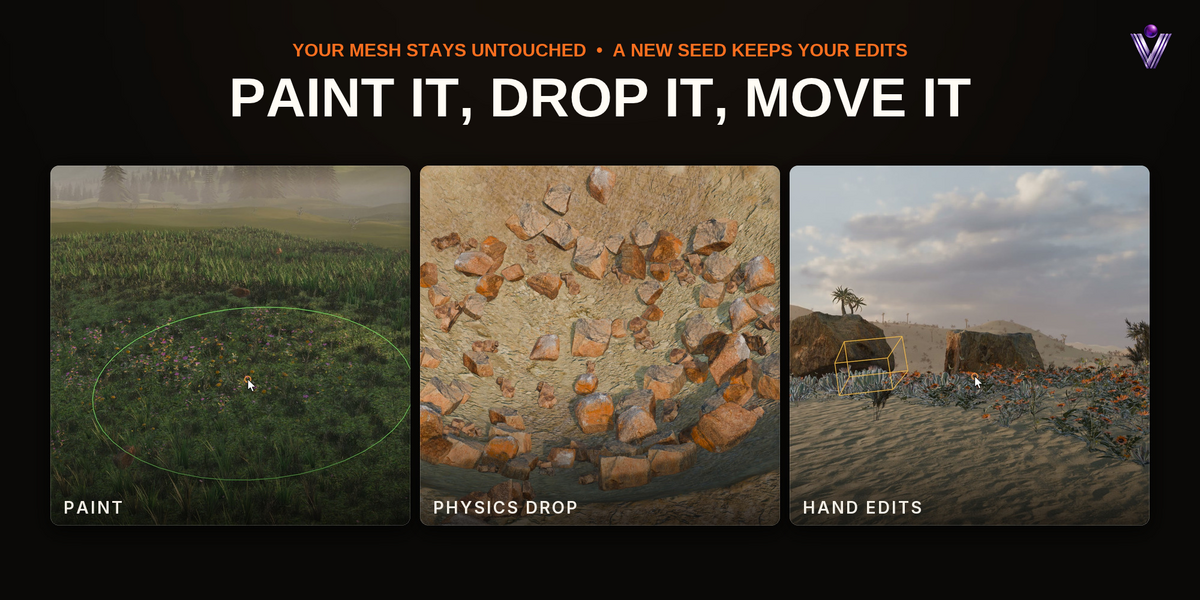
Paint where a layer grows, erase it, place single instances, then move, turn, scale or remove any one of them. A new seed leaves your edits where they are.
◆Physics Drop
Instances fall and settle like real objects. No simulation stays in your file.
◆Viewport budget
One number caps what the viewport shows; renders always get the full density. Rules you don't use cost nothing.
◆Living wind
One wind for the whole scene. Grass and flowers bend, on library trees only the leaves move and the trunks stand still.
03 — SMART TERRAIN
One click reads the land
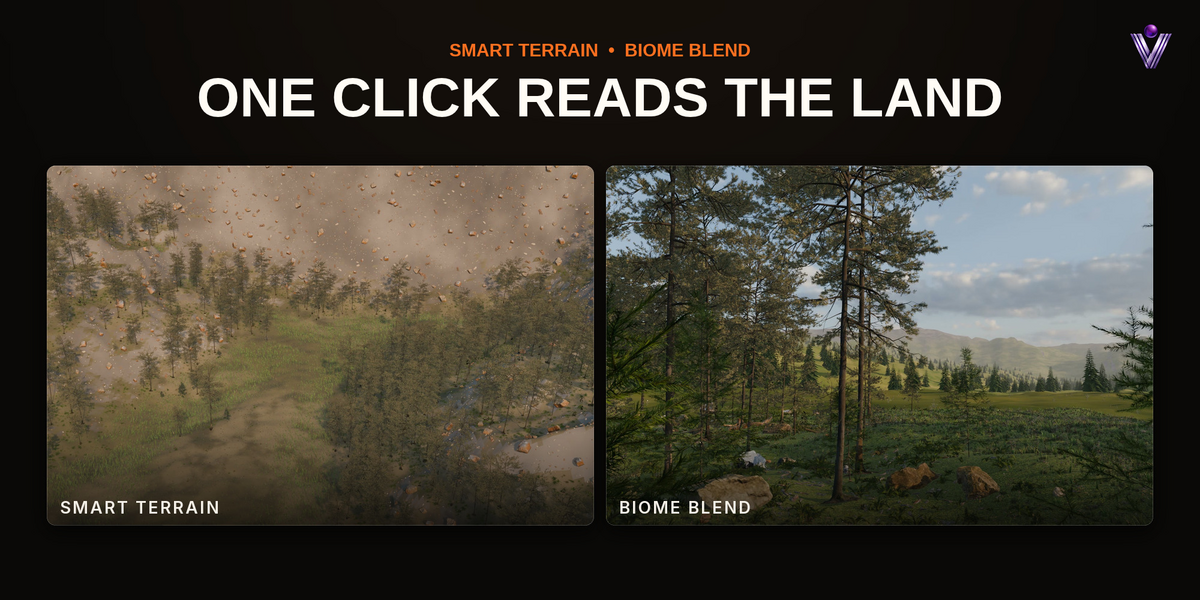
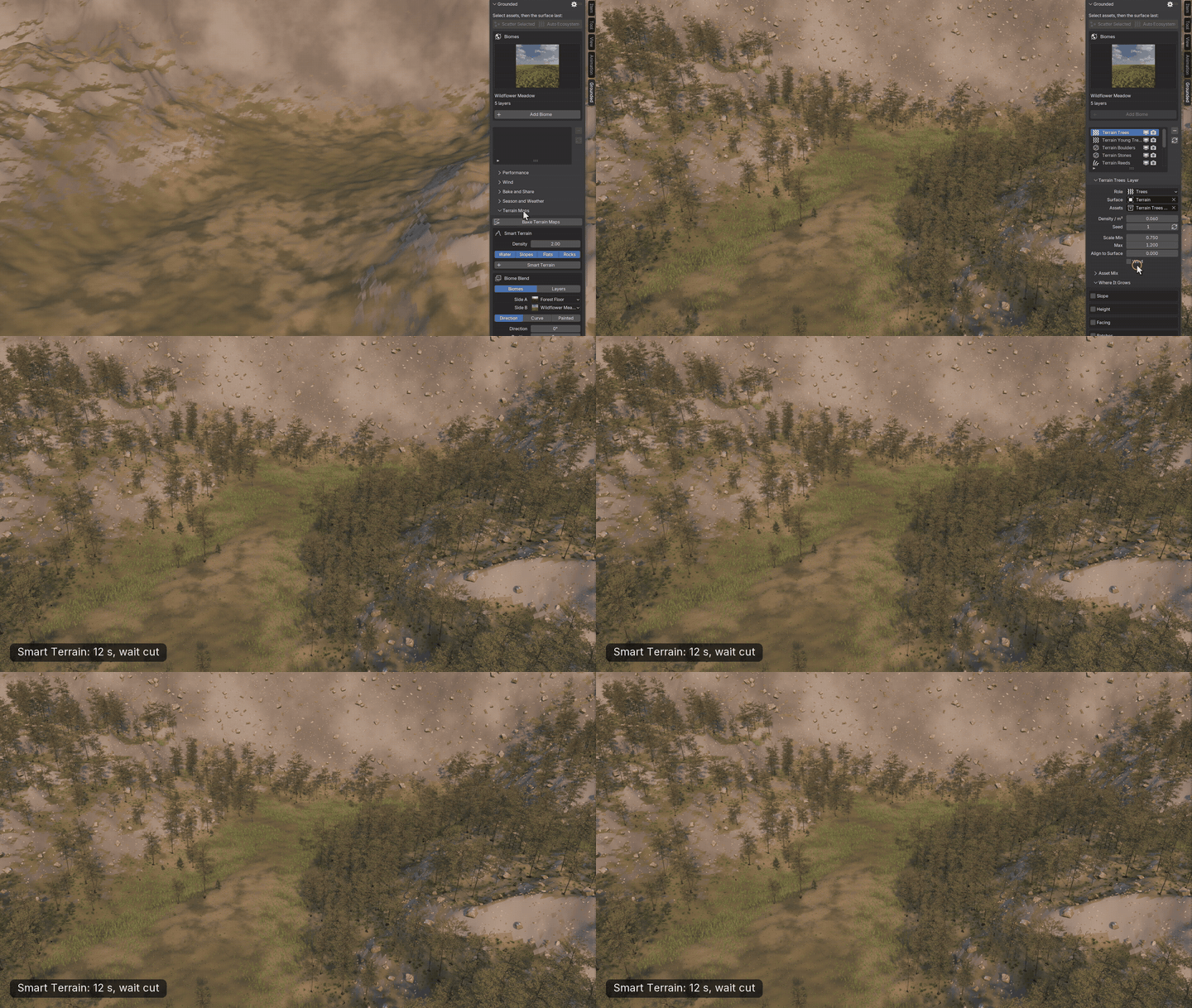
Grounded bakes maps from your terrain and adds library layers that follow it. Reeds and flowers along the water lines, forest with ferns on the slopes, grass on the flats, boulders on sharp crests and steep ground. The zones fade into each other, and the result is plain layers you can tune or delete.
04 — BIOME BLEND
A forest that thins into a meadow
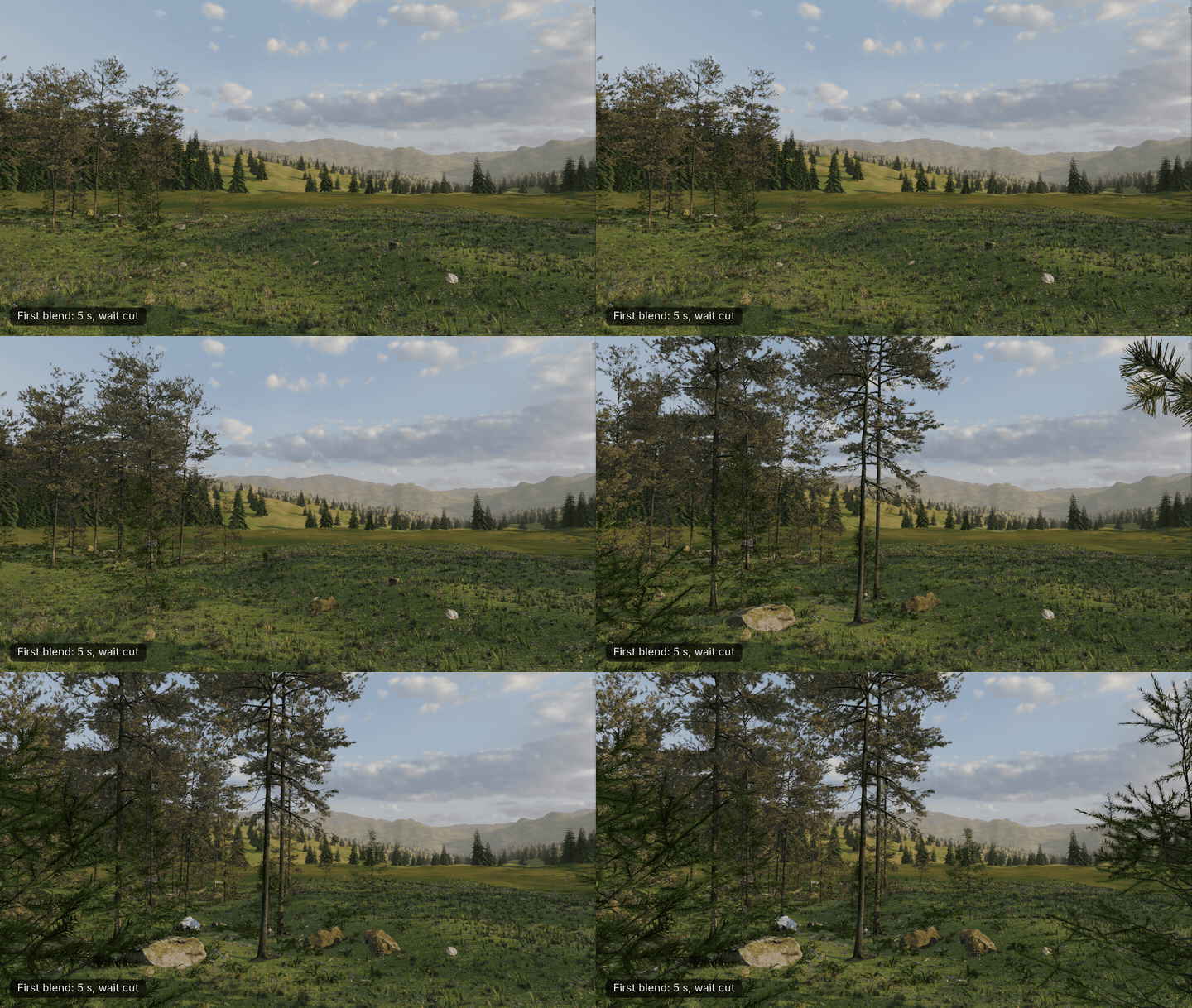
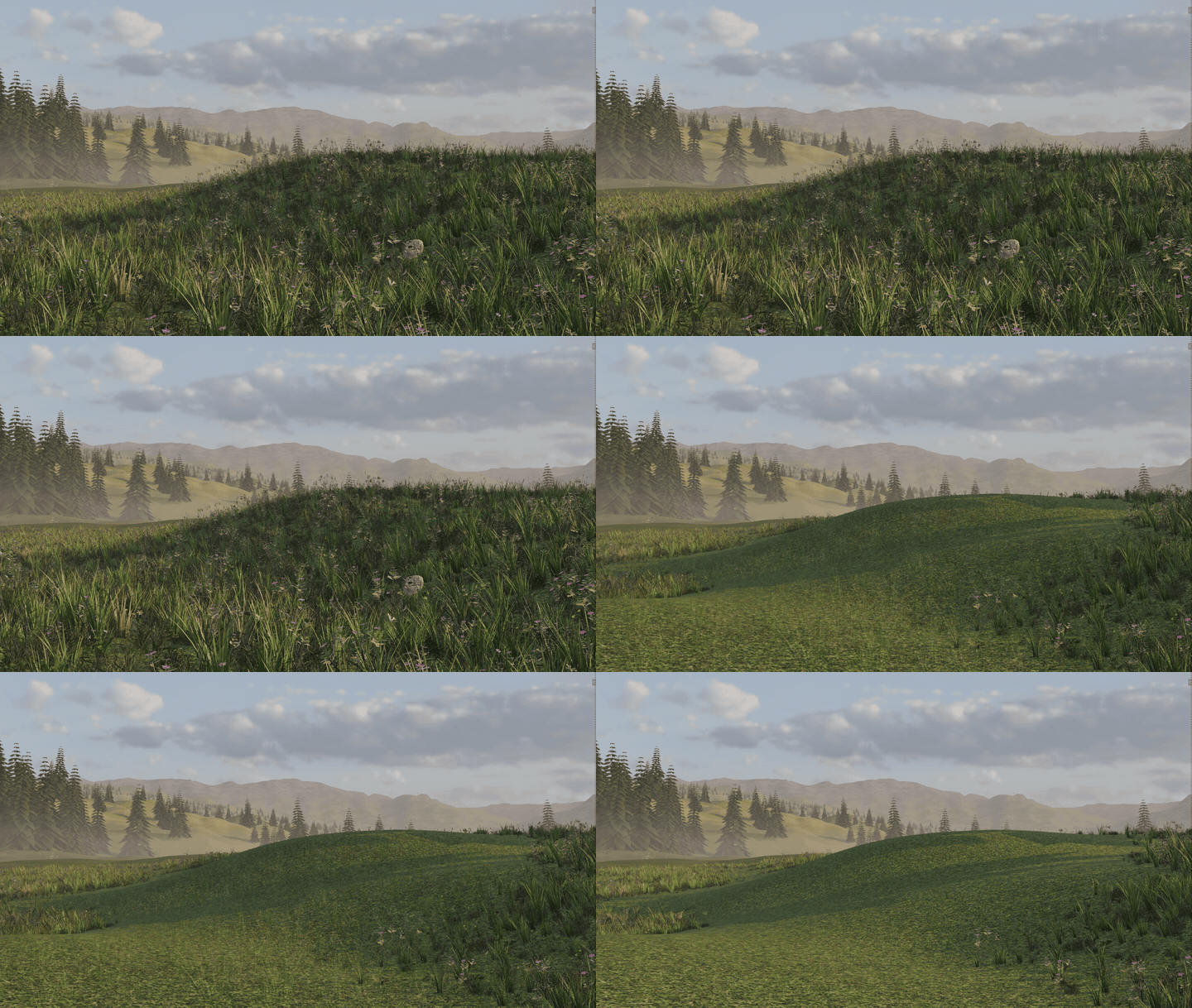
Two biomes fade into each other instead of stopping at a line. The edge follows a direction, a curve or your paint, with a soft width and some noise so it wanders.
05 — SEASON AND WEATHER
One slider, the whole scene
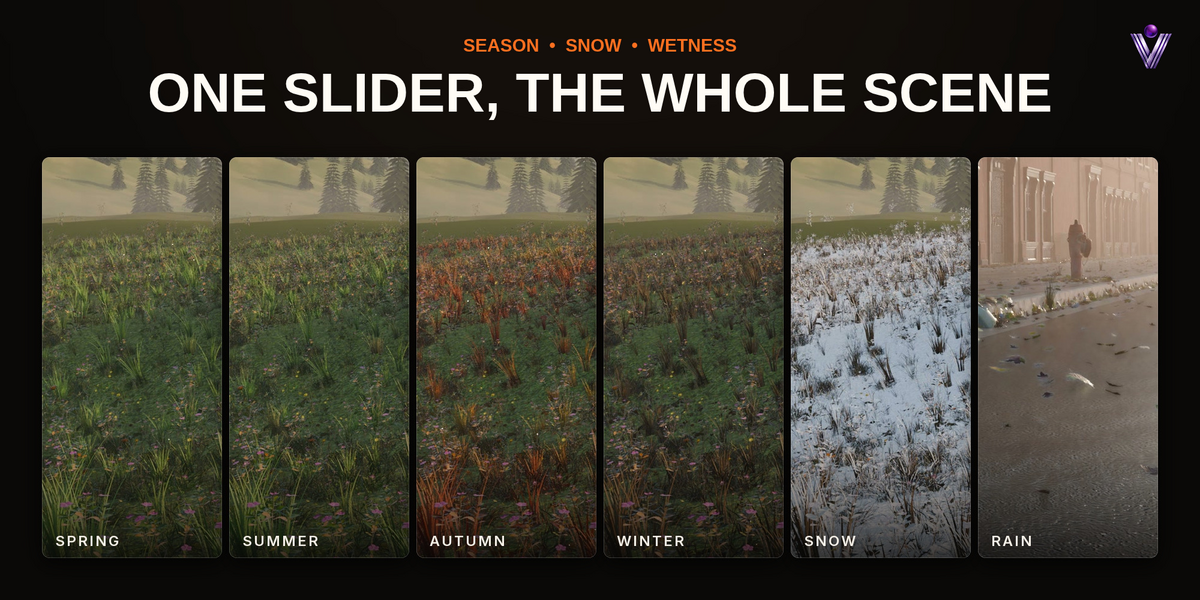
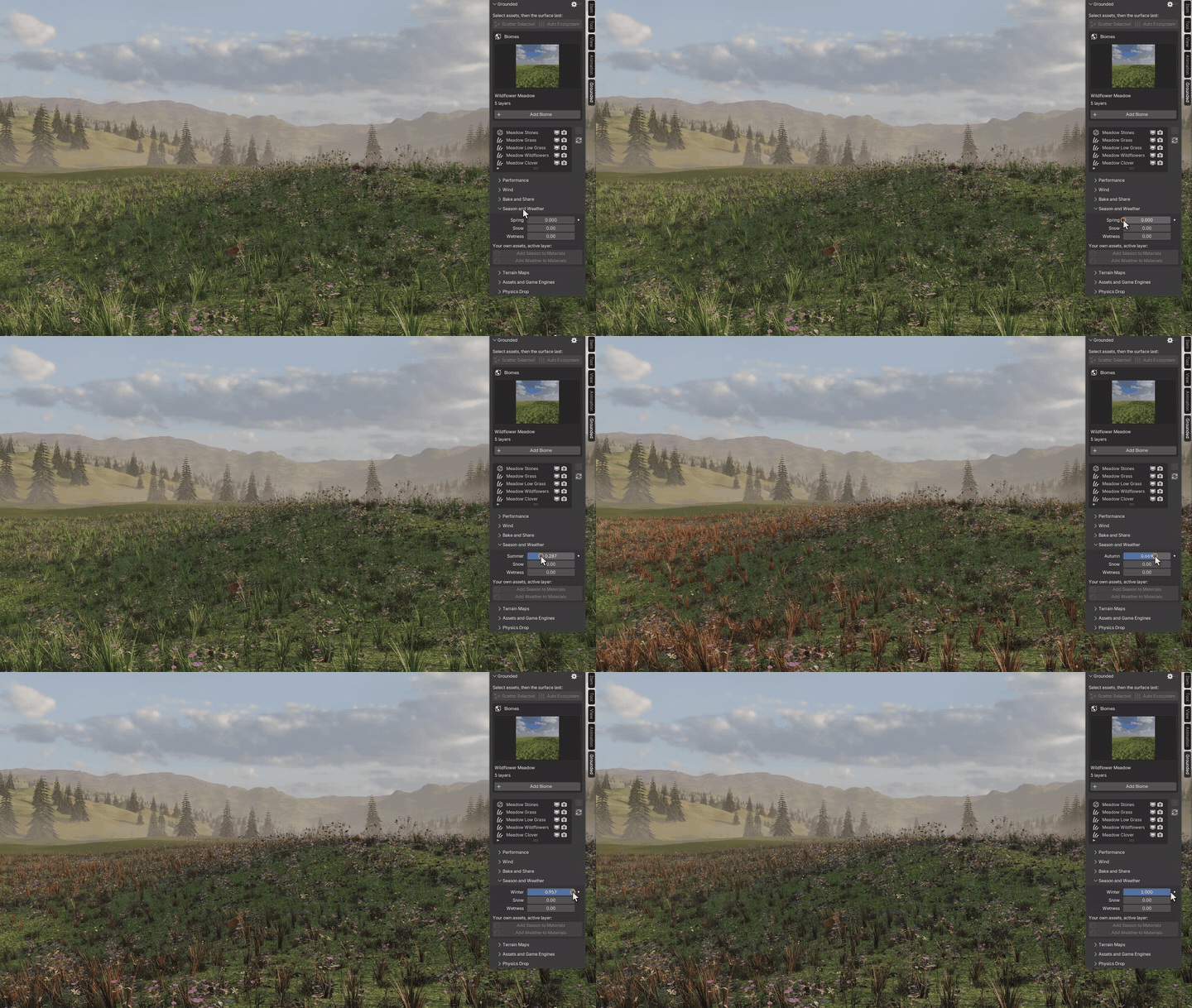
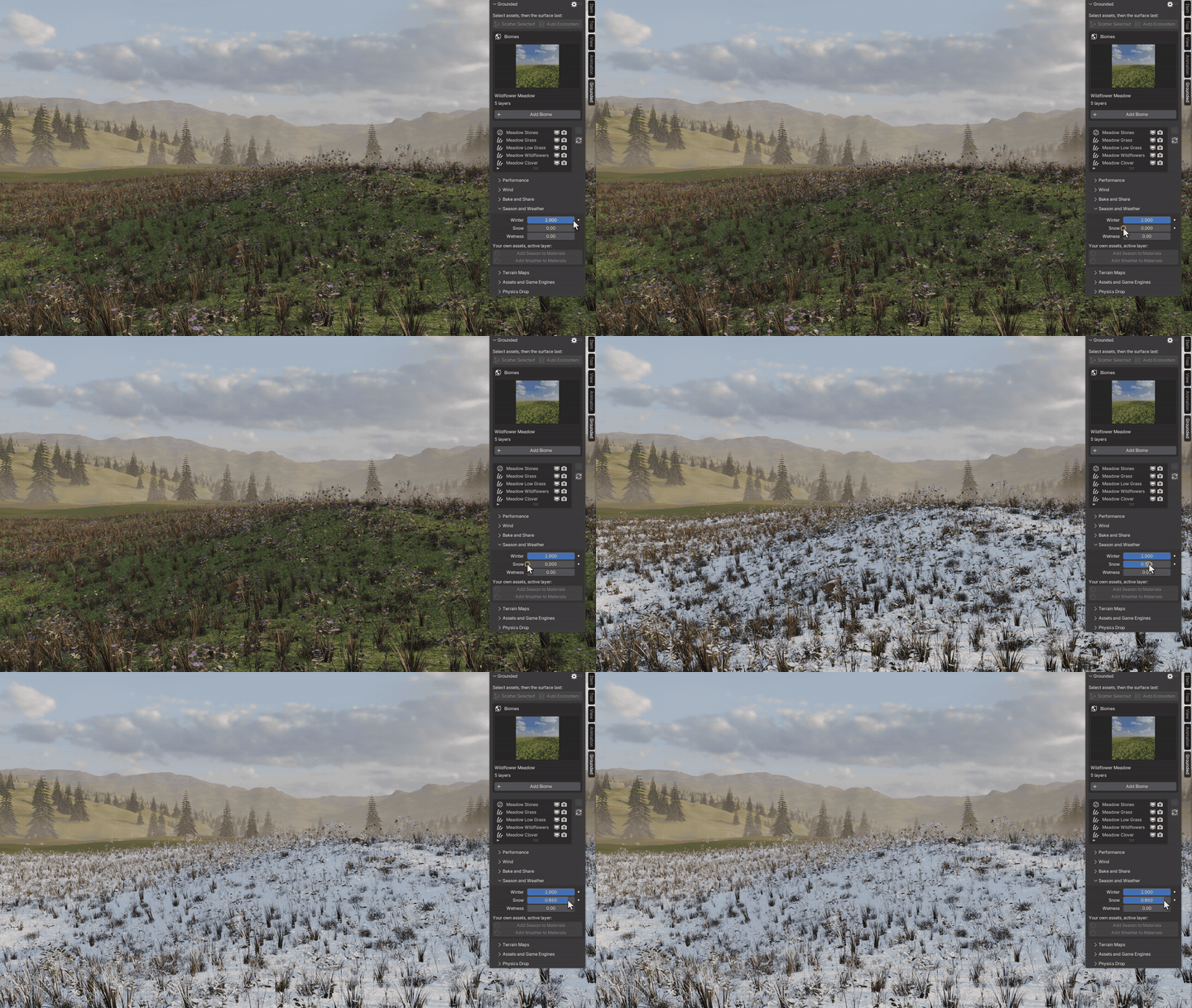
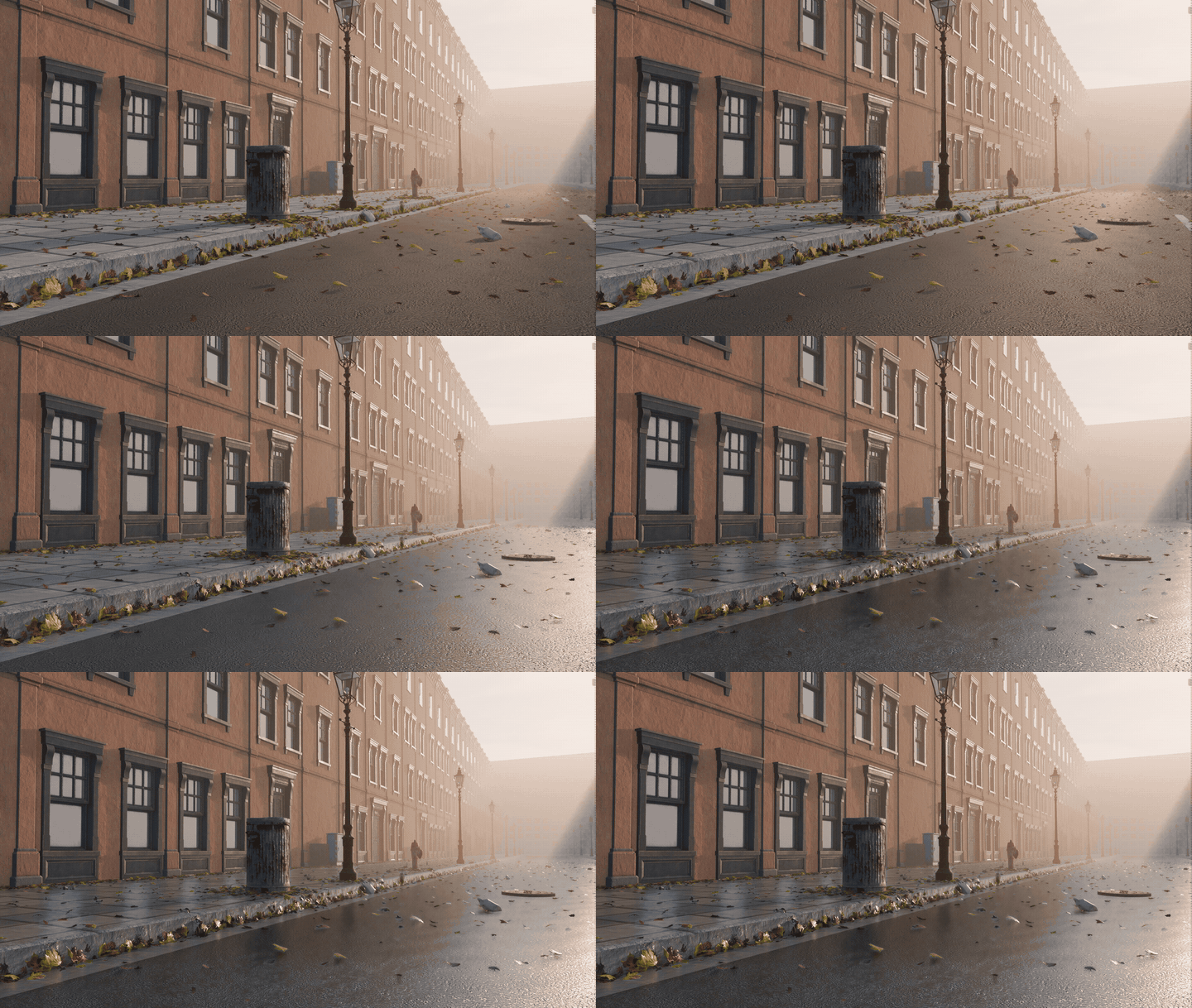
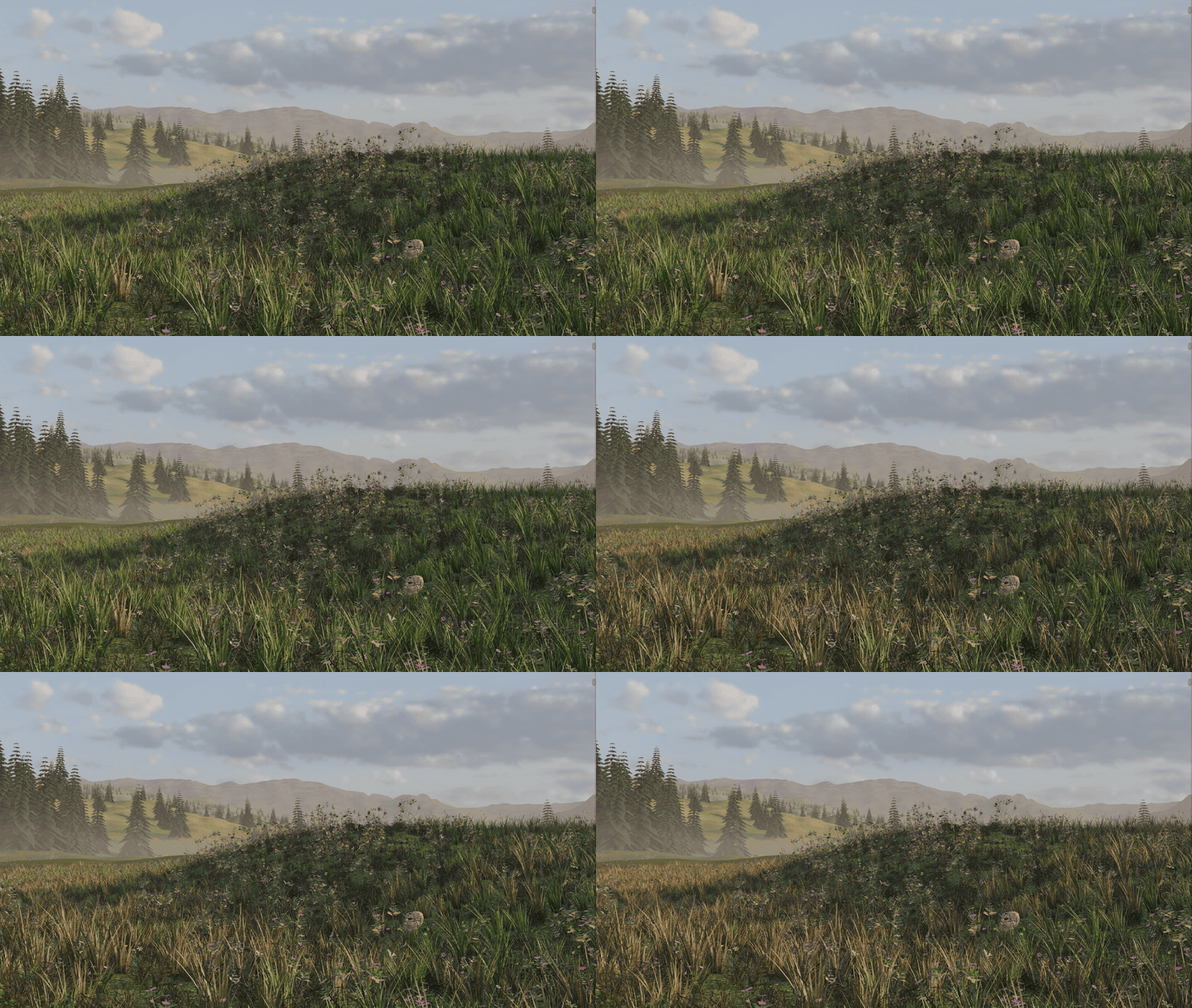
Season, Snow and Wetness are scene values that every material reads by itself. Only green parts of a texture turn, so flowers, bark and rocks stay as they are. Snow lies on what faces up, whichever way an instance is turned. Library assets have it built in, and one click adds it to your own.
06 — BRUSH
Paint where it grows
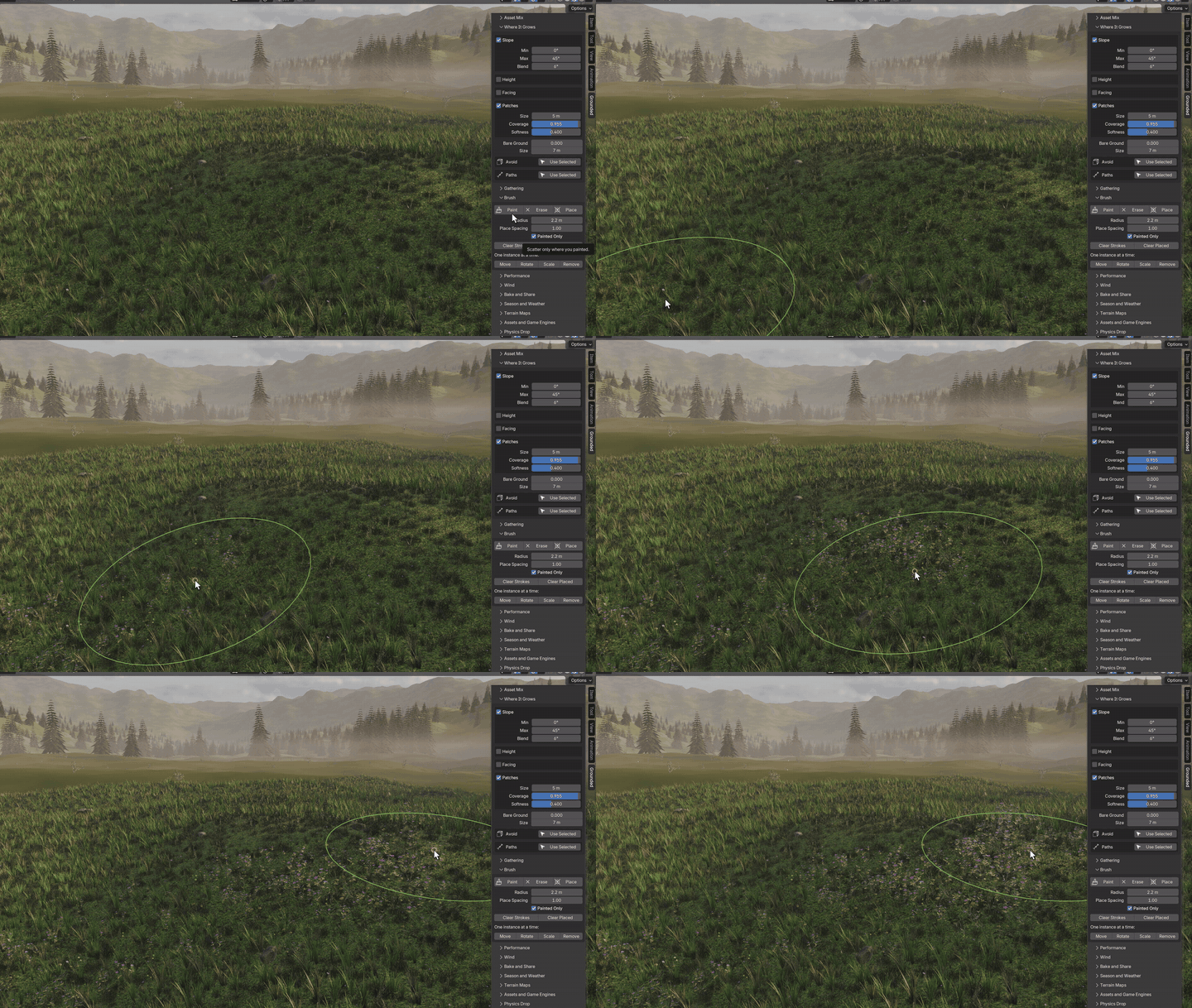
Paint a layer onto the ground, erase it anywhere, or place single instances under the cursor. Strokes live in hidden helper objects, so your model never changes and any mesh resolution works.
07 — RULES
Every rule stays live
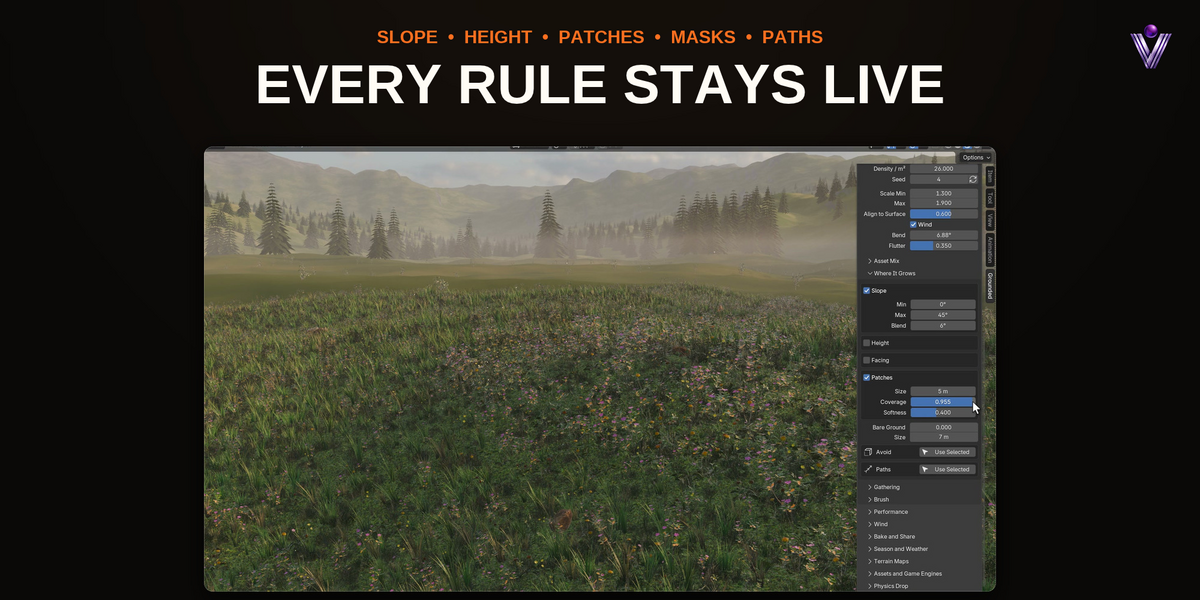
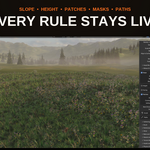
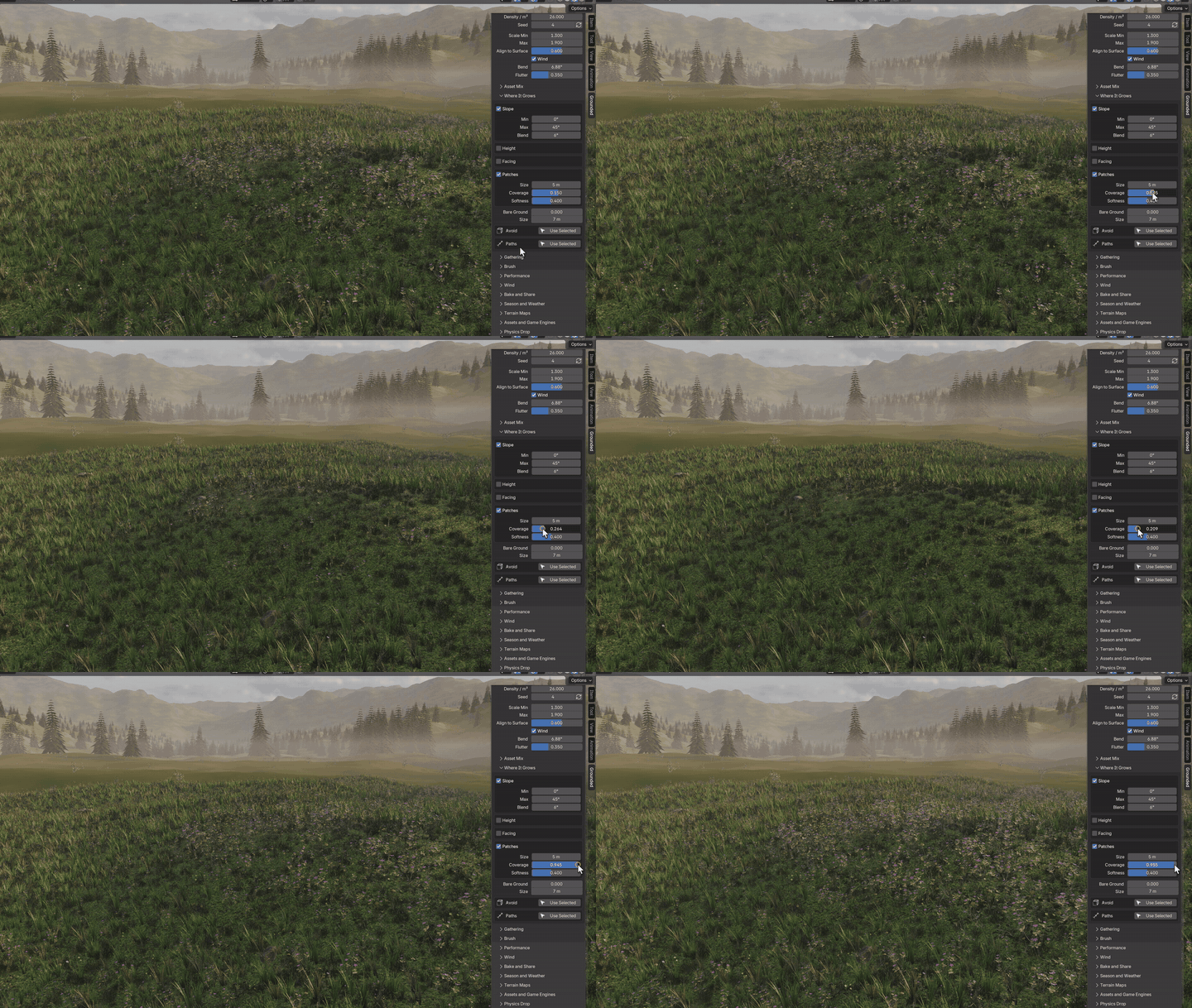
Drag a setting and the layer follows in the viewport. Slope, height, facing direction, patches, masks and clear paths stack up, and every rule has a soft edge.
08 — GATHERING
Litter goes where it would really end up
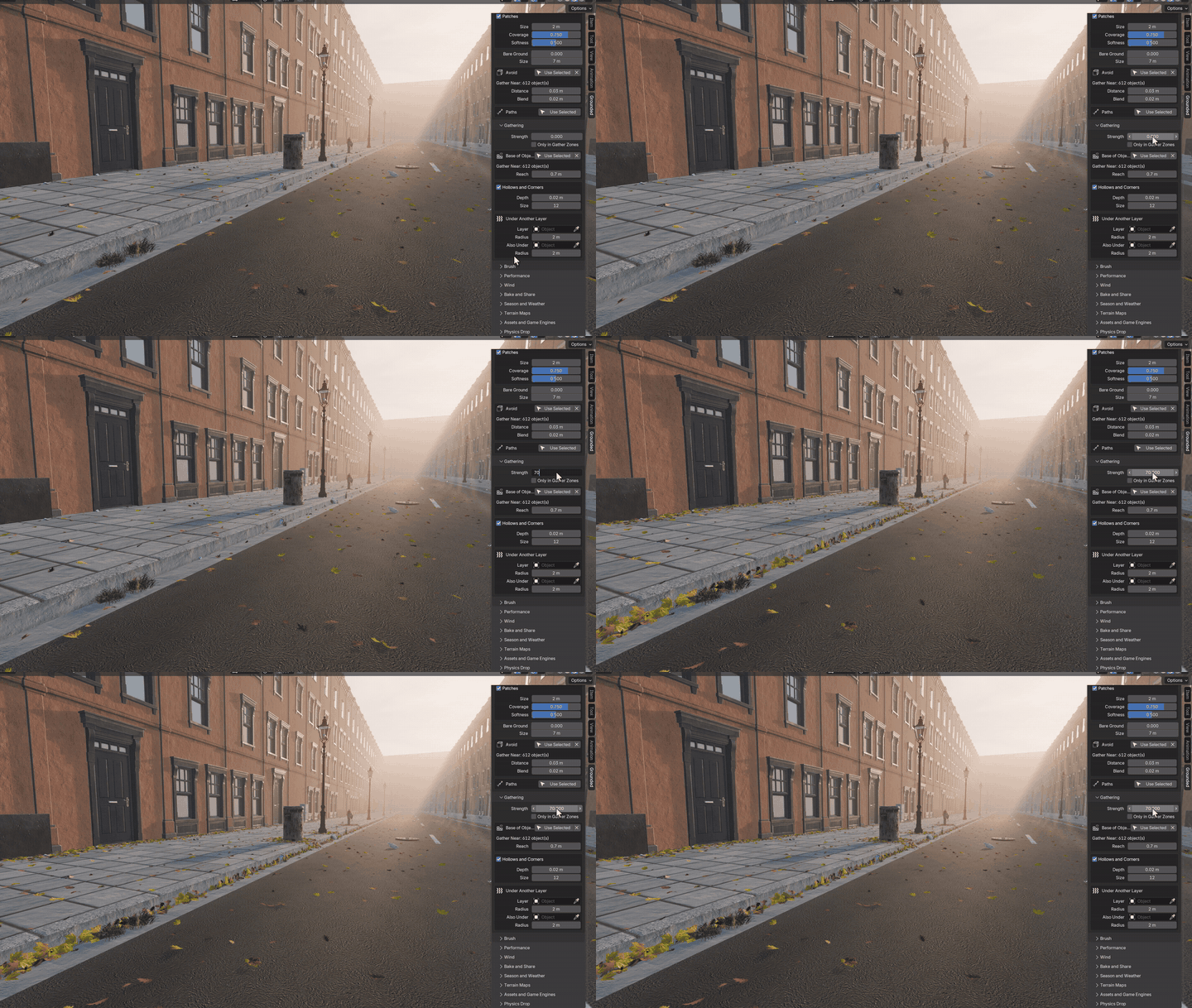
Real ground isn't random. Leaves blow into corners and against walls, gravel rolls into ditches, needles fall under trees. Grounded's gathering rules make a layer denser in those places, or let it appear only there.
In the Autumn Street biome maple and oak leaves pile up in the gutter and along the walls, litter collects at the curb and weeds grow only in the cracks. Pick your own walls with one click.
09 — LAYERS THAT RELATE
Ground that looks grown, not sprinkled
Plants come in groups. One layer can grow toward another or keep away from it, and Bare Ground opens clearings at the same spots on every layer, so grass, flowers and clover leave the same ground free.
Blend Ground turns the soil into damp humus under the leaves, with bare earth between the drifts.
10 — ARRANGEMENT
Rows, clumps and paths
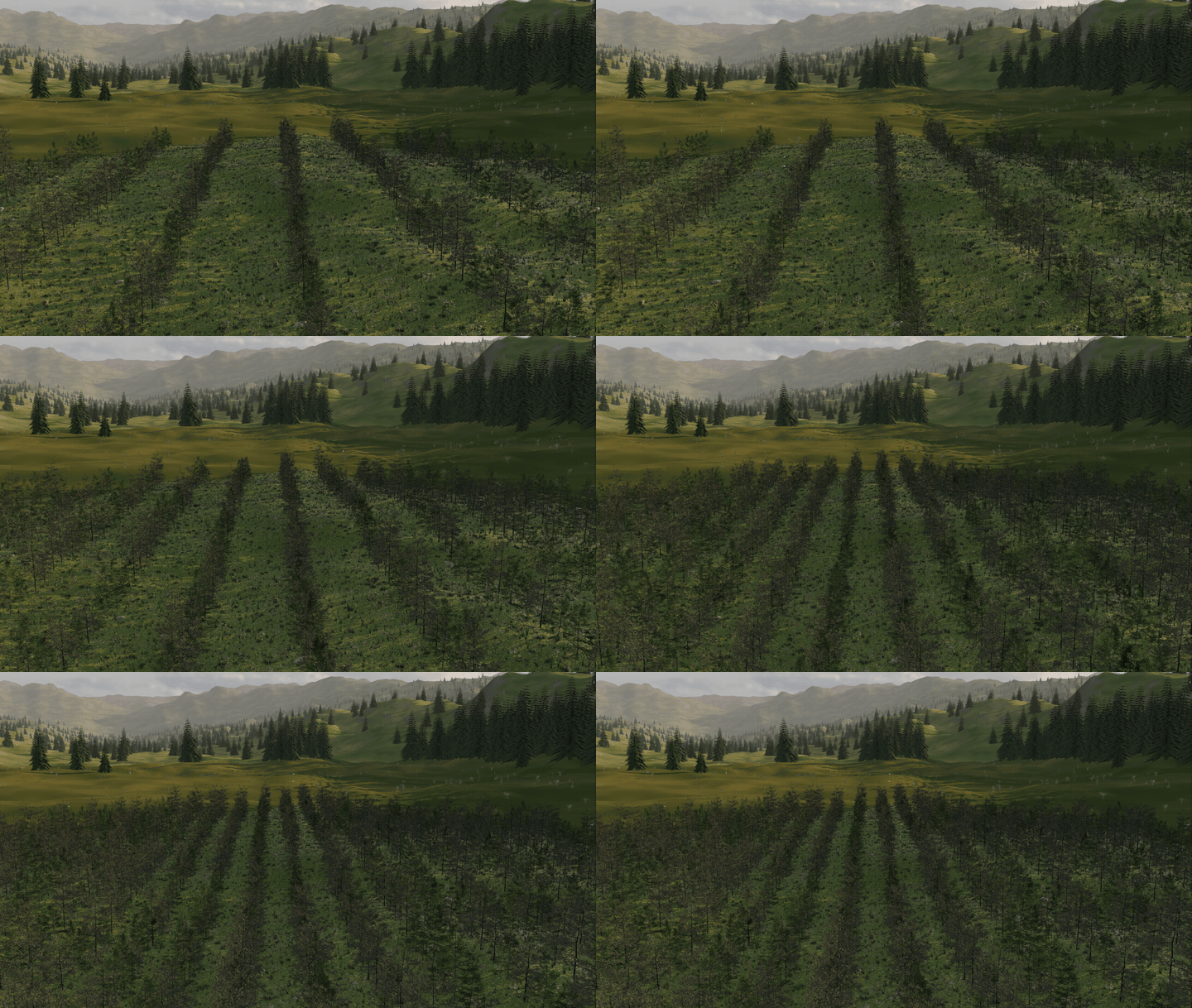
Lay straight rows for fields and orchards, or put them along curves for fences and vineyards. Clumps turn every point into a parent with children around it, for tussocks, reeds and mushroom rings. Draw a curve and every layer clears the lane, or follows it.
11 — BY HAND
Move one, drop a hundred
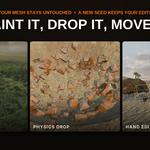
Physics Drop lets instances fall and settle. Rocks roll into hollows and rest against each other, and no simulation stays in your file. Any single instance can be moved, turned, scaled or removed by hand. It remembers its place when you change the seed, the density or a rule, and the layer changes around it.
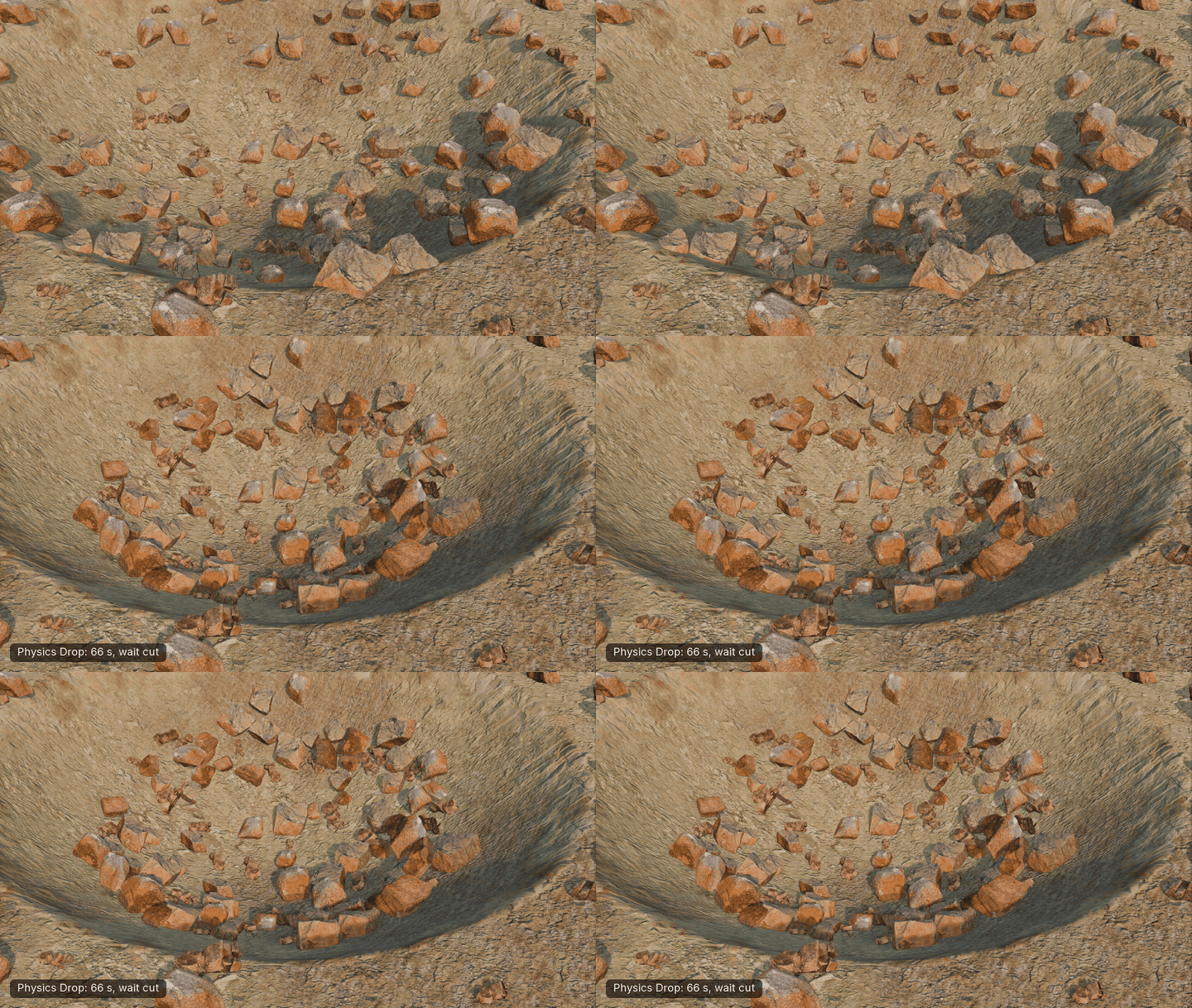
Physics Drop
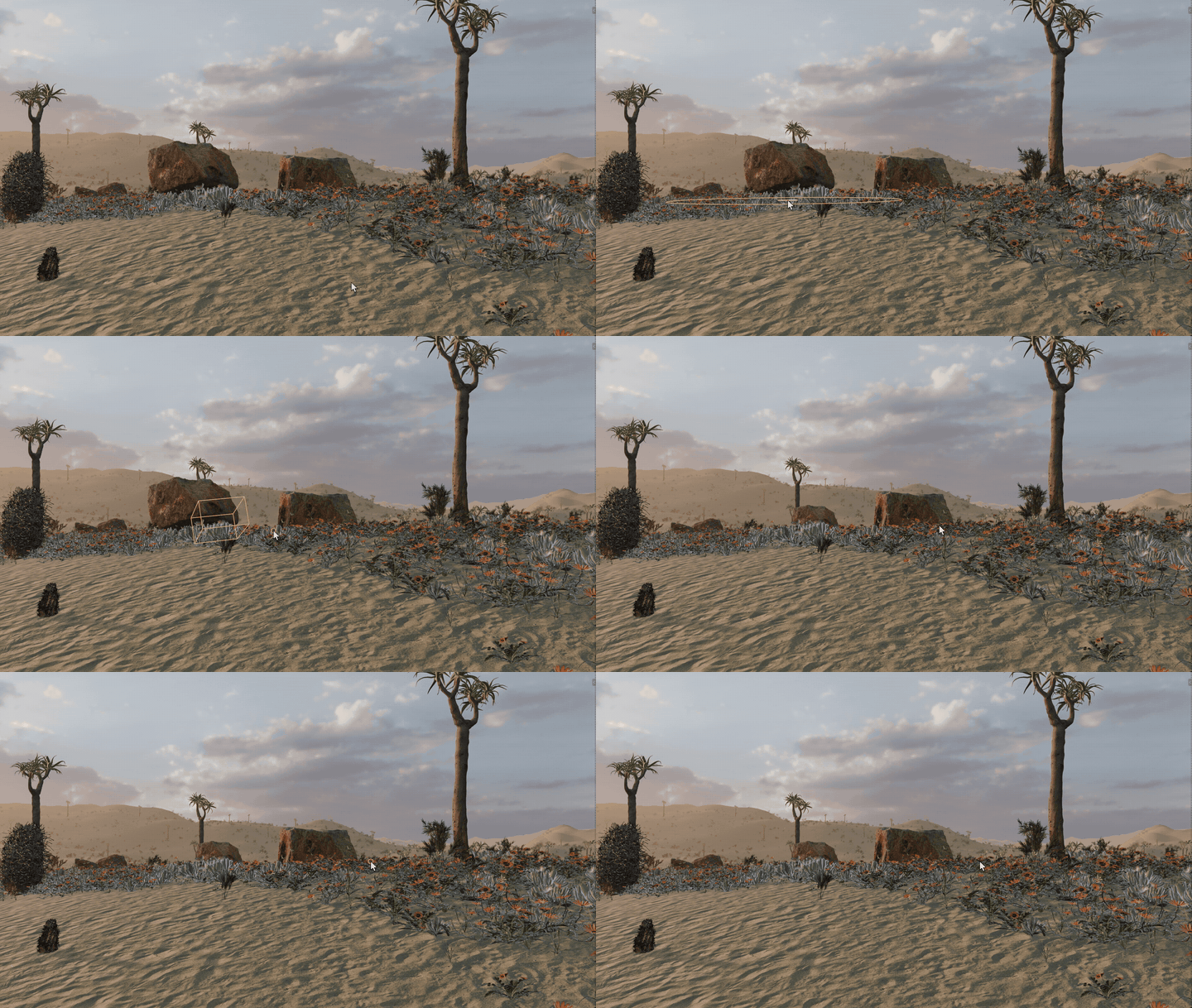
Hand edits
12 — NATURAL VARIATION
Dry patches, not one flat green
Dryness turns plants yellow in patches and leaves flowers and bark alone. Every plant comes out a little lighter or darker than its neighbour, and the undersides of leaves come out paler.
13 — GROW IN
Grow a scene on the timeline
Instances rise from the ground over the frames you choose, one by one or in a wave that crosses the surface from any object. Grass doesn't jump around a tree that is still small, and layers that don't grow stay out of the way on a frame change.
14 — LIVING WIND
One wind for the whole scene
Gusts sweep across the ground in the wind direction. Grass, flowers and shrubs bend, and on library trees only the leaves move while the trunks stand still. It is on by default in every biome and keeps working without the add-on.
15 — BIOMES
Twelve worlds to start from
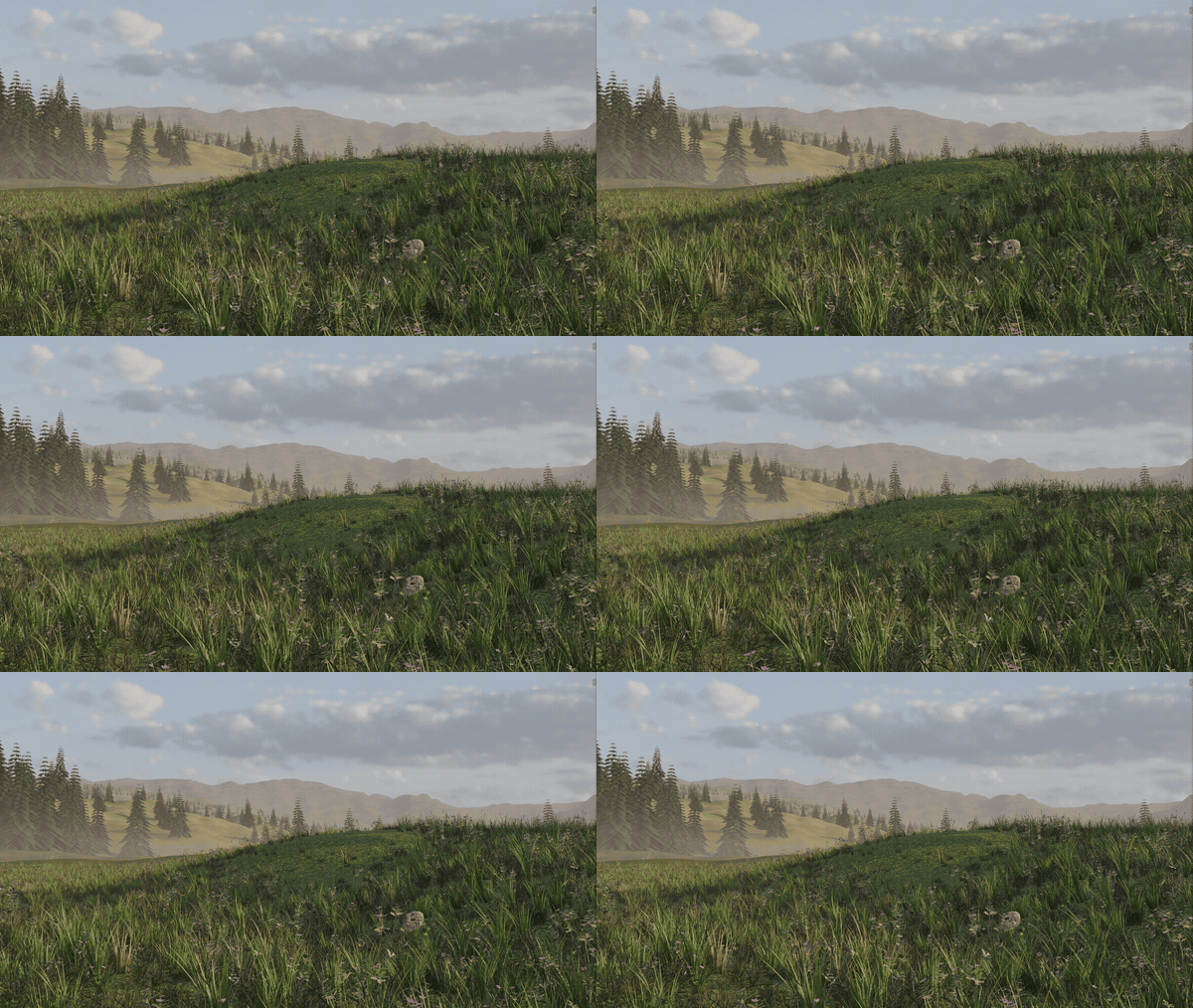
Every biome is a set of ordinary layers. Change the density, swap assets or paint over them. These are Cycles renders of the biomes. Terrains and skies in these images are not part of the add-on.
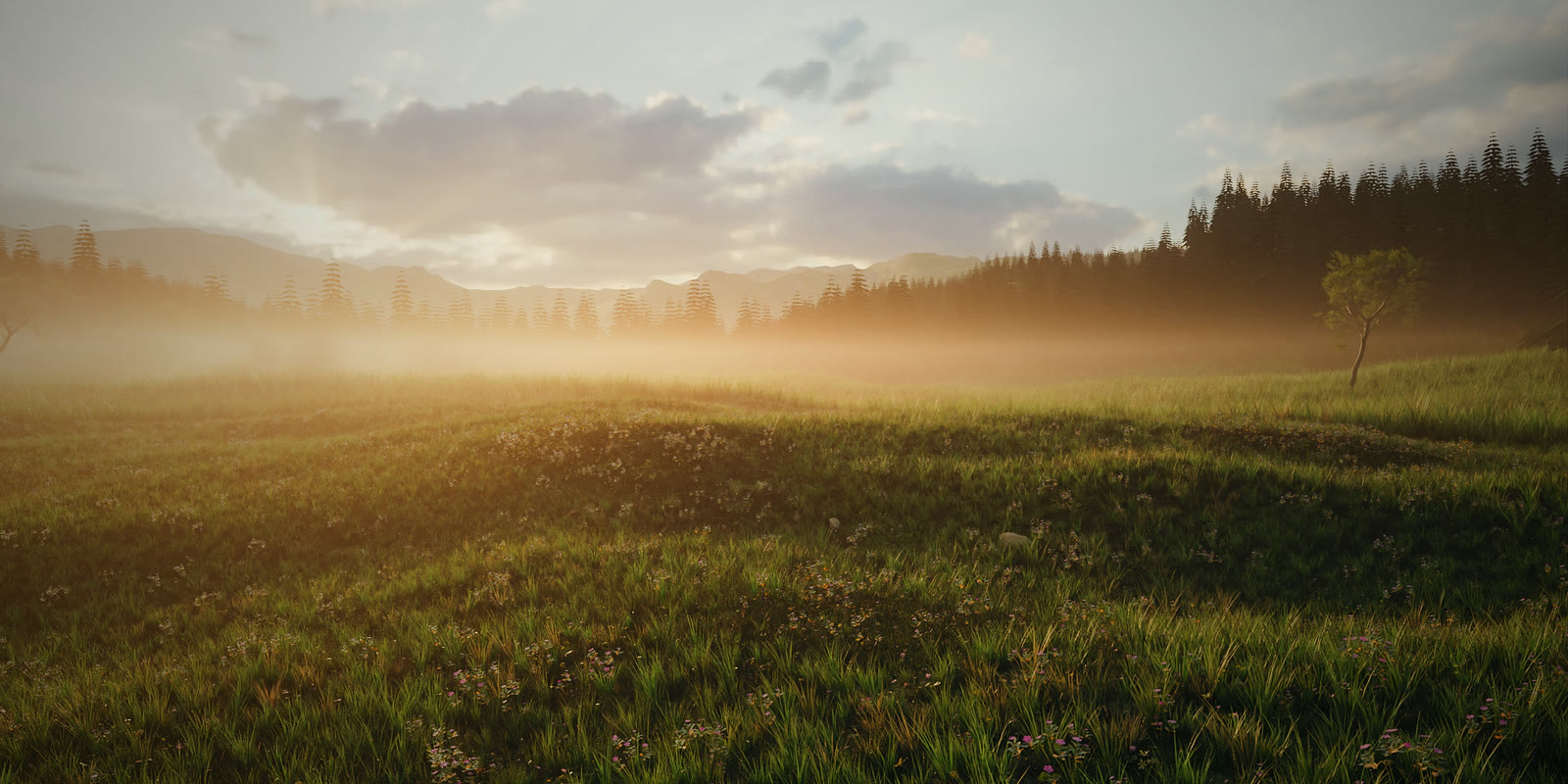
Wildflower Meadow
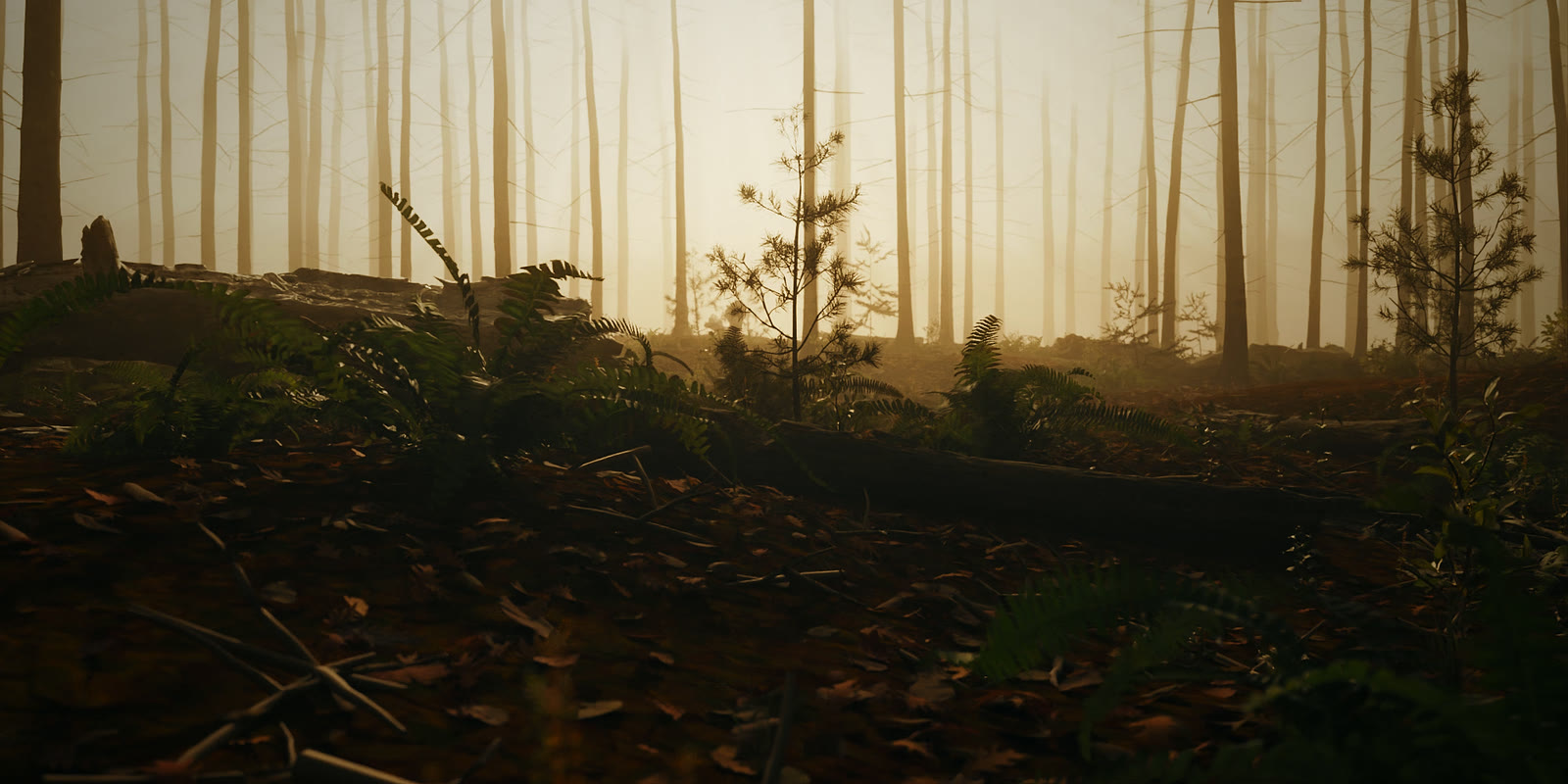
Forest Floor
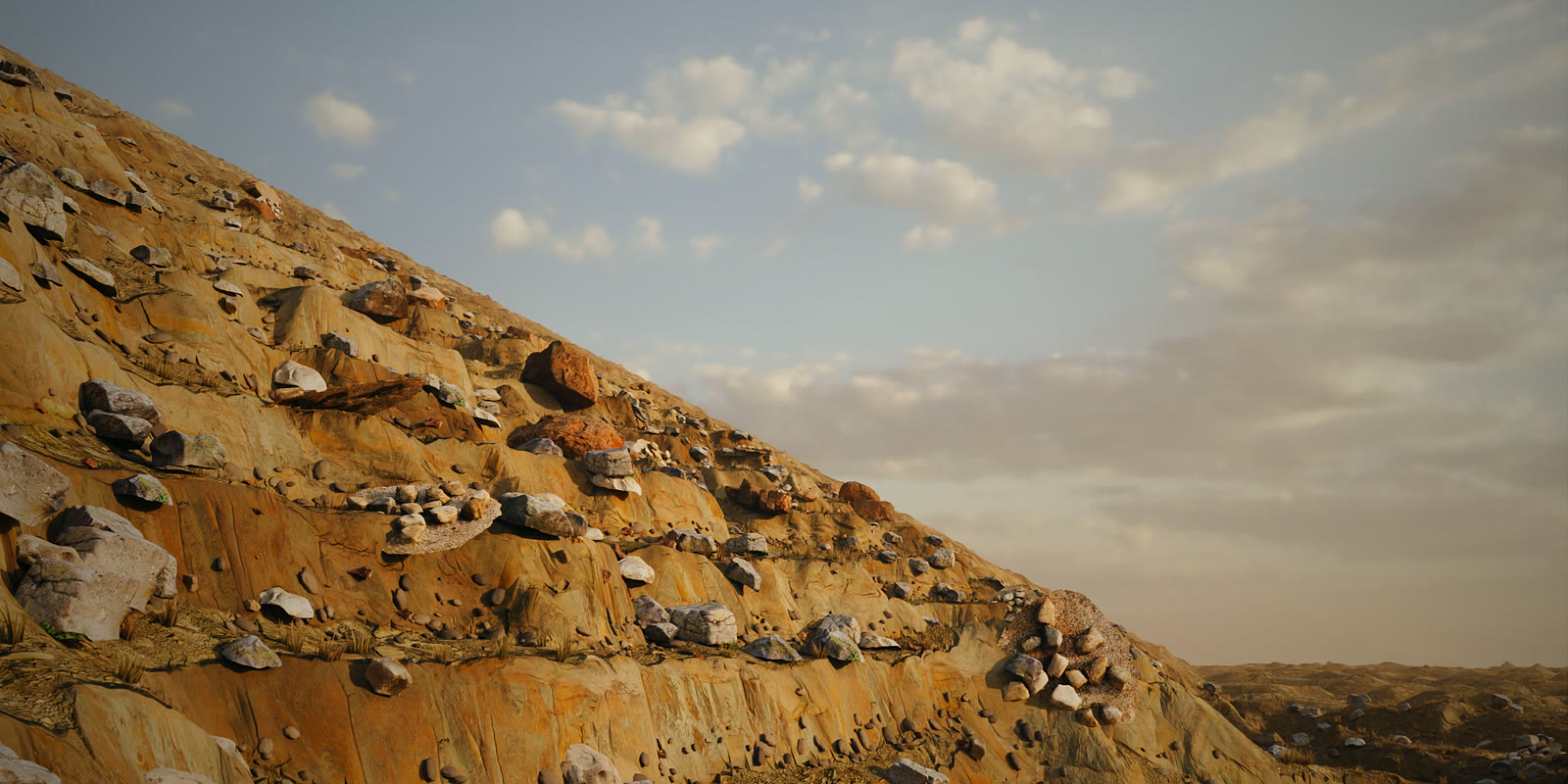
Rocky Slope
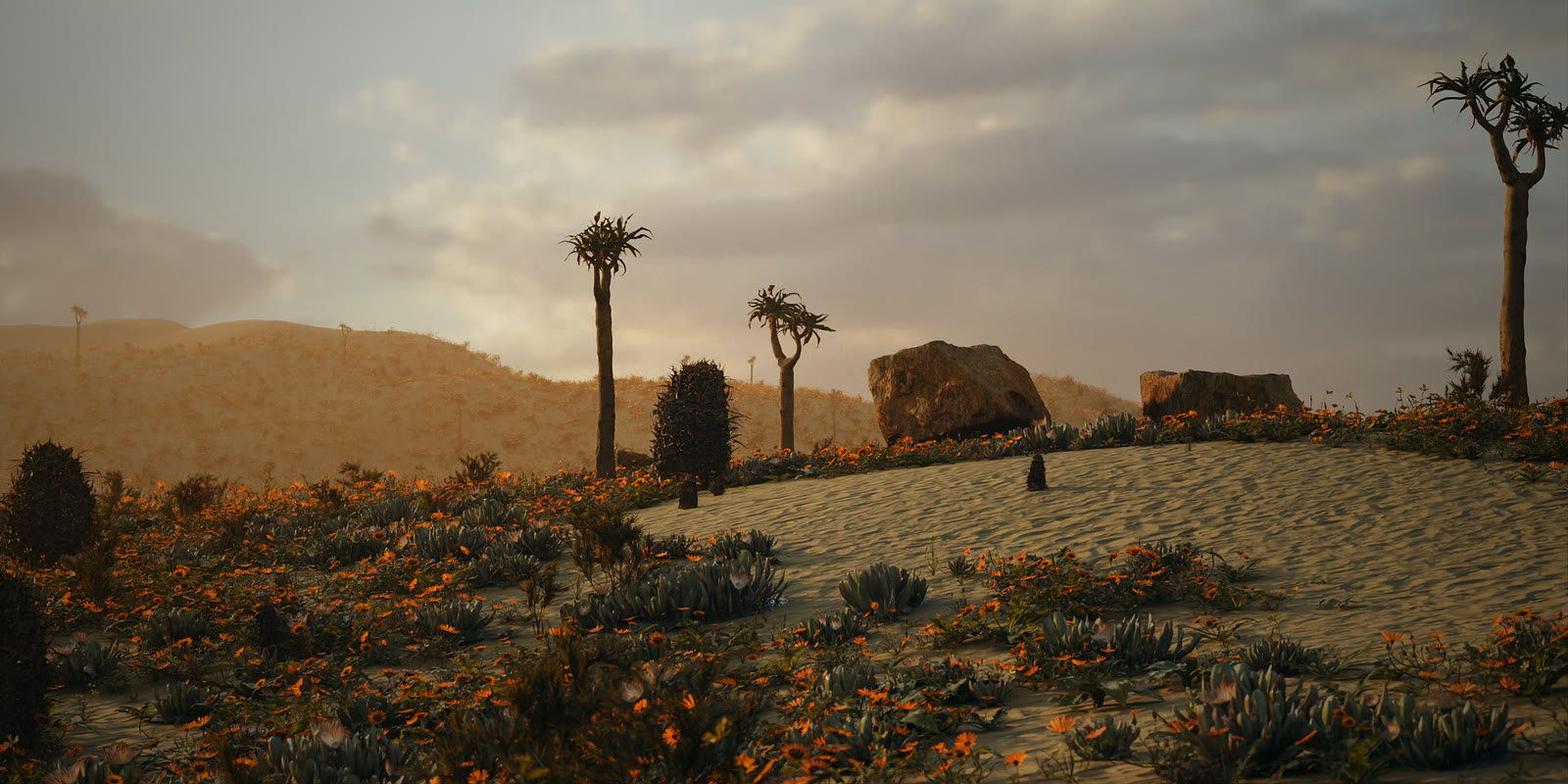
Desert Bloom
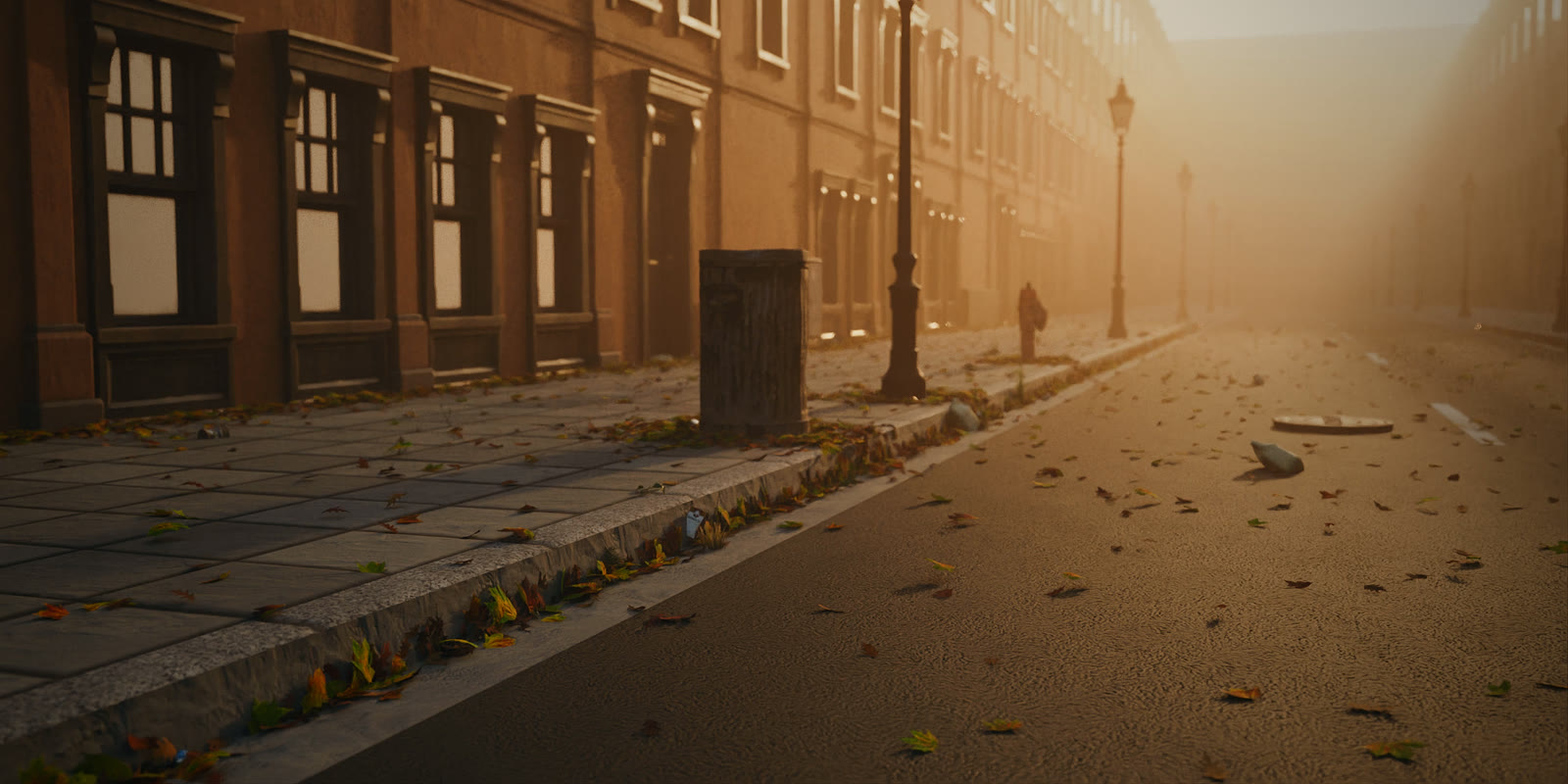
Autumn Street
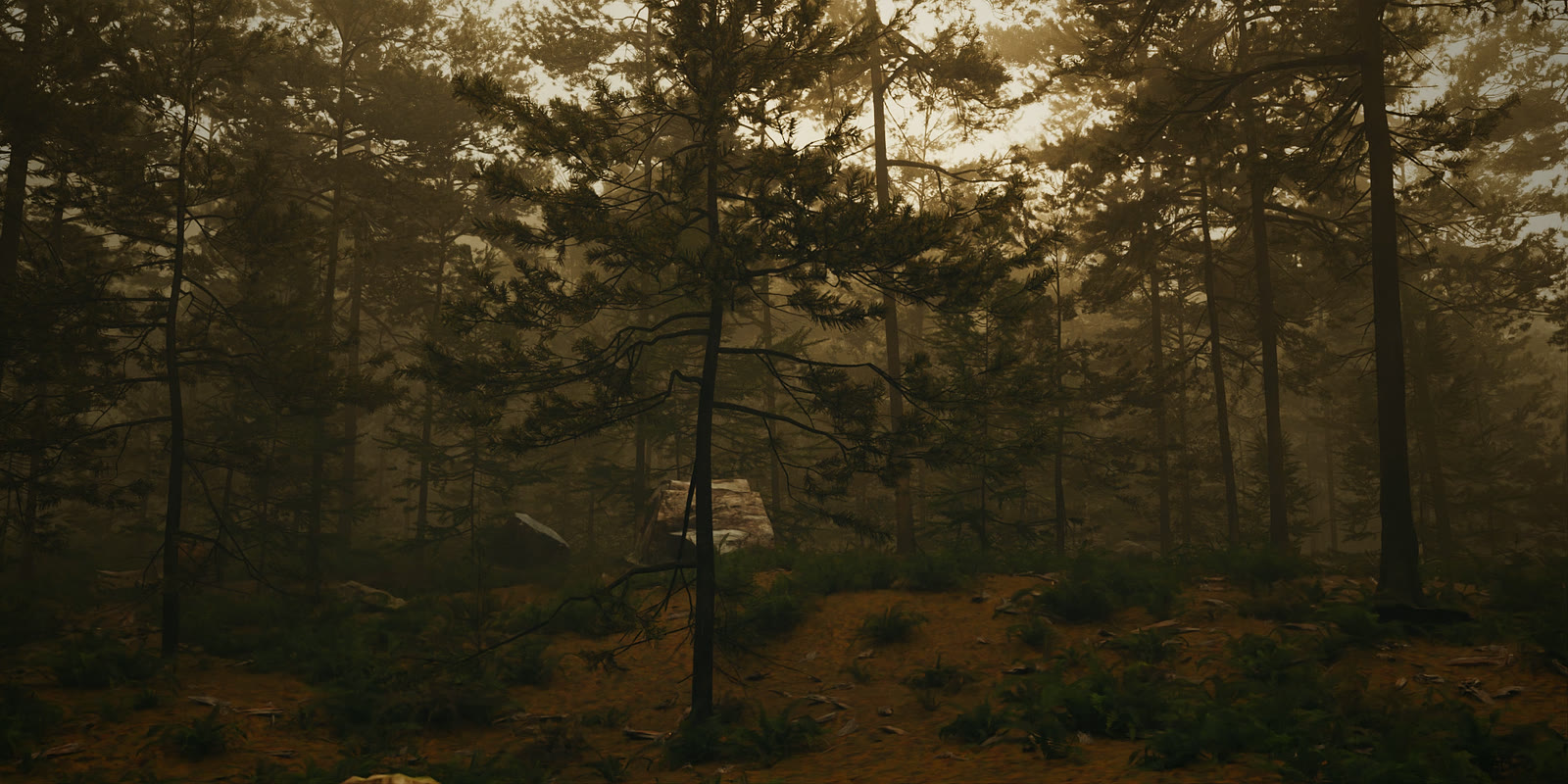
Pine Forest
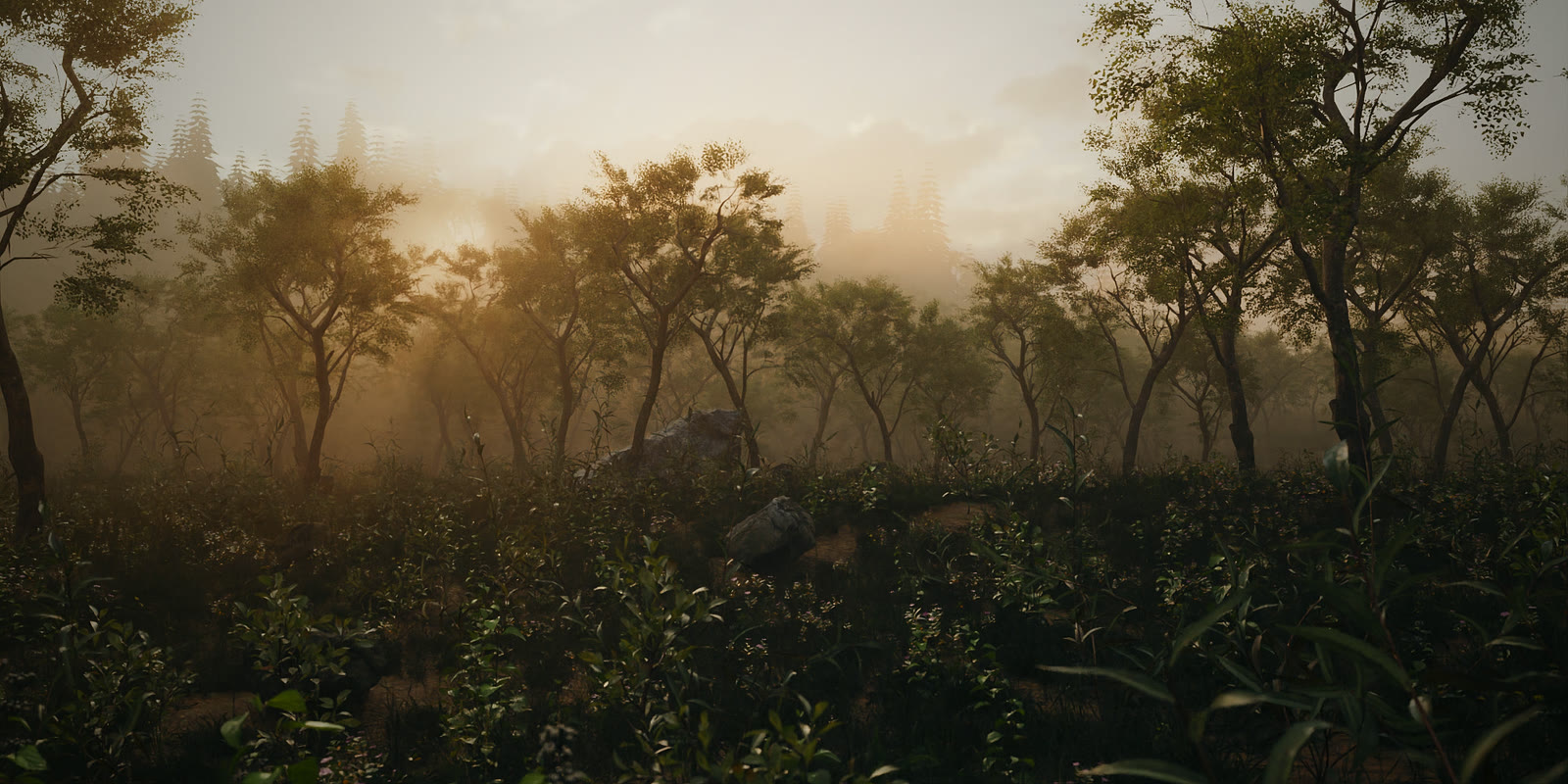
Woodland Glade
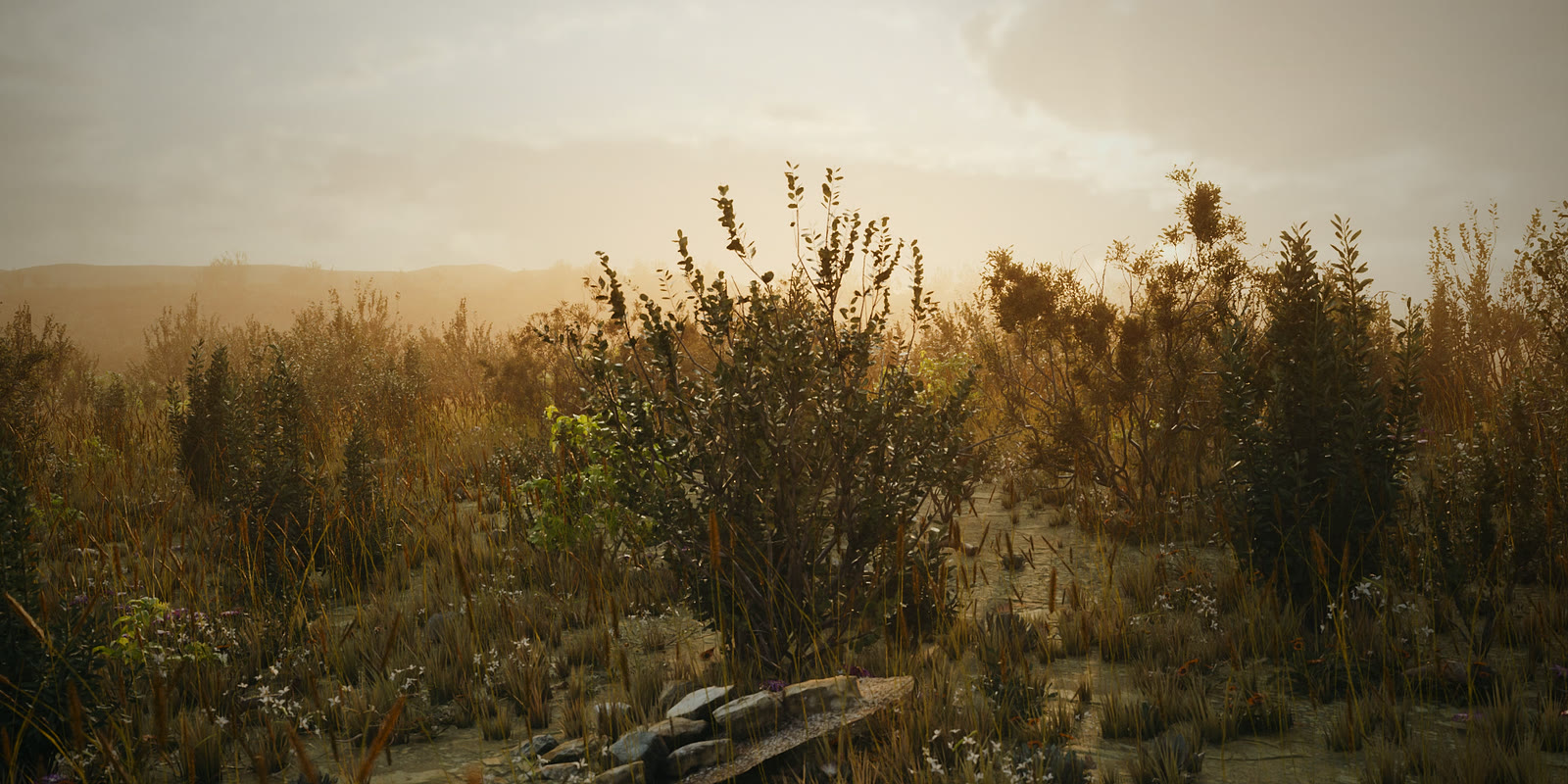
Dry Savanna
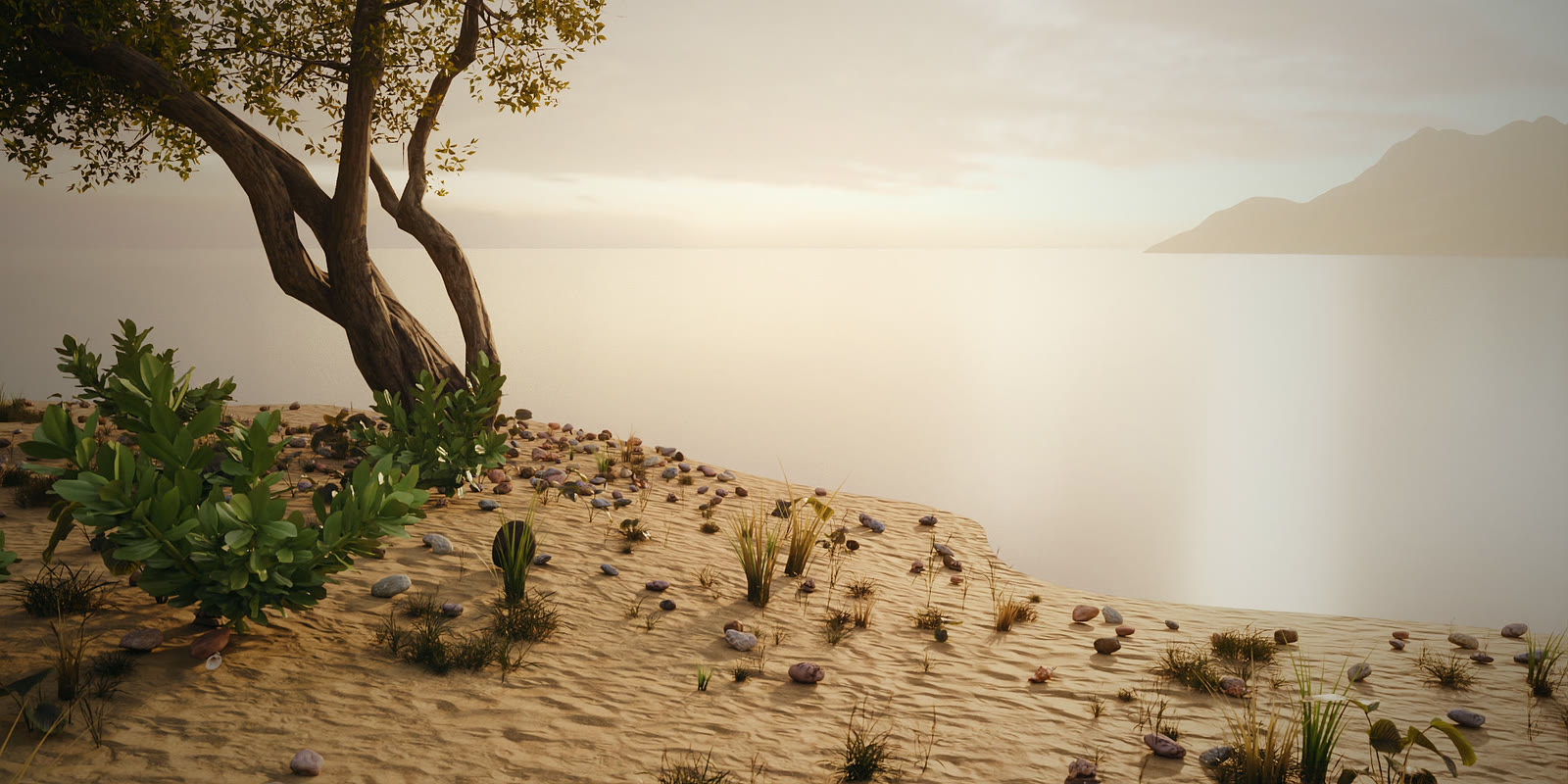
Tropical Shore
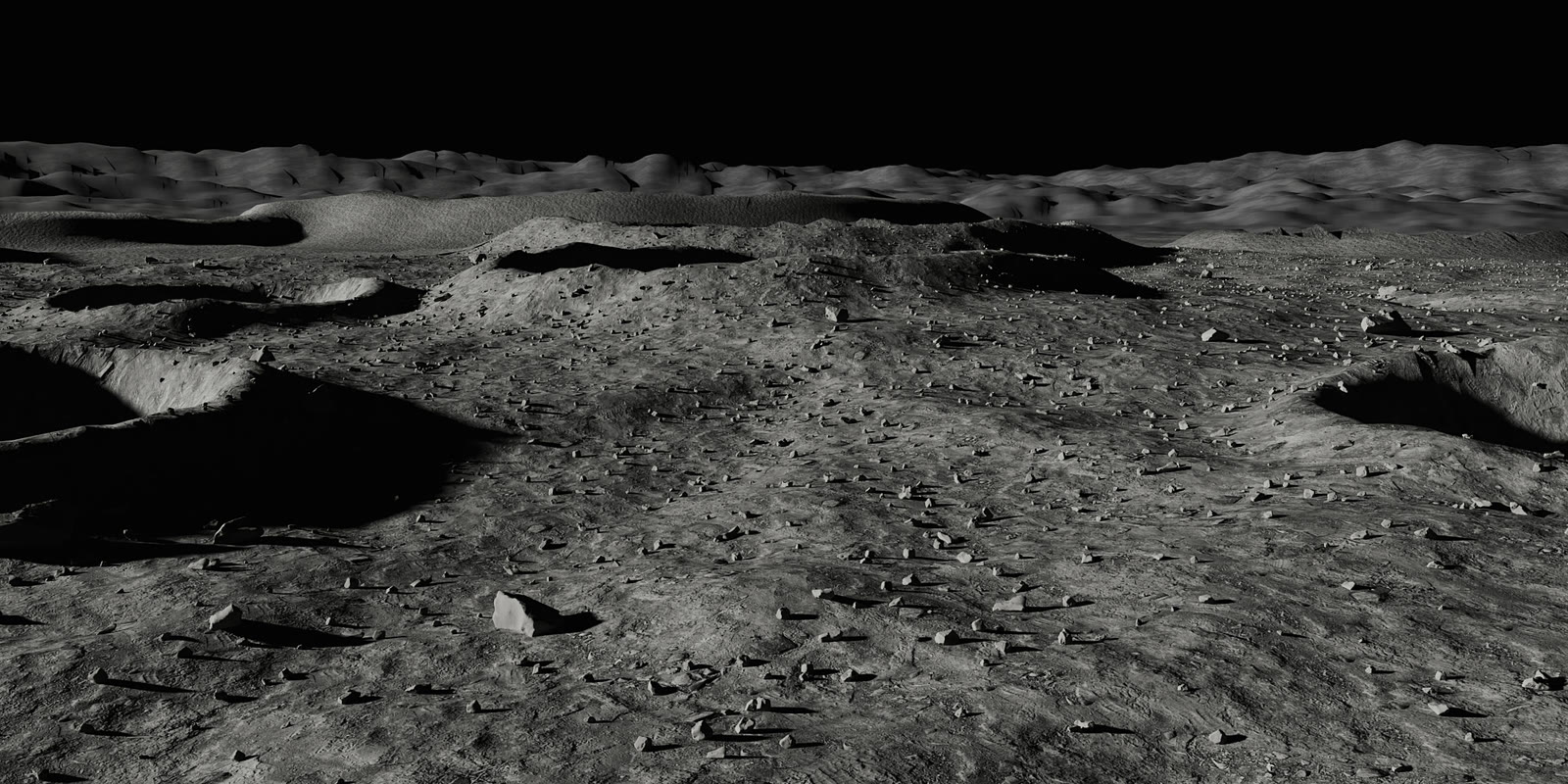
Moon Surface
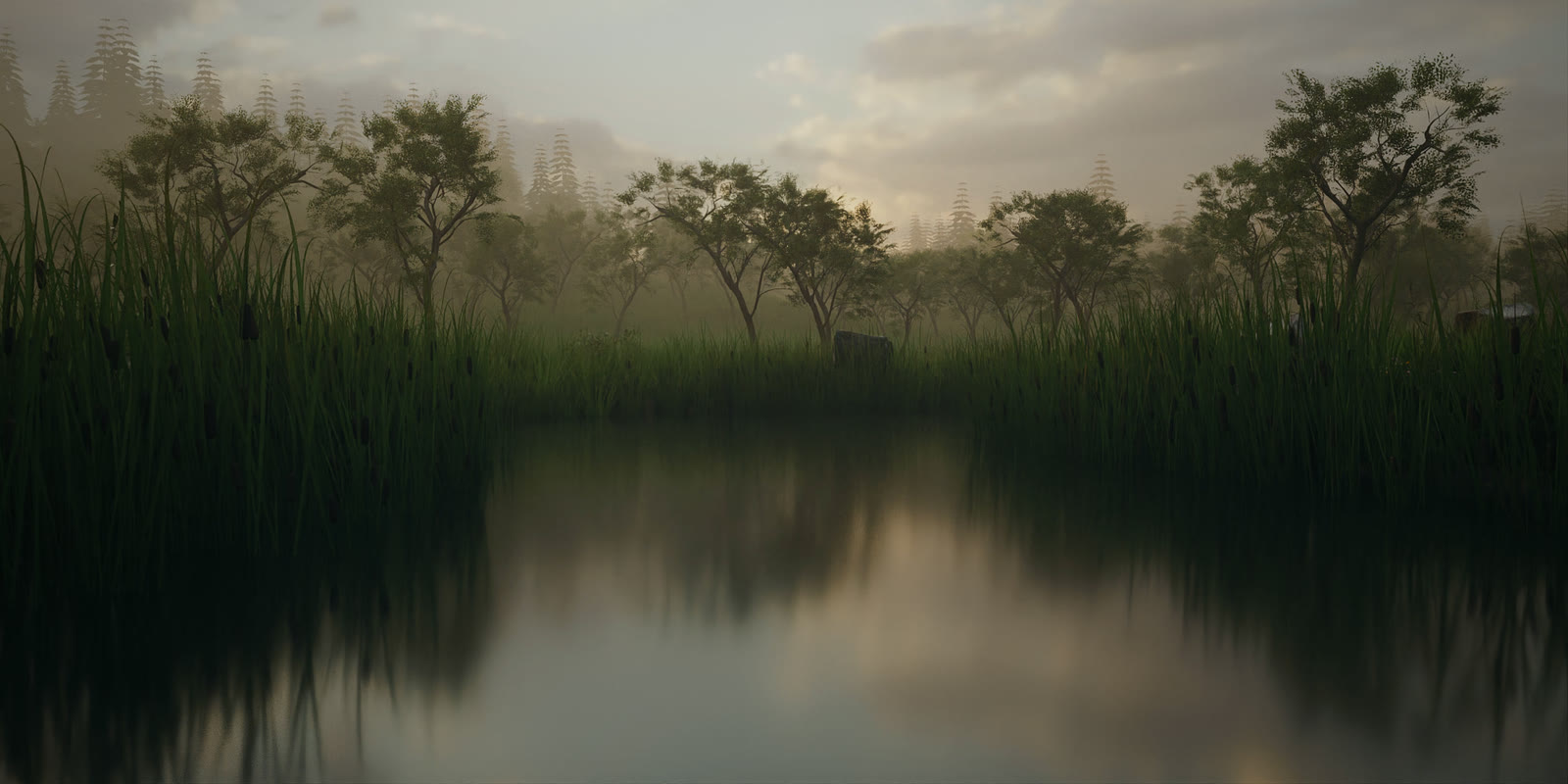
Wetland
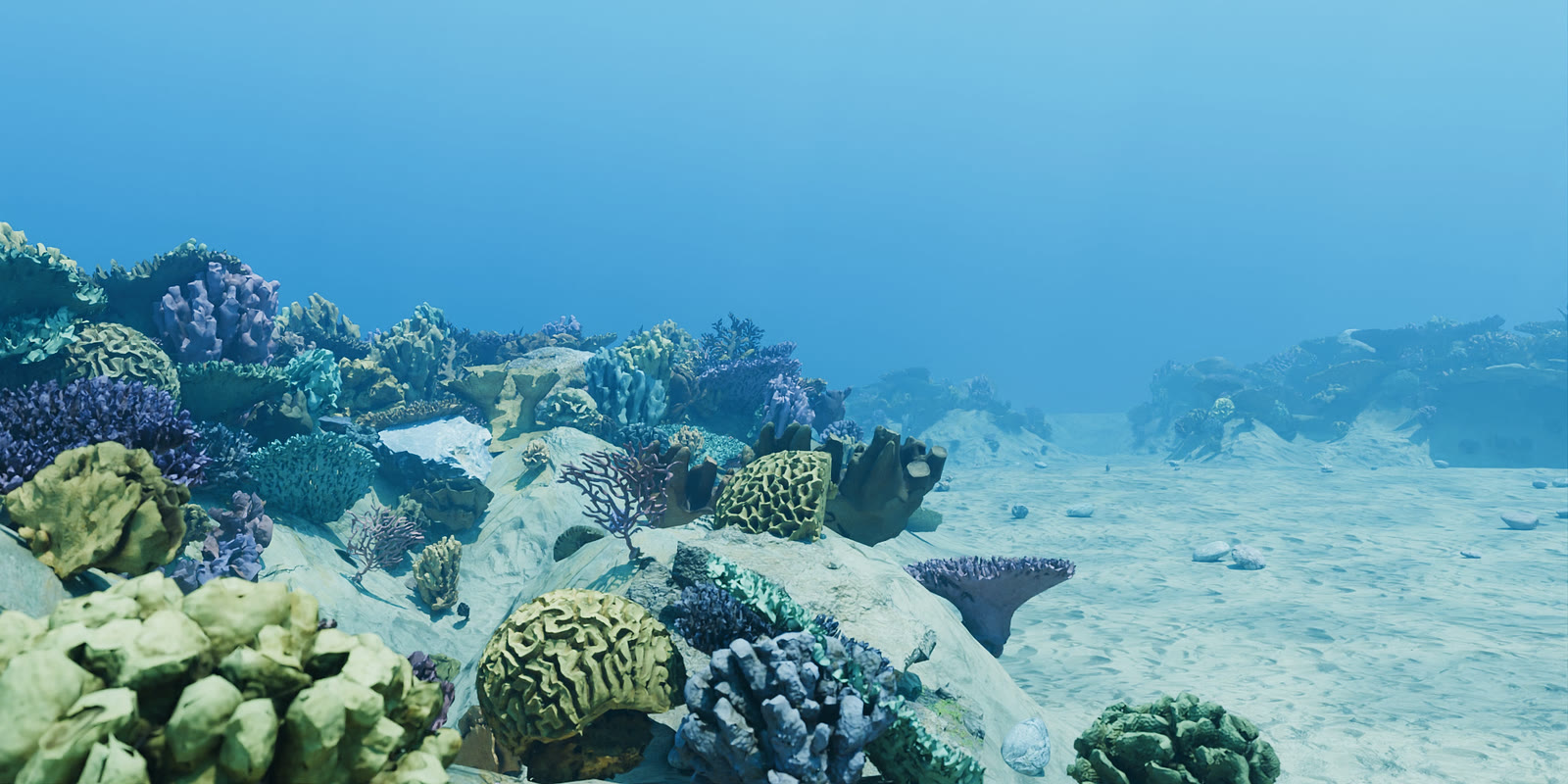
Coral Reef
16 — PERFORMANCE
Fast by default, full detail in the render
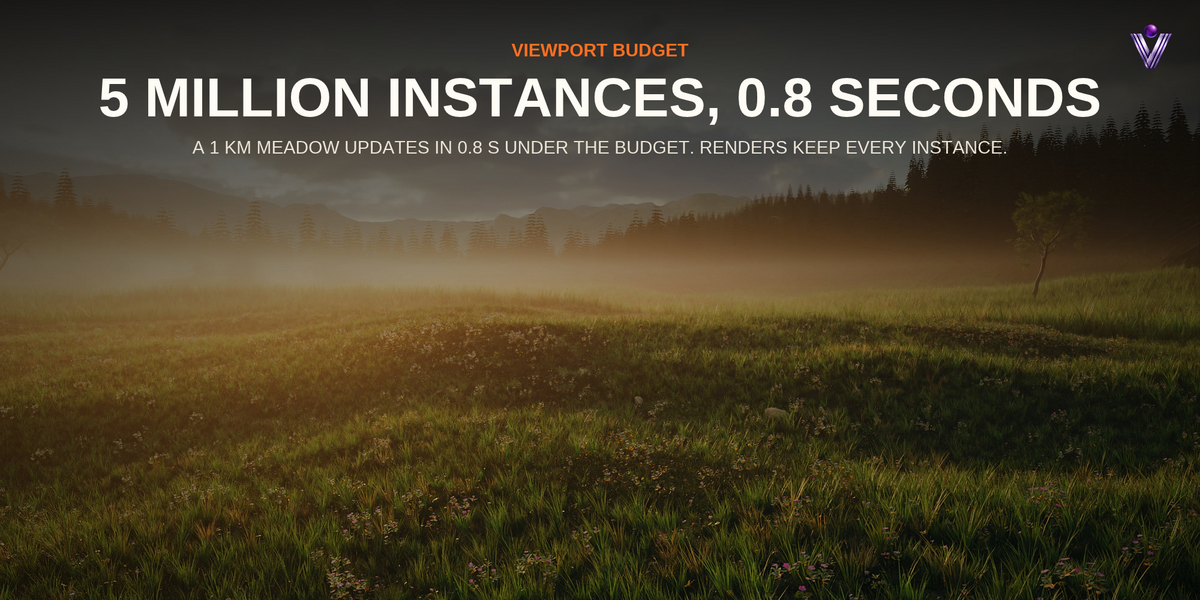
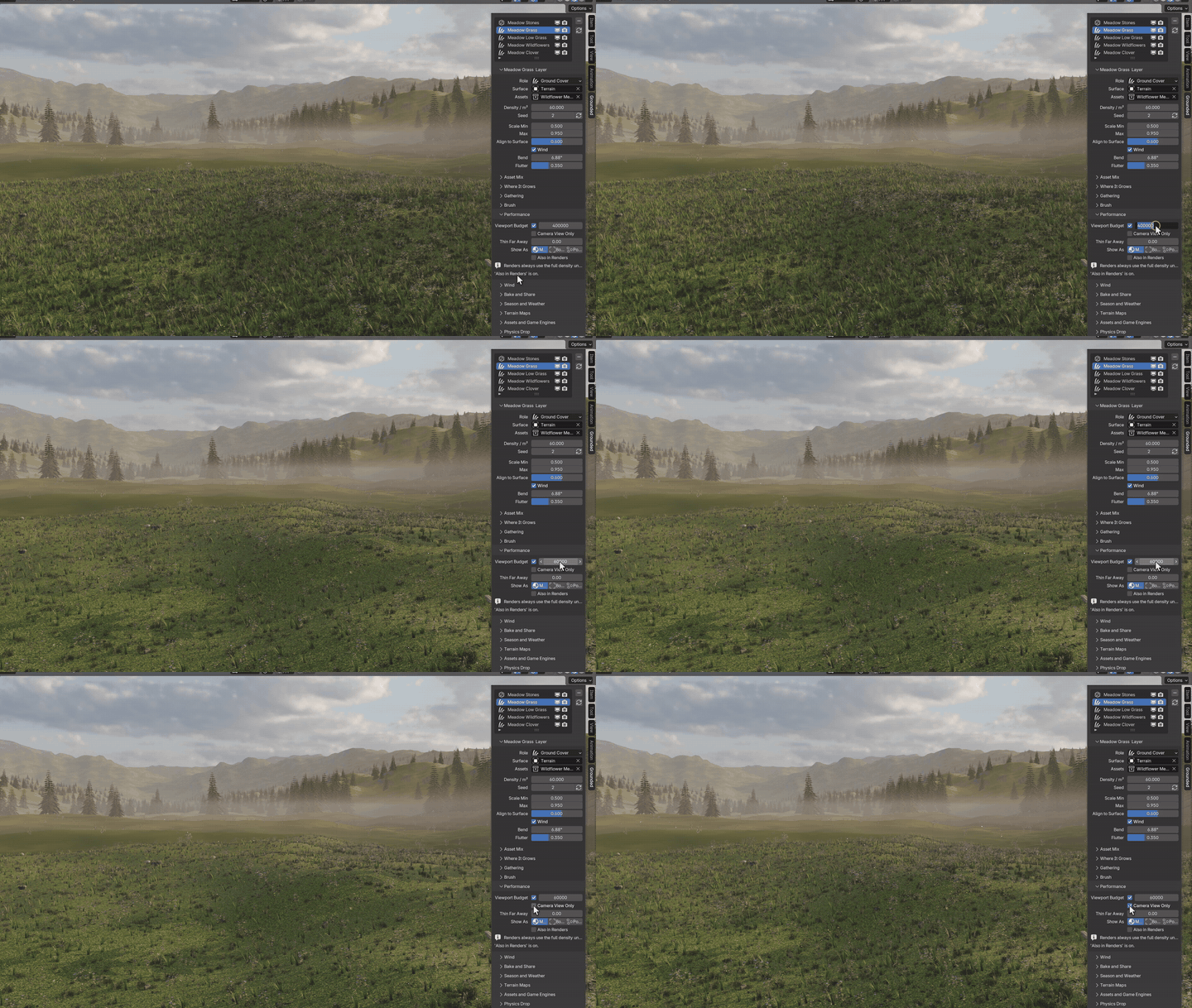
Measured on a 1 km by 1 km terrain with the Wildflower Meadow biome, Blender 5.2, Ryzen 7 3700X, RTX 4060. Times are for updating every layer in the viewport.
Everything, what the render gets
5,030,869 instances, 6.9 s.
Viewport budget 400,000 (default)
332,611 instances, 0.8 s.
Budget and camera view only
312,618 instances, 0.5 s.
17 — BAKE AND SHARE
Your scatter goes where you need it
Save as Biome
Save your layers, and they appear in the biome picker in every file.
Make Real
Turn a layer into a real mesh.
Transforms
Write every instance to CSV or JSON.
Unreal and Unity
Export a folder of FBX meshes, a transforms table and an import script. The scripts are written for Unreal Engine 5.3 and later, Unity 2022.3 LTS and Unity 6, and have not been run inside those engines yet; the FBX files and the table are complete on their own.
Asset Browser
Scatter straight from your own Asset Browser library.
Voyde add-ons
TerrainLab, AtmosLab and Cityform are recognized when you have them. Grounded works the same without them.
18 — PERFECT FOR
Where it fits
◆Landscapes and environments◆Architectural visualization◆Game and film backgrounds◆Street and city dressing◆Product and diorama ground◆Animated scenes with wind◆Seasons and weather changes
19 — INSTALLATION
Up and running in a minute
1Download the zip from your Superhive library. Do not unzip it.
2In Blender open Edit, Preferences, Get Extensions, the menu at the top right, Install from Disk, and pick the zip.
3Open the sidebar in the 3D viewport with N and click the Grounded tab.
4Select your ground, pick a biome and click Add Biome. For your own assets, select them, then the ground last, and click Scatter Selected or Auto Ecosystem.
20 — FAQ
Questions
Do I need Grounded to render my scenes?
No. Every setting lives in Geometry Nodes modifiers and materials saved in your file, so it renders the same on a render farm or another computer, with keyframed seasons and weather too.
Will it slow down my viewport?
The viewport budget caps what the viewport shows (400,000 by default, shared between layers) while renders get everything. Rules that are off cost nothing, and camera culling, thinning and box or point display help on very large scenes.
Which Blender versions are supported?
Blender 5.0 and newer. It is tested on 5.0, 5.1 and 5.2.
Can I use my own assets?
Yes. Select any meshes or collection instances, then the surface, and use Scatter Selected or Auto Ecosystem. One click adds season and weather to their materials.
Does it work with Cycles and EEVEE?
Yes, the result is regular instances that both engines render, and season, snow and wetness work in both.
Can I use the included assets commercially?
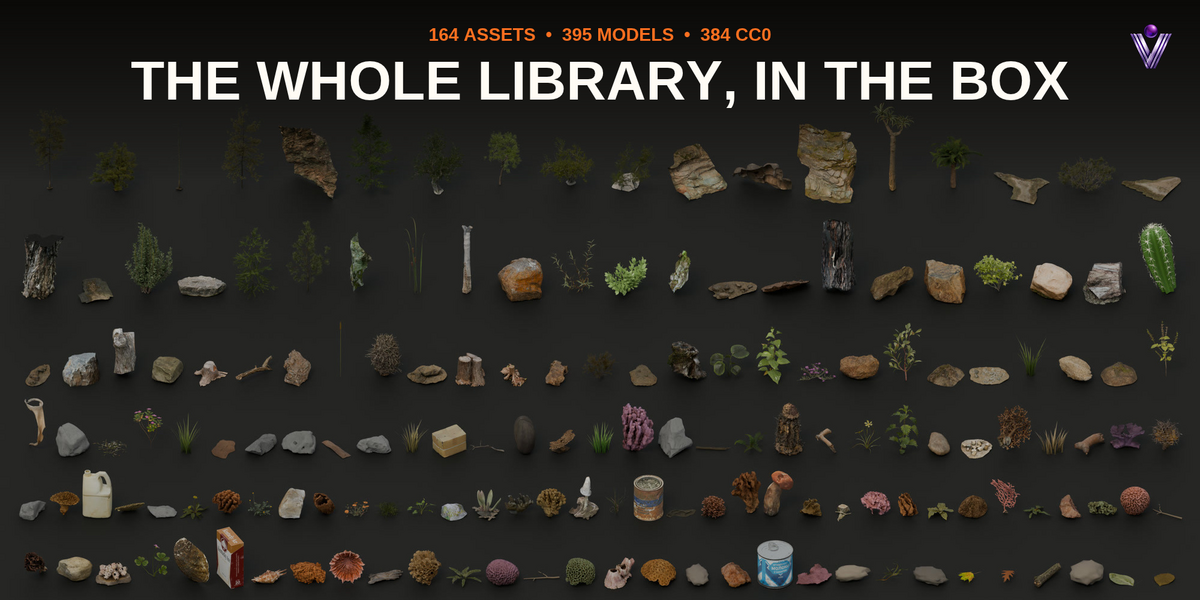
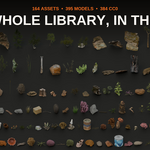
Yes. 384 of the 395 models are CC0, from Poly Haven, ambientCG, BlendSwap (license as declared by the uploader) and Smithsonian Open Access. The other 11 are made by Voyde Procedural and ship under the add-on's GPL license. Sources are listed in the add-on's CREDITS file.
Can I make my own biomes?
Yes. Set up layers on a surface, click Save as Biome, and it appears in the biome picker in every file. Copy its two files to share it.
21 — DETAILS
What you get
Included
◆Grounded add-on (Blender extension)
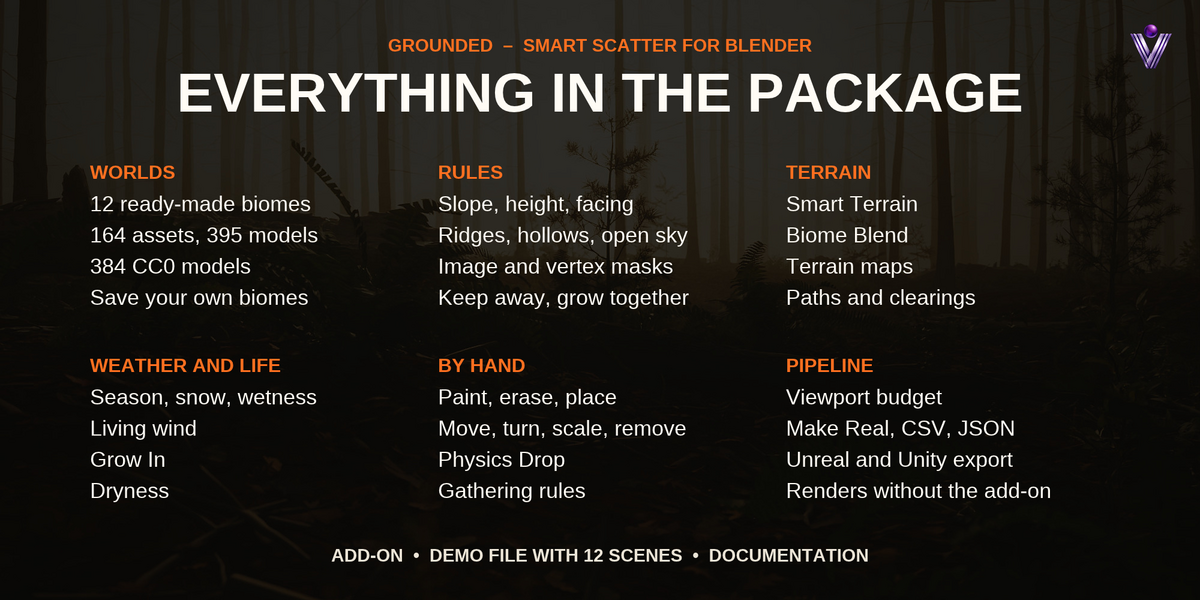
◆12 biomes, 164 assets with 395 models, 384 of them CC0
◆Demo file with one scene per biome
◆Documentation
Compatibility
◆Blender 5.0 or newer
◆Tested on Blender 5.0, 5.1 and 5.2
◆Windows, macOS and Linux
◆Cycles and EEVEE
◆The add-on code is licensed under GPL-3.0-or-later.
 Voyde Procedural


 VOYDE.PROCEDURAL
VOYDEPROCEDURAL.COM / ALL PRODUCTS / X / INSTAGRAM