GroupFix: Clean Vertex Groups and Mirror-Ready Bone Names for VRoid, Mixamo and MMD Avatars
 Meshwright

Install: Edit > Preferences > Get Extensions > arrow menu (top right) > Install from Disk > groupfix-1.0.0.zip. Blender 4.2 or newer. Nothing else is installed or downloaded.
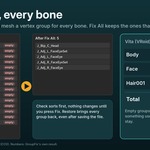
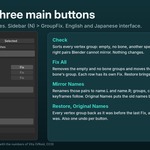
Check
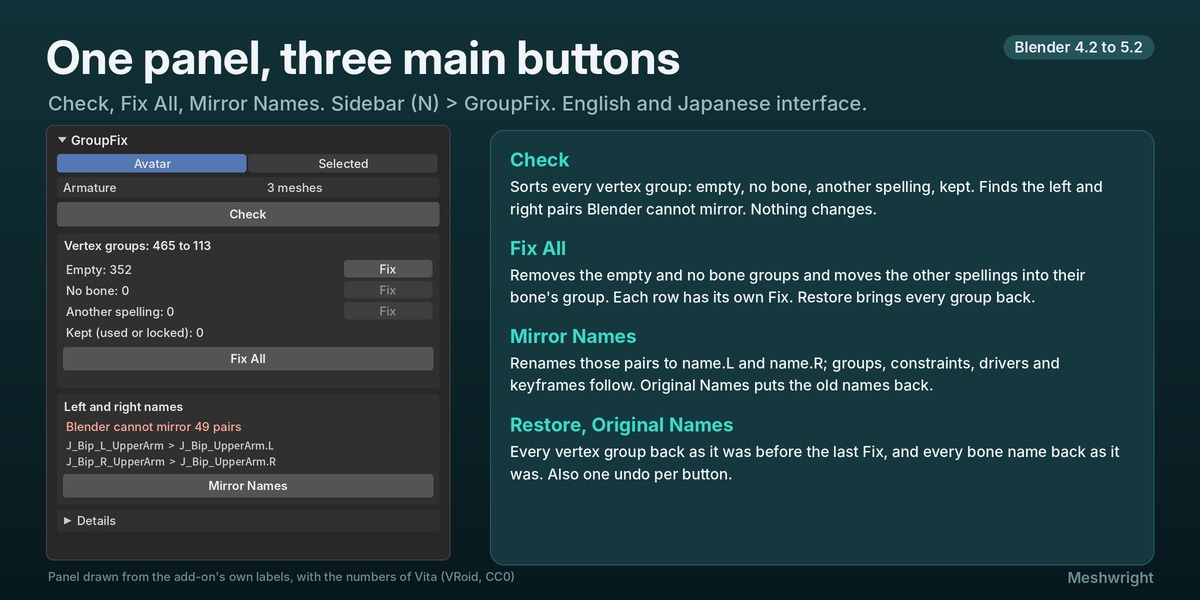
- Scope: Avatar (the armature and every mesh skinned to it or parented under it) or Selected (the selected meshes, and the meshes of a selected armature).
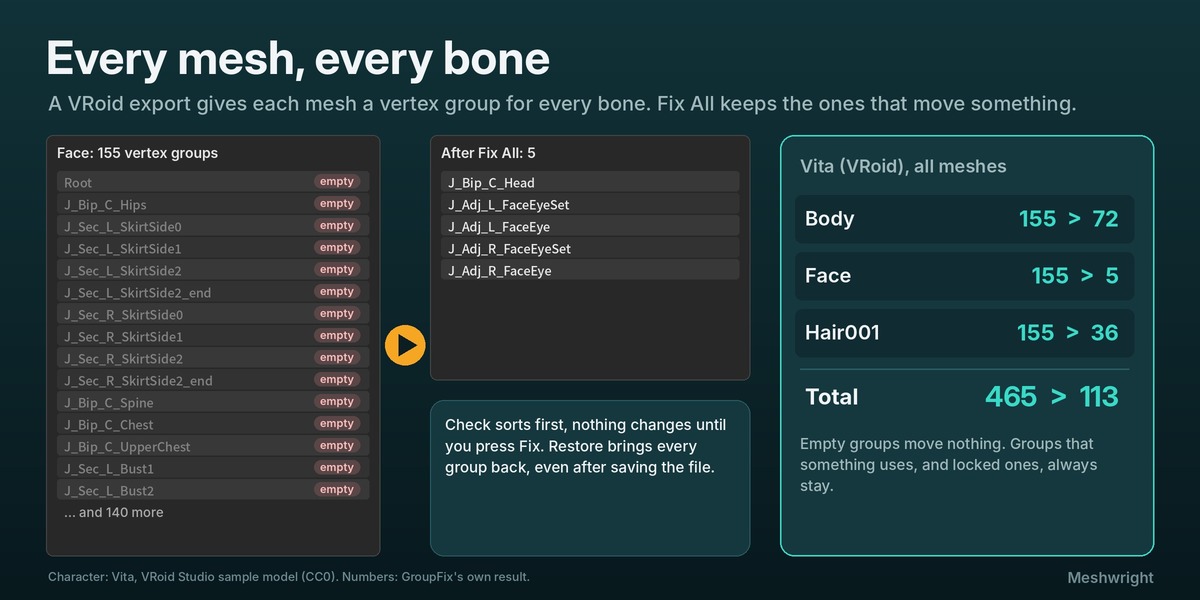
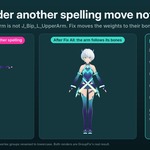
- Press Check. Nothing changes. The panel shows the groups now and after Fix All, and sorts them: Empty, No bone, Another spelling, Kept (used or locked).
- If some vertices follow no bone now, the panel says how many, and how many Fix brings back.
- Details lists every group by mesh, and the names Mirror Names will change. Copy Report puts the result on the clipboard as text.
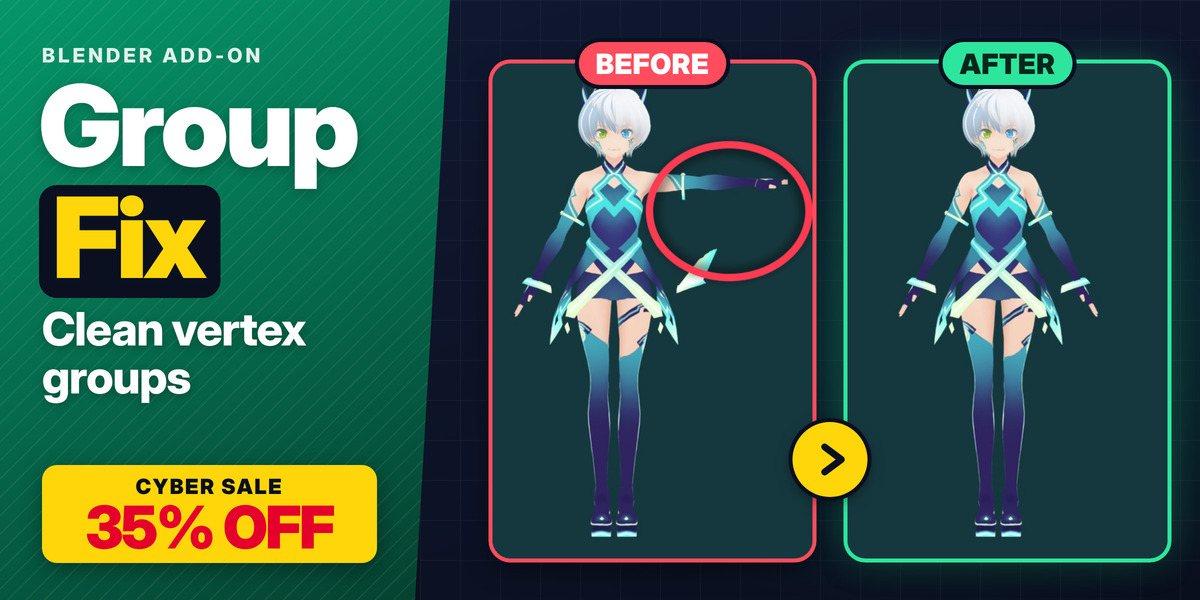
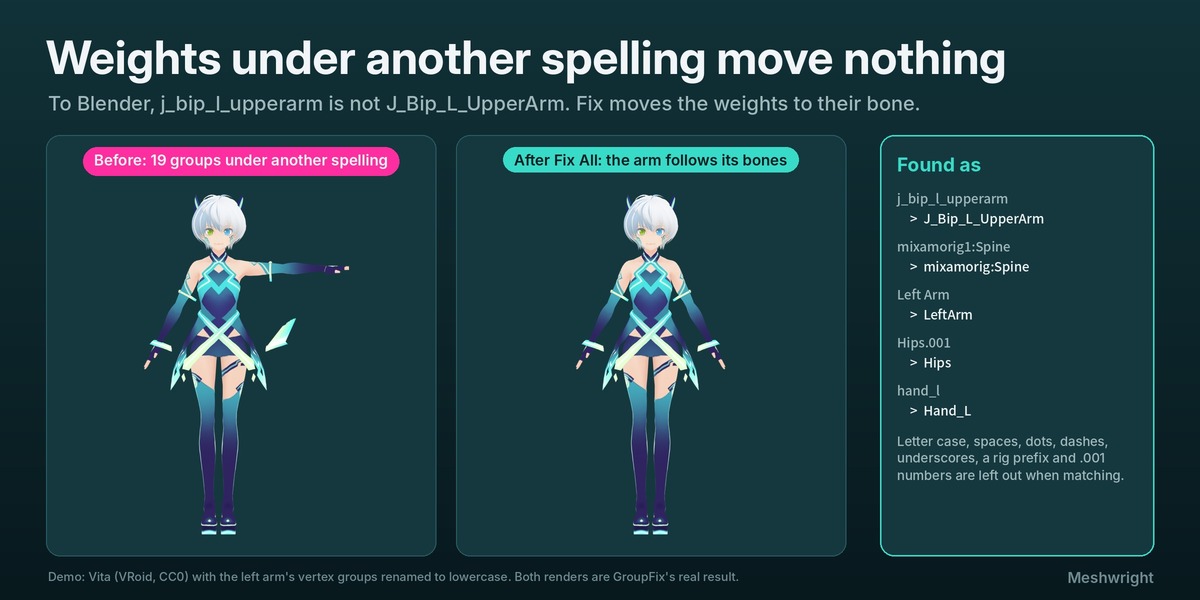
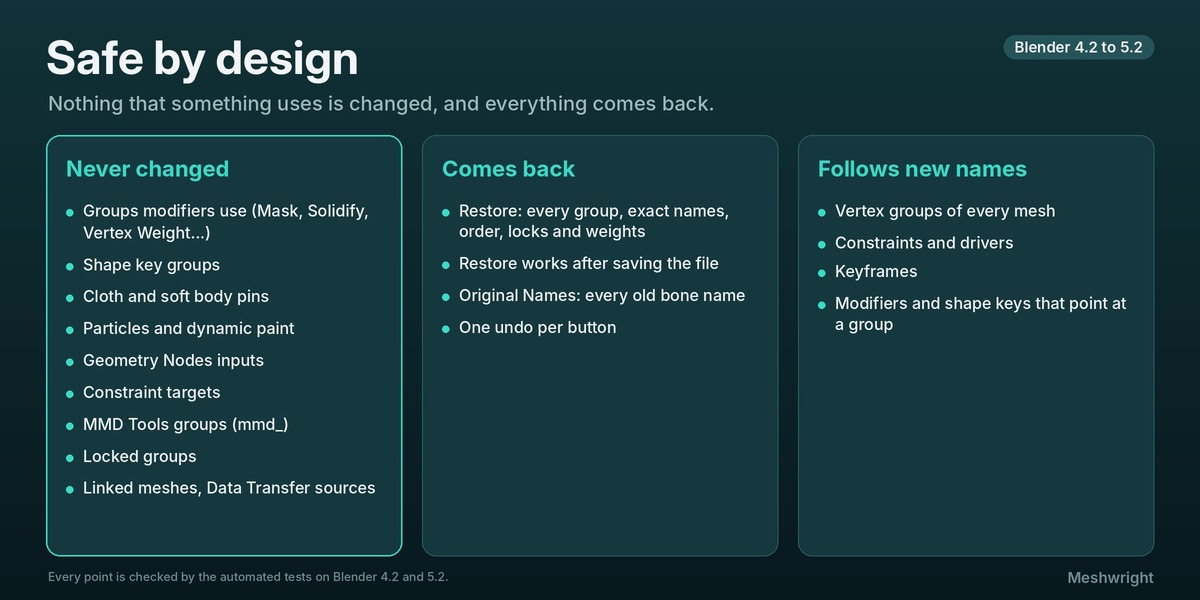
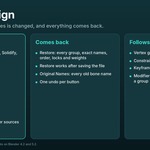
Fix All, Fix, Restore: Fix All removes the empty and no bone groups and moves each group spelled another way into its bone's group (renamed, or added to that group, at most 1). Each row has its own Fix. Restore puts back every group as it was before the last Fix (weight changes made after that Fix are lost).
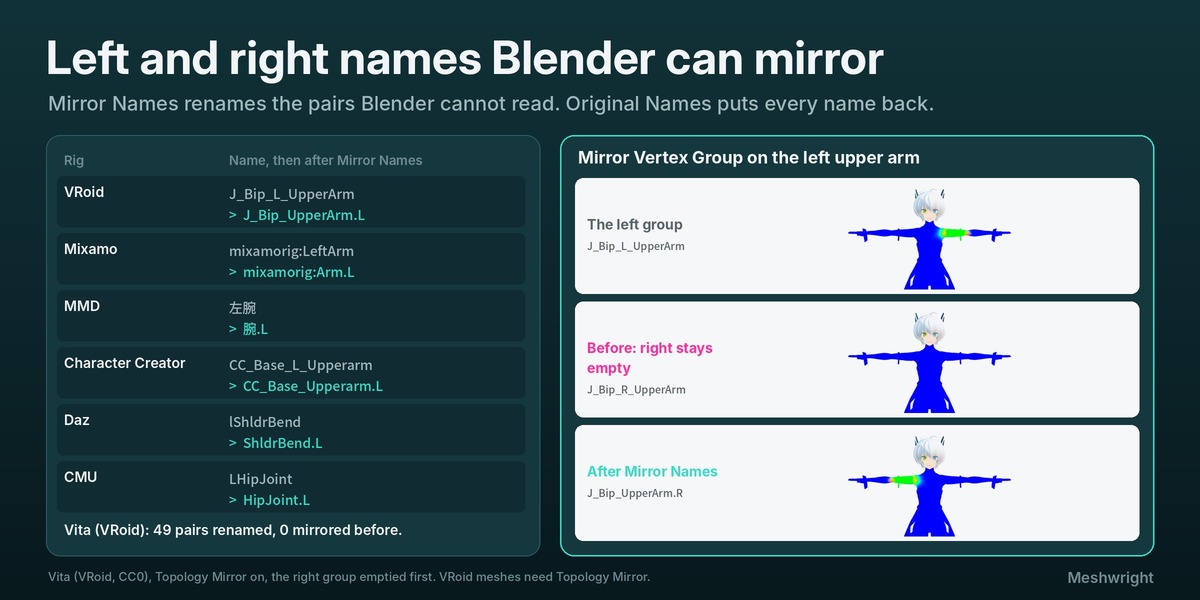
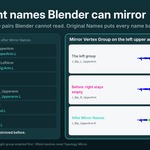
Mirror Names, Original Names: Mirror Names renames left and right pairs Blender cannot mirror to <name>.L and <name>.R (bones Blender already mirrors are not touched). Original Names puts the old names back exactly. Press it before you export if Unity, a VRM setup or another tool already knows the old names: renamed bones are new bones to Unity.
Tips
- Lock a group (the lock icon in the vertex group list) to keep it out of every Fix.
- VRoid meshes: for X-Mirror painting and Mirror Vertex Group, turn on Topology Mirror.
- Parts that follow no bone after a cleanup need weights: paint them, or use WeightFix.
Have questions about this product?
Login to message
| Blender Extension Compatible | Yes |
| Published | 1 day ago |
| Blender Version | 4.2 - 5.2 |
| Extension Type | Add-on |
| License | GPL |