 rACP
rACP

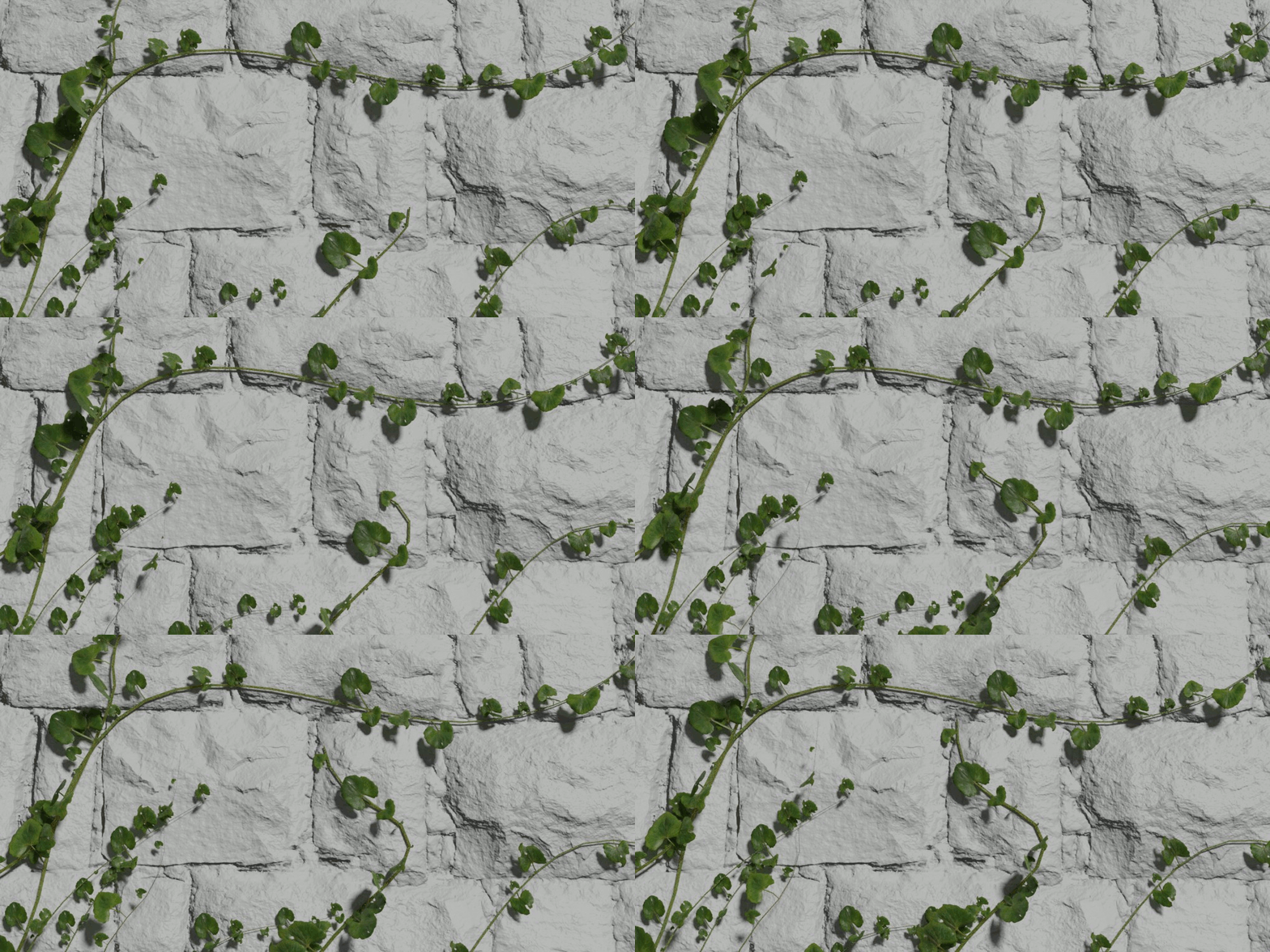
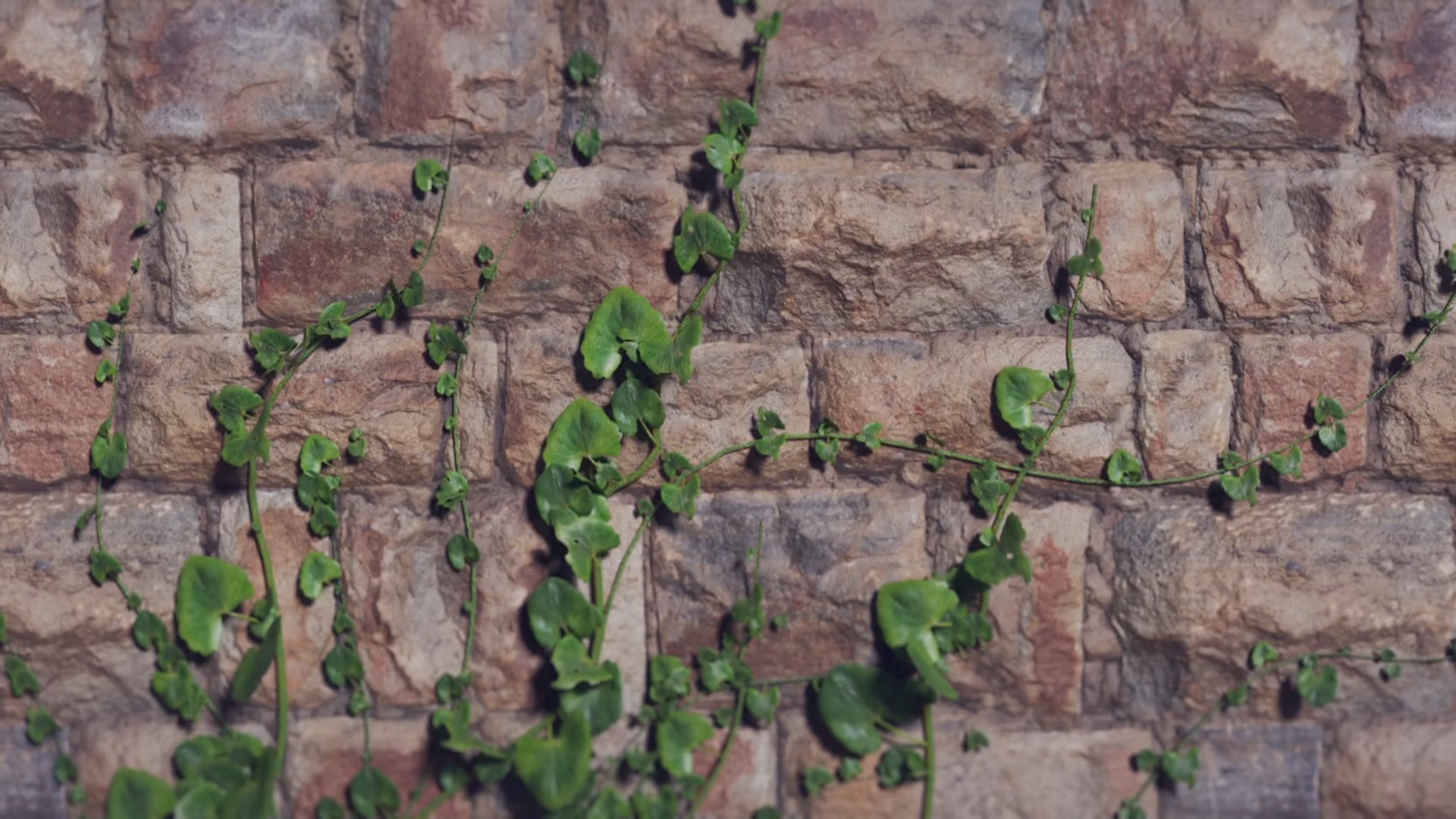
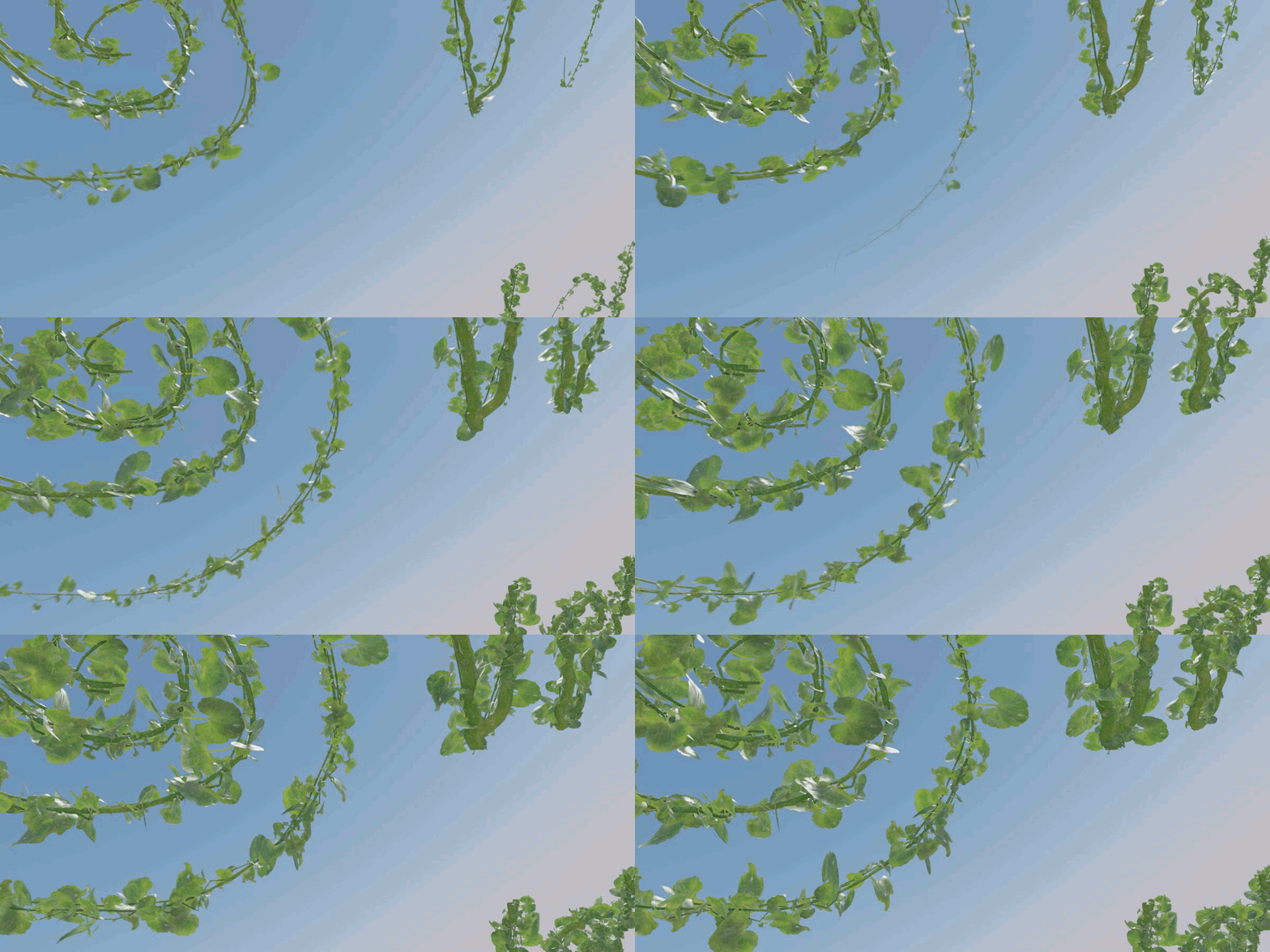

GrowingVine 2 for Blender 5.0 and 5.1
For older Blender versions see below.
What is GrowingVine?
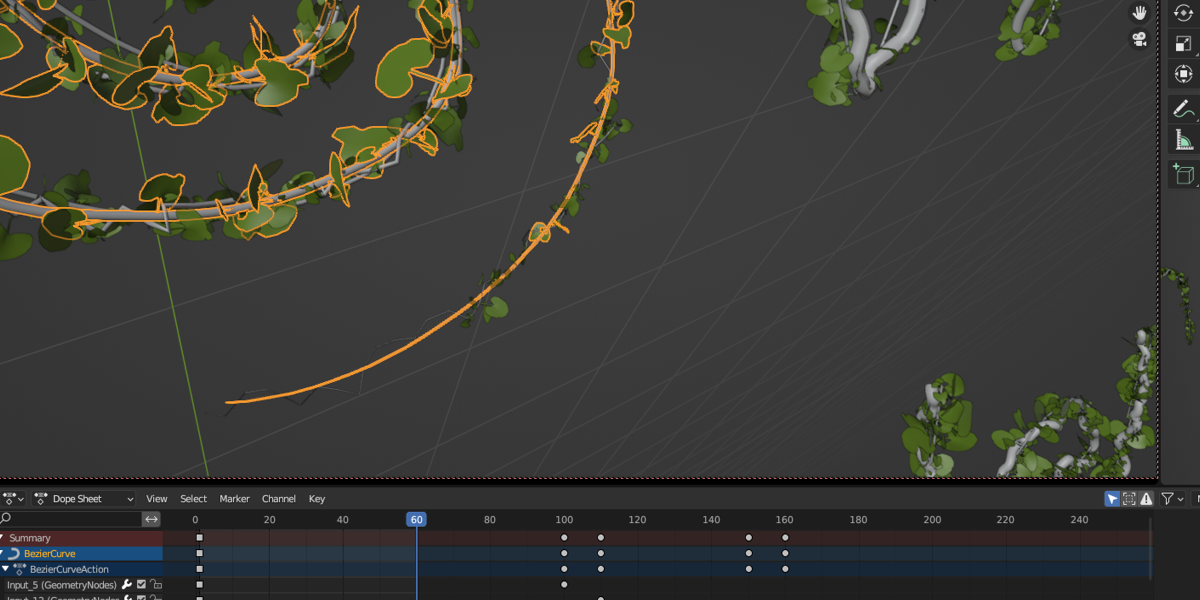
To create vines and animate their growth. The growth of the trunks and leaves can be controlled. Even on a surface. Powered by GeometryNodes.
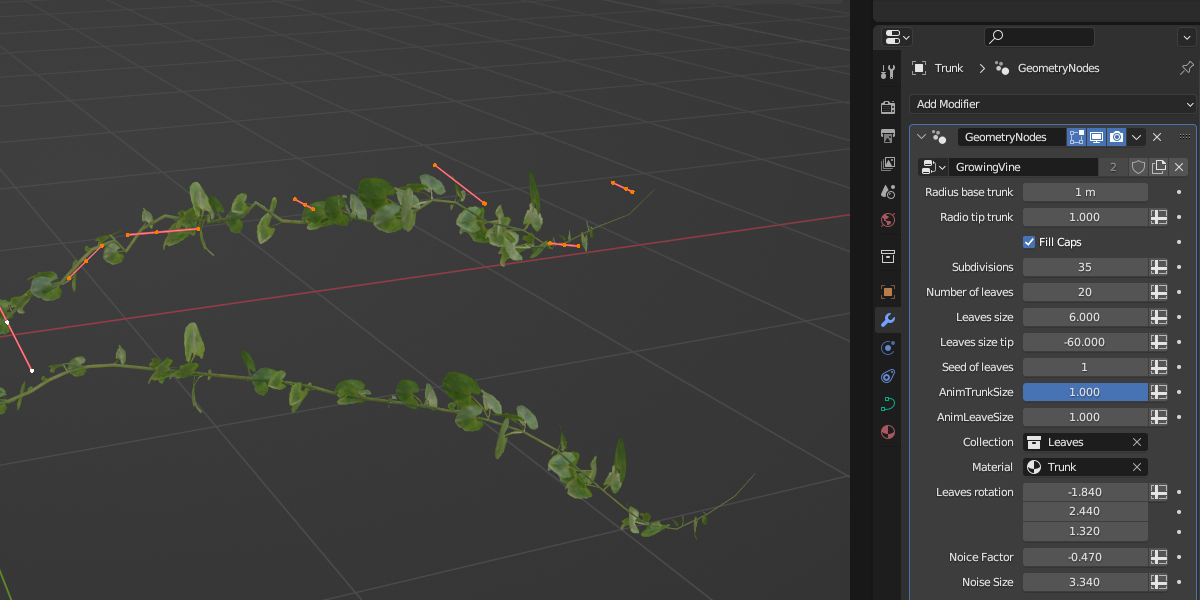
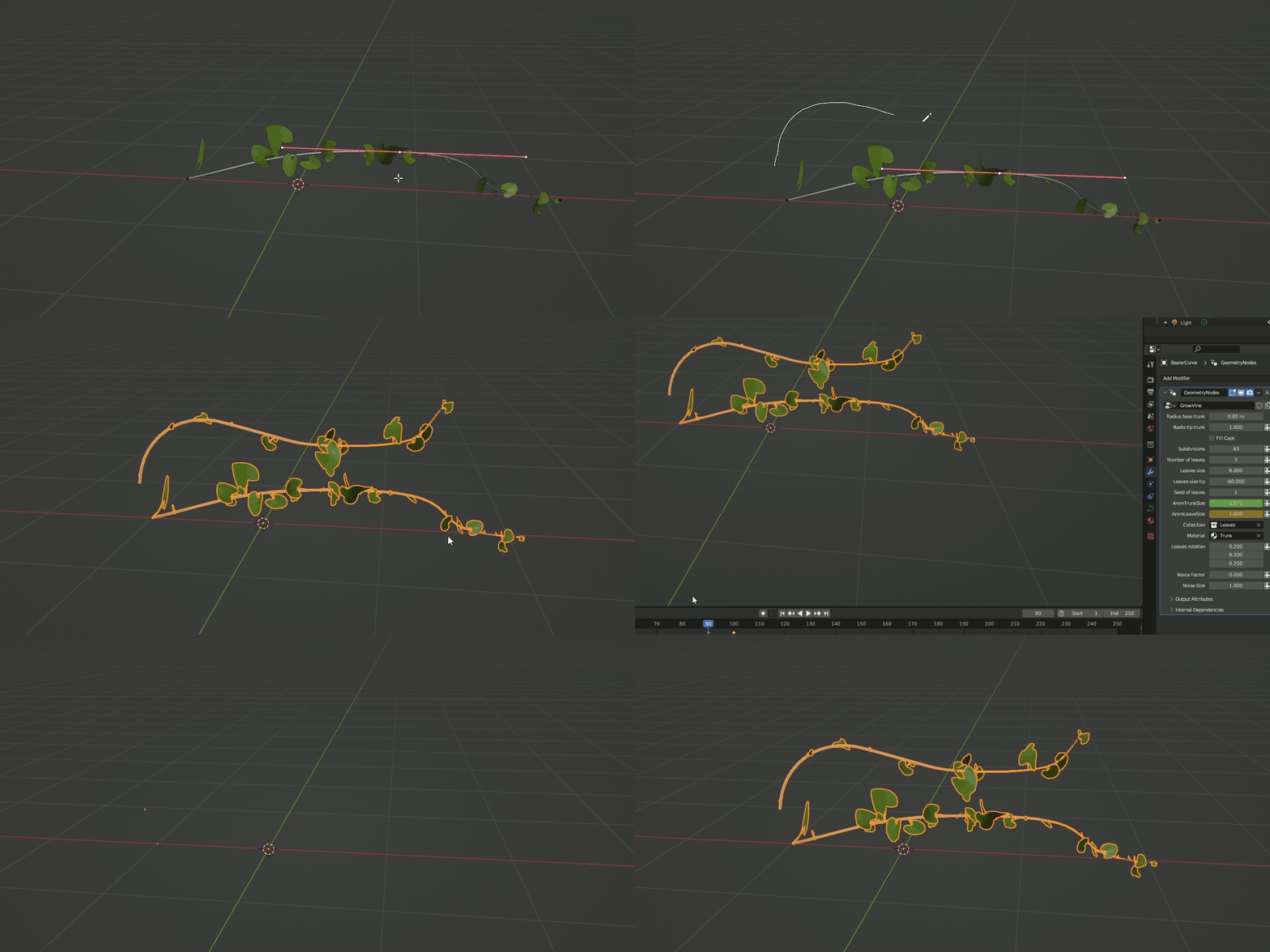
Easy to use, you just have to create a curve, apply the GeometryNodes, adjust the parameters, and animate them.

4 simple steps
1.- Create the path the vine will follow using a Curve.
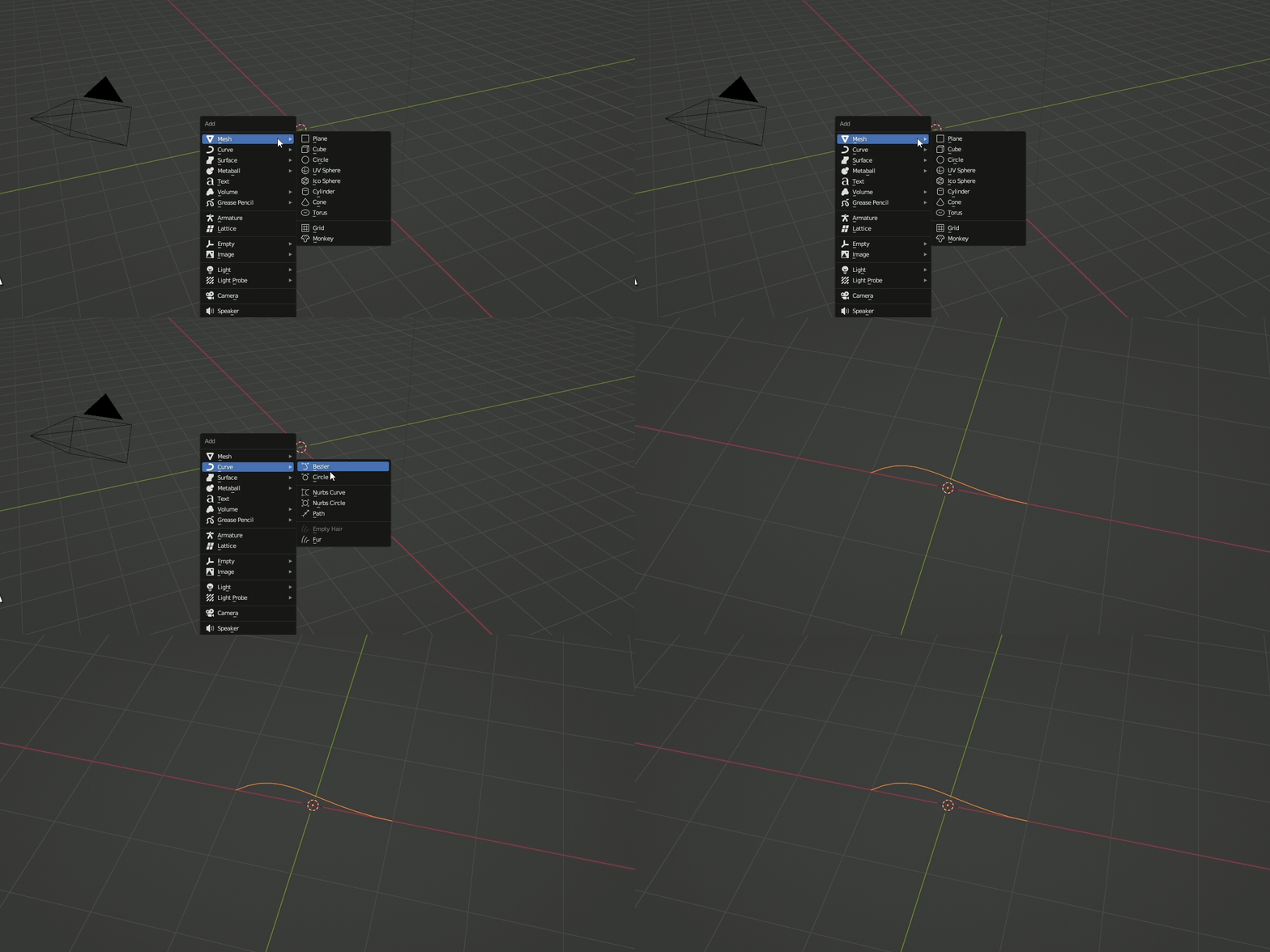
2.- Apply the GrowingVine GeometryNodes modifier.
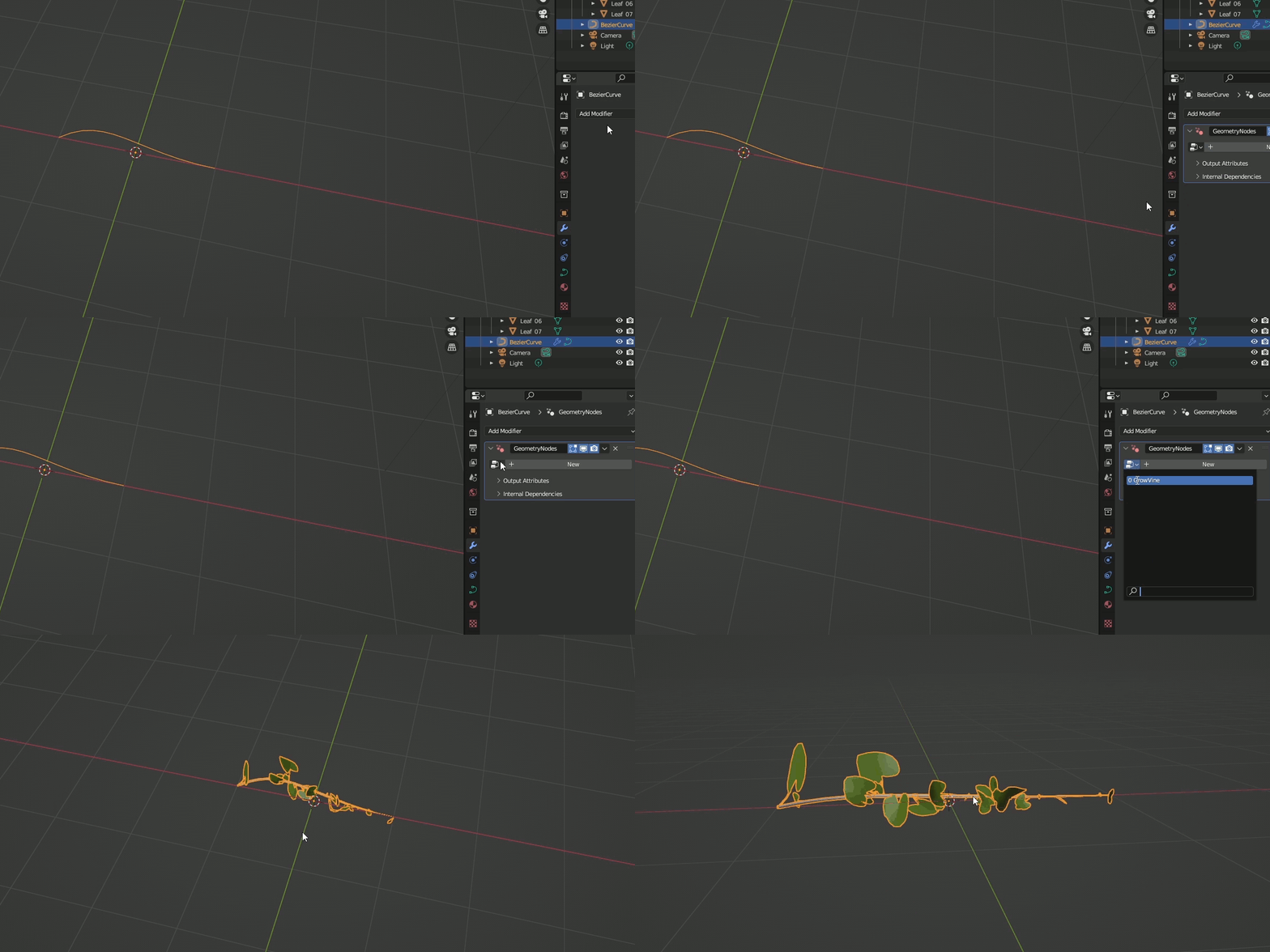
3.- Adjust the parameters to make the vine the way you want it.
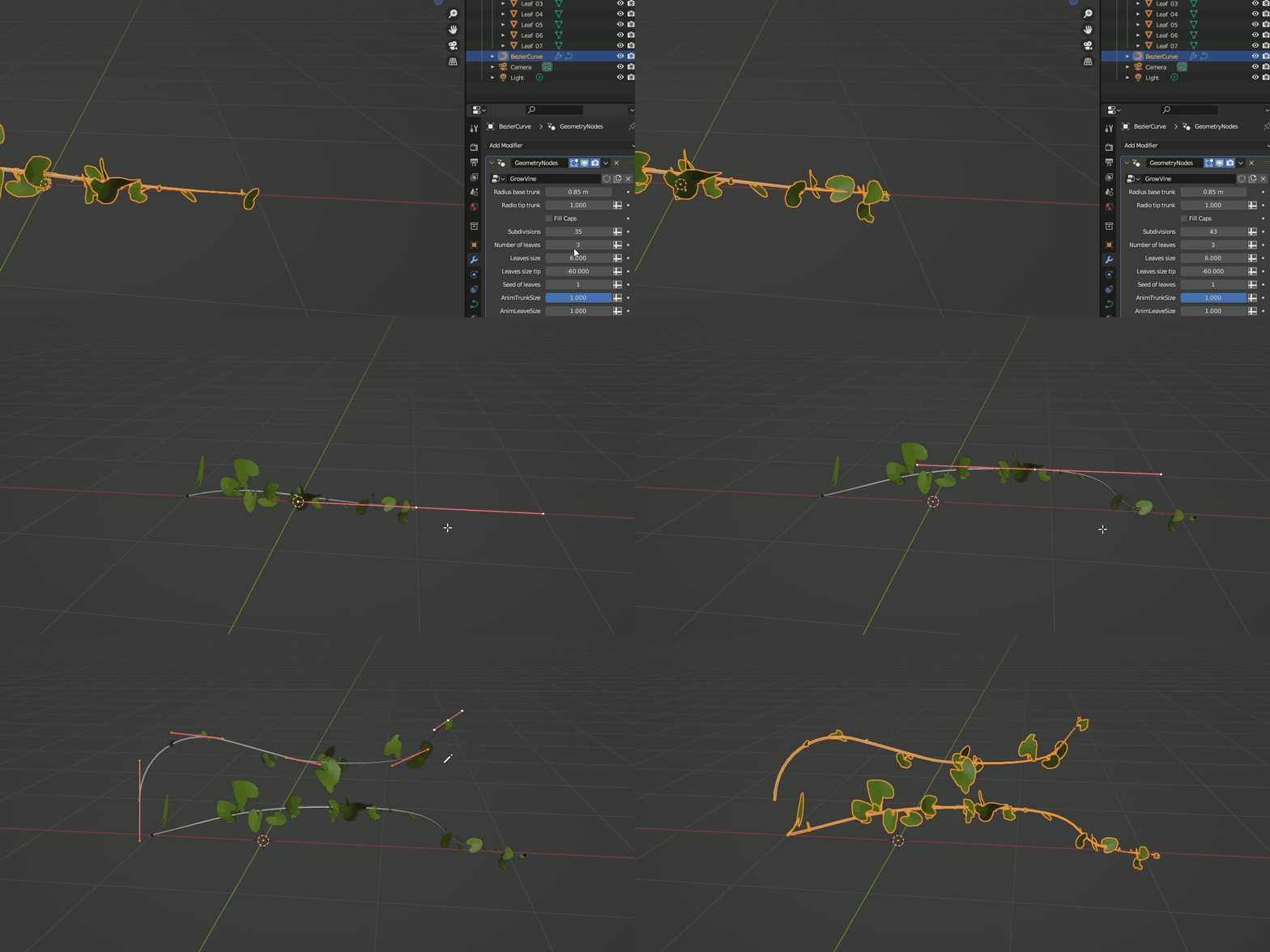
4.- Animate the desired parameters.
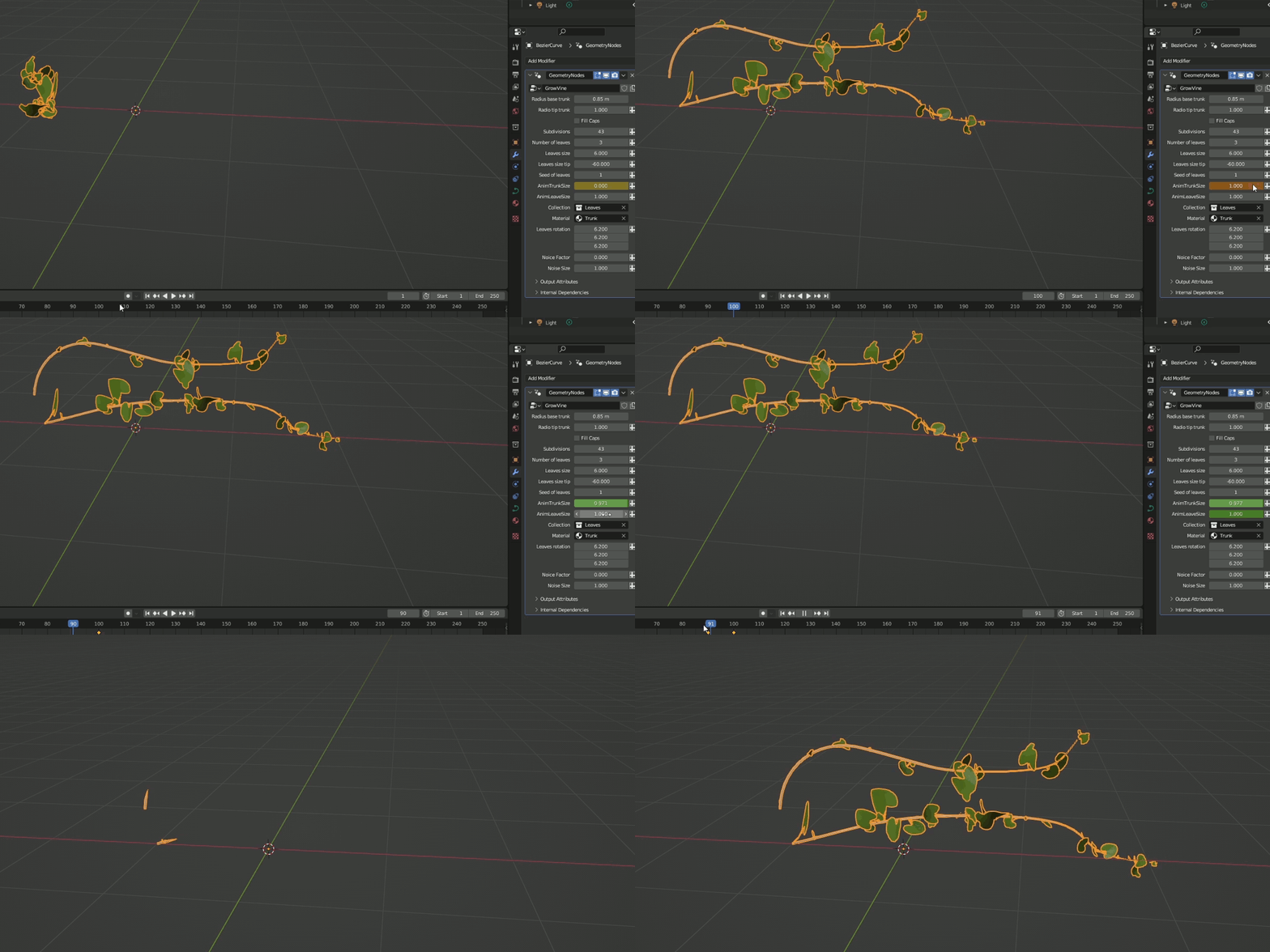
Tutorial for latest version
Old versions for Blender 3.6 to 4.3

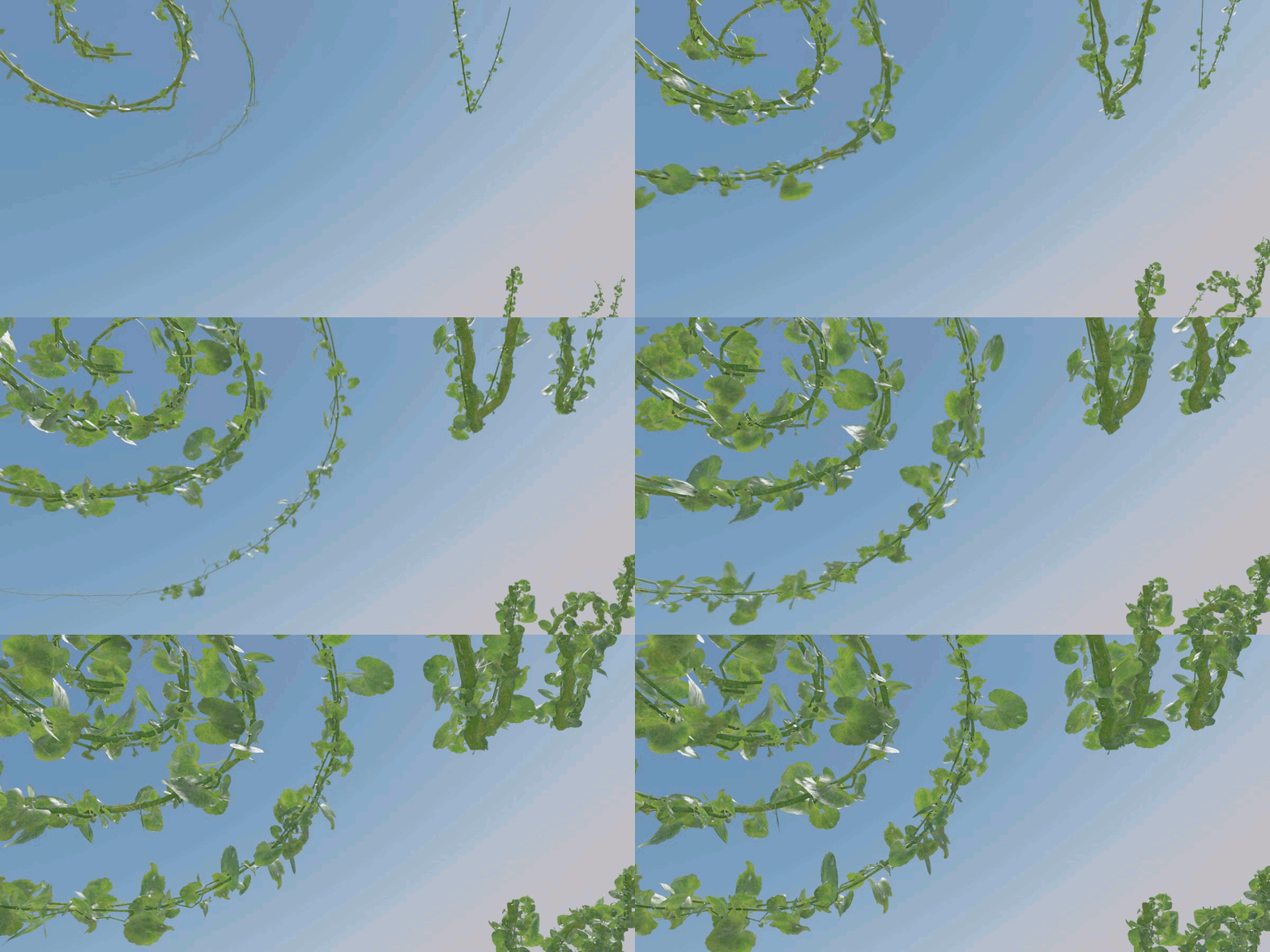
-GrowingVine - For it to grow without a specific surface.
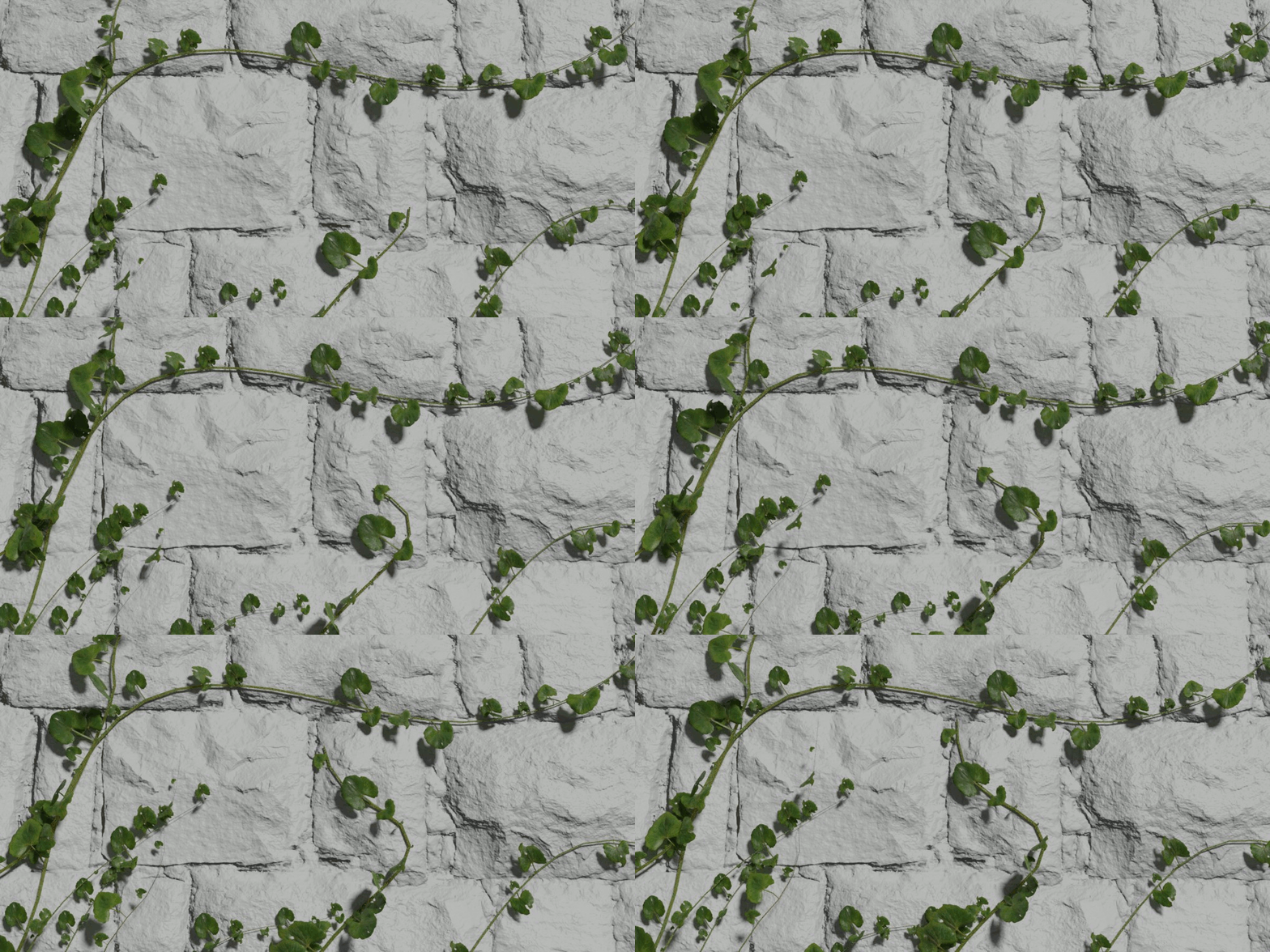
-GrowingVine Wall - Designed to crawl on a flat surface.
Limitations
-Some leaves overlap each other. This can only be partially corrected. At minute 7:49 of the video tutorial, it is explained how.
-The rotation of the leaves on surfaces with very pronounced angles is not correct. It is not in line with the surface Normals. 15:13
- Blender versions: 3.6 and 4.0
Since due to lack of time I have not been able to update the nodes or the usage process, I can only recommend and guarantee its use in the indicated versions (3.6 and 4.0) as shown on Blendermarket. But if you want to use it in recent versions, the easiest way is:
1.- use it in the blender 4.0 according to the tutorial.
2.- Save the file.
3.- Then open it in version 4.1, 4.2, or 4.3 and it should work fine. Copy the curve and pest in your project.
