GrowingVine - Animates the Growth of Vines, Growing Vine
 rACP
rACP

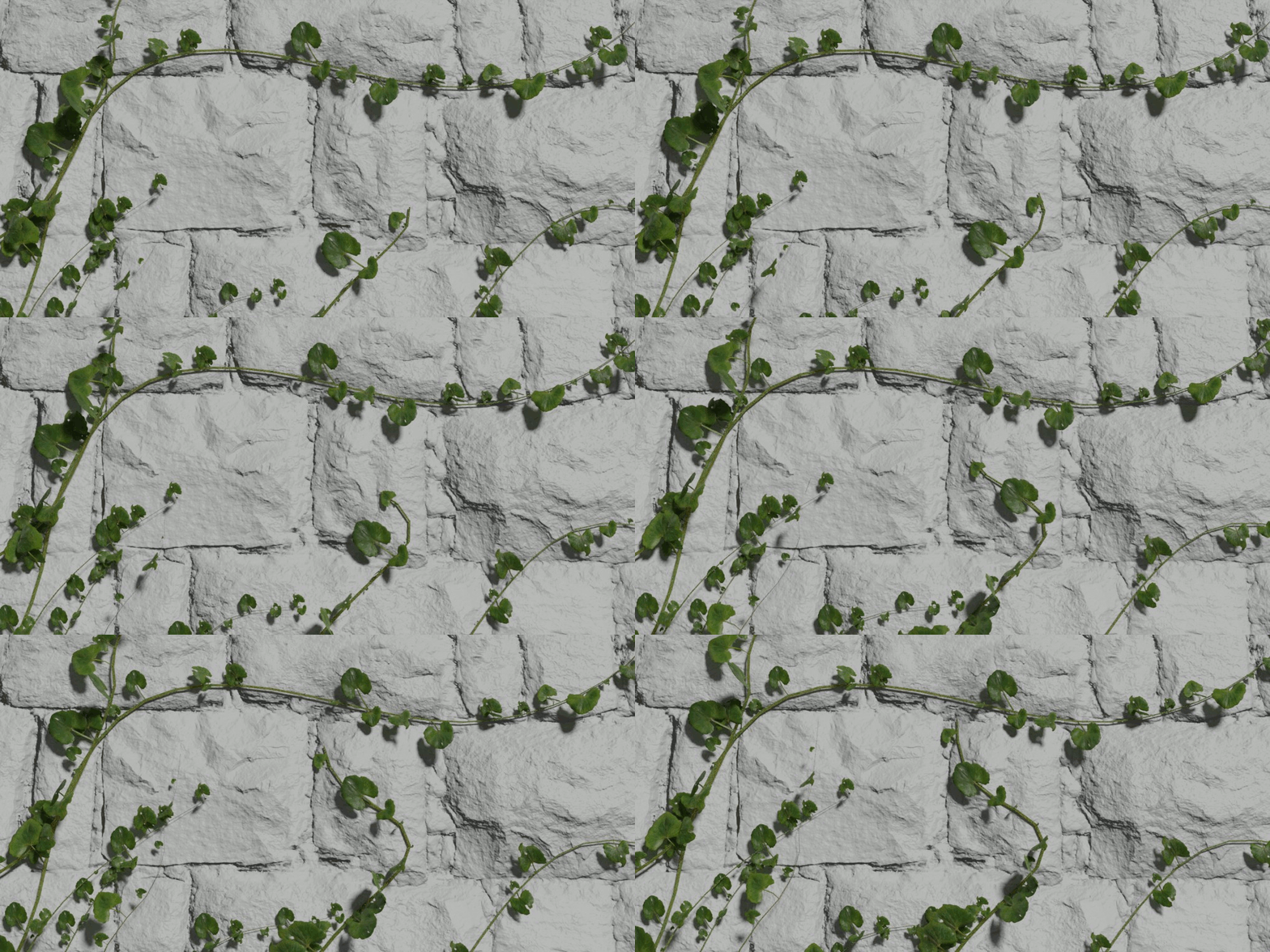
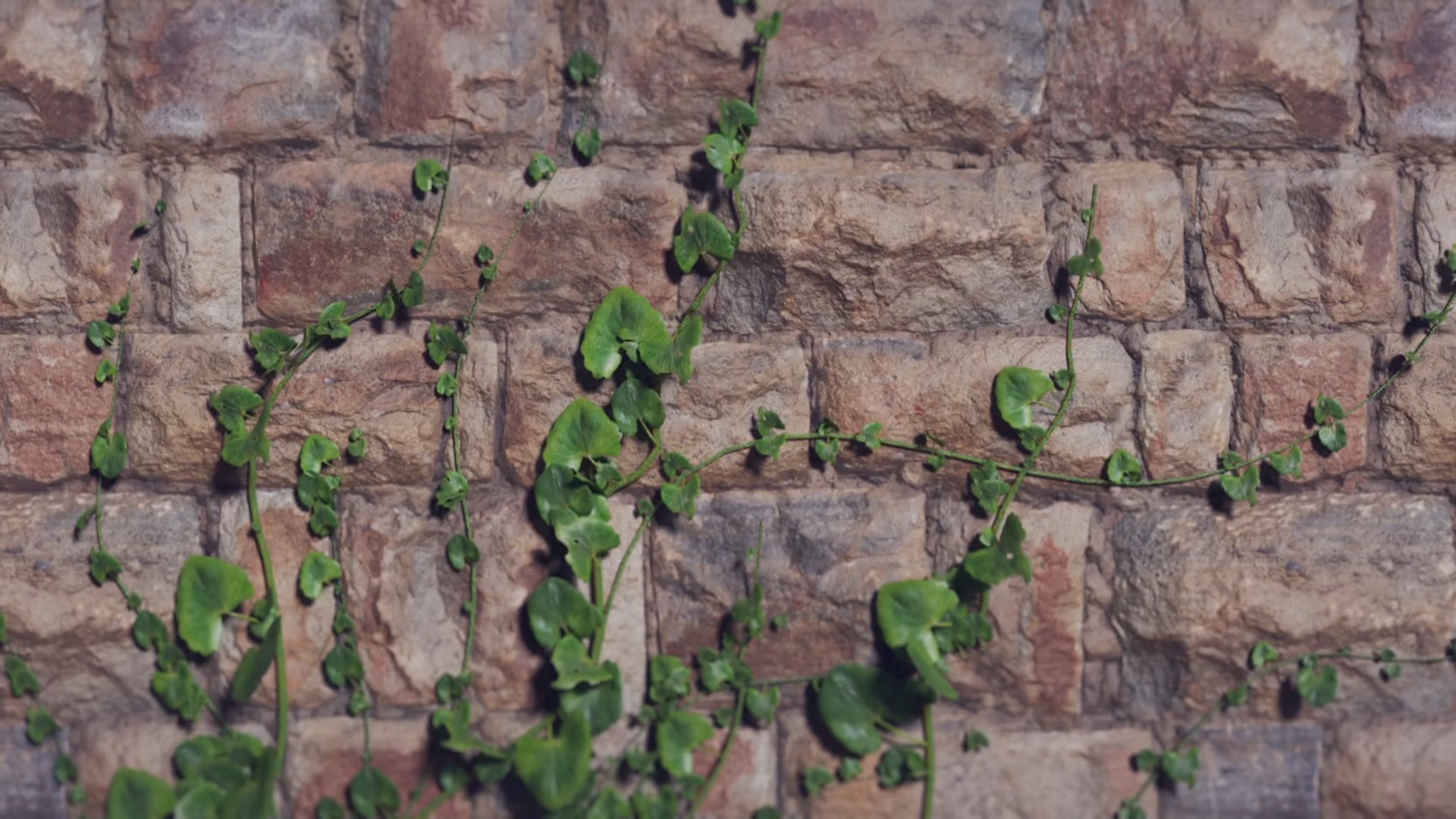
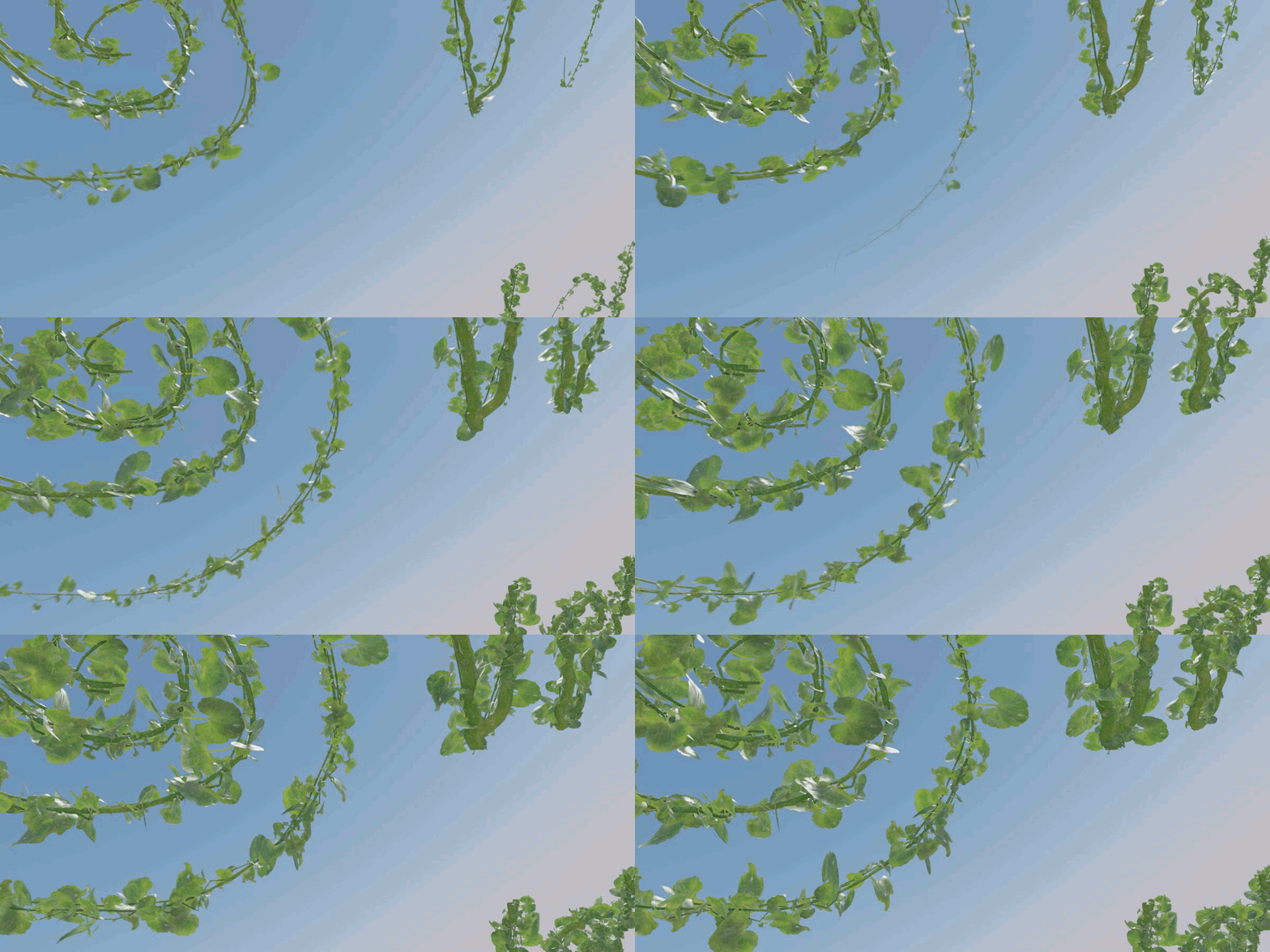

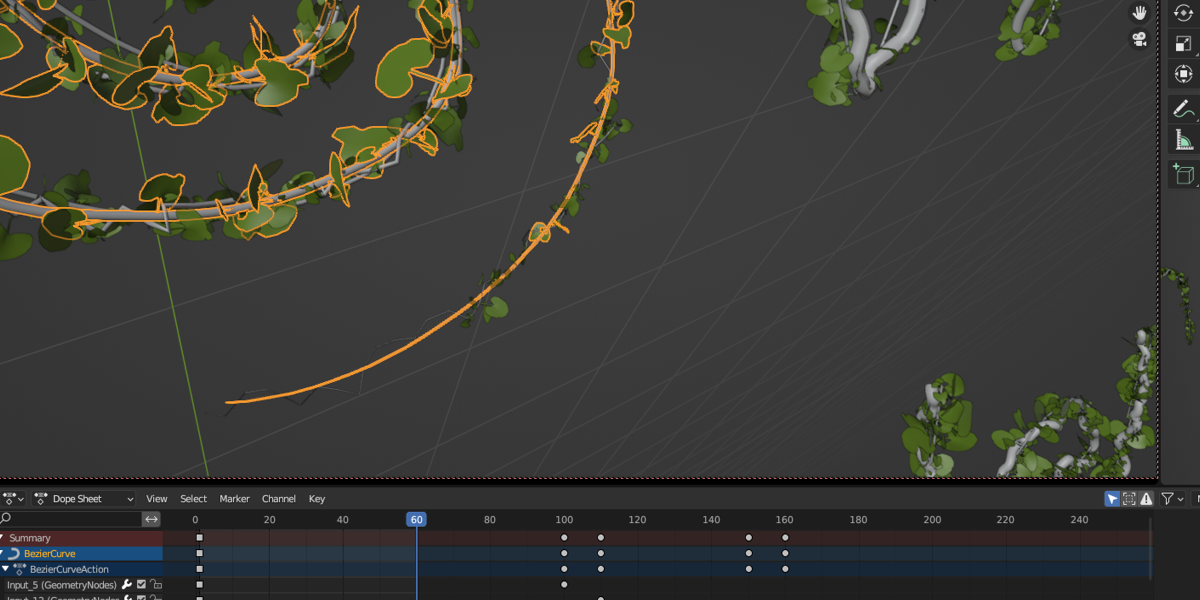
GrowingVine 2
Newest. Currently for Blender 5.0, 5.1
00:11-How to start
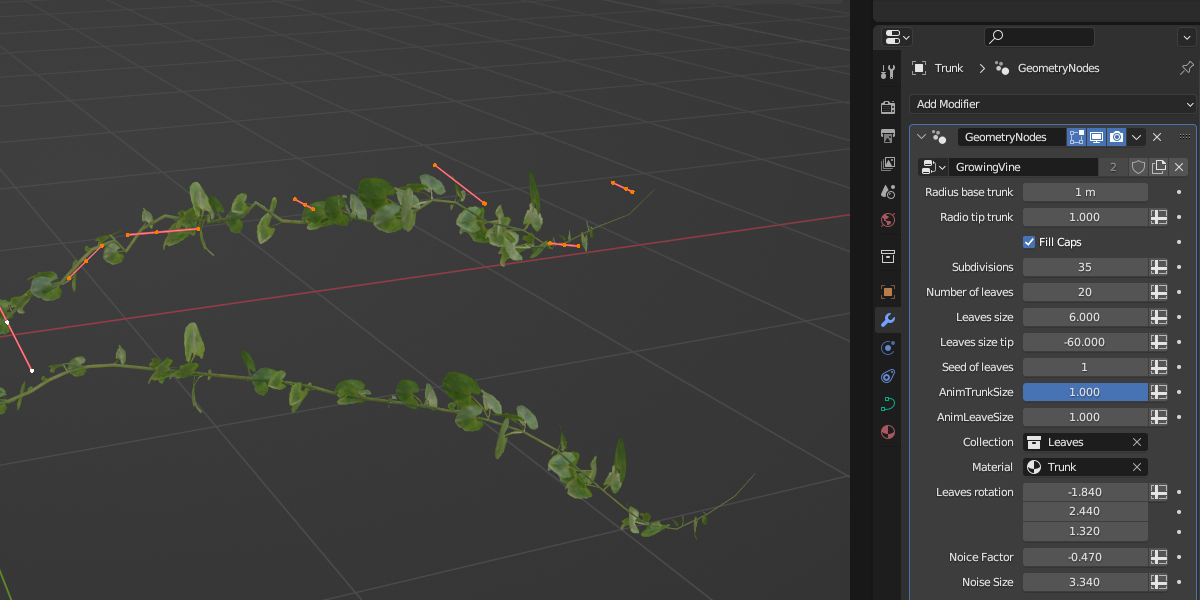
01:20-Radio base trunk
01:25-Radio tip trunk
01:10-Subdivisions
01:31-Number of leaves
01:38-Leaves size
01:43-Leaves size punta
01:49-Seed
01:53-Anim Trunk Size
01:58-Anim Leaves Size
02:03-Collection
02:58-Material
03:10-Leaf Rot
03:21-Noise Factor
03:26-Noise Size
03:30-Collision
03:43-Factor
03:55-Iterations
04:22-Output Attributes / UV's
Tips:
02:03-Custom leaves
02:58-Custom texture
05:24-2 or more objects as Surfaces
05:37-Texture animation
Older Versions
For Blender 3.6 to 4.3. See more details in the Product Page.
Animate trunk Texture:
Just animate "the location in X" in the "Mapping" Material node. You can see how here:
Limitations
-Some leaves overlap each other. This can only be partially corrected. At minute 7:49 of the video tutorial, it is explained how.
-The rotation of the leaves on surfaces with very pronounced angles is not correct. It is not in line with the surface Normals. At minute 15:13 of the video tutorial you can see an example.
- Blender versions: 3.6 and 4.0
Since I have not been able to update the nodes or the usage process I can only recommend and guarantee its use in the indicated versions (3.6 and 4.0) as shown in Blendermarket. But if you want to use it in recent versions the easiest way is:
1.- use it in the blender 4.0 according to the tutorial.
2.- Save the file.
3.- Then open it in version 4.1, 4.2, or 4.3 and it should work fine. Copy the curve and pest in your project.
Have questions about this product?
Login to message
| Sales | 200+ |
| Dev Fund Contributor | |
| Published | almost 3 years ago |
| Blender Version | 3.6 - 5.1 |
| License | Creative Commons |

Discover more products like this
facilmente growing realista blender easily vine geometry nodes 3d Crece grow realistic bfcm23 animacion free Planta animation Enredadera crecimiento addon