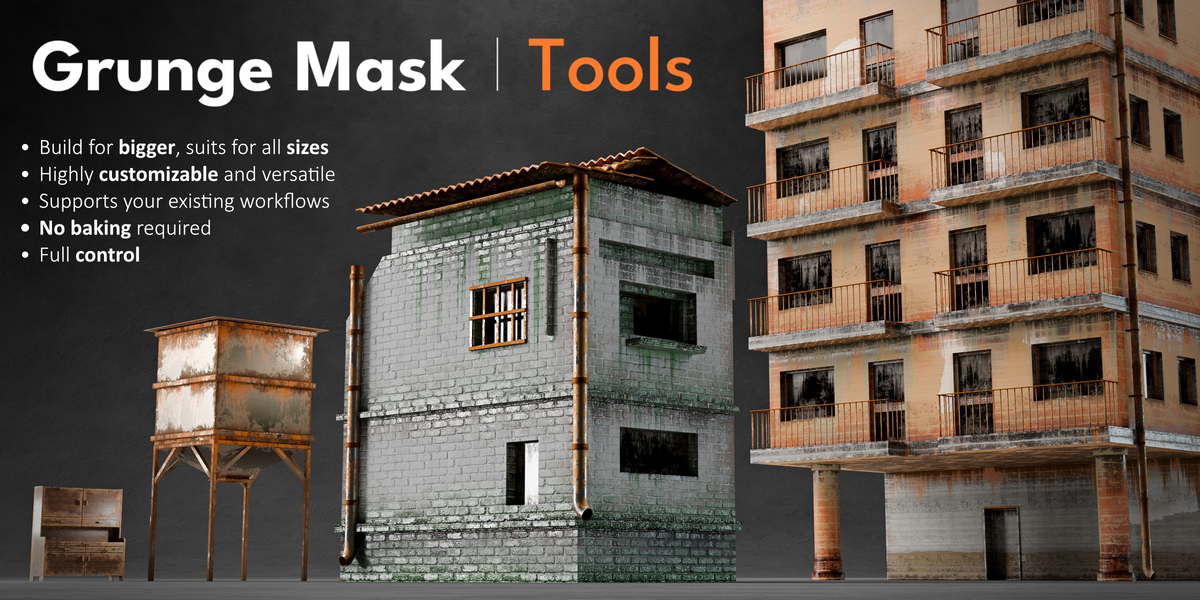
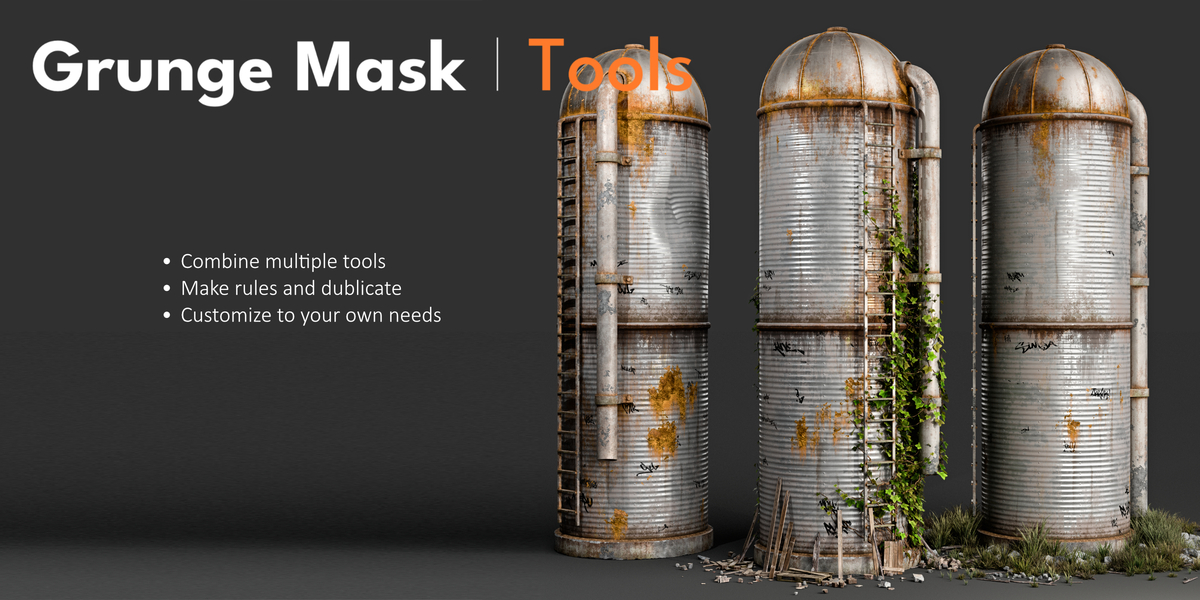
Grunge Mask Tools
 Embrace FX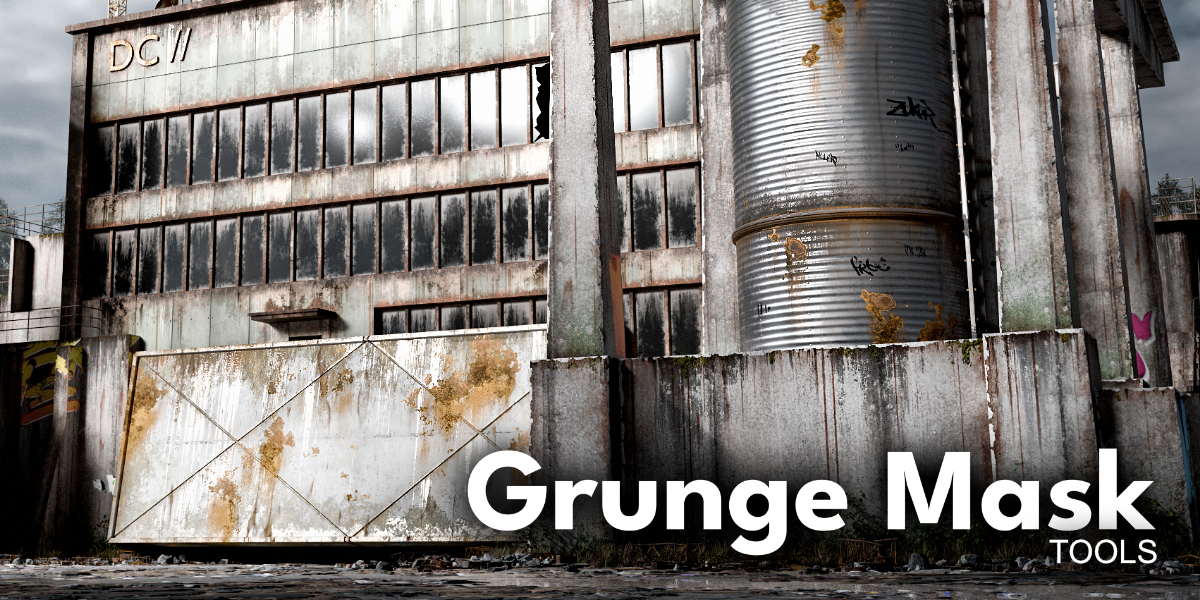

How To Install?
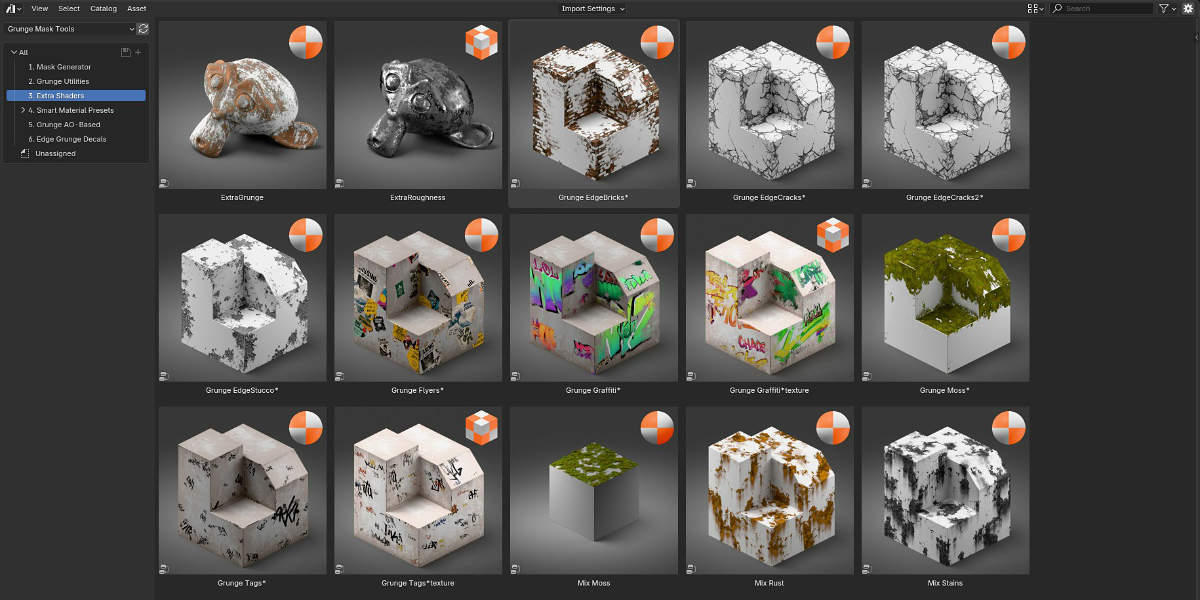
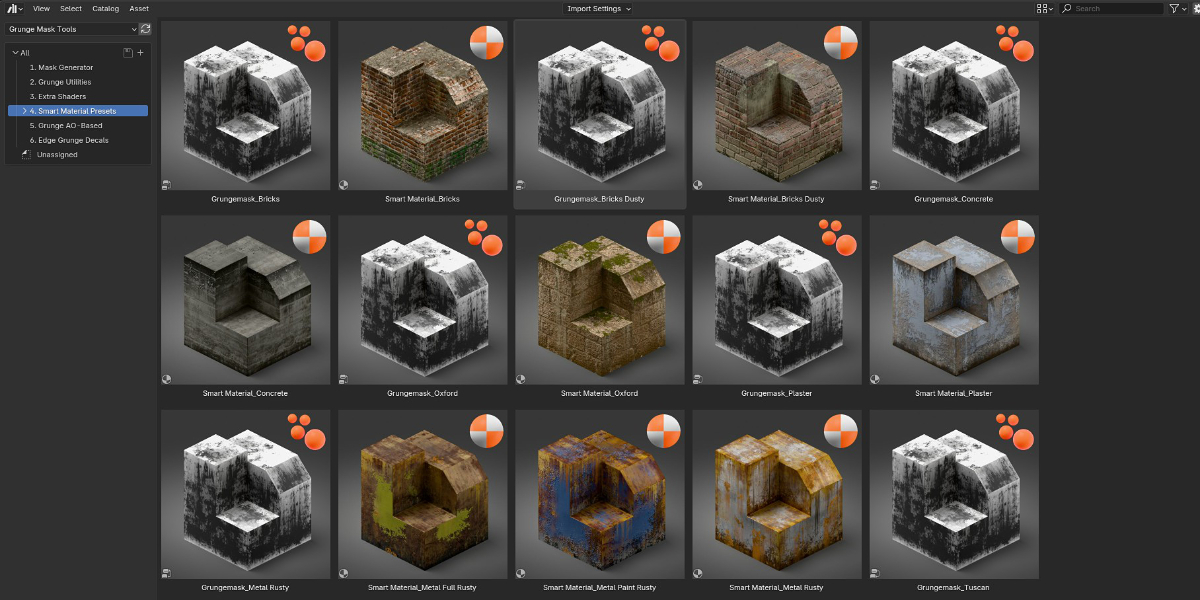
First download the zip-file. Unzip it somewhere you will find it later. Open Blender -> Edit -> preferences -> Filepaths -> click the plus icon on Asset libraries and find the unzipped folder. Then just click accept. You can then find it in your Asset Library tab. On some newer blender versions the preferences window has separate Asset Brower tab where you can install the Asset Library similarily.
For Blender 5.2 instead of Preferences -> Filepaths, there´s a dedicated Tab called "Asset Libraries".
Have questions about this product?
Login to message
| Published | 1 day ago |
| Blender Version | 4.5 - 5.2 |
| Extension Type | N/A |
| Render Engine Used | Cycles, Eevee |
| License | GPL |
Discover more products like this
geometrynodes arcviz surfaceimperfections grunge procedural smudge Texturing