 Abdou Bouam
 Keith Talbot

abdoubouam
over 6 years ago
Thank you for your review :)
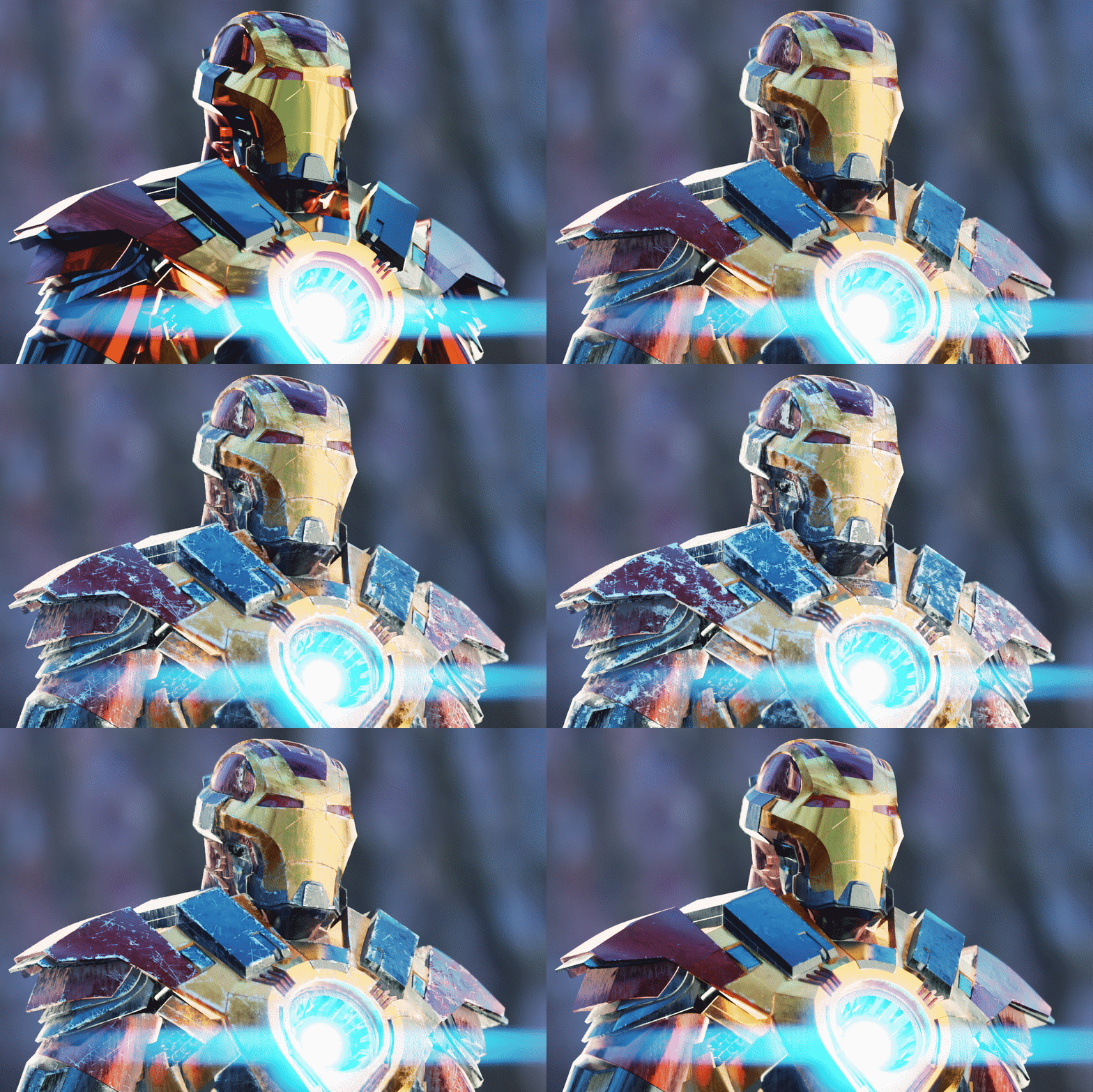
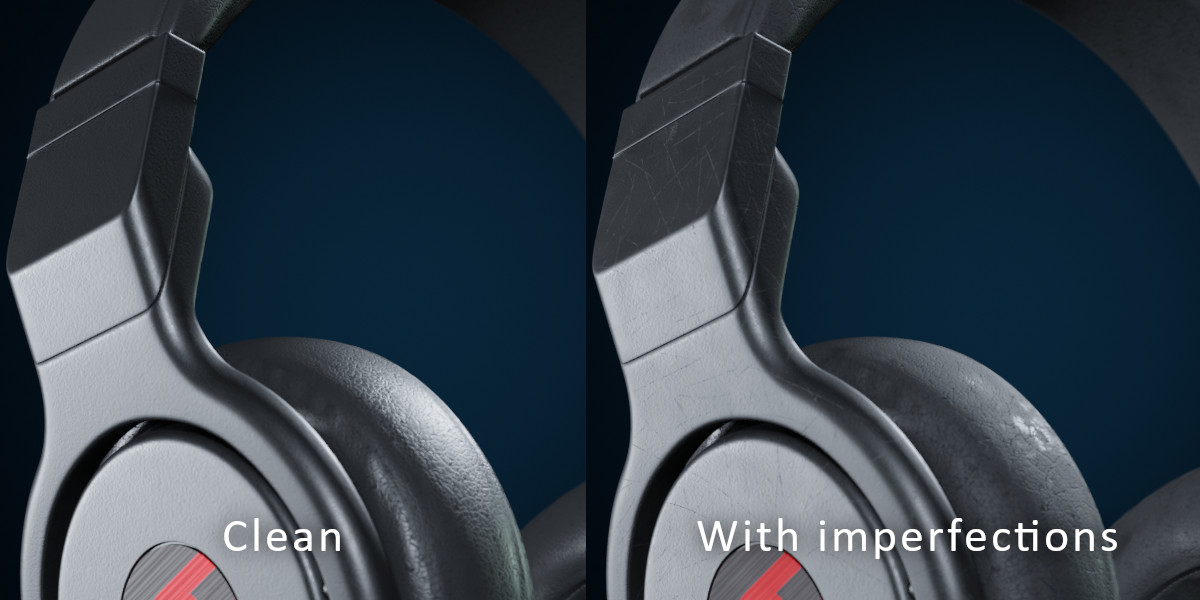
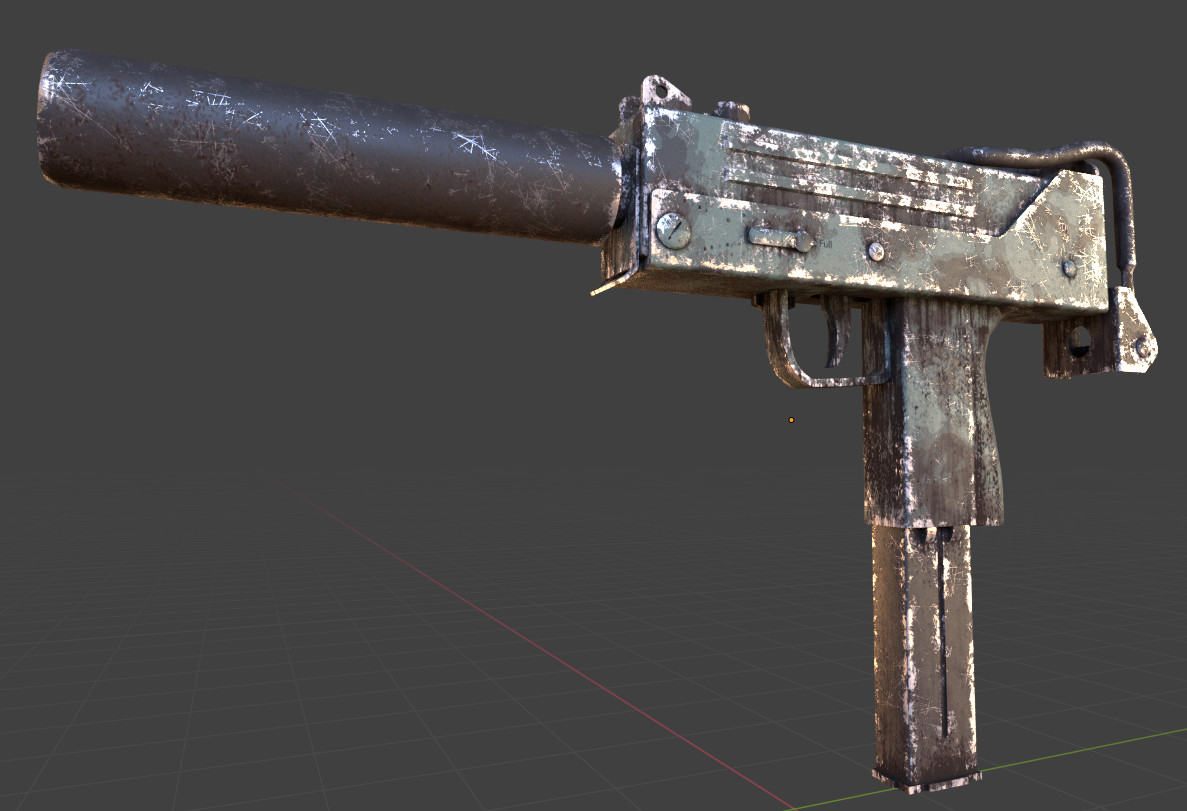
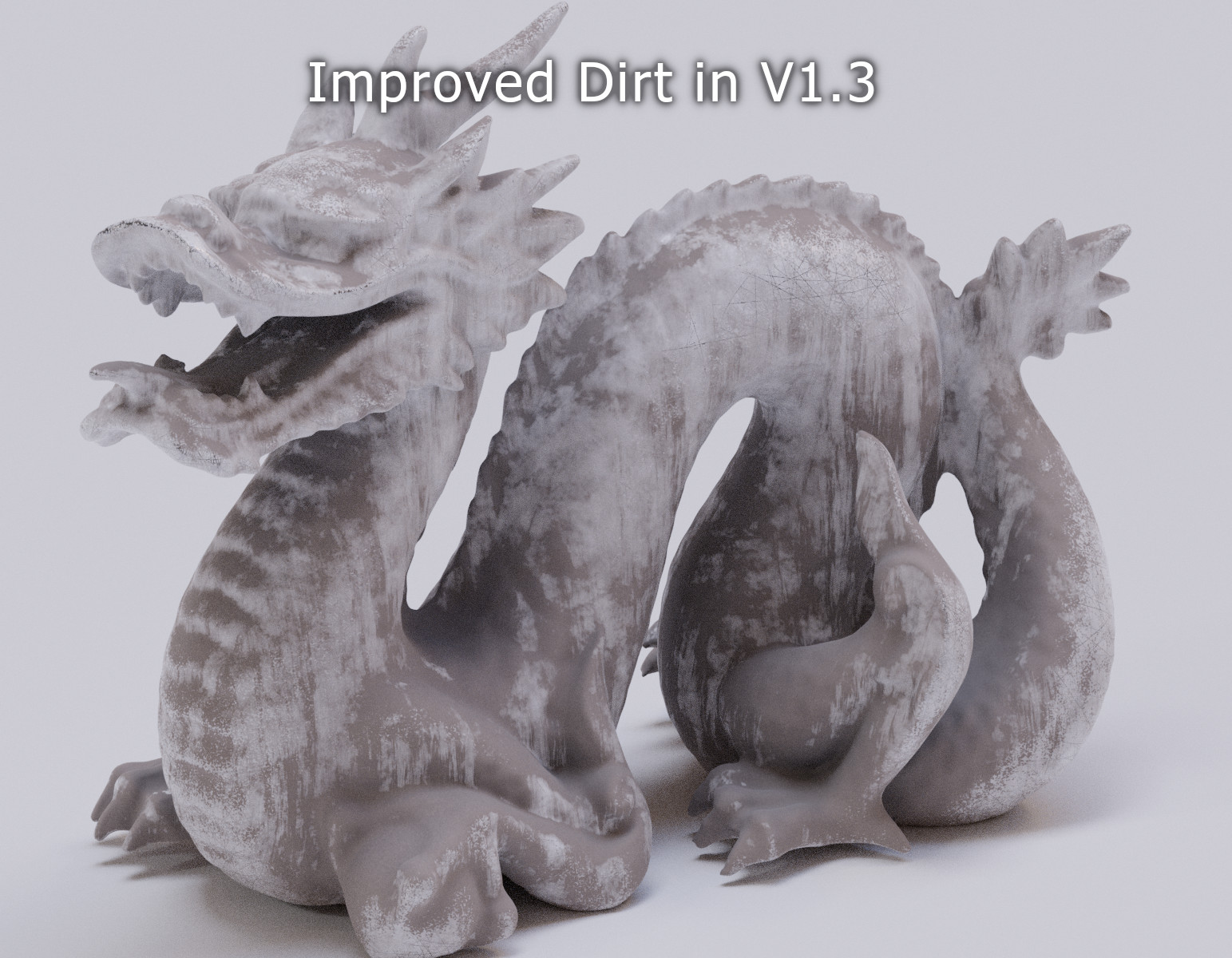
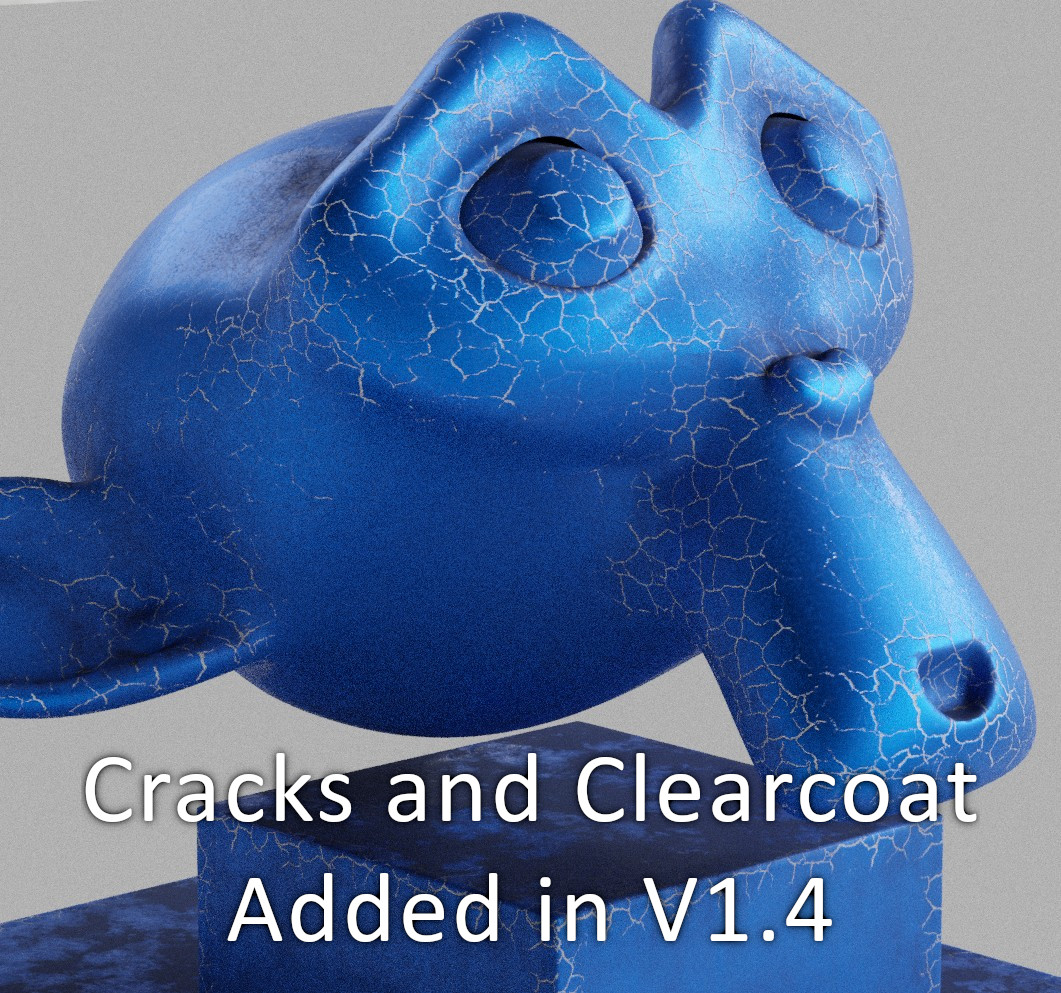
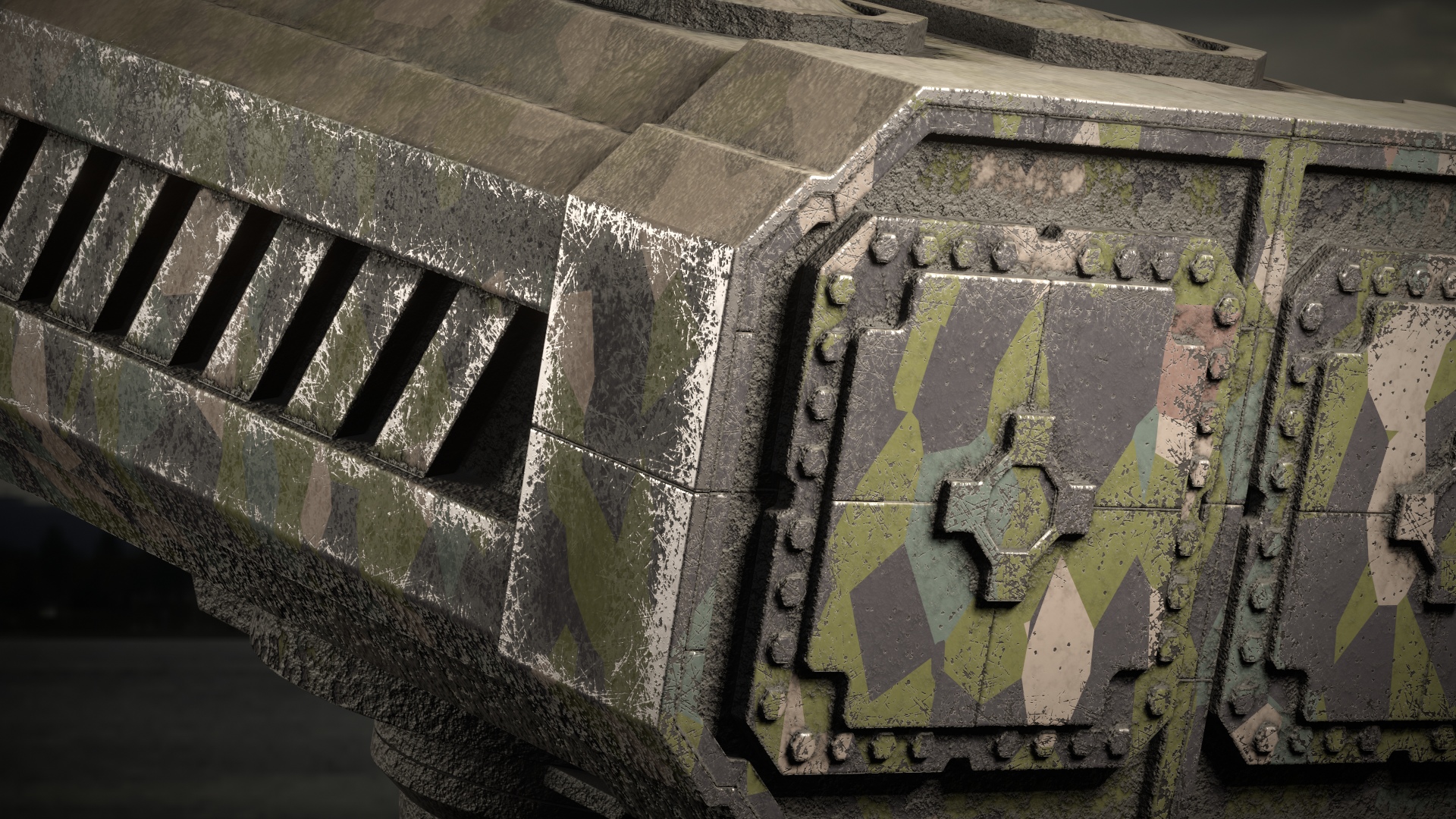
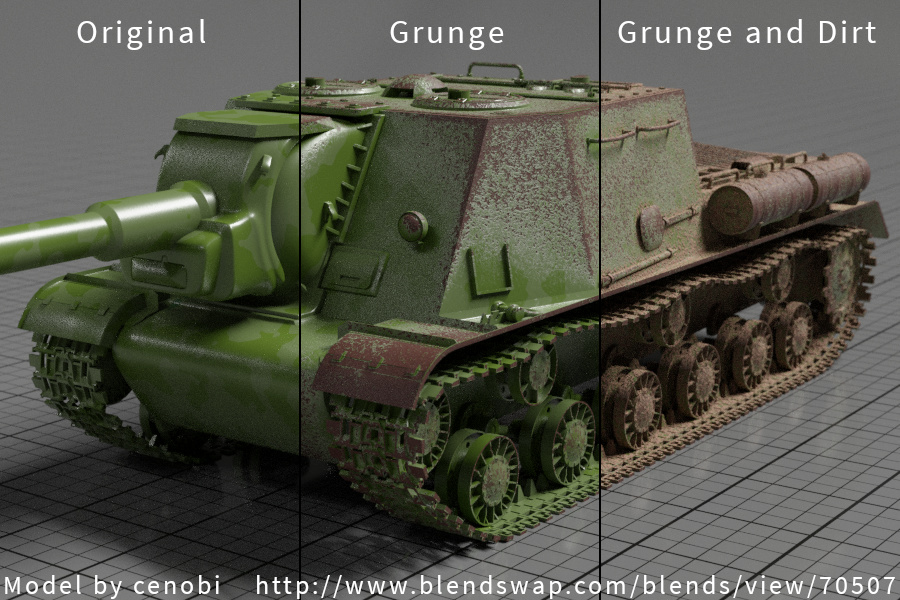
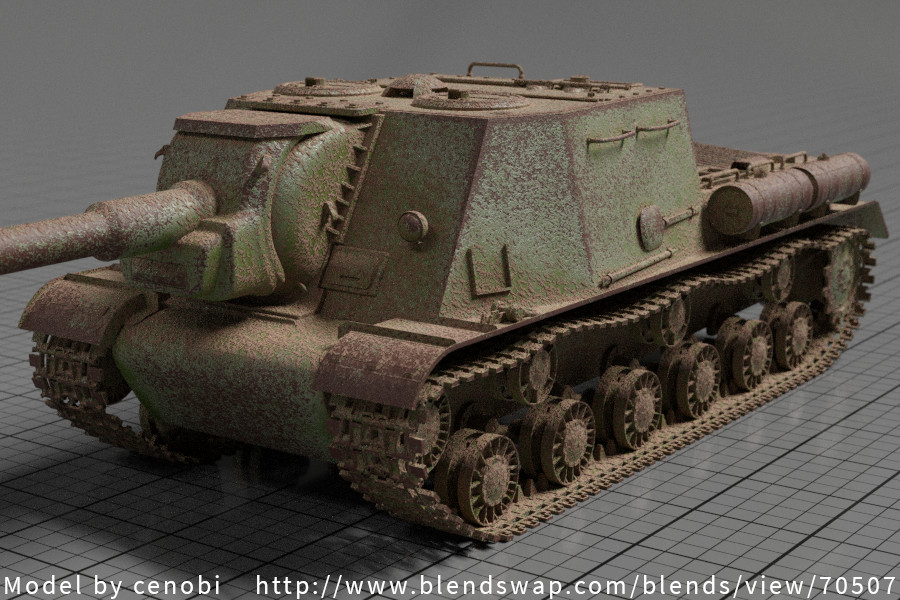
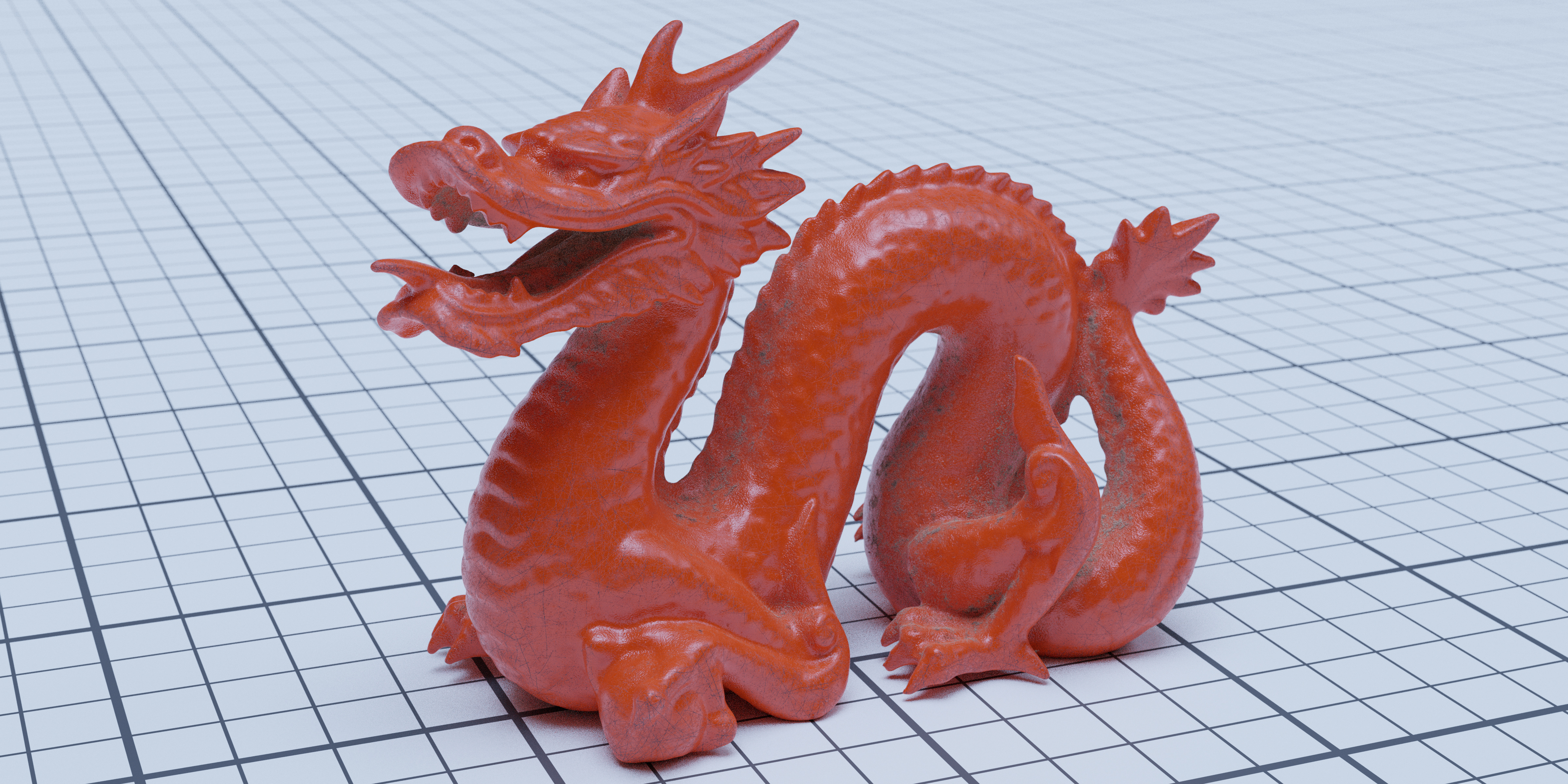
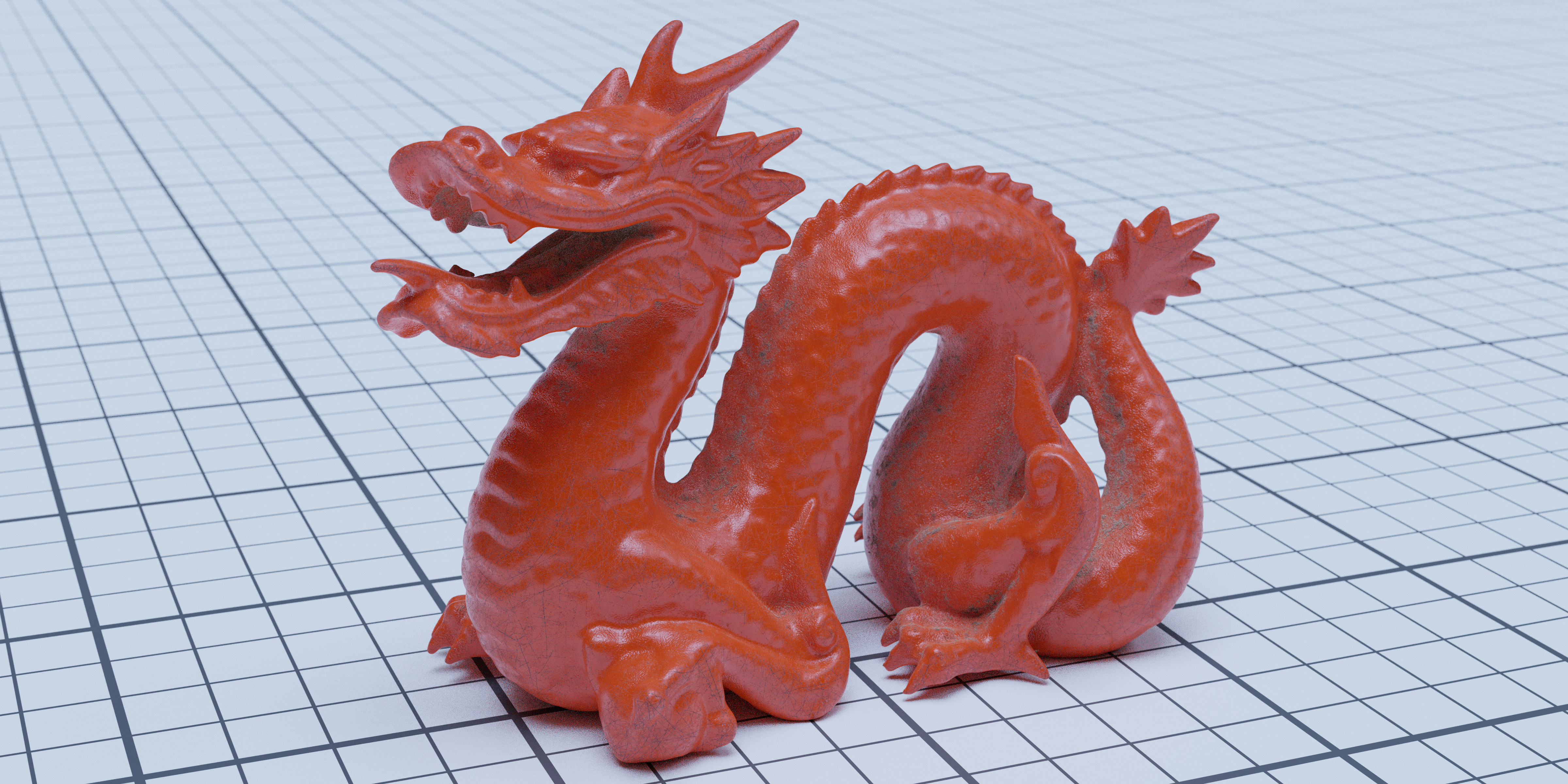
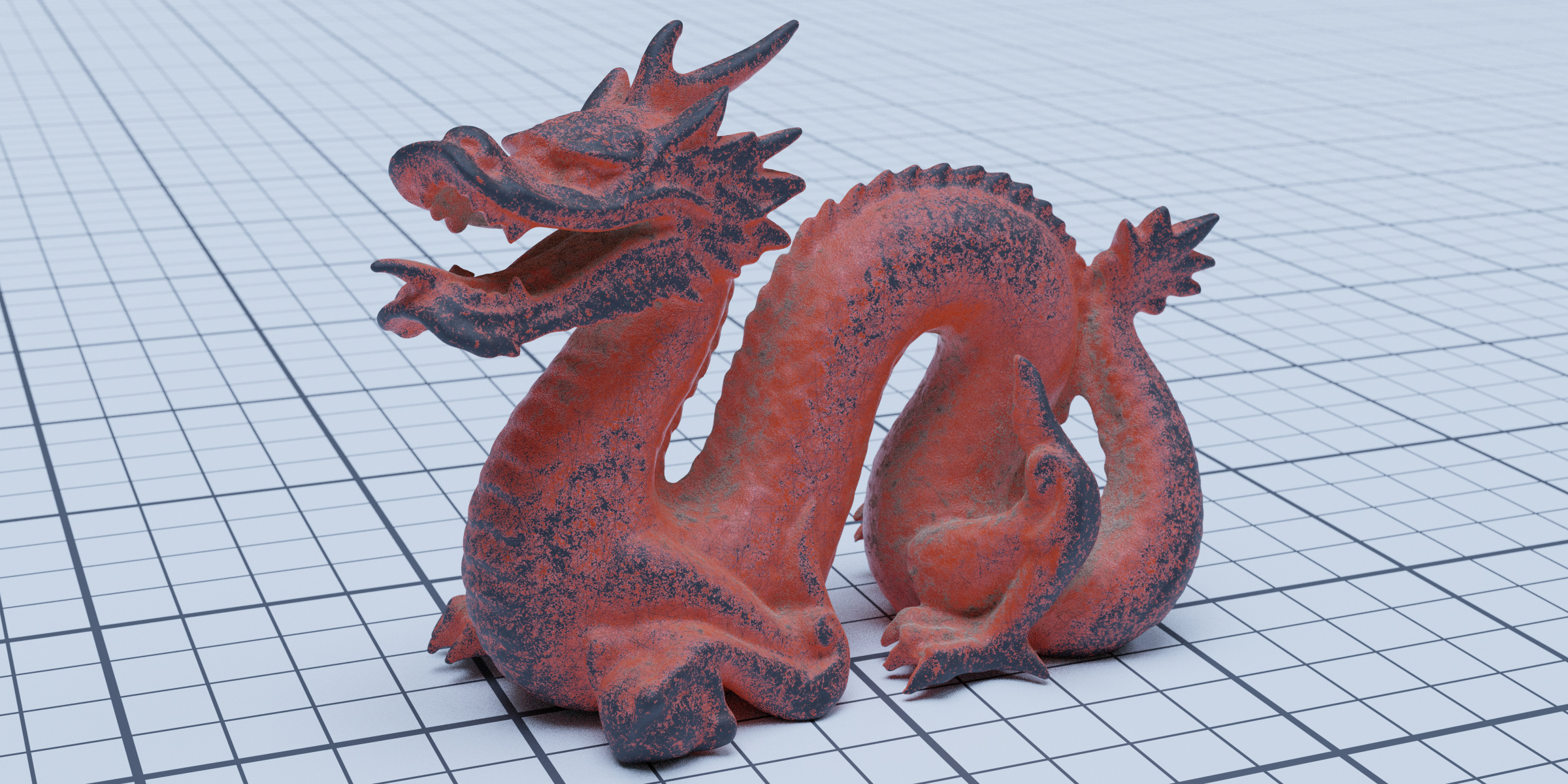
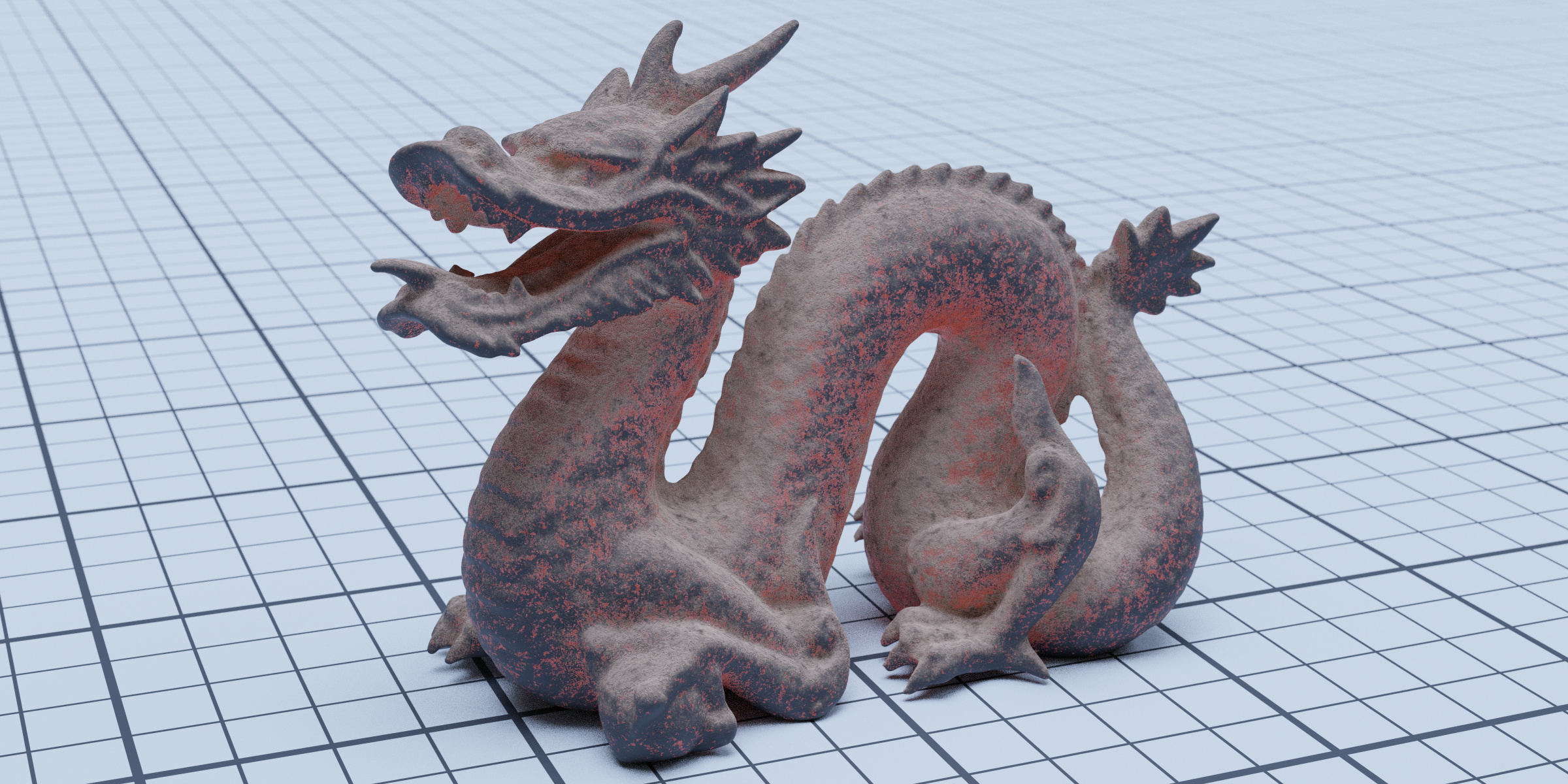
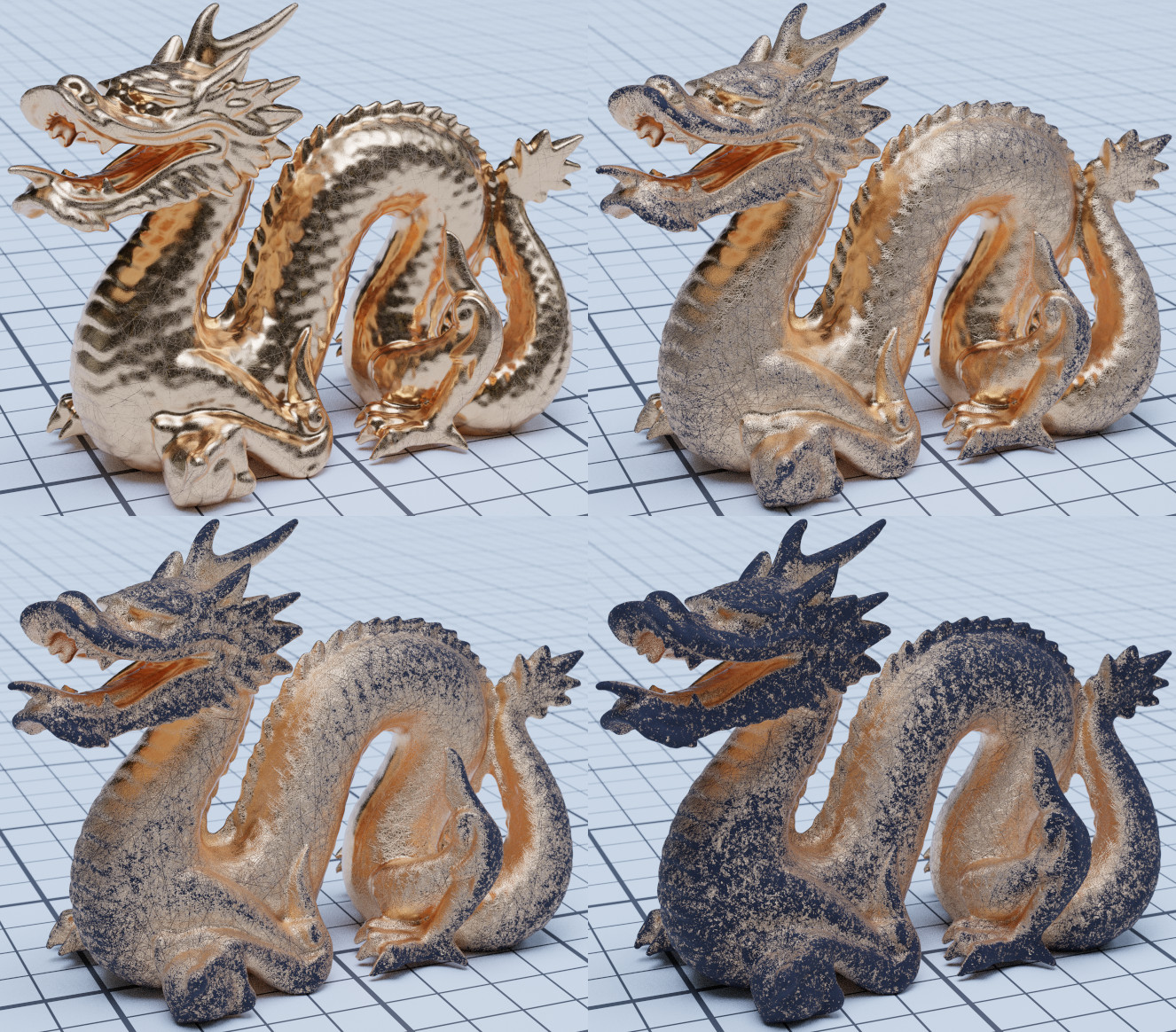



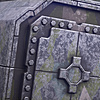
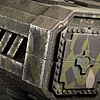
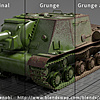

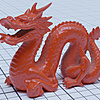
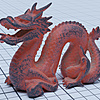
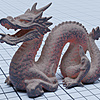
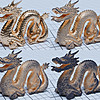
This item has an average rating of 5 from 37 ratings by the community.
Purchase this item to leave a review!
abdoubouam
over 6 years ago
Thank you for your review :)
abdoubouam
over 6 years ago
Hi,
Make sure your file is saved first, and that you are in Edit mode. You will see a tab called "Grungit" in the properties (n) panel.
You can see the demo video for more information https://www.youtube.com/watch?v=U7e8k7sr1OI
If you are still encountering issues please use the "Ask a Question" to send me a message and I will assist you
abdoubouam
over 6 years ago
Thanks, I'm glad you liked it!
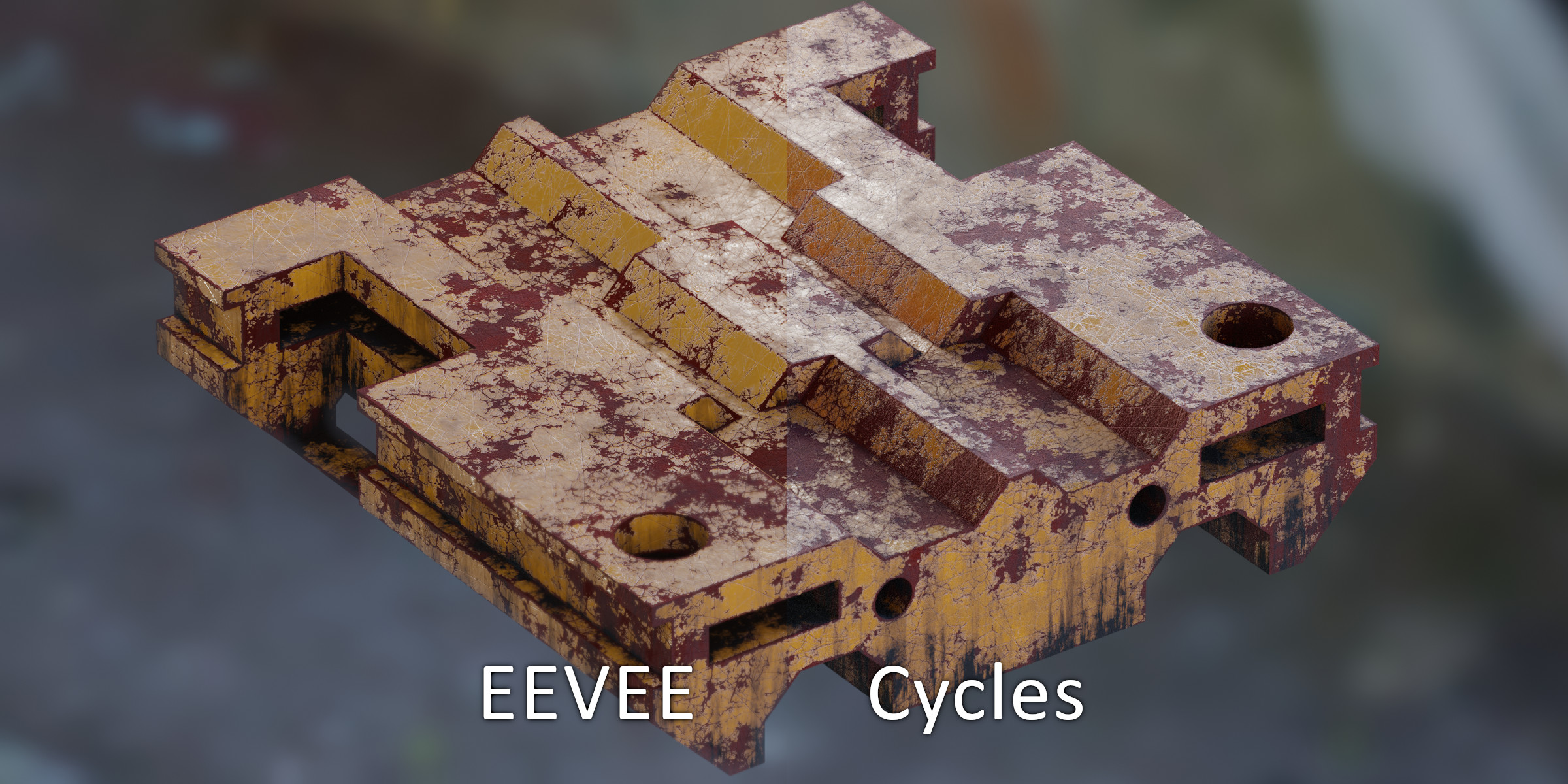
The add-on can be demanding, you need at least a GTX 1050 or equivalent for a decent experience (integrated graphics are not recommended). However, that's practically the fastest way to do it in Blender without the limitations of other methods such as mesh density and topology, extremely slow render times, and EEVEE support.
Currently the slowest parts are : UV Unwrapping, baking, and the shader itself.
For Auto UV-unwrapping and Baking, there's nothing I could do. They use Blender code and operators and it's as fast as they can currently get. If they get faster in the upcoming versions of Blender, Grungit will automatically benefit from the improvements.
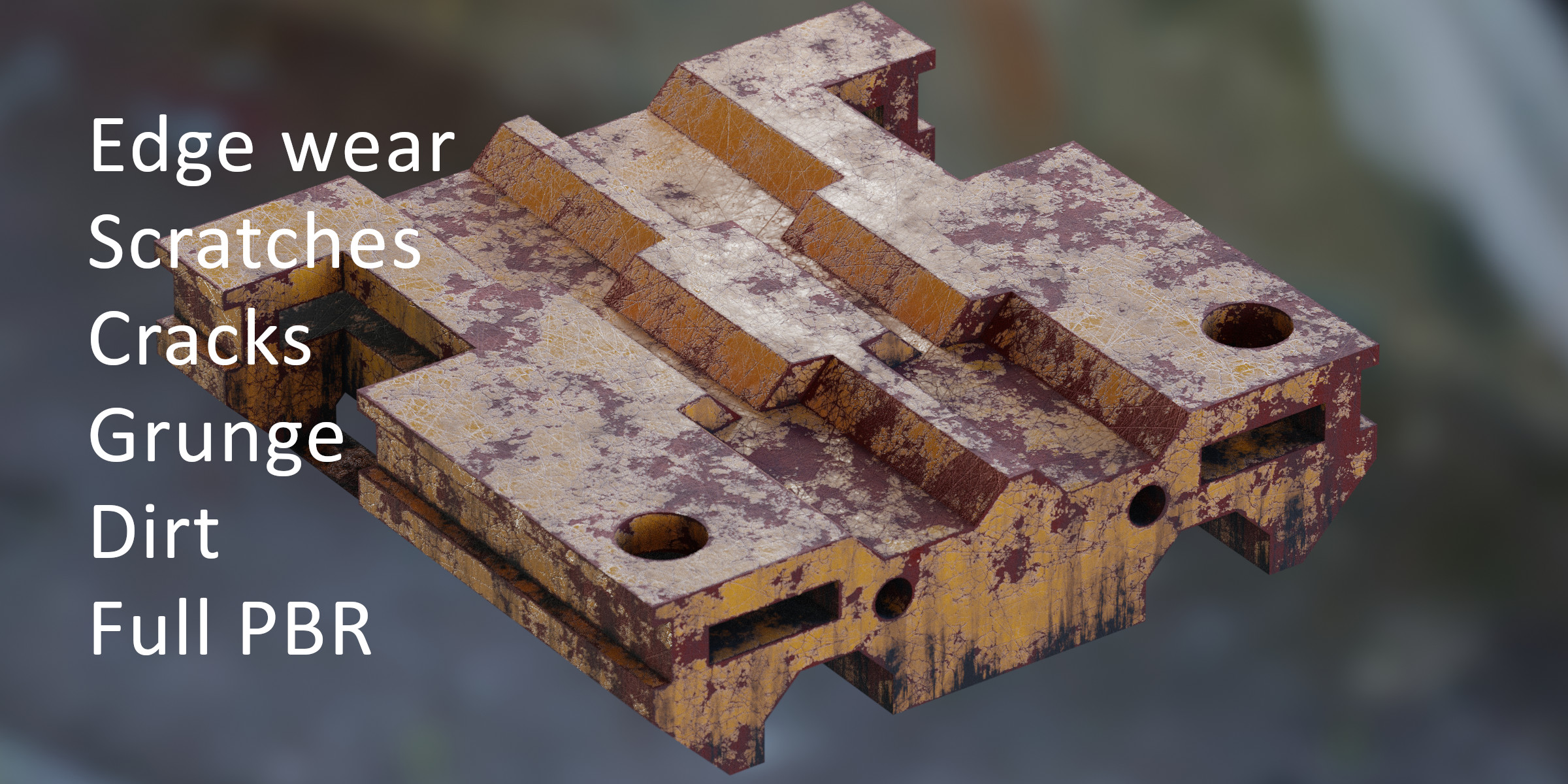
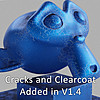
As for the shader complexity, there are ways to increase the render speed : I added an option to not use clearcoat by default, and an option to not use the dirt or the grunge if you don't need them. If it's still too slow, the PBR Baking feature will convert the effect and make it use baked PBR textures instead, and that's the fastest render time possible with such an effect, however it will be destructive and you won't be able to adjust it without rebaking.
as a side note : EEVEE shader compilation is slow, switching to Cycles when applying Grungit and editing the nodes is a lot smoother.
I hope this helps, if you have questions please don't hesitate to contact me
abdoubouam
over 2 years ago
Hello,
That sounds like a bug, please get in touch so I can assist and find the cause of the issue.
In the meantime, here are a few things to try :
Make sure you have the latest version of Grungit (1.9.1)
Completely uninstall and then reinstall the addon, especially if you had an older version installed.
If your mesh doesn't have UVs, then enable "(Re)create UV Maps" in the pop-up that appears when you click apply.
If you are getting an error message, please share it with me so I can look into the issue
Have questions about this product?
Login to message
| Sales | 4400+ |
| Rating | 37 ratings |
| Dev Fund Contributor | |
| Published | almost 7 years ago |
| Blender Version | 3.5 - 5.0 |
| Extension Type | N/A |
| Render Engine Used | Cycles, Eevee |
| License | GPL |
plugin 2.80 bake spring24 tear eevee summer22 edge wear spring21 withering addon PBR Bake bfcm23 blender2.81 tearing wither PBR masking spring20 summer20 2.81 bfcm21 bfcm22 wearing baking blender2.80 pbr-baking bcon22 Damage loveblender masks wear Blender 2.8 bfcm20 summer23 Automatic grunge summer24 spring22 Cycles spring23 winter24 damaging mask edge summer21
 Matteo
 JeongHeon
 hun cho
 Ben V
Ben V

 Niclas
