Hair Particle to Hair Card Generator
 Orvixstudios


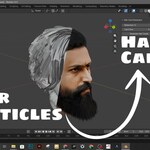
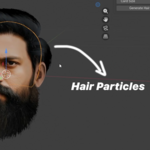
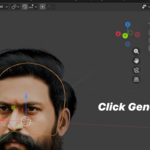
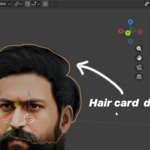
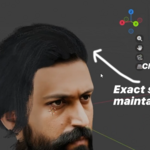
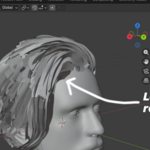
Hair Card Generator – Usage Guide
Reduction Value
The Reduction Value controls how many hair particles are grouped together to form hair cards. Hair cards usually represent multiple hairs combined into a single card, so reducing the total number of particles is necessary for optimization.
-
Lower reduction value → Converts most hair particles into individual cards
(More cards, higher detail, heavier performance) -
Higher reduction value → Groups multiple hair particles into fewer cards
(Fewer cards, better performance)
If your hair setup has a large number of hair particles, use a higher reduction value.
If your hair setup has fewer particles, use a lower reduction value.
Recommended:
An 80% reduction works well for most hairstyles and is usually sufficient to cover the head naturally. You can adjust this value based on your visual and performance needs.
Card Size
After generating the hair cards, you can control the Card Size directly from the panel.
-
Increase the value to make hair cards wider and thicker
-
Decrease the value for thinner, finer hair cards
This allows you to fine-tune the final look without regenerating the cards.
How to Use
-
Select the mesh object that contains the hair particle system
-
Set the Reduction Value
-
Click the Generate Hair Cards button
-
Adjust Card Size if needed
The generated hair cards remain editable, allowing further refinement after creation.
Discover more products like this
hair optimization real-time hair character hair blender hair cards hair particle to cards hair card generator Hair particles hair cards Low Poly Hair