 Hamen
Hamen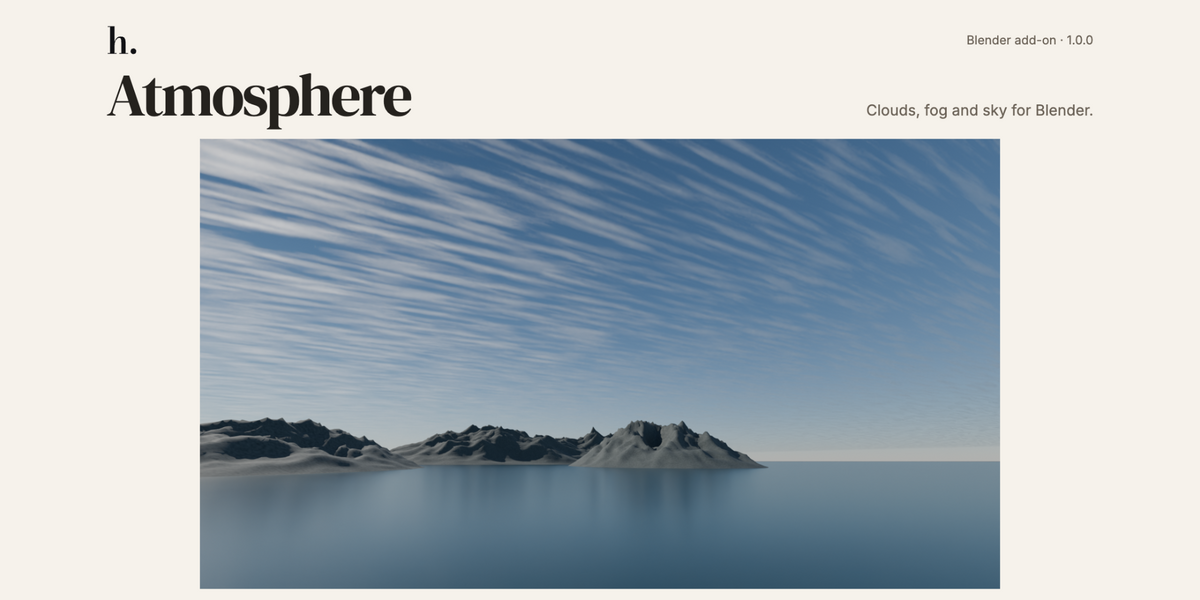
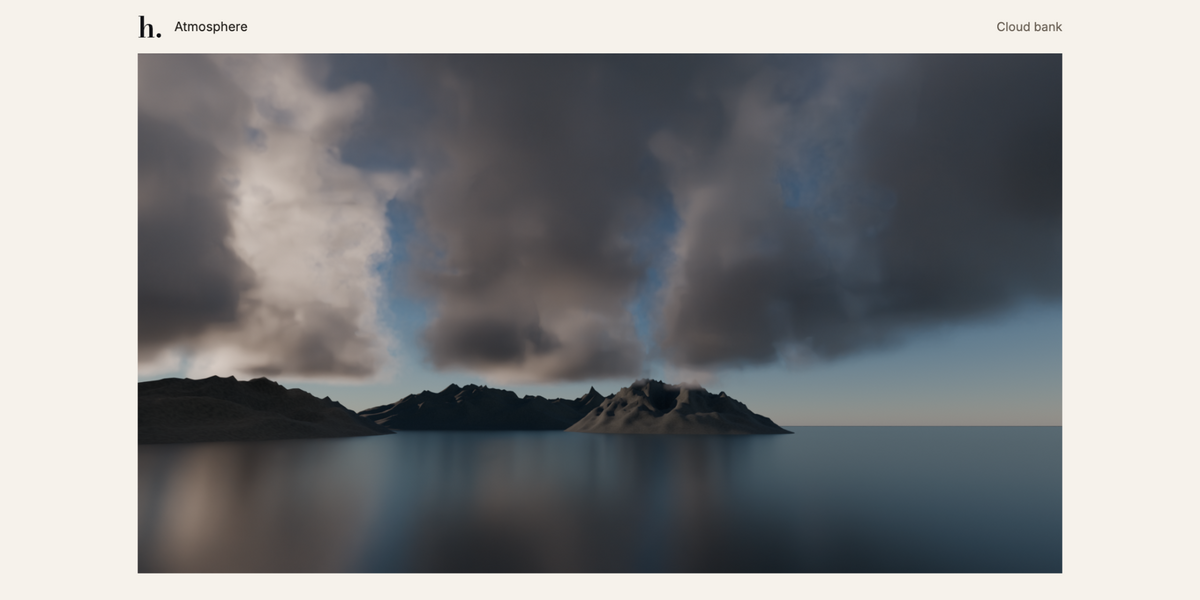
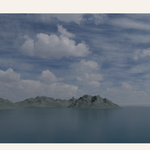
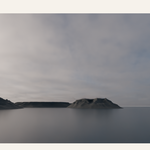
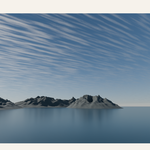
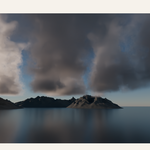
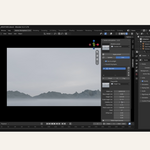
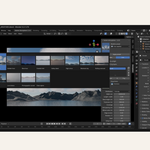
Clouds, fog and sky for Blender.
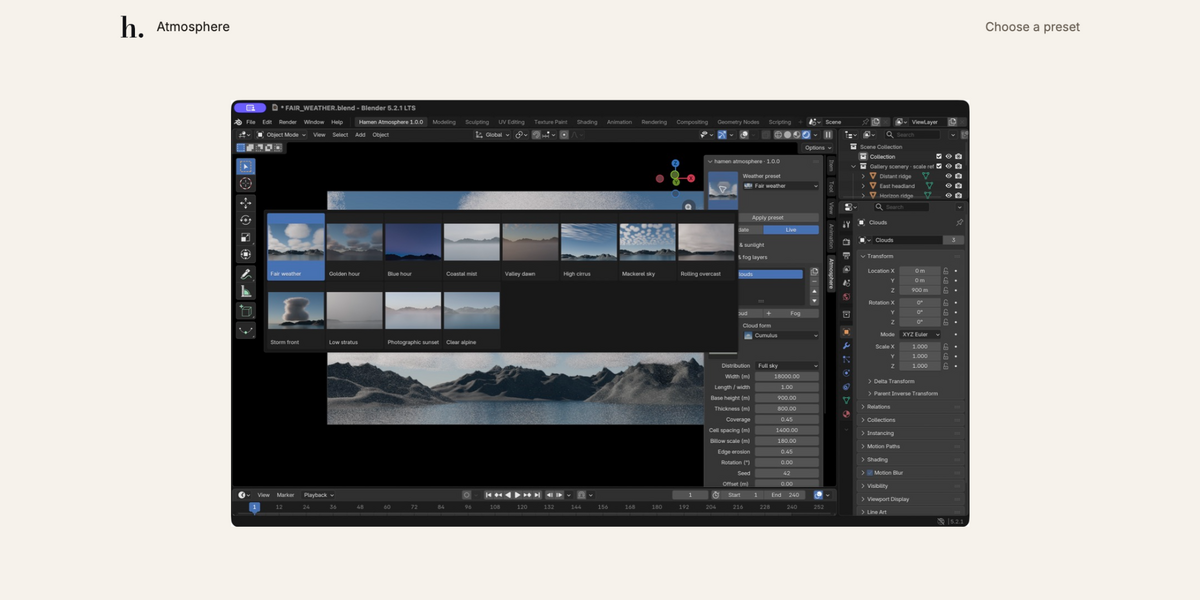
Choose a preset, adjust your layers, and see the changes in your scene. Atmosphere by Hamen brings clouds, mist, sky lighting and weather controls into one sidebar.
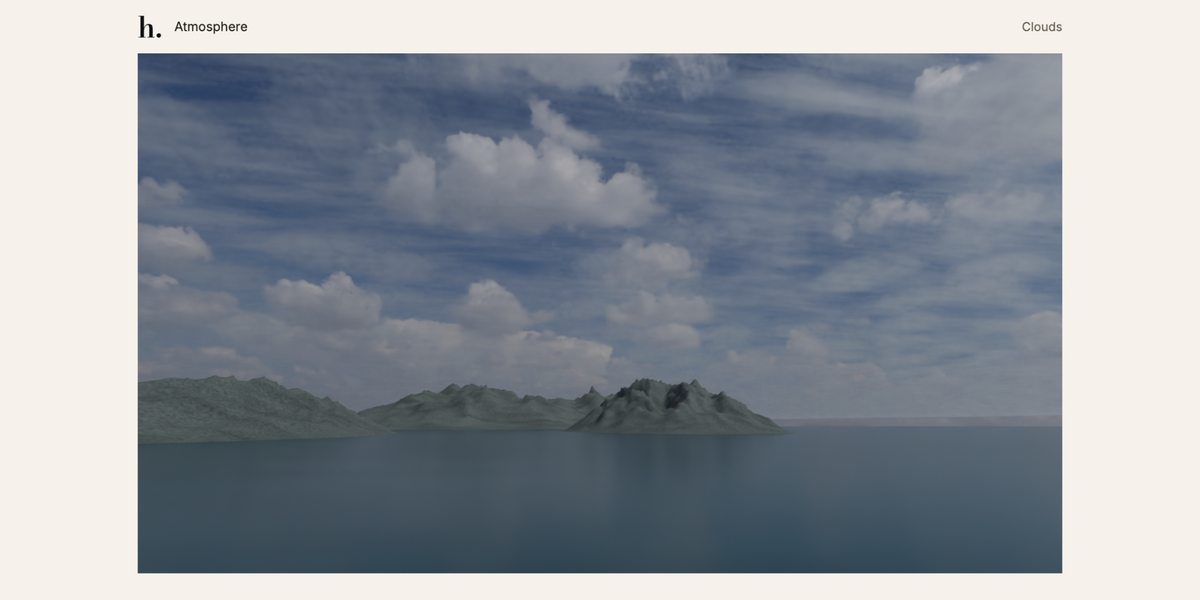
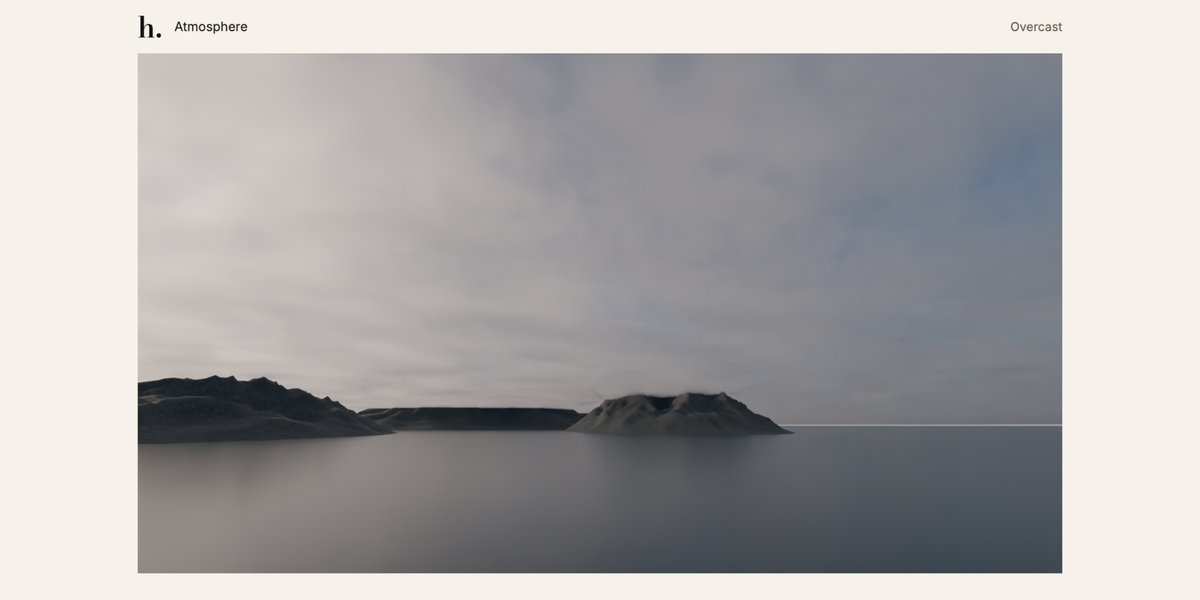
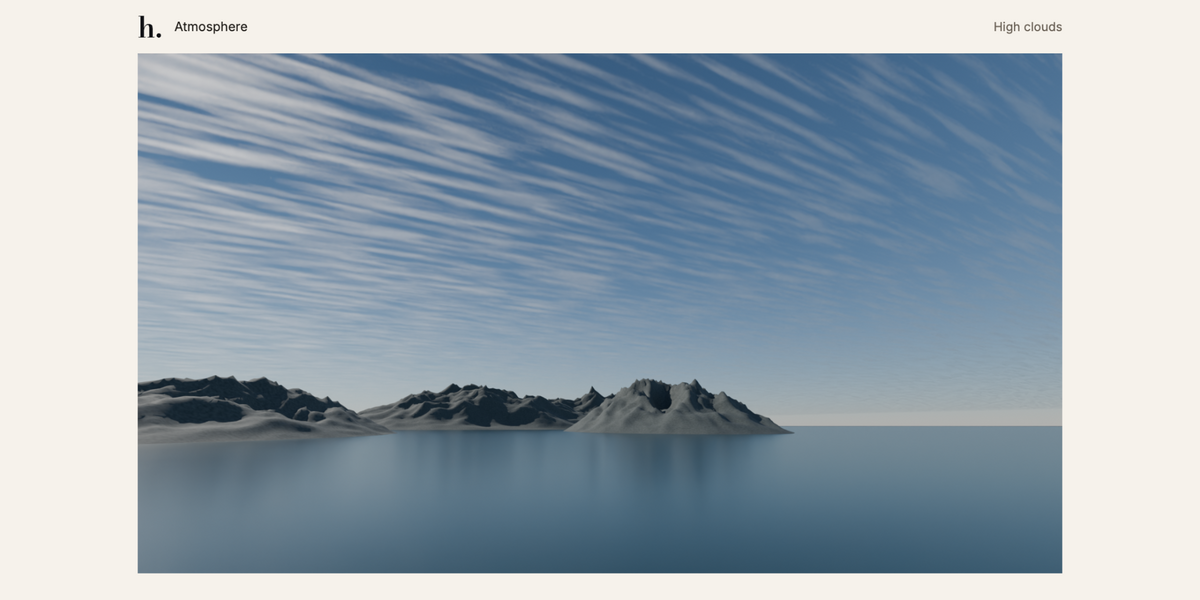
- Visual presets. Twelve weather presets and six cloud forms.
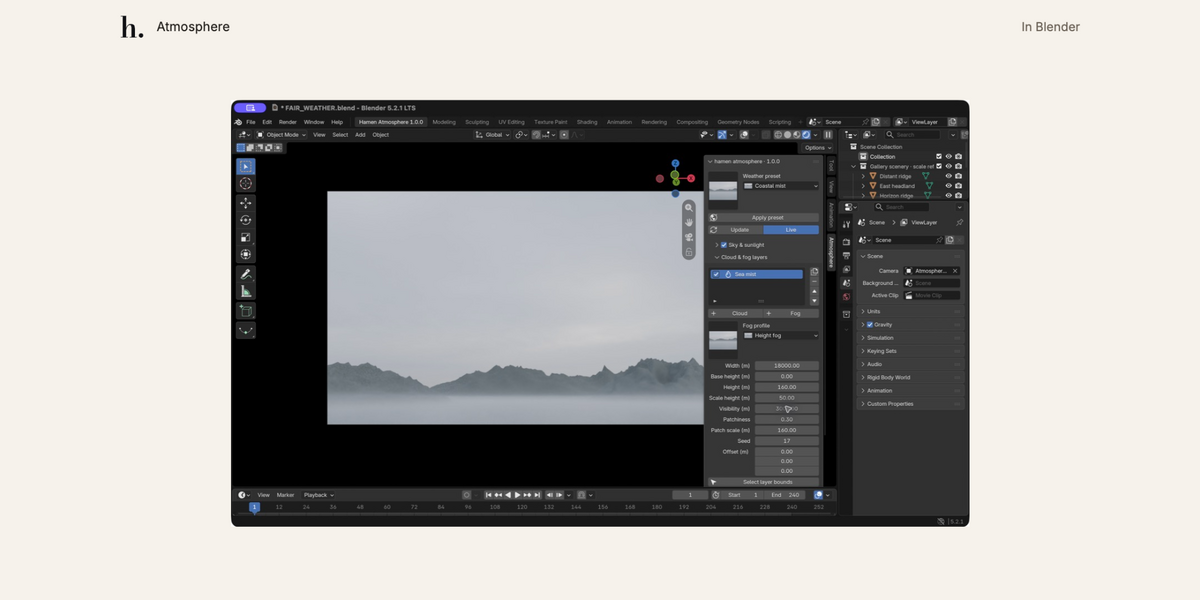
- Cloud and fog layers. Adjust coverage, height, density, colour and visibility across up to sixteen layers.
- Sky lighting. Procedural sky, three bundled HDRIs, or your own HDR/EXR.
- Weather controls. Temperature, humidity, pressure and visibility, with estimated dew point and cloud base.
- Custom materials. Edit a generated volume material or assign your own.
- Animation. Wind direction, speed and cloud evolution follow the timeline.
- Save your setups. Import and export procedural presets as JSON.
Open the Atmosphere tab in Blender’s N-panel to get started. The installed version appears at the top.
Included
Atmosphere 1.0.0, bundled presets and skies, installation instructions, a user guide and eight example scenes. Standalone: Hamen Landscape and Hamen Life are optional.
Requirements
Blender 5.2 or later. Tested with Blender 5.2.1 LTS and Cycles on macOS / Apple M5. Other systems and Eevee have not been verified.
Good to know
Clouds and fog are bounded procedural volumes. Optional HDRI skies contain fixed photographic backgrounds. Weather inputs guide the settings; this is not a weather or fluid simulator. Terrain and water are demo scenery.
Custom materials and images travel in a packed .blend file, rather than a JSON preset. Gallery demo renders were supplied by Daniel Hamen and may differ from the included example scenes.
Bundled HDRIs are from Poly Haven, with CC0 credits included. Add-on source: GPL-3.0-or-later.