 Hamen
Hamen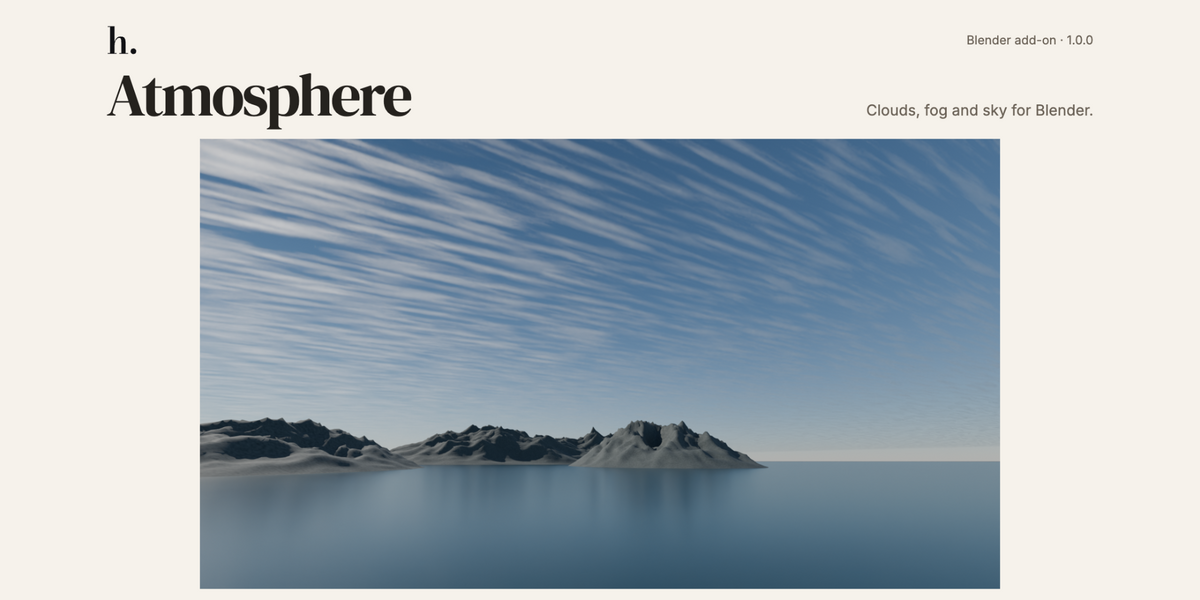
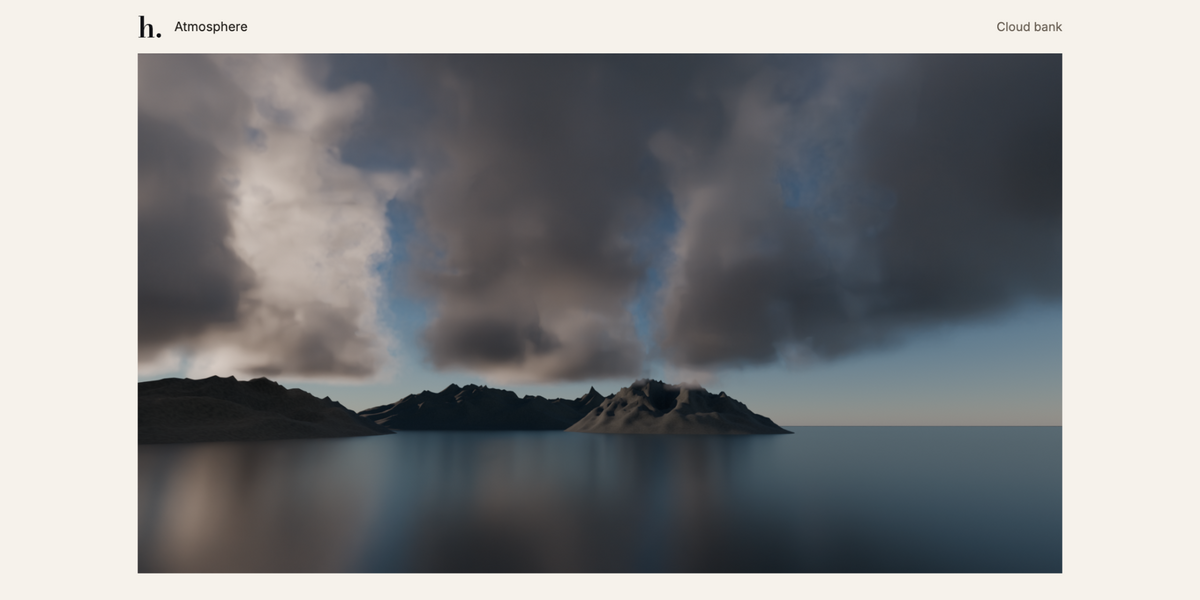
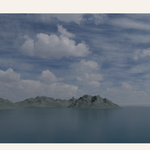
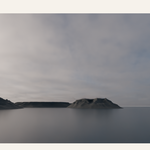
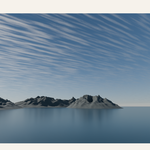
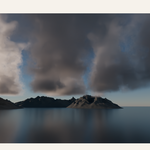
INSTALL
1. In Blender 5.2, open Edit > Preferences > Add-ons > menu > Install from Disk.
2. Select hamen_atmosphere-1.0.0.zip and enable Hamen Atmosphere. Install the add-on ZIP directly; extract the product kit first if using that download.
3. In the 3D View, press N and open Atmosphere. Version 1.0.0 appears in the header.
FIRST ATMOSPHERE
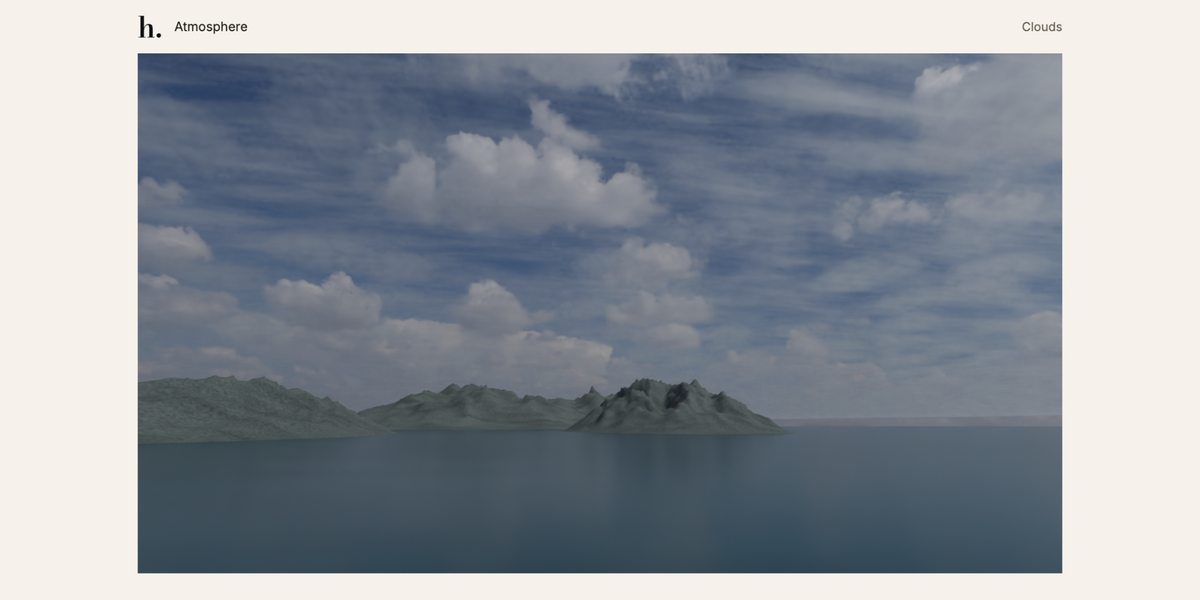
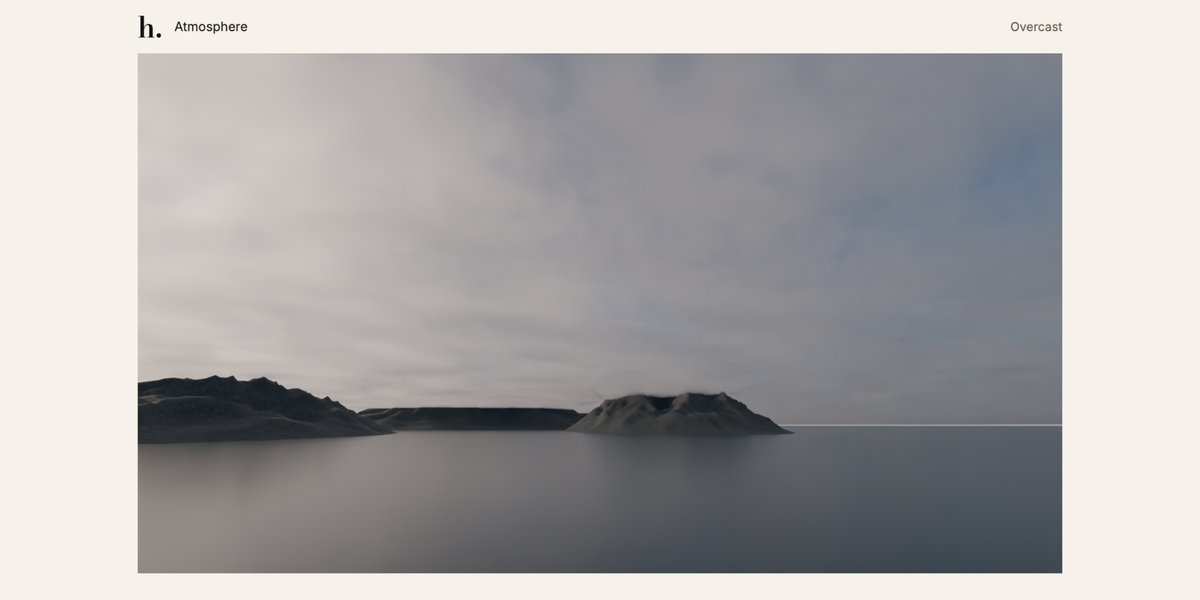
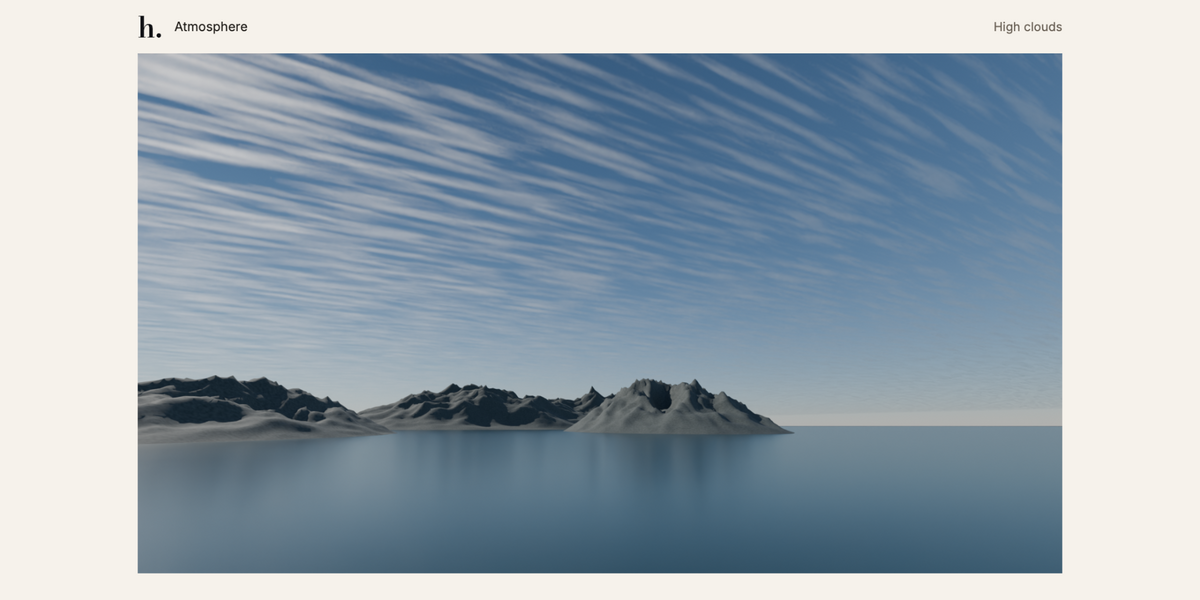
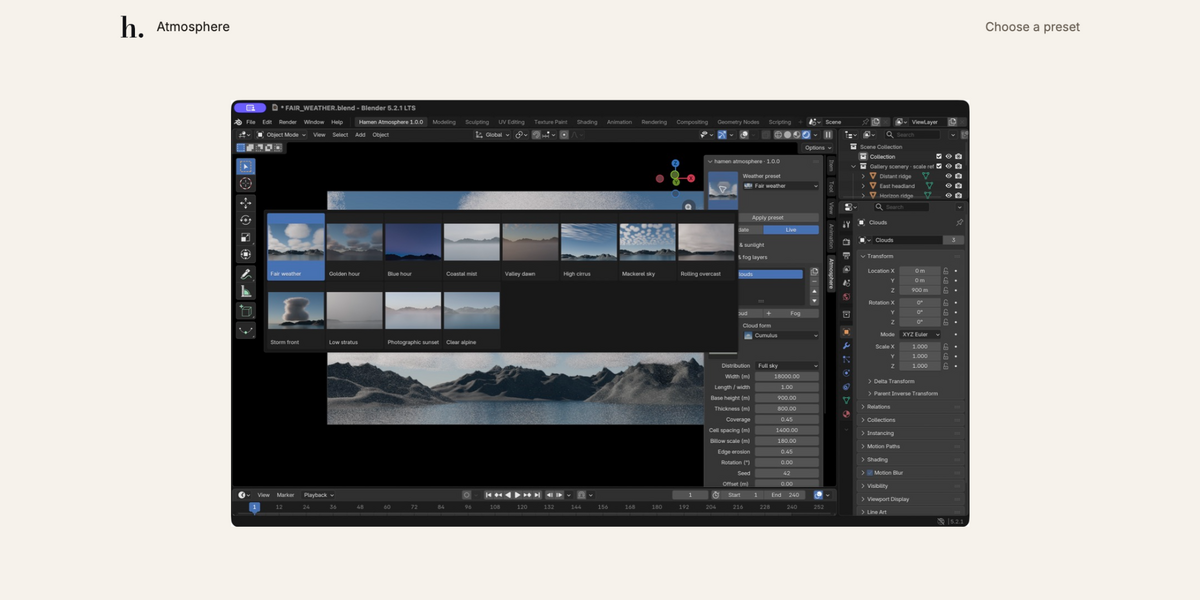
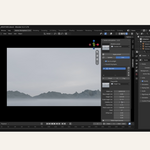
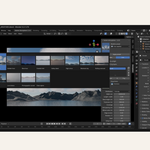
Choose a weather thumbnail and press Create atmosphere. Open Quality & scene tools and choose Cycles preview. Switch the viewport to Rendered, using scene World and scene lights. Keep Live enabled to see updates after edits. Use Update when Live is off.
SCENE SCALE
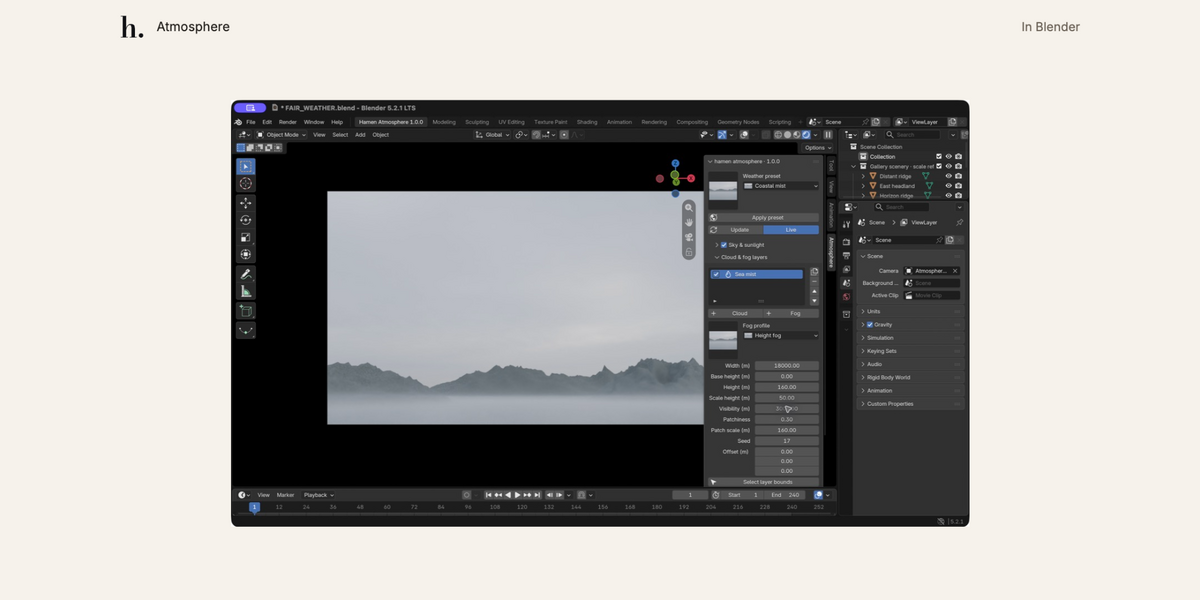
Build at realistic scale. Clouds can be thousands of metres away. Increase camera and viewport clip end to at least 50,000 m for regional scenes. Set scene unit scale before creating the atmosphere; remove and rebuild after changing it. The included example scenes have suitable camera settings.
LAYERS AND SKY
Add cloud or fog layers, choose a visual form, and adjust their dimensions, coverage and optics. Layers have finite bounds, so size them for your shot. Sky & sunlight provides a procedural sky, bundled HDRIs and custom HDR/EXR environments.
WEATHER AND MOTION
Temperature, humidity and pressure provide approximate dew-point, cloud-base and optical settings. Apply weather transfers estimates into the layers. Wind speed and direction control timeline motion; direction follows the meteorological wind-from convention.
CUSTOM MATERIALS AND PRESETS
Make an editable copy of a generated volume shader or assign your own Volume material. Custom materials control their own appearance and animation. Save procedural setups as JSON presets. Share custom materials and images in a packed .blend file.
REMOVAL AND RENDERING
Remove atmosphere deletes its generated objects and restores the earlier World unless you selected another World yourself. Your scene geometry remains. Cycles is the tested renderer; dense or overlapping volumes may take longer to render.
The download includes the full user guide, technical notes and asset credits.
Have questions about this product?
Login to message
| Blender Extension Compatible | Yes |
| Published | 19 days ago |
| Blender Version | 5.2 |
| Extension Type | Add-on |
| Render Engine Used | Cycles |
| License | GPL |