 Hamen
Hamen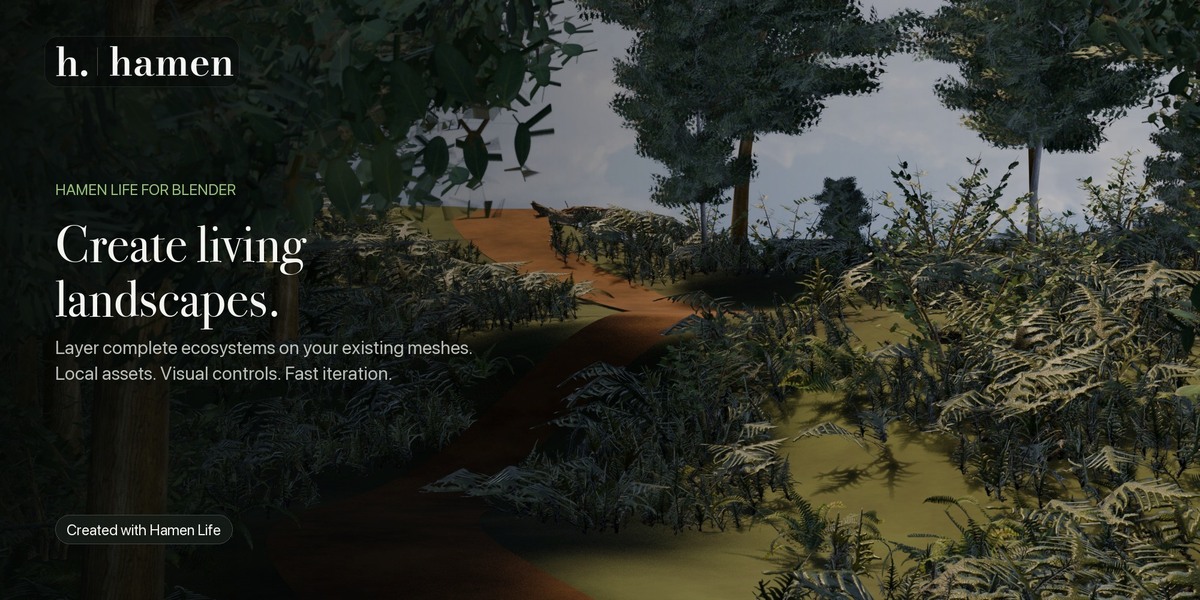
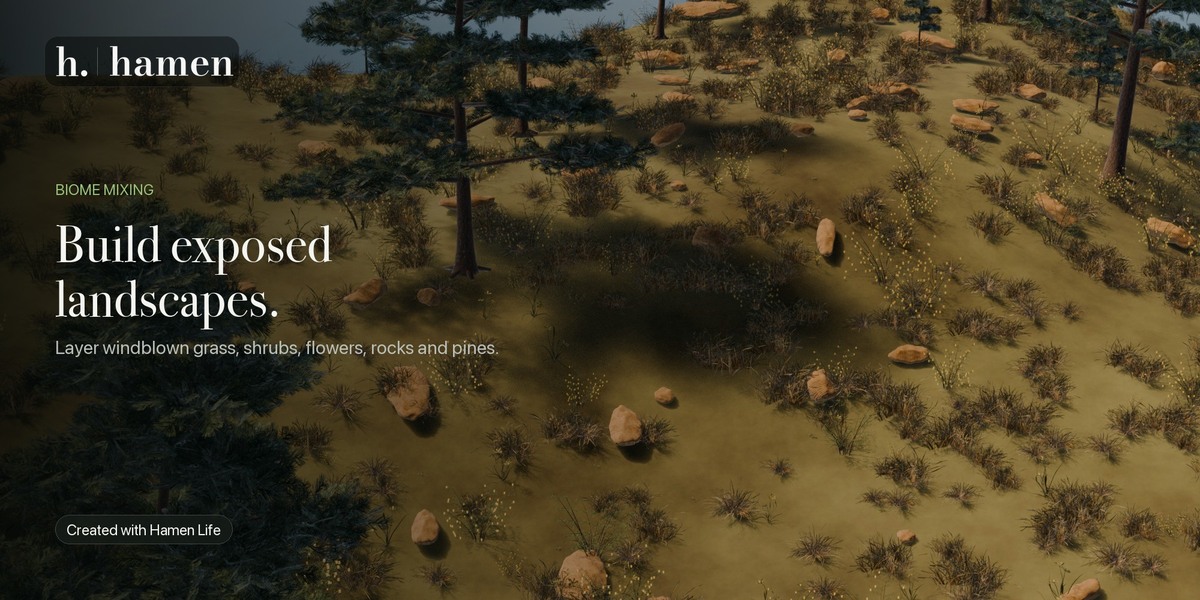
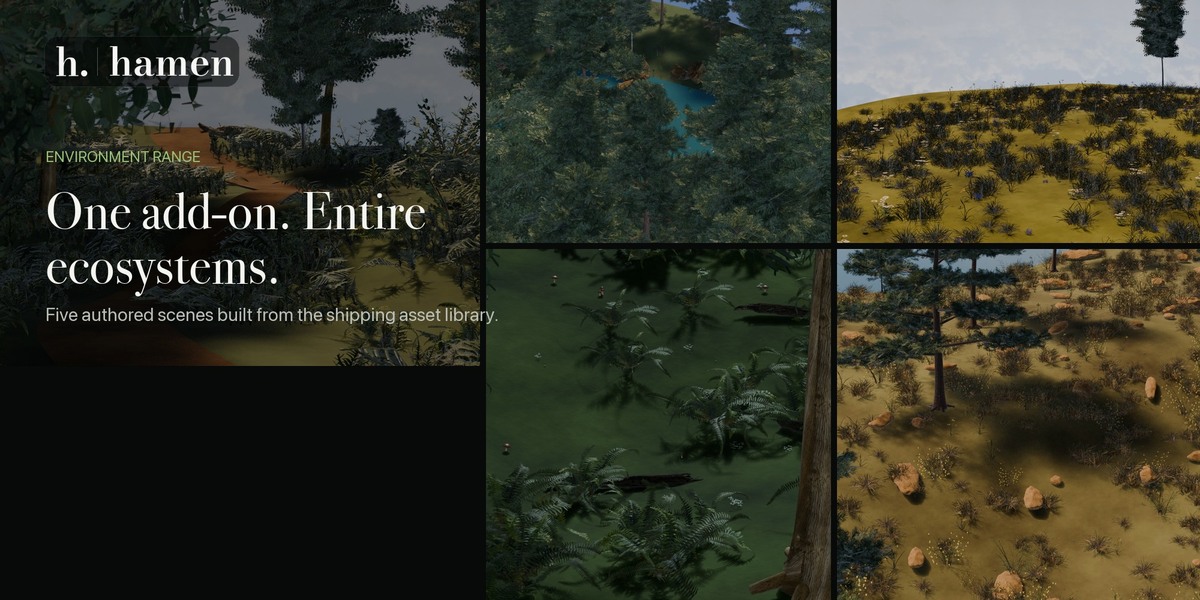
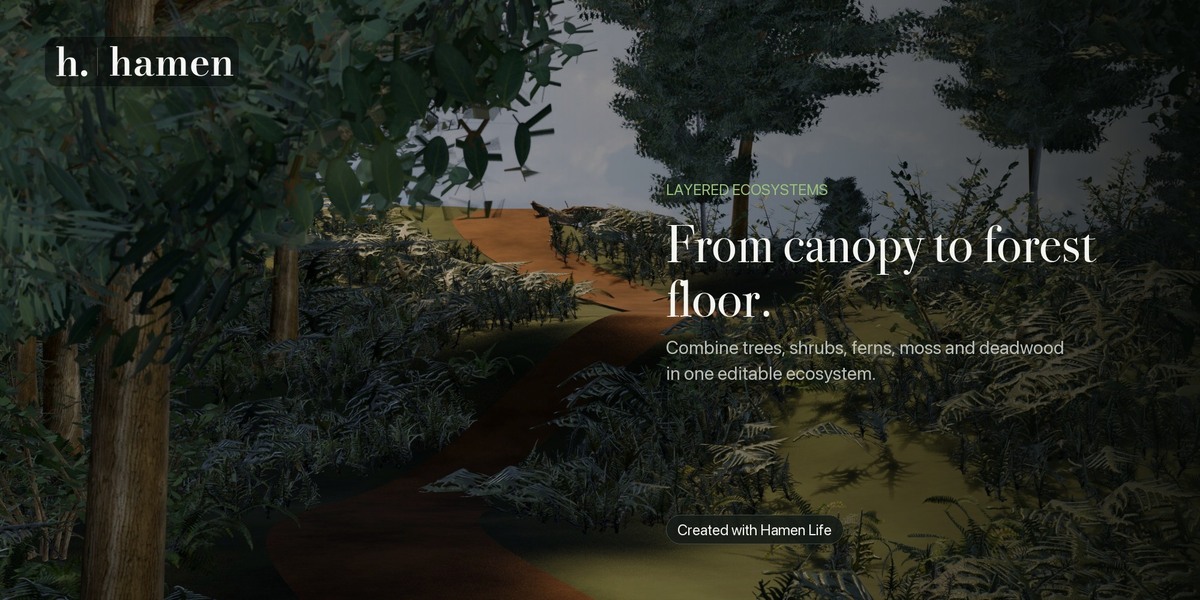
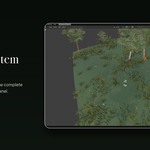
Build Living Landscapes in Blender
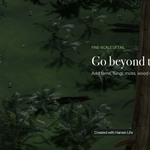
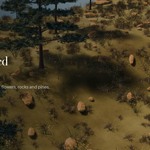
Hamen Life is a complete foliage and ecosystem-placement add-on for Blender. Transform existing meshes into layered forests, meadows, wetlands, coastal habitats and detailed forest floors—all from one focused workflow.
Instead of manually placing individual assets or managing a maze of disconnected scatter systems, Hamen Life lets you build complete ecosystems using visual asset selection, independent ecosystem slots, layered masks and non-destructive Geometry Nodes placement.
Select a mesh, add an ecosystem and start bringing the landscape to life.
Complete Ecosystems, Not Just Scattered Trees
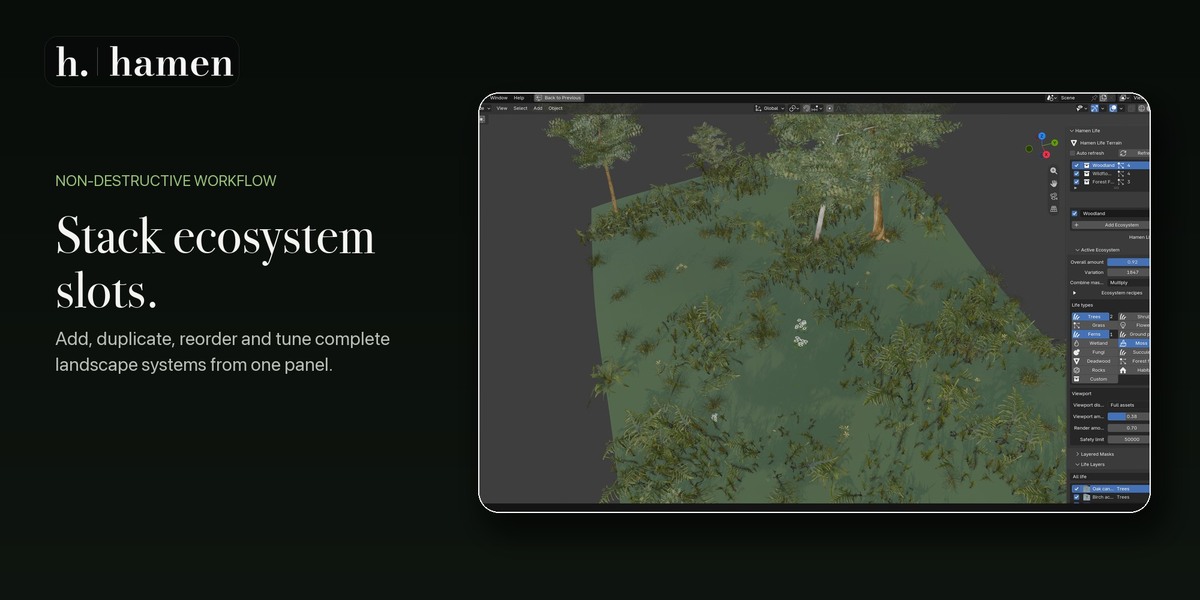
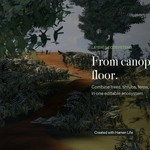
Every surface can contain multiple independent ecosystem slots. Each ecosystem maintains its own layers, seed, density, masks, placement rules and animation settings.
Build a woodland, meadow edge and rocky habitat on the same mesh without combining everything into one fragile setup. Ecosystems can be duplicated, reordered, temporarily disabled or edited independently.
Within each ecosystem, combine specialized layers including:
Trees and shrubs
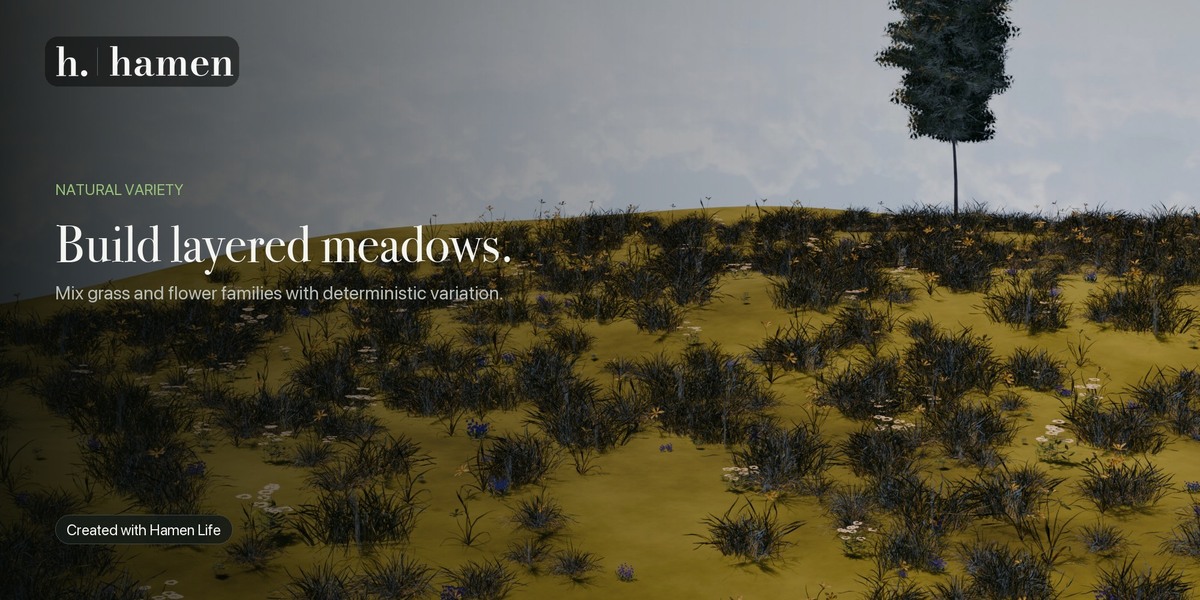
Grass and wildflowers
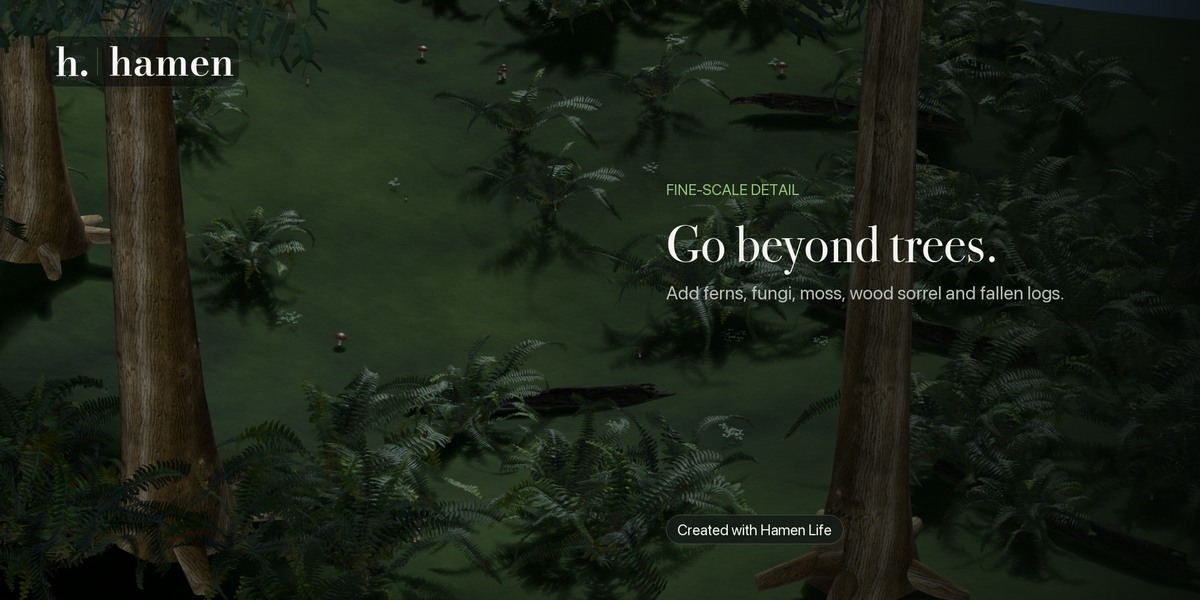
Ferns and ground cover
Wetland plants and succulents
Moss and fungi
Rocks, deadwood and natural litter
Habitat and environmental details
Custom Blender collections
Start with one of ten complete ecosystem recipes or build a custom arrangement from an empty ecosystem.
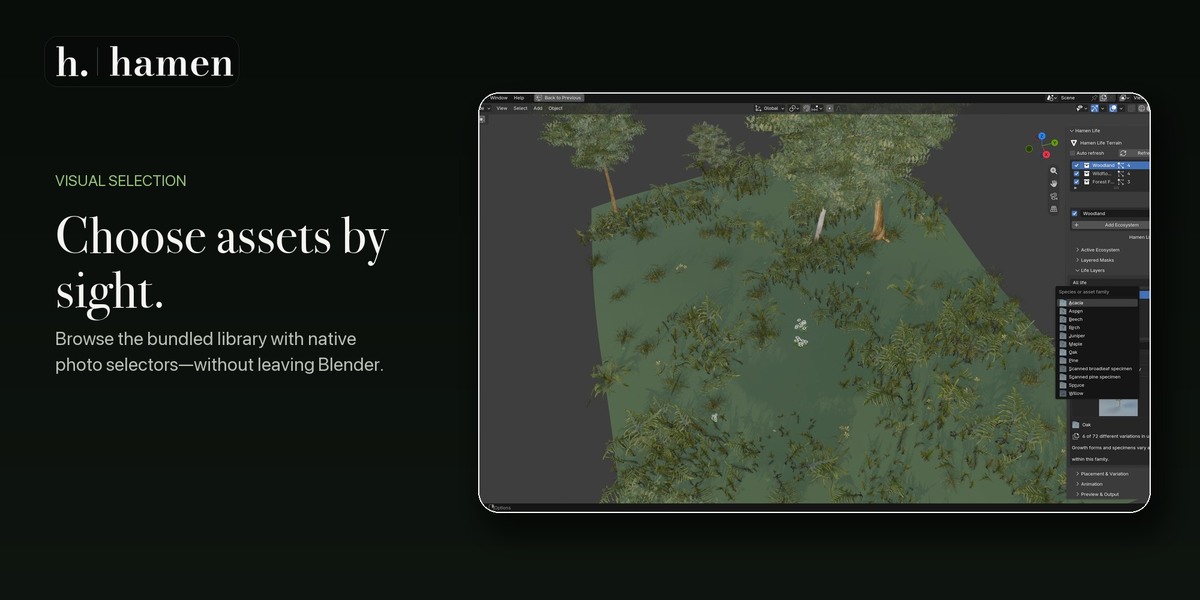
A Visual, Offline Asset Library
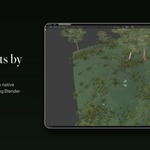
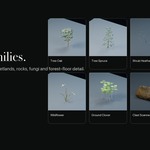
Choose vegetation by sight using image-based selectors inside Blender.
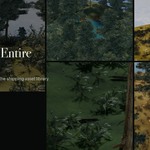
Hamen Life includes 81 visual life families backed by 3,874 catalogued offline assets. Selected families can produce deterministic specimen and growth-form variation, helping repeated assets feel less uniform while keeping the result reproducible.
The complete library is included locally. Hamen Life does not require an account, subscription or runtime asset downloads.
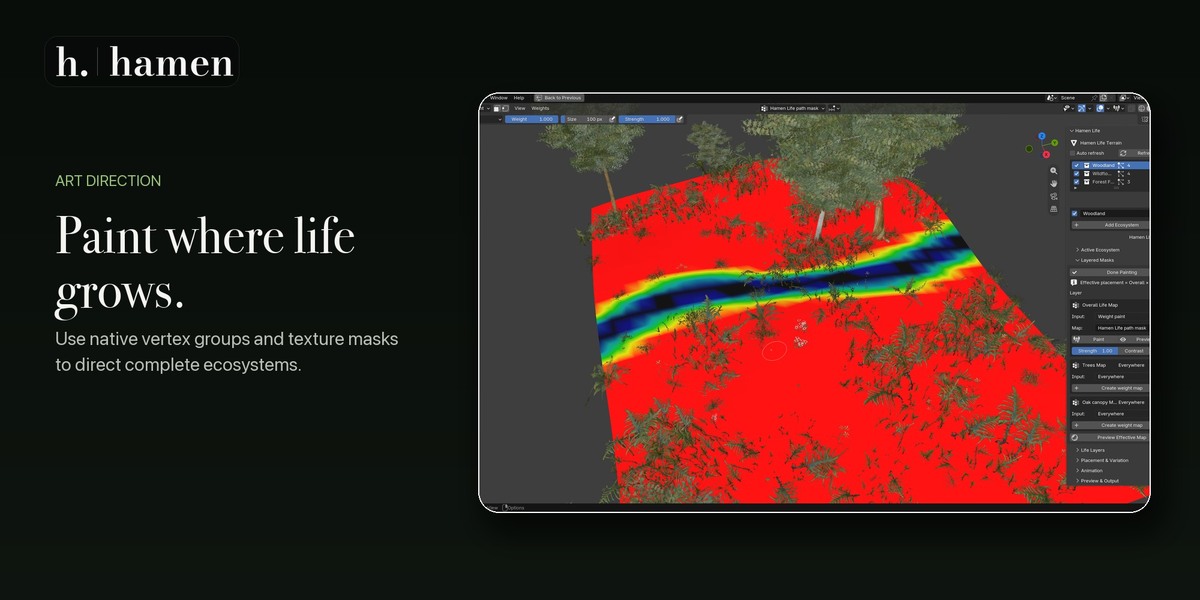
Paint Exactly Where Life Grows
Direct placement using a three-level mask hierarchy:
Overall Life Map for the complete ecosystem
Type Map for categories such as Trees or Grass
Layer Map for an individual life family
By default, these maps are combined as:
Overall × Type × Layer
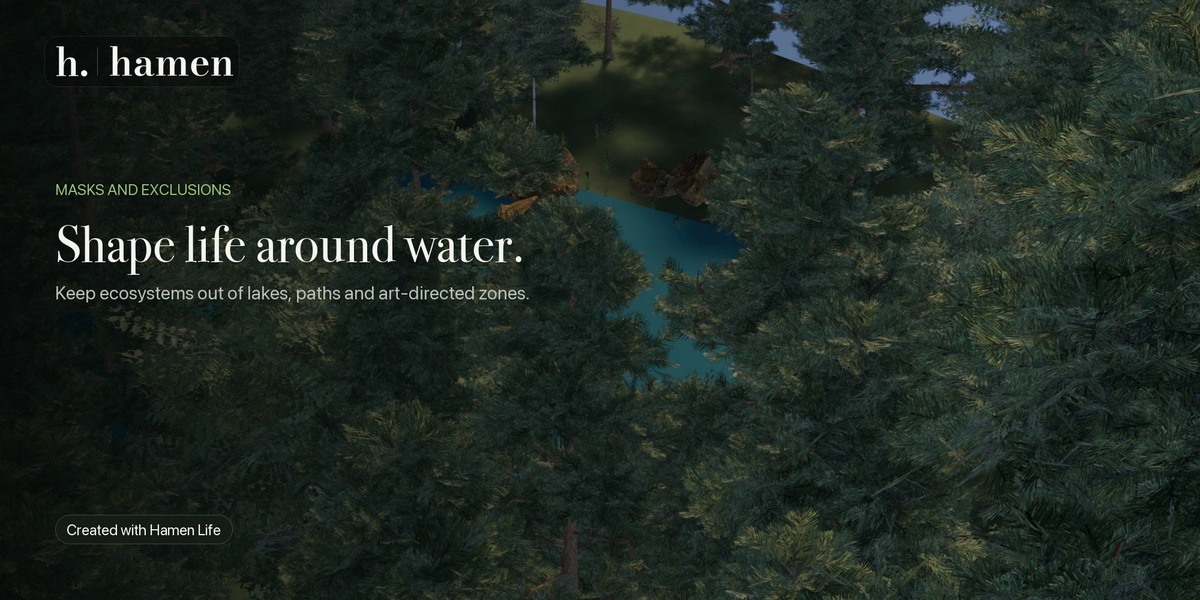
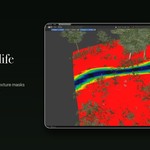
This makes it possible to preserve roads, water, clearings and art-directed areas while building natural transitions between habitats.
Masks can use native Blender vertex groups or compatible attributes. A preview mode shows the effective combined map before increasing scene density.
Natural Placement Controls
Each layer provides controls for:
Density and spacing
Clustering and cluster scale
Random, even, stable and loose-grid distribution
Minimum and maximum scale
Rotation and orientation
Slope and elevation limits
Proximity rules
Deterministic random seeds
Viewport and render density
Per-layer and per-ecosystem instance limits
Hamen Life remains procedural and instanced until you intentionally convert or export the result.
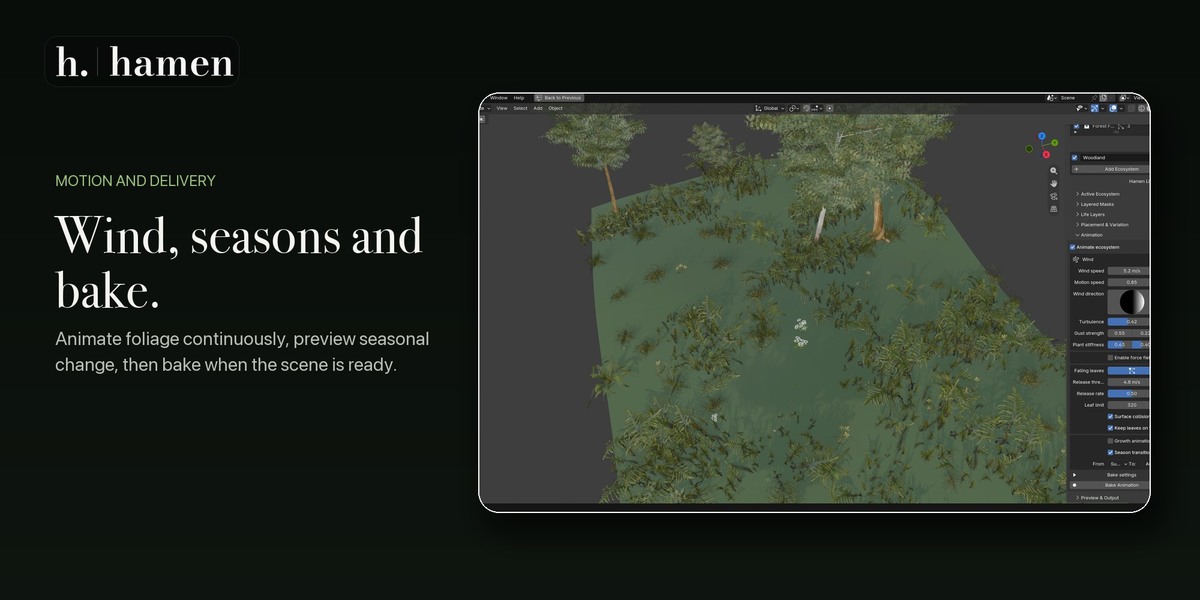
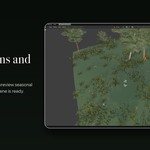
Wind, Seasons and Animated Ecosystems
Add continuous procedural motion without manually animating individual plants.
Each ecosystem can have independent wind, gust, stiffness and damping settings. Different vegetation categories respond differently, allowing grass, shrubs and tree canopies to move with distinct visual weight.
Hamen Life also supports:
Seasonal appearance controls
Growth animation
Optional response to compatible Blender force fields
Threshold-driven falling leaves
Deterministic animation playback
Packed or external animation caches
Animation baking for reliable rendering
The same seed and settings reproduce the same authored motion when scrubbing, reopening a file or rendering frames out of order.
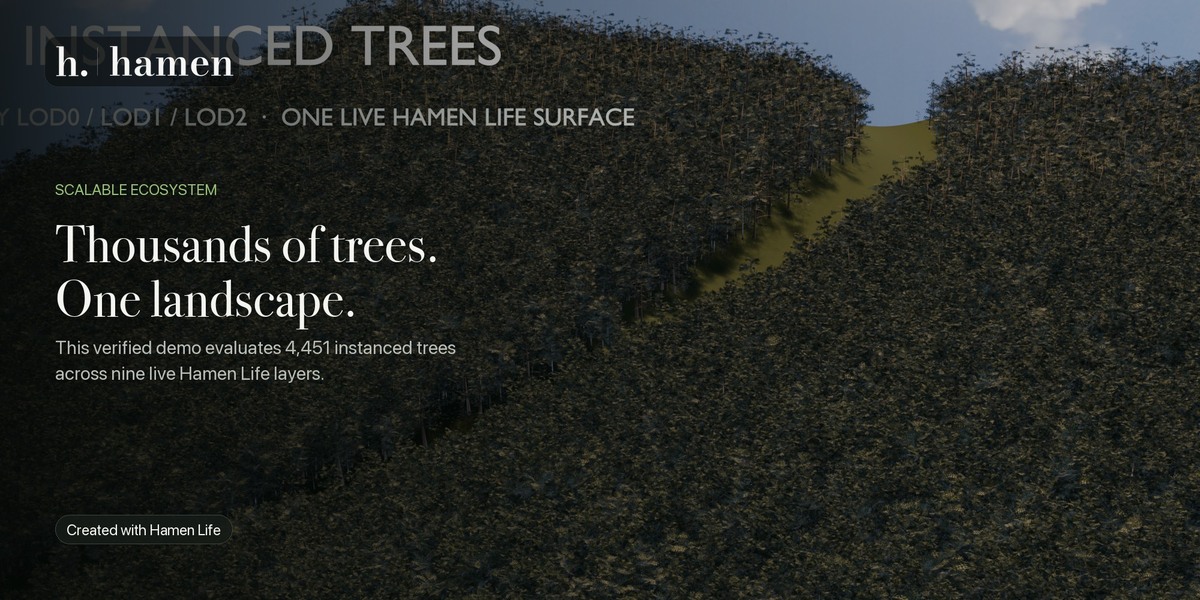
Designed for Large Landscapes
Hamen Life uses Geometry Nodes and instanced output to keep procedural ecosystems manageable.
Separate viewport and render density controls make it possible to work with a lighter interactive preview before raising the final render density. Safety limits are available at both the ecosystem and layer level, helping you scale a scene deliberately.
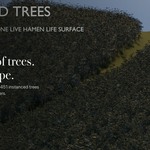
A verified demonstration scene evaluates 4,451 instanced trees across nine live Hamen Life layers. Actual performance will depend on the selected assets, density, modifiers, hardware and final output settings.
Convert and Export When Ready
Keep the ecosystem editable throughout scene development, then convert or export only when the production workflow requires ordinary geometry.
Hamen Life includes:
Non-destructive instanced output
Conversion to editable Blender objects
Alembic export
Animation baking
Correctness-first realized USD export
Optional preservation of the procedural source ecosystem
Works on Your Existing Geometry
Hamen Life is a vegetation and ecosystem-placement add-on. It does not generate, sculpt, erode or reshape terrain.
Use it with terrain you created yourself, imported landscapes, scanned surfaces, architectural environments or meshes generated by another Blender tool.
Hamen Life is completely standalone. Hamen Landscape is not required.
Included
81 visual life families
3,874 catalogued offline assets
Ten complete ecosystem recipes
Empty ecosystem starting option
Image-based family selection
Multiple ecosystem slots per surface
Multiple life layers per ecosystem
Overall, type and layer masks
Procedural wind, growth and seasonal controls
Falling-leaf behavior
Packed and external animation baking
Instanced procedural output
Editable object conversion
Alembic and USD export
Bundled previews and documentation
Clearly documented asset licensing and provenance
Requirements
Blender 5.2 or newer within the declared 5.2 compatibility series
An existing mesh surface on which to place the ecosystem
Hamen Life 1.0.1 has been verified using Blender 5.2.1 LTS on macOS. Other operating systems and Blender versions have not been formally verified for this release.
Quick Start
Install the Hamen Life ZIP through Blender’s Install from Disk option.
Select an existing mesh.
Open the 3D View sidebar and choose Hamen Life.
Press Add Ecosystem.
Select a complete recipe or add individual life layers.
Choose asset families visually.
Adjust density, variation and placement rules.
Paint masks wherever art direction is needed.
Enable wind or seasonal animation if desired.
Keep everything procedural, or bake, convert and export the completed ecosystem.
Create rich, layered environments without abandoning the terrain and scene workflow you already use.
Hamen Life — create living landscapes.