Hangar Generator
 AS Formworks

Install the extension. In Blender 4.2 LTS or later, open Edit > Preferences > Add-ons, open the menu at the top right and choose Install from Disk. Select hangar_generator-1.1.0-extension.zip without extracting it. Enable Hangar Generator if necessary. Blender 4.2.9 LTS is the verified version. No external Python modules, network service or account are required.
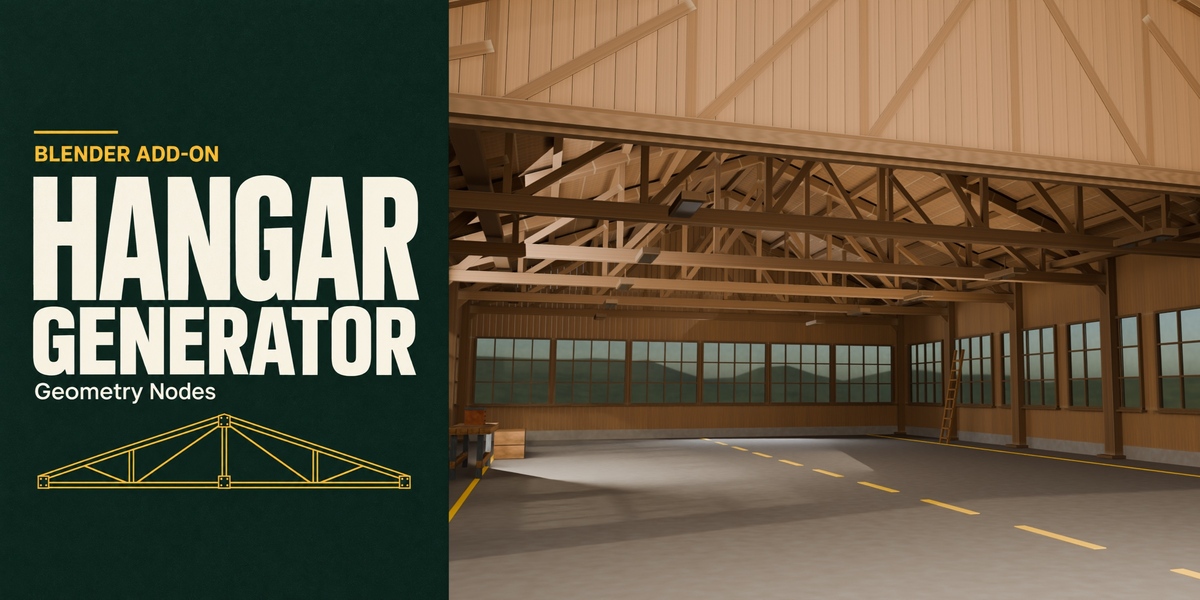
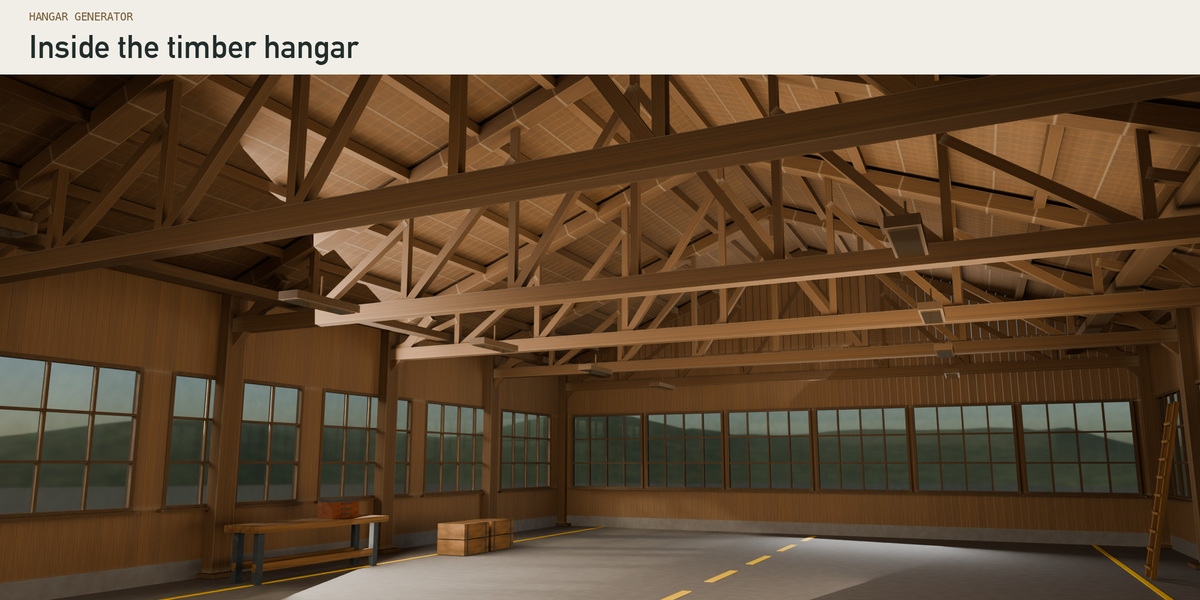
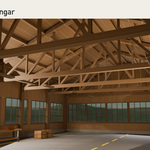
Open the cover hangar. Extract the Resources ZIP to a writable folder and open Open Timber Workshop.blend. Select the hangar, press N in the 3D Viewport, and open Hangar. Use Material Preview to view the wood grain and glass. Save a copy before changing it. This is the editable generator object; the gallery's camera, lighting and presentation graphics are not included. To start a fresh scene use Add > Hangar. On the reference machine the first procedural tree build took about 6½ minutes; that tree is reused within the same .blend. The starter scene already contains it.
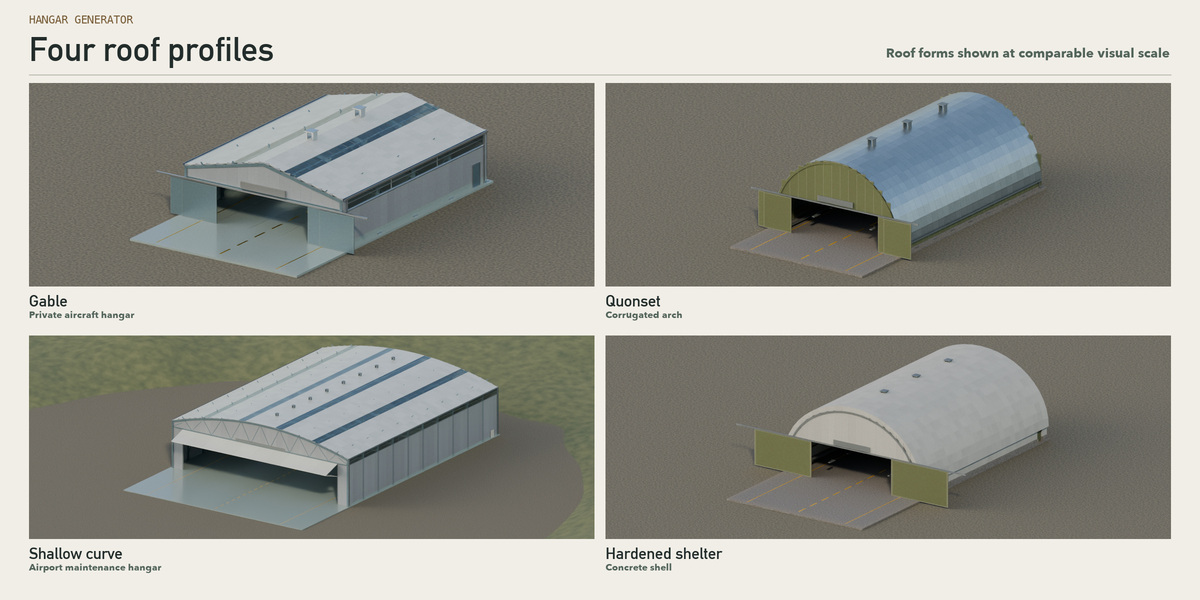
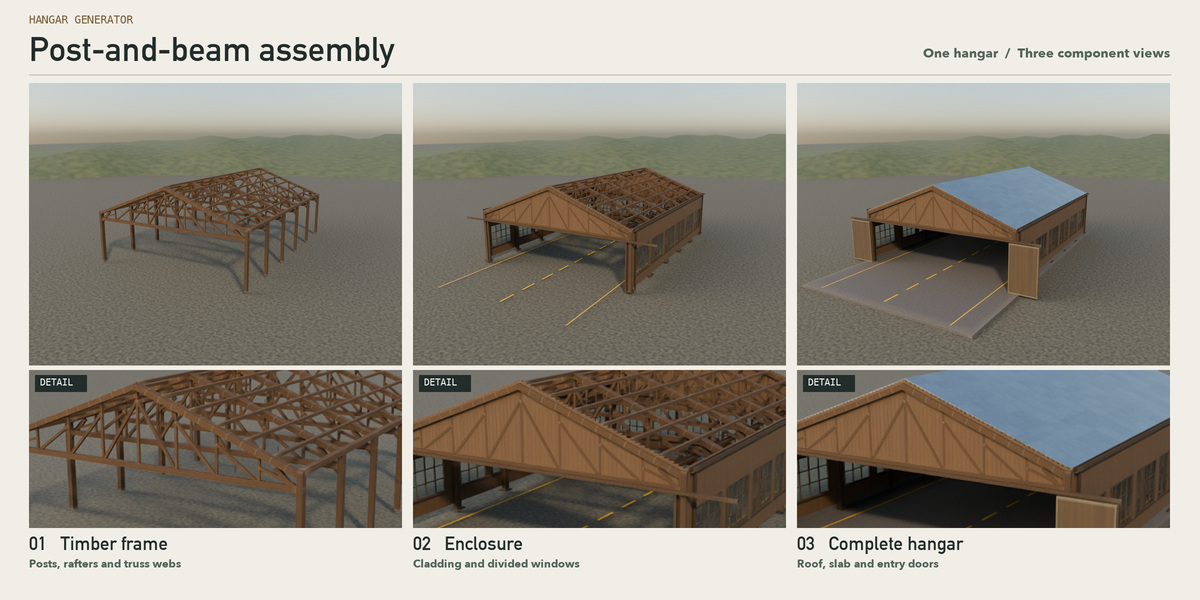
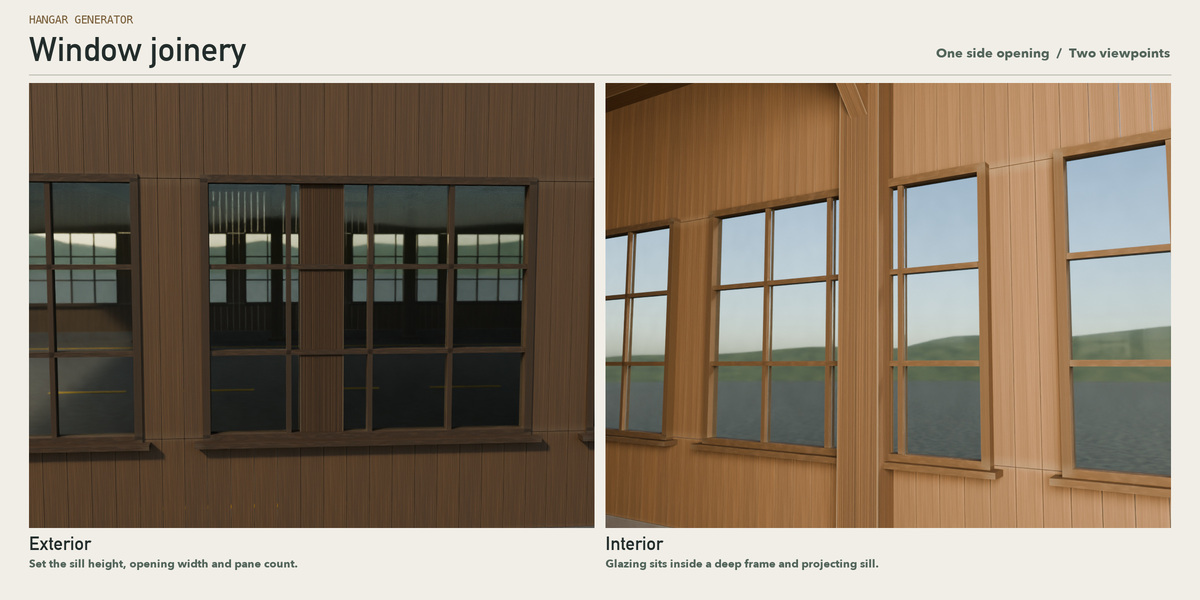
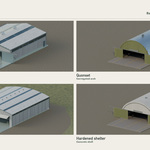
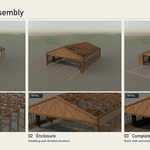
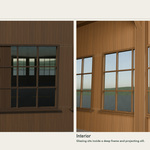
Change the building. Choose one of the nine JSON presets in the Hangar panel and apply it. The 09 store timber preset restores the open workshop. The Dimensions and Structure sections control the size in metres, roof profile, timber or steel members, bays, bracing and truss design. Roof, Walls and Windows change the envelope. Try raising the window sill, widening its opening and changing the pane divisions, then inspect both the interior and exterior. Walls also includes the timber siding controls. Most geometry values are the same sockets you see in the Geometry Nodes modifier. Save JSON stores a design; Load JSON restores it. Save your .blend as well to retain animation or external image assignments.
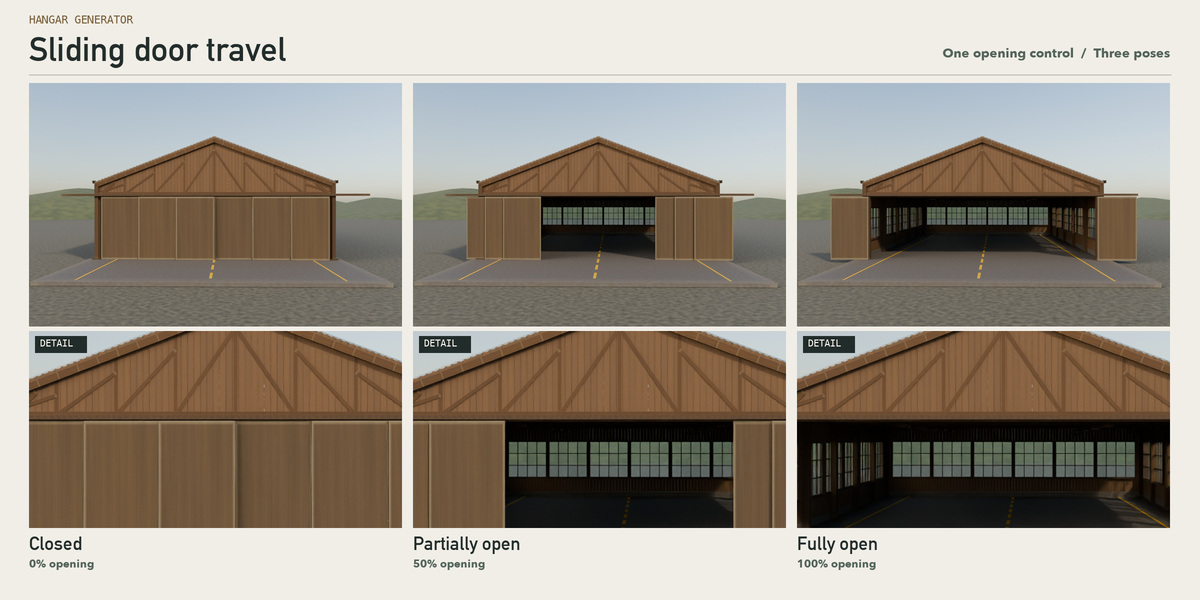
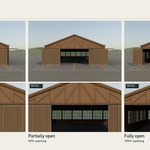
Move the door. Choose sliding, bi-fold or lifting. Under Doors adjust Opening (%) and use the door keyframe control at two different frames to animate it. For an engine export, set the timeline to the exact door pose you want to ship.
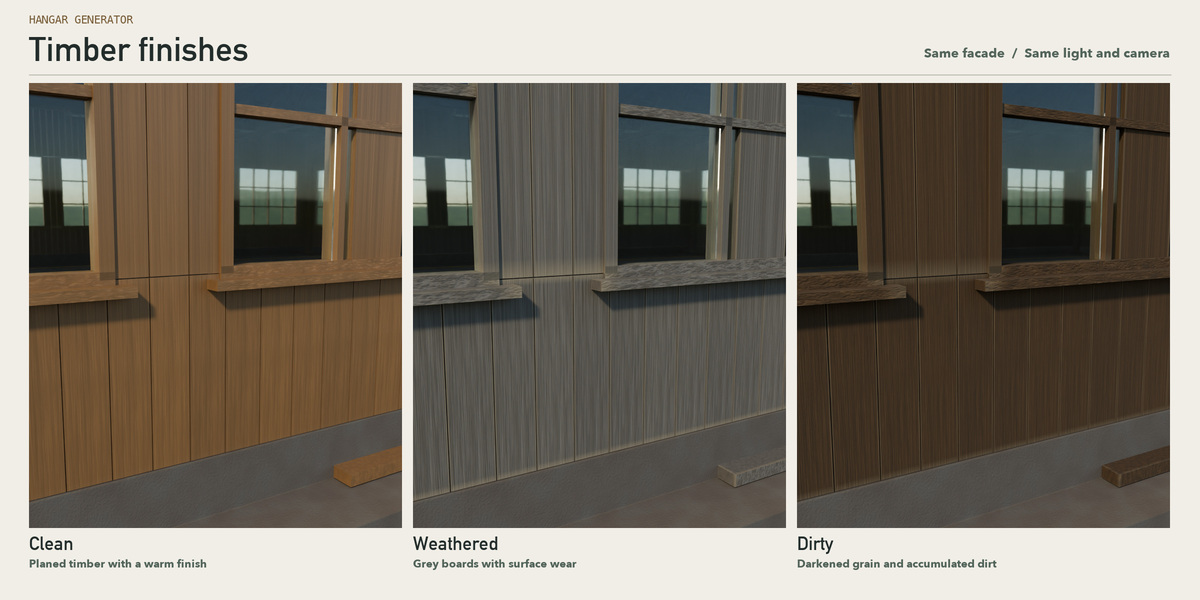
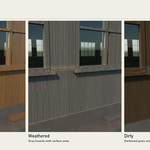
Change the finish. Open PBR materials, choose one of the seven slots (frame, roof, wall, door, floor, trim or glass), select a recipe and apply it. Adjust color, roughness, scale, wear, dirt, rust/stain and bump. The library includes 25 procedural recipes; timber presets demonstrate clean, weathered and dirty boards. An image can optionally be assigned to the material's image input. Mid LOD is a useful starting point; adjust LOD and use the polygon counter after changing the design.
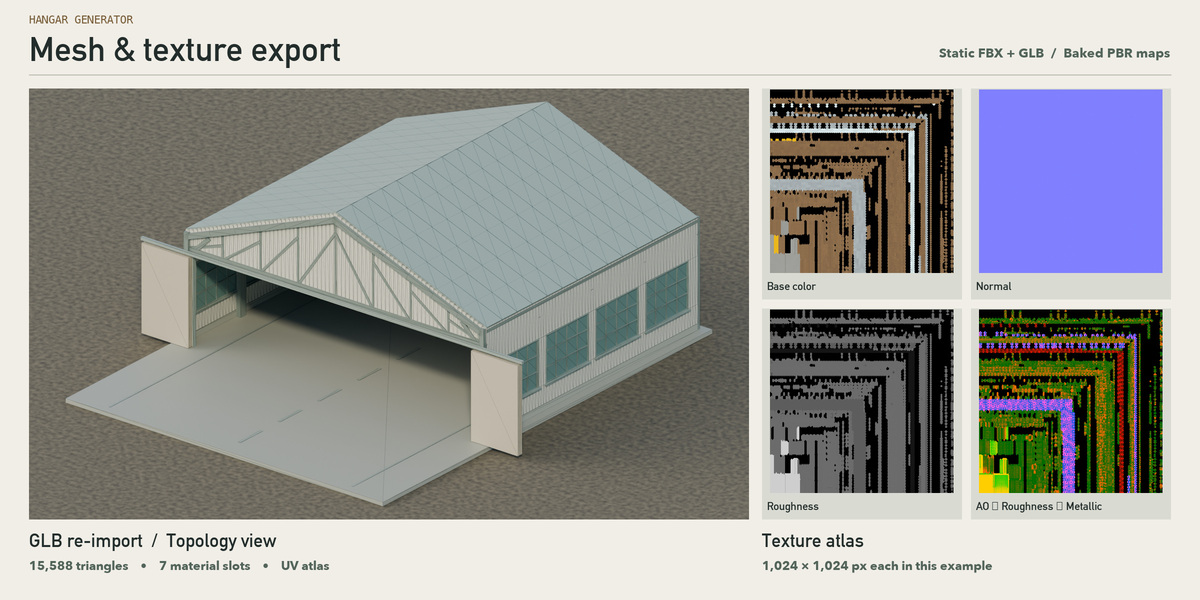
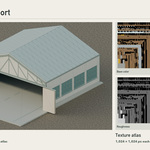
Bake and export. Save the scene, choose a writable output folder and resolution (256–4096), then use Bake and export. Baking uses Cycles and creates a separate atlas mesh; the source remains editable. Base Color is sRGB. Roughness, Metallic, Normal and AO are data maps. Choose the Unity or Unreal Engine 5 target to write FBX, GLB, maps, a manifest and target-specific import instructions. Compare imported bounds against dimensions_m in the manifest. Do not flip the green channel twice.
Example. Example-Unity contains a static Low LOD export with 1024 px textures and import notes. Both its FBX and GLB were re-imported into Blender: each kept UV0, seven slots and 15,588 triangles. For Unity choose the MetallicSmoothness map or HDRP MaskMap_HDRP according to your render pipeline. For UE5 use the DirectX normal and linear ORM (R: AO, G: roughness, B: metallic). Set glass transparency and collision in the destination engine. This is a snapshot; no engine door rig, runtime generator or automatic collision asset is supplied. Native editor import in Unity or UE5 has not been verified.
Troubleshooting. If the sidebar is empty, select the generated mesh. If Add > Hangar is missing, confirm that the extension is enabled and the 3D Viewport is in Object Mode. A Resources ZIP is not an installable extension. If the first build looks stalled, open the starter scene instead. If an export looks flat, attach the baked maps and use non-color data for packed textures. Under Performance re-measure after a change. Timings and memory vary with hardware and resolution.
License. The add-on code is distributed under the GPL; see LICENSE in the extension. English quick start and Turkish reference are included. To view the reference illustrations next to the Turkish manual, extract both from the same Resources ZIP.
Have questions about this product?
Login to message
| Blender Extension Compatible | Yes |
| Published | about 1 hour ago |
| Blender Version | 4.2 |
| Extension Type | Add-on |
| Render Engine Used | Cycles, Eevee |
| License | GPL |
Discover more products like this
aircraft procedural 3D Game Environment architecture hangar advanced geometry nodes timber