Hangar Generator
 AS Formworks
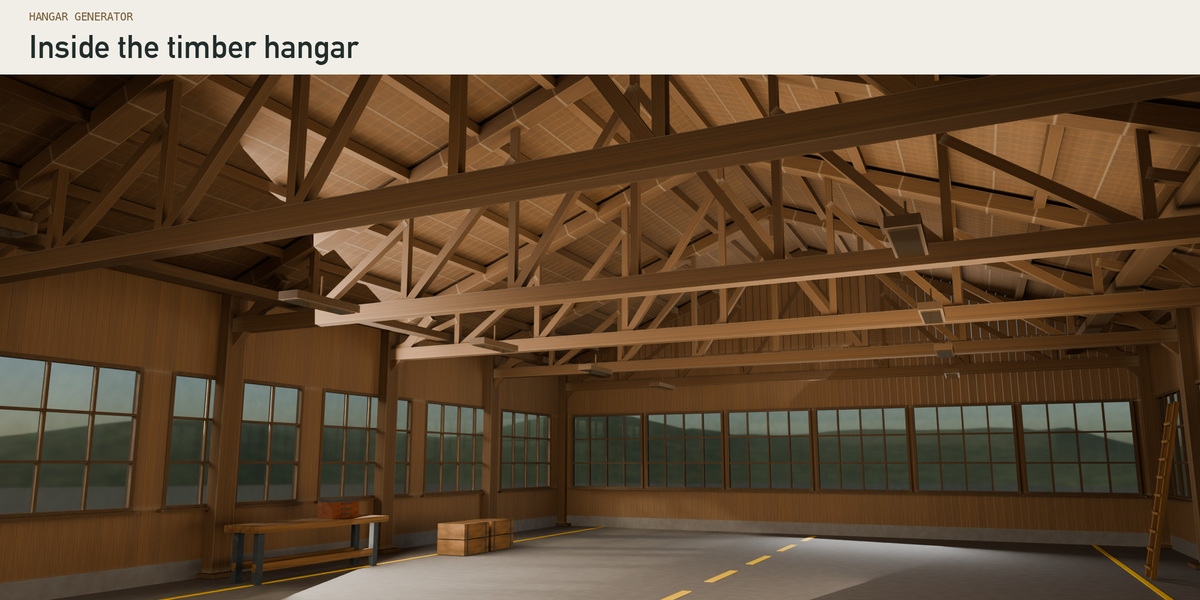
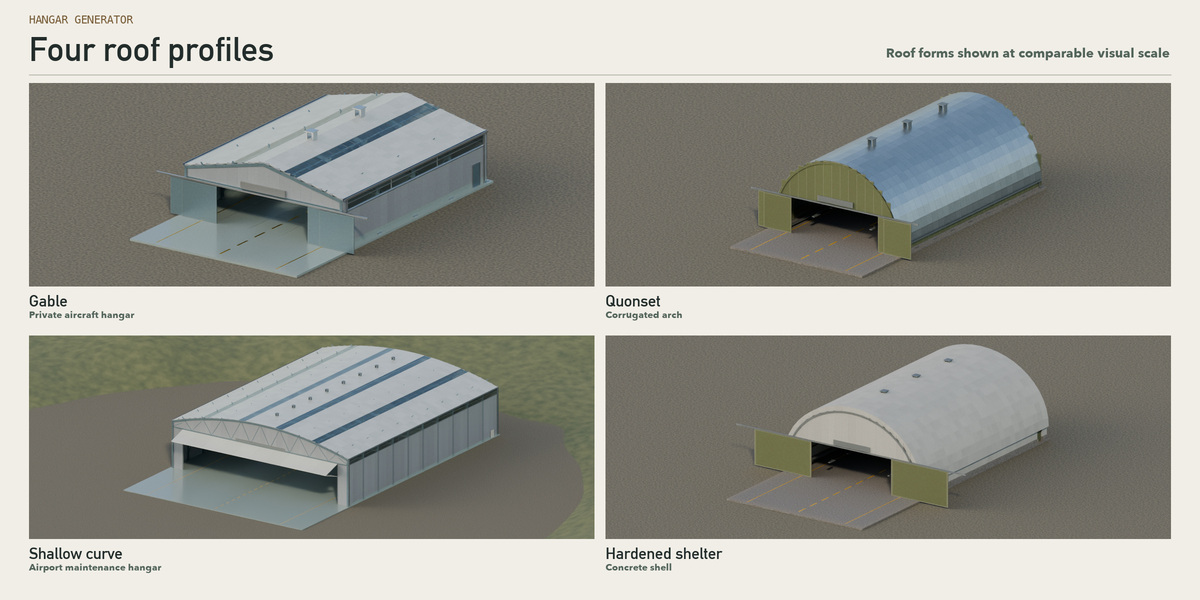
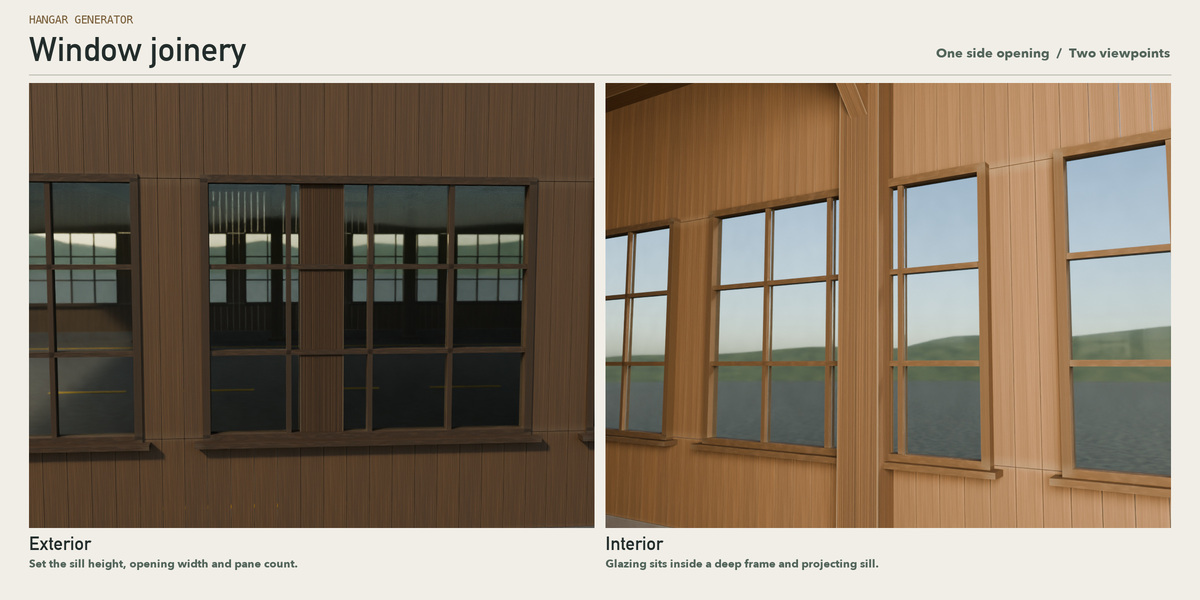
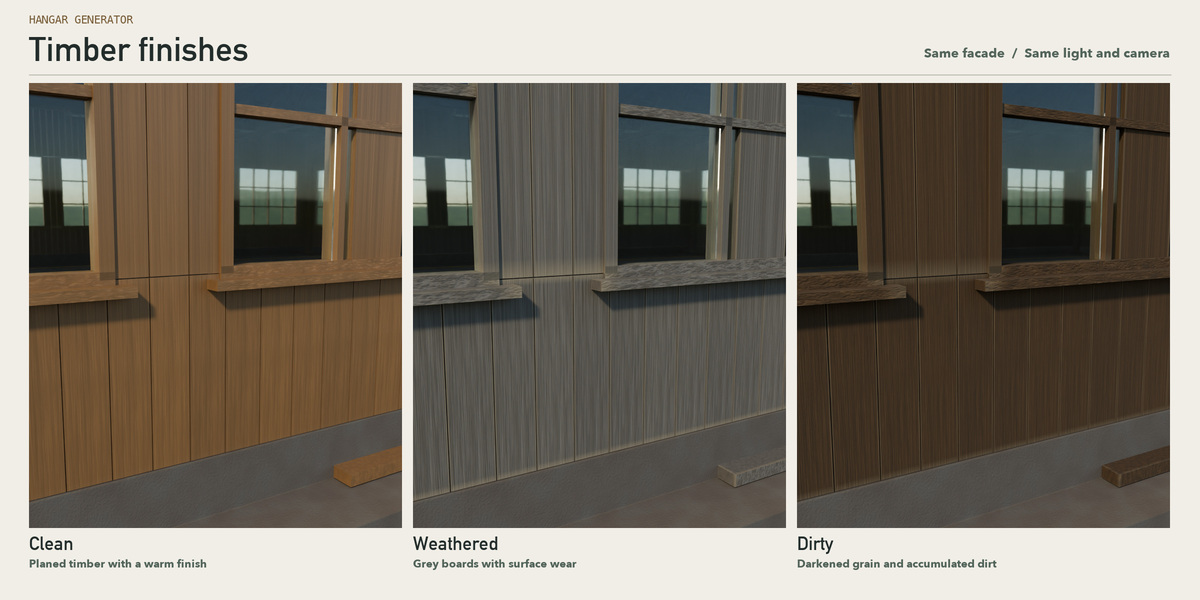
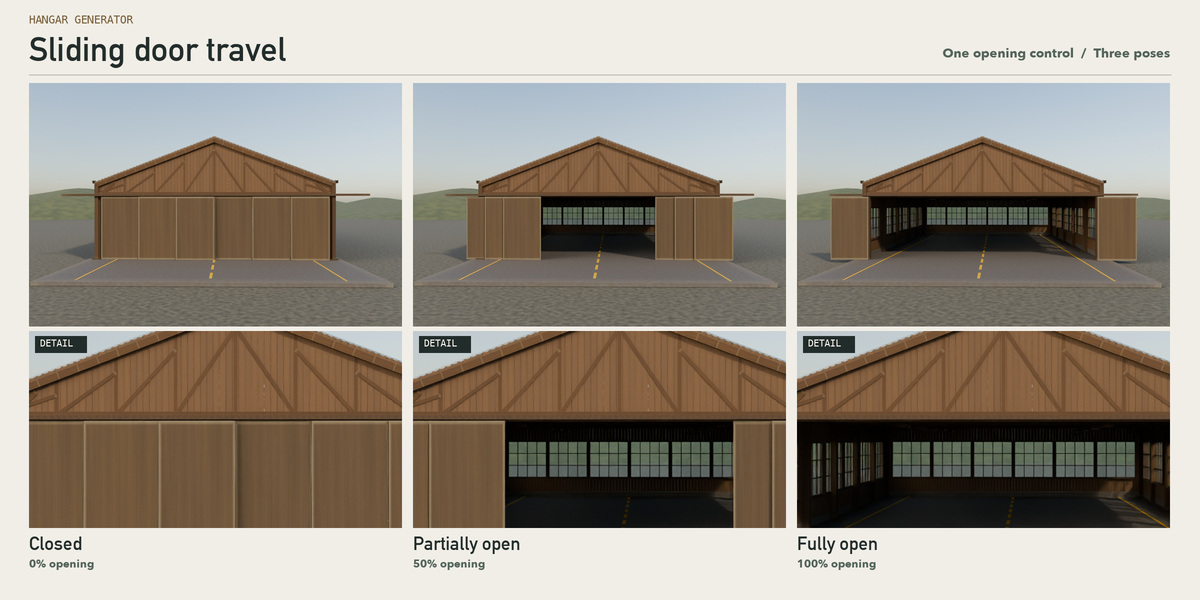
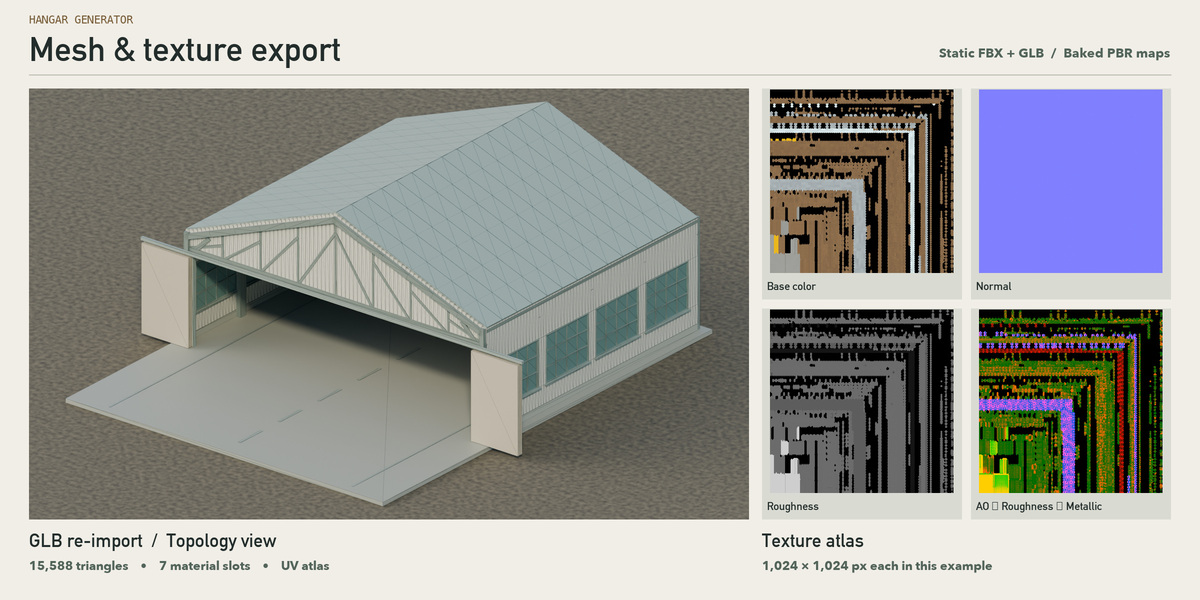

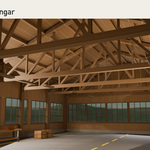
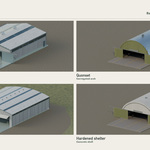
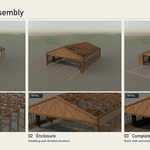
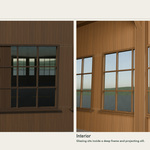
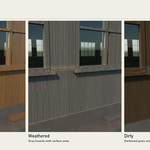
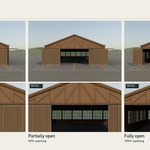
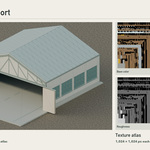
Can I make a weathered wooden hangar with different windows?
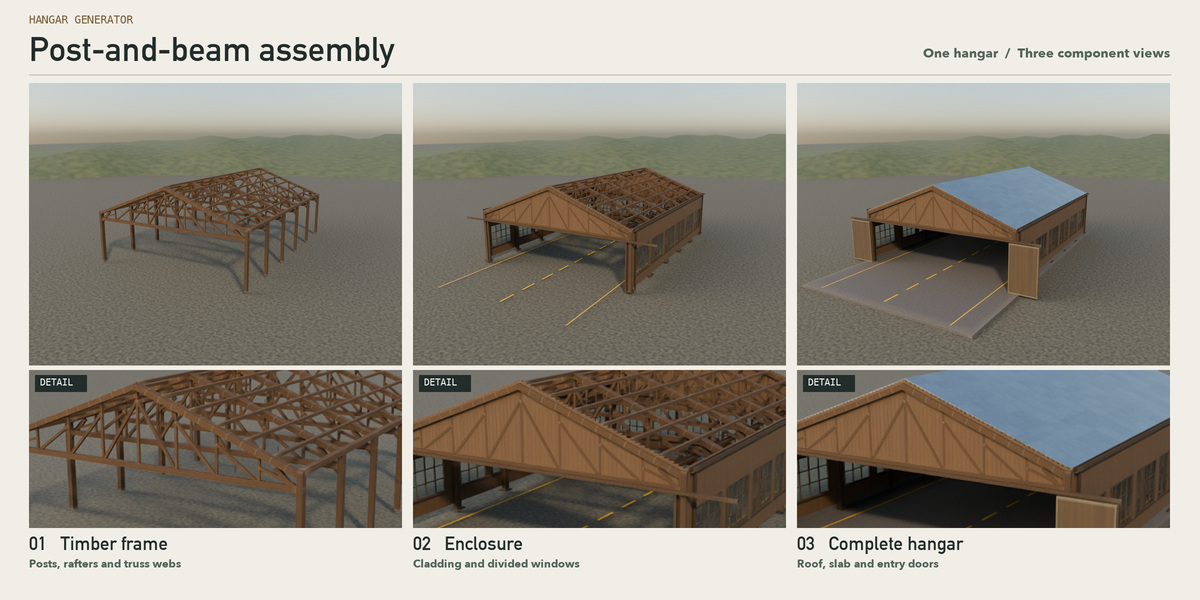
Yes. Choose timber structure, select a plank recipe and adjust siding, window sill, opening dimensions and pane divisions. The library includes clean, weathered and dirty timber presets.
Do the Unity and UE5 exports include interactive doors or native materials?
The export freezes the current door pose and writes FBX, GLB, texture atlases and instructions. Set up engine materials, transparent glass, colliders and interactive motion in your project. The supplied sample was round-tripped in Blender with UV0 and all seven material slots; a native Unity or UE5 editor import has not been verified.
Why does adding the first hangar take longer than changing its width?
The first Add > Hangar in an empty scene builds the entire editable Geometry Nodes tree. This took about 6½ minutes on the reference machine; the tree is reused in that .blend. The included starter scene already has the tree. This is separate from normal parameter updates.
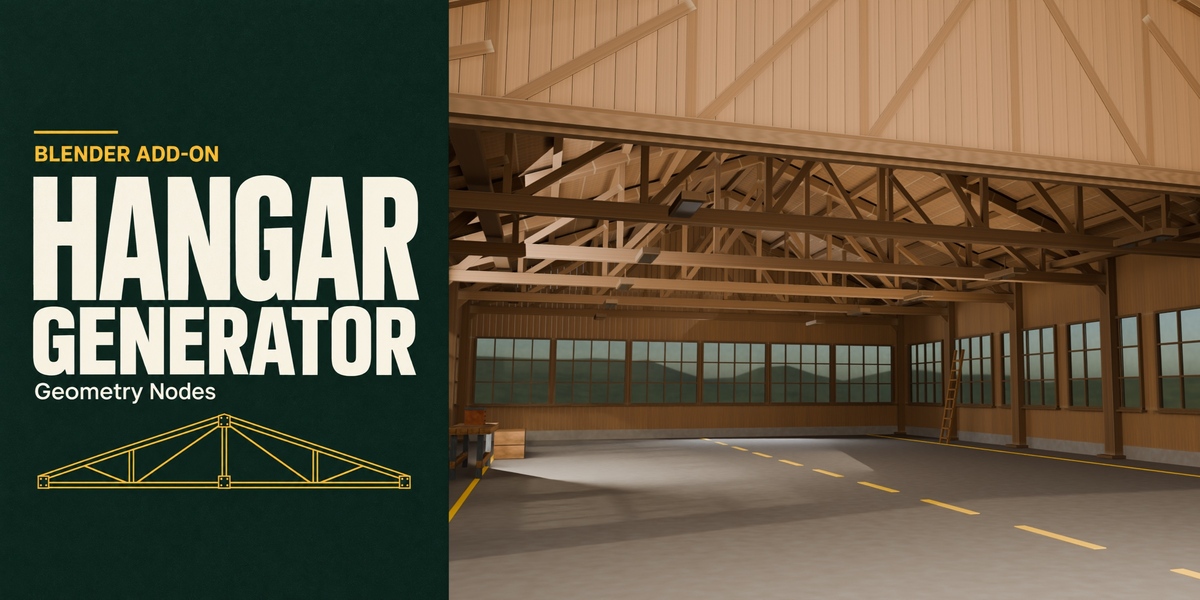
How do I open the exact timber hangar shown on the cover?
Install the extension ZIP from disk, extract the separate Resources ZIP and open Open Timber Workshop.blend. Select the building and use N > Hangar to change it. Apply preset 09 store timber to restore the cover configuration. The example contains the generator, not the gallery lighting or camera.
Have questions about this product?
Login to message
| Blender Extension Compatible | Yes |
| Published | about 1 hour ago |
| Blender Version | 4.2 |
| Extension Type | Add-on |
| Render Engine Used | Cycles, Eevee |
| License | GPL |
Discover more products like this
3D Game Environment aircraft hangar advanced geometry nodes timber architecture procedural